AI Website Builder
How to Build a Website with AI: Step-by-Step Guide 2026
• • 4 min read
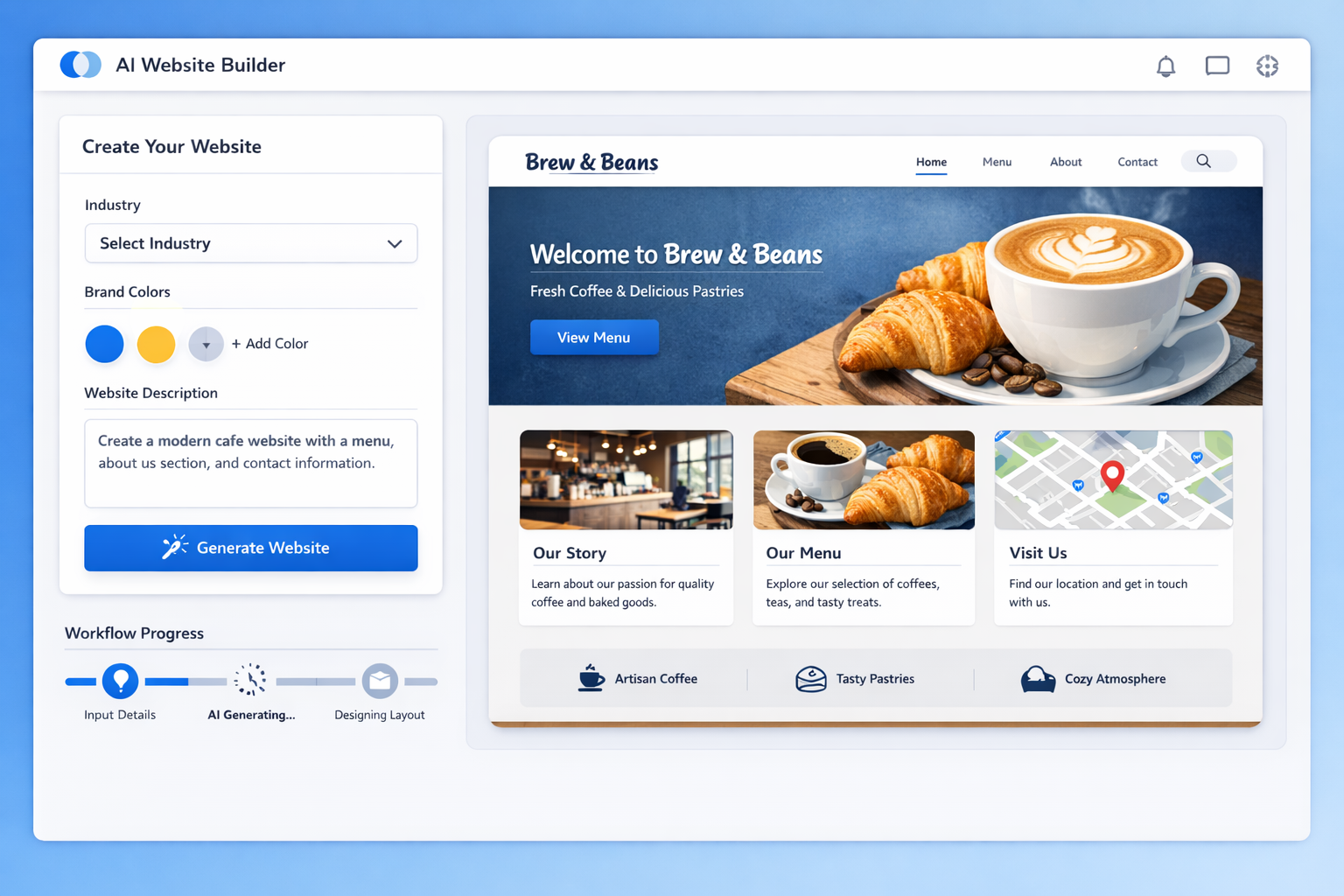
Learn how to build a website with AI from scratch. This step-by-step guide covers everything from choosing tools to publishing, no coding required.

Can AI really build a complete website for you? The short answer is yes, and it can do it in minutes. Not hours or days. Minutes. The rise of AI powered website builders has made it possible for anyone, regardless of technical skill, to create a professional website without writing a single line of code.
According to Gartner, by 2027 more than 70% of new websites will be built with the help of AI. The shift is already happening. Businesses of all sizes are turning to AI to cut development time, reduce costs, and launch faster than ever before.
In this guide, I will walk you through exactly how to build a website with AI, step by step. From choosing the right tools to publishing your site, you will learn everything you need to get online quickly and professionally.
Building a website with AI is not about cutting corners. It is about working smarter. The AI handles the heavy lifting while you focus on what matters: your content, your brand, and your message.
Let's get started.
Before we dive into the steps, let me clarify what building a website with AI actually means. It is not about a robot writing code from scratch. It is about using intelligent tools that automate the design, layout, and content creation process.
AI website builders use machine learning models trained on millions of existing websites. When you tell the AI what you need, it generates a complete website tailored to your description. The process works like this:
Think of it as having a professional web designer and developer working for you, but they work in seconds instead of weeks.
The difference between traditional website builders and AI powered ones is significant. Here is a comparison:
| Aspect | Traditional Builder | AI-Powered Builder |
|---|---|---|
| Setup time | 6-12 hours | 5-15 minutes |
| Design knowledge required | Medium to high | Minimal |
| Coding needed | Often required | None |
| Template selection | Manual browsing | AI-suggested based on your needs |
| Content creation | You write everything | AI generates draft content |
| Cost | $500-$5,000+ | $15-$50/month or free tiers |
| Learning curve | Steep | Gentle |
The short answer: almost everyone. But here are the people who benefit the most:
A study by Statista shows that 58% of businesses now use AI for some form of content or web development. The trend is accelerating.
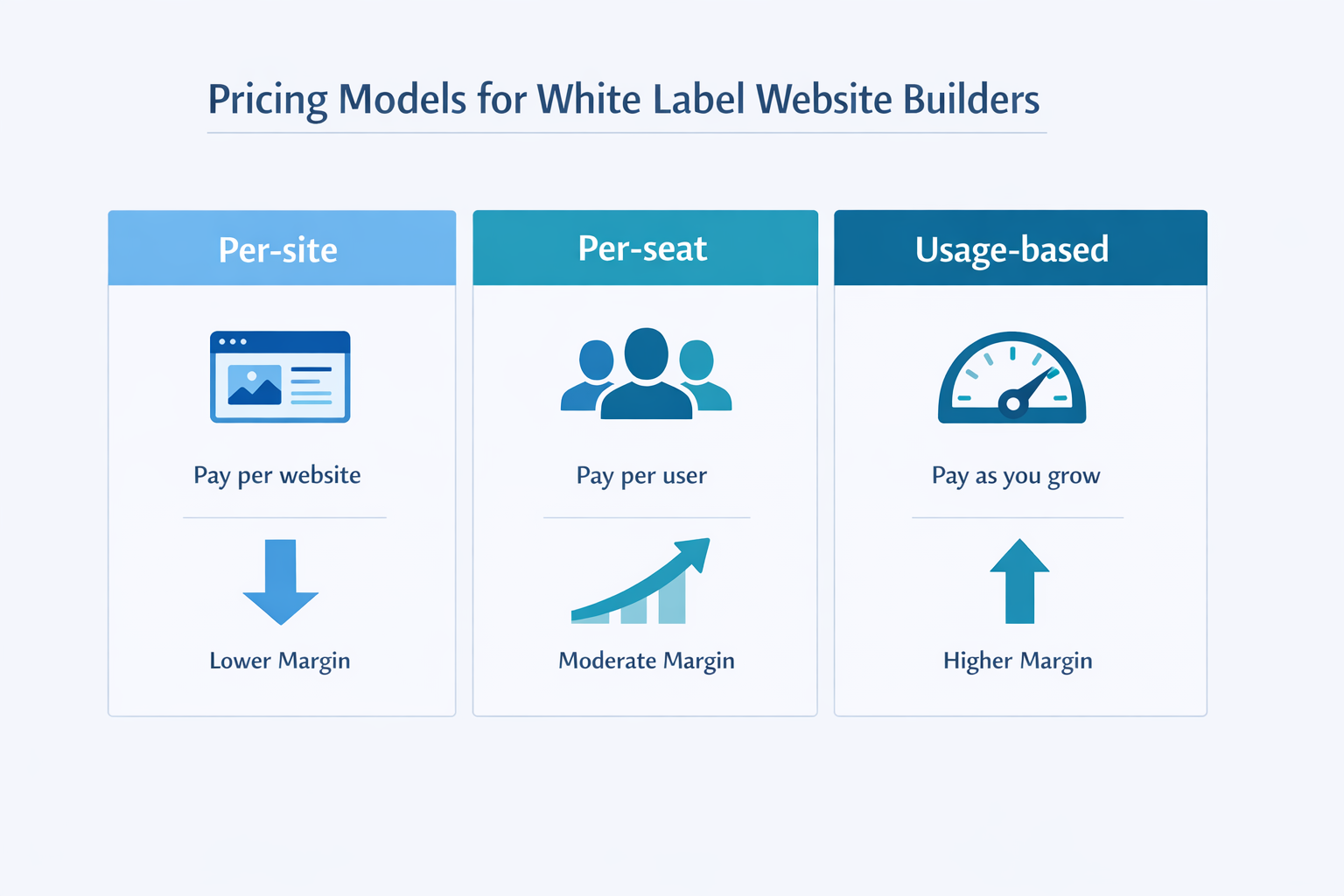
You might be wondering: why not just use WordPress or hire a developer? Both are valid options, but AI website builders offer advantages that are hard to ignore.
A typical website project with a developer takes 4 to 12 weeks. Even using a traditional builder like WordPress or Squarespace, you are looking at 6 to 20 hours of work to get a site ready. With an AI website builder, you can go from idea to published site in under 30 minutes.
I tested this myself. I built a complete business website with lindoai in 22 minutes, including customizing the design, writing the content, and connecting a domain. That is the power of AI.
Hiring a professional web developer costs between $2,000 and $10,000 for a standard business website. Ongoing maintenance adds $50 to $200 per month. An AI website builder costs between $0 and $50 per month, and you can do everything yourself.
For startups and small businesses, this cost difference is huge. It means you can invest that money in marketing, product development, or growing your team instead.
This is the biggest game changer. You do not need to know HTML, CSS, or JavaScript. You do not need to understand hosting, DNS, or server management. The AI handles all of that.
The best AI website builders are designed for people who want a great website, not a career in web development. They remove every technical barrier between you and your online presence.
Modern AI website builders come with SEO tools built in. They automatically generate meta tags, optimize images for speed, ensure mobile responsiveness, and follow accessibility best practices. According to Backlinko, sites built with modern AI builders score 15-20% higher on Core Web Vitals compared to the average WordPress site.
Before you let the AI do its magic, you need clarity. What is your website for? Who is it for? The more specific you are, the better the AI results will be.
Different types of websites need different features. Here is a quick decision guide:
Knowing your site type helps the AI choose the right layout and features from the start.
The AI needs to know who your site is for. Are you targeting local customers in your city? Enterprise clients? Creative professionals? Parents? Teenagers?
When you describe your audience clearly, the AI adjusts:
Every website needs certain core pages. At minimum:
The AI can suggest additional pages based on your industry. A restaurant might need a menu page. A photographer might need a gallery. A consultant might need a booking page.
Take the time to map out your site structure before you start building. Draw it on paper if you need to. A clear plan saves time and produces better results. Most AI builders let you start with a suggested page structure and then add or remove pages as needed.
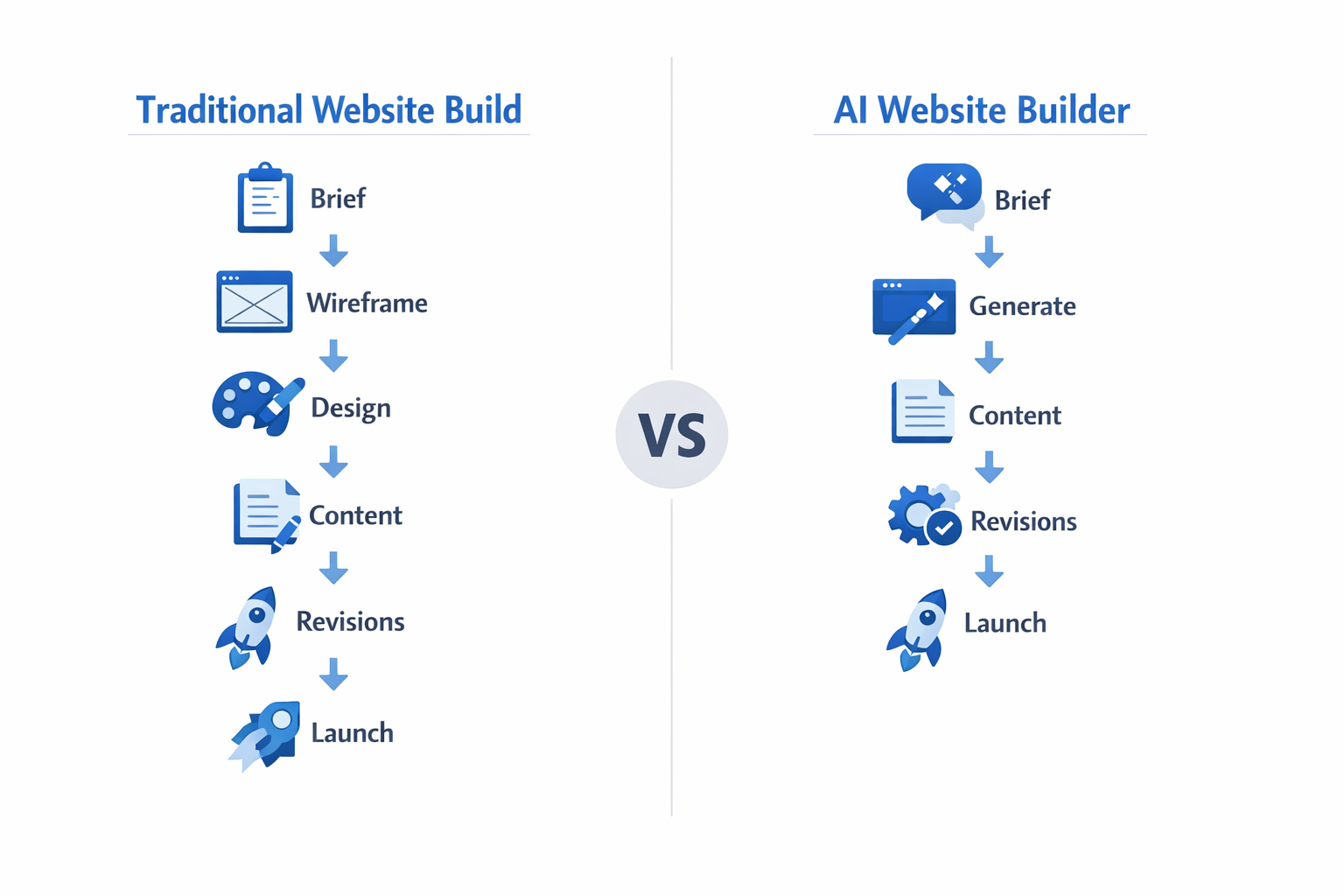
Not all AI website builders are created equal. Here is what to look for and how to choose.
When evaluating an AI website builder, consider these factors:
A good AI website builder should feel like a partner, not a limitation. You should be able to generate a site in minutes but still have full control over the final result.
Let me give you an honest comparison of the top options:
| Feature | lindoai | Wix ADI | 10Web | Hostinger AI | Framer AI |
|---|---|---|---|---|---|
| AI generation quality | Excellent | Good | Good | Average | Very Good |
| Design flexibility | High | Medium | High | Medium | High |
| SEO tools | Built-in | Built-in | Built-in | Basic | Basic |
| White label | Yes | No | Yes | No | No |
| Free trial | Yes | Yes | No | No | Yes |
| Starting price | $29/mo | $16/mo | $19/mo | $12/mo | $15/mo |
| Best for | Agencies, pros | Beginners | WordPress users | Budget sites | Designers |
Lindoai stands out for its white label capabilities and high quality AI generation, making it the best choice for professionals and agencies who want to build sites for clients.
When choosing a platform, start with a free trial. Most offer one. Test two or three builders with the same project description and compare the results. This gives you a real sense of which platform produces the kind of sites you want to create.
This is where the magic happens. You describe what you want, and the AI builds it.
Your prompt is the most important input. A good prompt is specific and detailed. Here are examples:
Bad prompt: "I need a website for my business."
Good prompt: "I need a modern business website for a digital marketing agency in New York. We specialize in SEO and social media marketing. Our brand colors are blue and white. We want a professional look with a homepage, services page, about page, case studies, and a contact form."
The good prompt gives the AI context, audience, color preferences, and specific pages. The result will be dramatically better.
Most AI builders generate multiple layout options. Take your time to review each one:
You can usually regenerate or tweak the results until you are happy. Do not settle for the first result. Most platforms let you regenerate as many times as you want in the free trial.
Once you have a layout you like, it is time to make it yours:
The AI gives you a great starting point. Your personalization makes it unique.
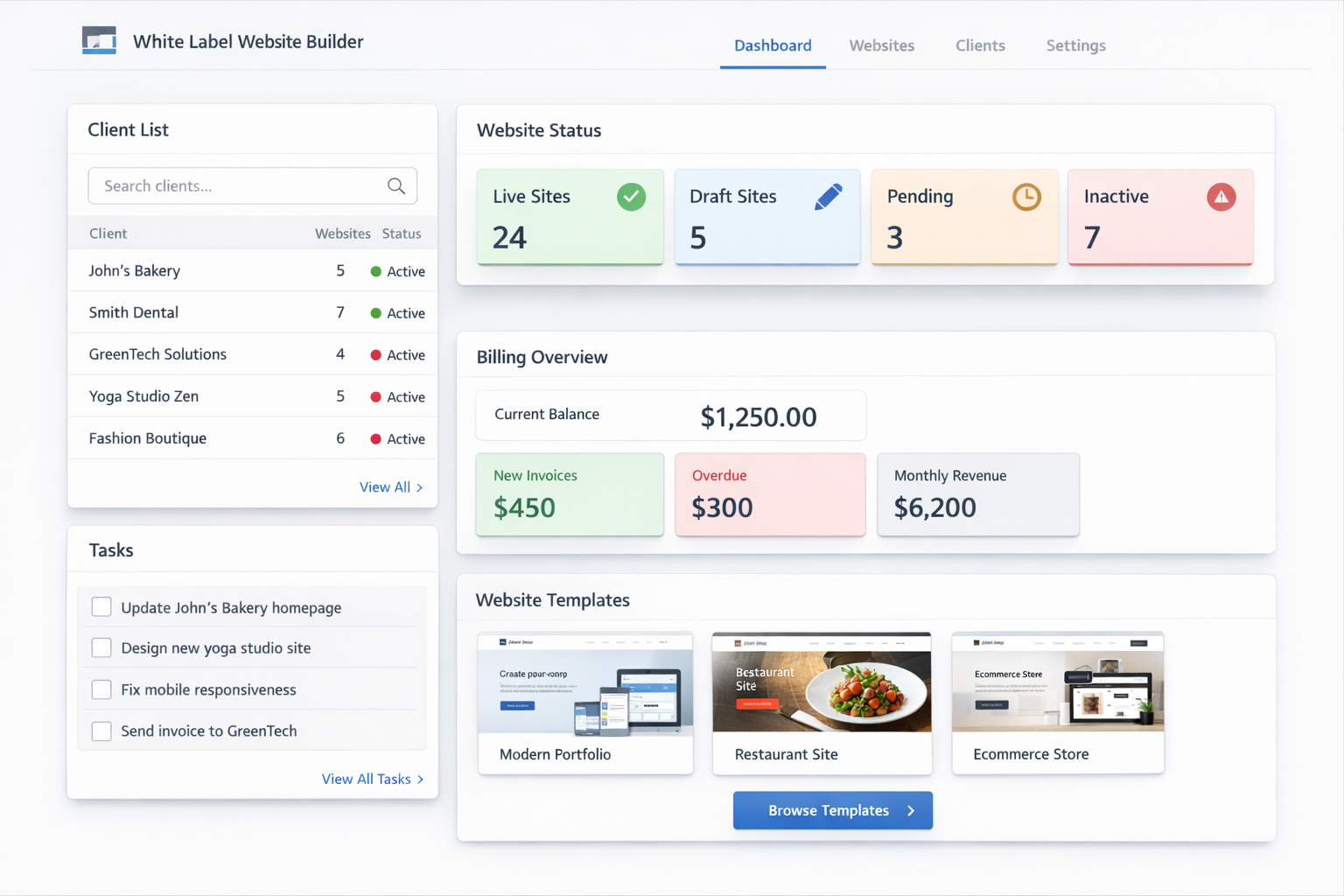
Now that the AI has created the foundation, it is time to refine and polish.
Most AI builders use a drag and drop editor that lets you change anything:
Take the time to make sure every element looks right. Read your content out loud to catch awkward phrasing. Show it to a friend for a second opinion.
Your site needs clear navigation. Make sure visitors can find what they need quickly:
A good rule of thumb: a visitor should be able to find any page on your site within two clicks.
Visual content makes your site engaging. Here are best practices:
According to HubSpot, websites with relevant images get 94% more views than those without. Visual content matters.
A beautiful website is useless if nobody can find it. SEO optimization is crucial.
Every page needs three things for SEO:
Most AI builders auto-generate these, but you should review and customize them. Use your primary keyword naturally in the title and description.
Google now uses mobile first indexing, meaning it primarily looks at the mobile version of your site when ranking. All good AI builders generate responsive sites automatically, but you should test:
A 1 second delay in page load time can reduce conversions by 7% according to Google Web Dev.
You cannot improve what you do not measure. Set up analytics from day one. This is how you know what is working and what needs improvement:
Identify your best performing pages and double down on what works
Spot pages with high bounce rates and improve them
Understand where your traffic comes from (organic, social, paid, referral)
Track conversions and measure ROI on your marketing efforts
Make data driven decisions instead of guessing
Connect Google Analytics 4 for traffic data
Set up Google Search Console for search performance
Add Facebook or LinkedIn Pixel if you run ads
Track conversions (form submissions, purchases, calls)
Most AI builders have built-in integrations for these tools. If not, you can usually add them via custom code or plugins.
You have built, customized, and optimized. Now it is time to go live.
Your site will come with a temporary subdomain (like yoursite.lindo.ai). For a professional presence, you need your own domain:
A custom domain like yourbusiness.com costs about $10-$15 per year and is one of the best investments you can make for credibility.
SSL certificates encrypt data between your site and visitors. They are essential for:
Good AI builders include SSL automatically. If yours does not, you can get a free SSL certificate from Let's Encrypt.
Your site is live. Now get the word out:
Getting your first 100 visitors is harder than building the site. Focus on sharing your site everywhere your target audience hangs out.
Consider running a small Google Ads campaign to drive initial traffic. Even $5 per day for a few weeks can give you enough data to understand what resonates with your audience. Use that data to refine your site and your messaging.
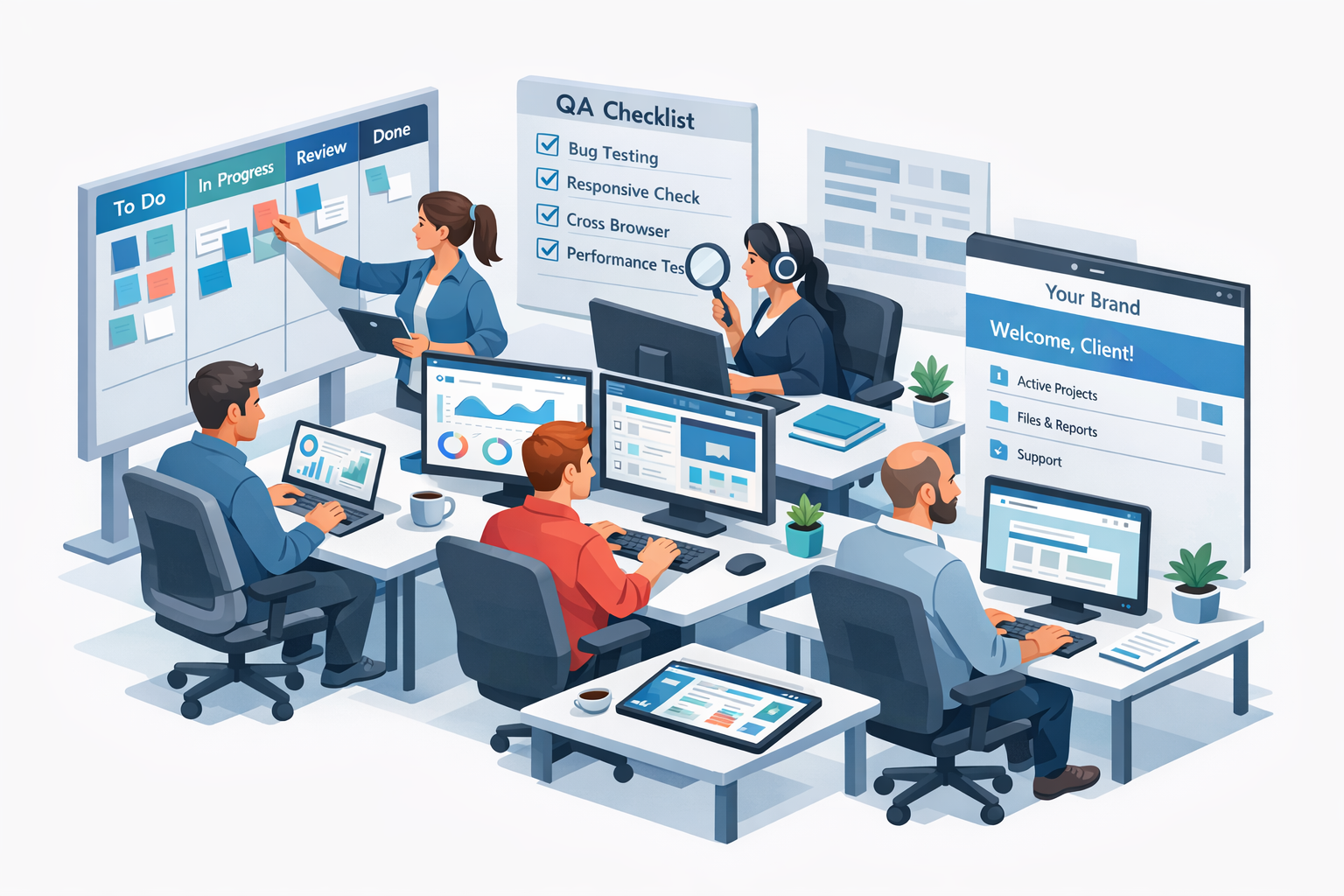
AI is powerful, but it is not magic. Here are the most common mistakes people make and how to avoid them.
The biggest mistake people make is assuming the AI output is perfect. It is not. The AI generated content is a starting point, not a finished product. Always review:
I have seen too many sites launch with AI generated phone numbers that do not exist or AI invented testimonials. Do not let this be you. Review everything carefully.
AI can generate a beautiful site, but it may not capture your brand identity perfectly. Spend time adjusting colors, fonts, and imagery to match your existing brand assets. Consistency across all touchpoints builds trust and recognition.
AI gets you 80% of the way there. The last 20% is what makes your site stand out.
Even though AI builders generate responsive sites, you should still test on real devices. What looks good on a desktop may look cramped on a phone. Make sure:
An AI website without SEO is like a store with no sign. It may be beautiful, but nobody will find it. Do not skip:
According to Moz, pages with proper heading structure rank 50% better on average than those without.
Take the extra 30 minutes to set up your SEO properly. It is the highest ROI activity you can do for your new site. A well optimized site can start generating organic traffic within weeks, while a neglected one may never get found at all.
Yes, absolutely. AI website builders can generate a complete, functional website including layout, design, content, and even SEO elements. The AI creates everything from the homepage structure to individual page layouts, navigation menus, and placeholder content. You then customize and refine the result. The quality is impressive enough that many small businesses now launch their primary website entirely with AI tools.
You can have a basic website in 15 to 30 minutes. A fully customized, polished site with your own content and branding typically takes 2 to 4 hours of work. Compare that to 4 to 12 weeks with a traditional developer. For most people, the AI approach is dramatically faster.
Not at all. That is the whole point. AI website builders are designed for people with zero coding experience. You describe what you want in plain language, and the AI builds it. Everything is visual and intuitive. If you can use a word processor, you can use an AI website builder.
Yes, most AI website builders include built-in SEO features. They generate clean code, proper heading structure, meta tags, and optimized images. Some even create XML sitemaps automatically. However, you still need to provide good content and choose the right keywords. The AI gives you the technical foundation, but your content quality determines your rankings.
Prices range from free (with limitations) to $50 per month for premium features. Most paid plans fall between $15 and $30 per month and include hosting, a custom domain, SSL, and all AI features.
Let me break down the typical costs:
For businesses, even the most expensive plan is an incredible value compared to the $2,000 to $10,000 cost of hiring a developer. The breakeven is one project. After that, everything you save goes to your bottom line.
Yes, if you customize it properly. The AI generates a starting point based on your description. What makes your site unique is your content, your images, your brand colors, and the specific way you arrange everything. Think of the AI as your assistant that creates the first draft. You are the editor who turns it into something original. Two different businesses using the same AI builder will end up with completely different websites because they customize everything to their brand.
Absolutely. That is one of the biggest advantages. AI website builders use visual drag and drop editors that let you change anything without technical skills. Need to add a new service page? Write a blog post? Update your pricing? You can do it in minutes. No need to contact a developer or learn a content management system. Most builders also offer mobile apps so you can make quick updates from your phone.
Building a website with AI is not the future. It is the present. Whether you are a small business owner, a freelancer, or an agency, AI website builders give you the power to create professional, high quality websites in a fraction of the time and cost of traditional methods.
The key takeaway is this: AI handles the technical complexity, so you can focus on what makes your site unique. Your content, your brand, your message. Those are things no AI can replace.
Ready to build your own site? The tools are ready, the process is clear, and the results speak for themselves. Whether you are launching a side project or building the foundation for a growing business, building a website with AI is the smartest path forward. The AI website building revolution is here, and it is only getting better. Those who embrace it now will have a significant advantage over those who wait. Start with lindoai and see how fast you can go from idea to published website. The free trial lets you explore all features with no commitment.