AI Website Builder
How to Build a Website with AI: Step-by-Step Guide (2026)
• • 4 min read
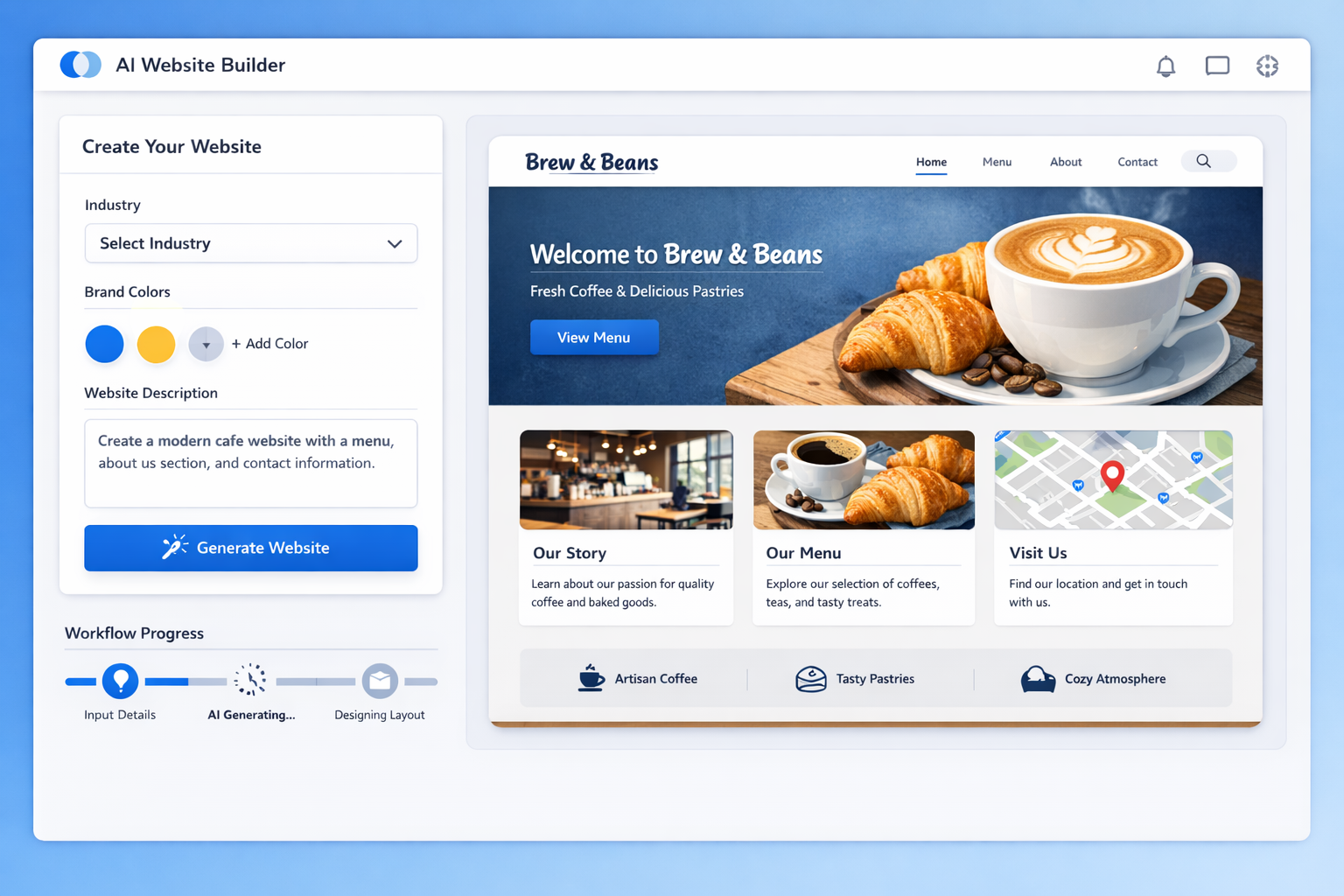
The definitive step-by-step guide to building a website with AI in 2026: from choosing a builder and writing prompts to SEO, publishing, and promotion.

Building a website used to be a project. You'd hire a designer, wait weeks for mockups, argue over revisions, and pay thousands of dollars. Or you'd try to do it yourself with a traditional builder and discover that "drag and drop" still requires design taste, copywriting skills, and hours of fiddling.
That era is over. AI website builders have turned website creation into a conversation: you describe what you want, and the AI builds it. Not a template with your name pasted on it, a real site with structure, copy, and design generated around your business.
This guide walks you through the entire process, from choosing the right tool to publishing a site you're proud of. No code, no design degree, no six-figure budget. Just a clear path from zero to a live website, using the best AI tools available in 2026.
Before we get into the how, let's be clear about what AI website building actually is, and what it isn't.
An AI website builder combines two technologies. The first is a large language model, the same kind of AI that powers chatbots, which writes your site's copy: headlines, service descriptions, about text, and calls to action. The second is a design engine, which takes that content and lays it out professionally: choosing structure, colors, typography, and responsive behavior.
You interact through prompts. Type "a website for a landscaping company in Denver that emphasizes eco-friendly practices," and the AI produces a complete draft: pages, sections, copy, and design. From there, you customize everything.
The key difference from older tools: the AI makes the design decisions, so you don't need design skills to get a professional result. Your job is direction and judgment, not execution.
A traditional builder gives you a blank canvas and a library of templates. You choose, arrange, write, and style everything yourself. It's flexible, but it's also slow and demanding. Most people spend days or weeks producing something passable.
An AI builder generates the whole starting point for you. What takes days in a traditional tool takes minutes with AI. The trade-off: you're steering a generated result rather than building from zero, which is a trade most people happily make.
| Aspect | Traditional Builder | AI Website Builder |
|---|---|---|
| Starting point | Blank canvas or template | AI-generated draft from your prompt |
| Copywriting | You write it | AI drafts it, you refine |
| Time to first draft | Hours to days | Minutes |
| Design skills needed | Yes | No |
| Customization after | Total, manual | High, guided |
| Cost | $12-$40/month | Free tiers and $10-$50/month |
The honest answer: almost everyone. Small business owners who need a professional site without agency prices. Freelancers and creators who want a portfolio that looks as good as their work. Startups that need a landing page by Friday. Agencies that build sites for clients and want to deliver in days instead of weeks.
If you've ever avoided building a website because it felt overwhelming, AI building removes the barrier. The tools meet you where you are, and the learning curve is measured in minutes, not months.
The numbers back up the momentum. Market research from Statista and Gartner consistently shows AI adoption accelerating across web development, and the practical experience matches: what used to require a specialist is now accessible to anyone with a clear idea and an afternoon.
It's worth deflating a few myths before you start. AI website building is not a magic button that produces a perfect site with zero effort. It's a powerful assistant that produces a strong draft, which you then direct and refine. The quality of the result still depends on your input, your judgment, and your willingness to review and improve.
It's also not a threat to professional designers, any more than a power drill is a threat to carpenters. The tools change where the value sits: less time on repetitive production, more time on strategy, branding, and polish. Professionals who adopt AI deliver better work faster. That's the real story.
The practical reasons to go AI are speed, cost, and accessibility. Let's look at each.
The most dramatic difference is speed. A typical small business site built traditionally takes one to four weeks of calendar time, even if the actual work is only a few days. Between choosing templates, writing copy, and fixing layouts, the process drags.
With AI, the first draft exists minutes after you type your prompt. A full day of work gets you a customized, polished site. That speed matters for launches, for testing ideas, and for anyone who needs a website now, not next month.
A professional website from an agency runs $2,500 to $10,000+. A freelance developer might charge $1,500 to $5,000. Both are legitimate investments, but they're out of reach for many small businesses and side projects.
AI builders cost $10 to $50 per month, with genuinely useful free tiers. For the price of a couple of coffees, you get a professional site you own and can update anytime. The savings aren't marginal; they're an order of magnitude.
Every traditional web project eventually hits the question of code: a custom feature, a layout fix, an integration. With AI builders, that wall doesn't exist. The platform handles the technical layer, and you work with visual tools and prompts.
If you can describe your business in a paragraph, you can build a website. That's the promise, and in 2026, it's genuinely true.
Modern AI builders bake the fundamentals in: semantic HTML, proper heading structure, mobile responsiveness, and fast loading. Google's Core Web Vitals are part of how sites rank, and AI builders handle them by default rather than leaving them to you.
That's a huge advantage for non-technical site owners. The technical stuff that used to require a specialist is handled by the platform, and you focus on content and promotion.
There's one benefit of AI building that doesn't get enough attention: iteration costs almost nothing. In the traditional model, redesigning a section means hours of work, so you settle. With AI, generating a new version of a section takes seconds, so you can experiment freely.
Try two headlines, three layouts, a different color direction. The low cost of experimentation means you end up with a better site, because you actually explore the alternatives instead of accepting the first result.
The best AI-built sites start before the AI is even involved. Ten minutes of thinking about your goals transforms the quality of everything that follows.
What is your site for? The answer shapes the entire build:
Each type needs different pages, different structure, and different calls to action. Pick your primary purpose before you prompt, and let it guide every decision.
Who are you building for? A site for busy parents looks different from one for corporate procurement managers. Be specific: their age, their problems, their language, what they're looking for when they land on your site.
The AI produces better results when you can say "for local homeowners who want eco-friendly lawn care" instead of "for people who need landscaping."
Based on your goals and audience, sketch the pages you need. Most business sites need: Home, About, Services, Contact, and maybe Blog. Portfolios need: Home, Gallery, About, Contact. E-commerce needs: Shop, Product, Cart, Checkout.
You don't need a detailed plan, just a list. The AI will propose structure, and you'll adjust, but starting with your own list keeps you in control.
You'll get a dramatically better site if you gather these before you open the builder:
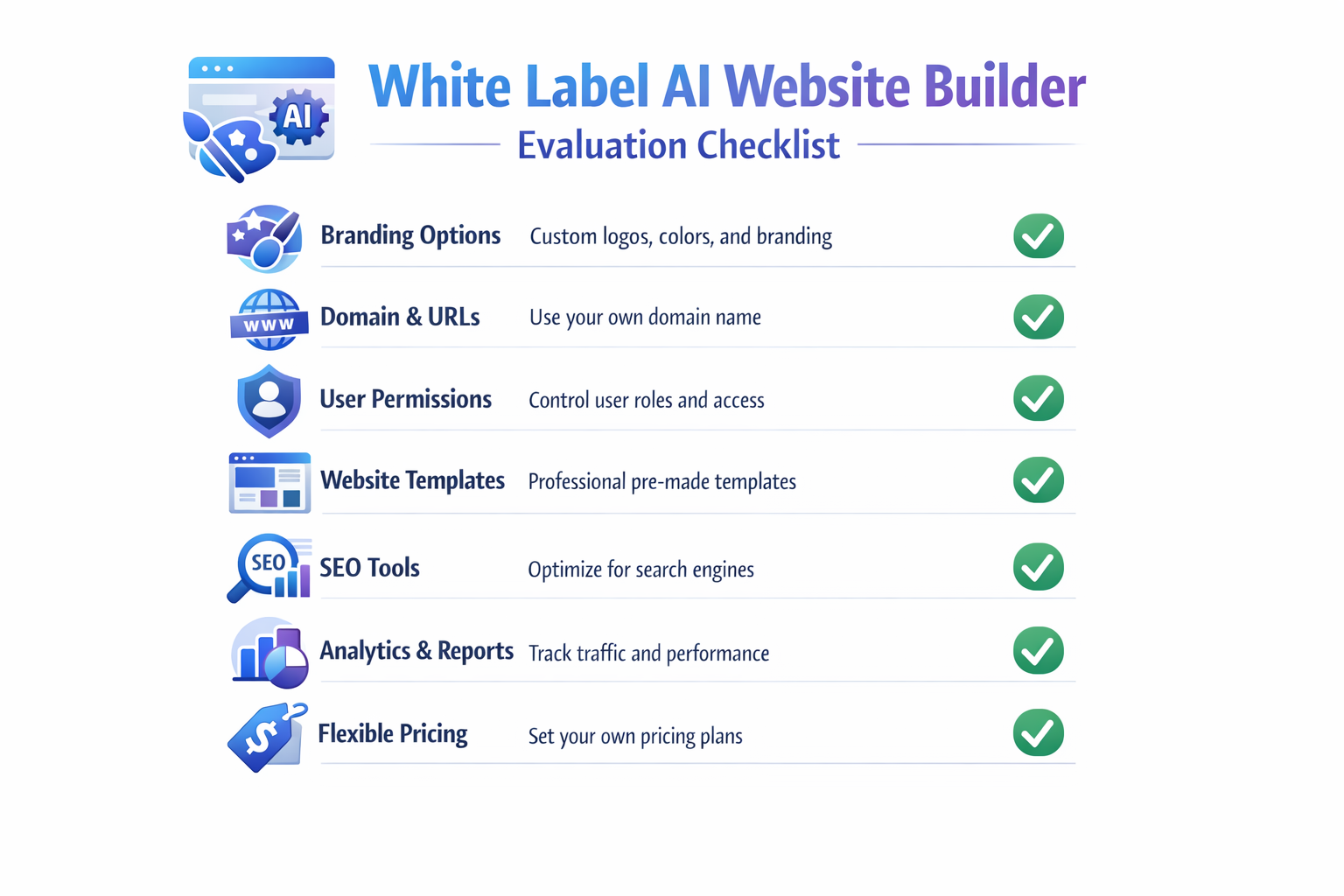
Having everything ready means you build in one focused session instead of stopping to hunt for assets, and the AI produces sharper results when it works with real details.
Not all AI builders are equal. Here's how to choose well.
The best way to evaluate: generate a test site. Any platform worth using will let you see its AI output before you commit, and the output tells you more than any feature list.
lindoai is a strong all-rounder, especially if you want clean design, full customization, and honest pricing. Its AI generates complete sites from prompts, and the platform keeps free sites clean without aggressive upsell pressure.
Other solid options include Wix's AI tools for general use, Hostinger's builder for budget users, and 10Web if you're tied to WordPress. Each has strengths, and the pricing page of any platform will tell you quickly whether it fits your budget.
Before committing, verify the three things you can't easily add later: design flexibility (can you really make it yours?), SEO tools (can you control titles, slugs, and structured data?), and hosting (is it fast, secure, and reliable?).
A platform that scores well on all three will serve you for years. One that's weak on any of them will frustrate you eventually.
If you're evaluating multiple builders, score each one from 1 to 5 on five criteria: AI output quality, customization depth, SEO features, hosting reliability, and value for money. Add a sixth: how much you enjoyed using it.
That last criterion matters more than people admit. You'll spend real hours in this tool, and a platform that feels good to use produces better work than one that's technically superior but painful. The best builder is the one you'll actually use.
Finally, think through the full cost picture. The builder subscription is the headline cost, but the complete budget for an AI-built website looks like this: the plan ($10 to $50 per month), a domain ($10 to $15 per year), and optional extras like premium images or a logo. That's it.
Compare that to the traditional path: $1,500 to $10,000 for design and development, plus ongoing maintenance costs. Even with premium options, AI building costs a fraction of the old way, which is why it's become the default for budget-conscious site owners.
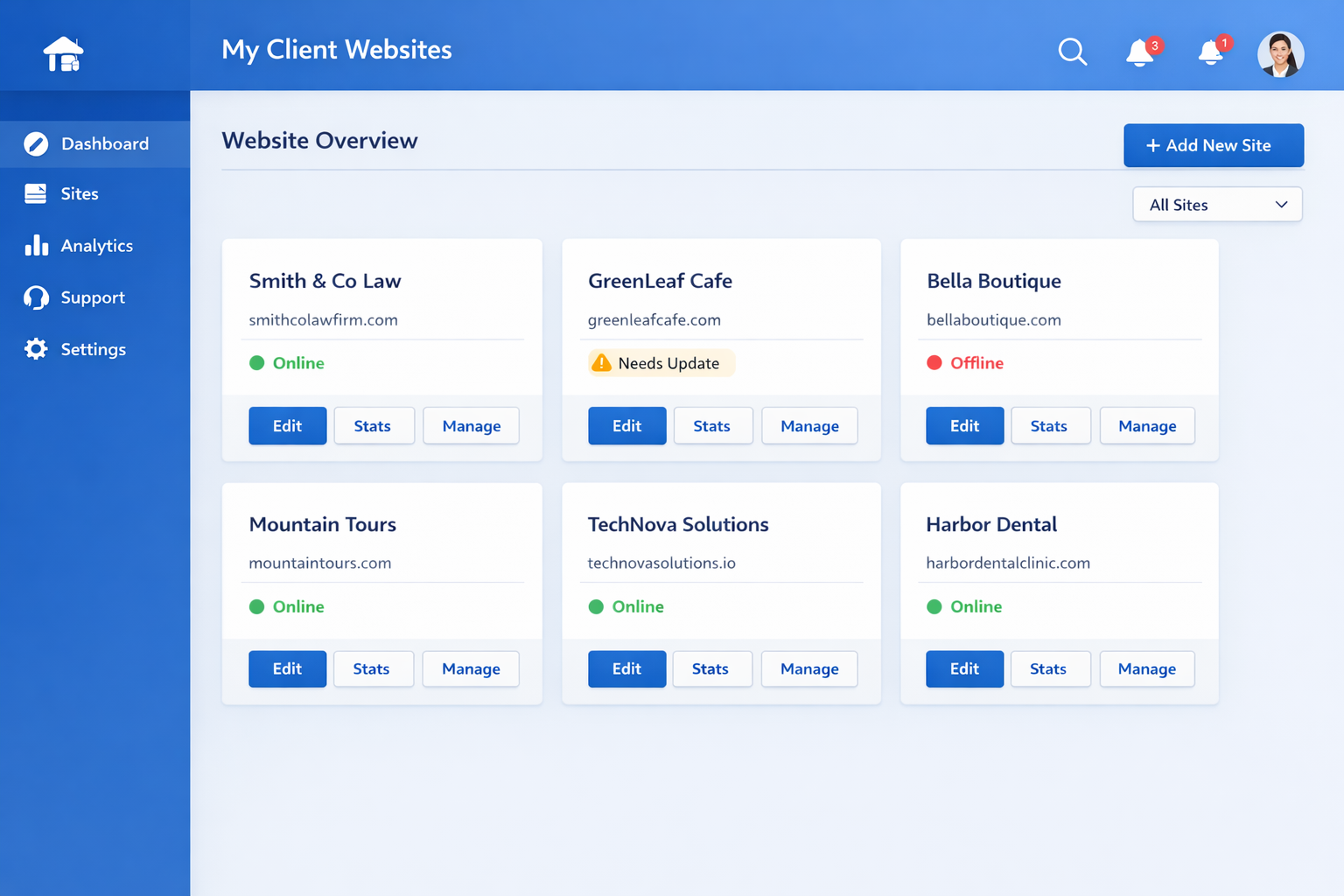
Now the fun part. Here's how to get the best results from the generation step.
Your prompt is your design brief, so write it like one. Include:
Weak prompt: "Make me a website for my business." Strong prompt: "A professional website for a boutique coffee roastery in Portland, Oregon. Warm, artisanal, and approachable. We sell small-batch roasted coffee and want to emphasize our direct trade sourcing. Pages: home, shop, our story, wholesale, contact. Include a section for customer reviews."
The strong prompt gives the AI everything it needs to make good decisions. The weak one leaves it guessing.
Most AI builders generate multiple style directions. Don't just take the first one; compare the options and pick the direction that best matches your brand.
Look for the layout that serves your goal: a lead-gen site needs a strong hero and clear CTA, a portfolio needs big visuals, an e-commerce site needs clean product presentation. The right base layout saves you hours of restructuring.
After generation, the real work begins. Replace AI-generated placeholders with your real content: accurate service descriptions, real photos, your actual contact details.
Apply your branding: logo, colors, fonts. Most builders make this easy with a brand kit feature. The result should feel like your business, not like a generic AI product.
Don't stop at the first version. Review the draft section by section and ask what could be better: a sharper headline, a more relevant image, a clearer call to action. Then regenerate or edit those sections.
This review loop is where the professional results come from. Two or three passes of targeted improvement turn a good AI draft into a site that looks custom-built, and each pass takes minutes rather than hours.
The draft is done; now make it yours.
Go through every section and rewrite the copy in your voice. The AI draft is competent; your edit makes it authentic. Shorten long sentences, add specifics, and inject your personality.
Then match the design to your brand. Two or three colors, one or two font families, consistent button styles. Restraint is the secret to professional-looking design.
Build out your full page list and make sure navigation is intuitive. Visitors should reach any page in one or two clicks, and the most important pages should be front and center.
Keep your navigation simple: five to seven items maximum. If you have more, group them under dropdowns or move them to the footer. Clear navigation is a trust signal.
Use high-quality images that reflect your real business. Free libraries like Unsplash and Pexels are great starting points, but real photos of your work, your team, or your space build more trust.
Check every image on mobile too. A photo that looks great on desktop can be cropped awkwardly on a phone, so verify the responsive views.
A website nobody can find is a website that doesn't exist. The good news: AI builders handle most of the technical SEO for you. The rest is your job.
Every page needs a meta title and description that tells search engines (and searchers) what the page is about. Most builders let you set these per page. Write them like mini-ads: compelling, specific, and with your key terms included naturally.
Pick one or two focus keywords per page based on what your customers search. A plumber targets "plumber [city]" and "emergency plumbing [city]", not generic terms like "services" that nobody searches.
Google ranks mobile experience as a core factor, and the W3C accessibility guidelines remind us that good design serves everyone. AI builders generate responsive sites, but verify: check the mobile view of every page, test load speed with PageSpeed Insights, and fix anything that's slow.
Fast sites convert better and rank better. If your builder generates heavy pages, keep images optimized and avoid loading unnecessary scripts.
Install analytics on day one so you know what's working. Google Analytics is free and standard; most builders have one-click integration or a snippet field.
Watch the basics: visitors, traffic sources, popular pages, and conversions. That data turns your site from a guessing game into a system you can improve month over month.
Your site is built, optimized, and ready. Let's get it live and get it seen.
A custom domain is the single biggest credibility upgrade available. yourbusiness.com looks professional; yourbusiness.builder.com looks temporary. Domains cost $10 to $15 per year, and most builders let you connect one in minutes.
Buy your domain from a registrar you trust, or directly through your builder. Either way, connect it, verify it, and make sure your site loads on the new address before you announce it.
SSL, the padlock in the browser bar, is non-negotiable. It encrypts data and is a ranking factor. Reputable AI builders include SSL automatically on every site, so this is usually a checkbox rather than a project.
The same goes for security updates and backups: your builder should handle them. That's one of the quiet advantages of a managed platform over self-hosted options.
A new website doesn't market itself. Announce it everywhere: your social profiles, your email signature, your business cards, your Google Business profile.
For local businesses, directory listings matter as much as the website itself. Claim your Google Business Profile, add consistent name, address, and phone details, and link to your new site. This is the highest-leverage promotion you can do in your first month.
Your launch is the beginning, not the end. In the first month, focus on three things: getting traffic, collecting feedback, and improving.
Share the site everywhere, add two or three pieces of content, and watch your analytics for signs of what visitors want. Ask a few honest friends or customers what they think, and fix what they flag. Sites improve fastest when they're new, because that's when you're still paying attention.
A realistic first-month plan looks like this. Week one: announce the launch everywhere and submit your site to Google Search Console. Week two: publish two pieces of content and set up your analytics goals. Week three: review traffic data and fix the pages people actually visit. Week four: plan your next content and improvement cycle. That rhythm turns a launch into momentum.
Launching fast and improving beats perfecting forever. A live site you refine weekly will outperform a polished site you never publish.
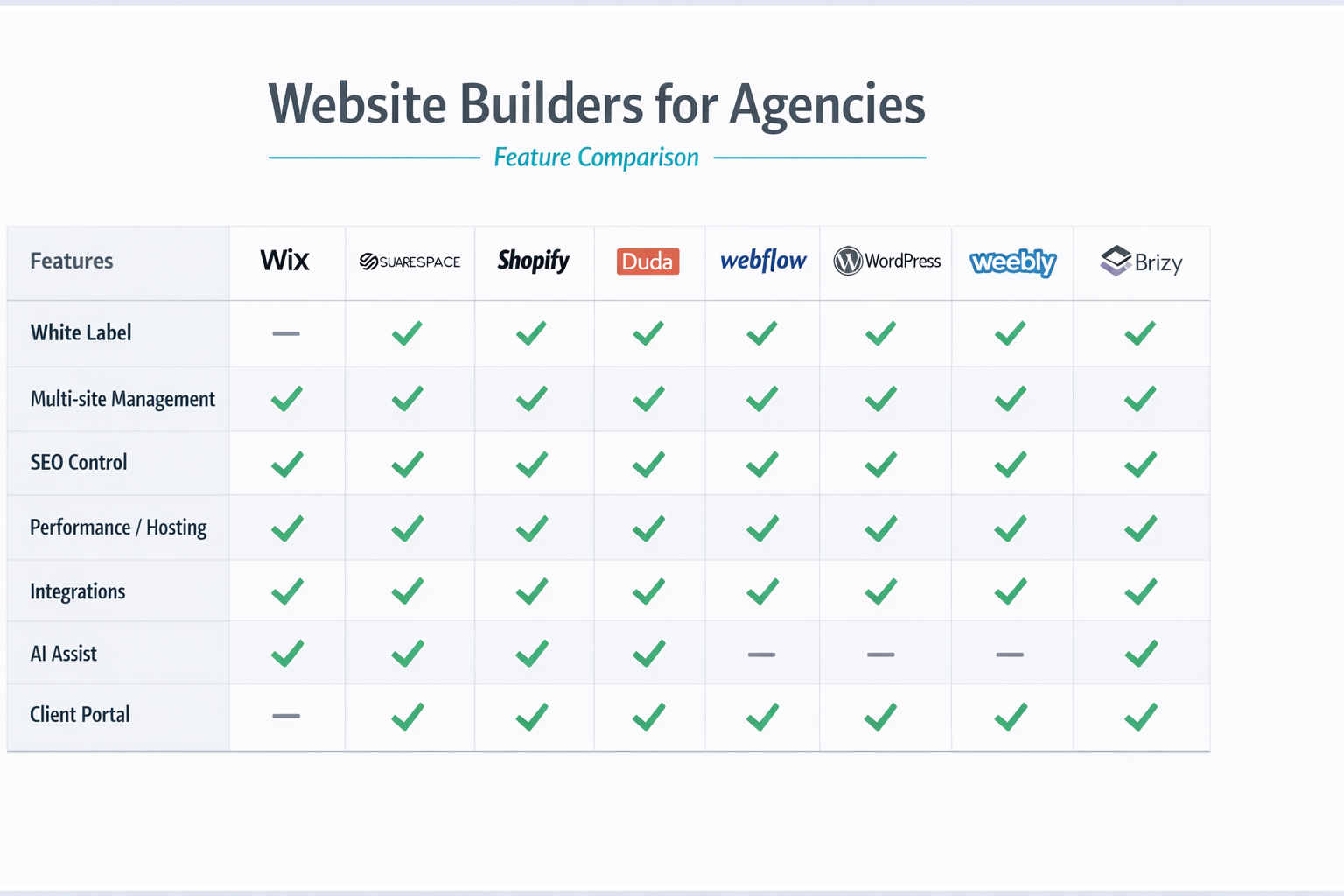
Even with great tools, there are ways to go wrong. Here are the ones to avoid.
The biggest mistake is treating AI output as finished. AI drafts are starting points. Unreviewed AI copy can contain inaccuracies, generic phrasing, or wrong details. Always review everything: facts, tone, contact details, and pricing. The human review is what separates a professional site from an obvious AI product.
It's tempting to check the desktop view and call it done. But a huge share of visitors will come from phones. If your site is awkward on mobile, they'll leave. Scroll through the mobile view of every page and fix spacing, text size, and button targets.
Sites that skip meta descriptions, keyword focus, and page structure struggle in search forever. The fixes are cheap and fast, especially with AI builders that handle the technical side. Set your titles, write your descriptions, and structure your pages around what customers search. Moz's beginner's guide to SEO is a great free resource if you want the fundamentals.
A site launched and forgotten is a dead asset. Plan your first month: announce the launch, add a few blog posts, set up analytics, and schedule time to review performance. The sites that succeed are the ones that get attention after launch, not just at launch.
Accessibility is often overlooked and always matters. Beyond being the right thing to do, it's good business: accessible sites reach more people and often rank better. Use descriptive alt text for images, ensure sufficient color contrast, and keep navigation keyboard-friendly. The W3C accessibility guidelines are the standard reference if you want to dig deeper.
The tools changed, but the fundamentals didn't. Clear goals, honest content, mobile quality, and ongoing attention still decide which websites succeed. AI just removes the technical barrier to getting there.
Yes. Modern AI website builders generate complete, multi-page sites from a text prompt, including structure, copy, and design. The result is a professional starting point you customize and publish. For standard business sites, portfolios, and landing pages, AI building is genuinely complete, not a demo or a gimmick.
The first draft takes 5 to 15 minutes from your prompt. A fully customized, polished site typically takes half a day to two days, depending on how much content you bring and how much you refine. That compares to one to four weeks with traditional methods.
No. AI builders are designed for people who can describe their business and make visual choices. The platform handles code, hosting, security, and responsive design. If you can write a paragraph about your business, you can build a website.
Yes, and that's one of the biggest advantages over hiring a developer. Updates that used to require a professional, like changing text, swapping images, or adding a page, take minutes in an AI builder. You stay in control of your own site, without waiting for anyone or paying per change.
Yes, when you handle the basics. AI builders generate semantic, fast, mobile-responsive sites, which covers most technical SEO. You still need to write good meta titles and descriptions, choose sensible page structure, and create content people actually search for. The Moz beginner's guide covers the fundamentals you should know.
You can start free on most platforms, including lindoai. Paid plans run $10 to $50 per month and unlock custom domains, more pages, e-commerce, and advanced SEO. A domain costs about $10 to $15 per year. Compare that to $1,500 to $10,000 for professional web design, and the economics are obvious.
Building a website with AI is the fastest, cheapest, and most accessible path to a professional online presence in 2026. The process is straightforward: define your goals, choose a builder, generate with a strong prompt, customize, optimize, and publish. Then promote and improve based on real data.
The tools are mature, the costs are low, and the results are genuinely professional. Whether you're launching a business, showing your work, or building for clients, the path is open to you right now.
Ready to start? Try lindoai and generate your first site in minutes. Explore the features to see what's possible, and check pricing to find the plan that fits you.