Lindo Help Center
Dashboard- Help Center
- Create new
How can I create new blog post with AI?
1. Go to your Lindo app.
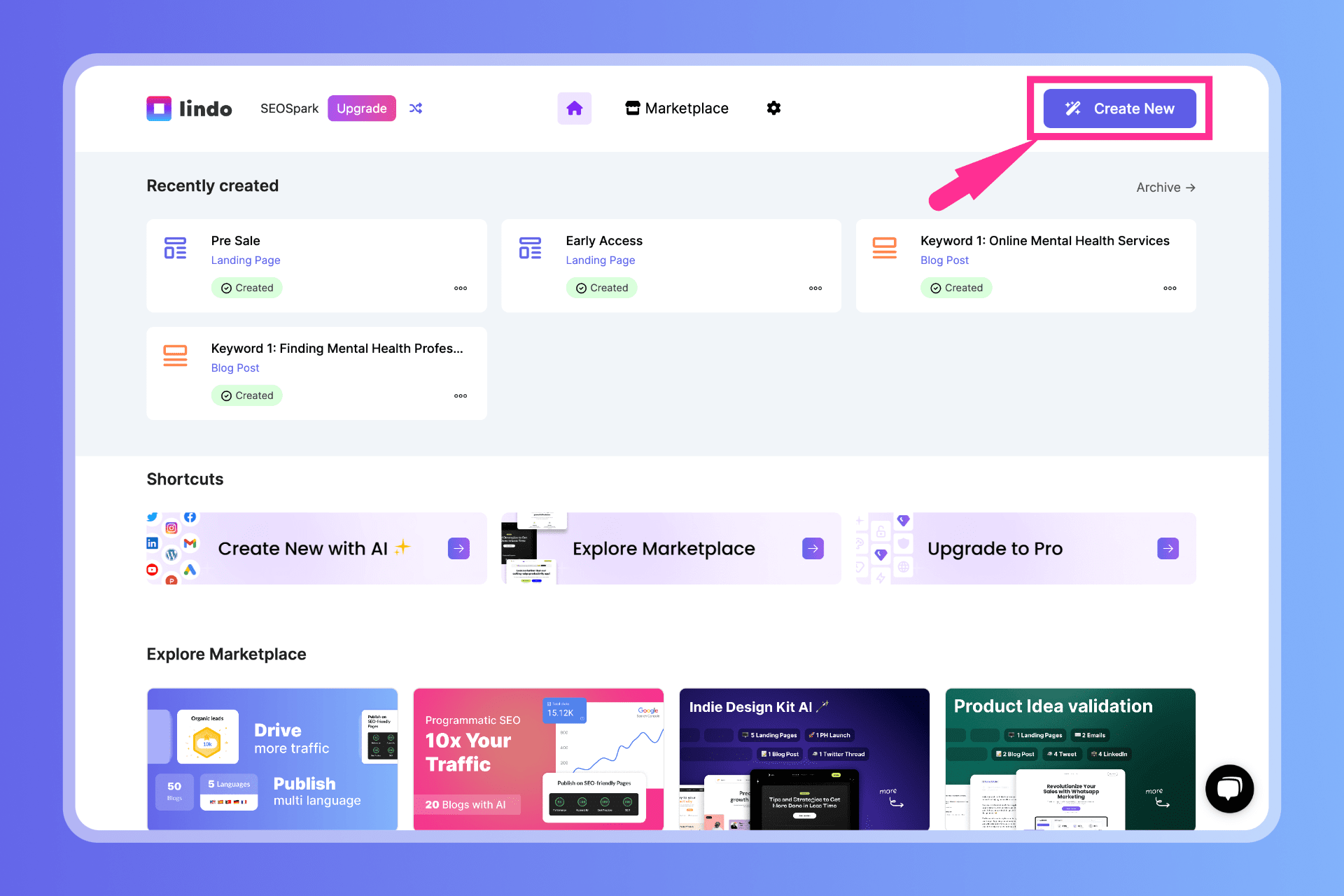
2. From the top nav bar, click on Create New button.
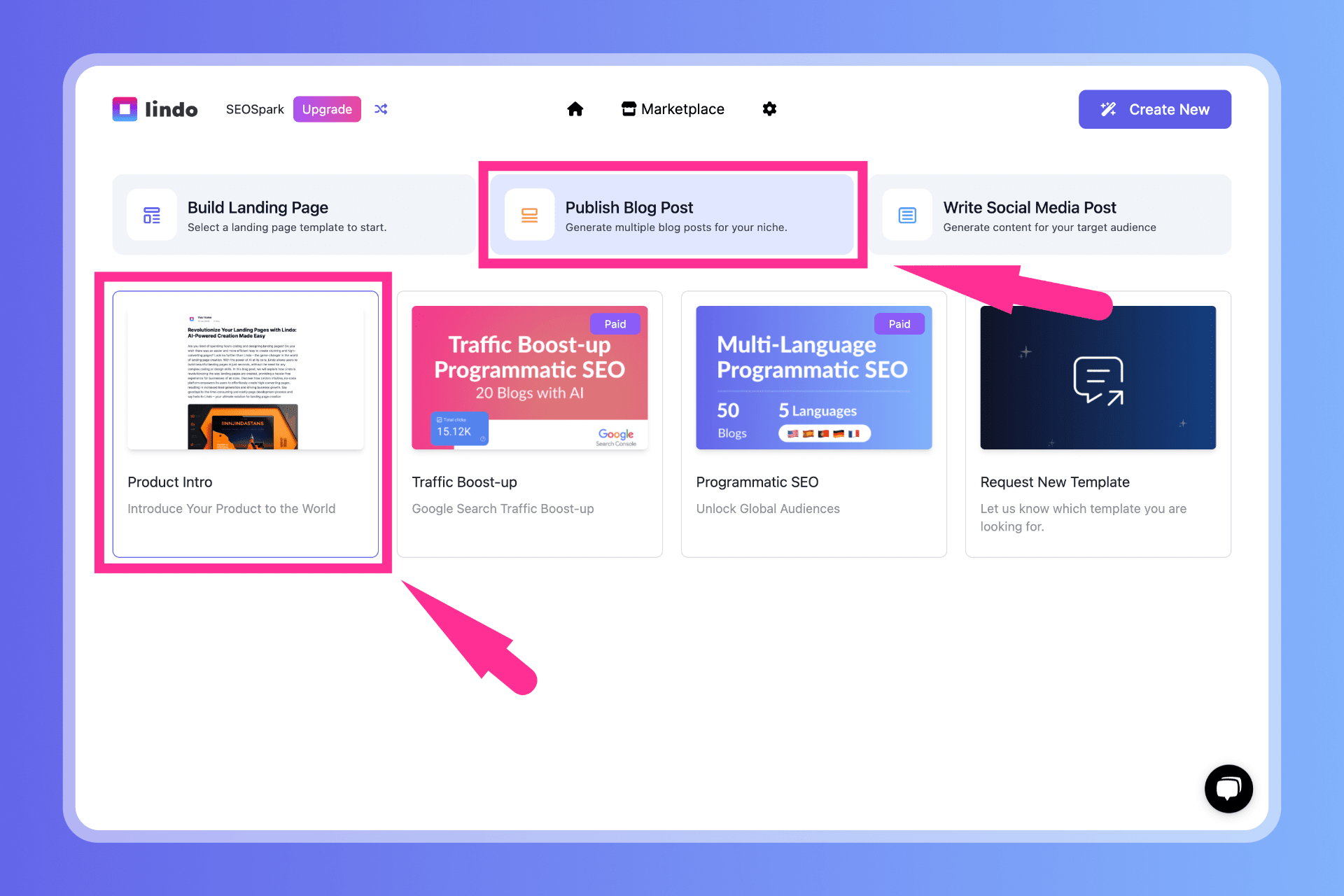
3. Click on the Publish Blog Post card.
4. Choose the template you want the AI to write your blogs with.
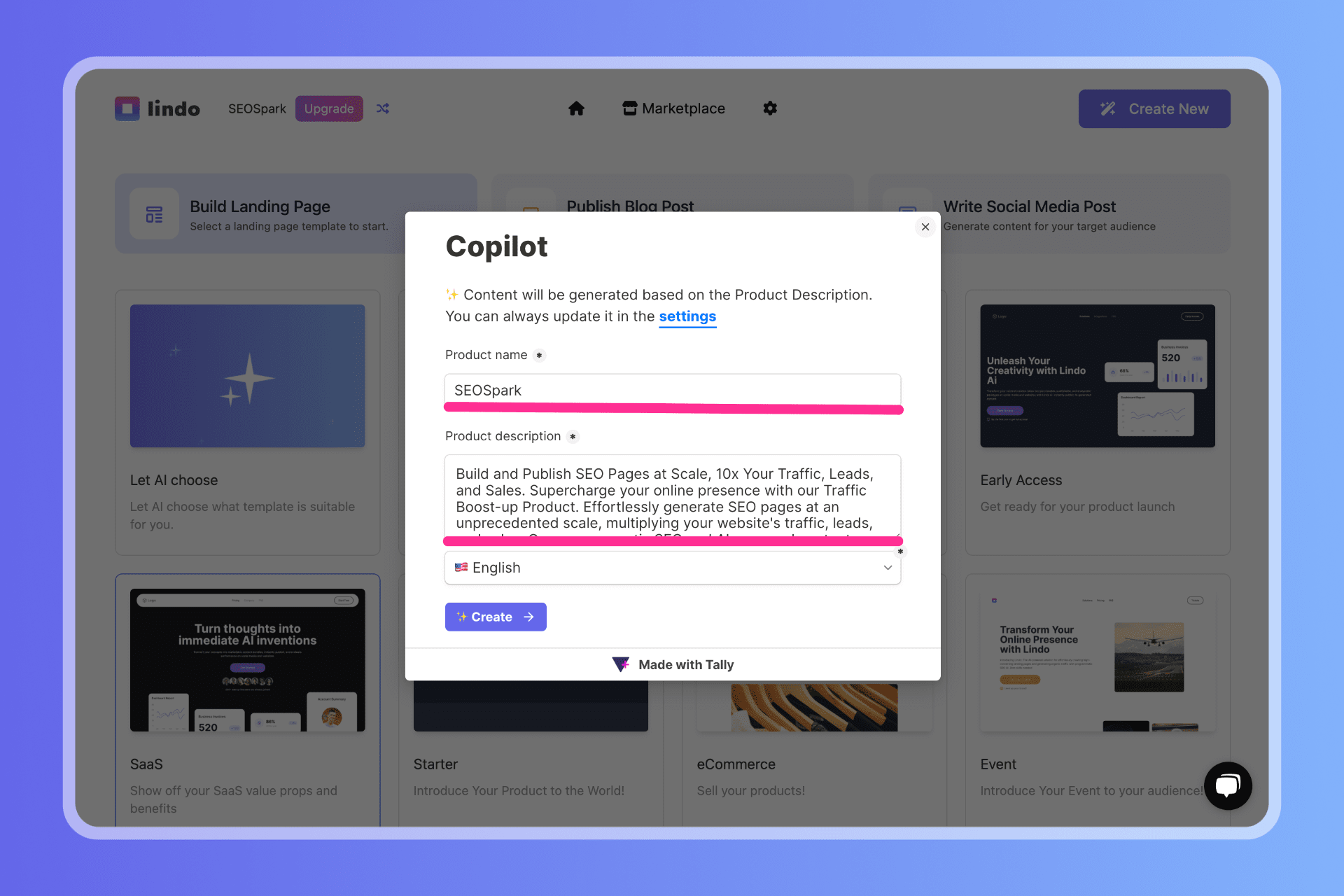
5. Inform our AI about the contents you want publish as blog post.
6. Click on Create button.
✨ We pre-fill the form with your saved description from Settings, but you can modify it as needed.
- Help Center
- Theme
