How to Build an AI Landing Page: Complete Step-by-Step Tutorial
A landing page is the highest-leverage piece of marketing you will ever build. Send traffic to a great one and your ad budget works overtime. Send traffic to a weak one and you might as well burn the money. The only problem? Traditional landing page builders are slow, and hiring an agency for every campaign variant is expensive.
That's why the AI landing page builder category has exploded. These tools generate a complete, conversion-focused page from a short prompt in minutes. Not a template you have to wrestle with, a real page: headline, copy, layout, forms, and analytics hooks, generated around your offer.
The best part? You don't need design skills, copywriting skills, or a developer. This guide walks you through the entire process, from choosing the right tool to publishing a page that actually converts. I'll also cover the agency angle, because the same AI tools that save solo marketers hours are quietly transforming how agencies deliver landing pages for clients.
Why Use an AI Landing Page Builder?
Let's start with the obvious question. Why would you use AI to build a landing page when tools like Unbounce, Instapage, and WordPress have existed for years?
Because speed and conversion quality are no longer trade-offs. The old tools give you control but demand hours of setup. AI gives you a professional starting point in minutes, and modern platforms let you customize everything afterward. You get both speed and control.
There's also a cost angle that's hard to ignore. A professional landing page from an agency runs $1,500 to $5,000, and a decent freelancer will charge $500 to $2,000. An AI landing page builder subscription costs a fraction of that, often $30 to $100 per month, and you can build unlimited pages. For a startup testing multiple offers, that math changes everything.
Let's dig into the two biggest reasons the category has taken off: speed and conversion quality.
Speed vs Traditional Page Builders
Here's a comparison that matters: a marketer using a traditional builder typically spends 4 to 10 hours creating a single landing page. That includes choosing a template, restructuring sections, writing copy, sourcing images, and wrestling with mobile layouts.
An AI landing page builder does the same job in 5 to 15 minutes. You describe your offer, pick a style direction, and the tool assembles the page. The gap isn't incremental; it's an order of magnitude.
Speed matters more than most people realize because landing pages are perishable. Campaigns end, offers change, audiences get fatigued by the same creative. The ability to spin up a fresh page in an afternoon means your marketing can stay responsive instead of waiting on a production queue.
It also changes how you handle seasonality. A SaaS company running a Q4 push, a gym launching a New Year's promo, a retailer running a Black Friday sale: each needs dedicated pages, often with tight deadlines. AI builders let you produce those pages without blocking your design team for weeks.
| Task | Traditional Builder | AI Landing Page Builder |
|---|
| First draft | 1-3 hours | 5-15 minutes |
| Copywriting | Manual | AI-generated, editable |
| A/B test variants | Hours per variant | Minutes per variant |
| Campaign launch speed | Days | Same day |
| Cost per page | $50-$500 (or agency fees) | Included in subscription |
For teams running continuous campaigns, that speed changes strategy. Instead of agonizing over one "perfect" page, you can build, test, and iterate through several variants in the time it used to take to build one.
Conversion-Focused AI Copywriting
The second reason is the copy. Landing page copy is a specialized skill. Headlines need hooks, subheadlines need clarity, and calls to action need urgency. Most business owners are terrible at writing it, and hiring a conversion copywriter costs $500 to $2,000 per page.
AI models have absorbed the patterns of high-converting pages: benefit-driven headlines, objection handling, social proof placement, and clear single CTAs. A good AI landing page builder applies those patterns automatically, then lets you refine.
The research backs the importance of this. Unbounce's conversion research has consistently shown that small copy changes, like a clearer headline or a more specific CTA, can move conversion rates by double digits. HubSpot's landing page best practices similarly emphasize that focused, single-offer pages outperform cluttered ones. AI builders encode those lessons directly into the generation process.
And the copy quality keeps improving. Early AI tools produced generic filler that screamed "robot." Current models generate headlines with real punch, objection-handling sections that read like a trained copywriter wrote them, and CTAs that actually sound urgent. The gap between AI copy and human copy is closing fast, especially for the structured, pattern-heavy format of landing pages.
The magic of AI landing page copy isn't that it's brilliant. It's that it starts from proven conversion patterns instead of a blank page, so your edits improve an already solid foundation.
That's the key insight. You're not asking AI to be a genius copywriter. You're asking it to give you a strong draft built on what works, so the time you spend editing goes further.
How AI Landing Page Generators Work
Before we build, let's peek under the hood. Understanding how these tools work explains why you get good results from a one-sentence prompt, and how to get even better results with a good one.
The short version: an AI landing page generator combines a language model that writes your copy with a design engine that lays it out. The language model handles the words, drawing on patterns from millions of high-performing pages. The design engine handles the visuals, applying spacing, typography, and color rules that make the page look professionally designed rather than machine-assembled.
From Prompt to Page: The AI Workflow
An AI landing page generator runs a multi-step process. First, it parses your input: your offer, target audience, and goal. If you only give it a product name, it works with that. If you give it a full brief, it produces a much sharper page.
Next, it generates the page structure. A typical landing page has a hero section, a problem statement, a solution section, feature highlights, social proof, an offer, and a CTA. The AI builds this skeleton based on your offer type. A webinar registration page gets a speaker section and a date widget; a product launch page gets feature highlights and a pricing block; a lead magnet page gets a form and a bullet list of benefits.
Then it writes the copy section by section. Headline options, supporting copy, feature descriptions, and CTA text all get drafted in one pass. Finally, it applies a design system: colors, typography, spacing, and layout, usually offering several style directions to choose from.
Most tools also generate the supporting assets you'd otherwise hunt for: placeholder images, icon sets, and social proof blocks. You swap in your real assets during the customization pass, but having a complete visual draft from minute one keeps the momentum going.
Design Systems and Brand Matching
The design part is where AI landing page builders differ from AI website creators. Landing pages are simpler, single-purpose pages, so the design engine can focus on a few high-impact choices: a strong hero, a clear focal point, and a prominent CTA.
Modern tools also handle brand matching. Upload your logo and brand colors, and the AI applies them to the generated page. Some tools even analyze your existing website and extract its style. That's a huge time saver for companies that need campaign pages to match their main site.
Brand consistency isn't cosmetic. Visitors who land on a page that doesn't match the ad they clicked, or the brand they recognize, bounce. A mismatch of even a few seconds of confusion costs conversions. AI brand matching reduces that risk by generating on-brand pages from the start.
What AI Landing Page Generators Get Right and Wrong
It's worth being precise about strengths and weaknesses. AI generators are excellent at structure, speed, and pattern-based copy. They are still weak at originality, deep brand voice, and industry-specific nuance.
A concrete example: generate a page for a law firm and one for a fitness studio, and a weak tool will produce nearly identical pages with different words. A strong tool will produce a conservative, trust-focused layout for the lawyer and a bold, energetic layout for the trainer. The difference is in the quality of the design engine and the training data behind it.
Your job in the workflow is to supply what the AI can't: your specific story, your real proof, your authentic voice. The AI provides the frame; you provide the soul.
Step-by-Step: Build an AI Landing Page
Now the part you came for. Here's the exact process I recommend for building a landing page with AI, from blank slate to published page.
Step 1: Define Your Offer and Audience
The single biggest predictor of landing page quality is the quality of your input. Before you open any tool, write down three things:
- Your offer: What exactly are you selling? Be specific. "A productivity app" is weak. "A task manager that auto-schedules your team's work based on deadlines" is strong.
- Your audience: Who is this for? A landing page for CFOs should sound different from one for startup founders.
- Your goal: What should visitors do? Download a demo, buy a product, book a call, join a waitlist?
This 10-minute exercise transforms your results. The AI can only work with what you give it, and vague input produces vague pages.
Here's the difference in practice. Prompt A: "Landing page for our software." Prompt B: "Landing page for a project management tool that helps small marketing teams cut status meetings by 30%. Audience: agency owners tired of chasing their staff for updates. Goal: book a 15-minute demo." The second prompt produces a page with a sharp headline, relevant features, and a demo-focused CTA. The first produces a generic software page that could belong to anyone.
If you're unsure what your offer really is, use the AI itself as a thinking partner. Ask it for five ways to frame your offer before you generate the page. The stronger the positioning, the stronger the page.
Step 2: Generate Structure and Copy with AI
Open your AI landing page builder and enter your brief. Include your offer, audience, and goal in the prompt, plus any specific angles or objections you want addressed.
Most tools let you choose a page type: lead generation, product launch, webinar registration, app download, and so on. Pick the closest match. Then generate.
Review what comes back with a skeptical eye. Is the headline specific or generic? Does the copy mention your actual features? Are the objections handled? If not, regenerate with a sharper prompt, or edit the weak sections directly.
A practical tip: generate two or three versions before editing any of them. Most people edit the first draft they see, which anchors them to that draft's weaknesses. Generate multiple directions, compare them side by side, and pick the strongest base before you invest editing time.
Also, check the generated copy for accuracy. AI doesn't know your actual pricing, your real customer count, or your specific guarantees unless you told it. Replace every placeholder stat with a real one. Nothing destroys trust faster than a fabricated "trusted by 10,000 customers" when you have 300.
Your first prompt is a starting point, not a contract. The best AI landing page workflows are iterative: generate, critique, refine, repeat.
Step 3: Customize Design and Branding
Once the copy is close, turn to design. Apply your brand colors, logo, and fonts. Most tools generate multiple style options, so try two or three before settling.
Pay special attention to the hero section. It's the first thing visitors see and the biggest driver of first impressions. Make sure the headline is prominent, the subheadline clarifies the offer, and the primary CTA button stands out visually.
A useful mental model: a visitor should understand what you offer, who it's for, and what to do next within 5 seconds of landing. If any of those three answers isn't obvious, the hero needs work.
Also check the mobile view. A huge share of landing page traffic comes from phones, and a desktop-perfect page can fall apart on mobile. AI builders generate responsive pages, but verify the layout, font sizes, and button spacing on a phone-sized viewport.
Google's Core Web Vitals research, documented in their PageSpeed guidance, has made load time a ranking and user-experience factor. Instapage's data on page speed similarly shows conversion rates dropping as load time climbs. Test your page on a real mobile connection, not just desktop Wi-Fi, because that's where much of your traffic actually lives.
Step 4: Add Forms, CTAs, and Analytics
A landing page without a form is a brochure. Connect your email marketing tool, CRM, or form backend so leads actually reach you. Most AI builders integrate with the major platforms, and this is a checklist item you don't want to skip.
Think through the form itself, not just the integration. Every field you add reduces the number of people who complete it. For most offers, name and email is enough. If you genuinely need more qualification data, use a two-step form: capture the email first, ask the qualifying questions on the thank-you page or in the follow-up email.
Your CTA strategy should be single-minded. One primary action per page, repeated where it matters: hero, after the offer, and at the end. Secondary links, like navigation to your main site, should be minimal. Every extra link is a leak in the conversion funnel.
Analytics are non-negotiable. Install your tracking pixel or tag, set up conversion events, and enable heatmaps if your tool supports them. You can't optimize what you can't measure. Heatmaps in particular are underused: they show you where people actually click and scroll, which often contradicts what the design intended.
Step 5: Preview, Test, and Publish
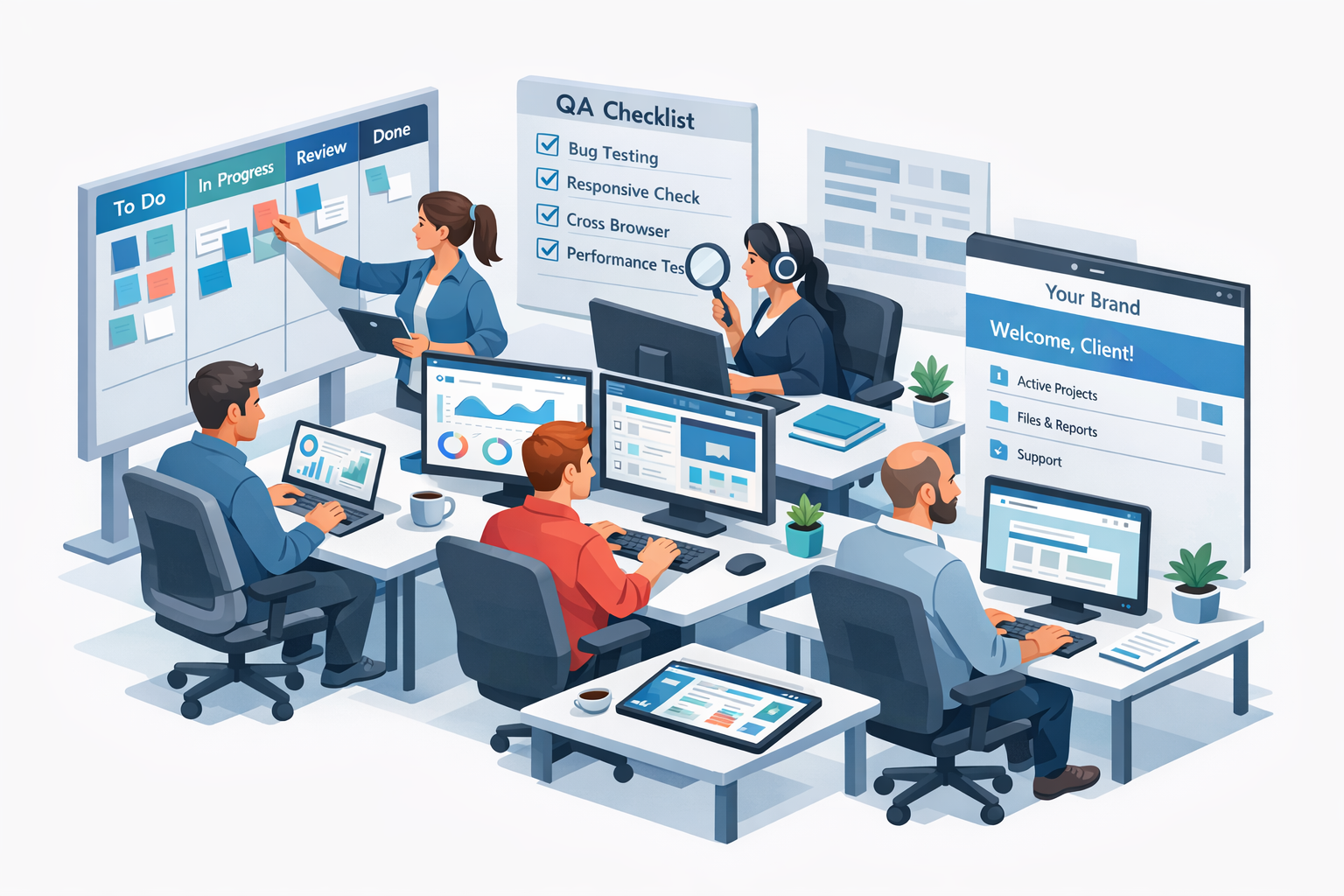
Before publishing, run a full review: click every link, submit the form, check the thank-you page, and load the page on desktop and mobile. Then run a speed test. Landing page load time directly impacts conversion, with slower pages costing significant conversion rate.
Then publish. Connect your domain or use a subdomain, and send traffic. The work doesn't end at launch; the page you publish is version one, and the data it generates tells you what version two should be.
One more thing: set up a simple post-launch checklist. Check your form submissions after 24 hours, review your analytics after a week of traffic, and schedule a monthly page review. Landing pages drift, broken links appear, and offers become outdated. A recurring review keeps your pages performing.
What Makes a Landing Page Convert: The Psychology
Understanding why landing pages convert helps you use the AI tools better. It's not magic; it's applied psychology. Here are the mechanisms that matter most.
Attention, Clarity, and the 5-Second Test
Every visitor arrives with a single question: "Is this for me?" Your page has seconds to answer it. The headline names the audience or the outcome. The subheadline clarifies the mechanism. The hero image reinforces the message rather than decorating it.
Clarity beats cleverness every time. A clear, slightly boring headline outperforms a clever, confusing one. Save your creativity for the offer details, not for obfuscating what you do.
Loss Aversion and Urgency
People are more motivated by what they might lose than by what they might gain. That's why scarcity and deadlines work: limited seats, early-bird pricing, bonus deadlines. Use them honestly. Fake urgency is detectable and destroys trust.
Decision Fatigue and Friction
Every additional choice, field, or link costs conversion. This is why single-offer pages outperform multi-purpose ones. The page should have one job, one ask, and as little friction as possible between attention and action.
AI Landing Page Best Practices
Speed only helps if the pages convert. These are the practices that separate high-performing AI landing pages from generic ones.
Headline Formulas That Convert
Your headline has one job: get the visitor to keep reading. The most reliable formulas are:
- Benefit plus outcome: "Double your demo bookings without hiring more salespeople."
- Specific number: "Reduce onboarding time by 40% starting this week."
- Audience plus promise: "Landing pages for B2B SaaS companies that actually convert."
- Question plus empathy: "Tired of ad spend that never turns into customers?"
Use the AI to generate 5 to 10 headline options, then combine the best elements. Don't settle for the first one. Headline testing is where small effort produces outsized gains.
Social Proof and Trust Signals
Trust is the currency of conversion. A visitor who doesn't trust you won't buy, regardless of how good your copy is. Every landing page should include:
- Testimonials with real names and companies
- Logos of customers or press mentions
- Numbers that prove results ("4.9/5 from 200+ reviews")
- Guarantees that reduce risk ("30-day money-back")
- Security badges near forms that collect data
AI can draft testimonial placeholders, but use real ones. Nothing kills trust faster than a fake quote from "John S., CEO."
A/B Testing AI-Generated Variants
Here's where AI changes the testing game. Because generating a variant takes minutes instead of hours, you can A/B test far more aggressively: headline variants, CTA wording, offer positioning, even entire design directions.
The workflow is simple. Launch your best guess, then generate two or three variants focusing on one variable at a time. Let them run until you have statistically meaningful data, then promote the winner and test again.
What should you test first? Headlines, because they have outsized impact and are cheap to change. Then CTA wording, then offer positioning, then design direction. Change one variable at a time so you know what caused the change. Testing a new headline and a new layout simultaneously is a recipe for confusion.
A practical note on sample sizes: don't declare a winner after 50 visitors. Let the test run until you have enough data to be confident, or use a tool with built-in statistical significance. Premature decisions are the most common testing mistake.
AI doesn't replace testing. It makes testing cheap enough to do properly. The teams that win are the ones that run more experiments, not the ones with smarter guesses.
White Label Landing Page Builder for Agencies
If you run an agency, marketing consultancy, or freelance practice, the AI landing page story gets even better. The same tools that speed up your delivery can become a product you sell.
Why Agencies Need White Label Landing Pages
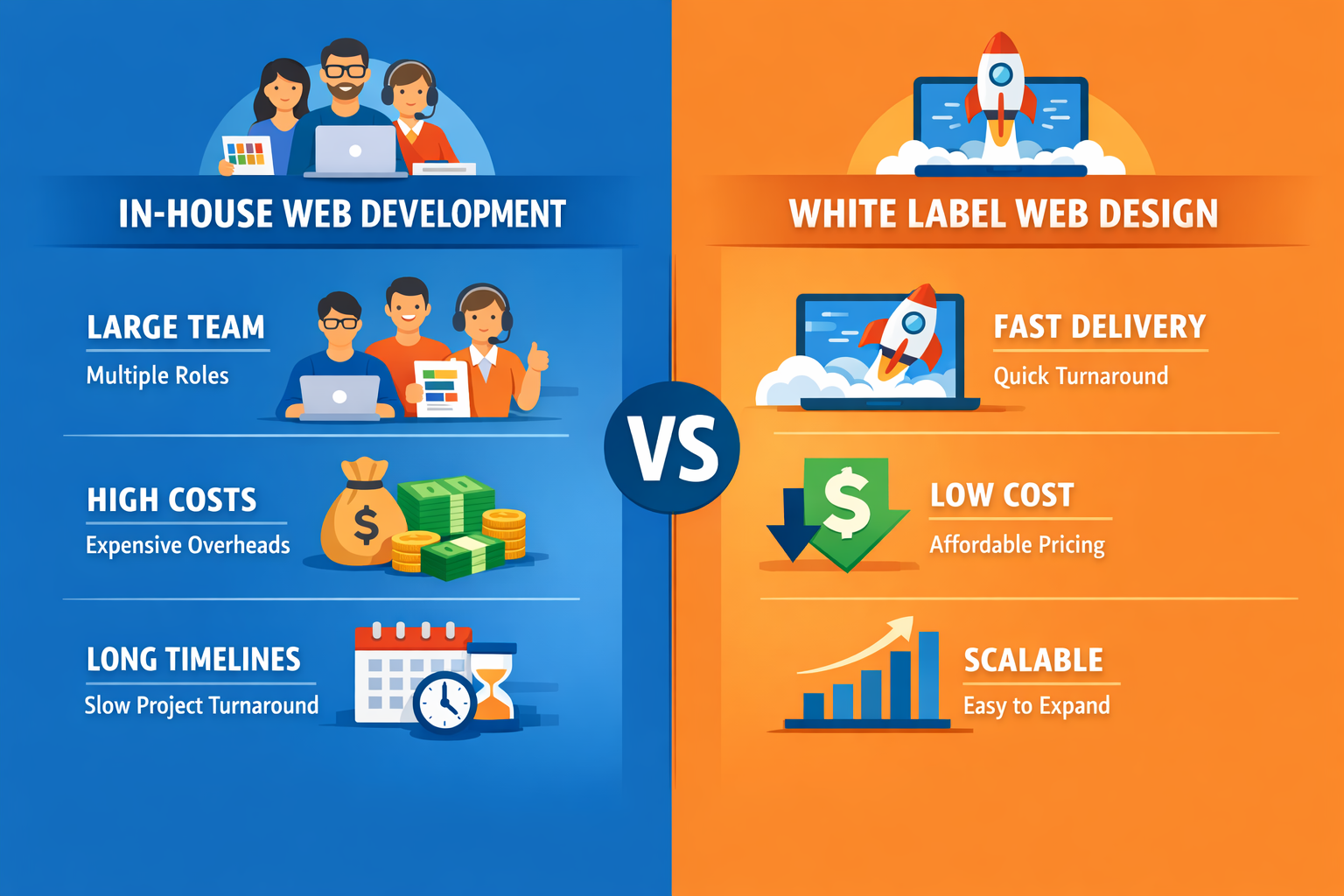
Agencies face a brutal math problem. Clients expect campaigns delivered fast, but every landing page costs billable hours. Build pages manually and you're capped by your team's capacity. Outsource and you lose margin.
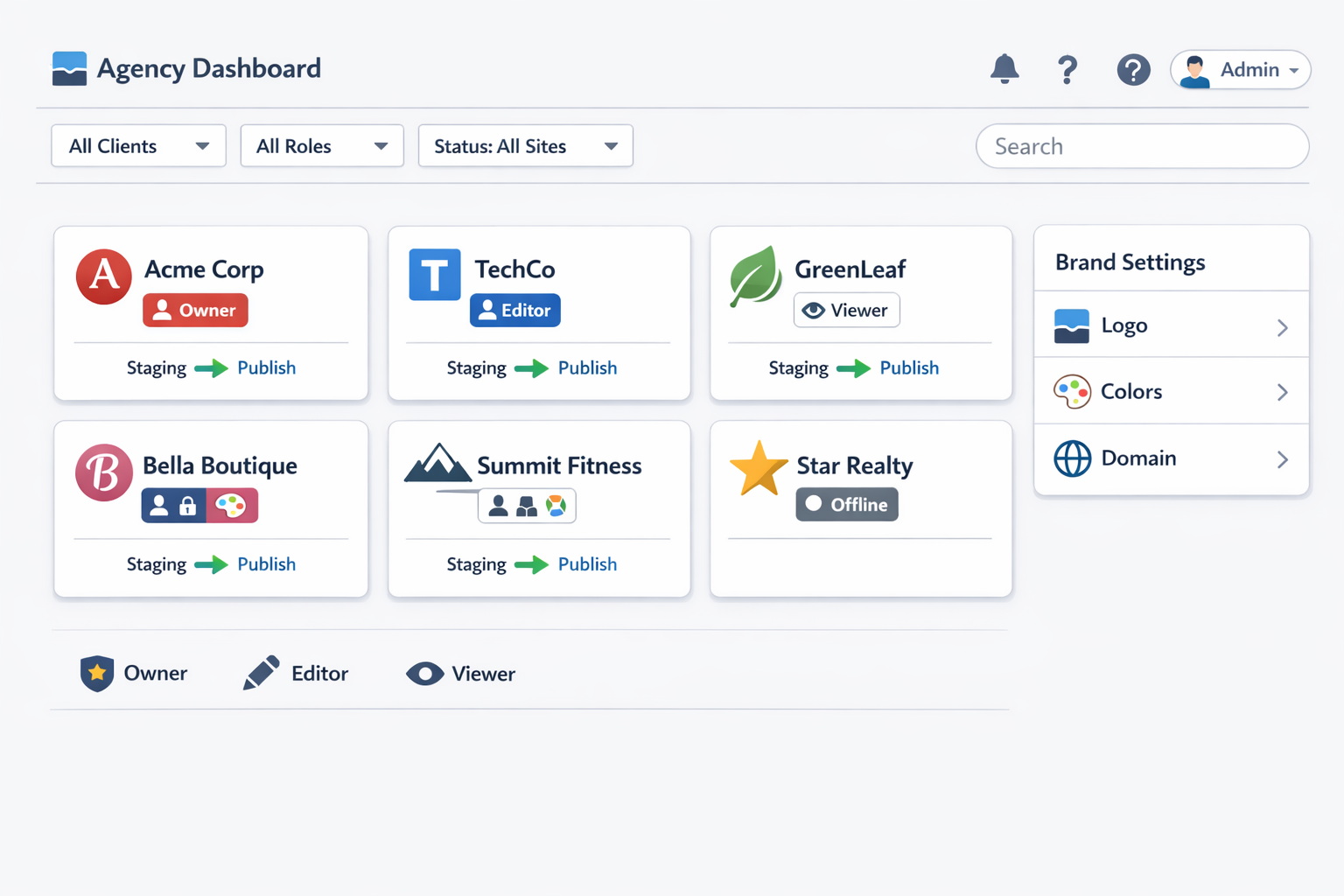
A white label AI landing page builder solves both problems. You generate client pages in minutes, brand everything with your agency's identity, and deliver a finished product without the client ever seeing the tool's logo.
This isn't just efficiency; it's positioning. When clients see your branded dashboard and fast turnaround, you look like a bigger, more capable agency. You can charge premium rates for speed that took a team of five to deliver before.
There's a second, subtler benefit: consistency. When pages are generated from your templates and brand kit, every client deliverable looks like it came from the same studio. That's the kind of polish clients notice and mention in reviews and referrals.
Pricing and Packaging Your Landing Page Service
If you're going to sell landing pages, package them like a product, not a service. Agencies typically charge one of these ways:
- Flat rate per page: $500 to $2,500 per landing page, depending on complexity and speed.
- Monthly retainer: $1,000 to $5,000 per month for a set number of pages, variants, and updates.
- Campaign bundle: page plus ad creative and copy, priced as a launch package.
- Self-serve portal: clients order pages through your branded portal, you deliver on a fixed SLA.
Flat-rate packaging is easier to sell than hourly billing because it focuses the conversation on outcomes. "One high-converting landing page, delivered in 48 hours, $1,200" is a product. "A landing page, billed at $120 per hour, maybe 15 hours" is a threat.
Client Management and Reselling at Scale
The real leverage comes from the business model. With a white label platform, you can:
- Sell landing pages as a product: flat-fee landing pages with fast turnaround, a service most agencies can't offer profitably.
- Offer care plans: ongoing page updates, new campaign variants, and optimization retainers.
- Run self-serve client portals: clients request pages, you generate and deliver, all under your brand.
- Protect your margins: your cost per page is a fraction of what you charge.
lindoai is built for exactly this. It combines AI website and landing page generation with white label delivery and client management, so agencies can resell AI-built pages at healthy margins. If you're building pages for clients, it's worth exploring our white label website builder to see how the economics work.
Best AI Landing Page Builders Compared
You have options, and the right choice depends on what you're building and for whom. Here's an honest comparison of the main approaches.
Feature Comparison
| Platform | AI Generation | White Label | Form/CRM Integrations | Best For |
|---|
| lindoai | Yes | Yes | Yes | Agencies and white label resellers |
| Unbounce (Smart Builder) | Yes | Limited | Yes | Established marketers, A/B testing |
| Instapage | Partial | No | Yes | Enterprise teams, ad-to-page matching |
| Durable | Yes | No | Basic | Solo founders, quick sites |
| Elementor AI | Yes | No | Yes | WordPress users |
The pattern is clear: most tools serve solo marketers, and white label support is rare. If you're building pages for one business, almost any tool works. If you're building pages for many clients, white label capability becomes the deciding feature.
Pricing Comparison
Pricing follows the same split. Solo-focused tools charge per account, usually $30 to $100 per month depending on traffic and features. Enterprise tools like Instapage run $200+ per month, and custom agency work costs thousands per page.
White label platforms typically price per site or per client, which keeps your unit costs low when you manage many pages. For an agency delivering 10 pages a month, the platform cost is a rounding error against what you charge clients.
FAQ
What is the best AI landing page builder?
The best choice depends on your situation. For solo marketers, tools like Unbounce and Durable offer strong AI generation with proven conversion features. For agencies building pages for multiple clients, the best choice is a white label platform like lindoai, which lets you brand the tool as your own and resell at healthy margins.
Can I use an AI landing page builder without any design skills?
Yes, that's exactly who these tools are for. The AI handles layout, typography, color, and copy generation based on your inputs. You make high-level choices, like which style direction to use and which headline option to keep, and the tool handles the execution. No code, no design software, no template wrestling.
Can AI create a high-converting landing page?
Yes, with the right workflow. AI generates the structure, copy, and design based on proven conversion patterns, giving you a strong draft in minutes. But conversion still requires human judgment: real testimonials, accurate specifics, fast load times, and continuous testing. The best results come from treating AI as a collaborator, not a replacement.
How long does it take to build a landing page with AI?
A first draft takes 5 to 15 minutes with an AI landing page builder. A polished, branded, tested page typically takes 1 to 2 hours including copy edits, design customization, form setup, and analytics. That's a fraction of the 4 to 10 hours a traditional builder requires.
Is there a white label landing page builder for agencies?
Yes. A white label landing page builder lets agencies generate pages under their own brand, with a branded client dashboard and no third-party logos. lindoai offers this model, combining AI generation with white label delivery, client management, and reseller economics. Check our pricing page for agency plans.
Do AI-generated landing pages rank well in Google?
They can, with the right setup. Google ranks pages based on quality and usefulness, not on whether AI generated them. Use descriptive meta titles, write unique copy that isn't duplicated across variants, and keep load times fast. Since AI makes iteration cheap, you can improve a page's content over time based on real search performance data.
How much does an AI landing page builder cost?
Solo tools typically cost $30 to $100 per month, with enterprise options above that. White label platforms usually price per site or per client, keeping unit costs low for agencies managing many pages. Compared to paying a freelancer $500 to $2,000 per page, subscription pricing is dramatically cheaper.
Launch Your AI Landing Page Today
Building a high-converting landing page used to be a slow, expensive project. With an AI landing page builder, it's a 10-minute task that you can iterate on forever. The workflow is simple: define your offer, generate with AI, refine the copy and design, connect your forms and analytics, then test and improve.
The tools are mature, the prices are reasonable, and the results speak for themselves. Whether you're a solo marketer launching campaigns or an agency delivering pages for clients, there's an AI solution that fits.
Ready to build your first page? Try lindoai and generate a landing page in minutes. And if you're building for clients, explore our white label website builder to turn that speed into a recurring revenue stream.