Auto Parts Store website template
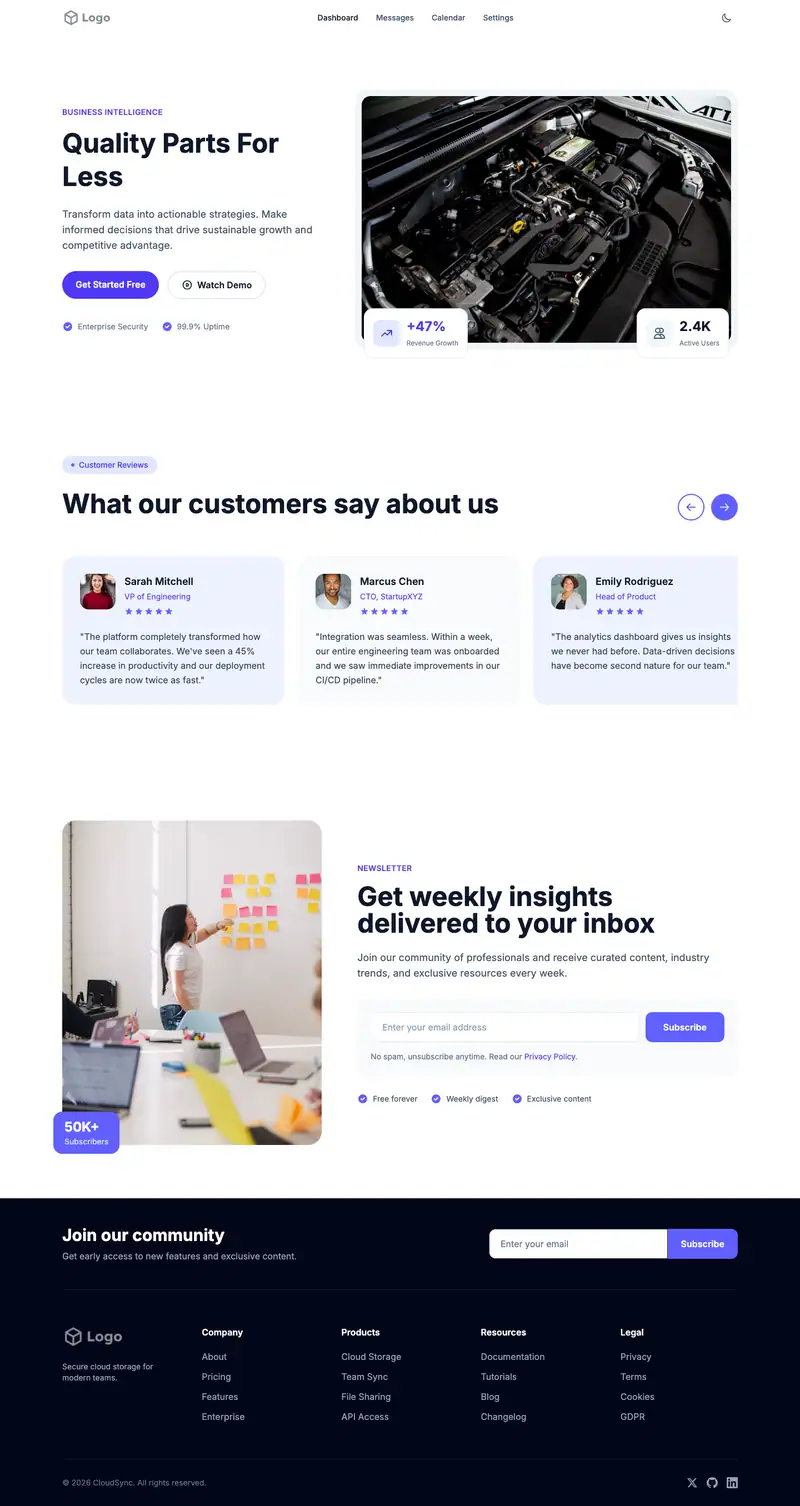
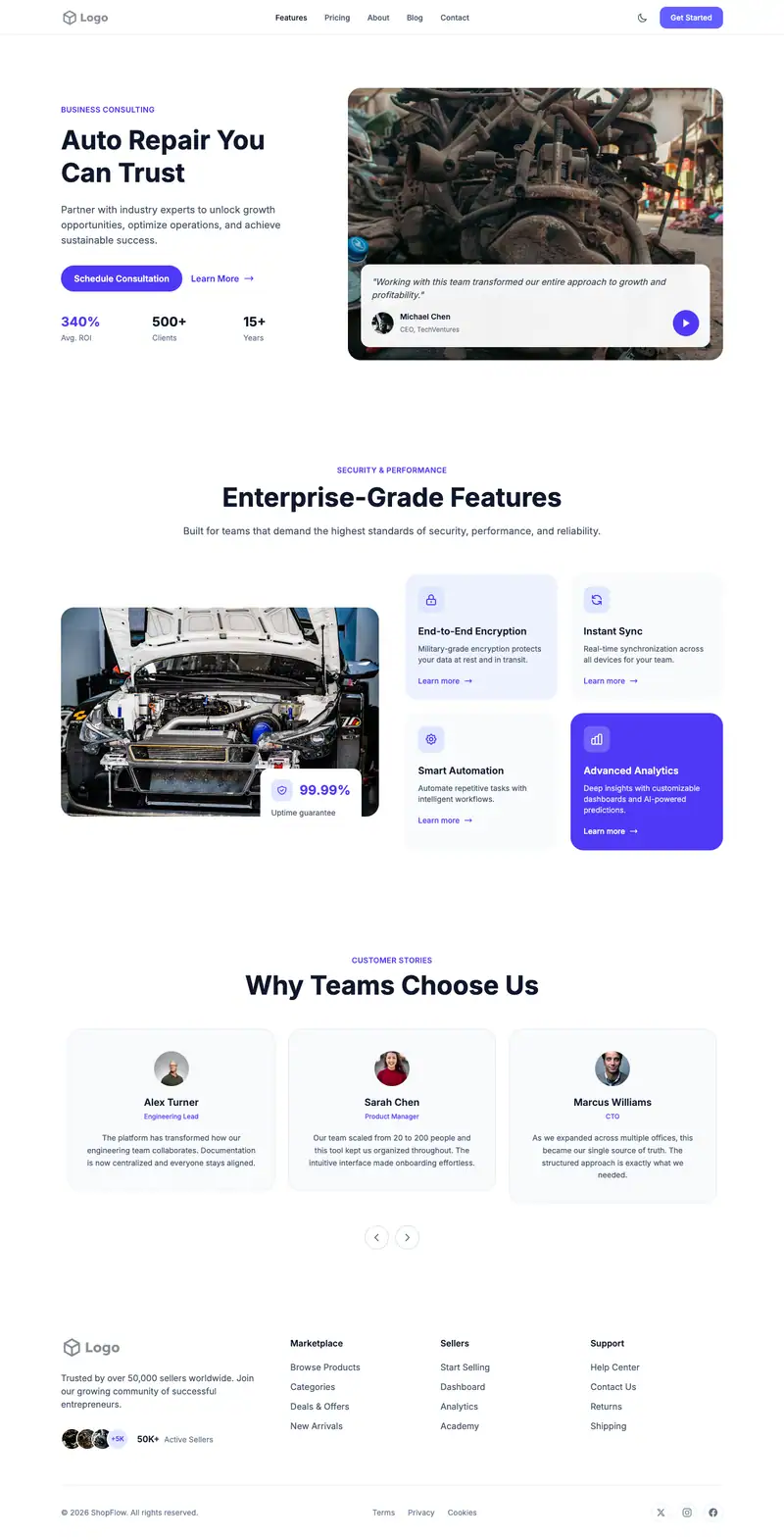
A parts store wins when a DIY customer can confirm fitment and stock before driving over. "Parts For Every Vehicle" leads into a Cinematic Story hero, and the Image Features Form call to action is useful for a part request form where people enter year, make, model, and the part they need.
- Industry
- Automotive
- Layout
- One-page landing site
- Sections
- 5
- Responsive
- Desktop, tablet and mobile
- Dark mode
- Included
- Price
- Free to start
Best for
- Independent parts stores
- Performance parts shops
- Parts counters serving mechanics
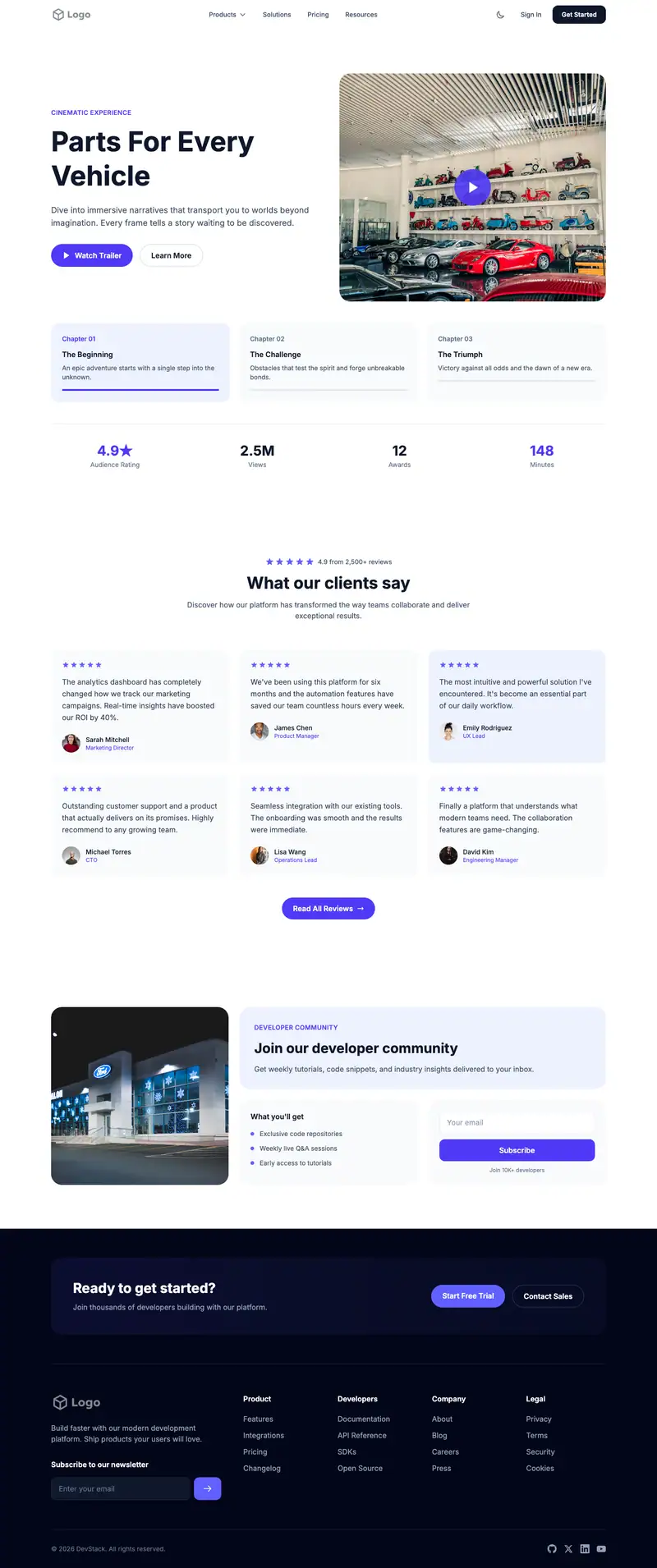
Scroll the preview. Text and photos are placeholders; Lindo replaces them with your business details.
What's on the page
- 1
Navigation · Multi Level Dropdown layout
Logo, menu and a primary button that stays easy to reach.
- 2
Hero · Cinematic Story layout
The first screen: headline, supporting line and the main call to action.
- 3
Testimonials · Minimal Rating Grid layout
Reviews and quotes from customers to build trust before they contact you.
- 4
Call to action · Image Features Form layout
A closing prompt that repeats the main action before the footer.
- 5
Footer · Newsletter Columns layout
Contact details, links and the small print at the bottom of every page.
Make it yours
What a auto parts store business should put in after remixing:
- Use the hero image for your counter or shelves and add a 'Check Stock' button that links to the request form.
- Turn the Image Features Form into a part lookup request with fields for VIN or year, make, and model.
- Fill the Minimal Rating Grid with reviews from local mechanics and DIY customers about finding the right part.
Getting found
Target part-specific local searches like 'alternator [make] [model] near me' and 'auto parts store open Sunday [city]'.
Building this for a client?
On Studio and White Label plans you can remix this template per client, then hand over the editor under your own brand.
See white-label features