Migrate your website with AI.
Paste your site's URL and Lindo rebuilds the content, images, design, and metadata as an editable draft — from WordPress, Wix, Squarespace, Webflow, GoDaddy, or any other platform. No exports and no migration fees; you review the draft, then plan redirects and the domain cutover.
Free to try. Your current site stays live while you build the replacement.
Where are you coming from?
Migration guides for every platform
Platform-specific answers on exports, domains, blogs, and what transfers.
The migration field guides
Move the website. Keep the business working.
Platform-specific exit plans, practical checklists, and the details an AI-generated preview cannot verify. Start with your current builder—or plan the whole agency rollout.
Agency operations
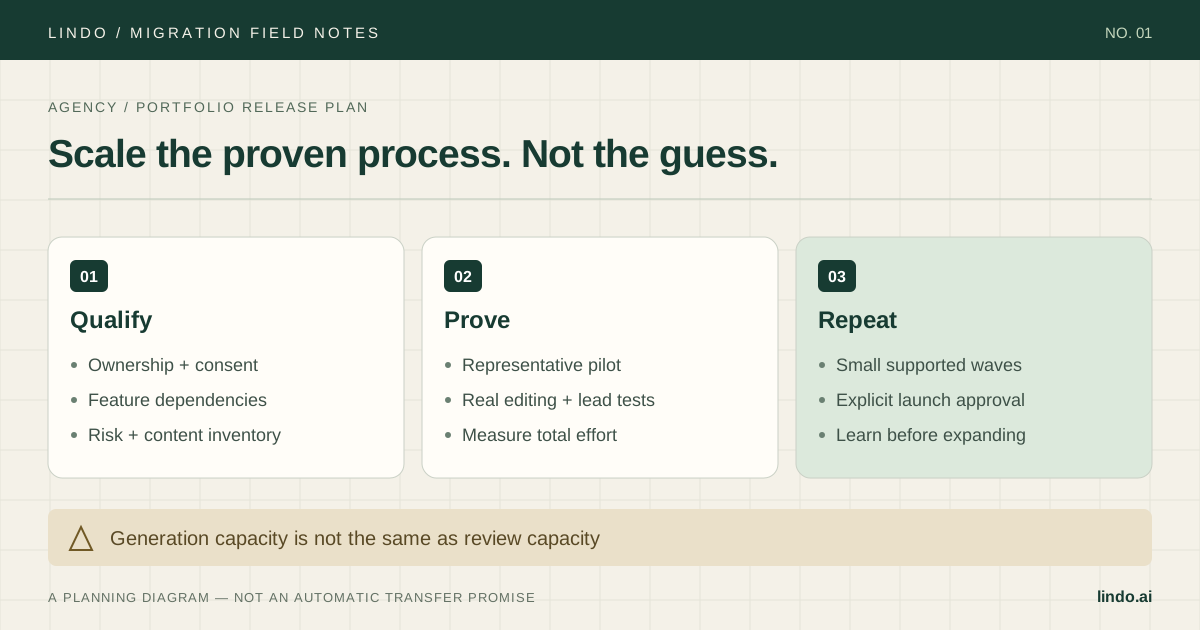
An agency playbook for migrating client websites to AI builders
Plan client website migrations in controlled waves: scope dependencies, estimate pilot effort, assign owners, approve cutovers, and hand off the new workflow.
Read the guide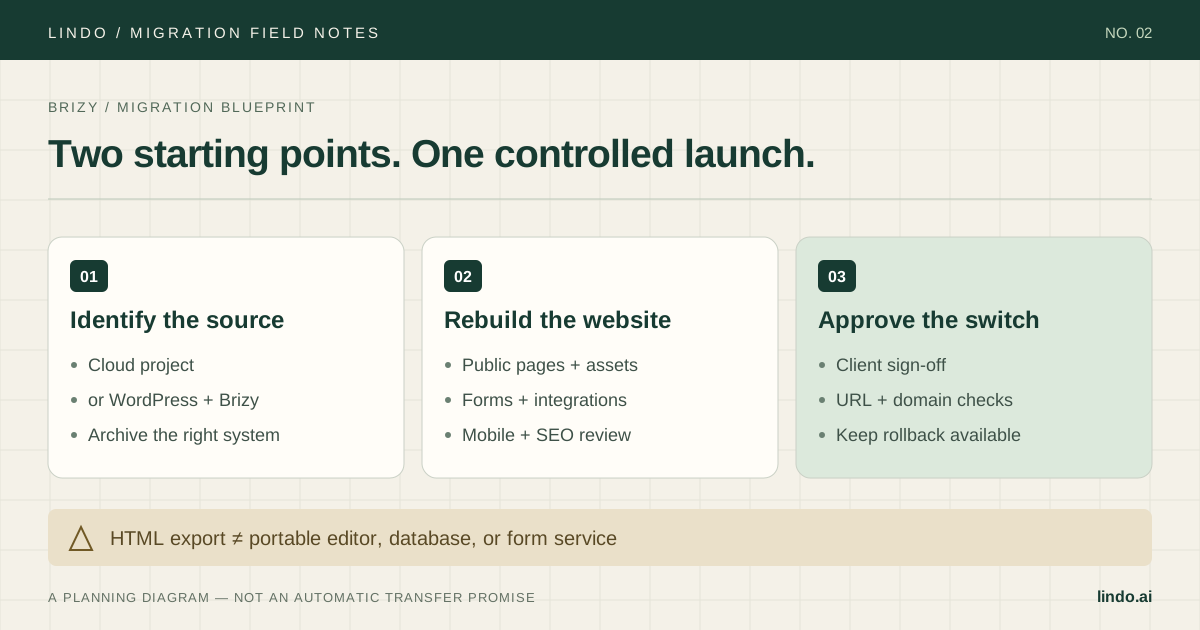
Brizy
How to migrate a Brizy website to an AI website builder
Move a Brizy Cloud or WordPress site to an AI builder. Audit exports, rebuild forms, map URLs, and get client approval before switching the domain.
Read the guide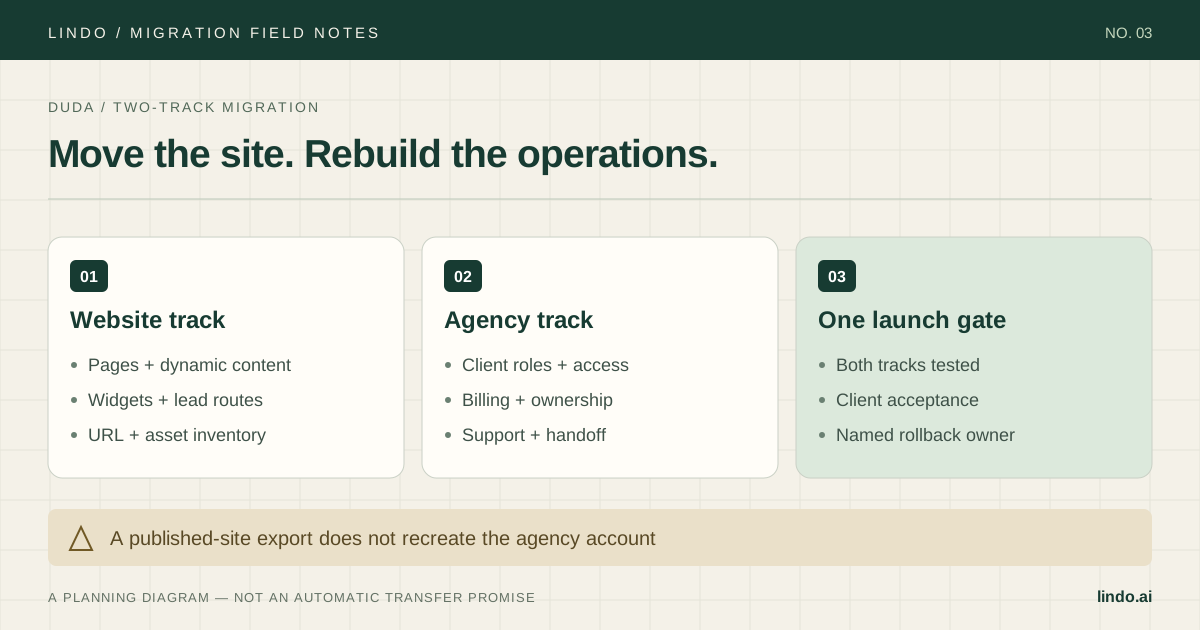
Duda
How to migrate Duda client websites to an AI website builder
Plan a Duda migration around dynamic pages, widgets, client access, and billing. Includes an agency checklist, pilot scope, and launch acceptance tests.
Read the guide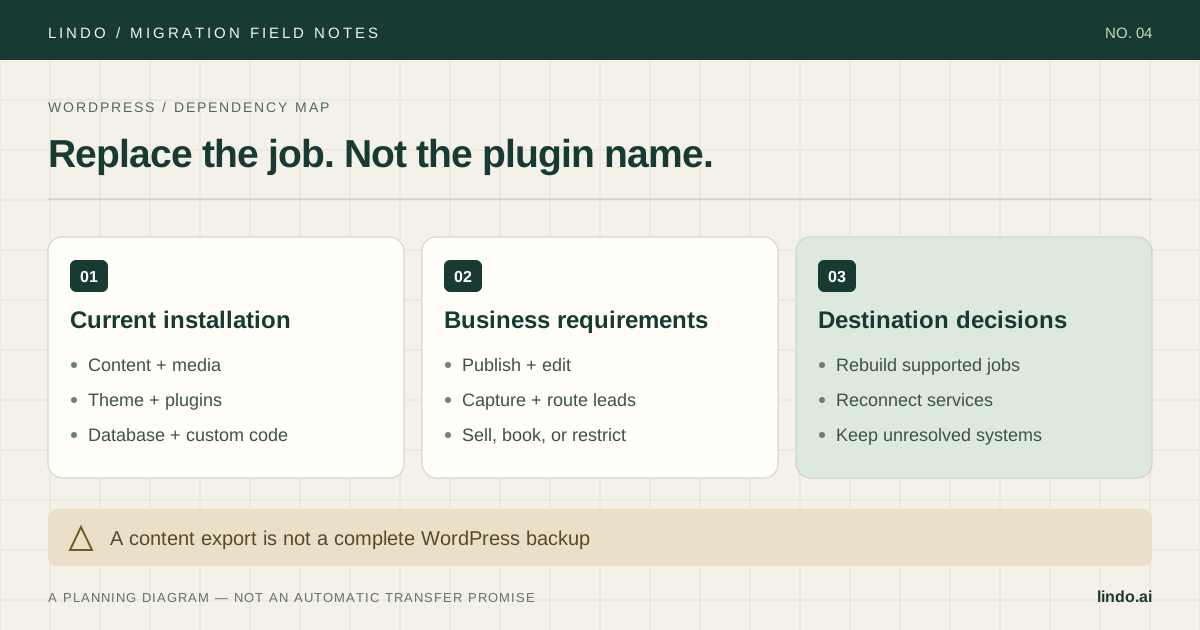
WordPress
How to migrate a WordPress website to an AI website builder
Audit plugins, back up content, preserve URLs, and rebuild a WordPress site in an AI builder. A practical agency guide with a plugin-replacement worksheet.
Read the guide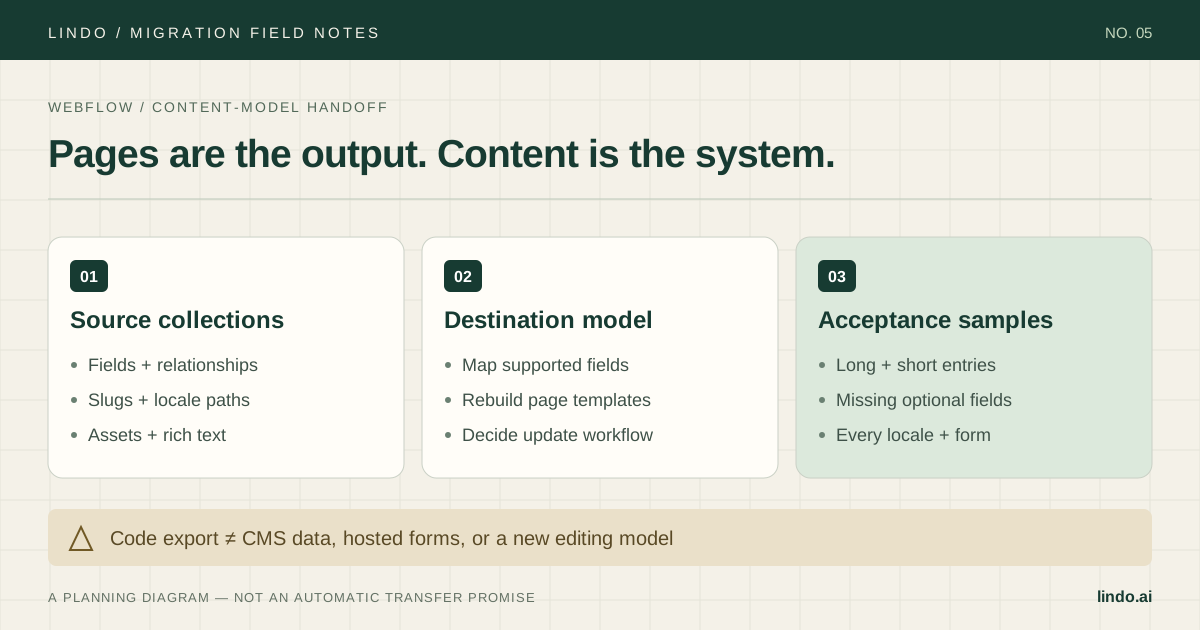
Webflow
How to migrate a Webflow website to an AI website builder
Move a Webflow site with a plan for CMS collections, localized URLs, forms, and interactions. Includes a field-mapping example and agency launch checklist.
Read the guide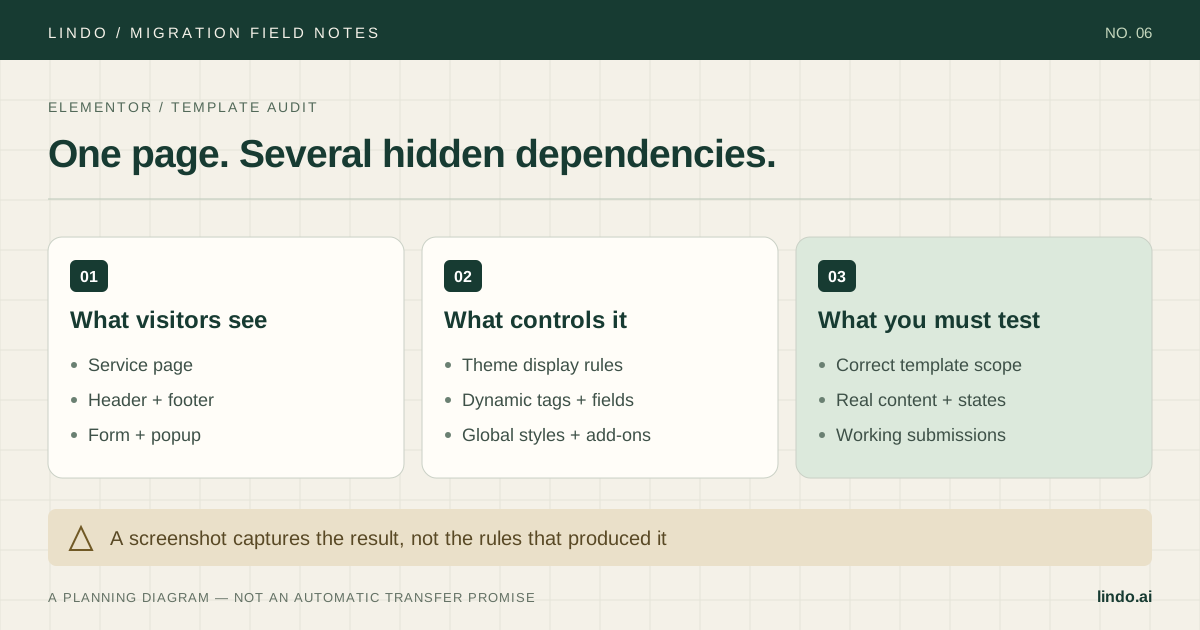
Elementor
How to migrate an Elementor website to an AI website builder
Rebuild an Elementor site without losing track of Theme Builder rules, dynamic fields, popups, or forms. Includes a dependency checklist and pilot tests.
Read the guide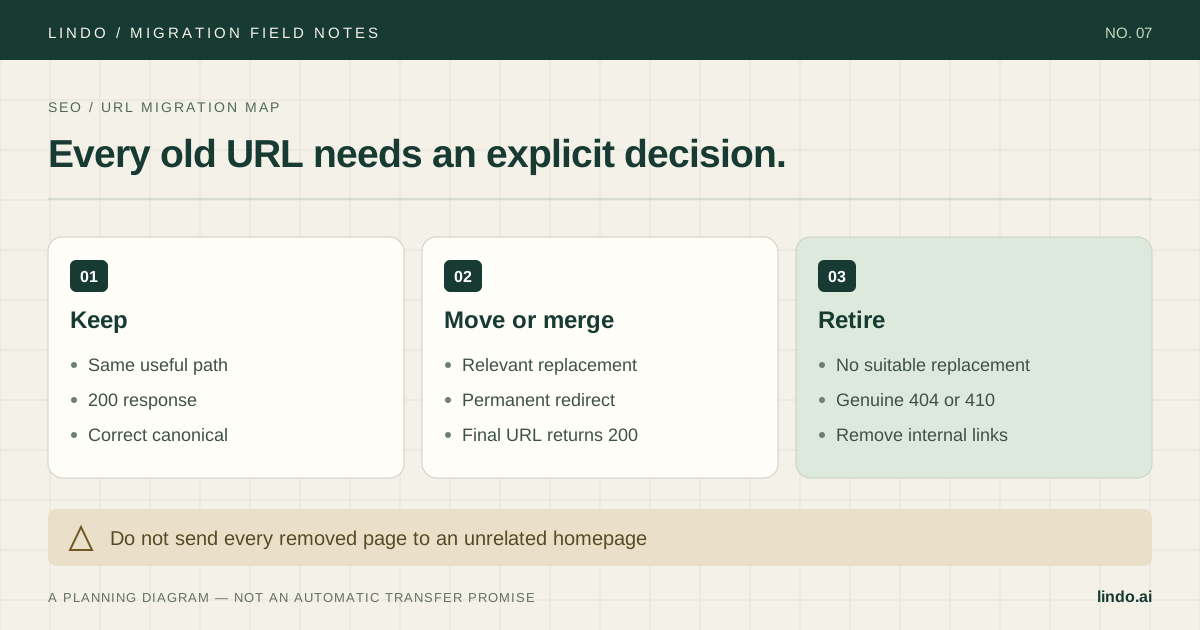
Agency operations
Website migration SEO checklist: before, during, and after launch
An actionable SEO migration checklist for agency websites: URL mapping, redirects, canonicals, forms, tracking, launch checks, and post-migration diagnosis.
Read the guideHow the migration works
Paste your site's URL.
Start from an authorized public URL on your current platform. Keep a source backup and inventory even though the draft workflow does not require an export.
AI imports and rebuilds.
Lindo uses the public site to create an editable draft. Compare the result against your required pages, content, assets, and metadata.
Review and polish.
Adjust anything in the visual builder or with AI prompts. Your current site stays live while you work, so nothing changes for visitors until you switch the domain.
Connect your domain and switch.
After approval, connect your domain and verify HTTPS, redirects, forms, and analytics. Retain the original site through your agreed recovery window.
Plan the handoff
A draft is the start, not the whole migration
Why migrate to Lindo
A better home for your website
Start with a draft
AI can shorten the initial rebuild. Scope content cleanup, integrations, testing, and handoff separately.
Free modern redesign
Your content lands in a current, responsive design — the redesign you've been putting off, included.
SEO needs a review
Compare titles, descriptions, canonicals, and URLs against the source. Test required redirects; no tool can guarantee rankings.
Hosting included
Fast global hosting, SSL, and a custom domain — no separate hosting bill or setup.
AI editing from day one
Change anything with a prompt — layouts, copy, images — or use the visual editor.
Built for agencies too
Migrate client sites in bulk and run them white-labeled under your brand.