The short answer
Start with one client, inventory dynamic content and apps, and test client editing separately from the public site. Keep existing billing and hosting active until their replacements are verified.
- A good fit
- Agencies with mostly content and lead-generation sites that want to evaluate a different publishing, branding, or client-delivery workflow.
- Pause if
- A portfolio that depends on untested app, membership, store, or connected-data replacements. Prove those workflows before committing to a bulk move.
1. Write down what the move must improve
Duda already offers AI and agency-oriented tools. 'Move to AI' is not, by itself, a useful reason to leave. Define the actual problem: routine edits require too much staff time, the client experience does not fit your service, or a different delivery model needs a different platform.
Choose a measurable pilot outcome. For example: can the account manager safely update a service page, can the client edit approved content without breaking the layout, and can your team trace a submitted enquiry? Record the current workflow before comparing the new one.
If the only requirement is moving a site between Duda accounts, investigate Duda's account-transfer route. Exporting and rebuilding elsewhere would add unnecessary work for that use case.
Primary documentation: Duda: current agency and AI capabilities · Duda: export versus account transfer
2. Understand what a Duda export leaves behind
Duda's site-export documentation describes a ZIP of the published site's HTML, CSS, JavaScript, and assets, available on the Agency plan and higher. It also lists excluded or non-working features, including membership and apps. Check the current documentation against the actual site rather than treating the archive as a complete replacement system.
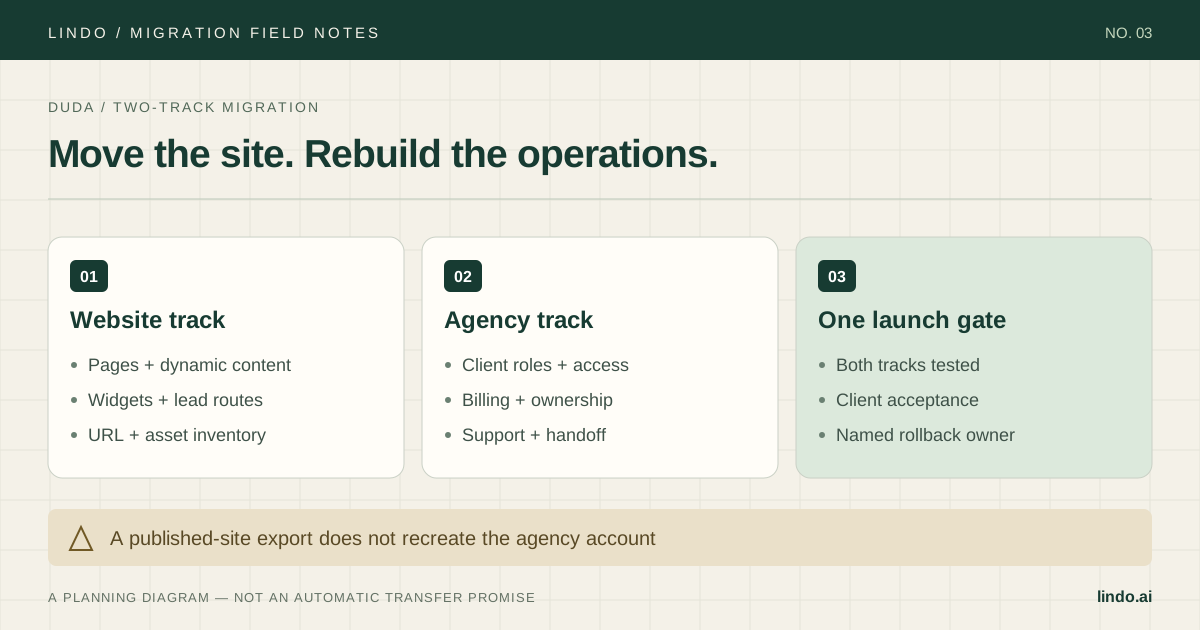
Use the export, where available, as a reference and backup artifact. A new AI builder does not automatically inherit the original editor configuration, connected data, customer records, or client permissions. Public-page reconstruction and operational data migration need separate plans.
Save approved original images, downloads, business details, and page metadata in a client-specific folder. Mark third-party content and licensed assets for review. Recreating a design does not grant a new license to everything visible on the source site.
Primary documentation: Duda: site export availability, exclusions, and restrictions
3. Count content records, not just page templates
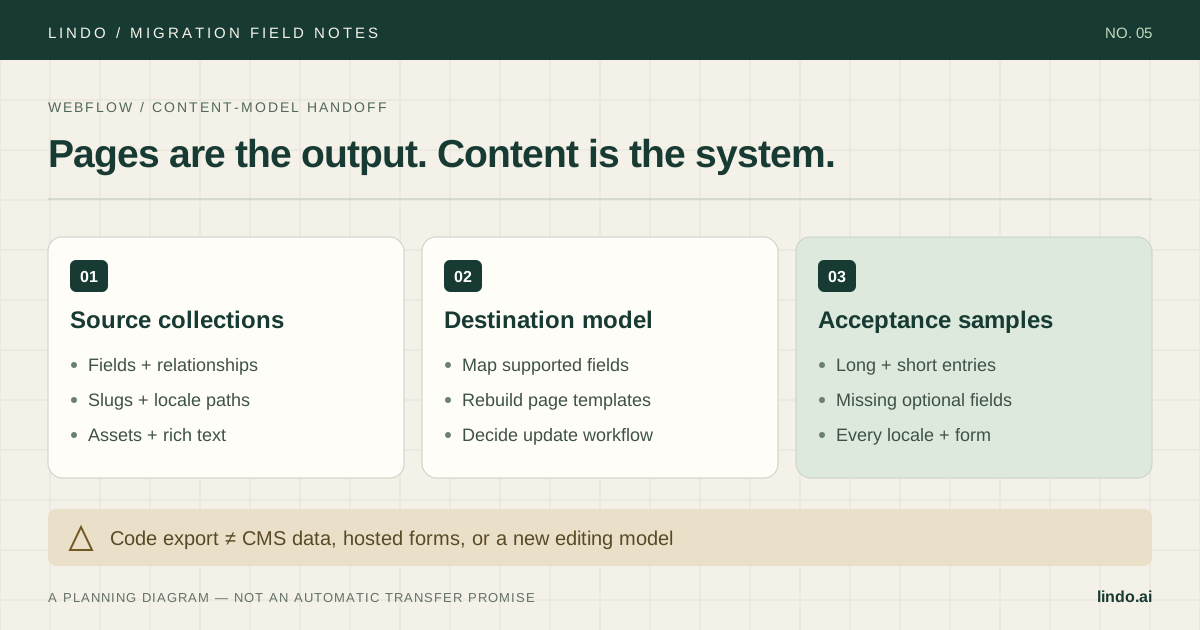
A location template can generate many public URLs. If you count it as one page, your scope and QA plan will be wrong. List the source data, rendered URLs, fields, conditional content, and who updates each record.
The destination must support the client's future editing needs, not merely today's rendered pages. Rebuilding twenty location pages as static pages may be acceptable for a small, rarely changing business. It may be a poor choice when a connected source updates opening hours daily. Make that tradeoff explicit before the pilot.
| Dependency | Question to resolve | Acceptance test |
|---|---|---|
| Dynamic location pages | What becomes the source of truth? | Update one location and verify the right public page |
| Custom widget | Rebuild, embed, replace, or retire? | Test the action and its error state |
| App integration | Where will data and credentials live? | Complete a real test transaction or enquiry |
| Client permissions | What can the client see and change? | Test using a client account, not an admin |
| Recurring billing | Who charges the client after cutover? | Confirm one active subscription and the next invoice |
4. Pick a pilot that exposes the hard parts
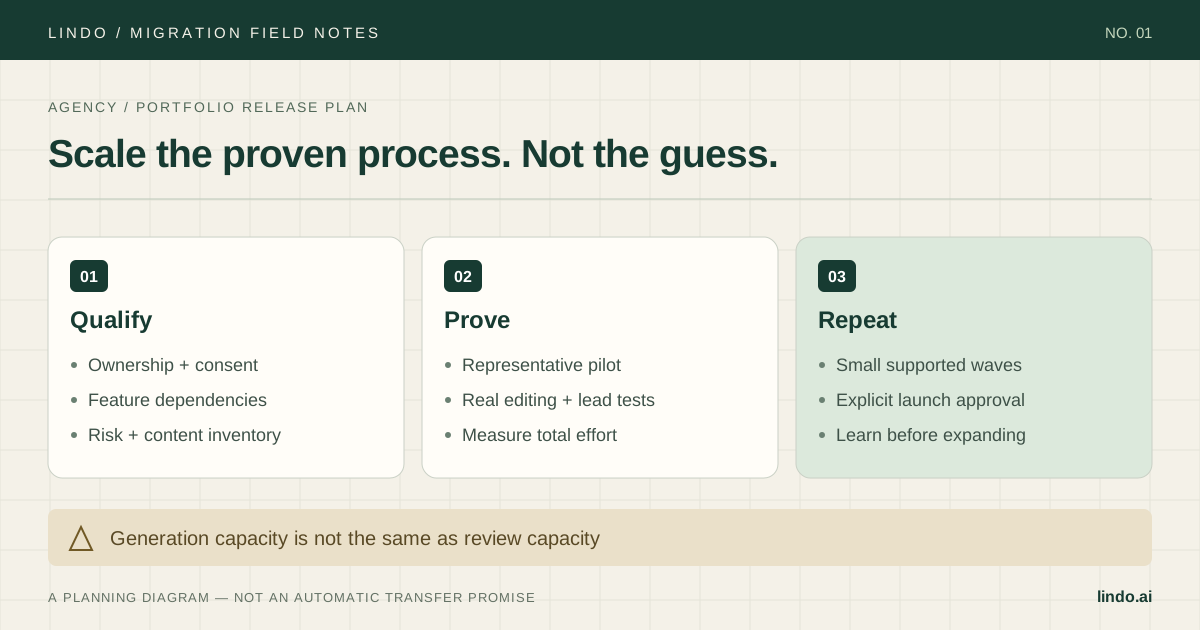
Use a cooperative client with a manageable site and at least one representative complication: a form integration, a dynamic page, or a client-editing requirement. Do not start with the biggest account or with a site so simple it proves nothing about the rest of the portfolio.
Create a draft from the public URL in Lindo, then compare its page inventory with your source register. Reconnect forms and embeds deliberately. Check that images load from an approved long-term location and that mobile navigation does not hide a key conversion path.
Run a client-editing session before the domain switch. Ask the client to change a phone number, replace an image, and review a draft using the access you intend to provide. Record where they need help. That is part of the migration cost, even if generating the first draft was quick.
5. Separate website cutover from billing cutover
Write a short responsibility sheet: who owns the domain, who pays for hosting, who administers the new account, who handles support, and who authorizes cancellation of the old service. Give it to the client with the approval request.
Do not interpret a successful page migration as permission to move or cancel subscriptions. Reconcile the existing billing arrangement and obtain the required client approval for changes. Test any replacement checkout or billing connection separately; historical invoices and payment tokens should never be presumed to transfer with a website.
Compare costs using the pilot's actual editing and QA time, destination subscriptions, integration fees, overlap, and retraining. A lower per-site price can still produce a more expensive operation if every routine content change becomes manual.
6. Launch the pilot before scheduling the portfolio
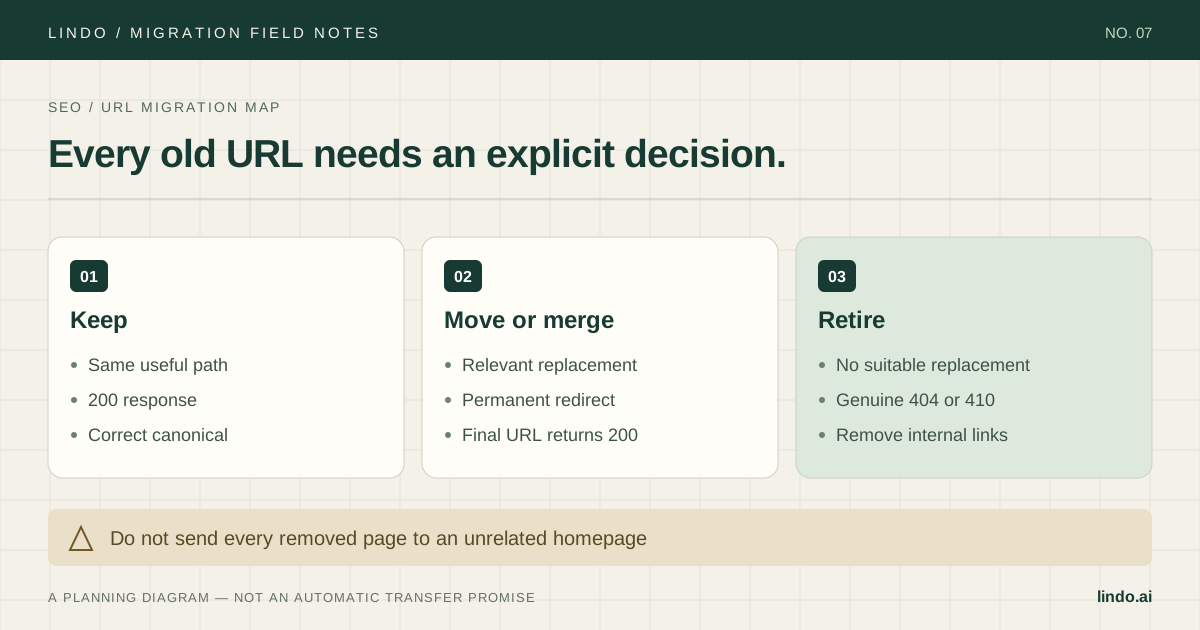
Approve URLs, forms, analytics, client access, and rollback ownership before switching the domain. If URLs change, prepare the redirect map and test the actual production behavior. Verify business contact details and key landing pages from a fresh browser session after launch.
Use what went wrong in the pilot to revise the next migration brief. Group remaining sites by shared dependencies, not alphabetically by client. A group of brochure sites and a group of connected-data directories need different acceptance tests.
Limit each wave to what your team can check and support. Stop a wave when the pilot exposes a repeated defect, such as forms reaching the wrong recipient or dynamic content losing its update path. Fix the common cause before producing more drafts.
Take it into the project
The working checklist
Copy this into your project brief, assign an owner to each item, and attach evidence before marking it complete. No email required.
- Document the operational reason for leaving Duda
- Check current export eligibility and exclusions
- Archive content and confirm rights to reused assets
- Enumerate rendered dynamic URLs and their data sources
- Assign a replacement to every app and widget
- Pilot one representative client site
- Test editing with the intended client permissions
- Document domain, support, and billing ownership
- Approve URLs, forms, analytics, and rollback
- Launch in supportable waves after pilot acceptance
Includes owner/evidence fields, a URL map, dependency register, and sign-off prompts. Opens in any text editor.
Common questions
Can I move a whole Duda agency account into Lindo?
Do not treat website reconstruction as an account transfer. Sites, client access, integrations, billing arrangements, and retained data need their own setup and validation.
Does Duda let me export a site?
Duda documents site export on its Agency plan and above, with exclusions and restrictions. Confirm your account's current eligibility and the features your site uses before depending on that export.
Will dynamic pages remain dynamic?
Not automatically. A recreation of a rendered page does not recreate its data source. Choose and test a destination content model before migrating a collection of dynamic pages.