The short answer
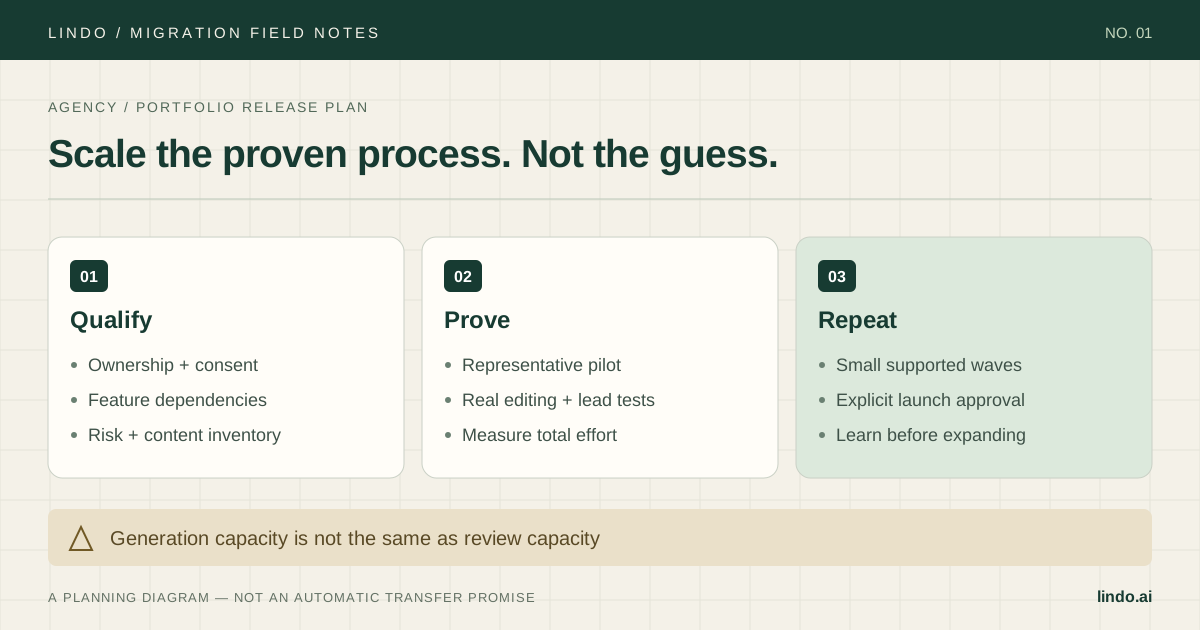
Group clients by migration risk, prove one representative pilot, and size each wave to your QA and support capacity. Keep website, data, domain, and billing approvals distinct.
- A good fit
- Agencies moving several client websites from Brizy, Duda, WordPress, Webflow, Elementor, or a mixed platform portfolio.
- Pause if
- A deadline-driven bulk switch without client authorization, source access, tested replacements, and a viable recovery plan.
1. Build a client register before touching a builder
Create one row per client with source platform, domain owner, editing owner, billing owner, critical business actions, content volume, required integrations, and contract constraints. A five-page site with an appointment workflow can require more migration work than a fifty-page brochure site.
Record who may authorize the rebuild, domain change, data transfer, billing changes, and source cancellation. Those are not interchangeable permissions. If a former supplier controls the domain or asset license, resolve it before putting the client into a launch wave.
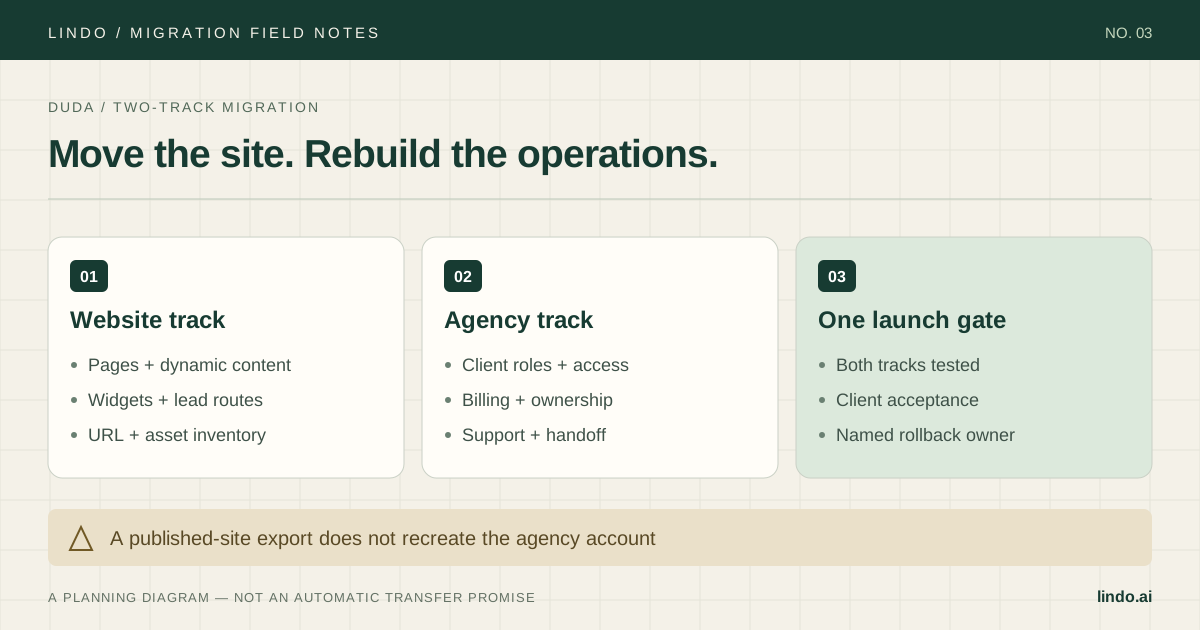
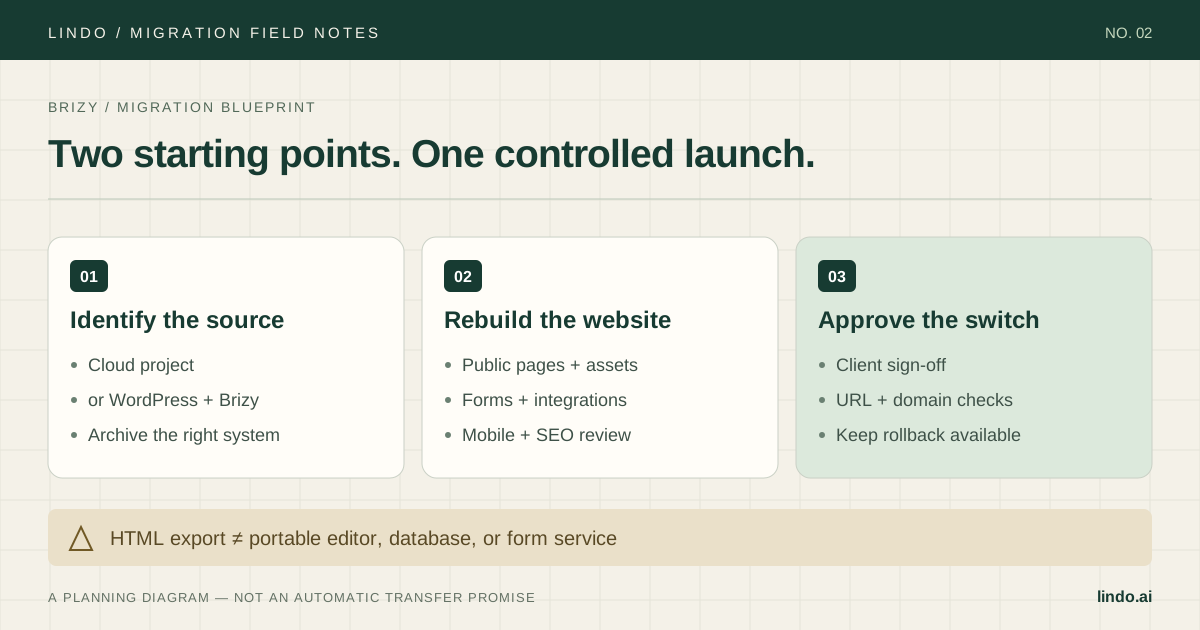
Use the platform guides to uncover the right dependencies. Brizy needs a Cloud-versus-WordPress decision; Elementor needs template and add-on auditing; Webflow needs a CMS model; Duda needs client operations as well as website review. Treat this as one program with different work packages, not one script for every platform.
2. Group by failure mode, not by platform alone
Use a simple routing rule. Standard content and lead-generation sites can enter the ordinary pilot track. Sites with structured content, multilingual publishing, or custom interactions need an extended pilot. Sites with unresolved payments, membership, identity, or critical application dependencies stay on hold.
Do not turn this into a pseudo-precise risk score. One unresolved dependency can block launch regardless of the number of easy pages. Use the register to make those blockers visible and assign a named person to resolve each one.
| Track | Typical scope | Entry requirement |
|---|---|---|
| Standard pilot | Brochure pages, images, ordinary enquiries | Page inventory and form-routing owner |
| Extended pilot | CMS, languages, custom widgets, complex forms | Content-model and integration acceptance tests |
| Hold | Unresolved commerce, membership, identity, ownership | Dependency resolution before a launch date |
3. Make the pilot an end-to-end delivery rehearsal
Choose a cooperative client whose site contains features common to the group. Include at least one non-homepage content type and a real lead path. Rebuild on a separate draft, compare the source inventory, and record anything the first output omitted or misinterpreted.
Have the intended editor perform a real update. Have the account manager follow a test enquiry into the correct destination. Have the technical owner check URLs, assets, and domain configuration. Give the client a written list of changed or removed features, not only a preview link.
Record production, cleanup, QA, client-review, training, and cutover time separately. Include the waiting time imposed by client approvals in the schedule, even though it is not billable production. The next wave should be estimated from this evidence.
4. Estimate the whole migration, not the generation step
Use a simple model: migration labor plus integration setup plus overlapping subscriptions plus client training. Then compare recurring platform and support costs separately. Do not mix one-time migration effort with monthly savings and call the result margin.
Illustrative planning example, not a benchmark: suppose a pilot needs two hours of content cleanup, two of QA, one of client review, and one of cutover work. That is six staff-hours before integration work and any new design requests. Generating the draft quickly does not eliminate those six hours.
Decide which changes are in scope. Preserving the existing content and conversion path is different from rewriting every service page, adding a booking system, and redesigning the brand. Keep optional enhancements in a separate estimate so approval does not stall the necessary migration.
5. Give every launch a named owner and evidence
A launch checklist should record a result, a tester, and an evidence link for each critical action. 'Form checked' is weaker than 'test lead received by the sales inbox and CRM, with consent text and confirmation verified.' Define the latter before review starts.
Use separate approvals for content, business functions, client access, URLs/SEO, domain switch, and billing changes. The technical owner can approve DNS readiness but cannot approve a change to the client's commercial arrangement. Assign the correct decision-maker.
Write down the rollback trigger and who may act. Examples include a failed production enquiry path or a critical missing service page. Keep the previous configuration and source site available; DNS rollback is not instantaneous and does not undo data or billing changes.
6. Ship a wave, learn, then expand
Schedule waves around the team's ability to review and respond. Avoid putting unrelated high-risk clients into the same cutover window. Freeze content briefly or maintain a final-change log so the destination does not launch with stale information.
After each wave, review defects by cause: missed inventory item, unsupported capability, generated-content error, integration mistake, or client misunderstanding. Fix the checklist or workflow at the source instead of treating every repeat as an isolated support ticket.
Track successful lead paths, important landing-page traffic, editor independence, and support load. Separate tracking failures from actual business changes. Expand only when the delivered sites work and the support pattern is understood; a larger batch should not be the reward for a fragile pilot.
7. Close with an operating guide, not a cancellation email
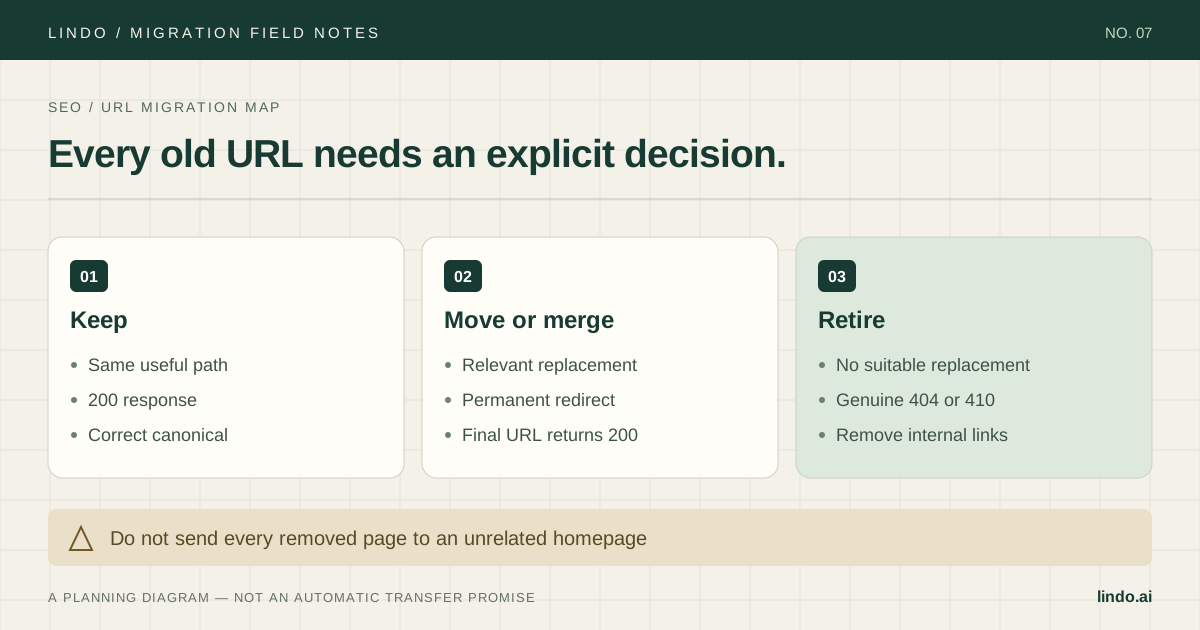
Deliver the final URL map, approved feature changes, editing instructions, domain and service ownership, backup location, and escalation contact. Confirm who is responsible for future content updates, integrations, and subscription renewals.
Review shared licenses and shared hosting before retiring the source. Cancelling one agency subscription may affect other clients. Archive only what the project permits you to retain and keep private records under the agreed access and retention rules.
Keep a retrospective with actual hours and defects for the next estimate. That record is more useful than a blanket promise about migrating any website in minutes.
Take it into the project
The working checklist
Copy this into your project brief, assign an owner to each item, and attach evidence before marking it complete. No email required.
- Create the client ownership and dependency register
- Confirm separate website, data, domain, and billing authority
- Route each site to standard, extended, or hold
- Select a representative pilot and define acceptance tests
- Measure cleanup, QA, review, training, and cutover effort
- Separate migration fixes from optional redesign scope
- Assign a tester and evidence to each launch requirement
- Record rollback triggers and the person authorized to act
- Size waves to QA and support capacity
- Handoff ownership and check shared dependencies before cancellation
Includes owner/evidence fields, a URL map, dependency register, and sign-off prompts. Opens in any text editor.
Common questions
How many client websites should we migrate at once?
There is no reliable universal batch size. Use the pilot to measure your review and support capacity, then choose a wave small enough to test and recover safely.
Can AI handle the whole migration?
AI can assist with draft creation and repetitive content work. Ownership, private data, integration behavior, domain changes, client approval, and production testing still need explicit decisions and validation.
Should we move every client onto the same builder?
Only if it supports their requirements. A mixed portfolio can be preferable to forcing a store, membership system, or complex CMS into an unsuitable destination.