The short answer
Rebuild the public pages in a staging draft, retain a separate source backup, and test every form and integration. A Brizy HTML export is not an editable project in another builder.
- A good fit
- Agencies moving brochure sites, service-business sites, or landing pages into a different editing and client-management workflow.
- Pause if
- A site whose essential membership, store, or WordPress-plugin workflow has no tested replacement. Resolve that dependency before moving.
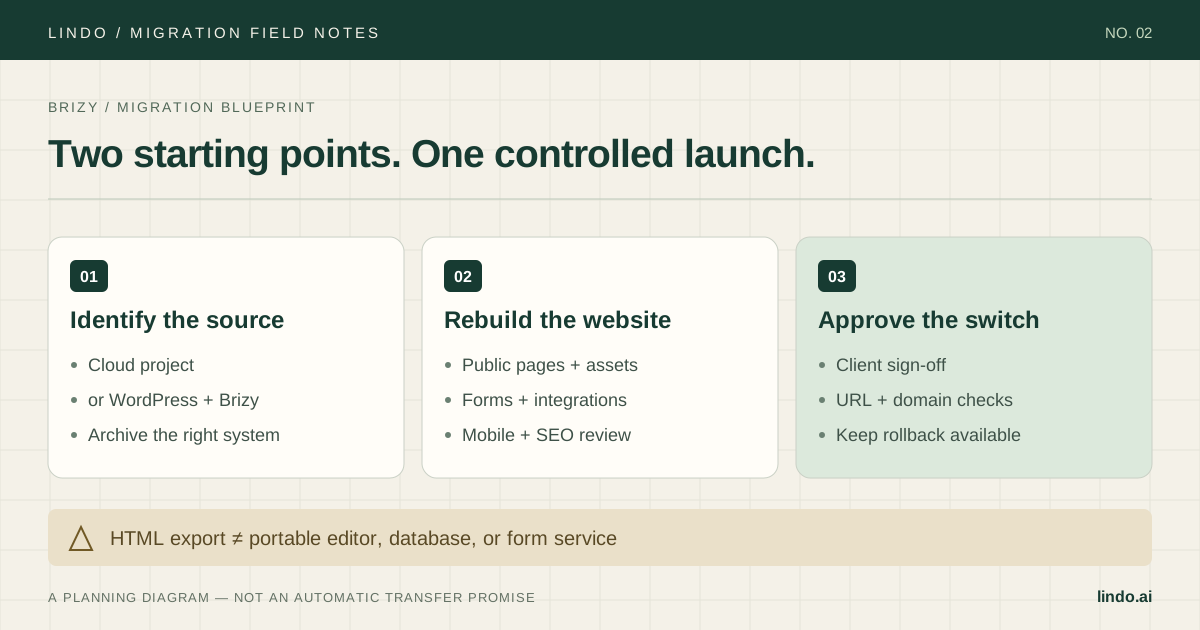
1. Identify which Brizy you are leaving
Ask the person who publishes the site to show you the editing account. A Brizy Cloud project and the Brizy plugin on WordPress are different systems. Do not use the domain name or the appearance of the page as evidence of which one you have.
For Cloud, record the workspace owner, project, publishing method, domain provider, and connected services. For WordPress, add the hosting account, database backup, theme, plugin list, and any custom code. If a previous agency owns any of these, resolve access and asset rights before preparing a replacement.
Also distinguish a move away from Brizy from Brizy's own project-format migration. If your only problem is an in-product upgrade, review that route first; changing builders introduces a separate content and operational project.
Primary documentation: Brizy: migrating deprecated projects to CMS format
2. Keep an archive, but do not confuse it with an import
Brizy documents an HTML export for Cloud on its Agency PRO plan. Its published instructions start from the project's Publish option and produce a ZIP for external hosting. Check eligibility in the account you are actually migrating; do not buy a plan upgrade until you know whether an archive is needed for your project.
An HTML archive is useful evidence of the published site. It is not a promise that another builder can open Brizy's page structure as native editable blocks. Lindo's URL-based workflow instead creates a new draft from the public site. Treat that draft as a reconstruction that needs page-by-page review.
For Brizy on WordPress, retain a restorable hosting backup as well as a content export. The WordPress XML export is not a substitute for the database, uploaded files, theme, and plugin configuration needed to restore the original site.
Primary documentation: Brizy: Cloud HTML export and plan requirement
3. Audit the things a screenshot cannot show
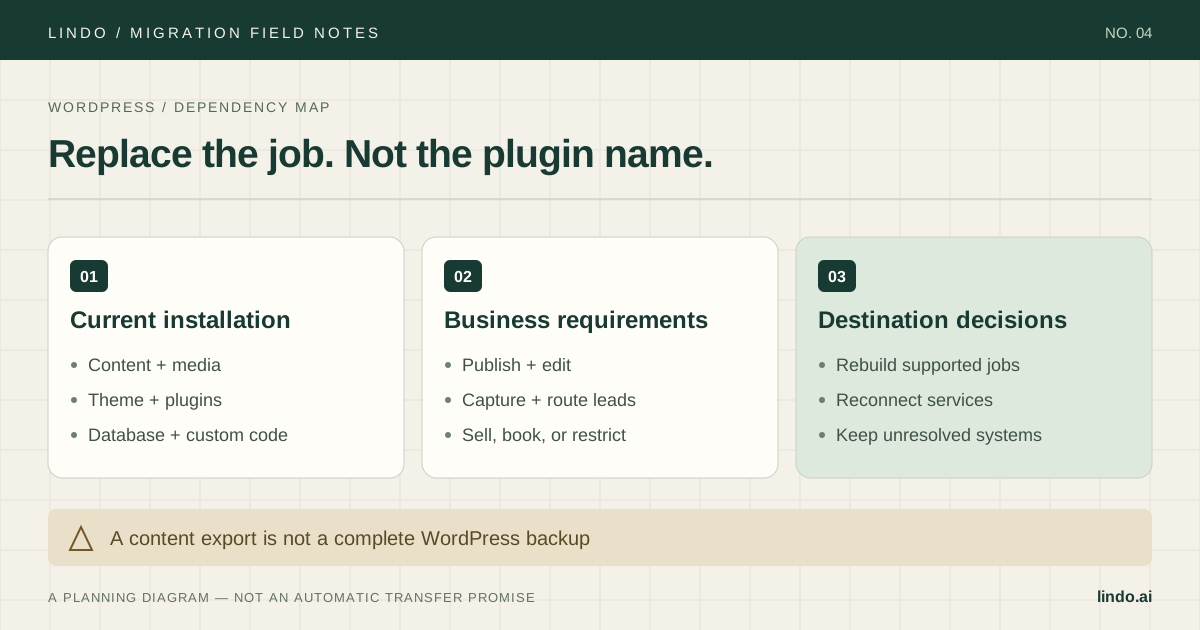
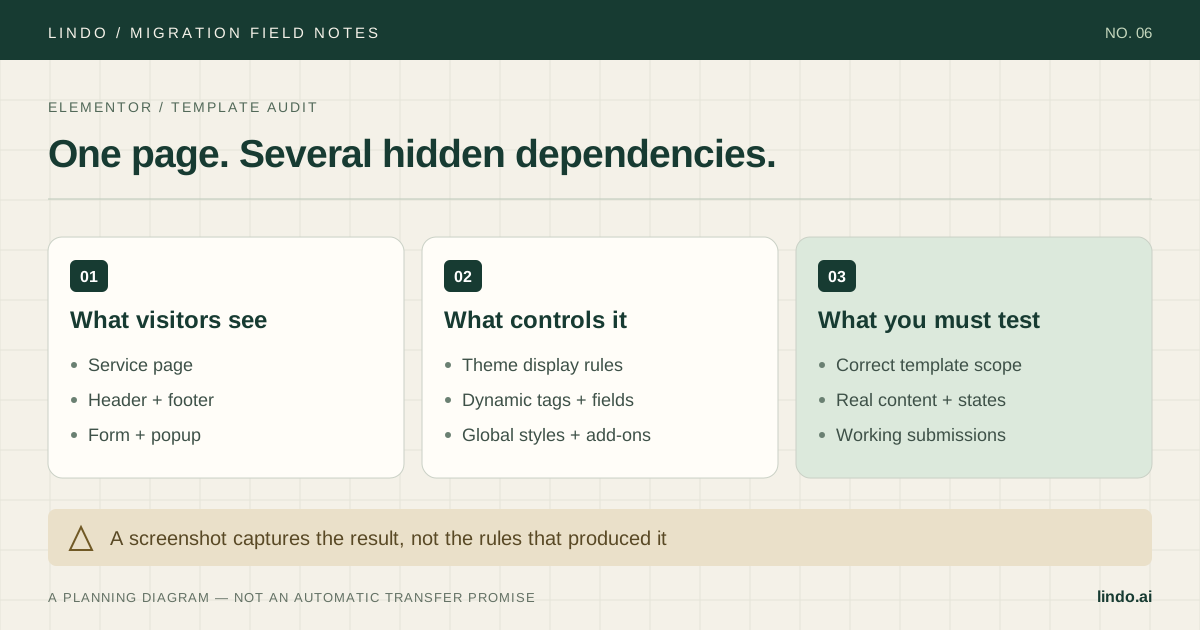
Take screenshots for visual reference, then make a separate behavior inventory. A contact form may send an email, add a CRM contact, and trigger an automation. A rebuilt form that only shows a success message has not replaced that workflow.
For each repeated header, footer, popup, and call-to-action, record where it appears and what makes it appear. Include mobile-only elements and links to downloadable files. Save source images you are licensed to use; do not rely on a URL into the old project's asset storage remaining available forever.
| Source item | Migration action | Evidence before launch |
|---|---|---|
| Global block | Rebuild as a shared destination element | Change it once and check every intended page |
| Form + automation | Reconnect destination and notifications | Test lead appears in the right inbox and CRM |
| Popup or conditional section | Recreate the rule, not just the design | Trigger and dismissal tested on mobile |
| WordPress plugin feature | Choose a replacement or keep it separate | Complete the real visitor workflow |
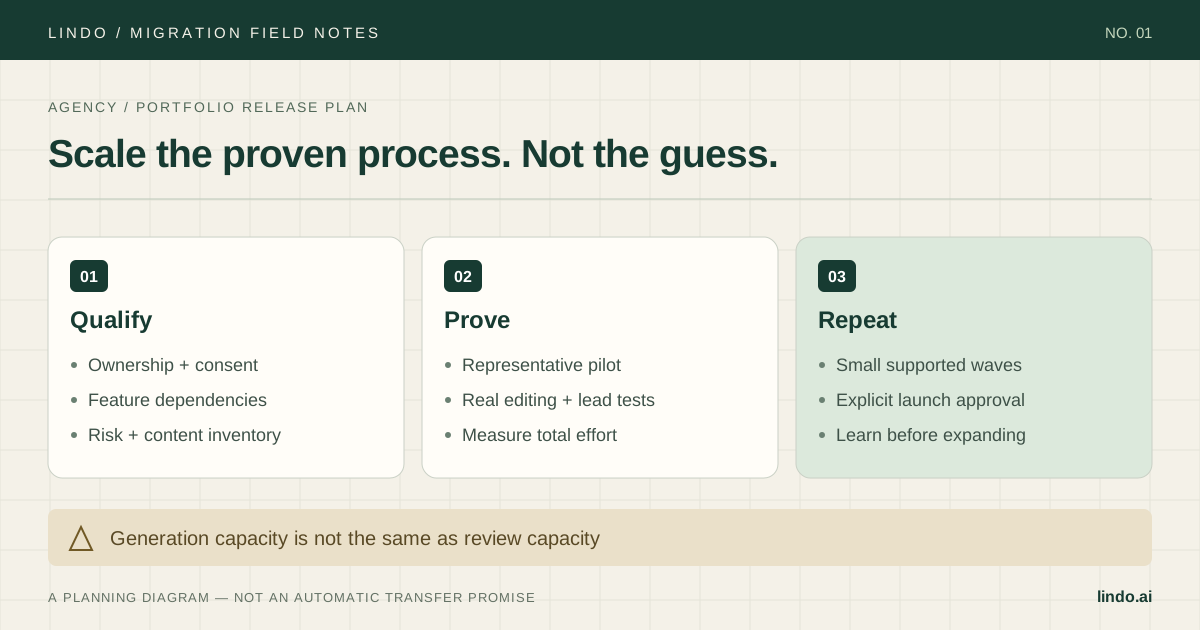
4. Rebuild one representative page before the rest
Choose a page that includes a global navigation, a real image, a form, and a layout that changes on mobile. The simplest homepage is not always the best pilot. If the site has a blog, test a long post with inline images as a second content type.
In Lindo, open the URL-to-website workflow and use a public URL you own or have permission to recreate. Review the generated draft against your inventory. Explicitly check whether all required pages exist; starting with a URL is not evidence that every post, draft, and private page was imported.
Keep approved service descriptions and factual claims intact during the first pass. If you also want a redesign, separate required migration fixes from optional design changes. That keeps a client from approving new typography while missing a changed phone number or omitted service area.
5. Make approval specific enough to mean something
Give the client a review sheet with a row for every live page and every lead path. Ask them to confirm content, contact details, image rights, mobile navigation, and the destination of each form. A general 'looks good' email is not a test of the site's business functions.
Record any feature deliberately removed and why. For example, if an old popup is being retired because the offer expired, that is an approved content change—not a migration bug. Keep unresolved items visible, with a named owner and a decision on whether they block launch.
Estimate the remaining work from the pilot: time per ordinary page, time per special feature, and time for review. Add source/destination subscription overlap and integration costs. Generation time alone is not a useful migration estimate.
6. Switch the website, not the client's email
Build a source-to-destination URL map before editing DNS. Keep useful paths where possible and test any required permanent redirects at the layer that will serve traffic after launch. A redirect left only in the old WordPress installation will not help if requests no longer reach it.
Save the current DNS values and arrange a rollback owner. Use the destination's current domain instructions; do not change nameservers or mail records as an incidental part of moving a website. After the switch, test HTTPS, the root and www hosts, important deep links, forms, and downloads.
Retire the old project only after you have checked its asset dependencies, recorded new leads successfully, and retained the agreed backup. Keep watching the actual landing pages that previously generated enquiries, not just the homepage.
Take it into the project
The working checklist
Copy this into your project brief, assign an owner to each item, and attach evidence before marking it complete. No email required.
- Identify Cloud versus WordPress and confirm publishing access
- Save the appropriate archive and asset originals
- List global blocks, popups, forms, and integrations
- Rebuild one complex page and one blog post if applicable
- Confirm page coverage against the source inventory
- Test form delivery and automations end to end
- Approve content, mobile layouts, and intentional removals
- Map old URLs and verify redirect ownership
- Save DNS values without disturbing email records
- Check production links and assets before cancelling the source
Includes owner/evidence fields, a URL map, dependency register, and sign-off prompts. Opens in any text editor.
Common questions
Can I import a Brizy export directly into Lindo?
Do not assume a Brizy ZIP is a supported native import. Lindo's public-URL workflow rebuilds a draft; archive the Brizy export separately and verify page coverage and functionality.
Will Brizy forms and popups transfer?
Their visible appearance may be recreated, but delivery destinations, automation connections, display conditions, and stored submissions need their own migration and testing.
Should I migrate just to get AI features?
First compare the workflow you already have with a representative destination pilot. Move only when editing, client delivery, or operations improve enough to justify rebuilding and validating the site.