The short answer
Back up the complete WordPress installation, map each plugin to a business requirement, and rebuild the public site as a reviewed draft. Keep WordPress—or another suitable system—for any critical capability you cannot replace.
- A good fit
- Content-led agency and service-business websites where the destination can handle publishing, enquiry forms, and routine client updates.
- Pause if
- Complex WooCommerce, membership, learning, or custom application workflows without a separately validated data and feature migration.
1. Decide whether you are leaving WordPress at all
A hosting migration, a theme change, and a move to a non-WordPress AI builder are different projects. Moving between WordPress hosts can preserve the existing application. Rebuilding in a different system replaces it. Establish that distinction before promising to transfer plugins or preserve editing behavior.
Some AI builders use WordPress underneath; others do not. Ask what the destination actually runs and how the client will update it. If your primary requirement is reduced maintenance, compare the existing stack with a representative pilot rather than assuming every AI product eliminates maintenance work.
Also identify whether the source is self-hosted WordPress or WordPress.com, and what account permissions are available. The export, hosting backup, and administrative access you can obtain may differ. Name the owner of the domain, hosting, paid plugins, and business data.
2. Save a restorable backup and a content inventory
Use the source host's backup process to retain the database and site files, and confirm how a restore would be performed. Store the archive securely. It may contain personal information or credentials and should not be uploaded as an input to a public-page recreation tool.
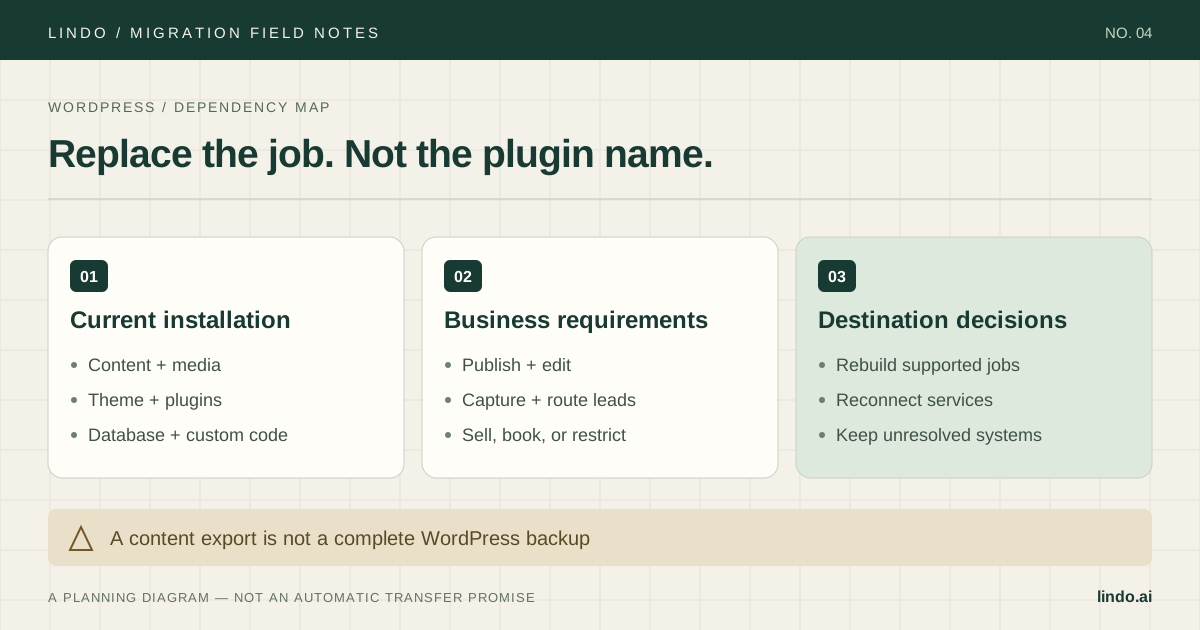
WordPress Tools → Export produces a WXR XML content file containing items such as posts, pages, taxonomies, and custom fields. Keep that as a separate content archive. It is not a self-contained copy of the running WordPress application or a guarantee that another builder supports every exported field.
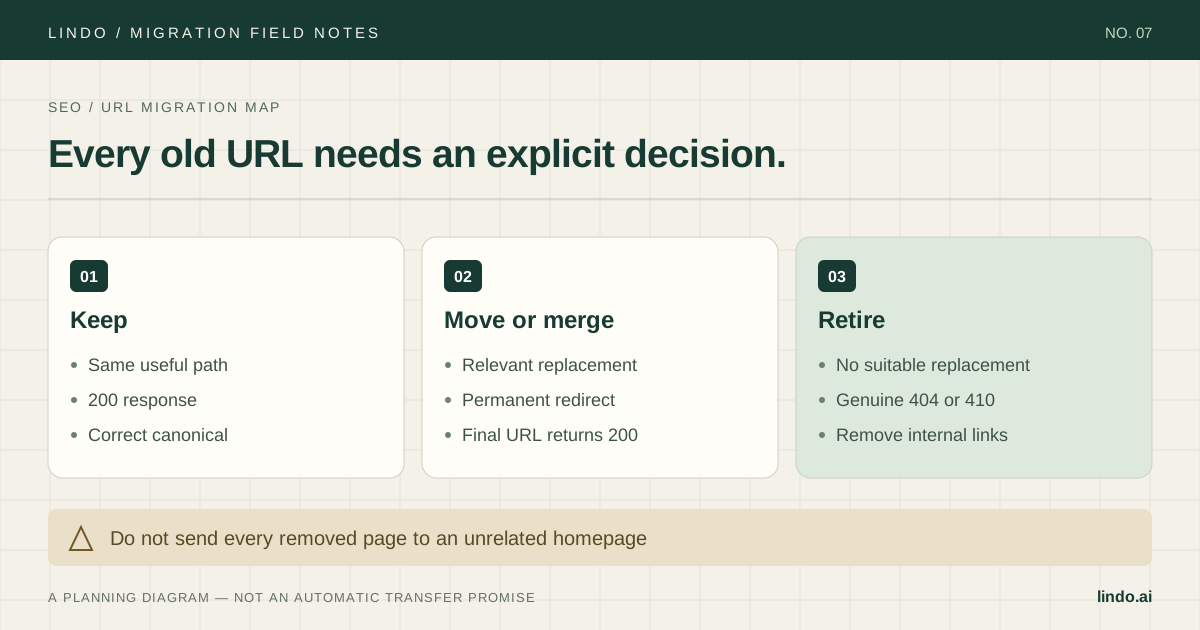
Build the URL inventory from the published site, sitemap, search data, and analytics. Include old posts with incoming traffic, PDFs, category pages that users rely on, and landing pages absent from the main menu. For each URL, record a destination, an owner, and a keep, merge, or retire decision.
Primary documentation: WordPress: what Tools → Export includes
3. Turn the plugin list into a replacement plan
Do not write 'replace plugins with AI' in the brief. Open each active plugin and identify its job. Some affect only the editor, some alter the public page, and some run a business process that is invisible until it breaks.
The following worksheet is an example, not a statement that every capability has a native equivalent in Lindo. Choose the destination for each job and test the entire workflow. If a replacement is unresolved, that item blocks migration or stays on a separate system with an approved integration.
| Plugin job | What must survive | Test, not assumption |
|---|---|---|
| SEO management | Titles, descriptions, canonicals, redirects | Compare rendered fields and live HTTP responses |
| Contact forms | Validation, delivery, consent, CRM routing | Send an enquiry and find it at every destination |
| Booking | Availability, confirmations, cancellations | Complete and cancel a test booking |
| Membership | Identity, access rules, private data | Test authorized and unauthorized access separately |
| Commerce | Catalog, checkout, tax, orders, refunds | Run an approved test purchase and refund |
4. Recreate a sample of each page type
For a service business, choose the homepage, one service page, a contact page, and a long blog post. Add a custom-post-type page if the source uses one. A pilot built only from ordinary pages can hide the most expensive content-model mismatch.
Use Lindo's public-URL workflow to create a draft from a site you own or are authorized to rebuild. Compare coverage against the inventory, then review headings, facts, navigation, images, and mobile layouts. Recreate missing content deliberately instead of assuming the initial output is complete.
For posts, check publication dates, author display, embedded media, inline links, and downloadable files. If you use Lindo's documented Markdown or plain-text blog import, prepare supported content and review formatting and images afterward. Do not present WordPress XML as a supported direct import without testing it.
5. Preserve the useful parts before redesigning
Separate a safe first launch from a broader redesign. Keep proven service descriptions, important landing-page paths, and conversion actions stable while replacing the platform. If you also change the brand, navigation, and copy, it becomes harder to diagnose why enquiries changed afterward.
Look for dependencies on the old installation: images under wp-content, linked PDF files, form endpoints, search widgets, and embedded scripts. Download or move approved assets and reconnect services as needed. Recheck the site with the source dependencies unavailable in a controlled test before cancelling hosting.
Ask the client to perform the updates they will own after handoff. If an easy WordPress publishing task becomes a manual agency request, document the new service arrangement. Include content cleanup, training, integrations, and overlapping subscriptions in the project cost.
6. Test the destination before retiring WordPress
Keep useful URL paths and implement needed redirects where requests will arrive after launch. An old redirect plugin cannot respond to traffic that no longer reaches WordPress. Test the original URL, the final destination, and the status code from outside the editor.
Save existing DNS values, schedule a content freeze or final synchronization, and name the rollback owner. Switch only the web records needed by the destination. Preserve email records and verify HTTPS, root/www behavior, forms, downloads, and analytics after the domain connects.
Keep the backup and the agreed recovery path until the client accepts the live site. Monitor important landing pages and actual enquiries alongside crawl and indexing reports. If tracking was removed during the rebuild, a reported traffic drop may be a measurement failure rather than a search loss.
Take it into the project
The working checklist
Copy this into your project brief, assign an owner to each item, and attach evidence before marking it complete. No email required.
- Identify hosting move versus platform replacement
- Confirm ownership of domain, hosting, plugins, and data
- Retain a secure restorable database and file backup
- Export WordPress content separately
- Inventory public URLs and valuable downloads
- Assign and test a replacement for each plugin job
- Pilot ordinary pages and custom content types
- Review blog formatting and source-hosted assets
- Implement redirects on the active serving layer
- Test production forms and retain the rollback path
Includes owner/evidence fields, a URL map, dependency register, and sign-off prompts. Opens in any text editor.
Common questions
Can WordPress plugins run in an AI website builder?
Only if the destination supports the relevant WordPress environment and plugin. A non-WordPress builder does not inherit PHP plugins from a public-page recreation. Map each plugin's job to a tested replacement.
Can I keep my domain and URLs?
You can generally retain the registered domain while changing hosting. Confirm destination path support before committing, and test redirects for changed URLs. Domain registration does not have to move with the website.
What if the website uses Elementor?
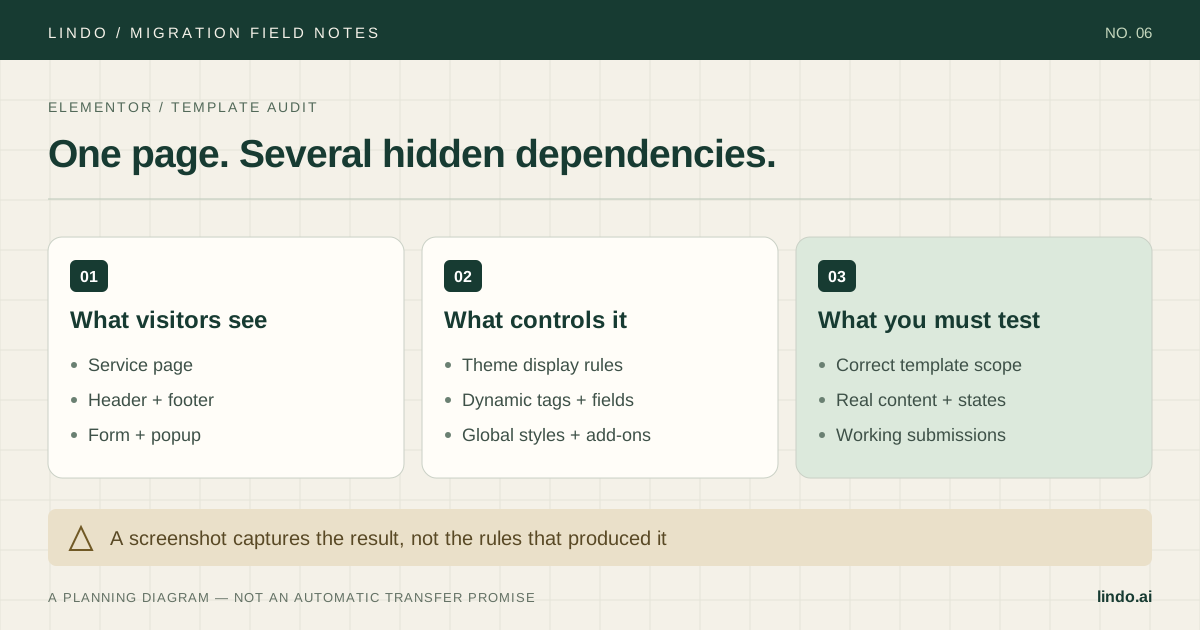
Use the WordPress backup and dependency process, then add an audit of Elementor Theme Builder templates, dynamic tags, popups, and add-on widgets. The dedicated Elementor guide covers that additional work.