The short answer
Back up WordPress first, then inventory Elementor's templates and display rules. A kit is an Elementor transfer artifact—not a universal format for editing the site in a different builder.
- A good fit
- Agencies replacing Elementor-based marketing sites where the important layouts and visitor actions can be rebuilt and maintained in the destination.
- Pause if
- A site dependent on complex dynamic queries, WooCommerce customizations, or third-party widgets without validated replacements.
1. Separate the WordPress move from the Elementor rebuild
Elementor runs within WordPress. Leaving it for a non-WordPress AI builder means replacing both the page-building layer and whichever WordPress services the site uses. If you are only changing hosts and keeping Elementor, use a WordPress migration process instead of rebuilding all the pages.
Document the reason for changing: easier client editing, less dependence on specialized widgets, or a different delivery workflow. An AI feature alone is not enough justification. Your pilot should show that the new workflow solves the actual problem without removing something the client relies on.
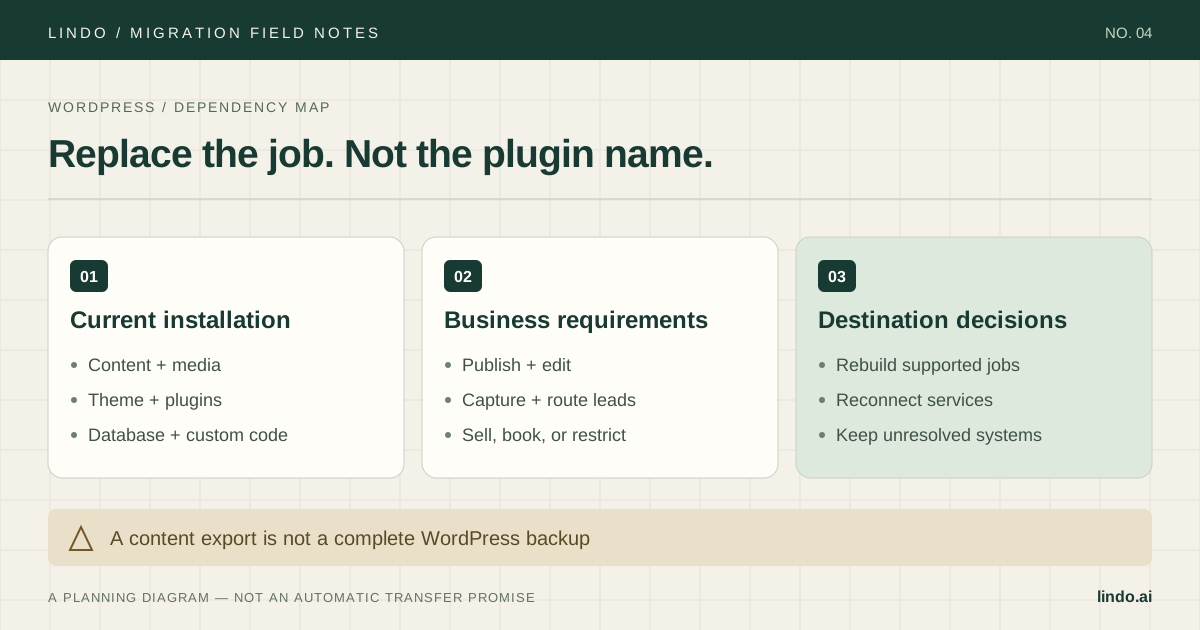
Before touching layouts, get a restorable database-and-files backup and a list of plugins, custom code, domain settings, and service credentials. Keep private archives and customer data out of the public-URL recreation process.
Primary documentation: Elementor: website backup options
2. Use a kit as an archive, not proof of portability
Elementor documents kits that bundle content, templates, and site settings. That is useful when working within the Elementor ecosystem. It does not mean a different builder can interpret the kit as native editable pages or reproduce all runtime behavior.
Third-party widgets deserve their own audit. Elementor's own import/export troubleshooting notes that add-on content and complex plugin data may not transfer correctly even through its kit workflow. Do not assume an AI recreation will solve that dependency automatically.
Keep the kit, complete WordPress backup, and approved asset originals together with a readable inventory. The archive preserves recovery options; the inventory tells the person doing the rebuild what must be recreated and tested.
Primary documentation: Elementor: kit export contents · Elementor: third-party import/export limitations
3. Map templates, conditions, and dynamic content
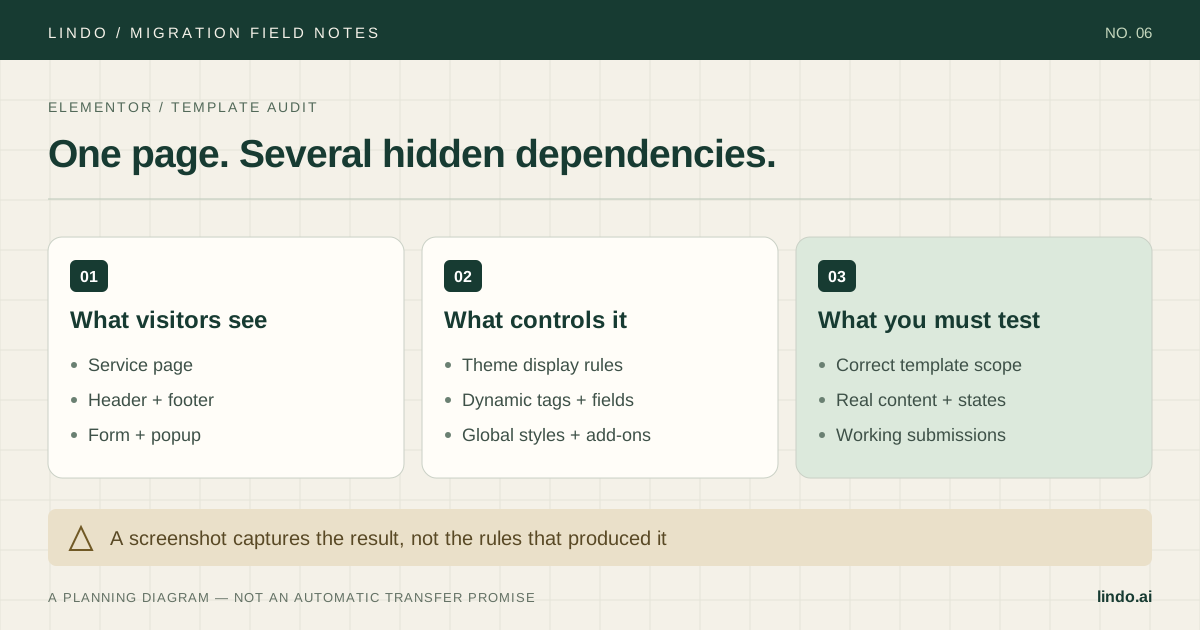
List the shared headers and footers, single-content templates, archive layouts, popups, and global style choices. For each one, record where it appears and whether there are exclusions. A homepage-only review will not catch a different header on a service page or a missing archive template.
Then trace dynamic values to their source. A phone number might be literal page text, a site setting, a custom field, or a shortcode. Choose a destination source of truth and test a change there. Copying the visible value without its update behavior can create a maintenance problem later.
| Source dependency | Record before rebuilding | Destination acceptance test |
|---|---|---|
| Theme Builder header | Included pages and exceptions | Every intended page uses the right navigation |
| Dynamic service fields | Field names and data owner | Change a field and verify the correct page |
| Popup | Trigger, targeting, frequency, dismissal | Test eligibility and dismissal on touch devices |
| Form widget | Actions after submit and recipient | Confirm delivery, CRM record, and thank-you behavior |
| Add-on widget | Plugin, license, external service | Test replacement behavior, including failure |
4. Choose a pilot that uses the shared system
Rebuild one service page that uses the global header, a dynamic value, a form, and a non-trivial mobile layout. Add a blog post or archive if it is part of the scope. In Lindo's public-URL workflow, inspect the draft against the source rather than assuming all templates or records were discovered.
Keep the approved content and visual hierarchy during the initial pass. Review heading levels, links, image crops, button labels, and the order of sections on mobile. Where the source relies on custom CSS, describe the intended behavior before deciding how to recreate it.
Test interactions, not screenshots: open and close navigation with a keyboard, submit the form with missing required fields, dismiss the popup, and follow a thank-you link. The test is whether the replacement serves visitors—not whether it reproduces Elementor's DOM structure.
5. Review the handoff with the person who will edit it
Give the client or account manager a concrete task: change an opening hour everywhere it appears, replace a service image, and publish a corrected paragraph. Watch whether they can complete it in the destination without accidental layout changes.
If global elements became individual copies, decide who will keep them consistent. If dynamic content became static, explain that recurring updates may now require more steps. These are material workflow changes, not cosmetic differences to bury in a launch email.
Build the estimate from ordinary pages, template variants, special widgets, content cleanup, review rounds, and training. Include integration fees and the overlap between hosting services. Use measured pilot effort instead of advertising a portfolio migration based on generation time.
6. Verify public URLs and retire dependencies deliberately
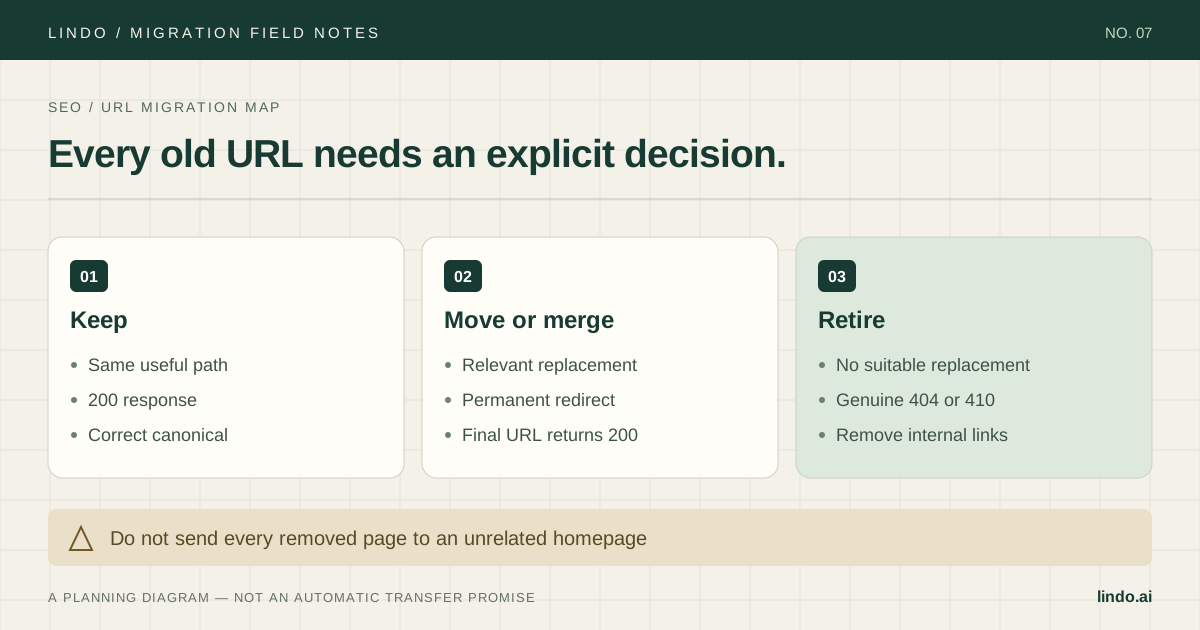
Map all important source URLs, including blog and archive routes, before the switch. Preserve paths where practical and test redirects on the system that will receive production traffic. Recreate metadata and canonical values as needed, checking the rendered page rather than an editor preview.
Confirm that images, scripts, PDFs, and form actions do not depend on a WordPress host you intend to shut down. Save DNS values, protect email records, and keep a named rollback owner available during cutover. Submit test enquiries after launch and verify analytics collection.
Cancel Elementor-related licenses or hosting only when you have checked other sites and services using them. An agency license or shared hosting account may support clients outside this migration. Retire only the confirmed dependency, with the agreed client approval and archive in place.
Take it into the project
The working checklist
Copy this into your project brief, assign an owner to each item, and attach evidence before marking it complete. No email required.
- Confirm whether WordPress and Elementor are both being replaced
- Secure a full backup and optional kit archive
- Inventory Theme Builder templates and display conditions
- Trace dynamic tags, fields, and shortcodes to their sources
- List popup triggers and form actions after submit
- Assign tested replacements for add-on widgets
- Pilot a page that uses the shared template system
- Test mobile, keyboard, validation, and delivery behavior
- Have the future editor complete a real update
- Verify redirects and shared-license dependencies before retirement
Includes owner/evidence fields, a URL map, dependency register, and sign-off prompts. Opens in any text editor.
Common questions
Can an Elementor kit be imported into any AI builder?
No universal compatibility should be assumed. Kits are designed for Elementor content, templates, and settings. Check the destination's explicit support; a URL-based rebuild is a different process.
Can I keep the design without keeping Elementor?
You can use an authorized source site as a design reference and rebuild it. Exact layout fidelity, mobile behavior, dynamic content, and widget functionality still require review and may require changes.
Should I remove Elementor before rebuilding?
No. Keep the working source and recovery path available while you build and test a separate draft. Removing the builder first can damage the reference site and interrupt visitors.