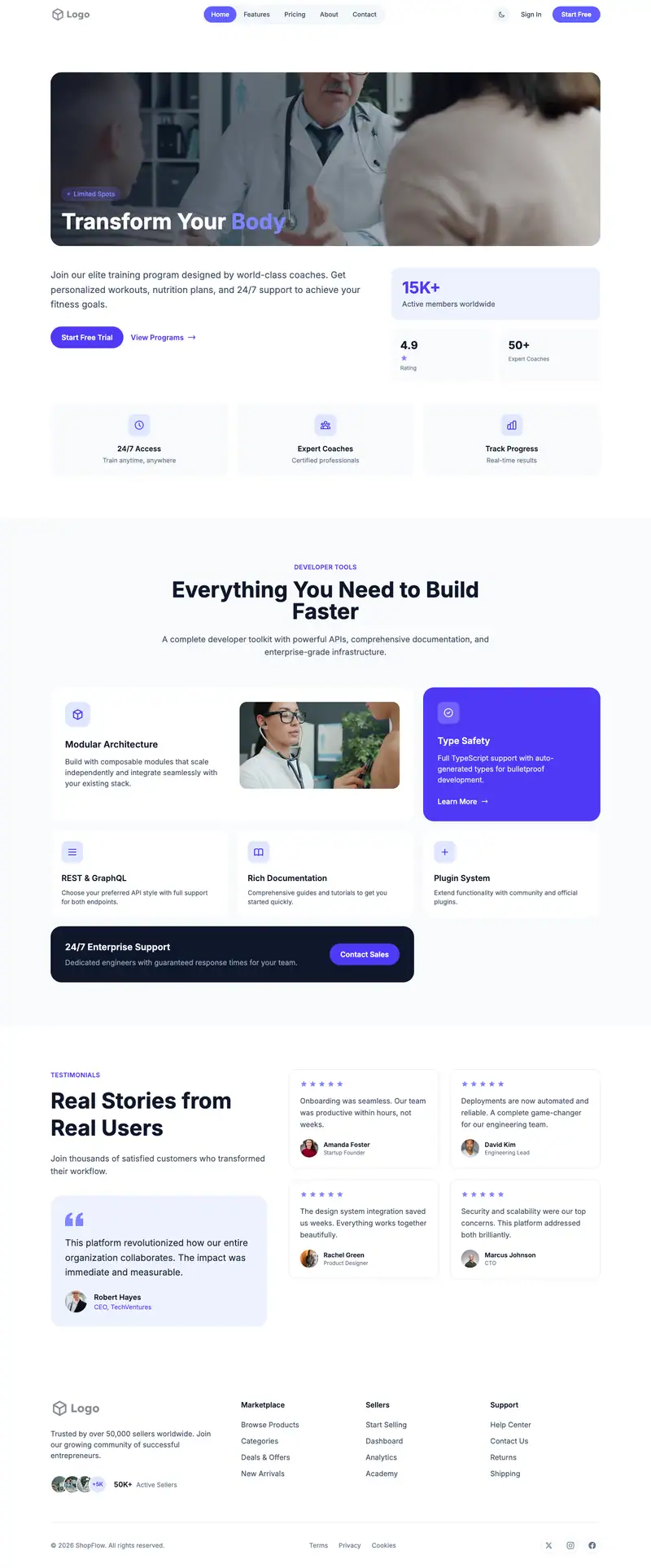
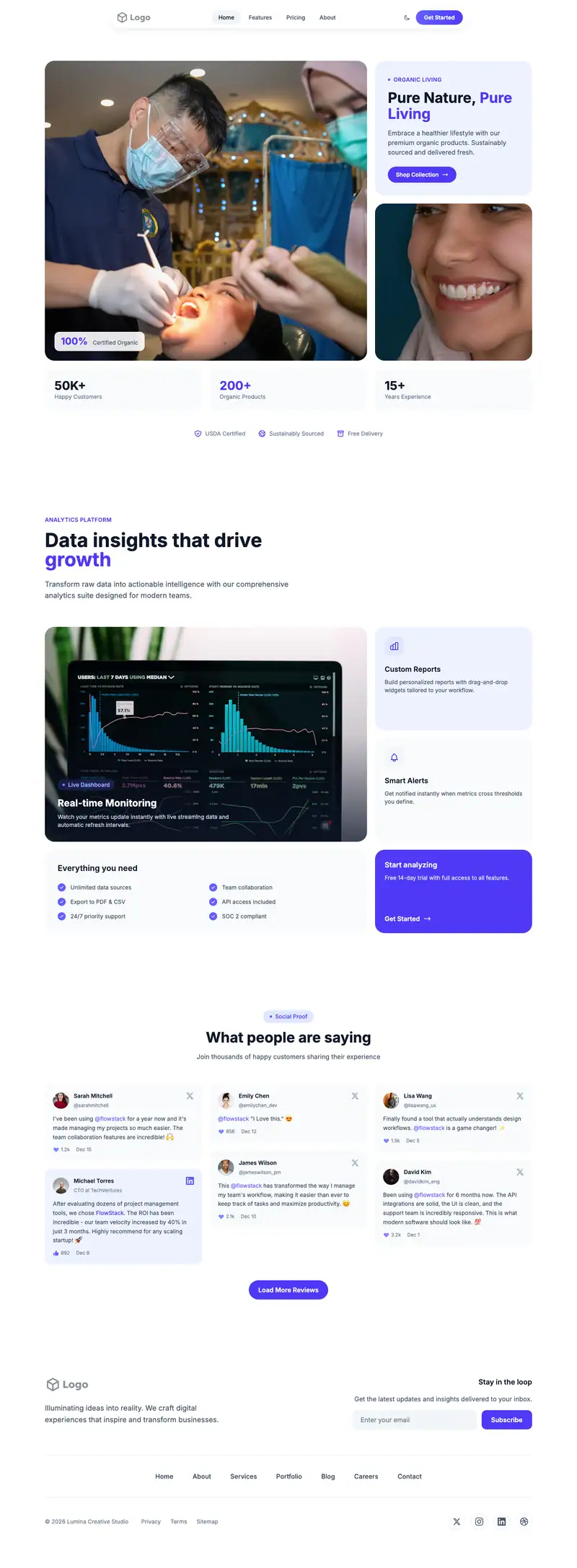
Brow Microblading website template
Microblading clients want to see healed results and know the touch-up schedule before they commit. The smart-home hero, stock headline "Connected Sanctuary", will need a close-up brow photo. Timeline features explain consultation, procedure, healing, and touch-up, and portrait cards can show healed brows.
- Industry
- Healthcare & Wellness
- Layout
- One-page landing site
- Sections
- 5
- Responsive
- Desktop, tablet and mobile
- Dark mode
- Included
- Price
- Free to start
Best for
- Microblading artists
- Permanent makeup studios
- Brow lamination and tint bars
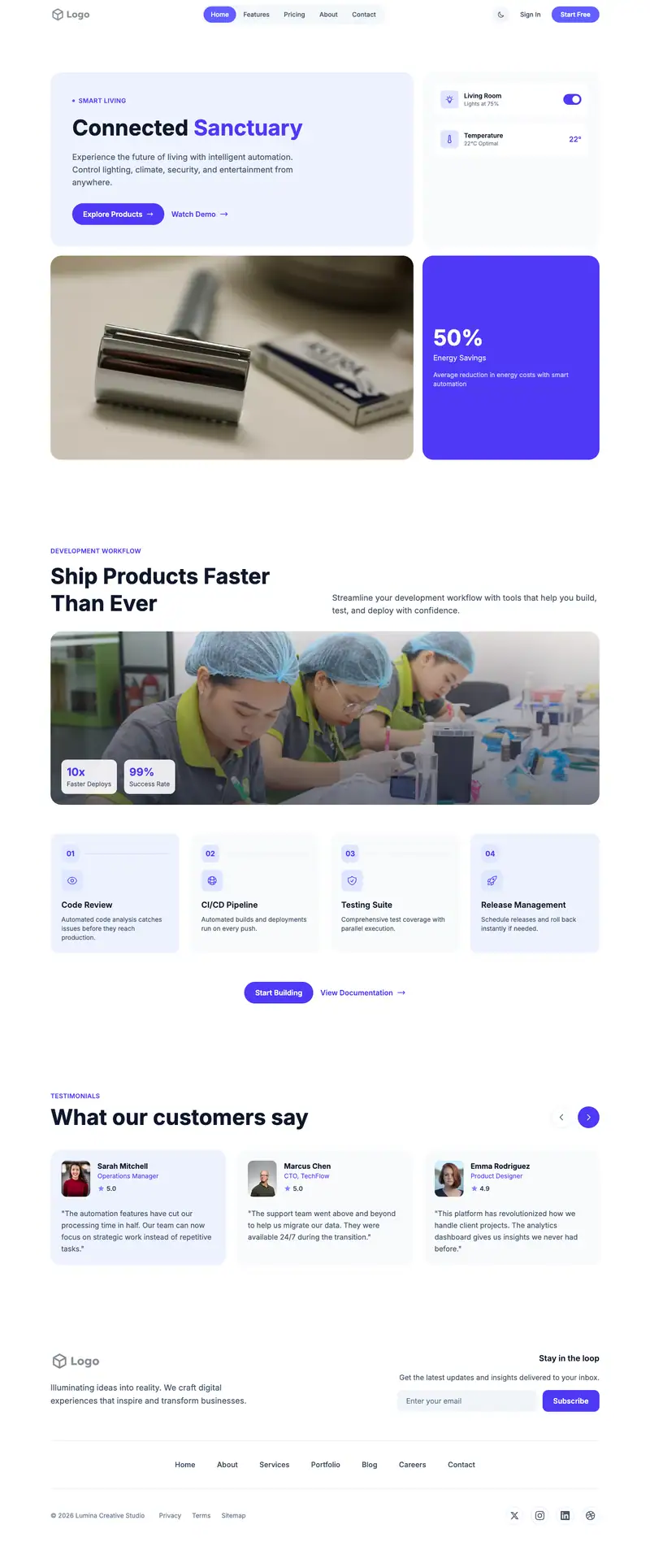
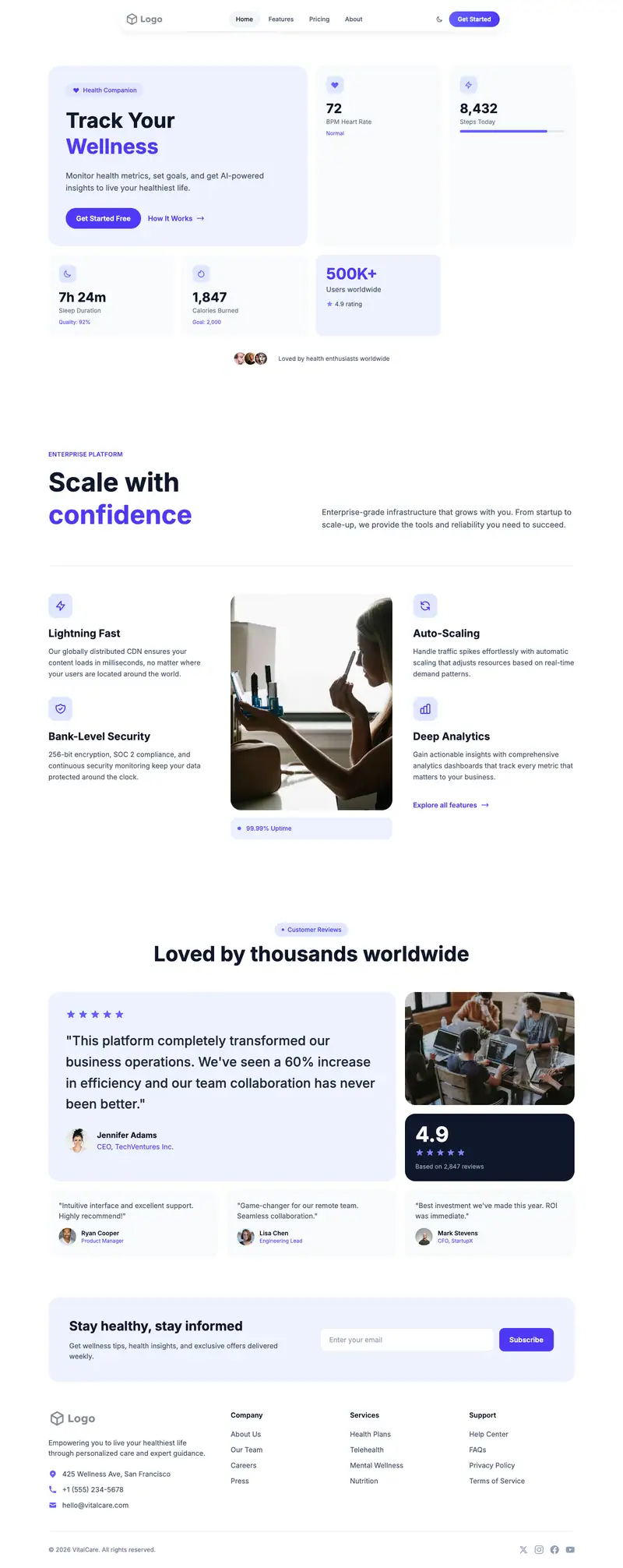
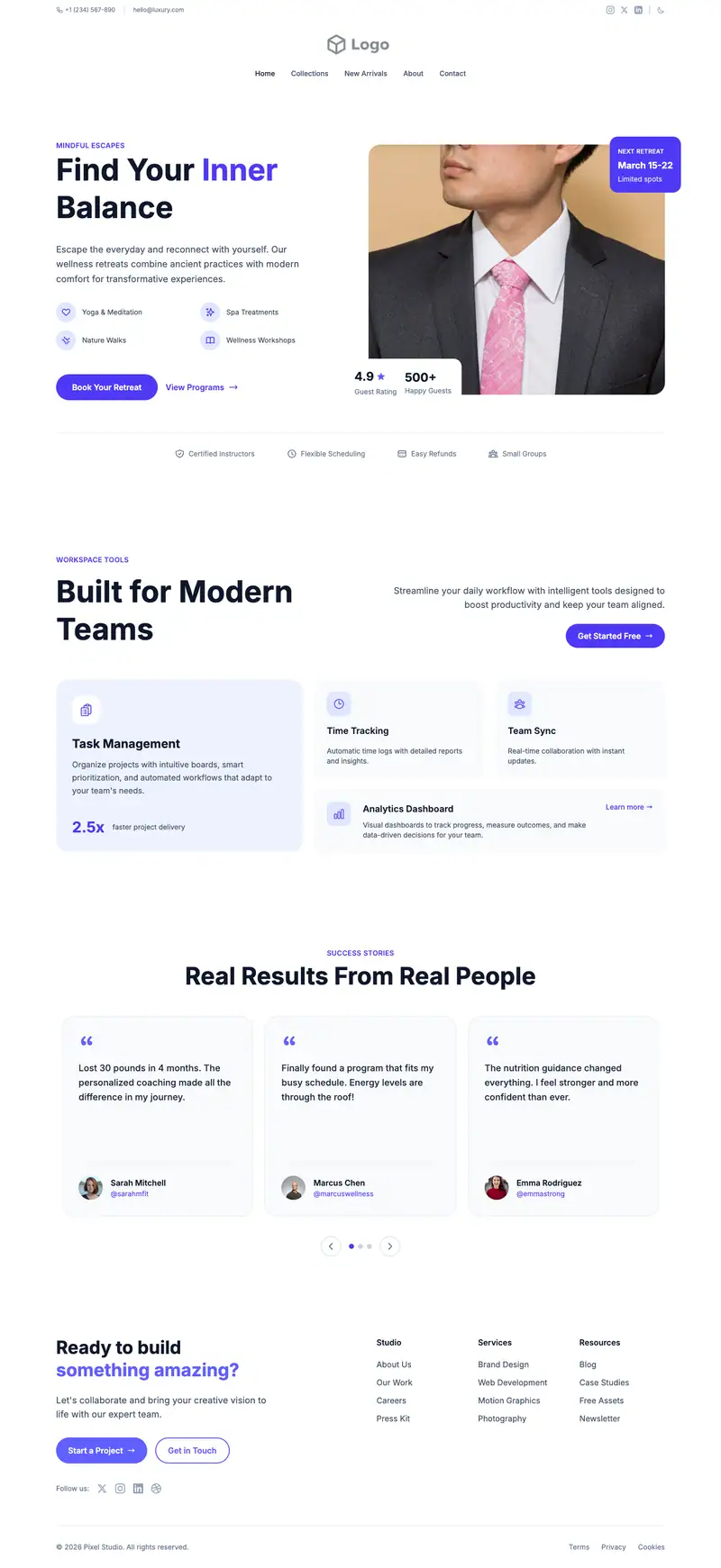
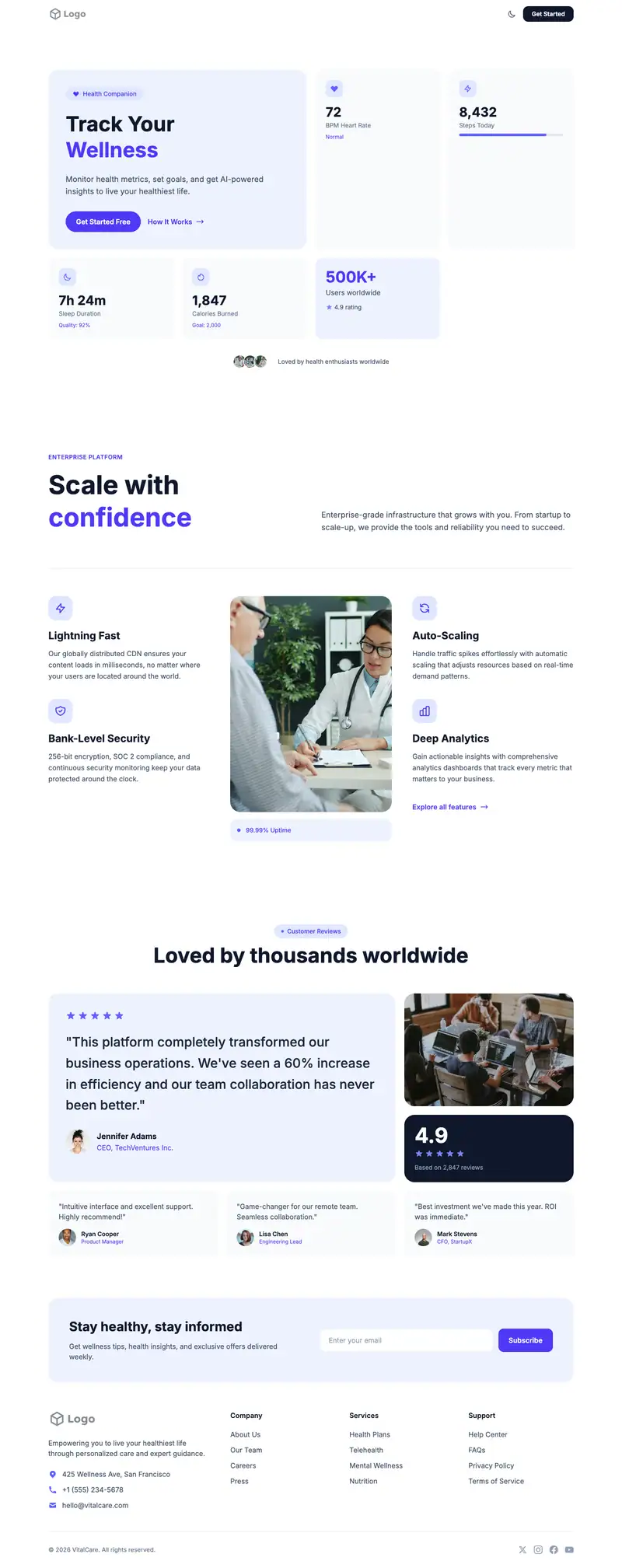
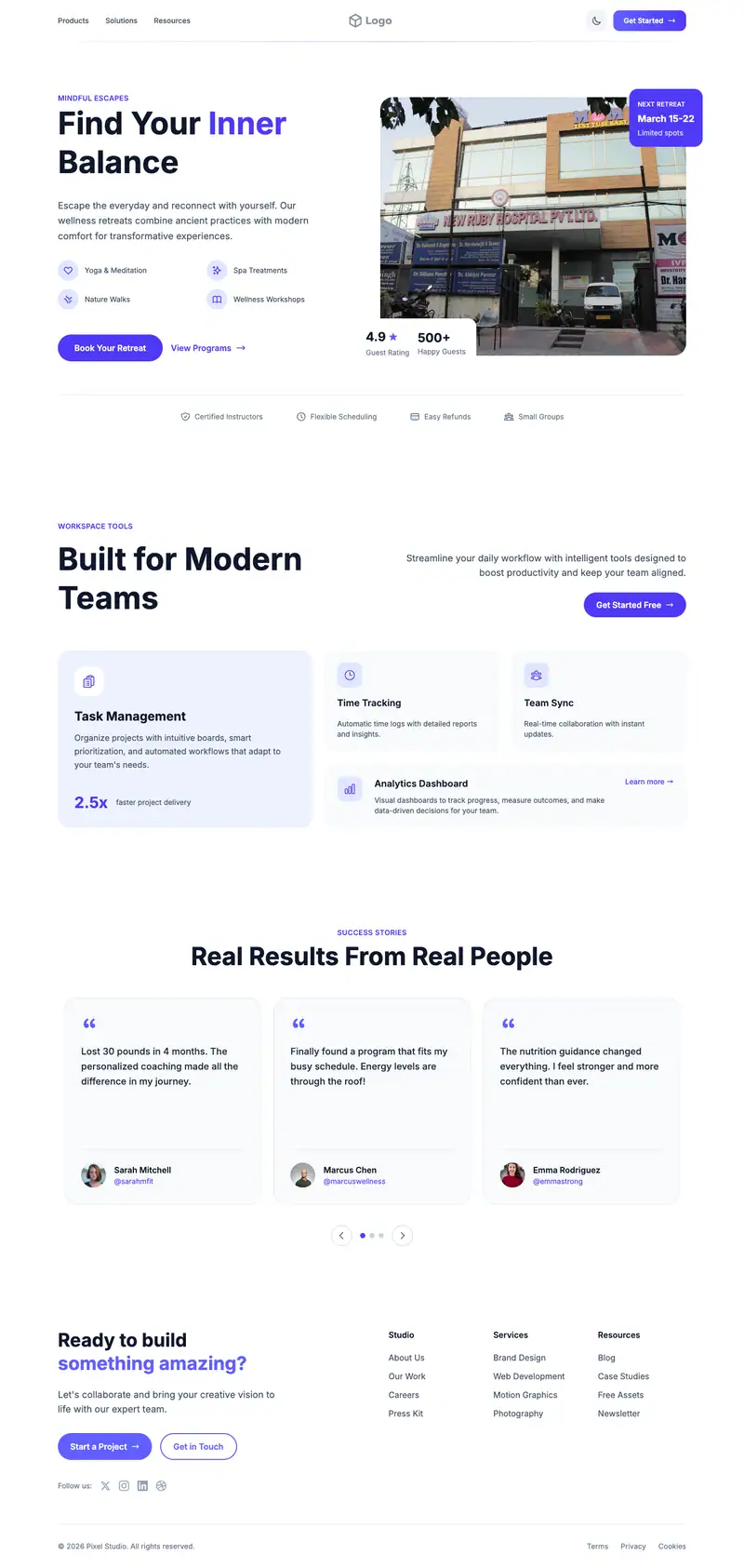
Scroll the preview. Text and photos are placeholders; Lindo replaces them with your business details.
What's on the page
- 1
Navigation · Split Nav layout
Logo, menu and a primary button that stays easy to reach.
- 2
Hero · Smart Home layout
The first screen: headline, supporting line and the main call to action.
- 3
Features · Timeline Image layout
Services or benefits laid out so visitors can scan what you offer.
- 4
Testimonials · Portrait Cards Carousel layout
Reviews and quotes from customers to build trust before they contact you.
- 5
Footer · Simple Horizontal Nav layout
Contact details, links and the small print at the bottom of every page.
Make it yours
What a brow microblading business should put in after remixing:
- Put healed result photos and 'Book a consultation' in the hero.
- Use the timeline features for consultation, procedure day, healing weeks, and the touch-up visit.
- Fill the portrait carousel with healed brow photos and client quotes.
Getting found
Target 'microblading near me' and 'powder brows [city]'.
Building this for a client?
On Studio and White Label plans you can remix this template per client, then hand over the editor under your own brand.
See white-label features