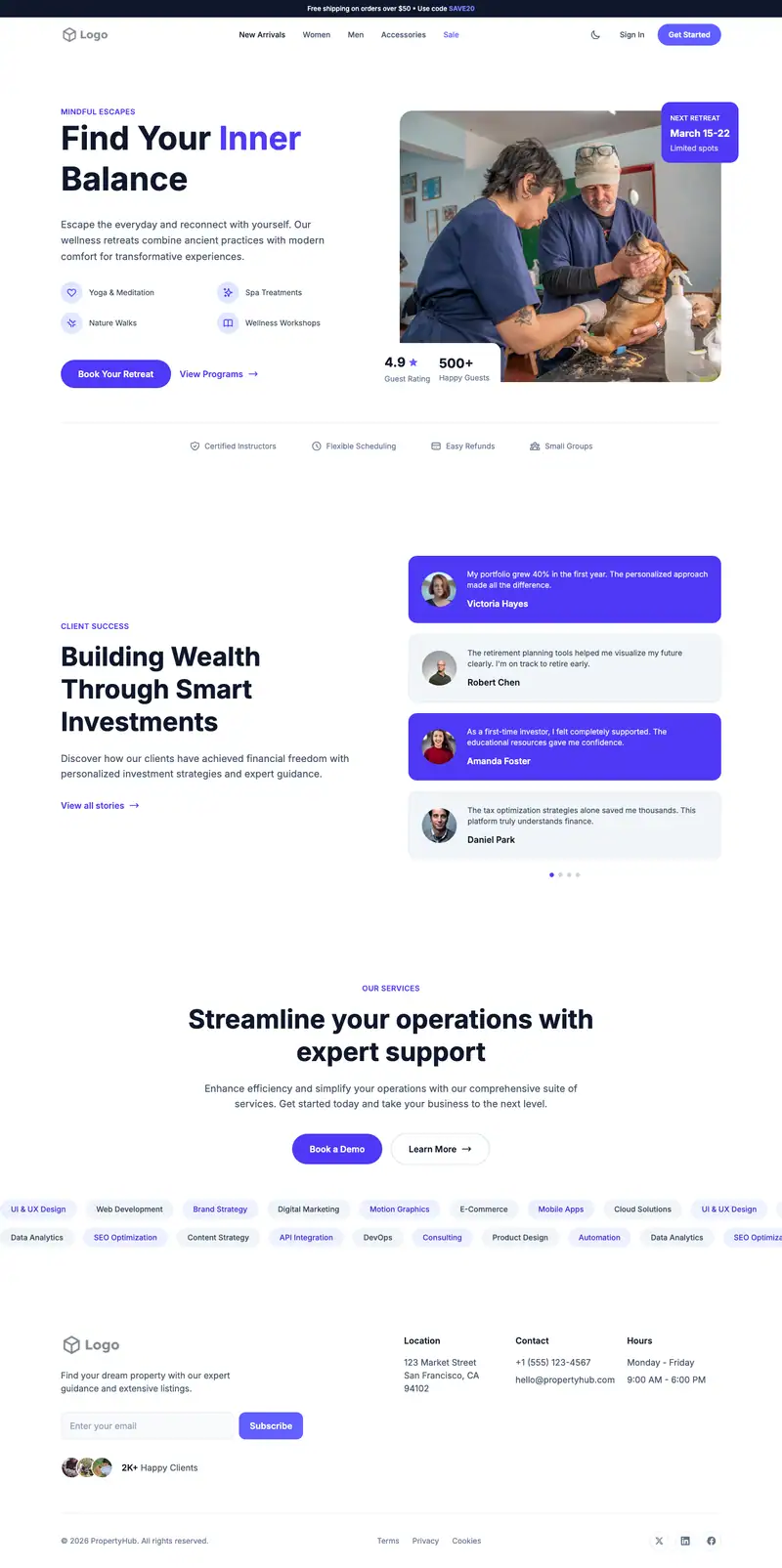
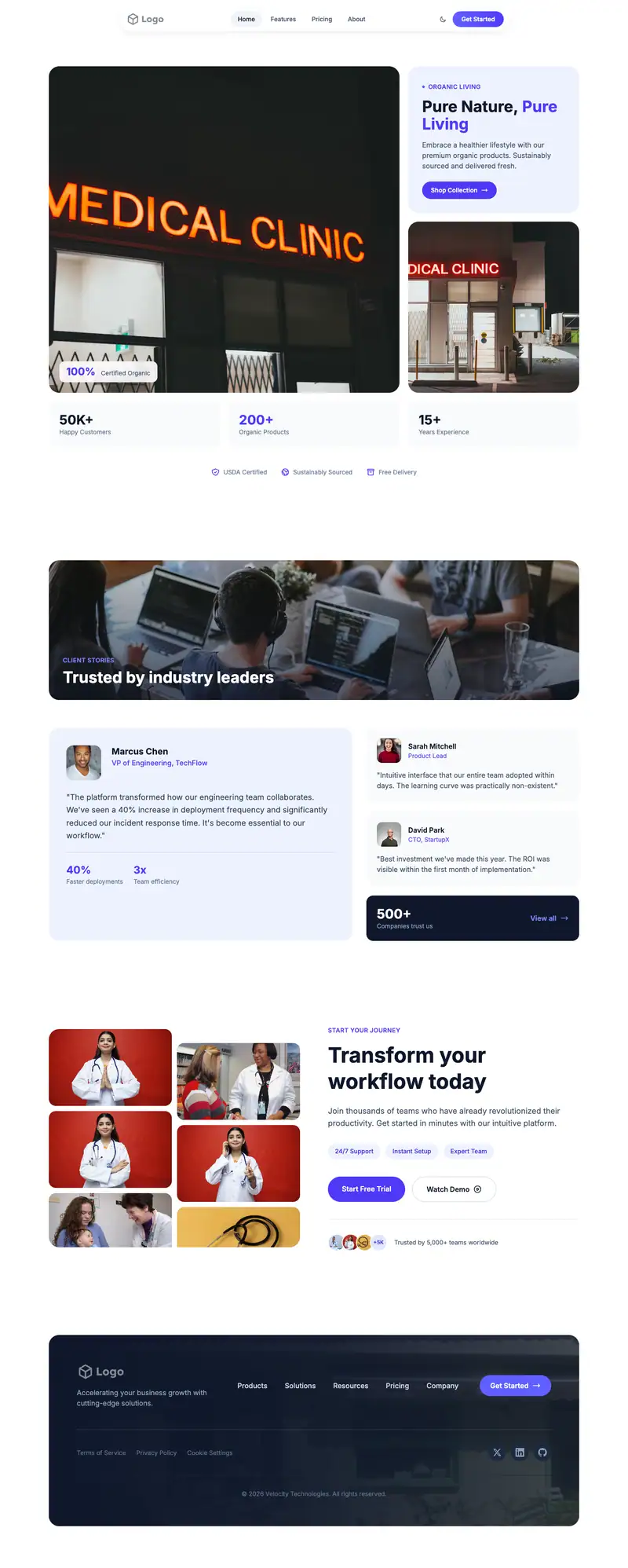
Nonprofit Organization website template
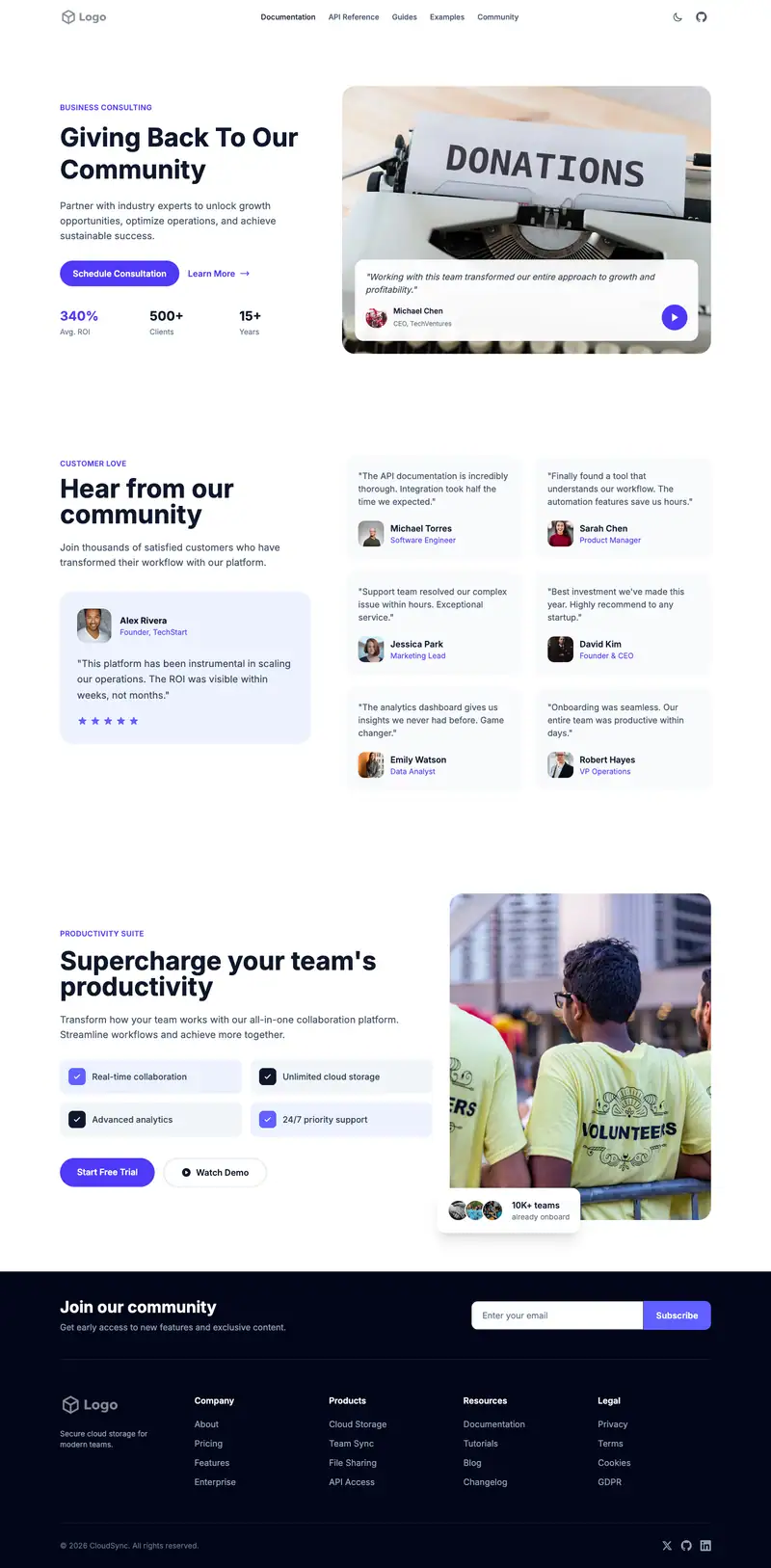
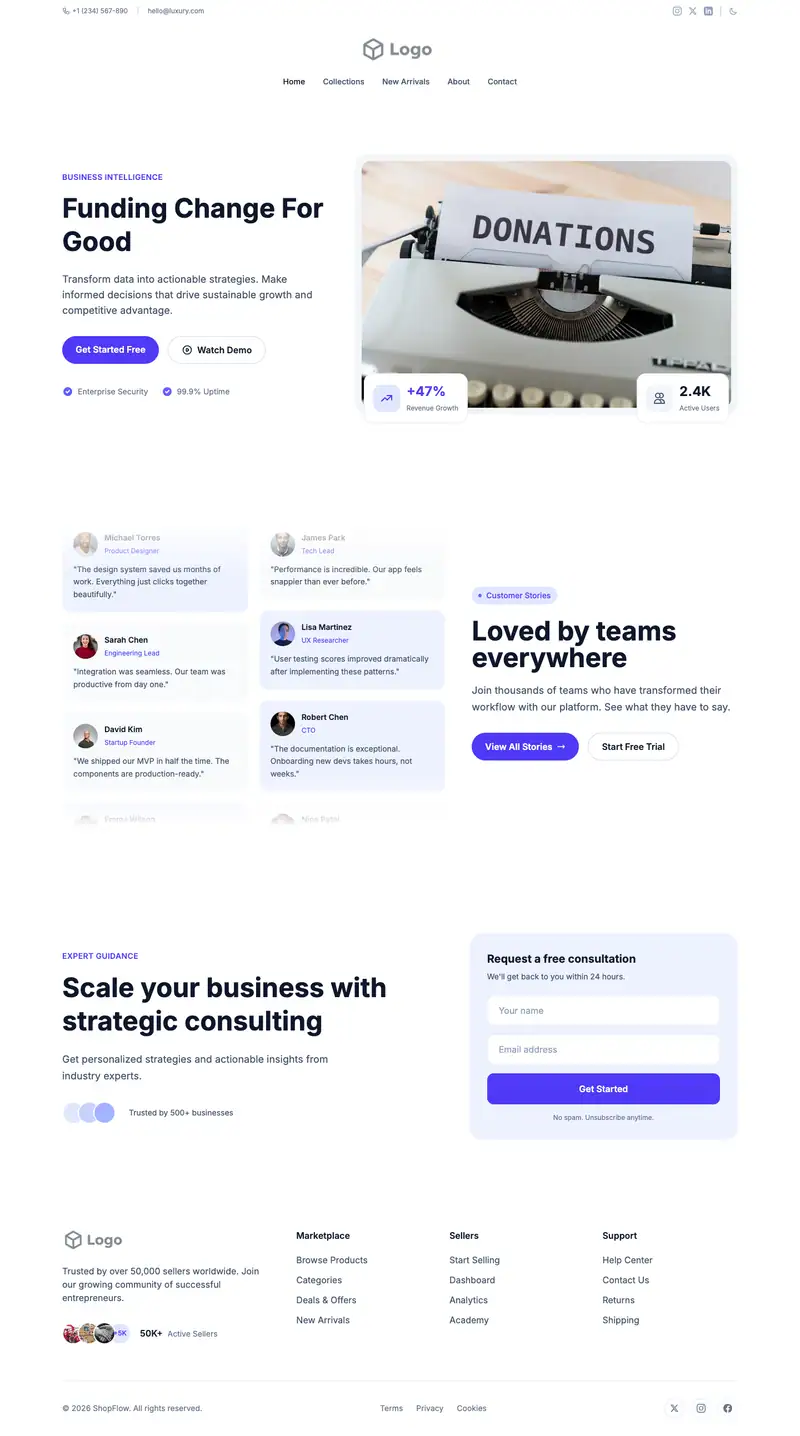
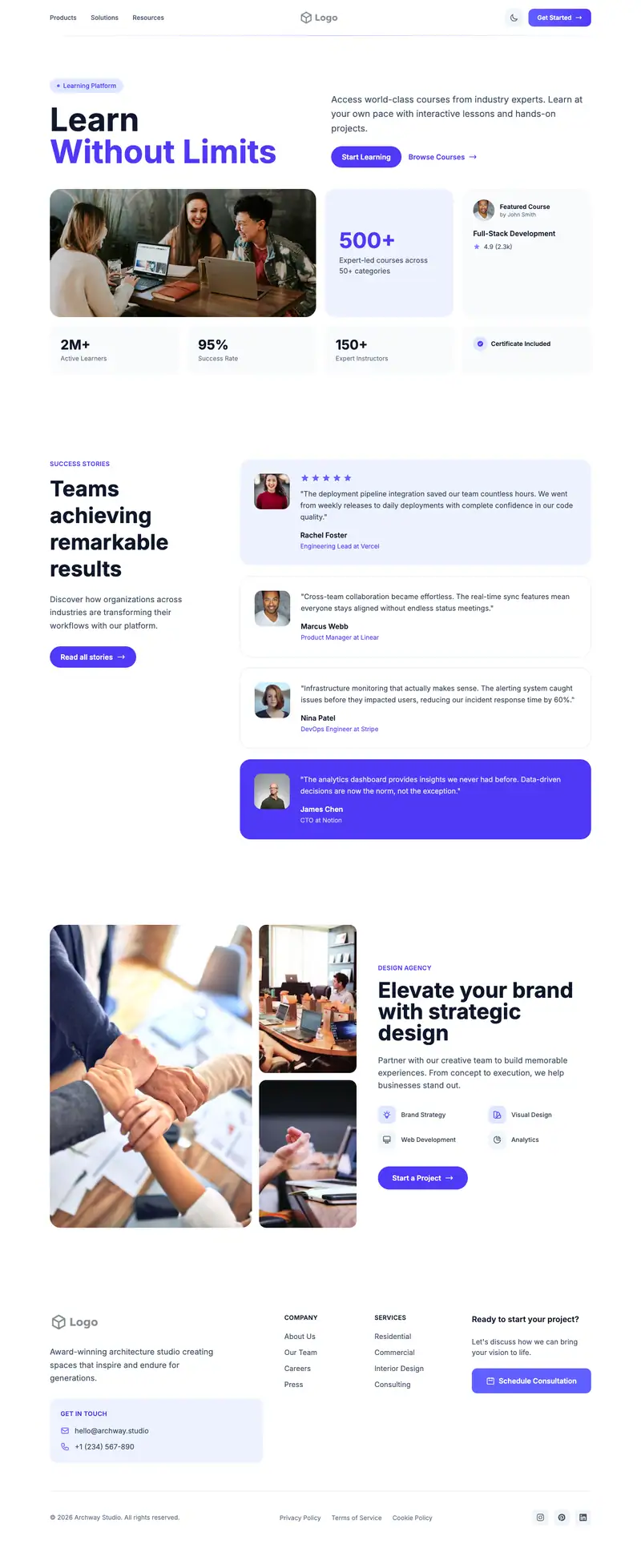
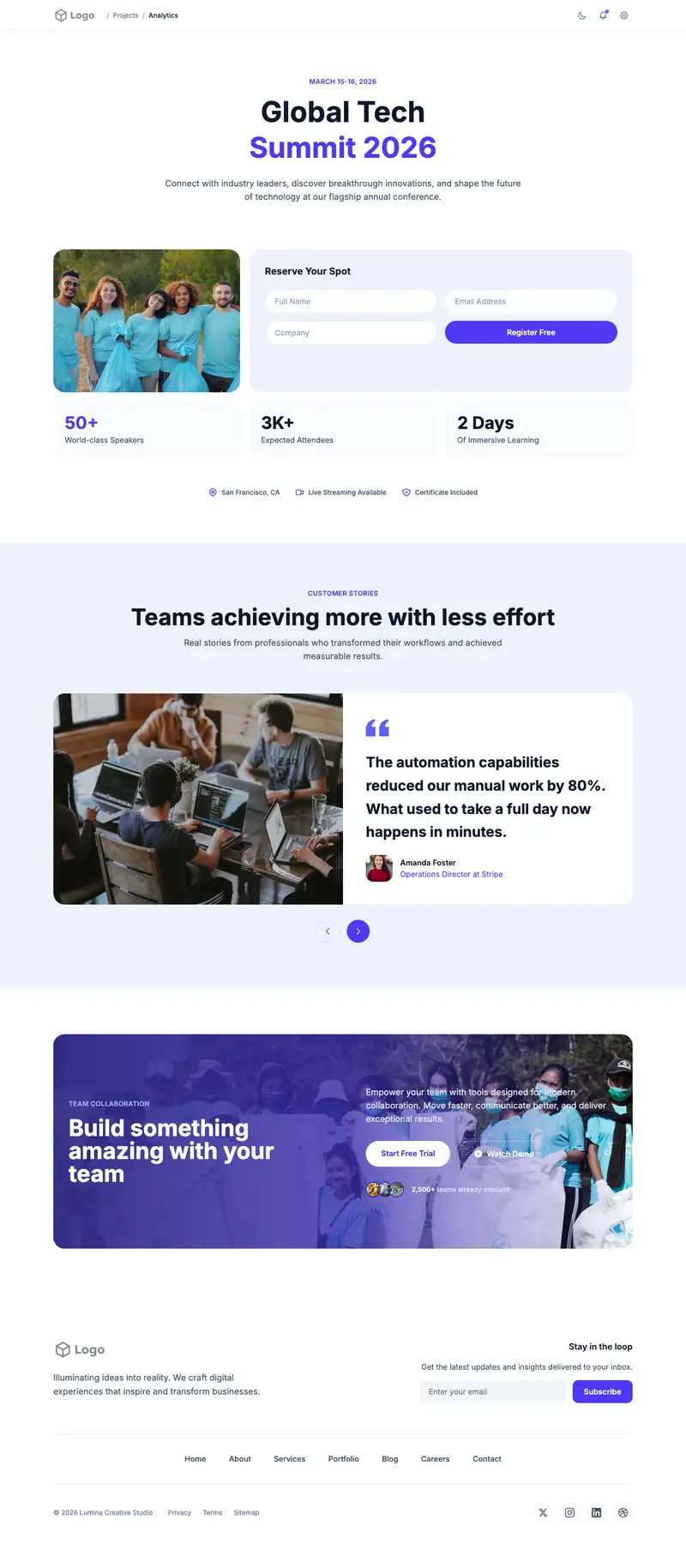
General nonprofits need a page that introduces the mission and gives donors and volunteers a direction. The starter headline "Creative Tools for Modern Teams" is placeholder the AI replaces. Social Wall Masonry testimonials collect many short community voices in a grid, and the CTA section suits one focused donation or sign-up ask.
- Industry
- Nonprofit & Community
- Layout
- One-page landing site
- Sections
- 5
- Responsive
- Desktop, tablet and mobile
- Dark mode
- Included
- Price
- Free to start
Best for
- Small 501(c)(3) organizations
- Grassroots nonprofits
- New nonprofits launching online
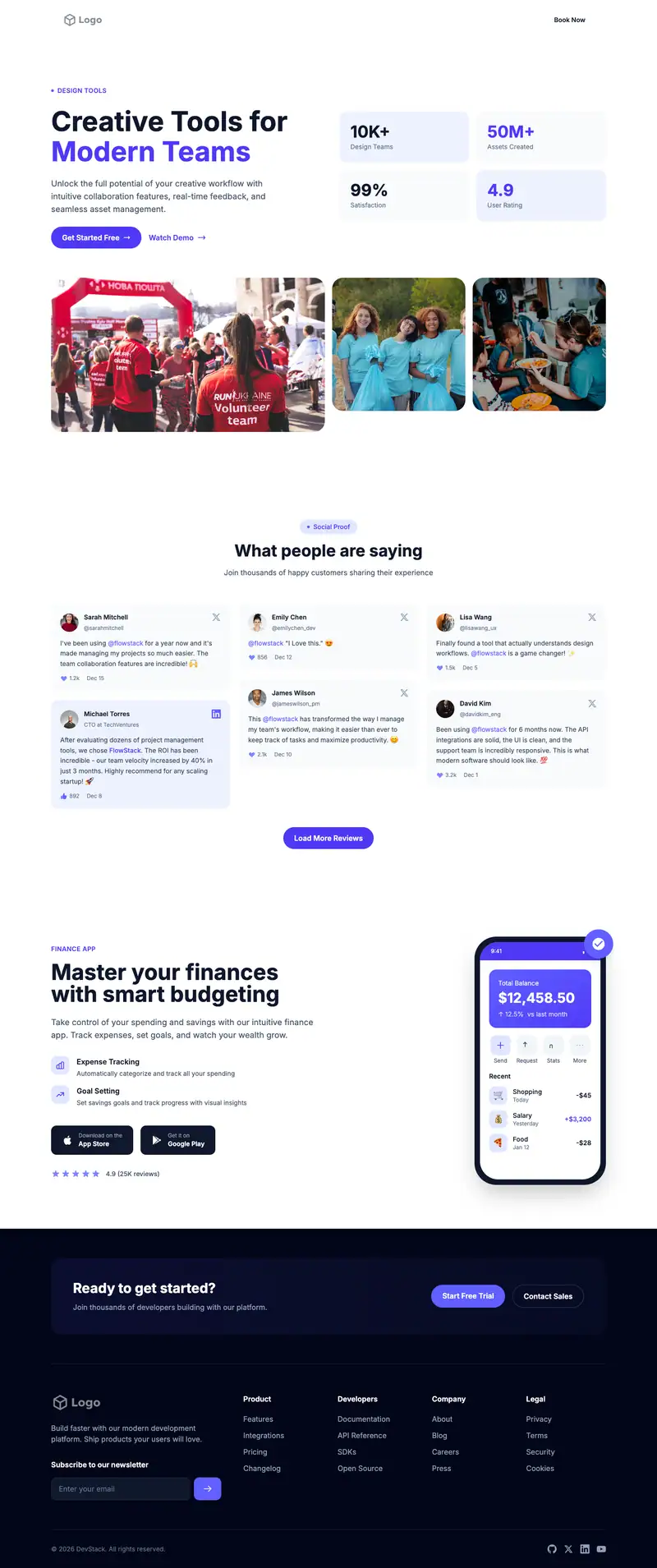
Scroll the preview. Text and photos are placeholders; Lindo replaces them with your business details.
What's on the page
- 1
Navigation · Transparent Overlay layout
Logo, menu and a primary button that stays easy to reach.
- 2
Hero · Team Synergy layout
The first screen: headline, supporting line and the main call to action.
- 3
Testimonials · Social Wall Masonry layout
Reviews and quotes from customers to build trust before they contact you.
- 4
Call to action · Split App Promo layout
A closing prompt that repeats the main action before the footer.
- 5
Footer · Newsletter Columns layout
Contact details, links and the small print at the bottom of every page.
Make it yours
What a nonprofit organization business should put in after remixing:
- Rewrite the hero with your mission in one sentence and a 'Donate' button.
- Fill the masonry wall with quotes from volunteers, donors, and people you serve.
- Use the CTA section for a monthly giving ask with a suggested amount.
Getting found
Target '<cause> nonprofit <city>' and 'volunteer opportunities <city>'.
Building this for a client?
On Studio and White Label plans you can remix this template per client, then hand over the editor under your own brand.
See white-label features