Virtual Assistant website template
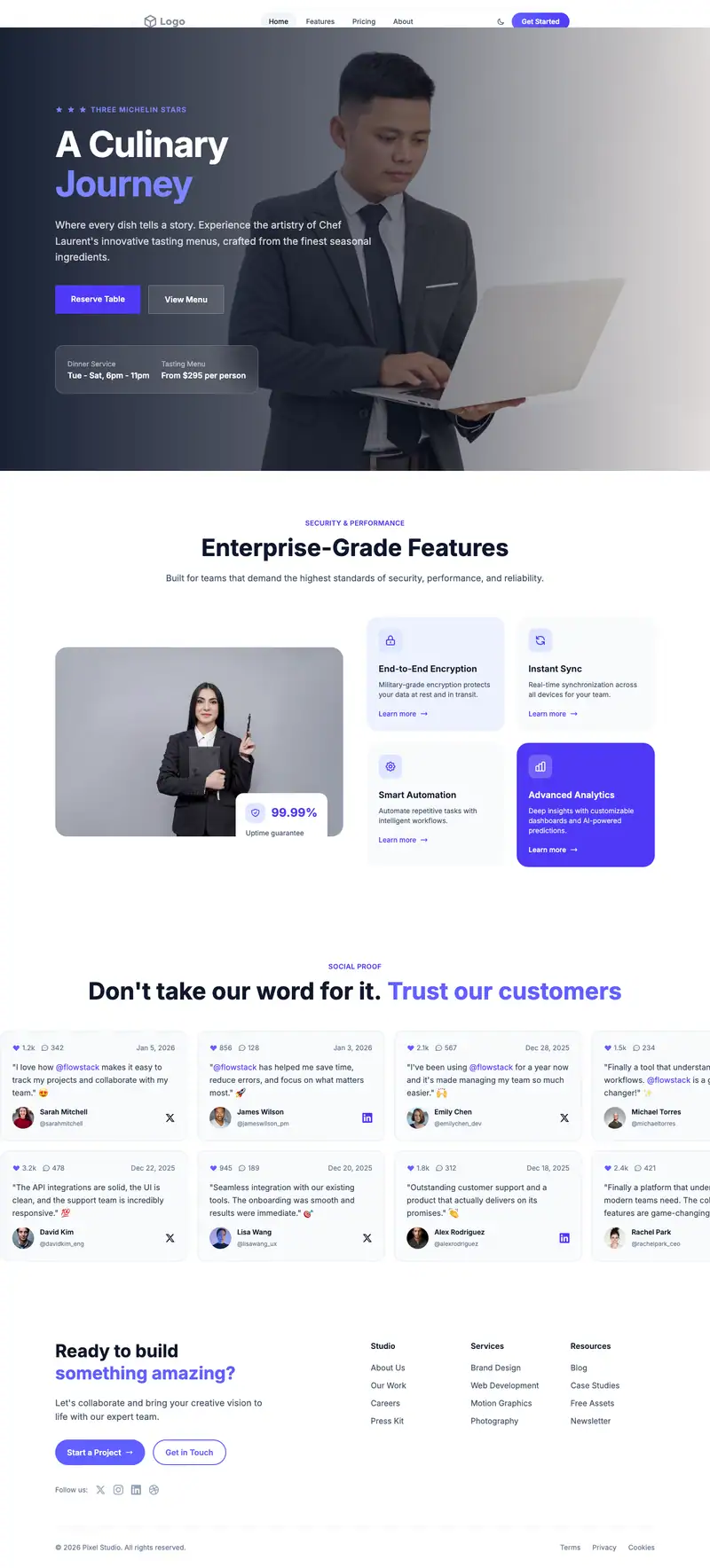
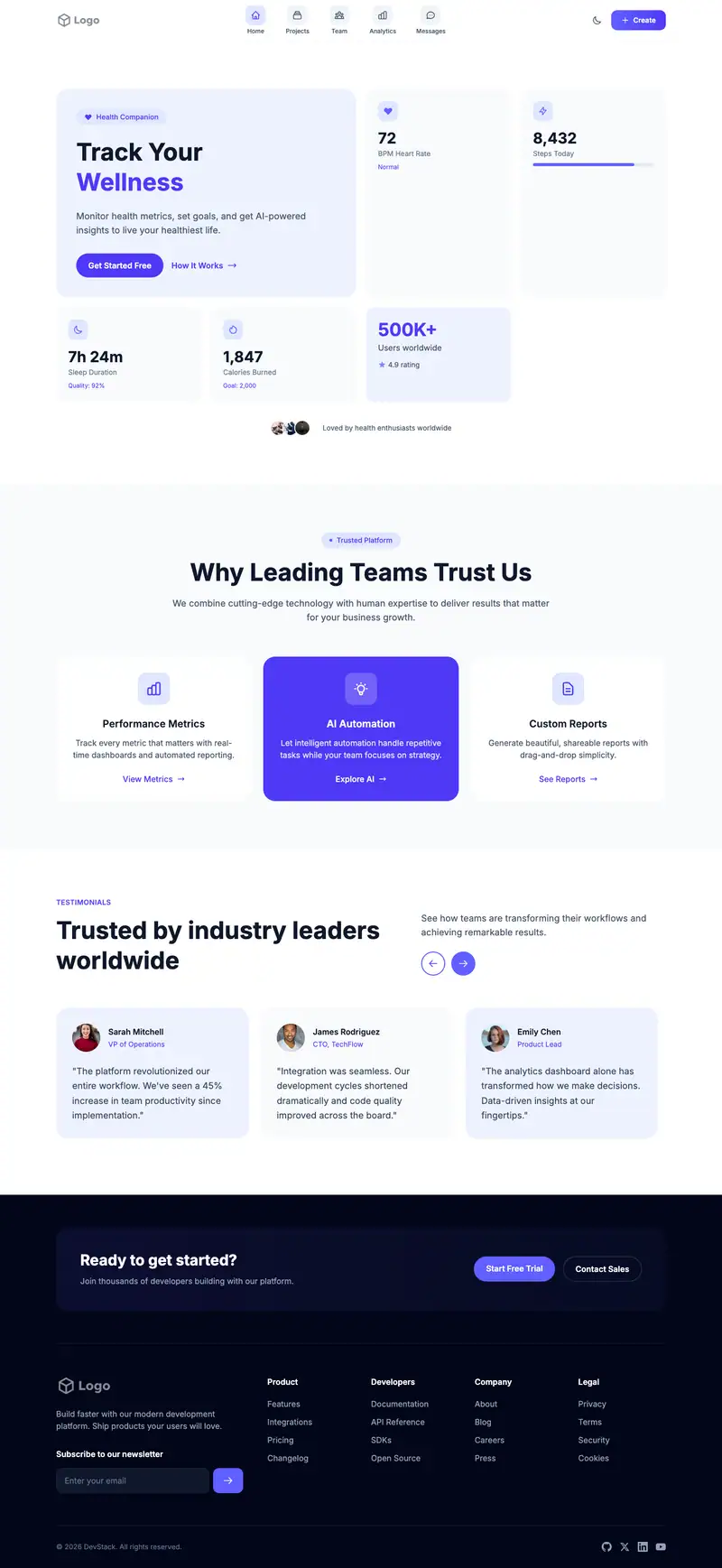
Busy founders and coaches hiring a virtual assistant want to know which tasks you take on and how many hours they are buying. "Global Tech Summit 2026" is event copy the AI will rewrite. SaaS cards fit hourly packages and task lists, and chat bubble testimonials resemble the messages clients actually send, a natural fit for remote work.
- Industry
- Professional Services
- Layout
- One-page landing site
- Sections
- 5
- Responsive
- Desktop, tablet and mobile
- Dark mode
- Included
- Price
- Free to start
Best for
- Freelance virtual assistants
- Small VA agencies
- Executive assistant services
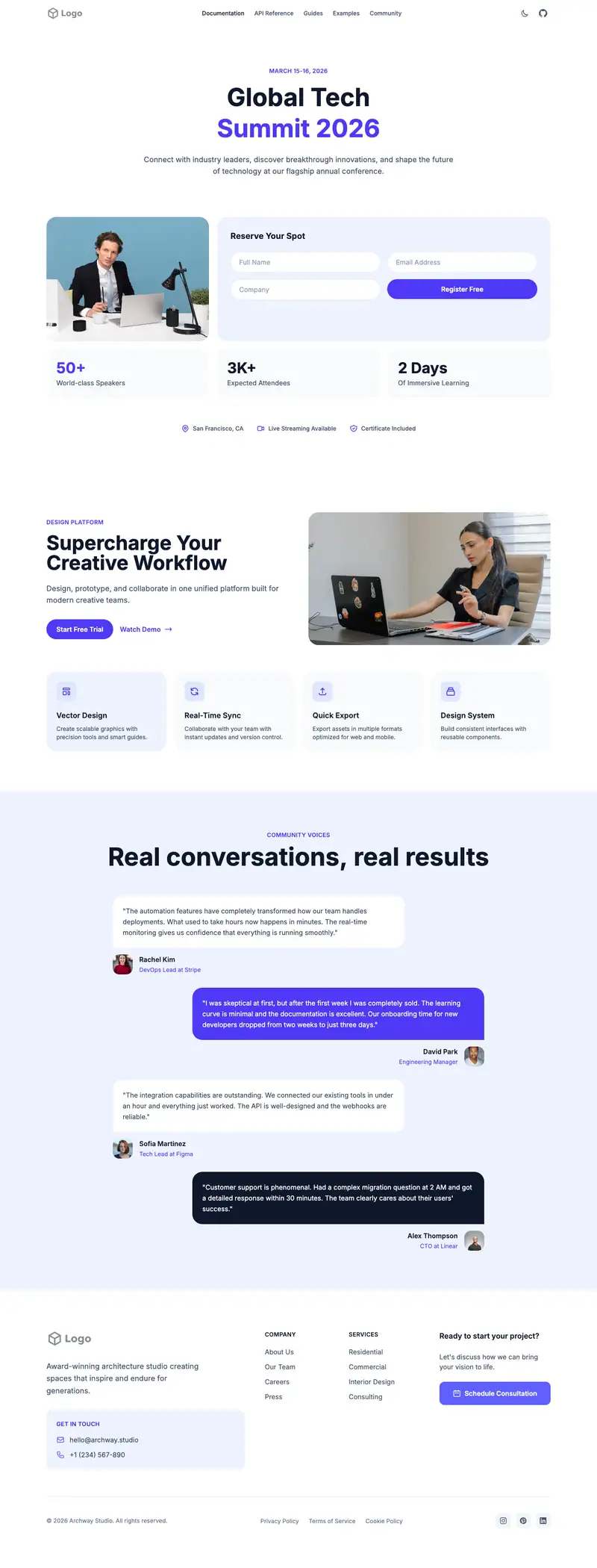
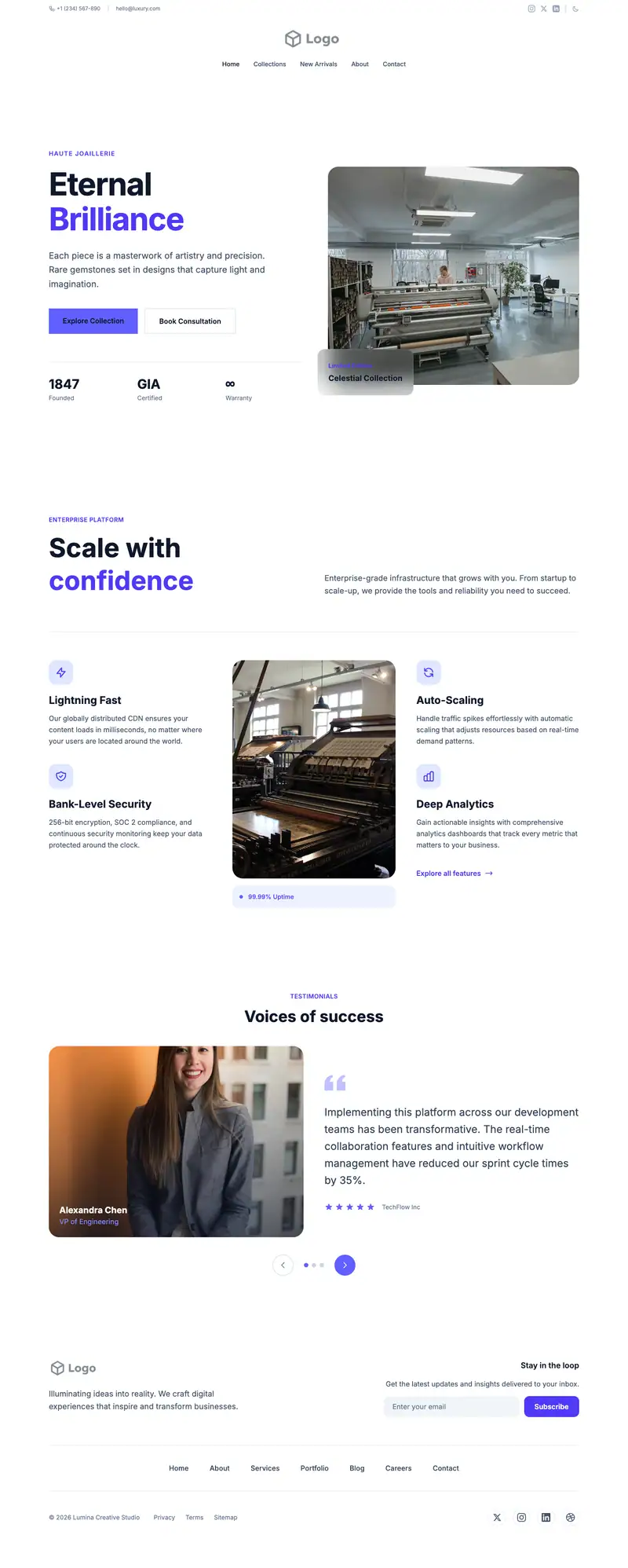
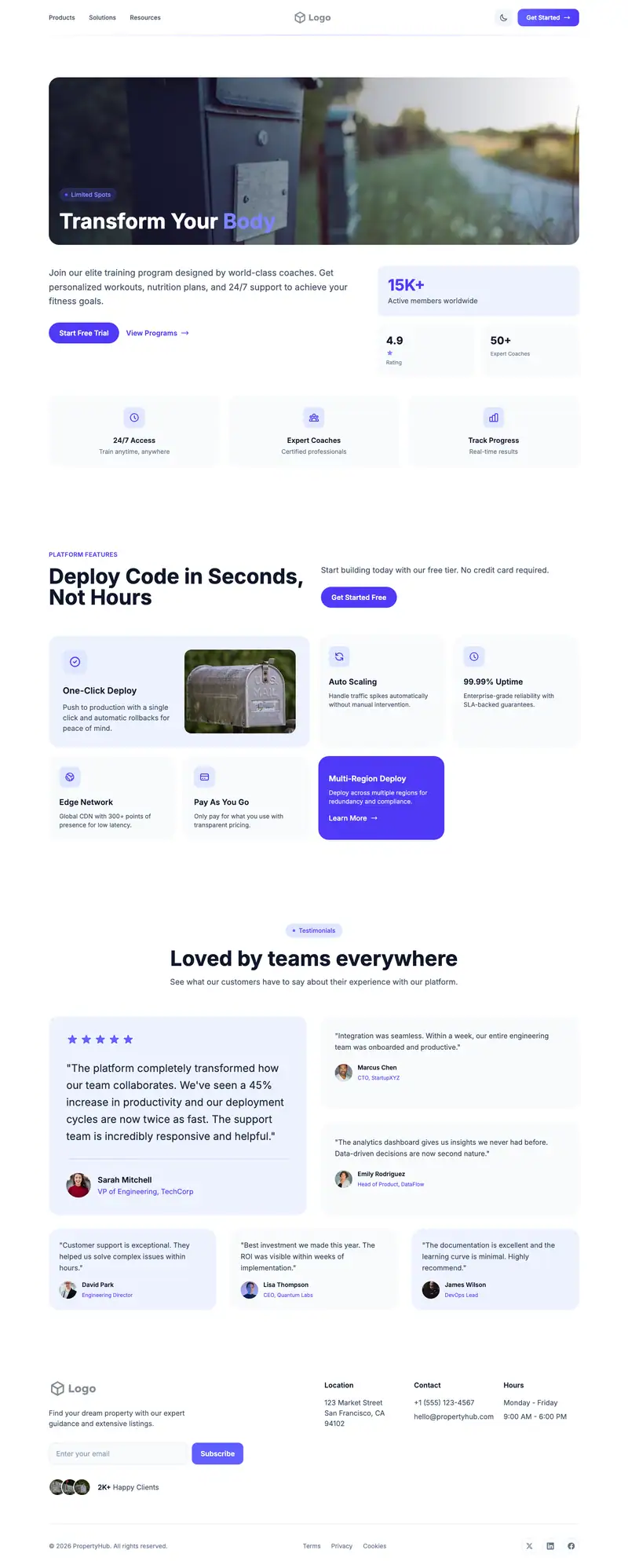
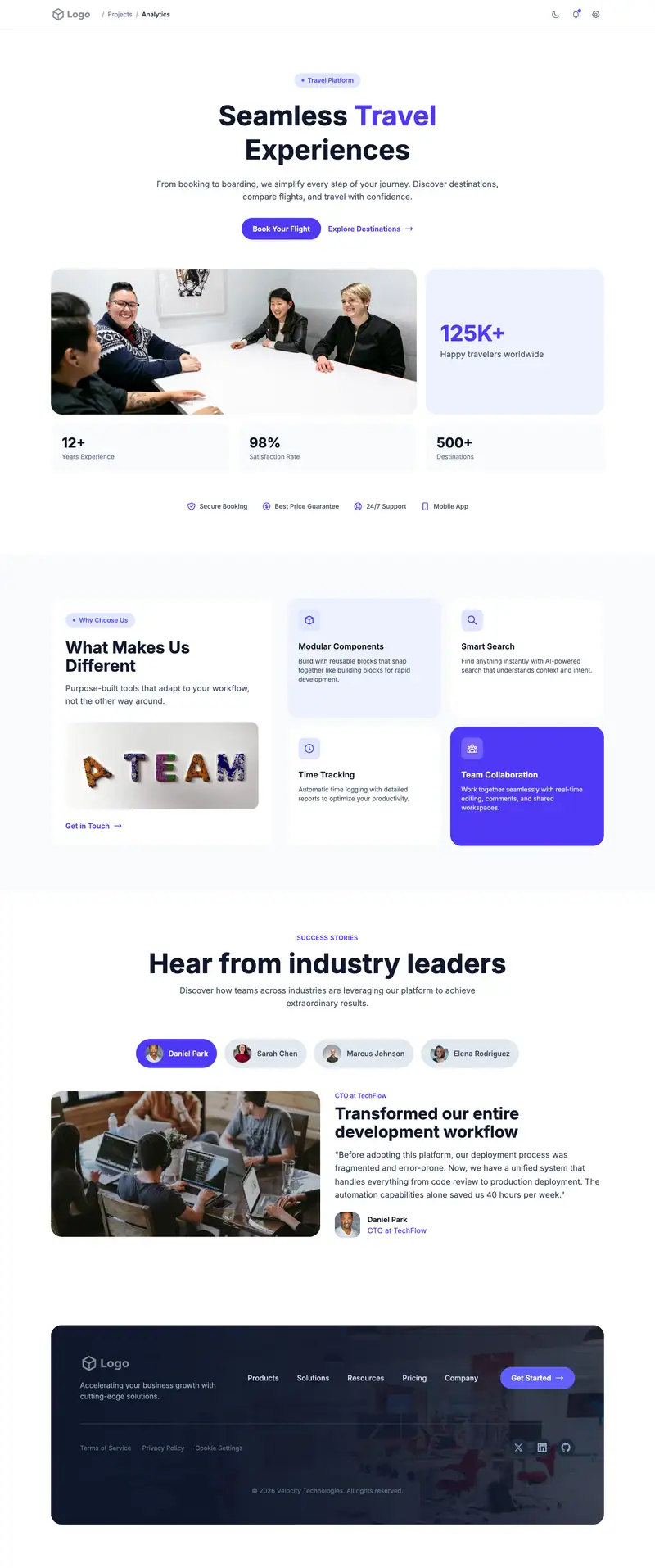
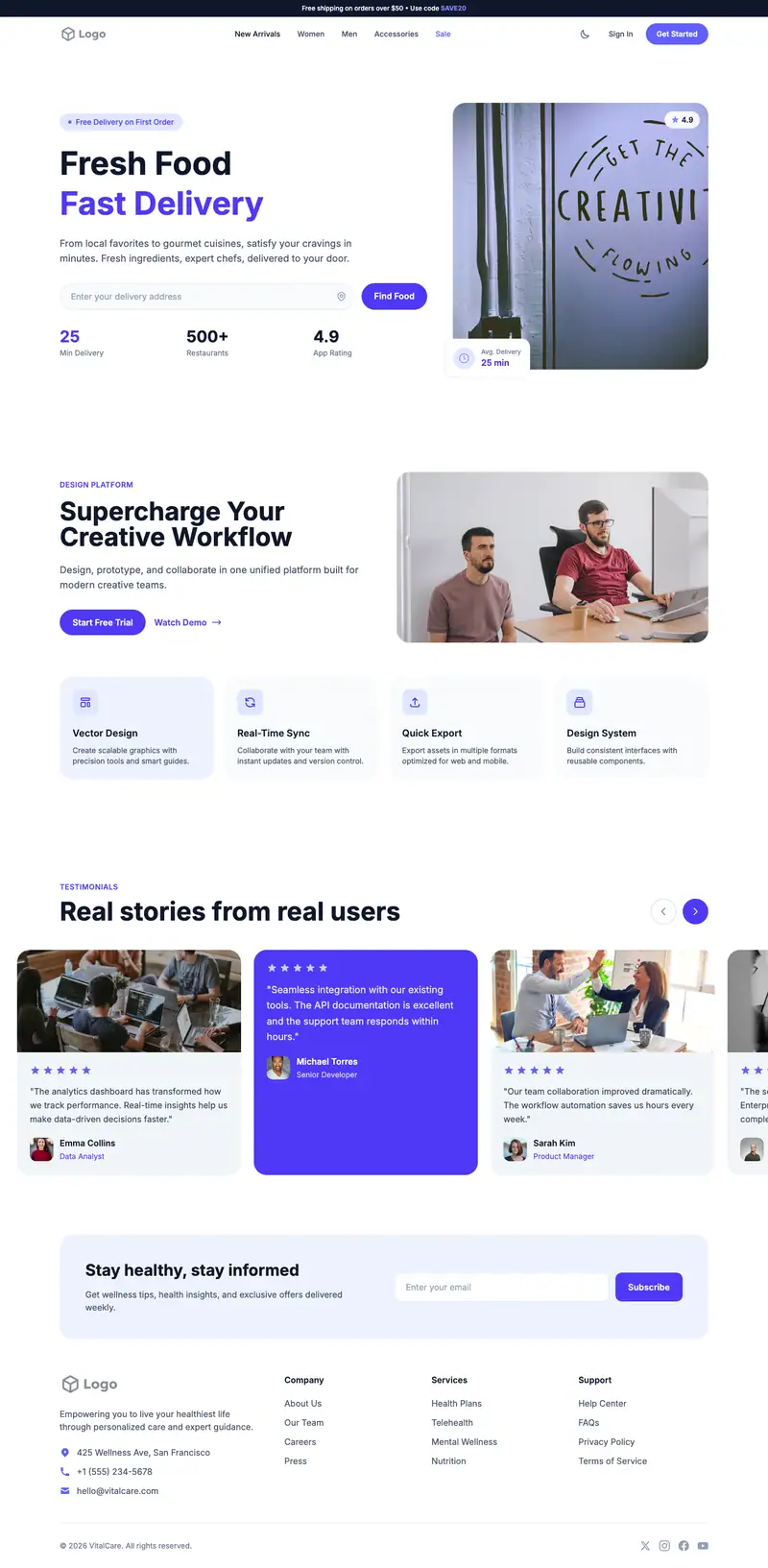
Scroll the preview. Text and photos are placeholders; Lindo replaces them with your business details.
What's on the page
- 1
Navigation · Breadcrumb Nav layout
Logo, menu and a primary button that stays easy to reach.
- 2
Hero · Event Registration layout
The first screen: headline, supporting line and the main call to action.
- 3
Features · SaaS Cards layout
Services or benefits laid out so visitors can scan what you offer.
- 4
Testimonials · Chat Bubbles layout
Reviews and quotes from customers to build trust before they contact you.
- 5
Footer · Nav Contact Button layout
Contact details, links and the small print at the bottom of every page.
Make it yours
What a virtual assistant business should put in after remixing:
- Put your hour packages and working time zone in the hero.
- Use the cards for inbox management, scheduling, social media, bookkeeping support, and customer service.
- Write the chat bubble testimonials as short client messages about response time and tasks handled.
Getting found
Target 'virtual assistant for [niche]' searches such as 'virtual assistant for real estate agents'.
Building this for a client?
On Studio and White Label plans you can remix this template per client, then hand over the editor under your own brand.
See white-label features