Luxury Apartment website template
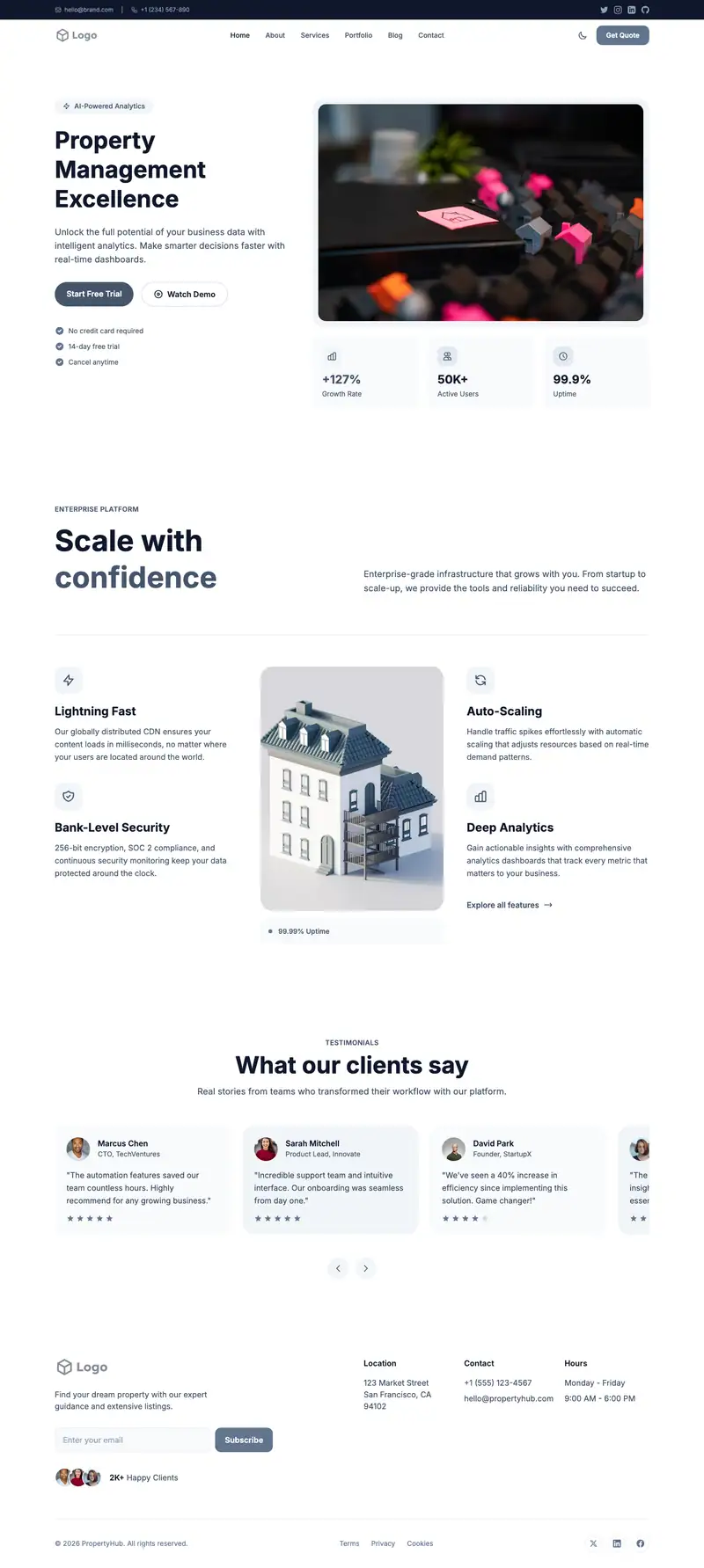
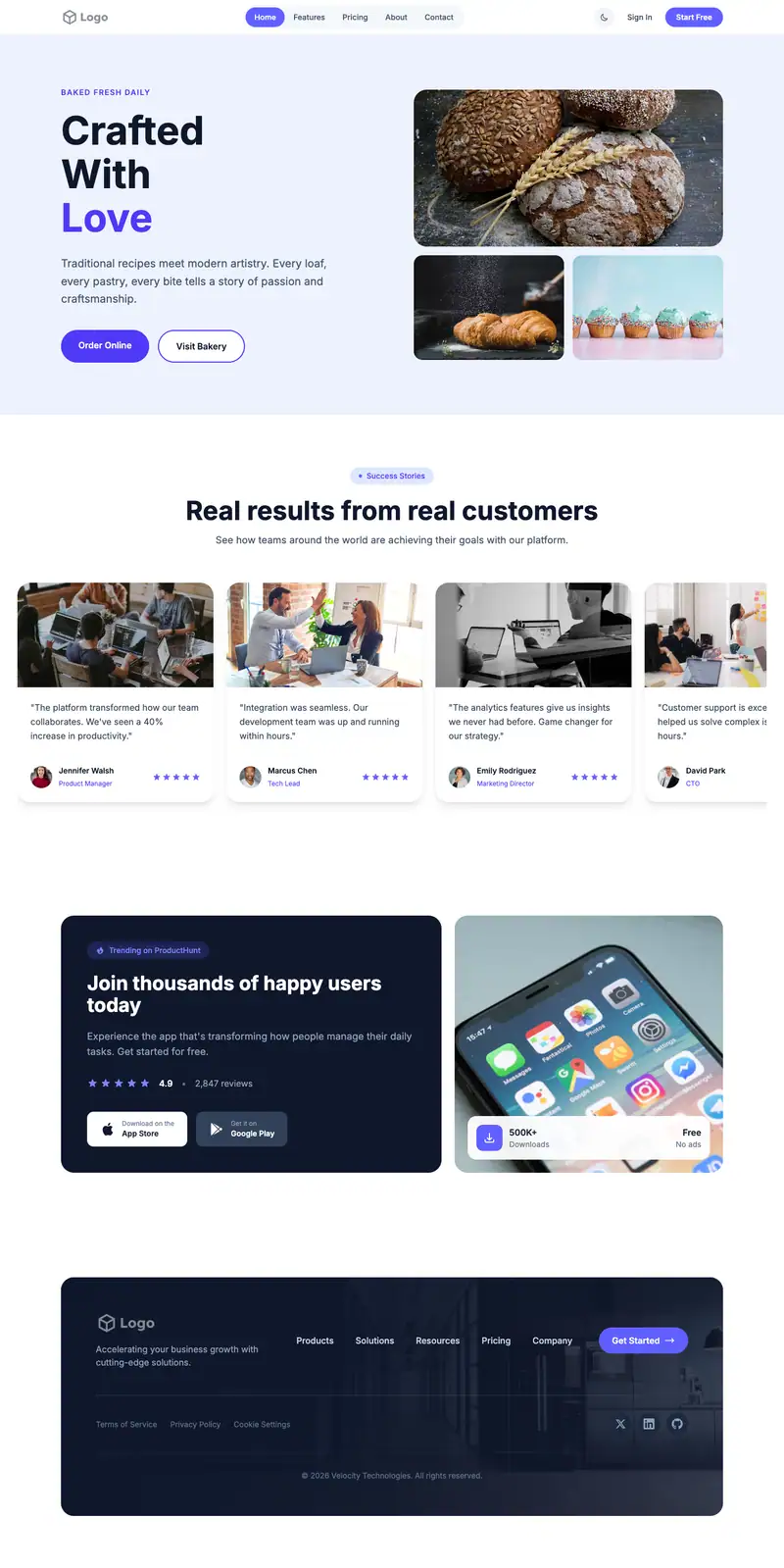
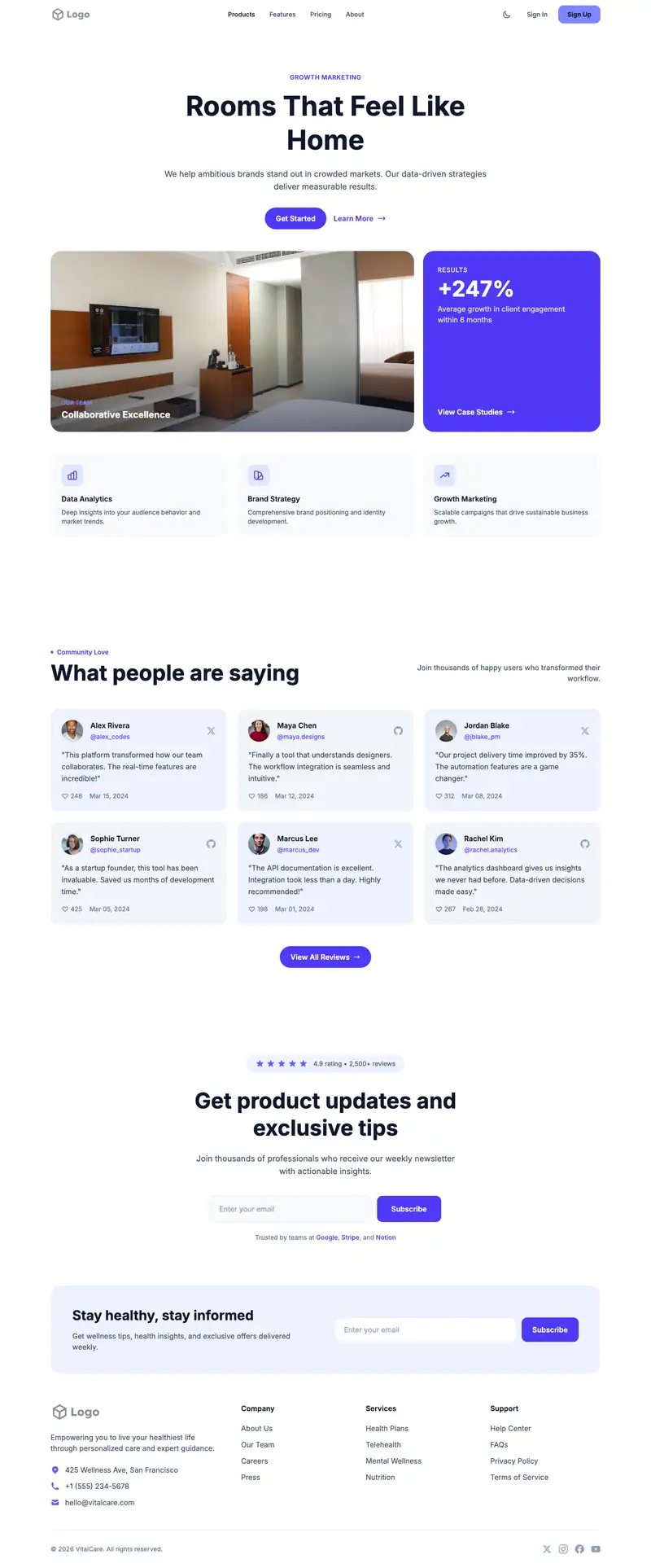
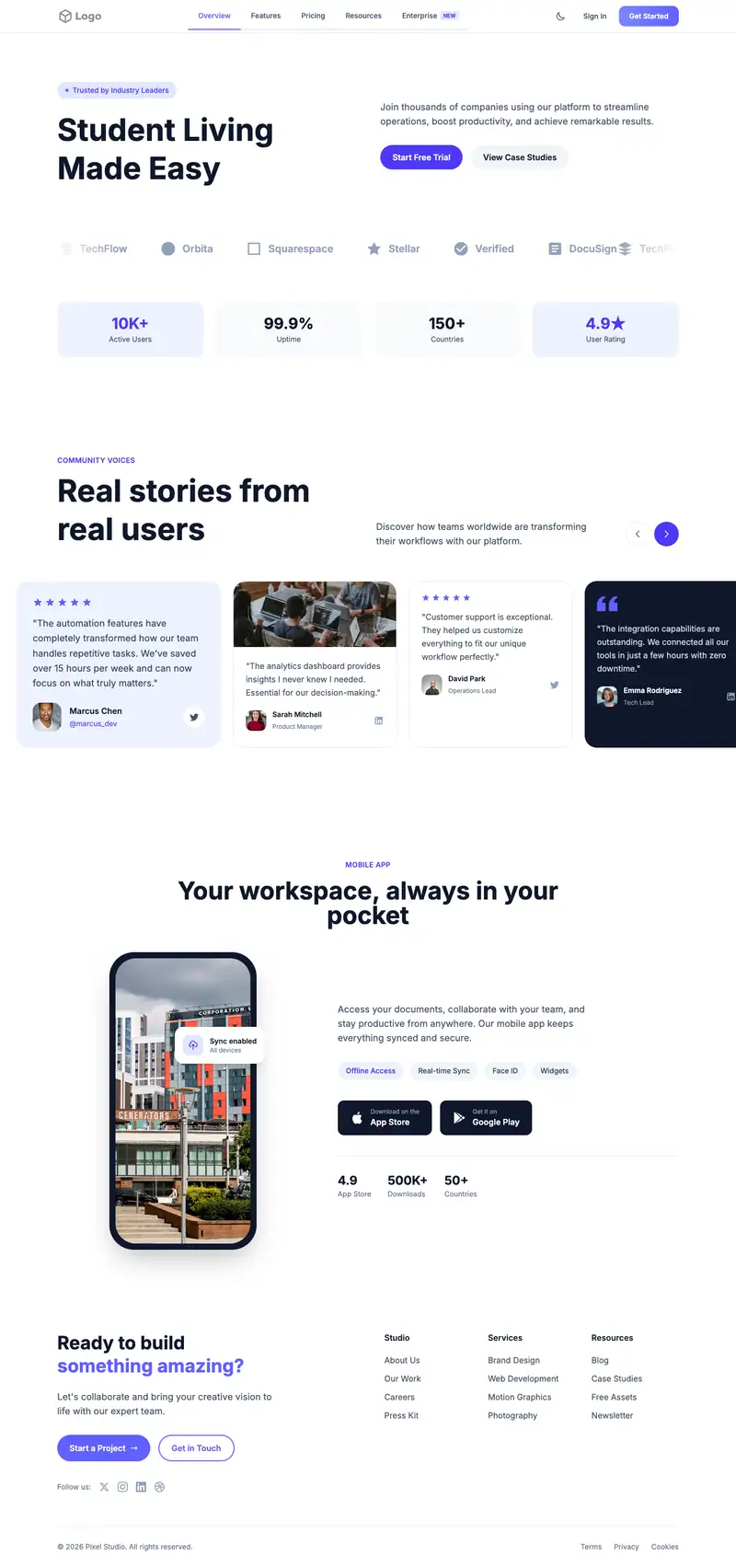
Renters choosing a luxury building compare amenities, floor plans, and move-in specials online before visiting. "Luxury Apartment Living" fits a single upscale property. The asymmetric gallery grid is the standout section, ideal for interiors, rooftop, and fitness photos, and the simple newsletter CTA can collect tour requests or waitlist sign-ups.
- Industry
- Real Estate & Property
- Layout
- One-page landing site
- Sections
- 5
- Responsive
- Desktop, tablet and mobile
- Dark mode
- Included
- Price
- Free to start
Best for
- Upscale apartment buildings
- Leasing offices
- Boutique rental properties
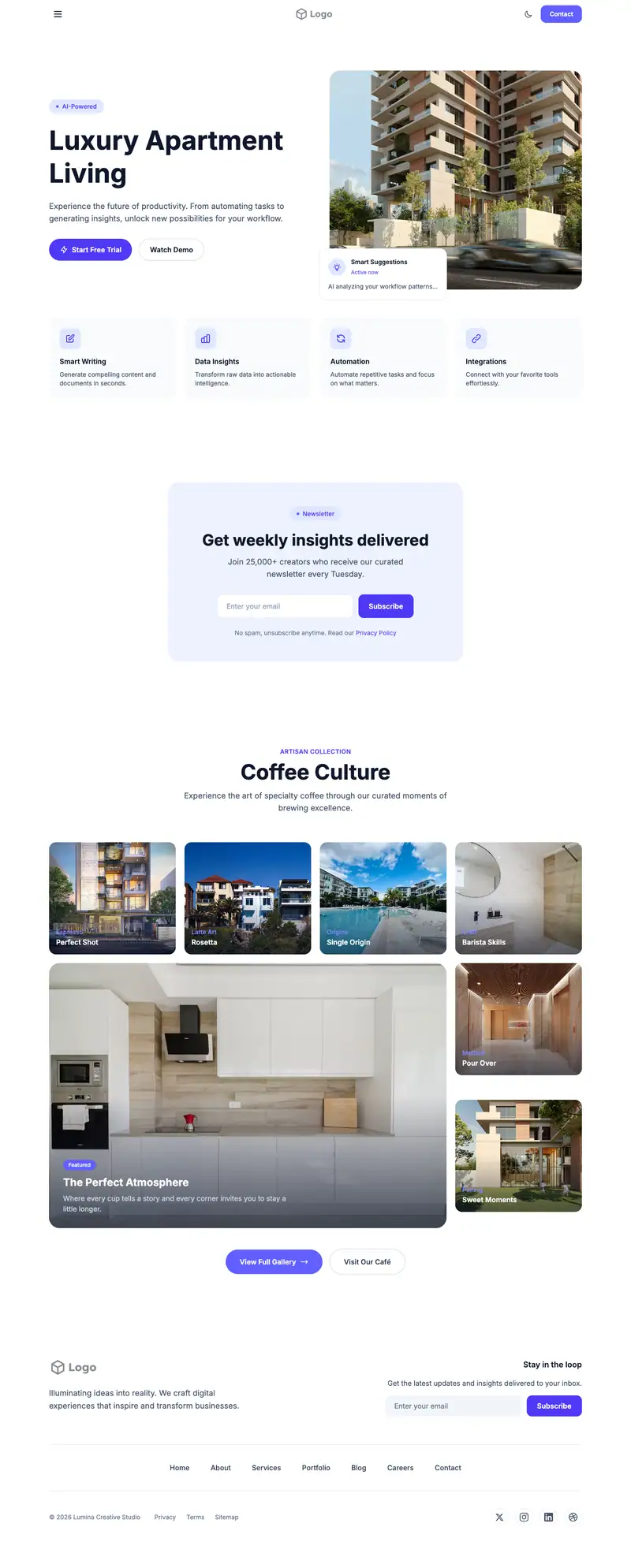
Scroll the preview. Text and photos are placeholders; Lindo replaces them with your business details.
What's on the page
- 1
Navigation · Sidebar Drawer layout
Logo, menu and a primary button that stays easy to reach.
- 2
Hero · AI Assistant layout
The first screen: headline, supporting line and the main call to action.
- 3
Call to action · Newsletter Simple layout
A closing prompt that repeats the main action before the footer.
- 4
Gallery · Asymmetric Grid layout
A grid of photos of your work, space or products.
- 5
Footer · Simple Horizontal Nav layout
Contact details, links and the small print at the bottom of every page.
Make it yours
What a luxury apartment business should put in after remixing:
- Add current move-in specials and starting rents for each unit size to the hero.
- Fill the gallery with professional photos of units, the lobby, the rooftop, and the gym.
- Rename the CTA to 'Book a tour' and collect a desired move-in date.
Getting found
Target 'luxury apartments [neighborhood]' and '[building name] apartments'.
Building this for a client?
On Studio and White Label plans you can remix this template per client, then hand over the editor under your own brand.
See white-label features