Dark Theme Modern website template
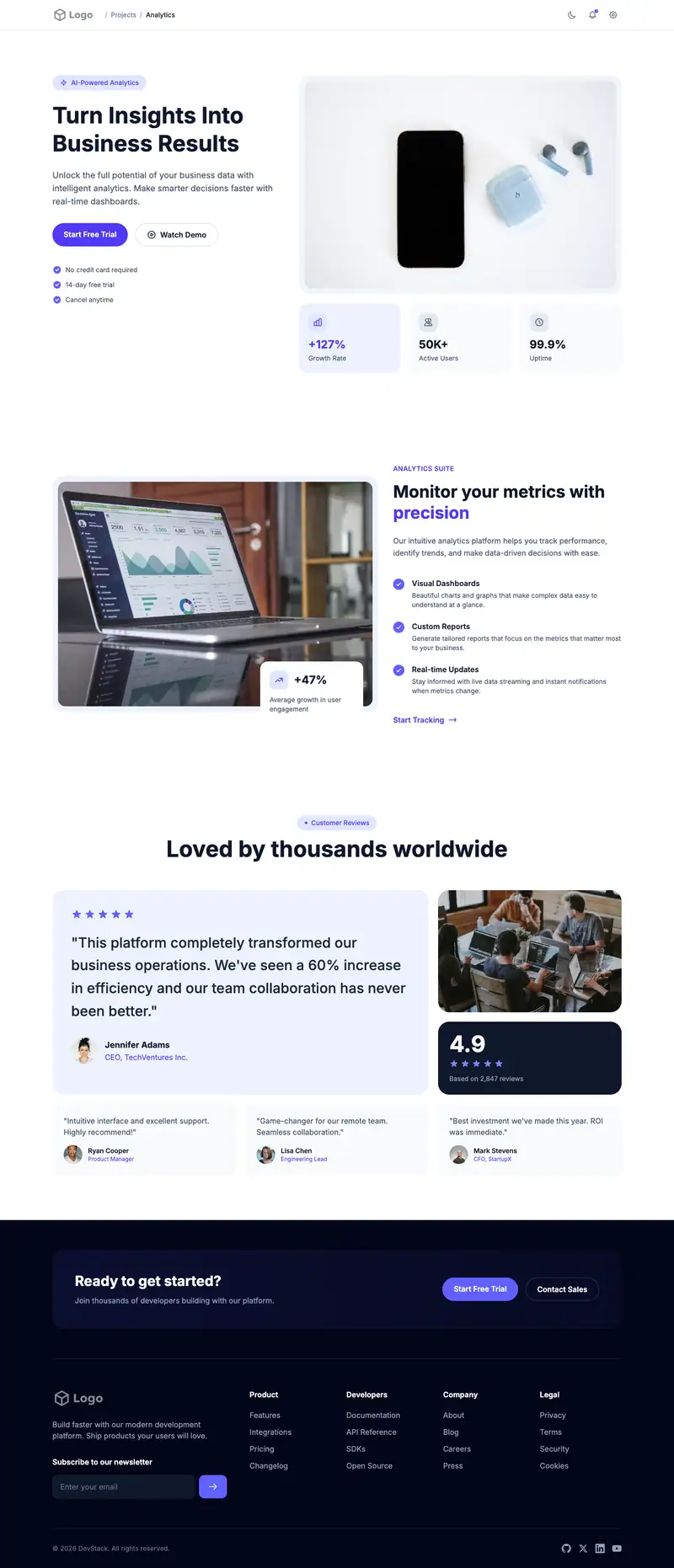
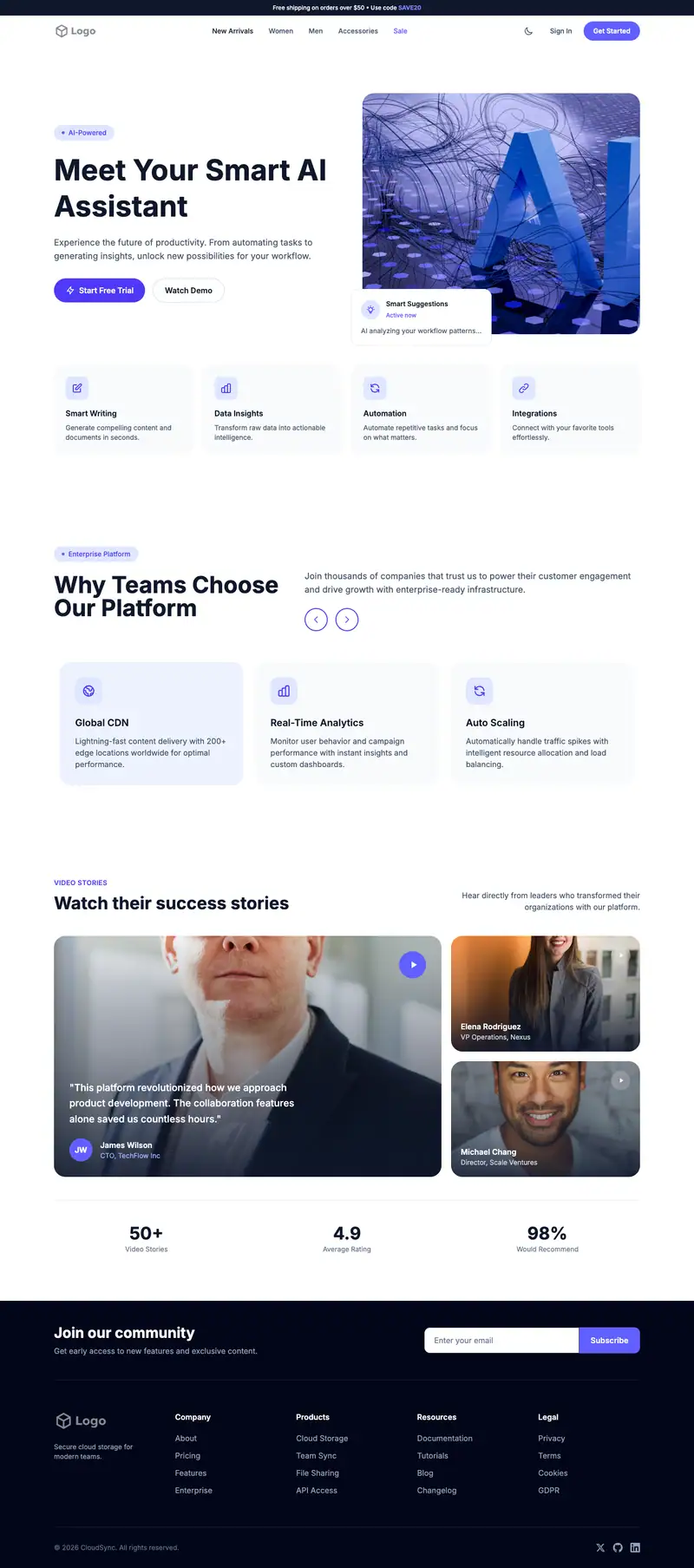
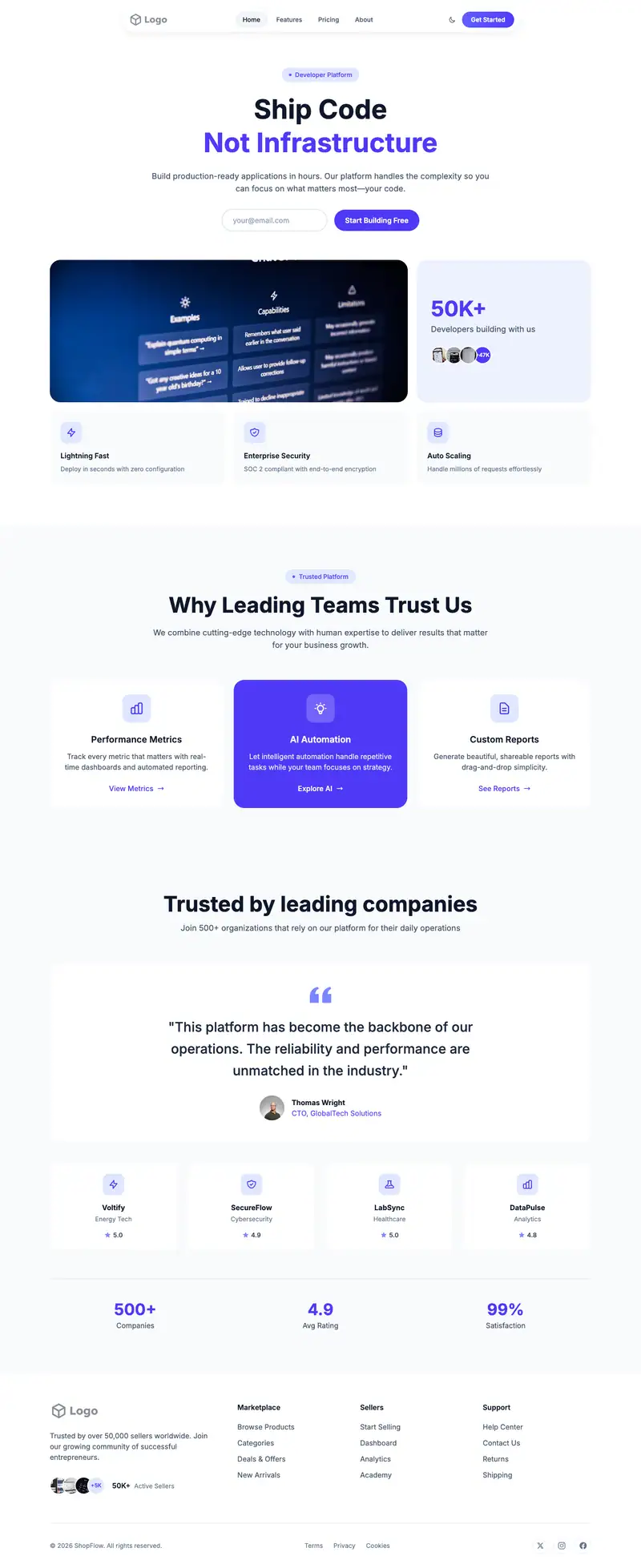
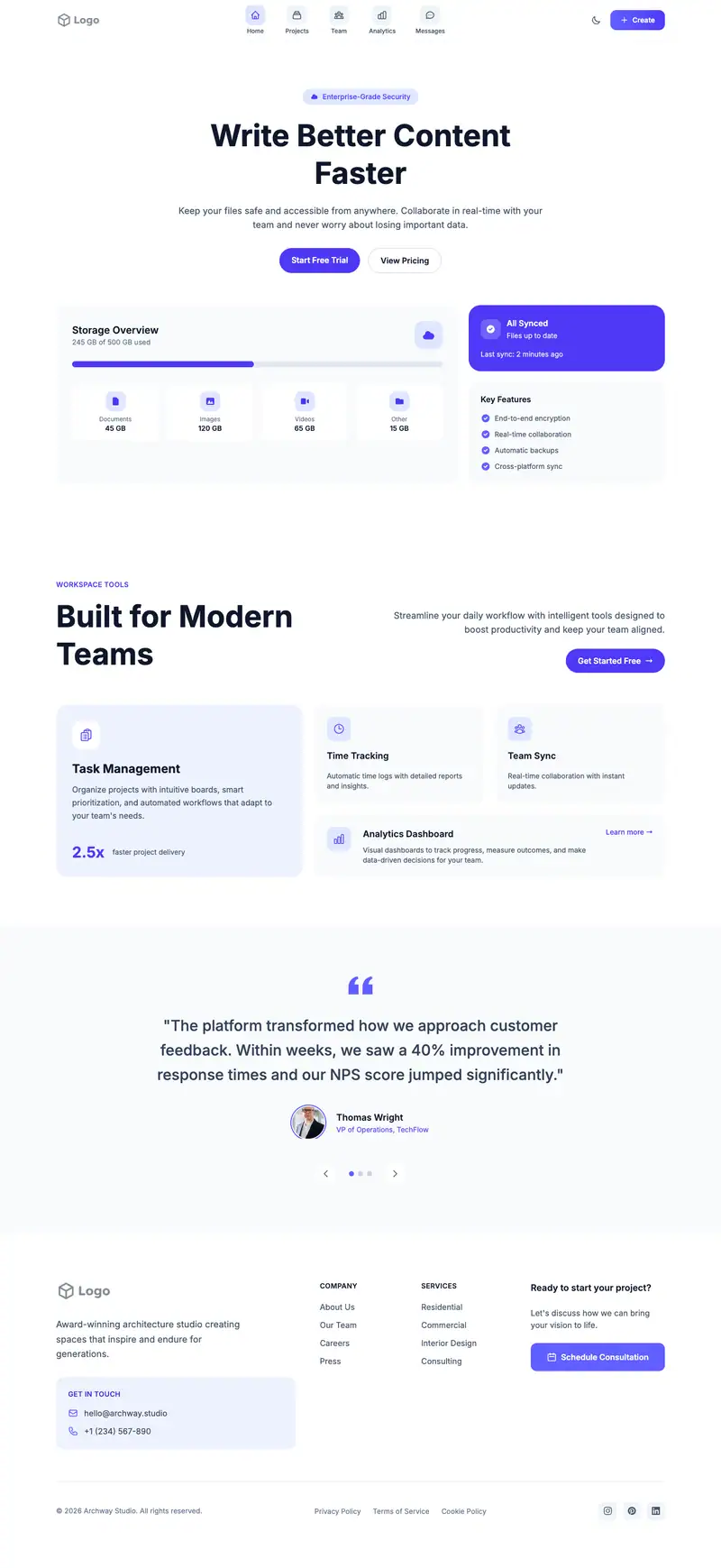
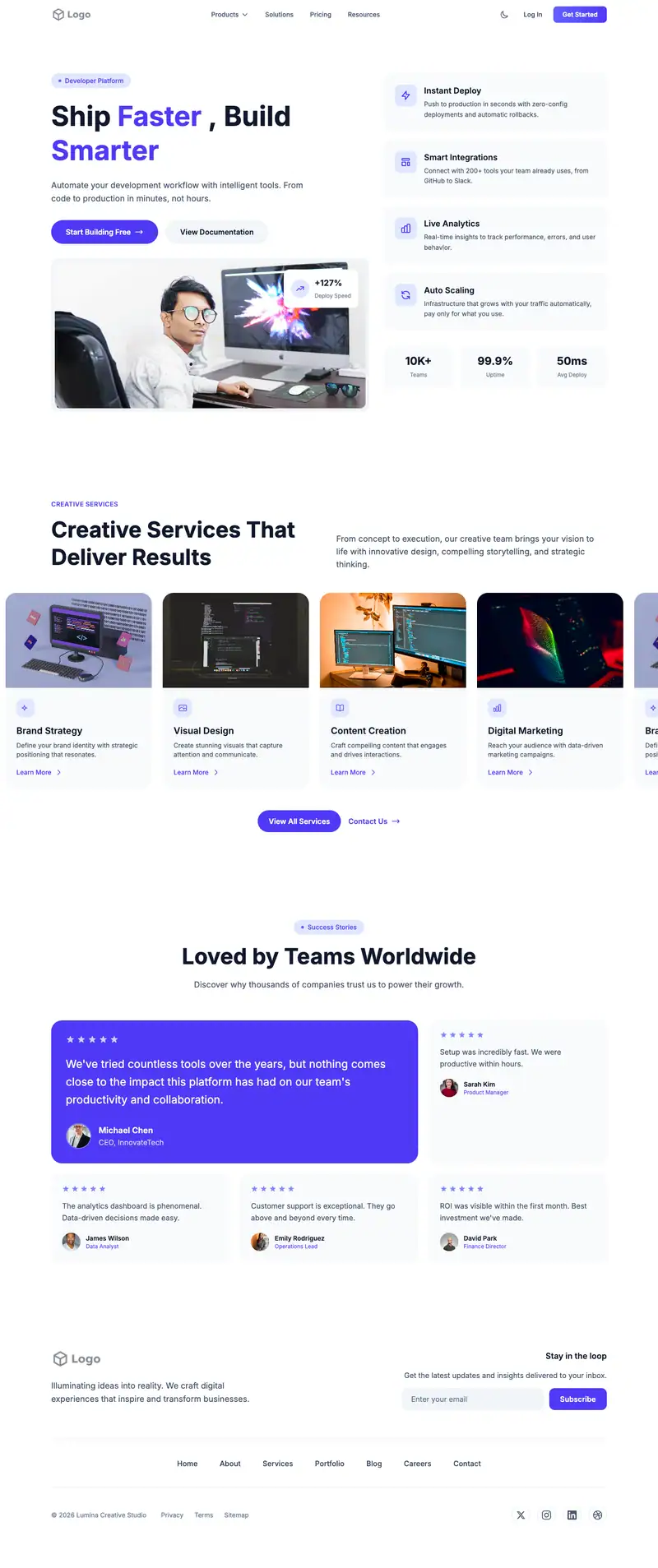
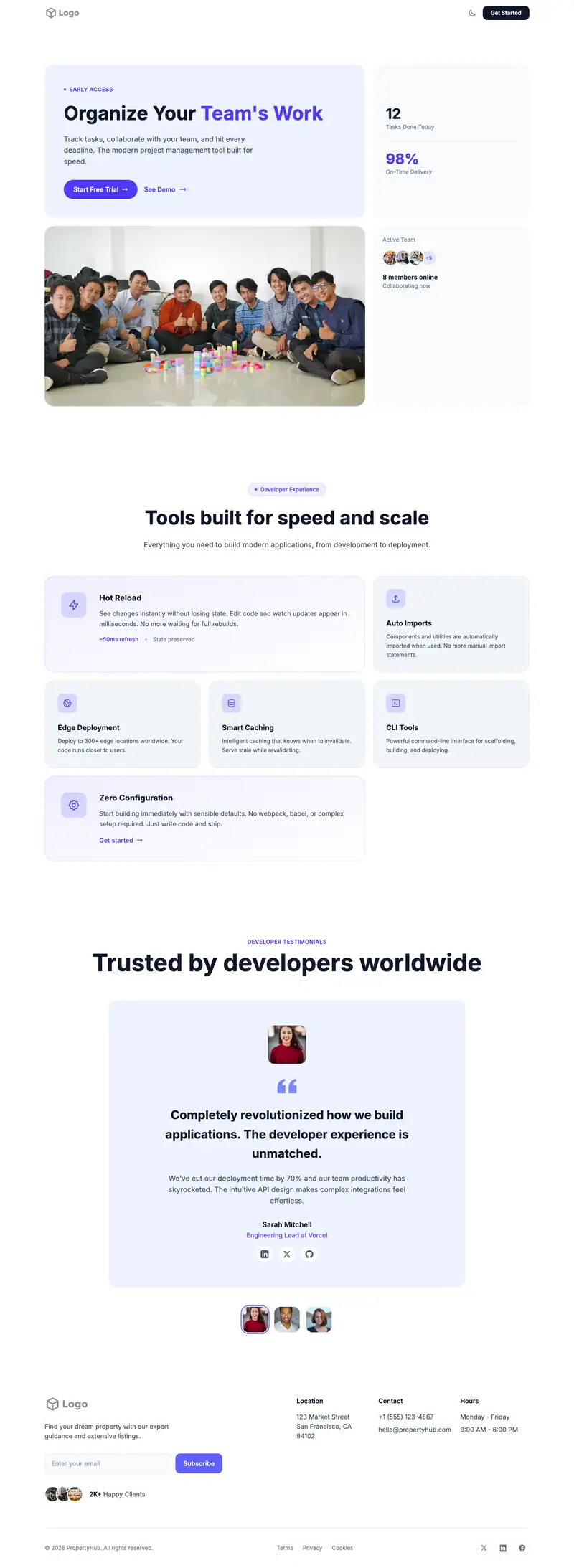
Dark interfaces suit products used by developers, analysts, and anyone staring at screens all day. Here "Transform Your Productivity" leads a Productivity Dashboard hero, and an Analytics Dashboard features block shows charts and metrics in context. Client Success testimonials frame results as short case studies.
- Industry
- Technology & SaaS
- Layout
- One-page landing site
- Sections
- 5
- Responsive
- Desktop, tablet and mobile
- Dark mode
- Included
- Price
- Free to start
Best for
- Productivity apps with dark UI
- Developer-focused tools
- Focus and time-tracking apps
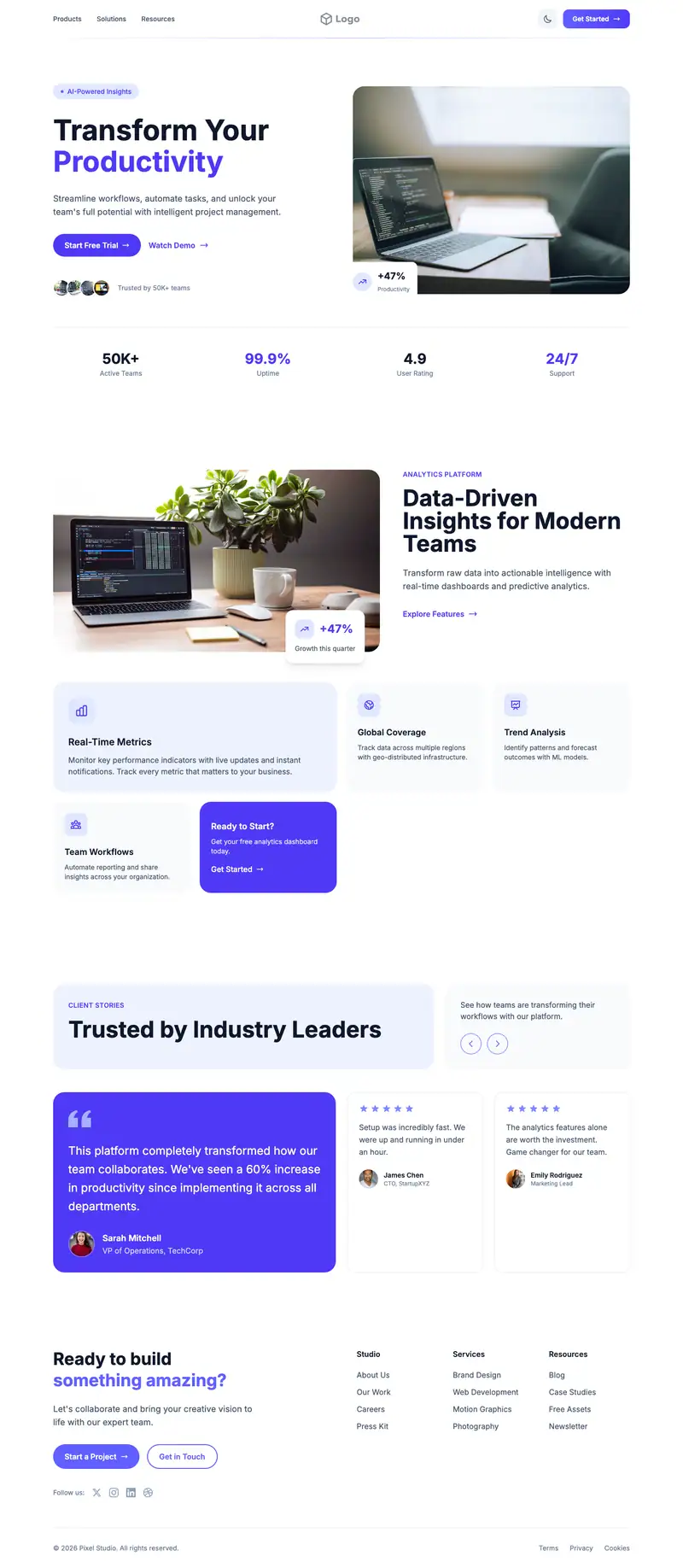
Scroll the preview. Text and photos are placeholders; Lindo replaces them with your business details.
What's on the page
- 1
Navigation · Centered Logo layout
Logo, menu and a primary button that stays easy to reach.
- 2
Hero · Productivity Dashboard layout
The first screen: headline, supporting line and the main call to action.
- 3
Features · Analytics Dashboard layout
Services or benefits laid out so visitors can scan what you offer.
- 4
Testimonials · Client Success layout
Reviews and quotes from customers to build trust before they contact you.
- 5
Footer · Cta Links layout
Contact details, links and the small print at the bottom of every page.
Make it yours
What a dark theme modern business should put in after remixing:
- Use a dark-mode screenshot of your app in the hero so the page matches the product.
- Swap the analytics block metrics for numbers your users track, such as focus hours or tasks closed.
- Write each Client Success entry as problem, change, and result in three short lines.
Getting found
Go after '[competitor] alternative' and 'best [category] app for [role]' comparisons.
Building this for a client?
On Studio and White Label plans you can remix this template per client, then hand over the editor under your own brand.
See white-label features