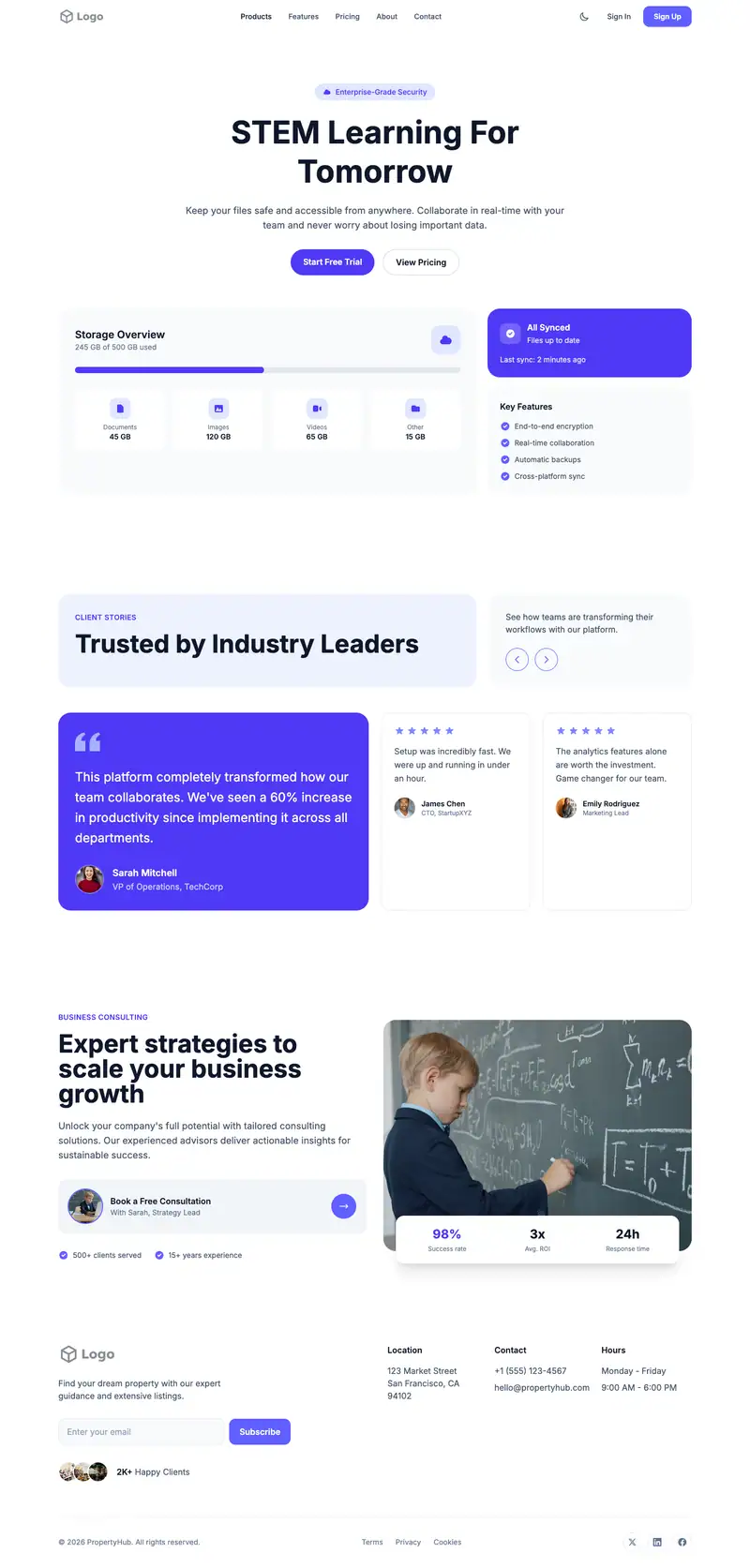
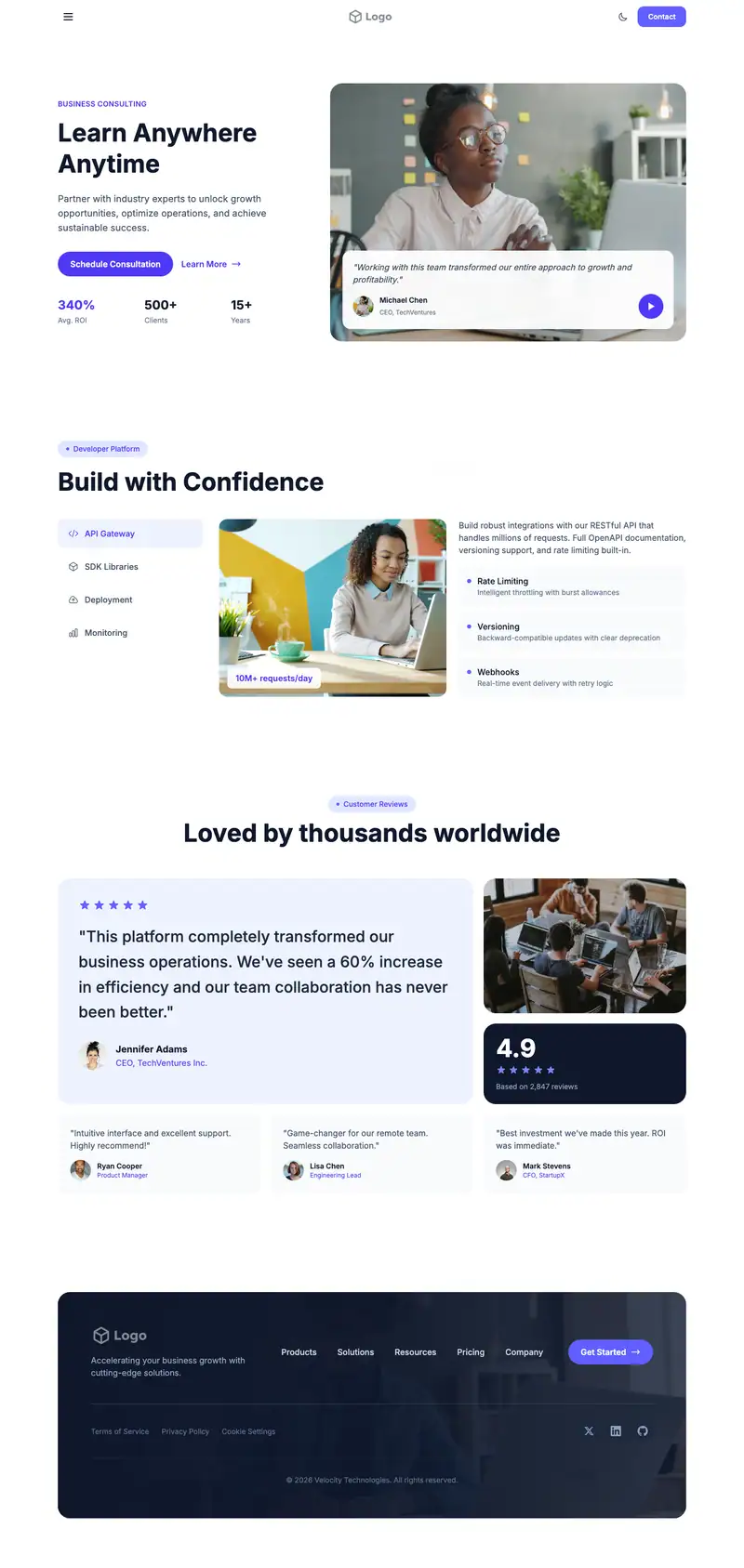
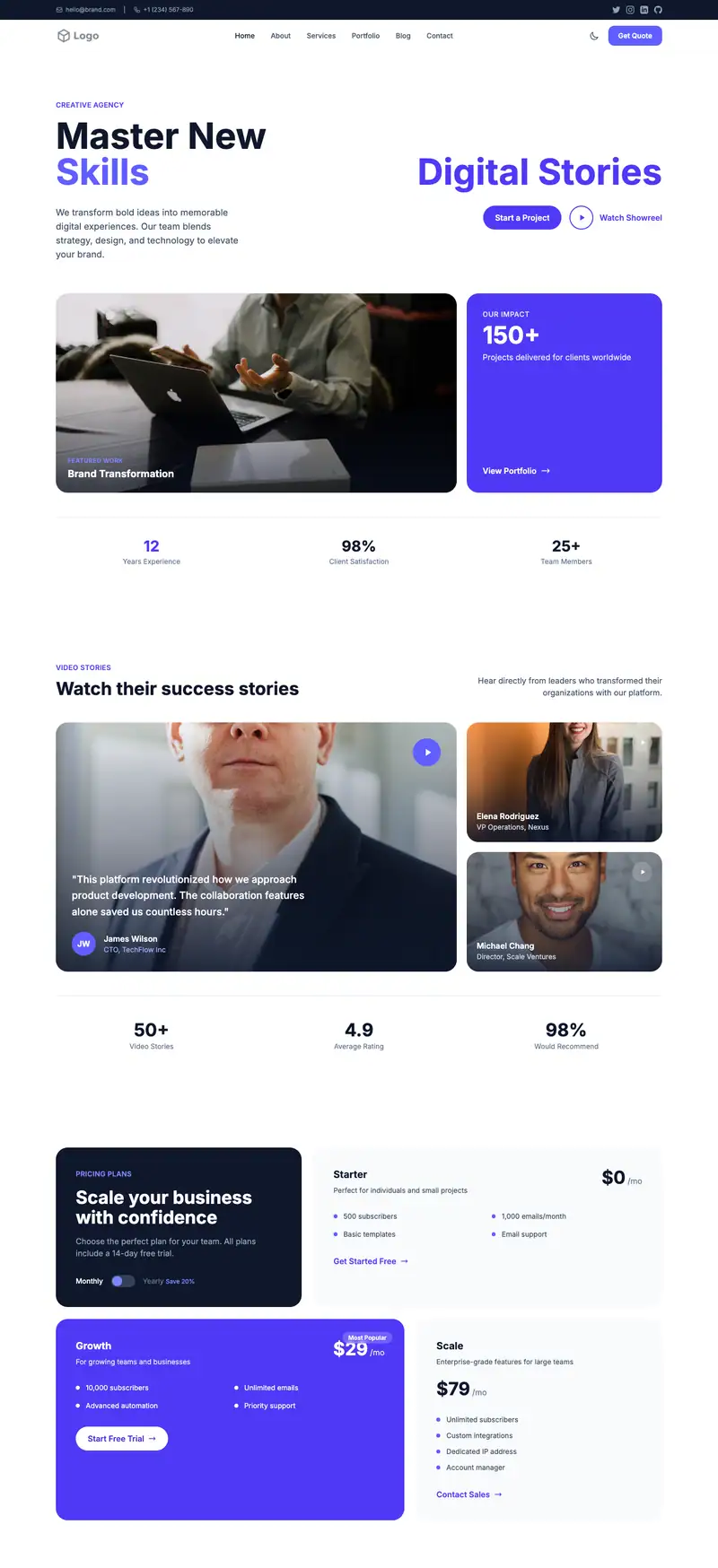
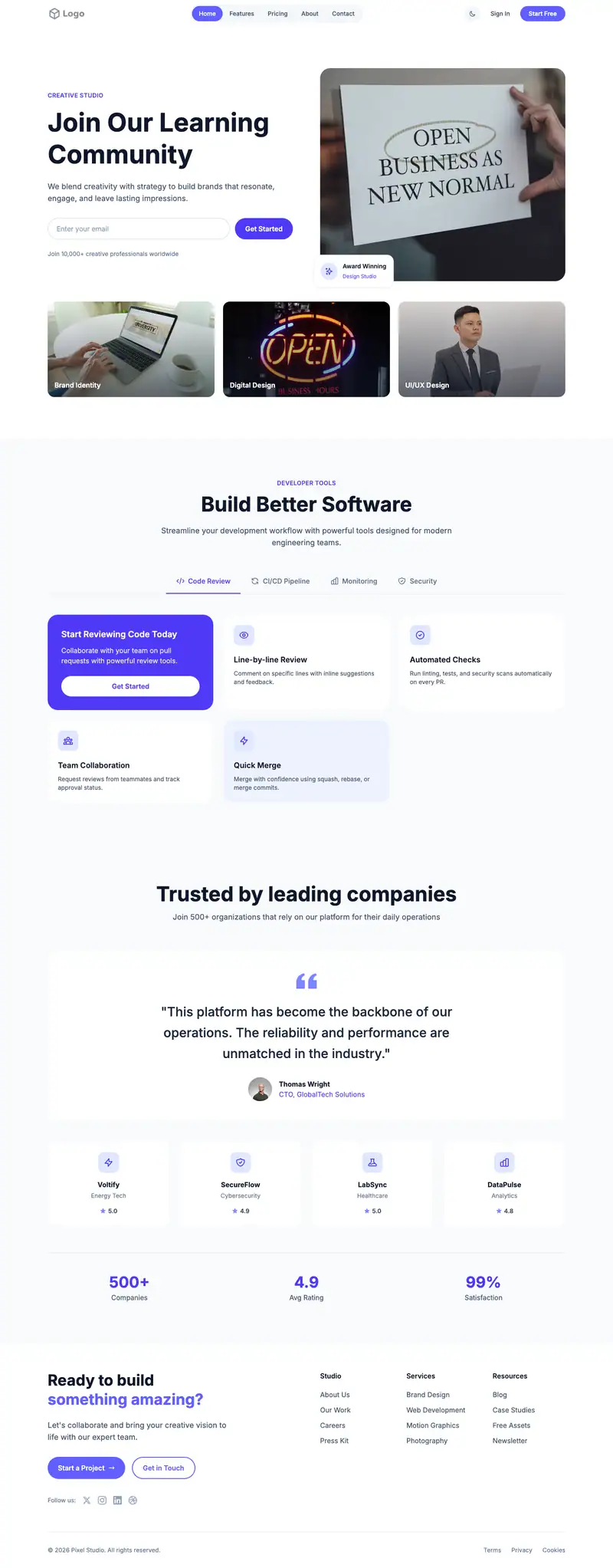
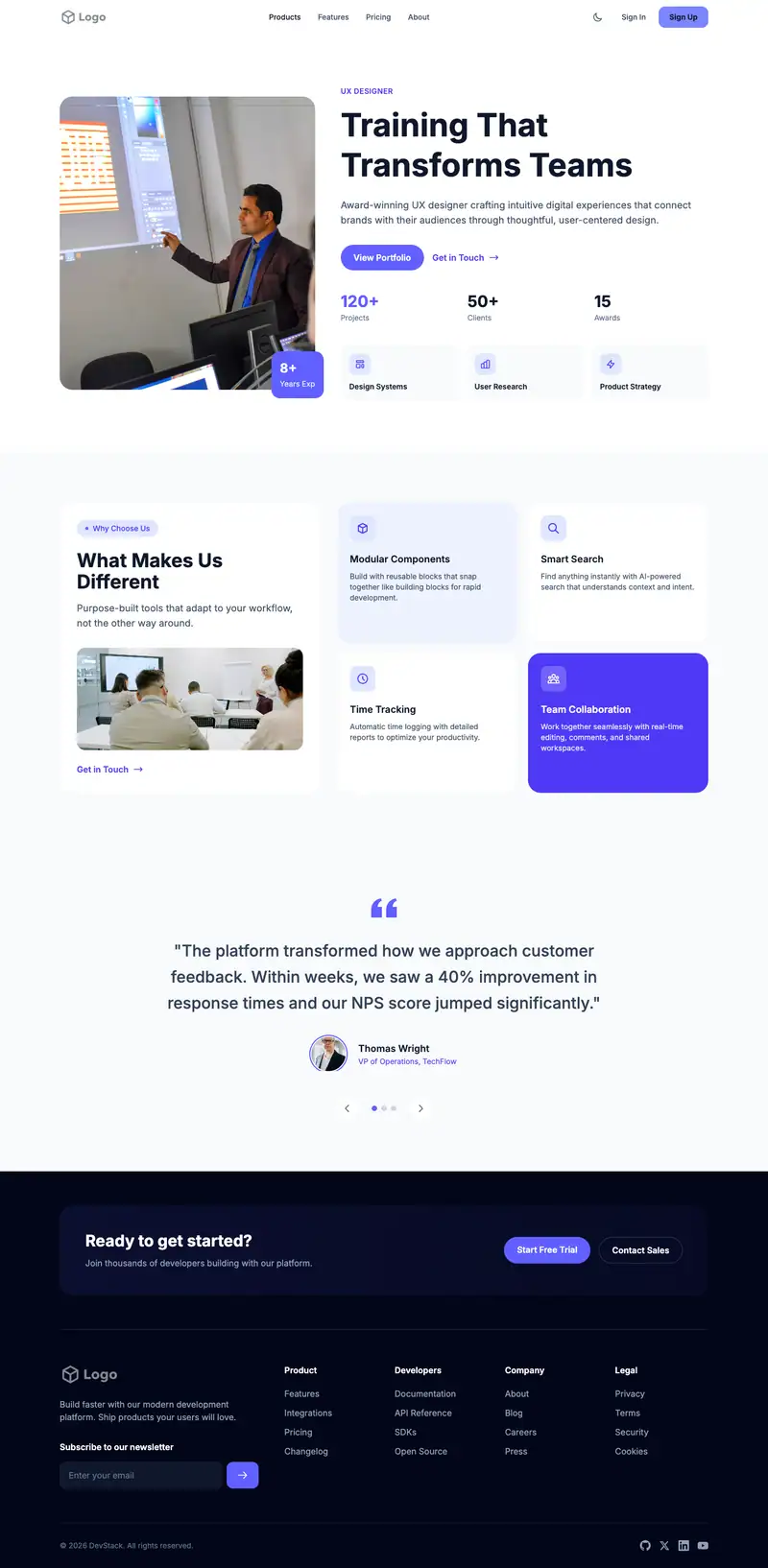
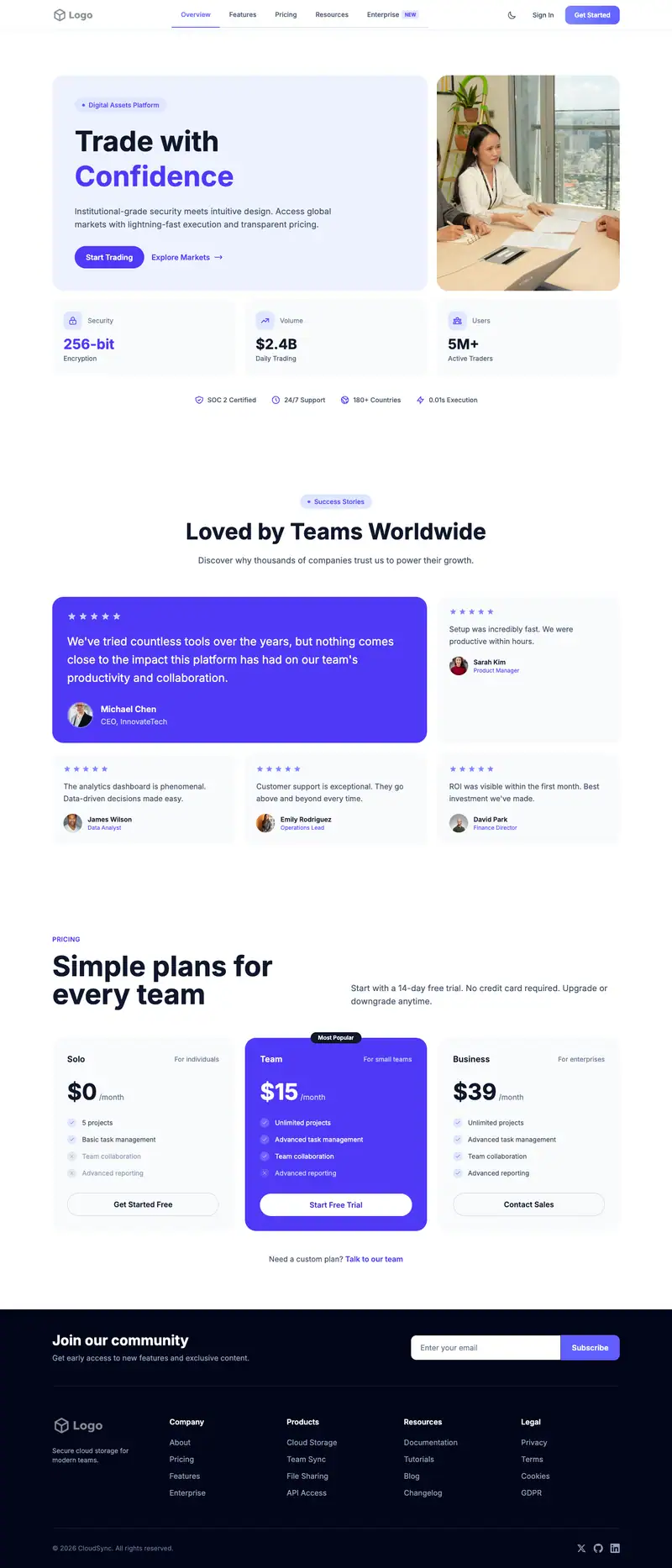
Coding for Kids website template
Parents signing kids up for coding want age-appropriate projects and proof their child will stay engaged past the first month. "Kids Who Code" is short and friendly. The avatar nav carousel lets parents click through families' stories one at a time, and the bordered large pricing cards can show programs split by age group, from Scratch to Python.
- Industry
- Education & Training
- Layout
- One-page landing site
- Sections
- 5
- Responsive
- Desktop, tablet and mobile
- Dark mode
- Included
- Price
- Free to start
Best for
- Kids coding schools
- Game design classes for kids
- Online coding for kids
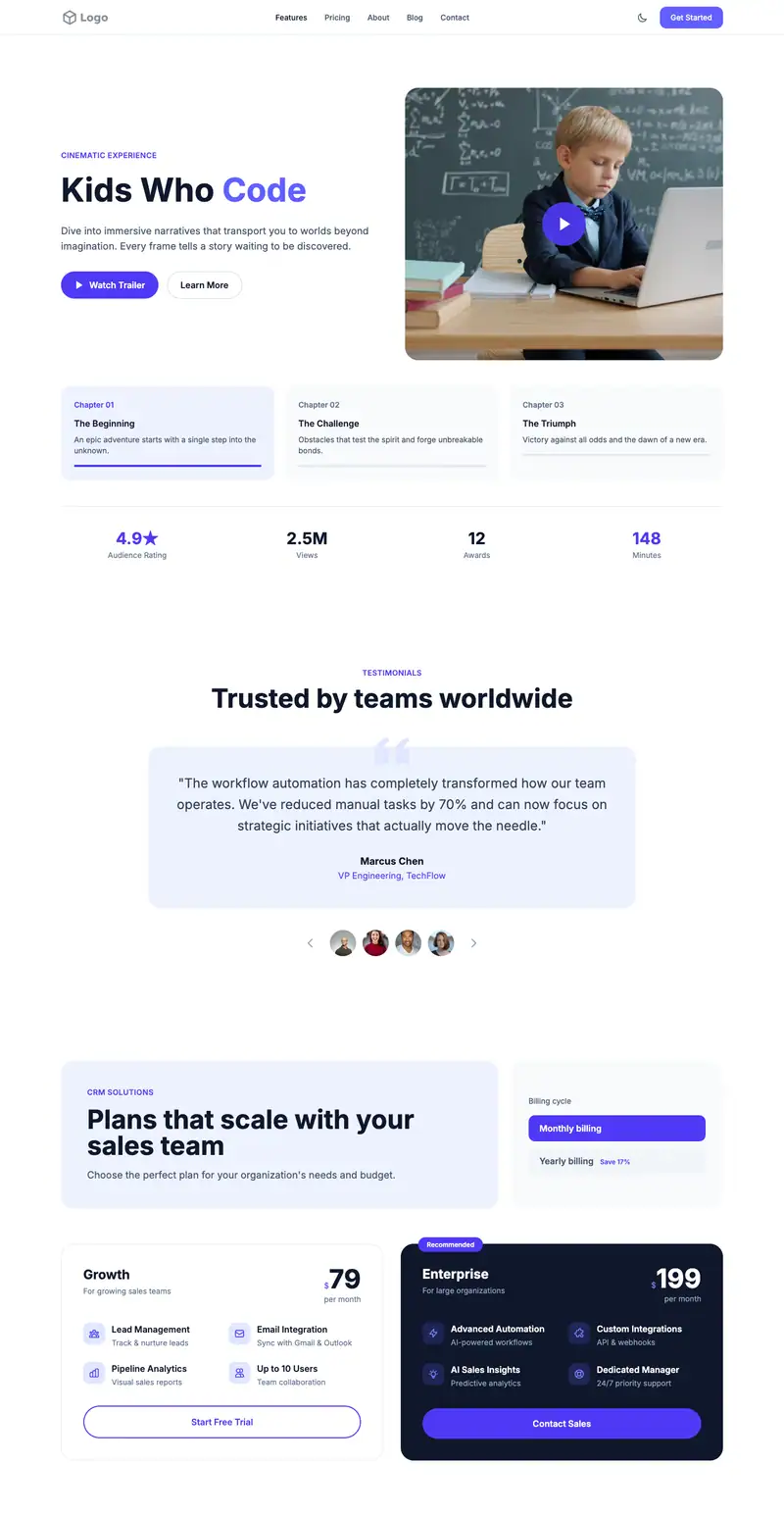
Scroll the preview. Text and photos are placeholders; Lindo replaces them with your business details.
What's on the page
- 1
Navigation · Scroll Progress layout
Logo, menu and a primary button that stays easy to reach.
- 2
Hero · Cinematic Story layout
The first screen: headline, supporting line and the main call to action.
- 3
Testimonials · Avatar Nav Carousel layout
Reviews and quotes from customers to build trust before they contact you.
- 4
Pricing · Bordered Large Features layout
Plans or packages with prices, so visitors can compare before they ask.
- 5
Footer · Simple Horizontal Nav layout
Contact details, links and the small print at the bottom of every page.
Make it yours
What a coding for kids business should put in after remixing:
- Add the ages served and a free trial class button to the hero.
- Use the carousel for parent and student quotes about the games or apps the child built.
- Use the pricing cards for age bands, such as 7 to 9 with Scratch and 10 to 14 with Python, with session length and monthly price.
Getting found
Target 'coding classes for kids near me' and 'Python classes for teens online'.
Building this for a client?
On Studio and White Label plans you can remix this template per client, then hand over the editor under your own brand.
See white-label features