
Education & Training website templates
30 layouts for schools, online courses, tutors and training academies.
Education sites usually talk to two people at once: the learner and whoever pays, whether that is a parent, an employer, or the adult student themselves. Visitors want to know what is taught, who teaches it, what it costs, and what changes afterward: a better grade, a license, or a job. The conversion depends on the model: schools want tour requests and applications, tutors want a free assessment booked, and online courses want an enrollment or a purchase.
To choose a template, match its sections to how you sell. Pick one with a pricing block if you sell courses or packages at set prices, and one with a strong testimonial carousel or video testimonials if parents and graduates are your best argument. A newsletter or subscribe CTA suits schools that nurture families over a long admissions cycle.
What every education & training website needs
- Outcomes — state what learners can do afterward, such as reading at grade level, passing the CDL exam, or landing a junior developer role.
- Who teaches — show instructor names, photos, and qualifications, since families and students choose people as much as programs.
- Schedule and format — list ages or levels, class times, session length, and whether it is in person, online, or both.
- Tuition and enrollment steps — give prices or a range, any financial aid, and the exact next step to enroll or apply.
- Parent and graduate proof — use reviews, results, or placement stories from real families and alumni.
All 30 education & training templates
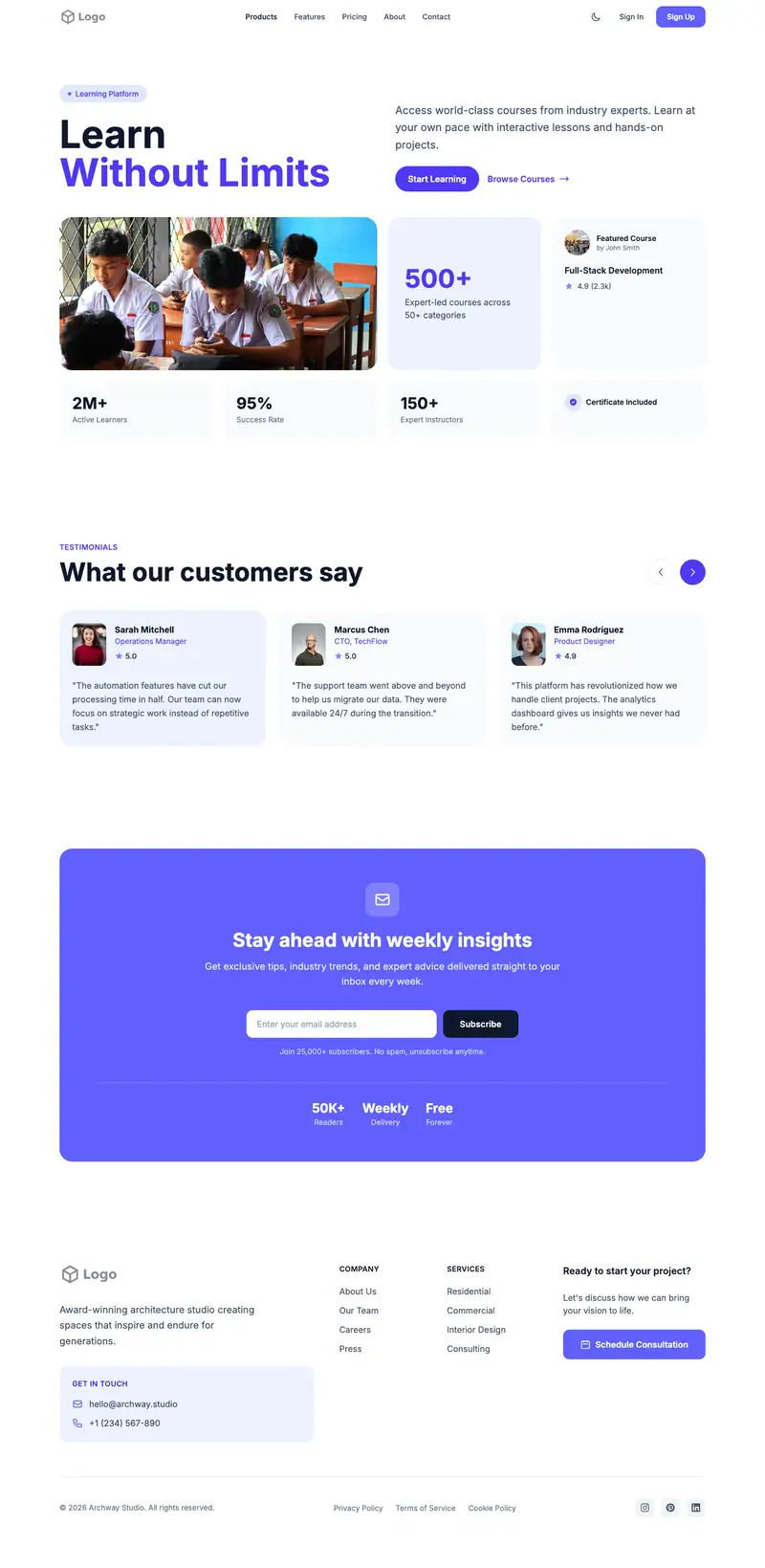
Private School
For independent K-12 schools
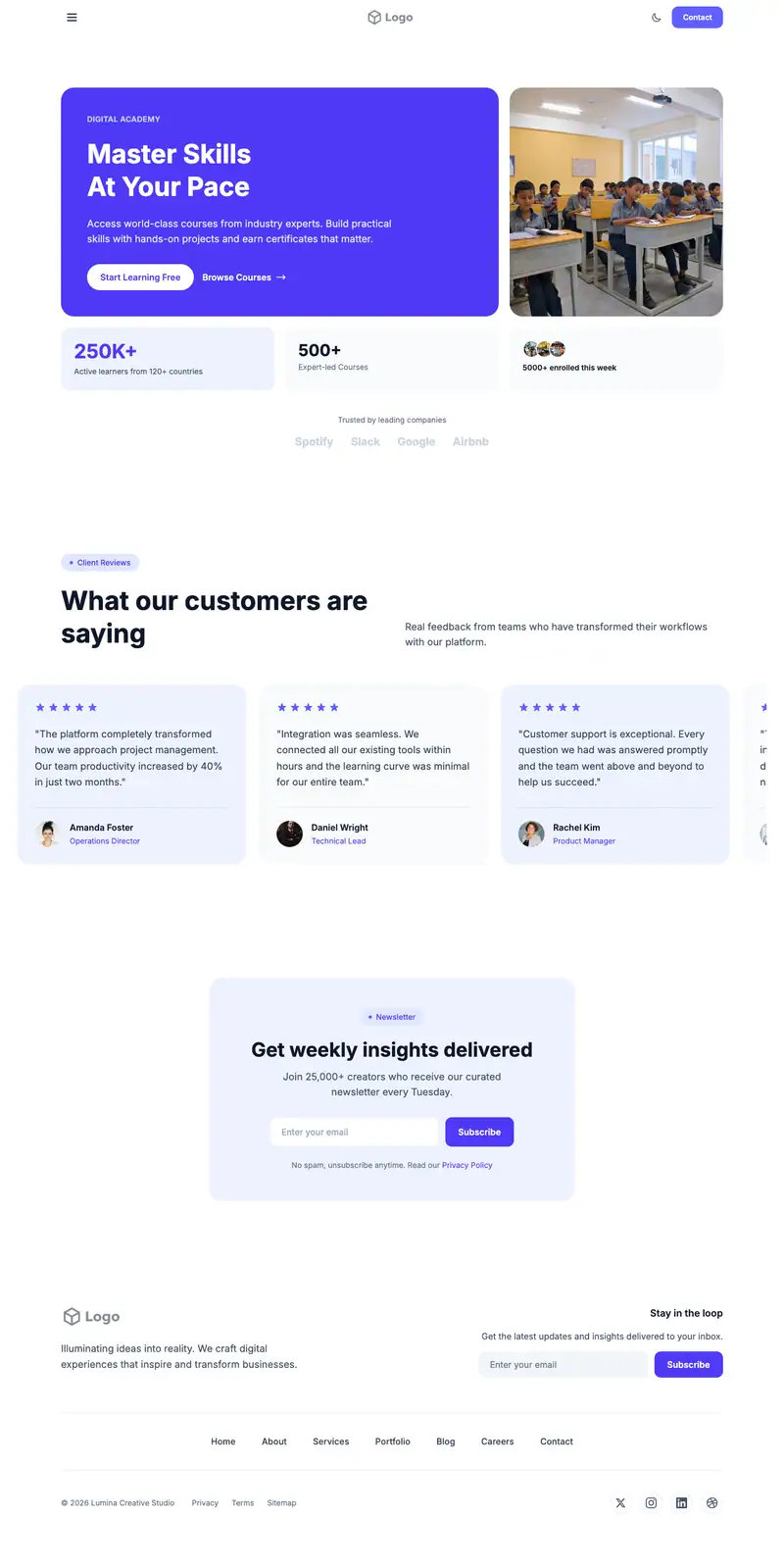
Charter School
For public charter schools
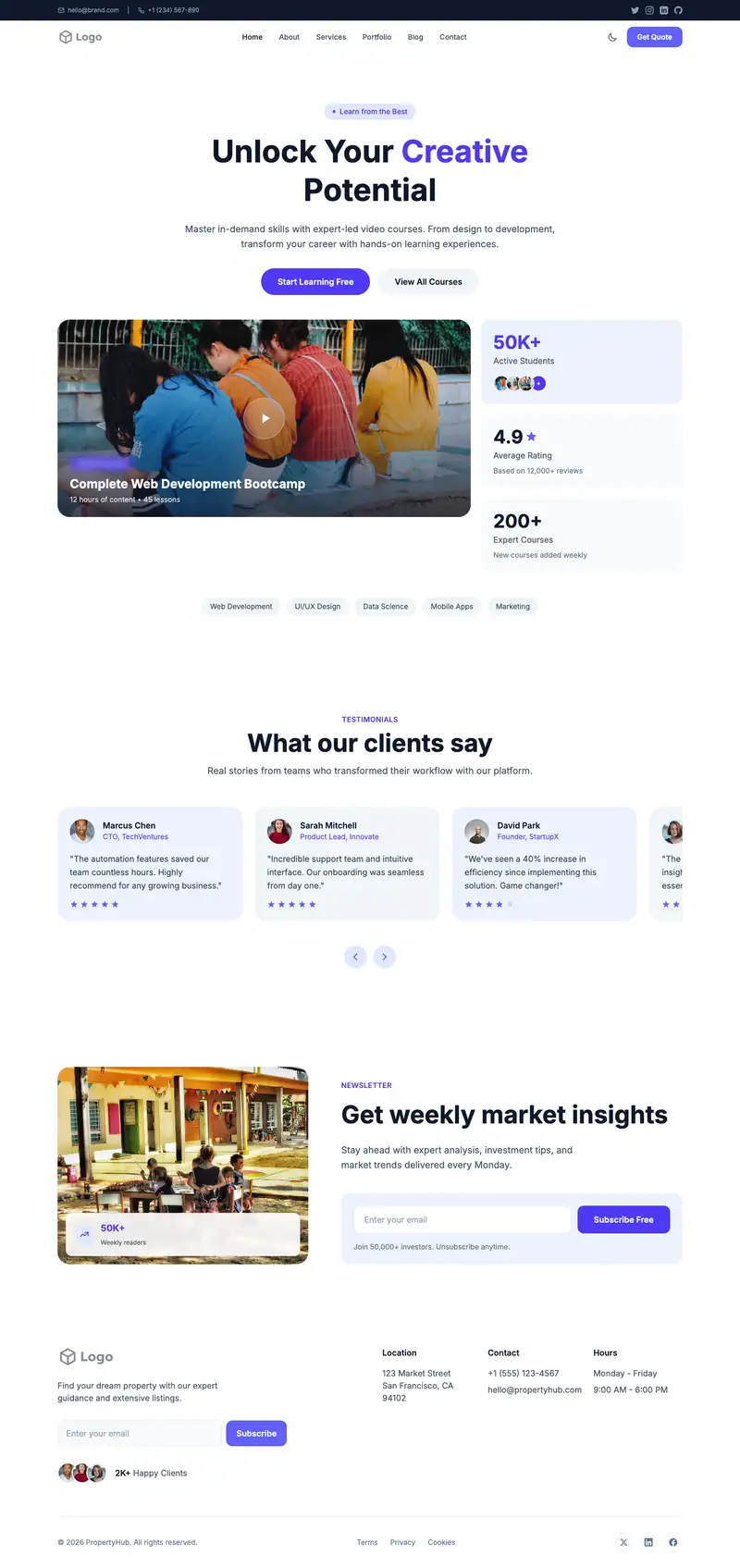
Montessori School
For AMI or AMS Montessori schools
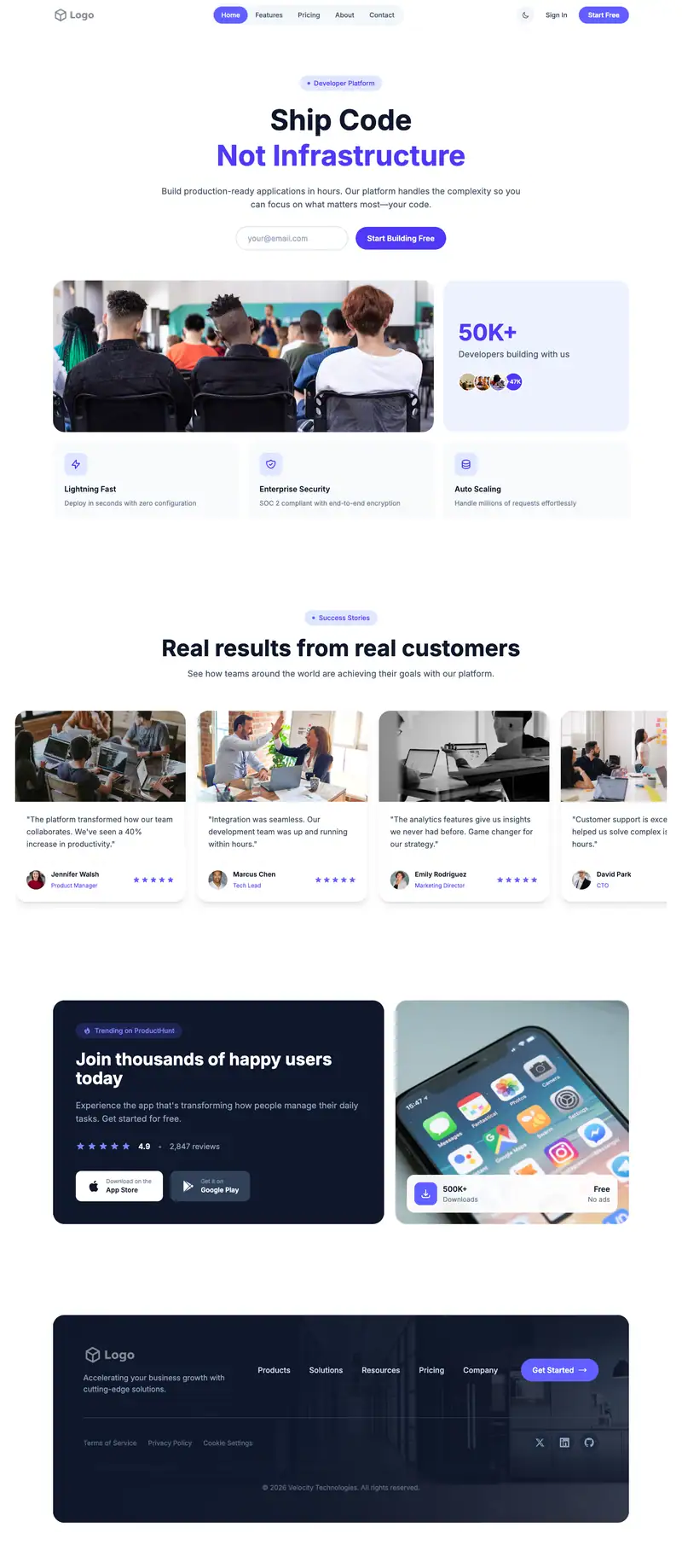
International School
For IB World Schools
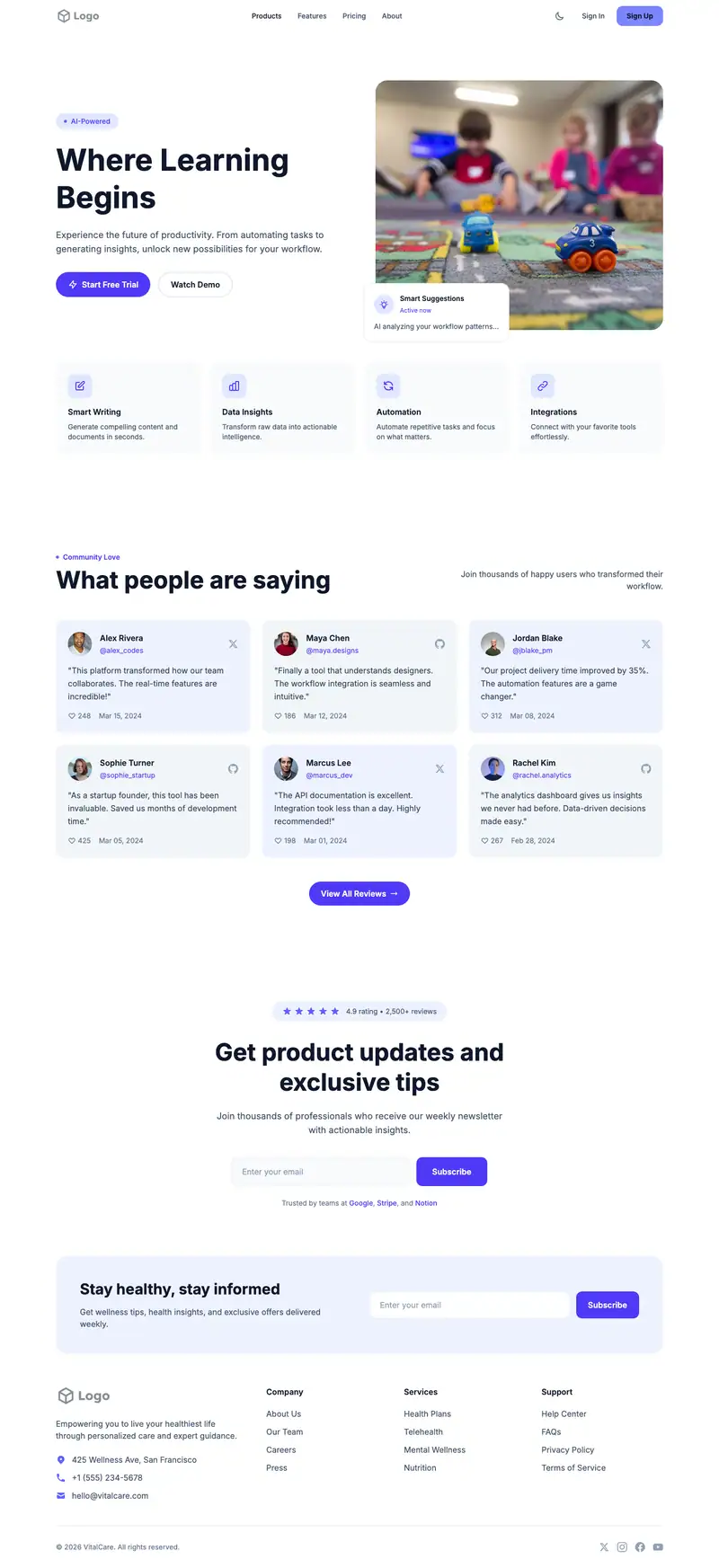
Preschool Daycare
For licensed daycare centers
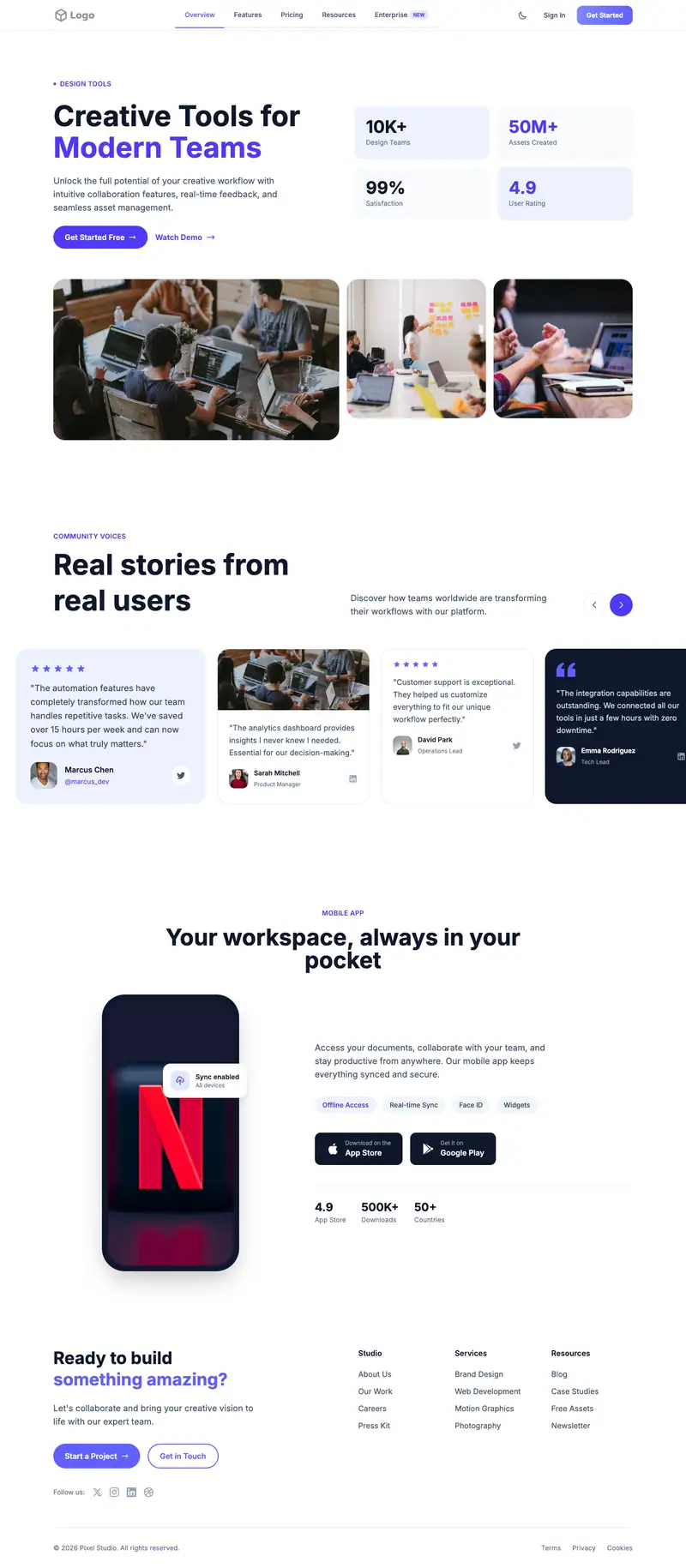
Montessori Preschool
For montessori preschools
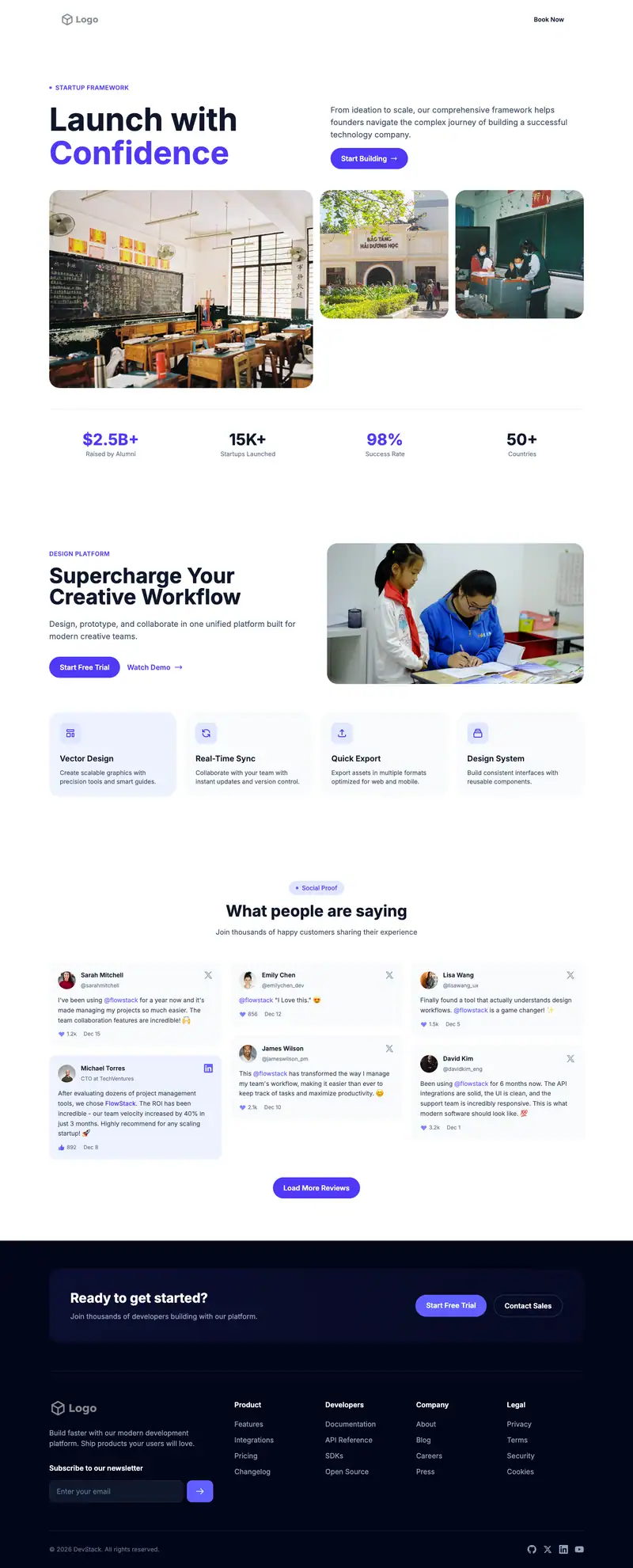
Tutoring Center
For learning centers
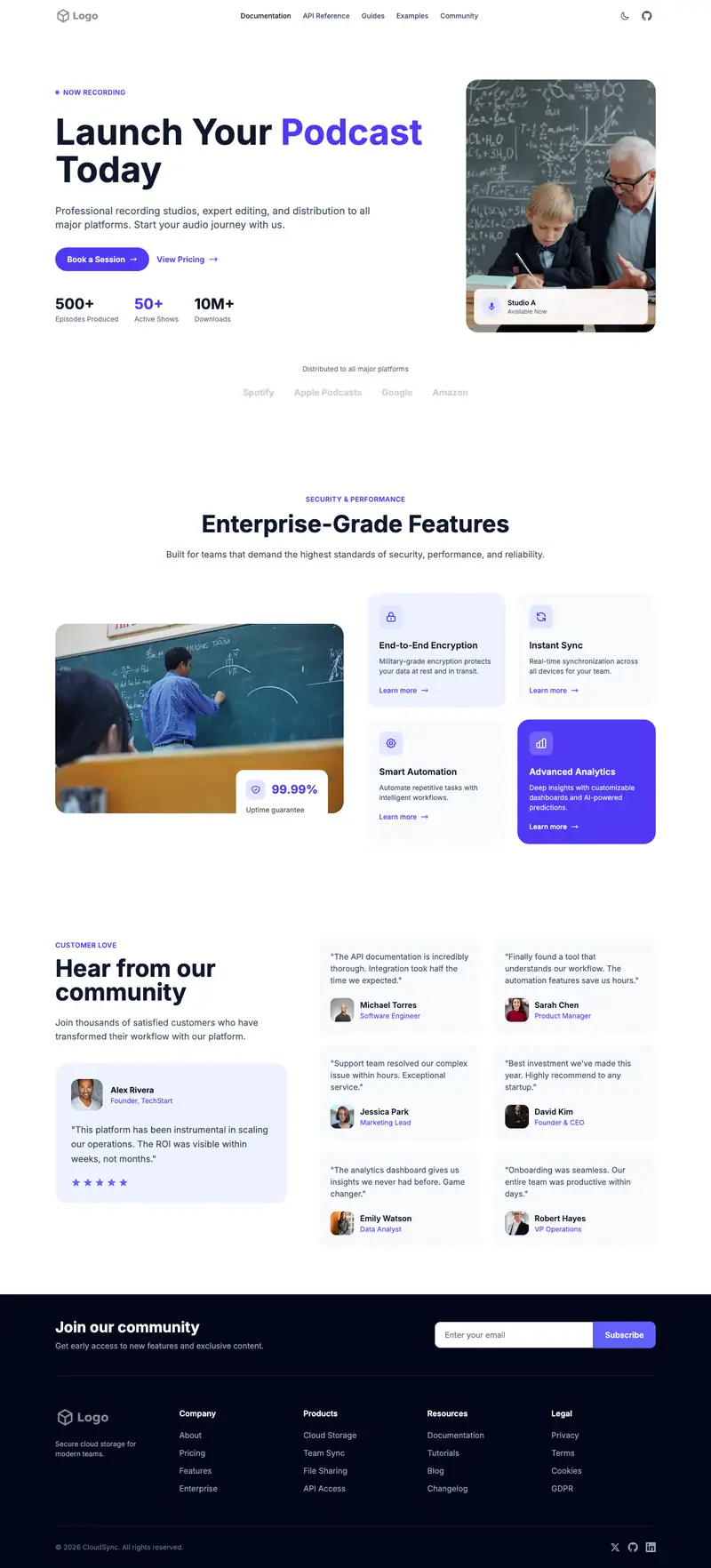
Math Tutoring
For private math tutors
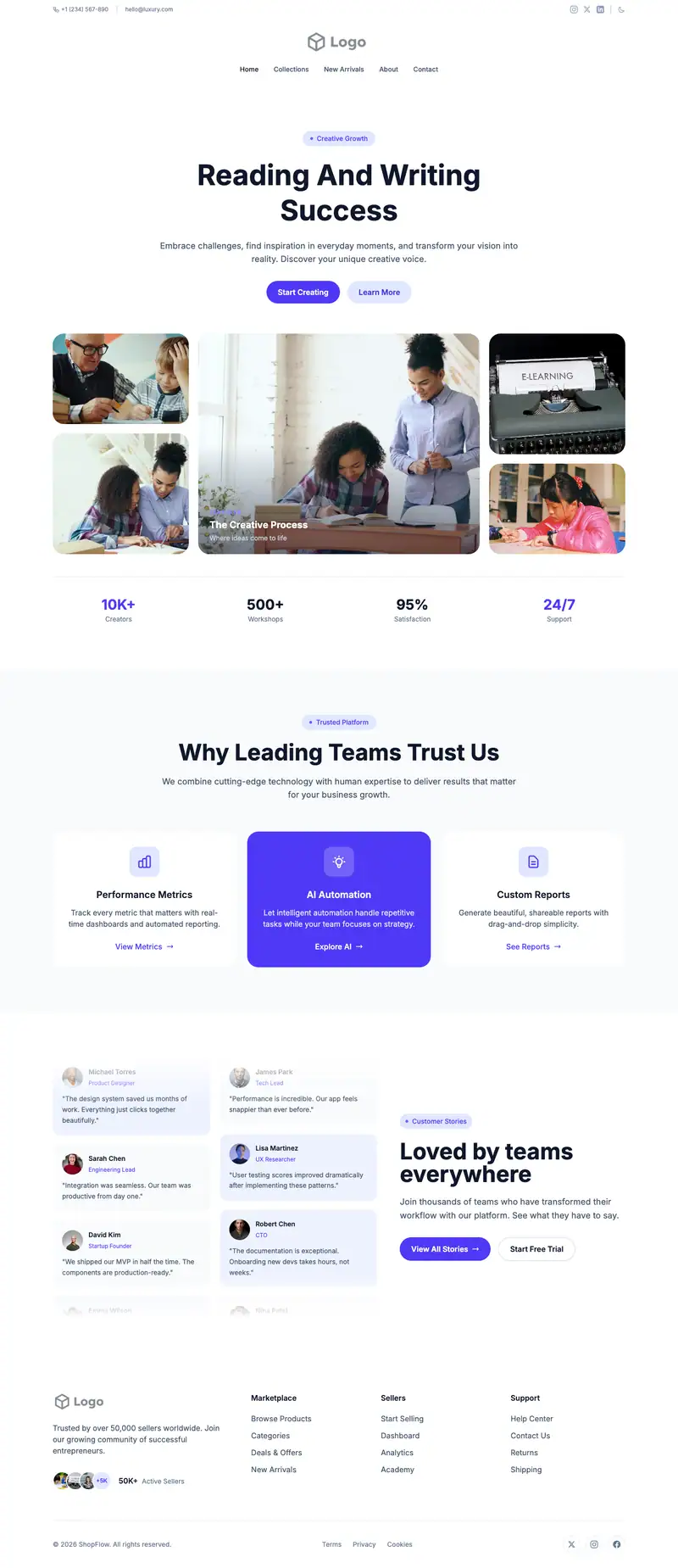
Reading Writing Tutoring
For reading specialists
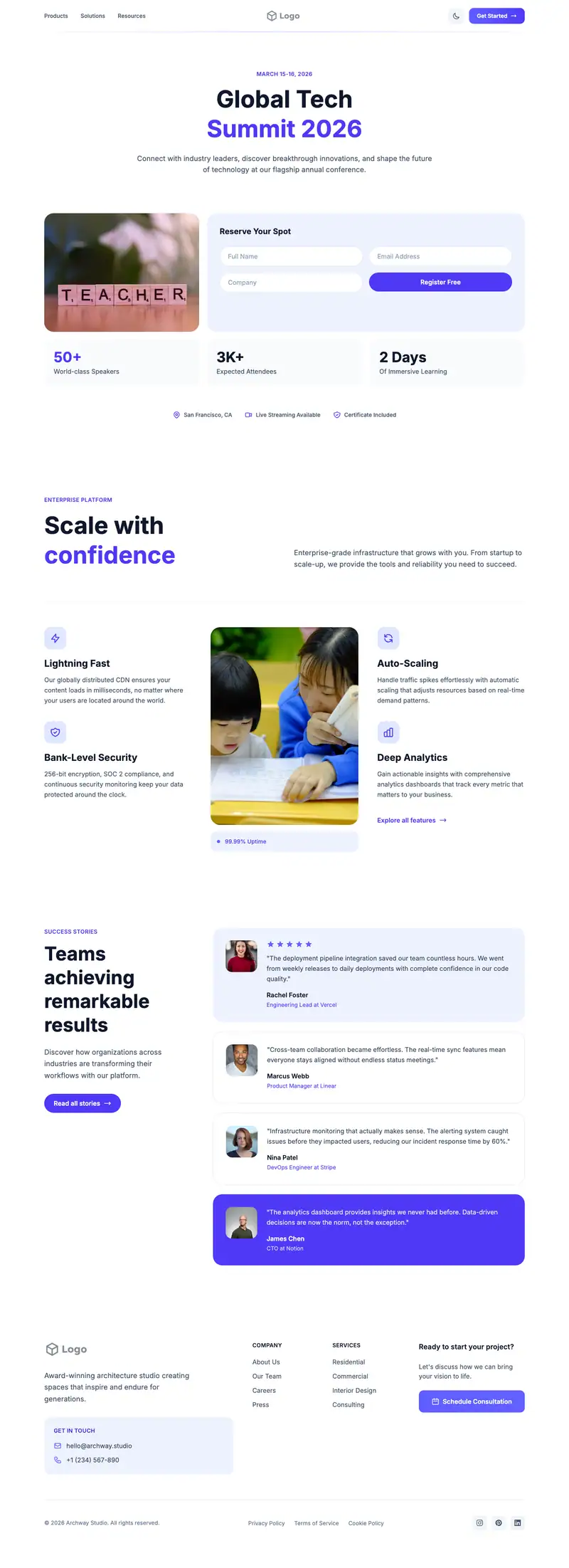
Special Needs Tutoring
For special education tutors
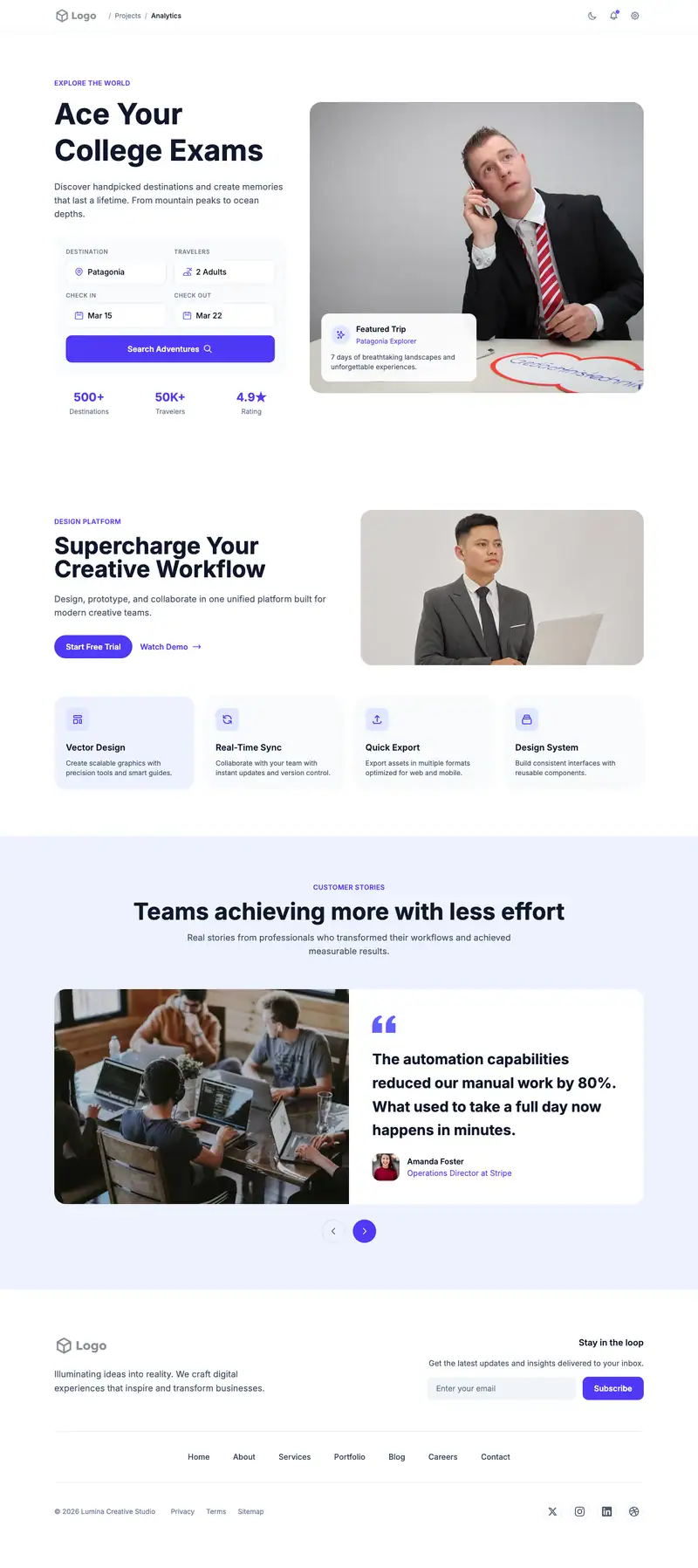
Sat Act Prep
For SAT and ACT tutors
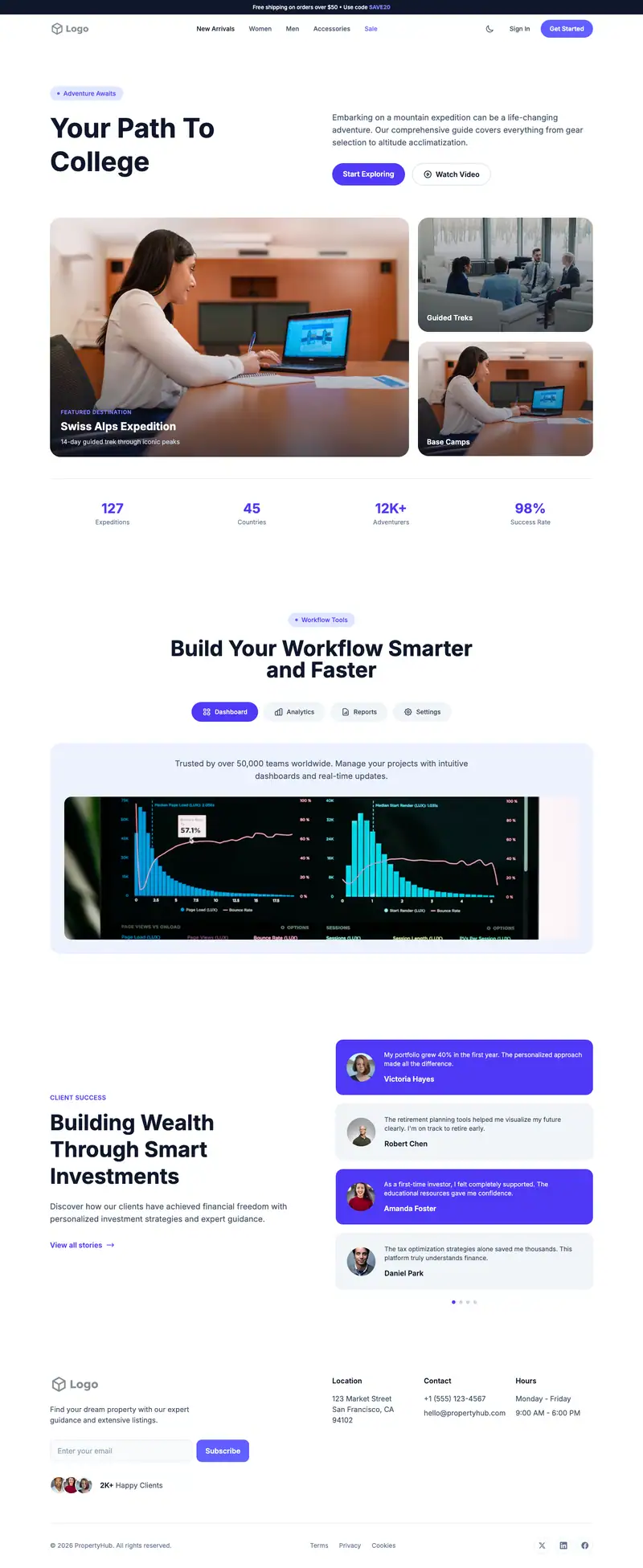
College Counseling
For independent college counselors
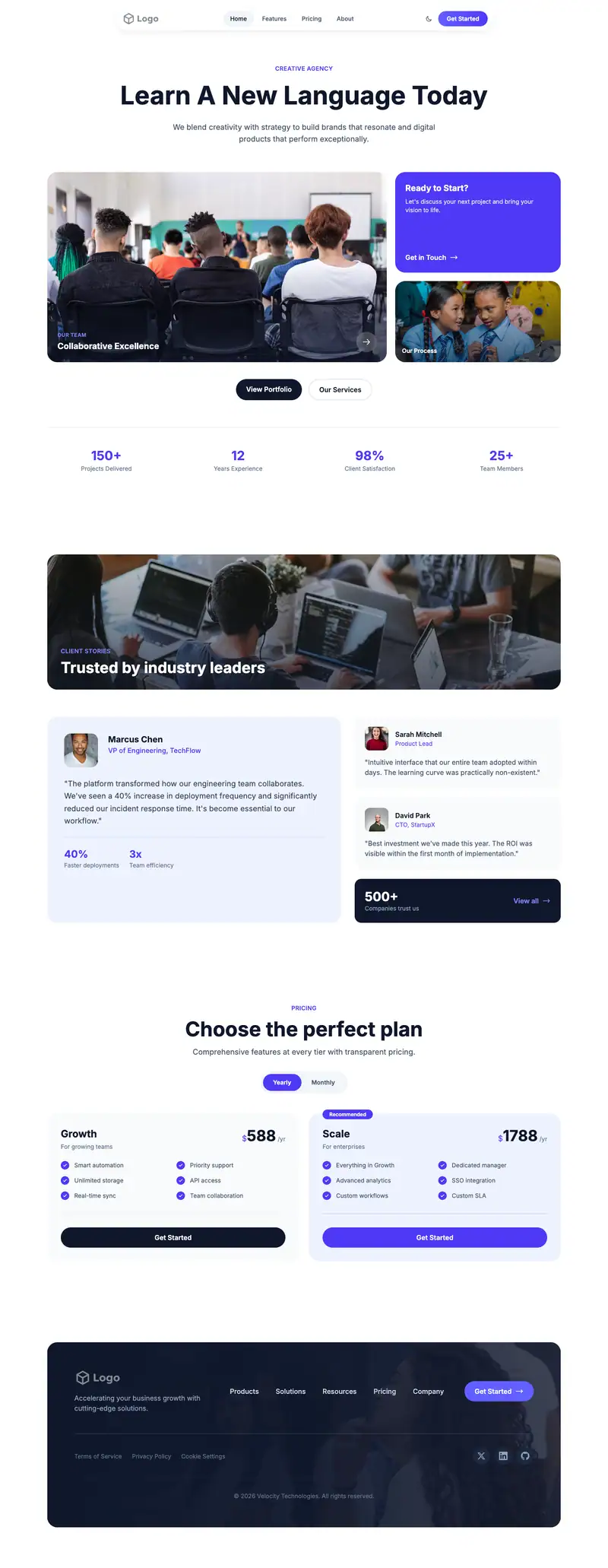
Language School
For adult language schools
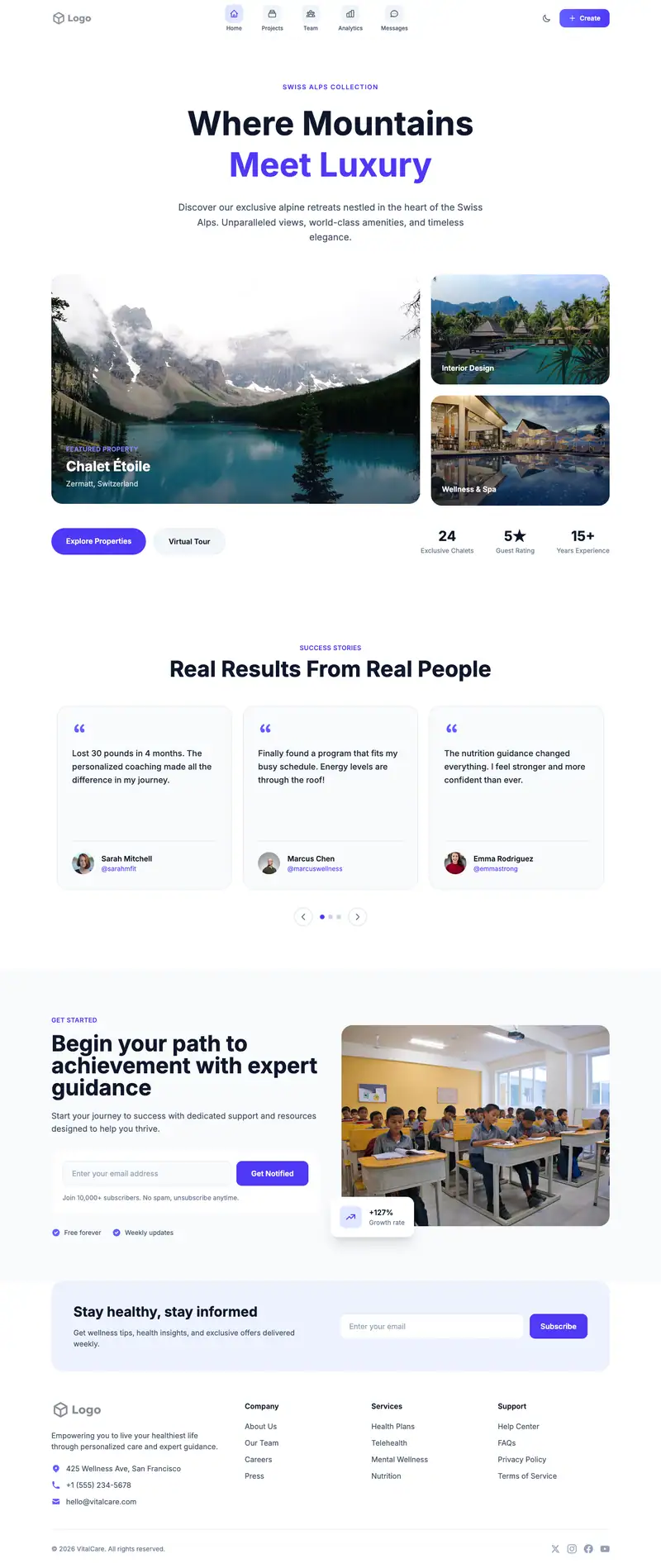
Esl School
For english language schools
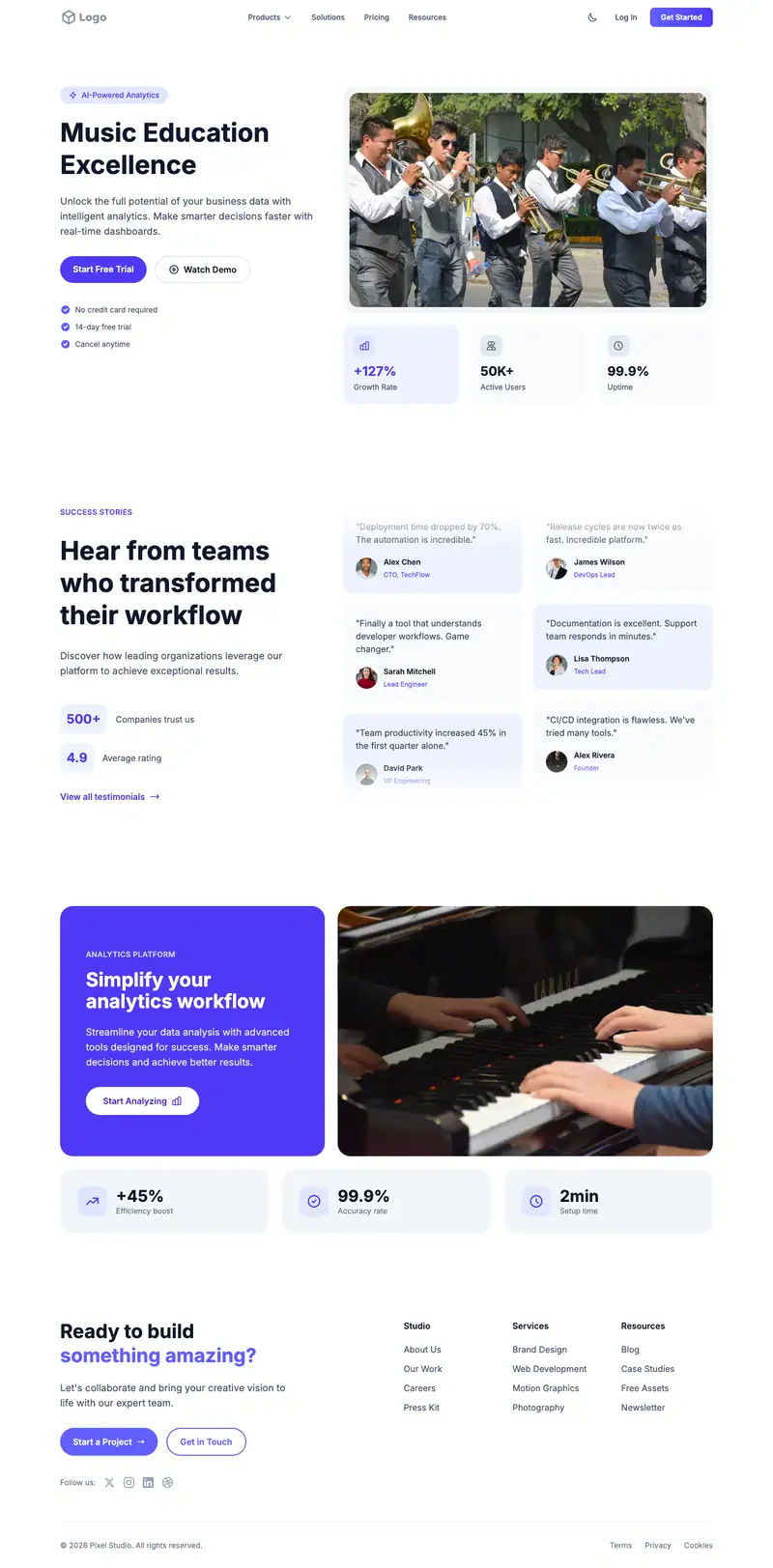
Music School
For community music schools
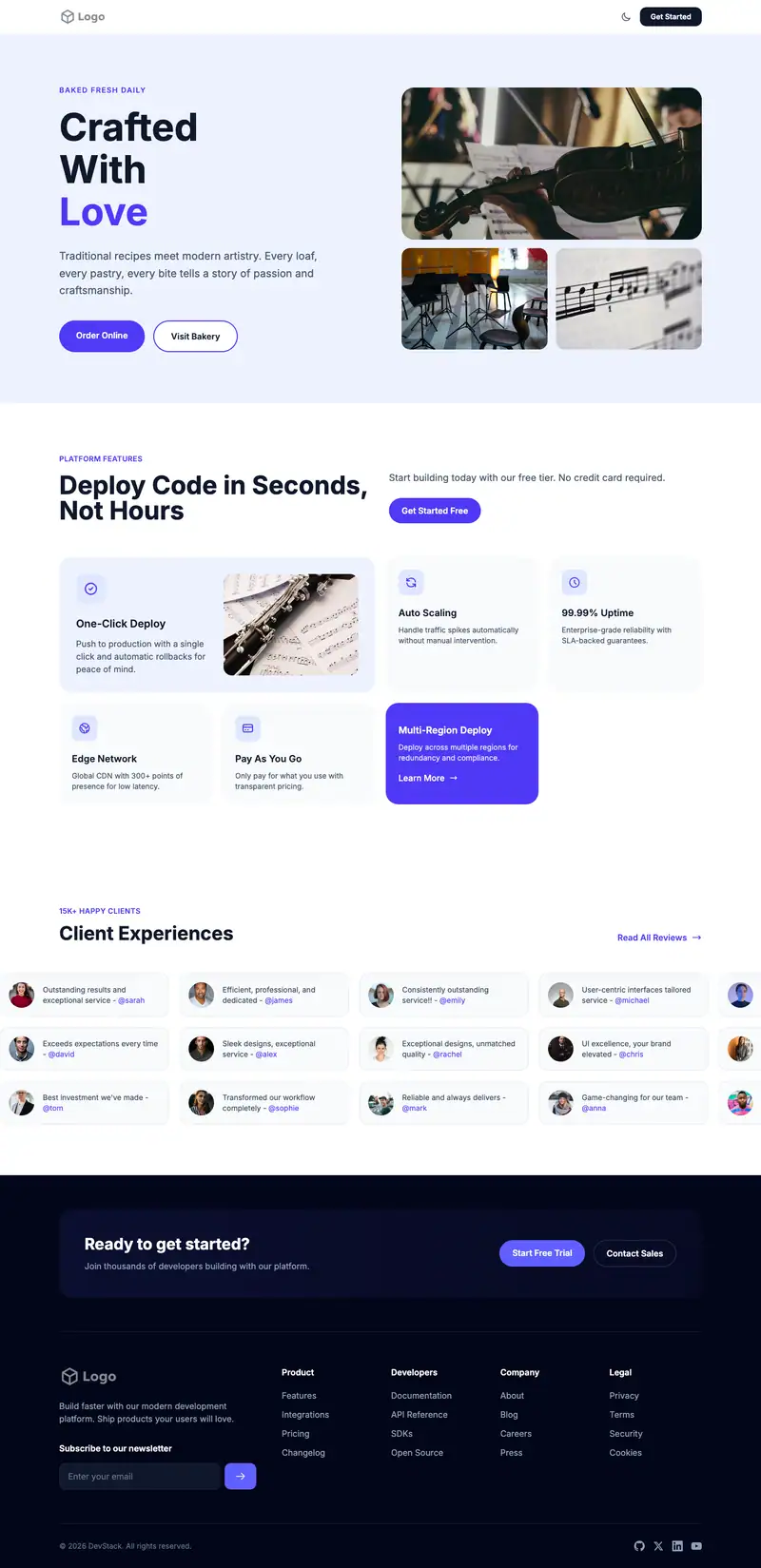
Music Lessons
For private piano teachers
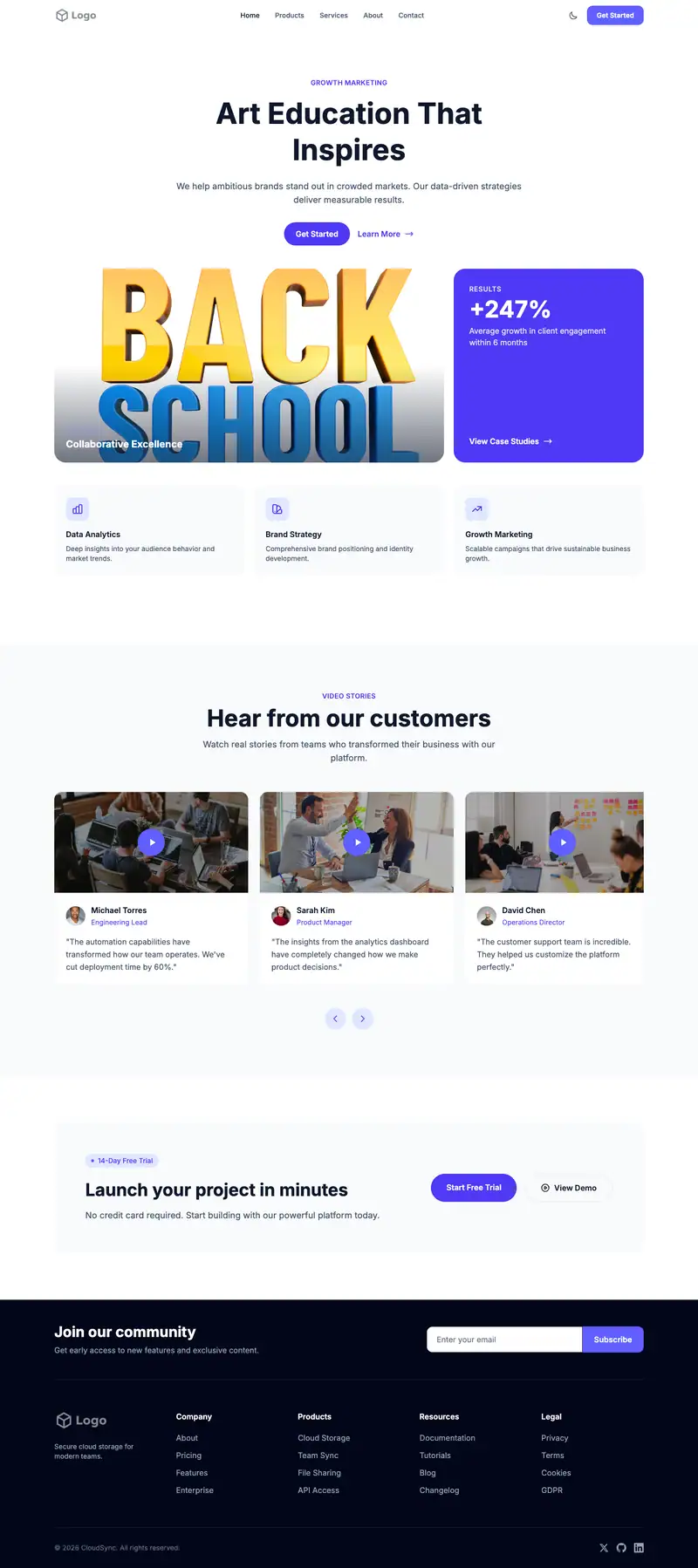
Art School
For portfolio prep schools
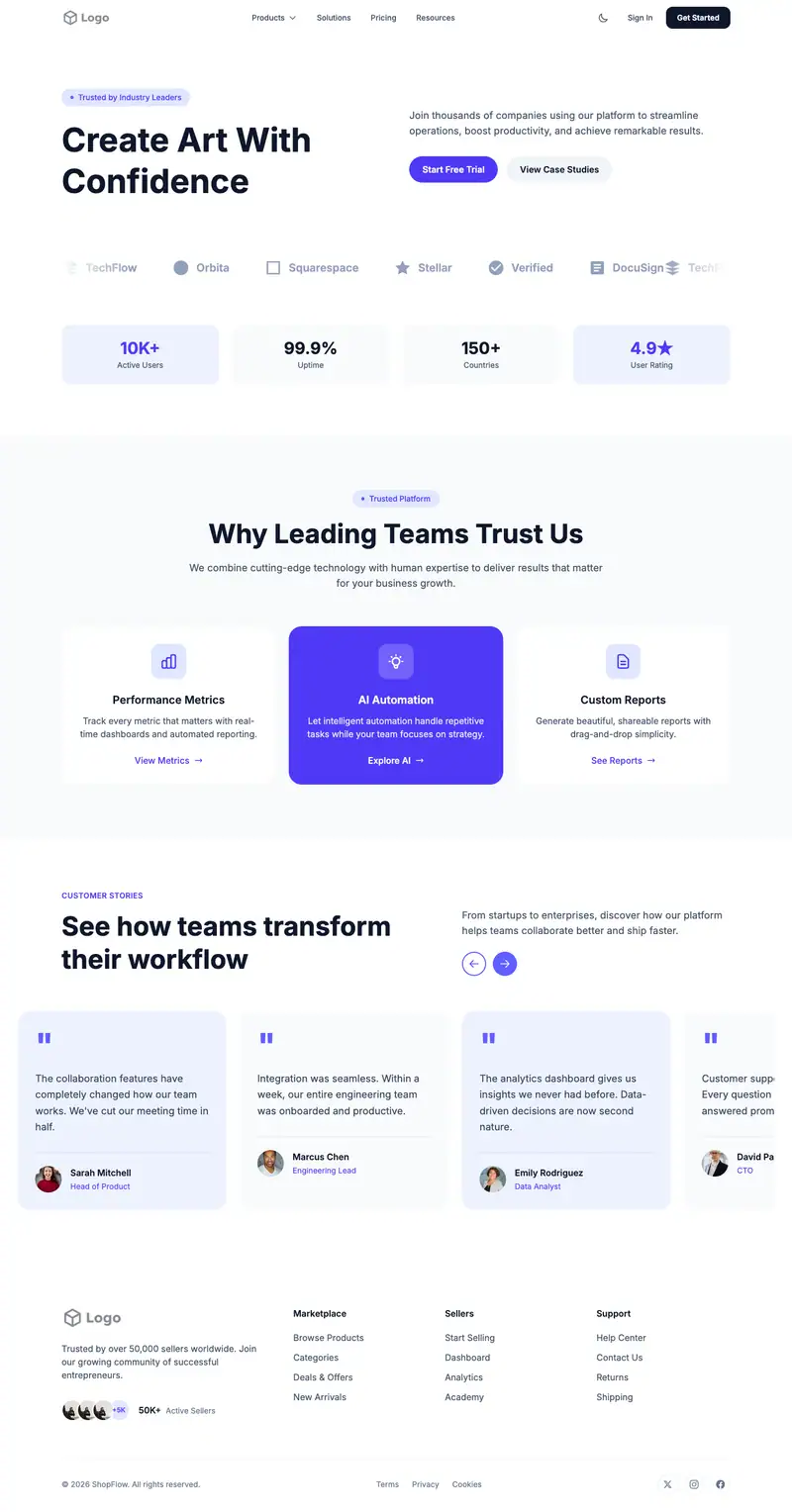
Art Classes
For community art studios
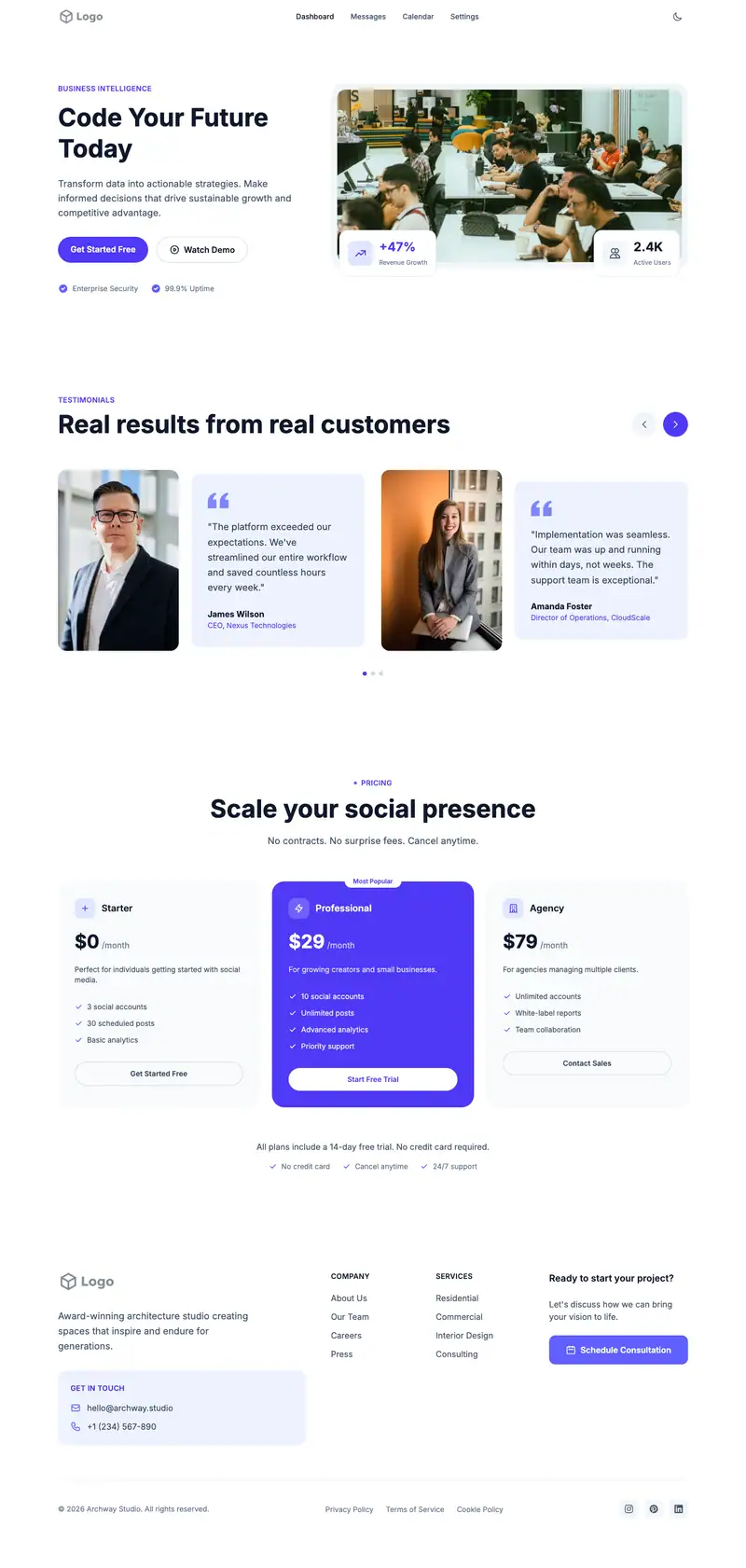
Coding Bootcamp
For full-stack coding bootcamps
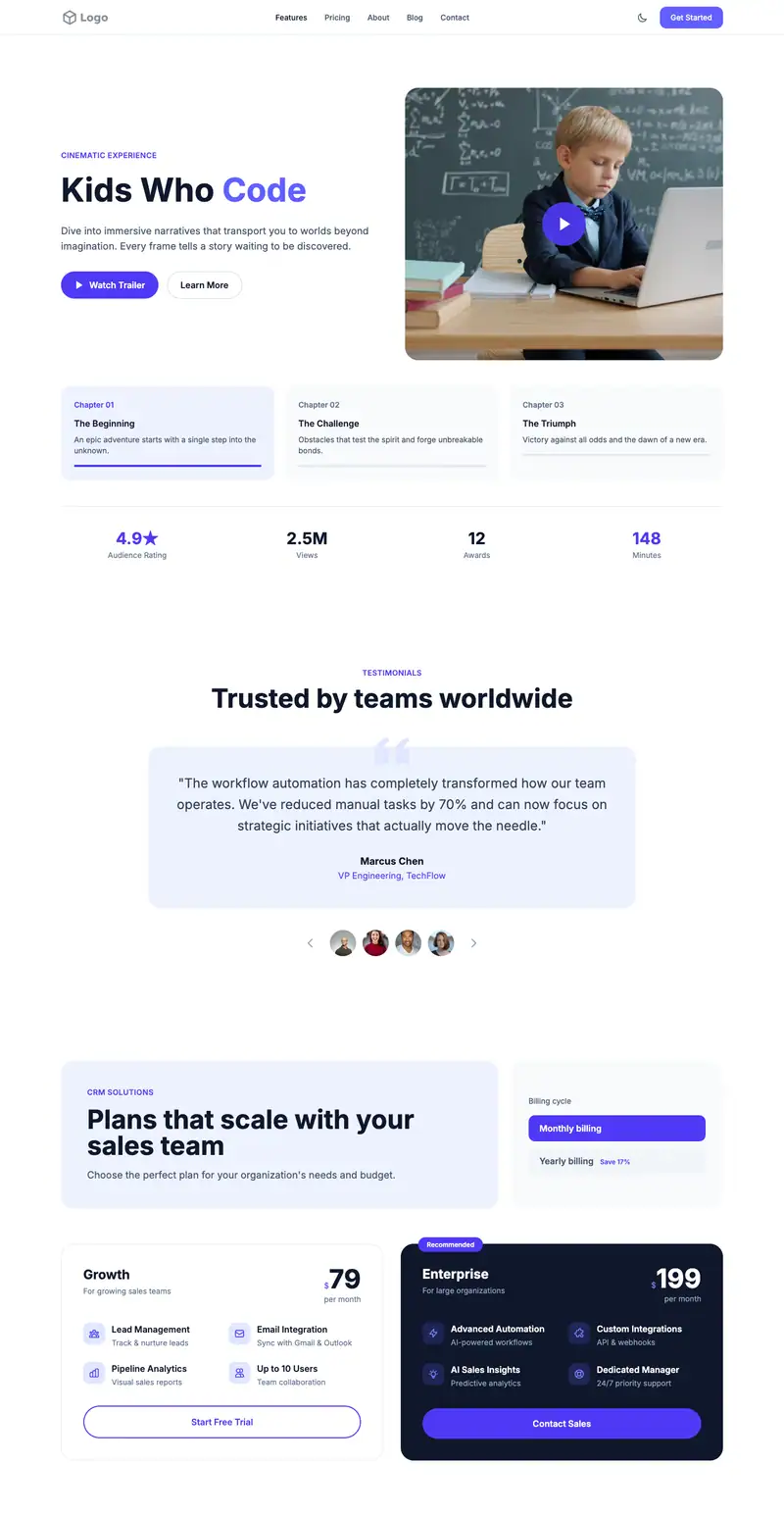
Coding for Kids
For kids coding schools
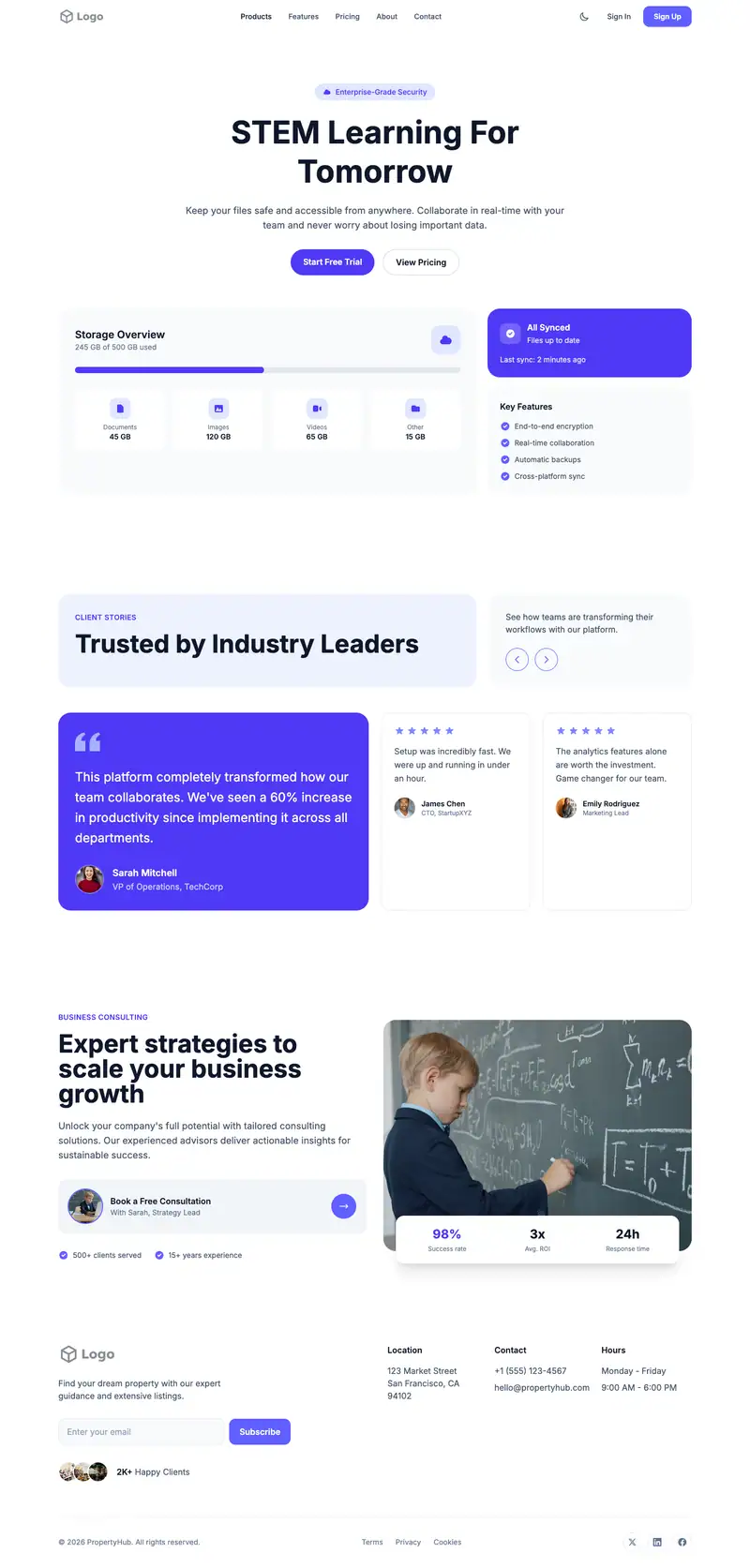
Stem Education
For STEM enrichment centers
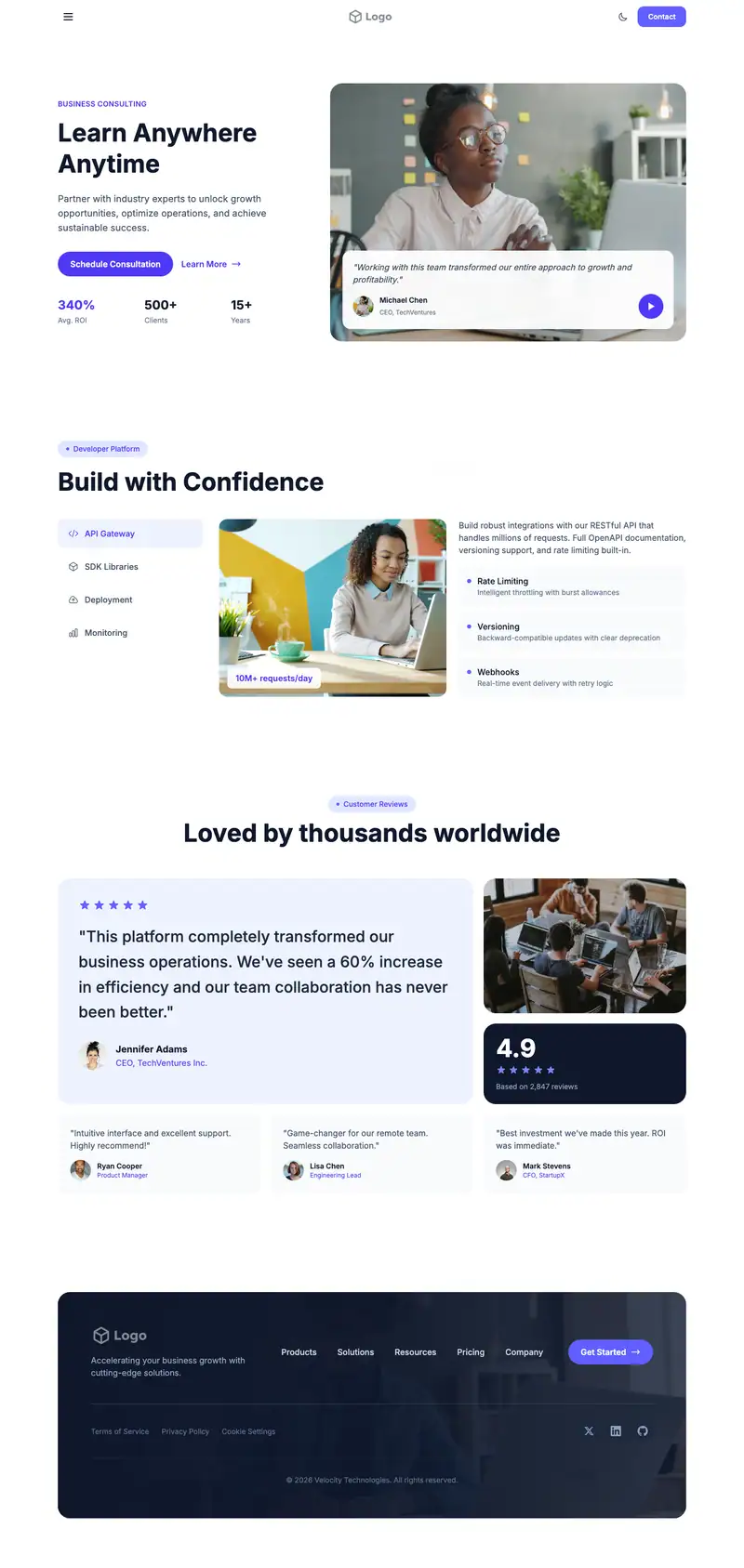
E Learning Platform
For online course libraries
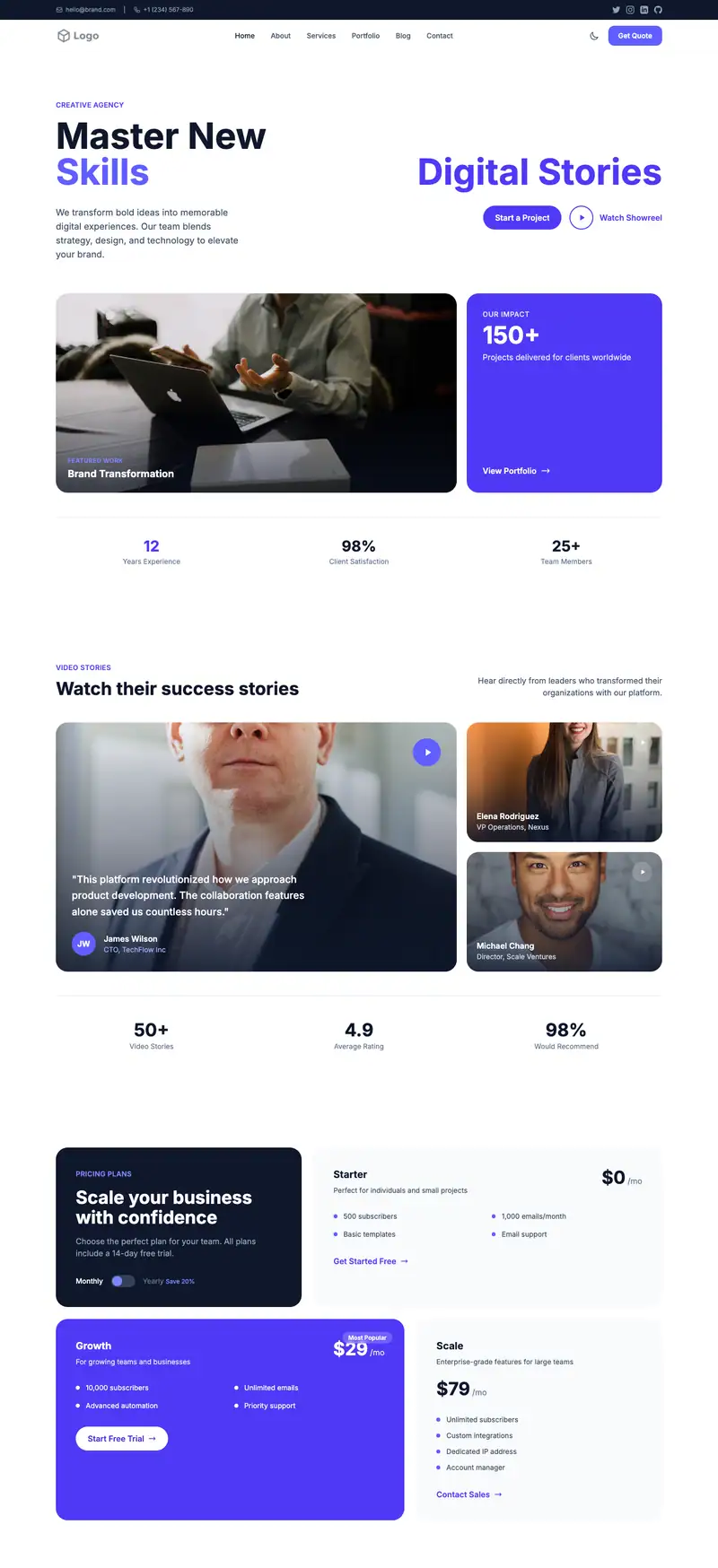
Course Sales Page
For creators selling one course
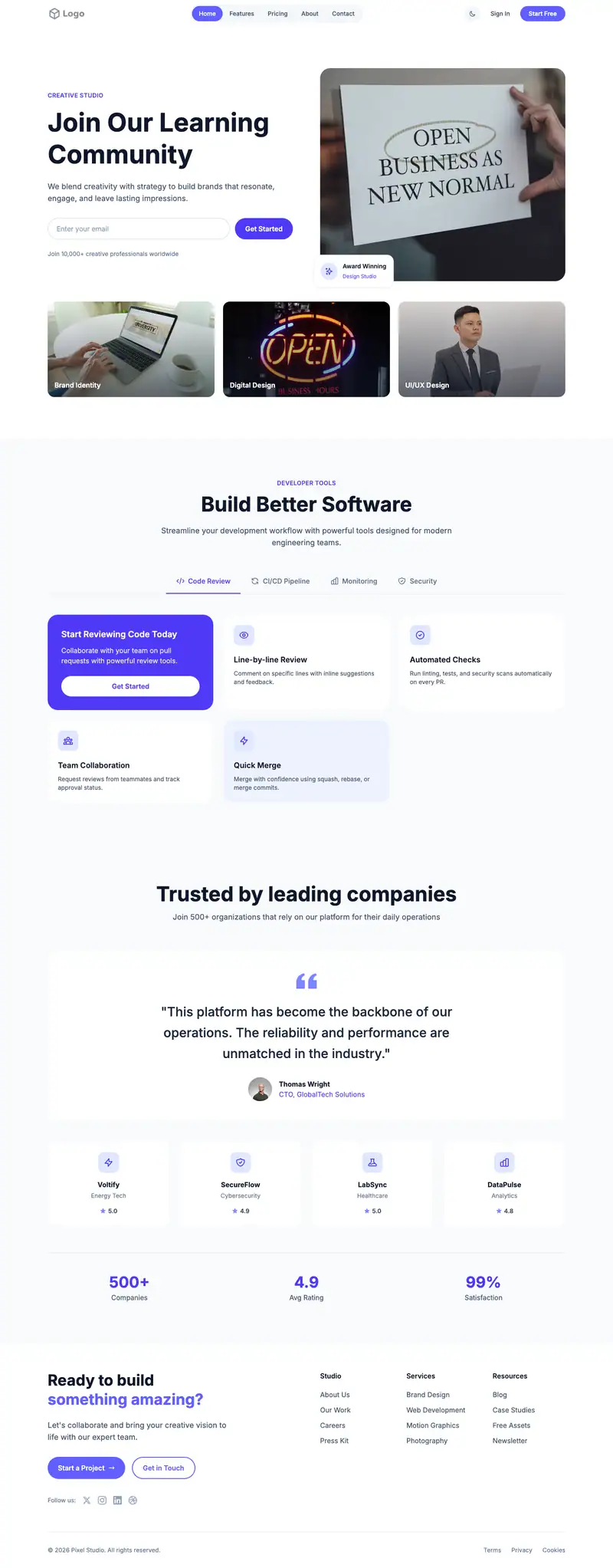
Membership Site
For paid learning communities
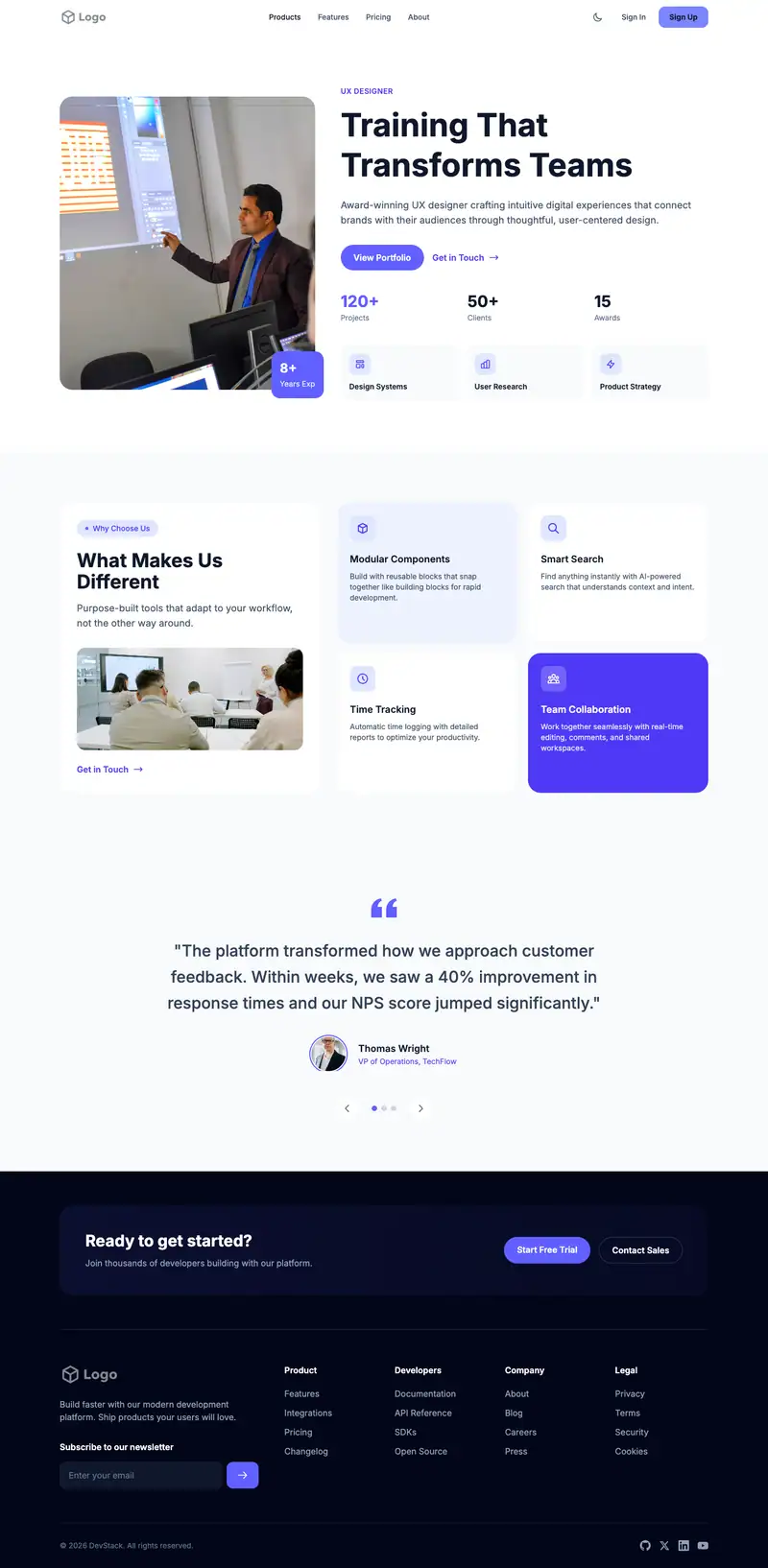
Corporate Training
For leadership development firms
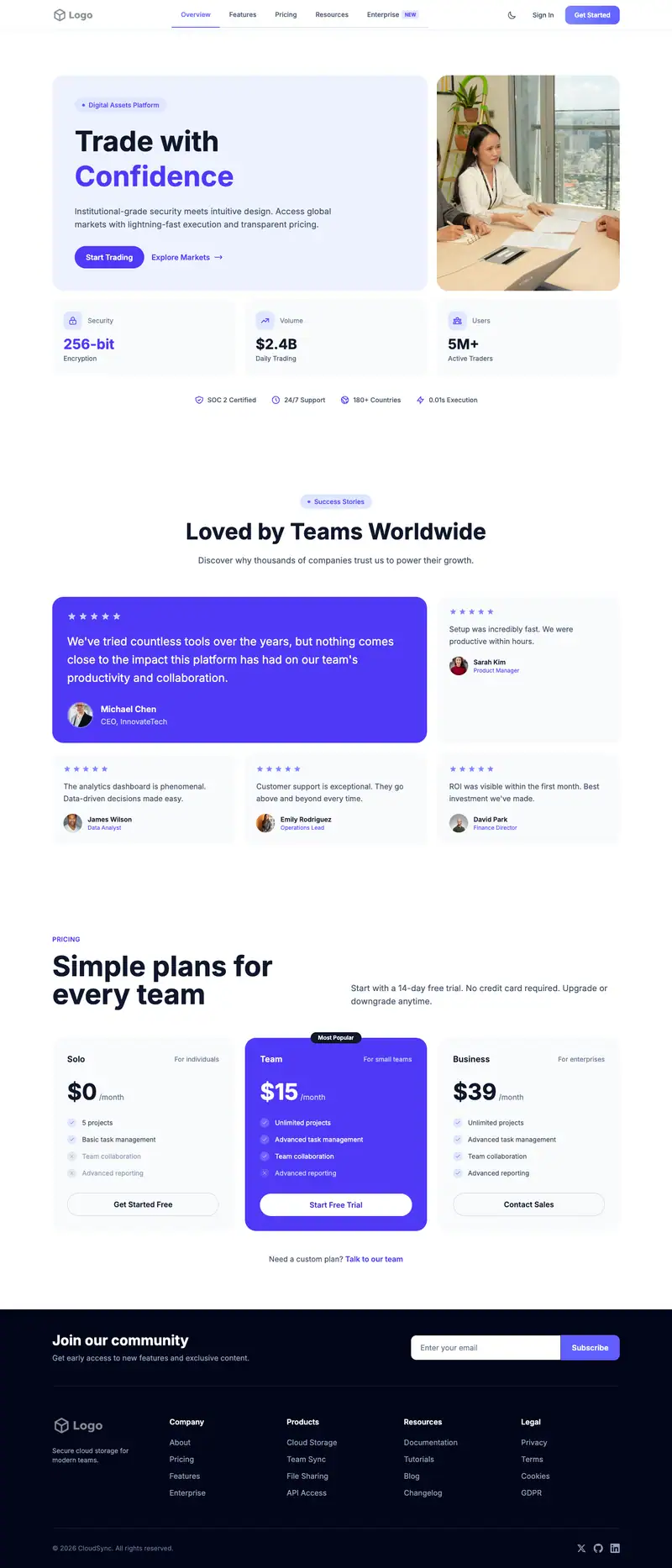
Certification Program
For professional certification bodies
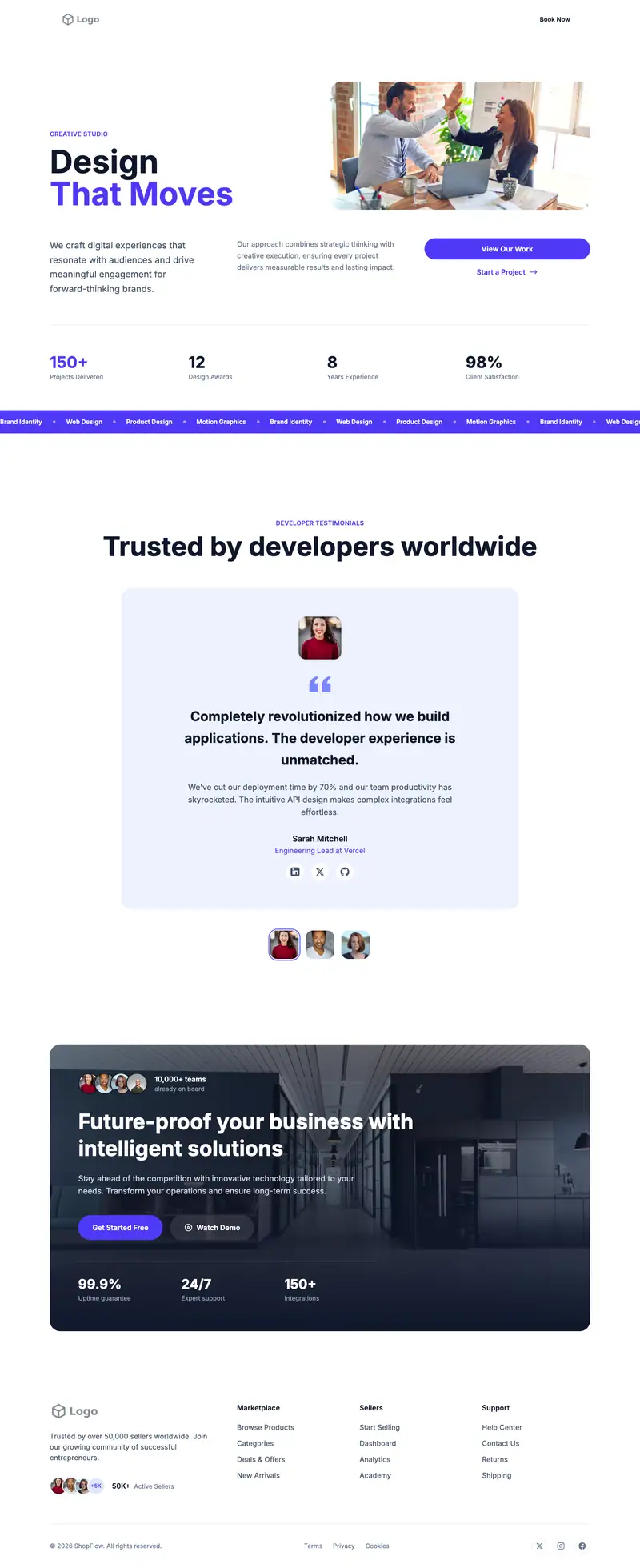
Trade Vocational School
For electrician and HVAC schools
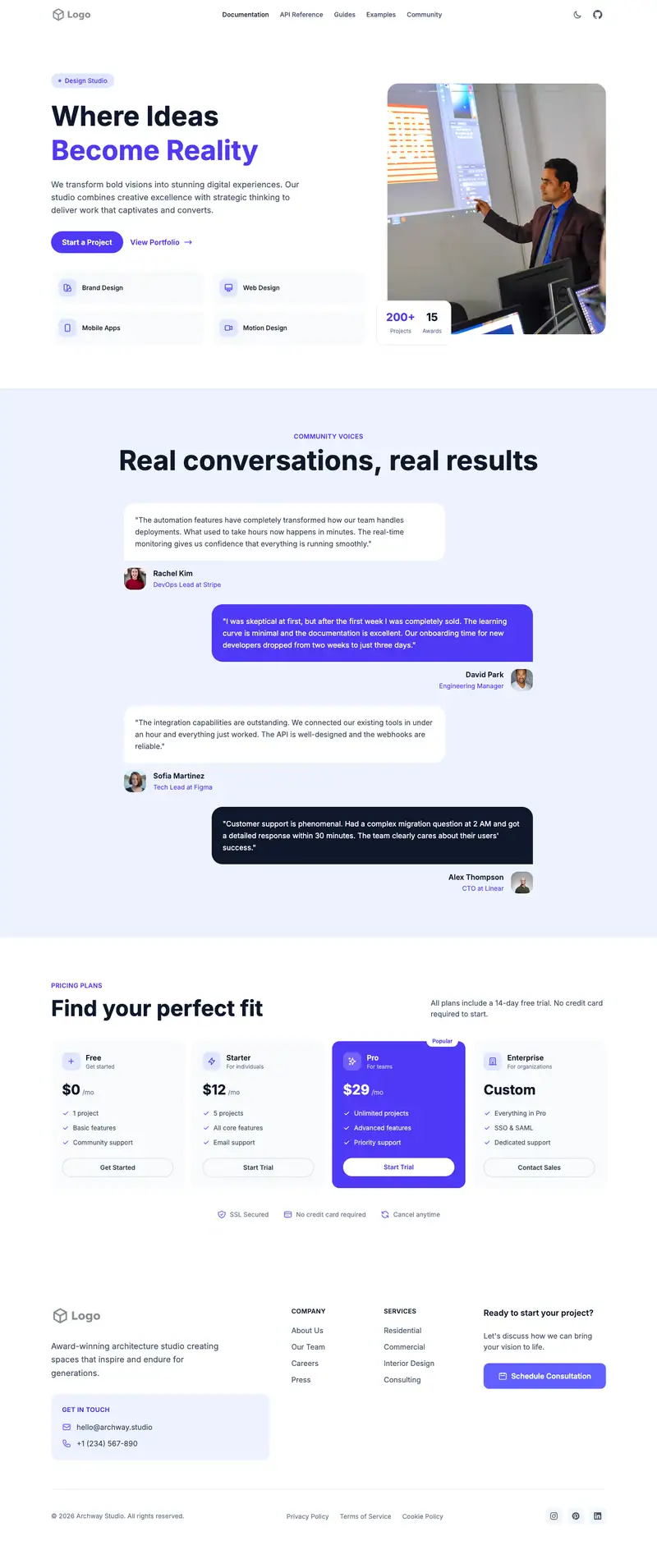
Cdl Training
For CDL truck driving schools
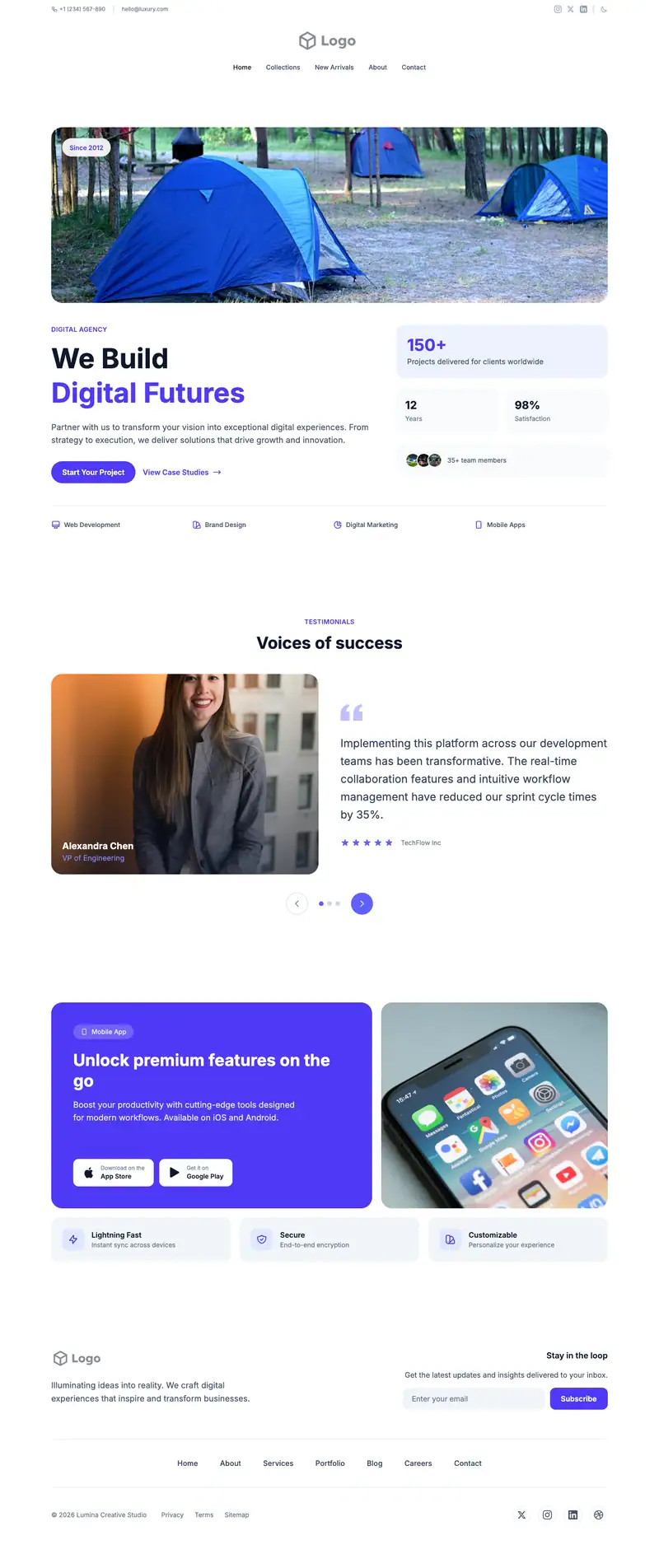
Summer Camp
For day camps
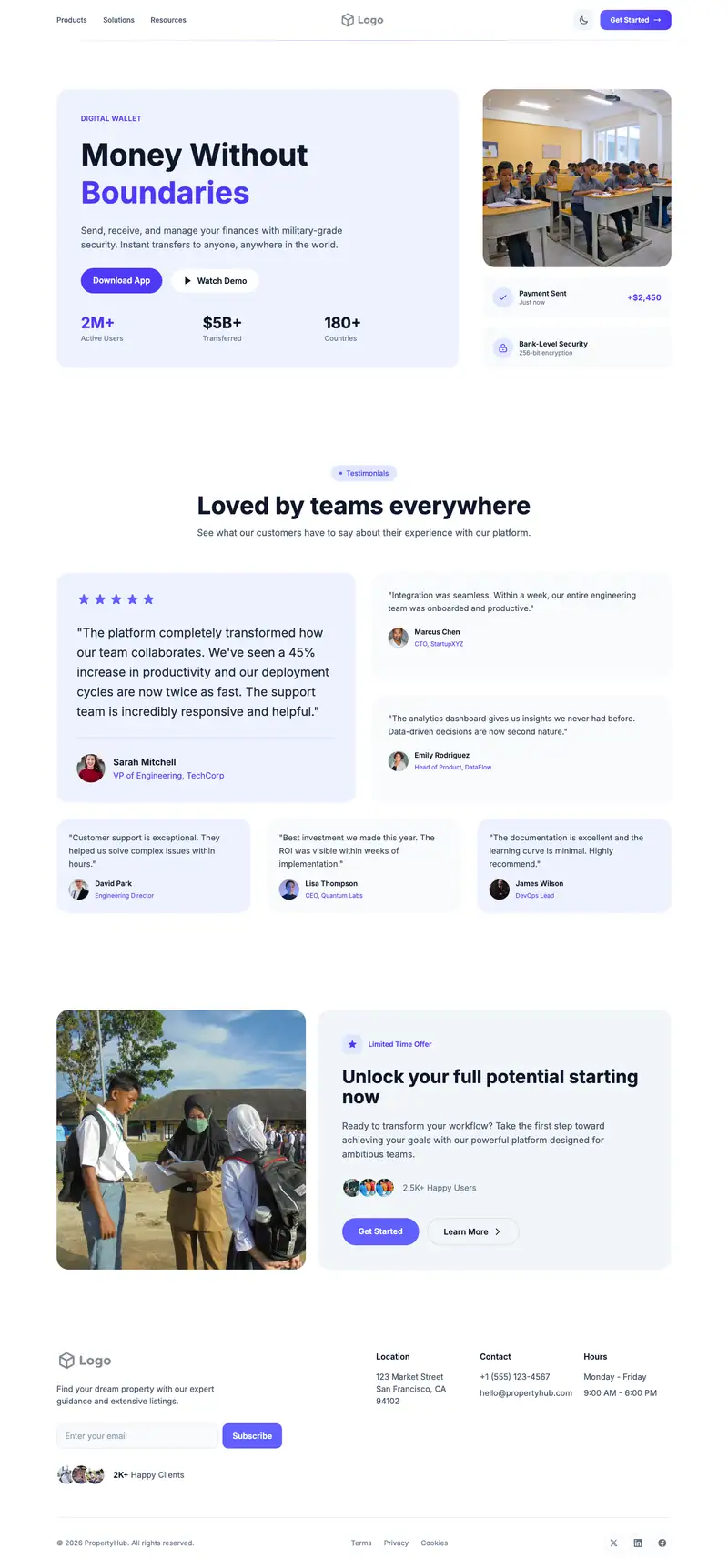
After School Program
For after-school care centers
