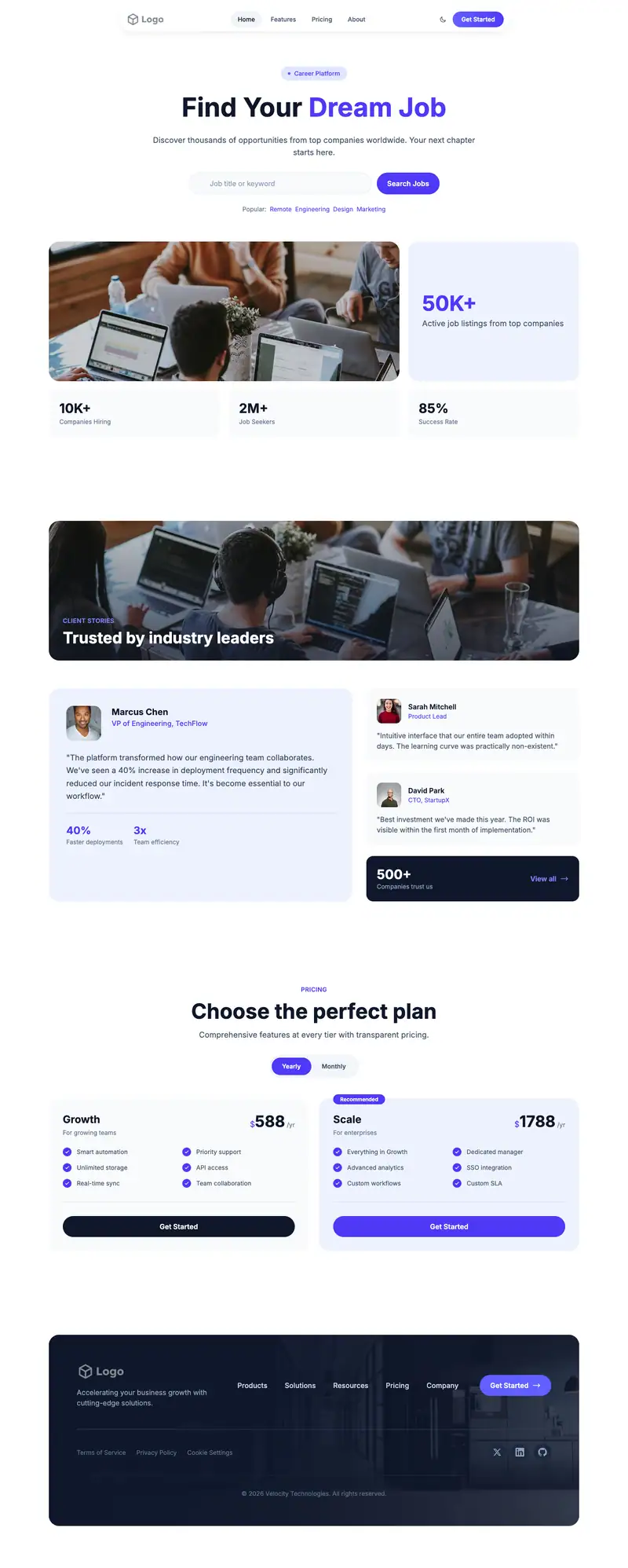
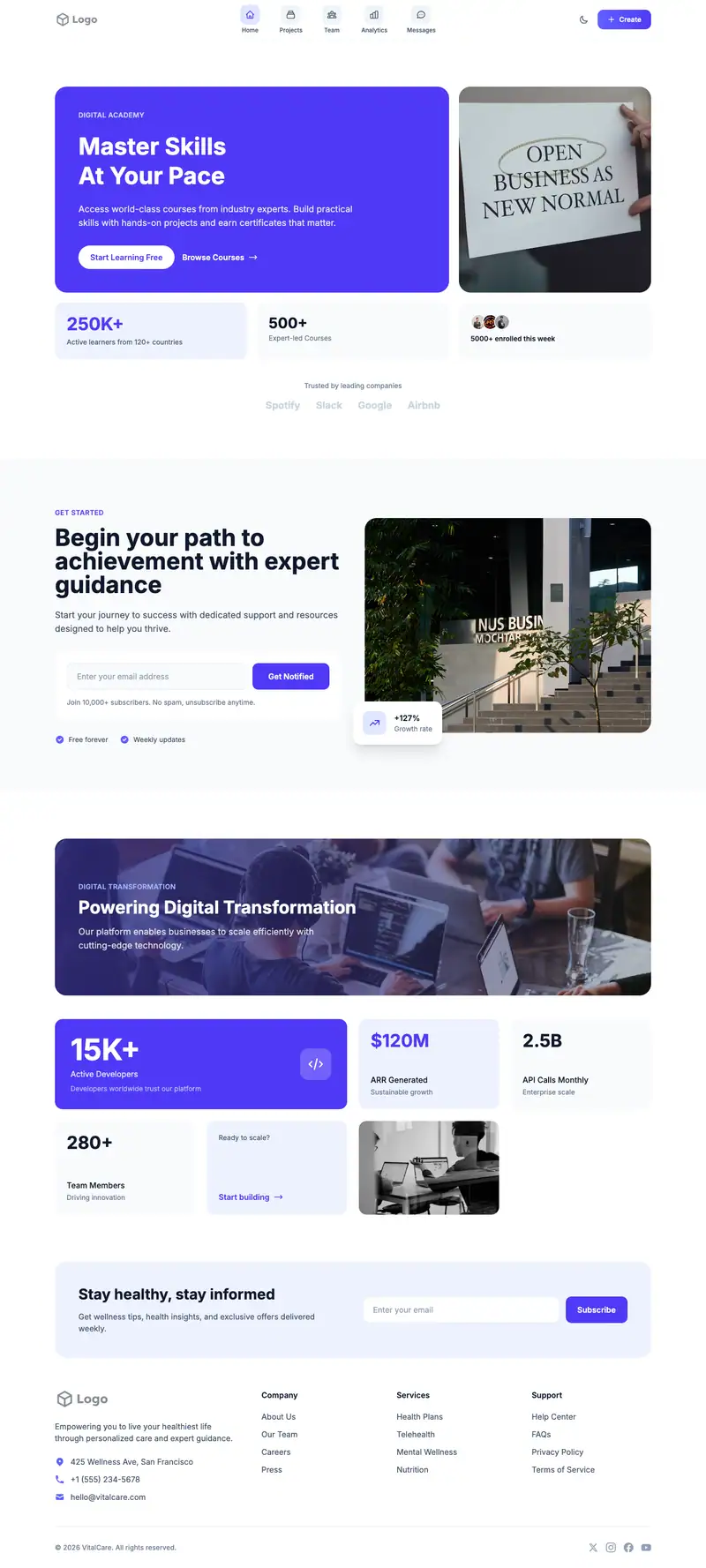
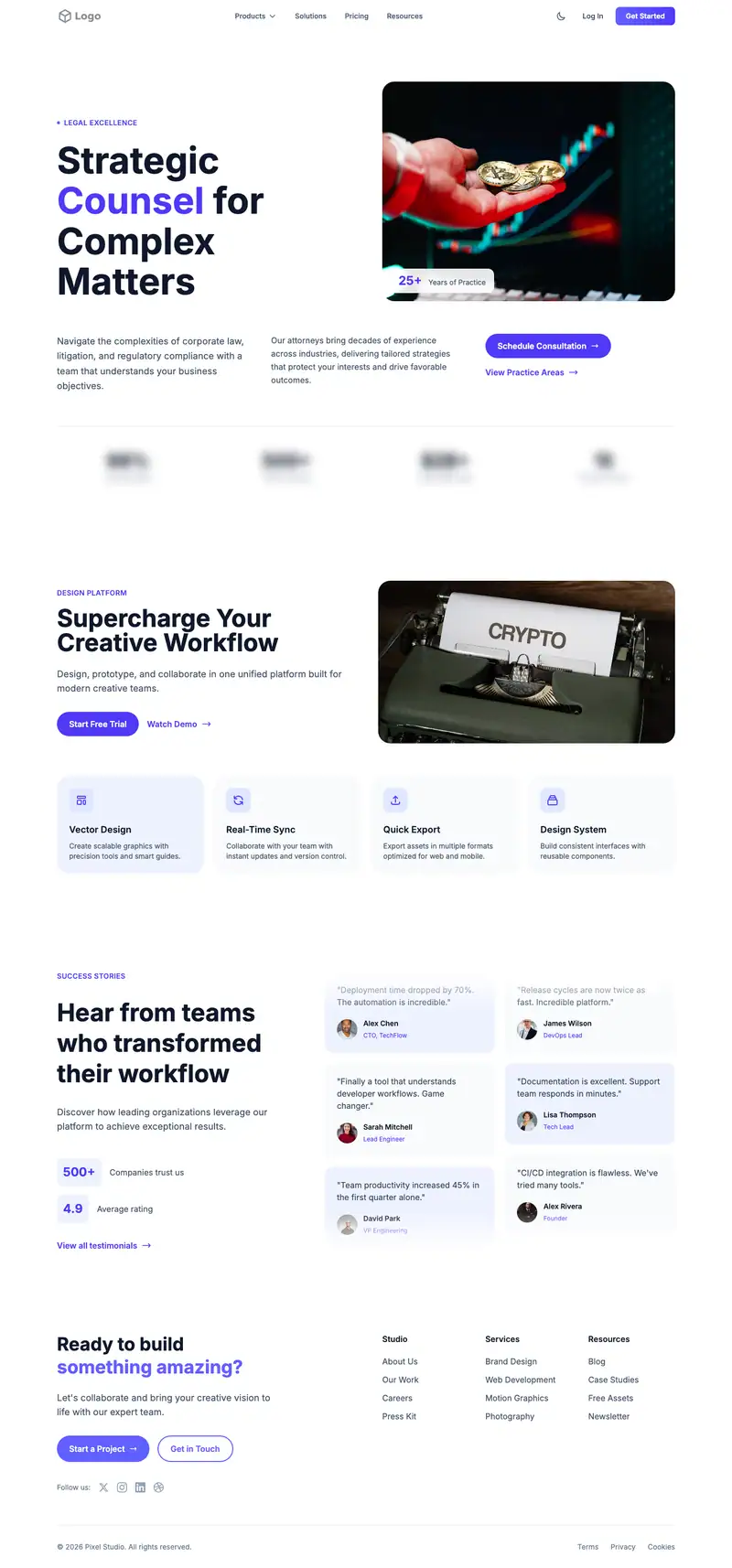
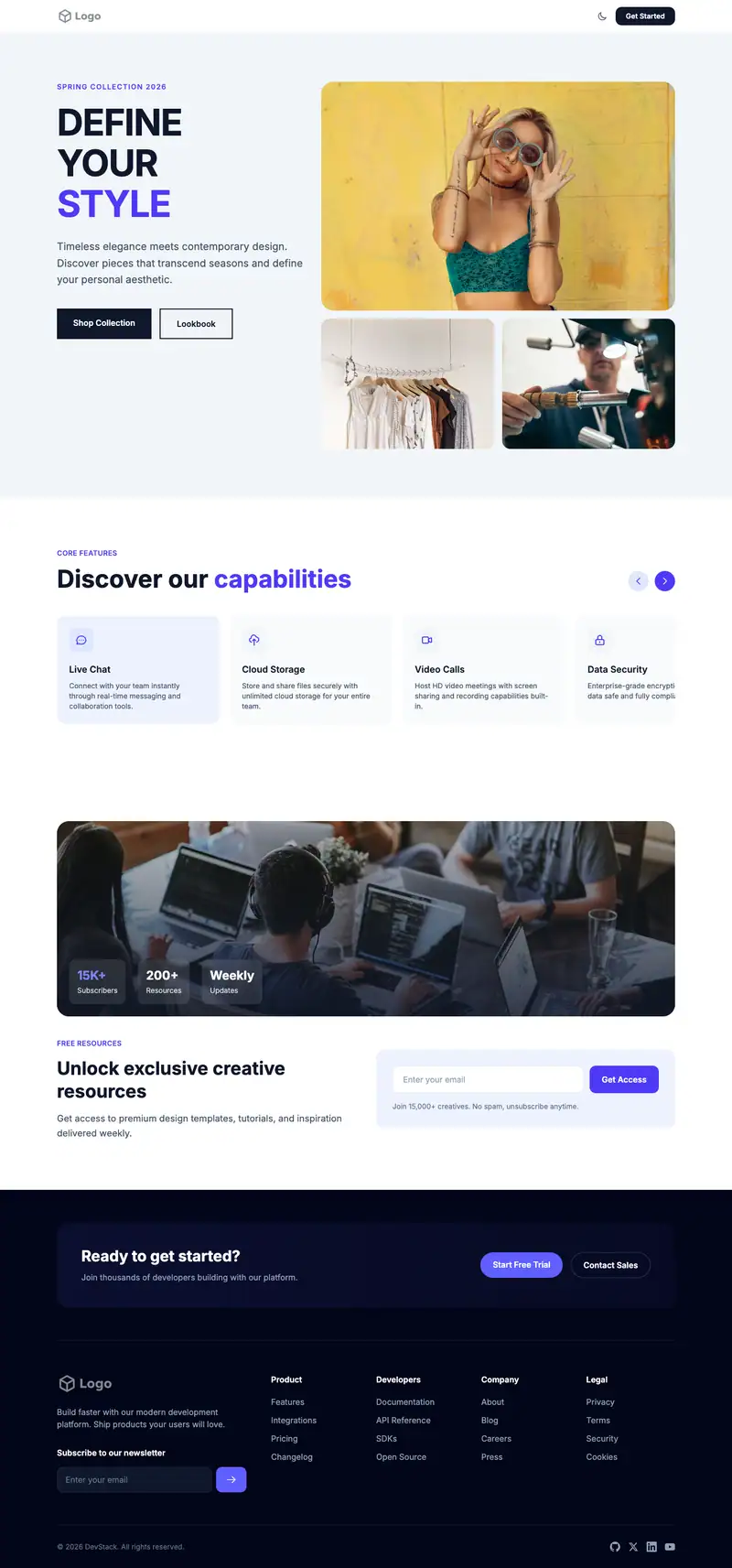
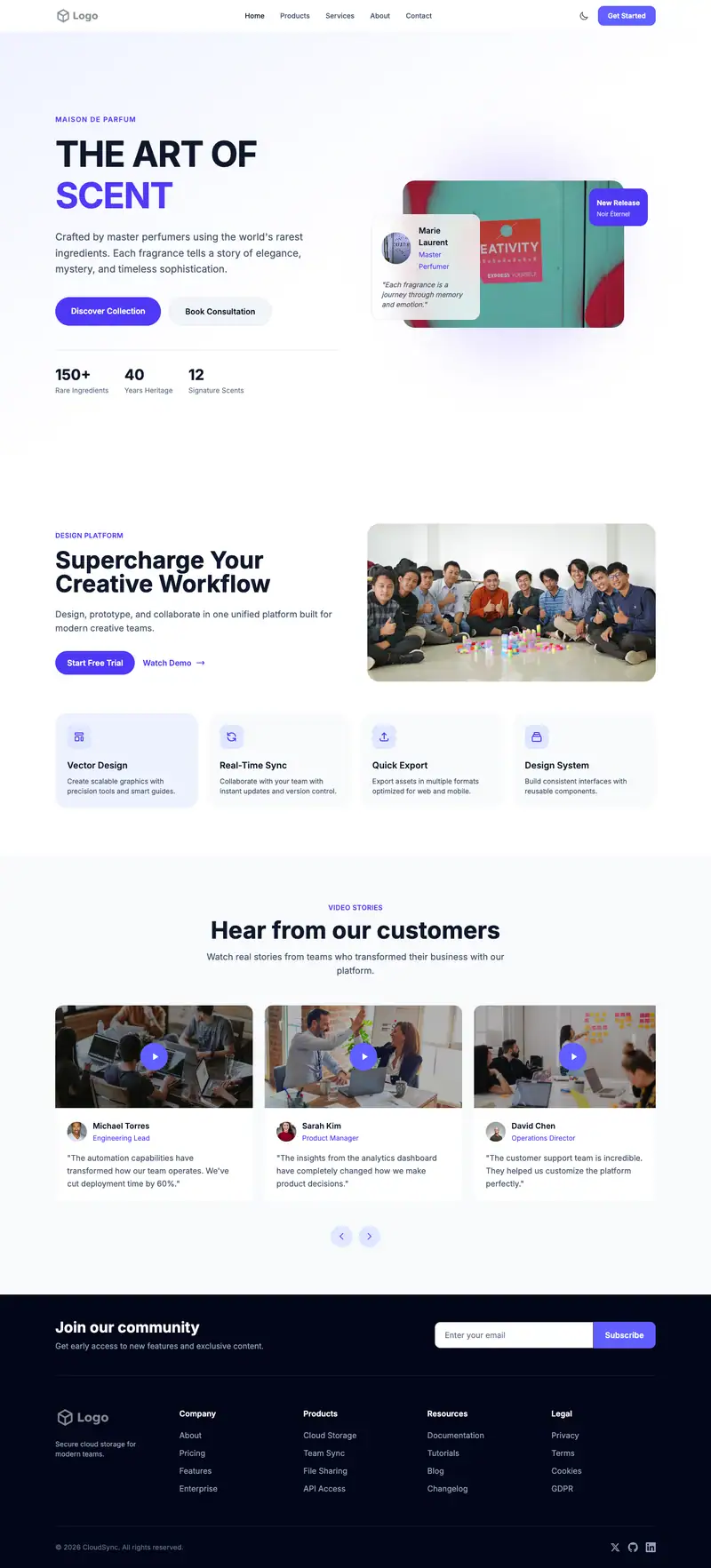
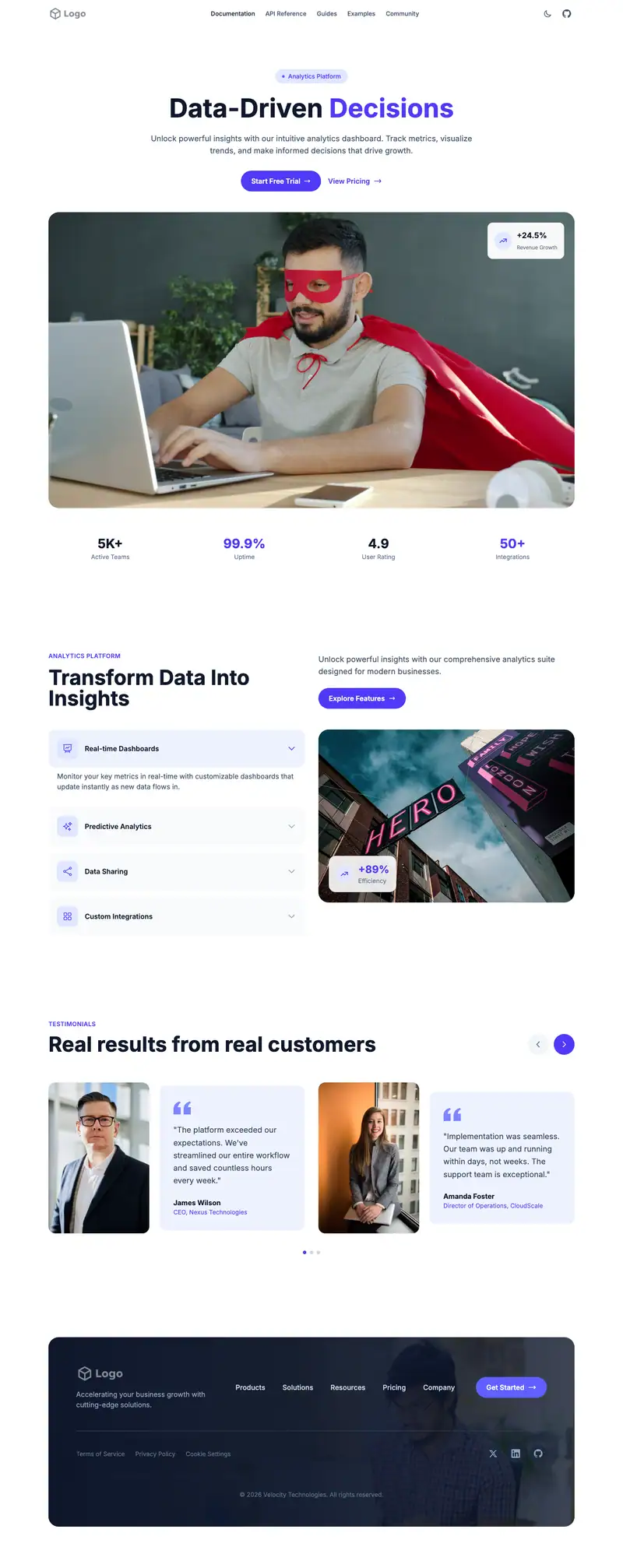
Futuretools Style website template
AI tool directories need to show how many tools they list and how often the list is updated. The Interior Design hero headline "Elegant Spaces" is placeholder. Unusually, this layout has a Split Header Icon Cards stats block for counts and a Split Question Form Accordion FAQ that can answer submission questions.
- Industry
- Technology & SaaS
- Layout
- One-page landing site
- Sections
- 5
- Responsive
- Desktop, tablet and mobile
- Dark mode
- Included
- Price
- Free to start
Best for
- AI tool directories
- Curated software lists
- Newsletter-plus-directory sites
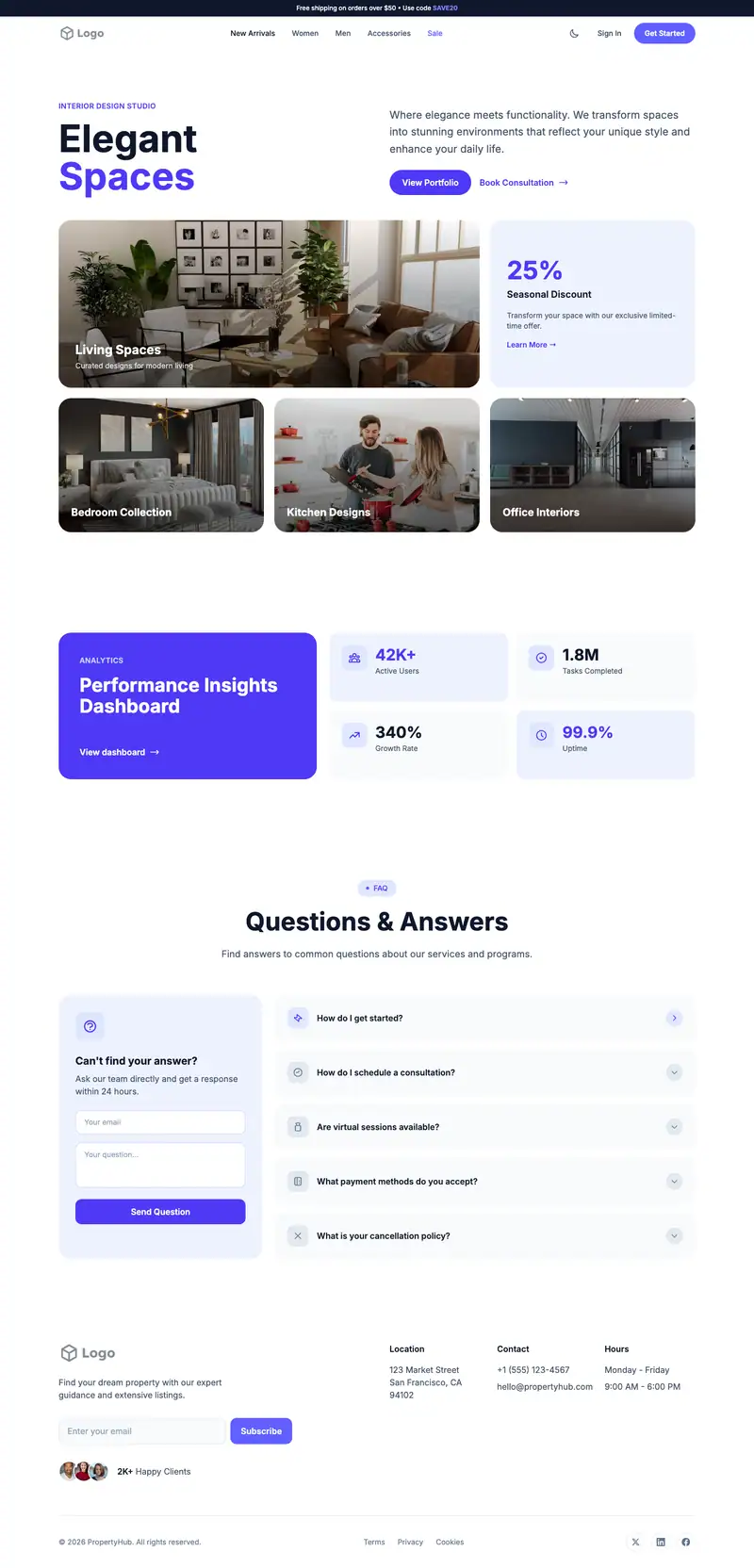
Scroll the preview. Text and photos are placeholders; Lindo replaces them with your business details.
What's on the page
- 1
Navigation · Ecommerce Cart layout
Logo, menu and a primary button that stays easy to reach.
- 2
Hero · Interior Design layout
The first screen: headline, supporting line and the main call to action.
- 3
Stats · Split Header Icon Cards layout
Key numbers that prove experience or scale.
- 4
FAQ · Split Question Form Accordion layout
Answers to common questions before visitors reach out.
- 5
Footer · Subscribe Contact layout
Contact details, links and the small print at the bottom of every page.
Make it yours
What a futuretools style business should put in after remixing:
- Rewrite the hero around finding the right AI tool and add a search or 'Browse Tools' button.
- Use the stats cards for tools listed, categories, weekly additions, and subscribers.
- Answer 'How do I submit a tool?' and 'Are listings paid?' in the FAQ accordion.
Getting found
Target 'AI tools for [task]' list queries and 'best AI [category] tools [year]'.
Building this for a client?
On Studio and White Label plans you can remix this template per client, then hand over the editor under your own brand.
See white-label features