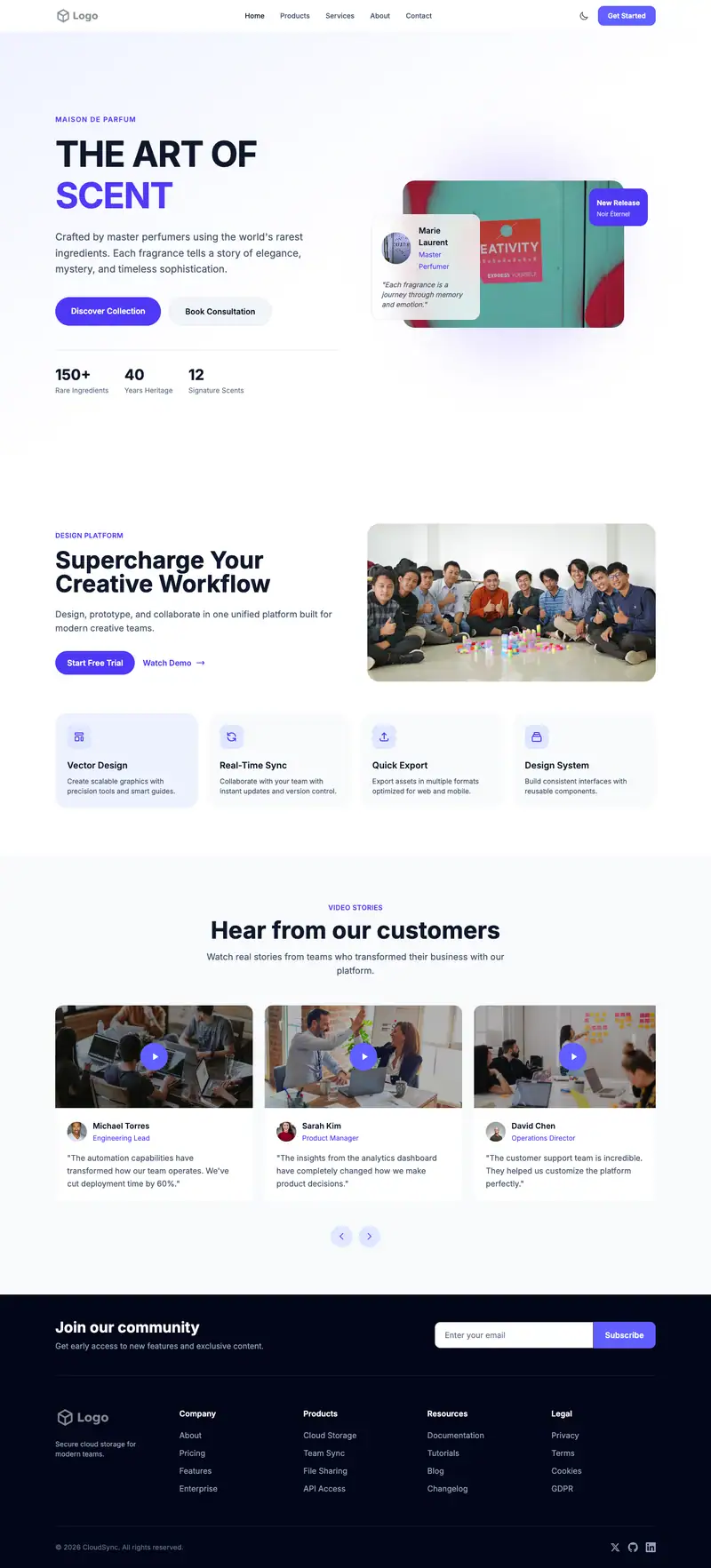
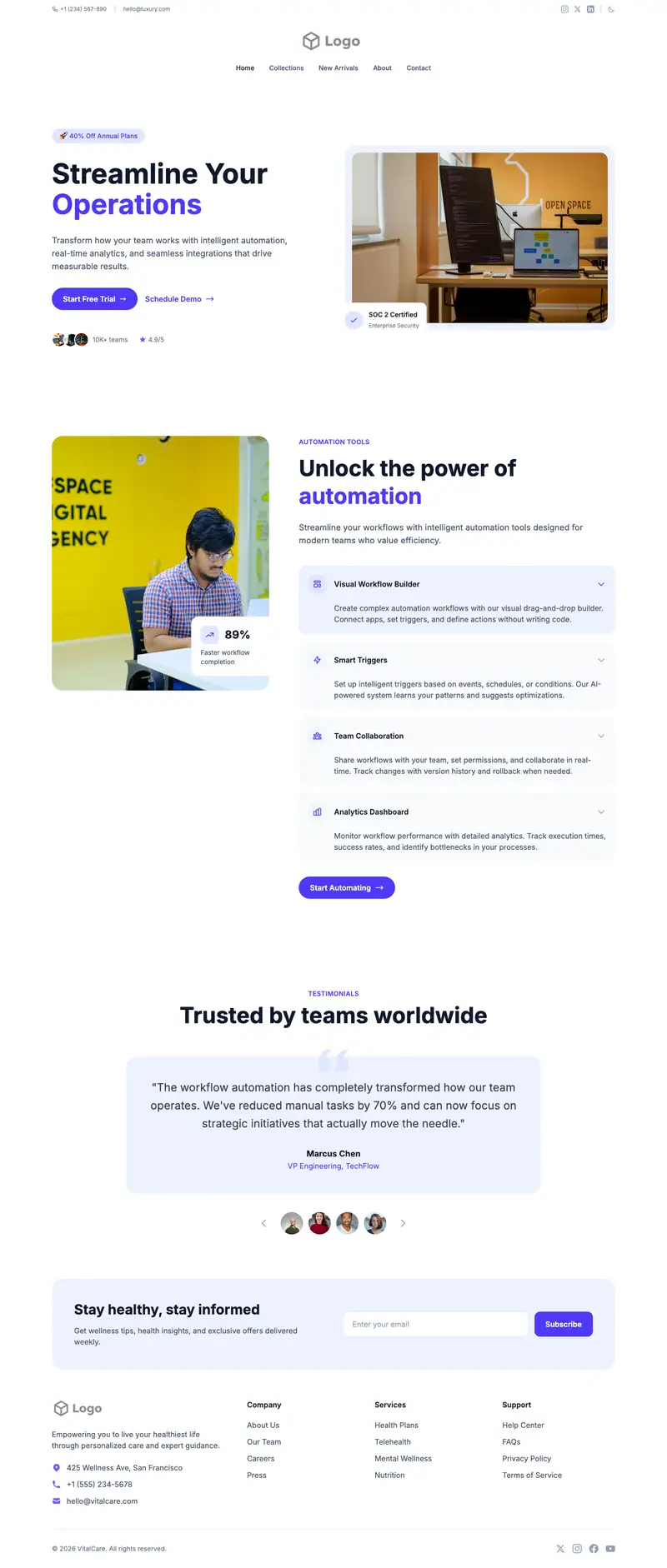
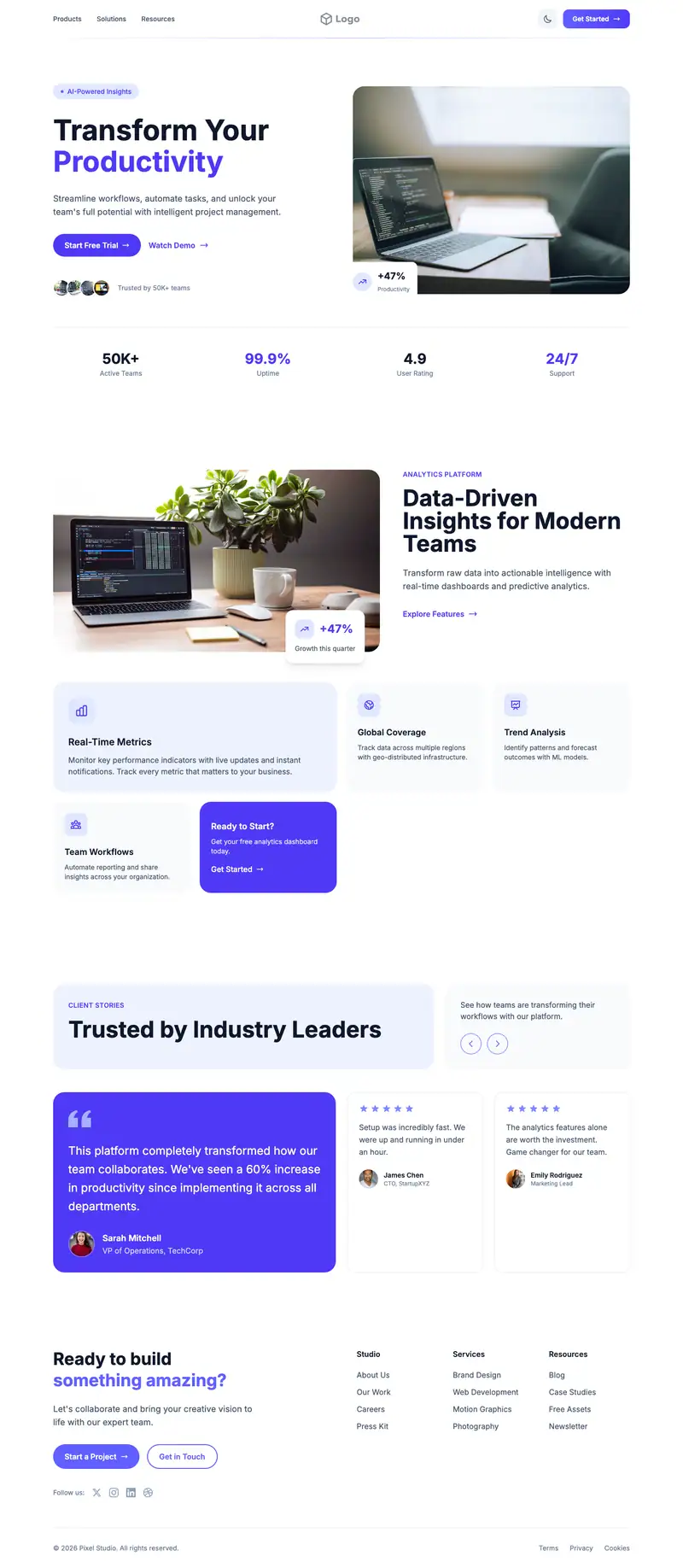
Token Launch Page website template
A token launch page has to explain the utility, the supply, and the date in plain terms. "DEFINE YOUR STYLE" from the Luxury Fashion hero is placeholder and gets rewritten. Slider Horizontal features fit a roadmap, and the Subscribe Gallery call to action collects emails for launch updates.
- Industry
- Technology & SaaS
- Layout
- One-page landing site
- Sections
- 5
- Responsive
- Desktop, tablet and mobile
- Dark mode
- Included
- Price
- Free to start
Best for
- Token launches
- Web3 project announcements
- Community token presales
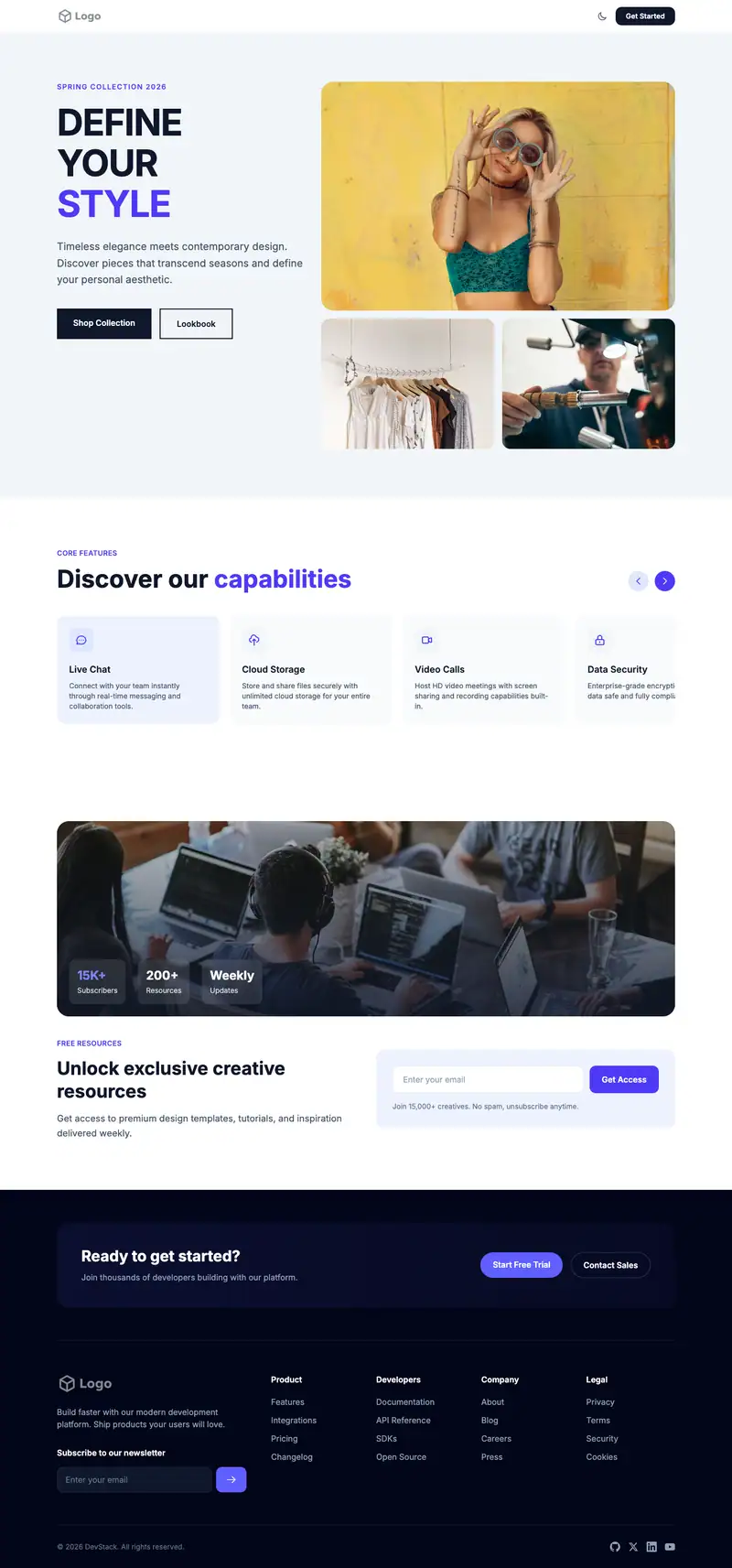
Scroll the preview. Text and photos are placeholders; Lindo replaces them with your business details.
What's on the page
- 1
Navigation · Minimal Clean layout
Logo, menu and a primary button that stays easy to reach.
- 2
Hero · Luxury Fashion layout
The first screen: headline, supporting line and the main call to action.
- 3
Features · Slider Horizontal layout
Services or benefits laid out so visitors can scan what you offer.
- 4
Call to action · Subscribe Gallery layout
A closing prompt that repeats the main action before the footer.
- 5
Footer · Newsletter Columns layout
Contact details, links and the small print at the bottom of every page.
Make it yours
What a token launch page business should put in after remixing:
- Put the token name, launch date, and utility in one hero line.
- Use each slide for one roadmap phase with dates.
- Turn the Subscribe Gallery into a launch alert signup with links to your community channels.
Getting found
Target '[token name] launch' and '[token name] tokenomics' so branded searches land on your page.
Building this for a client?
On Studio and White Label plans you can remix this template per client, then hand over the editor under your own brand.
See white-label features