
AI explained • Lindo field notes
AI Agent vs. Workflow: Which Does Your Website Project Need?
Choose between predictable automation and agent-led work using three website examples, a failure test, and a practical decision worksheet.
The short answer
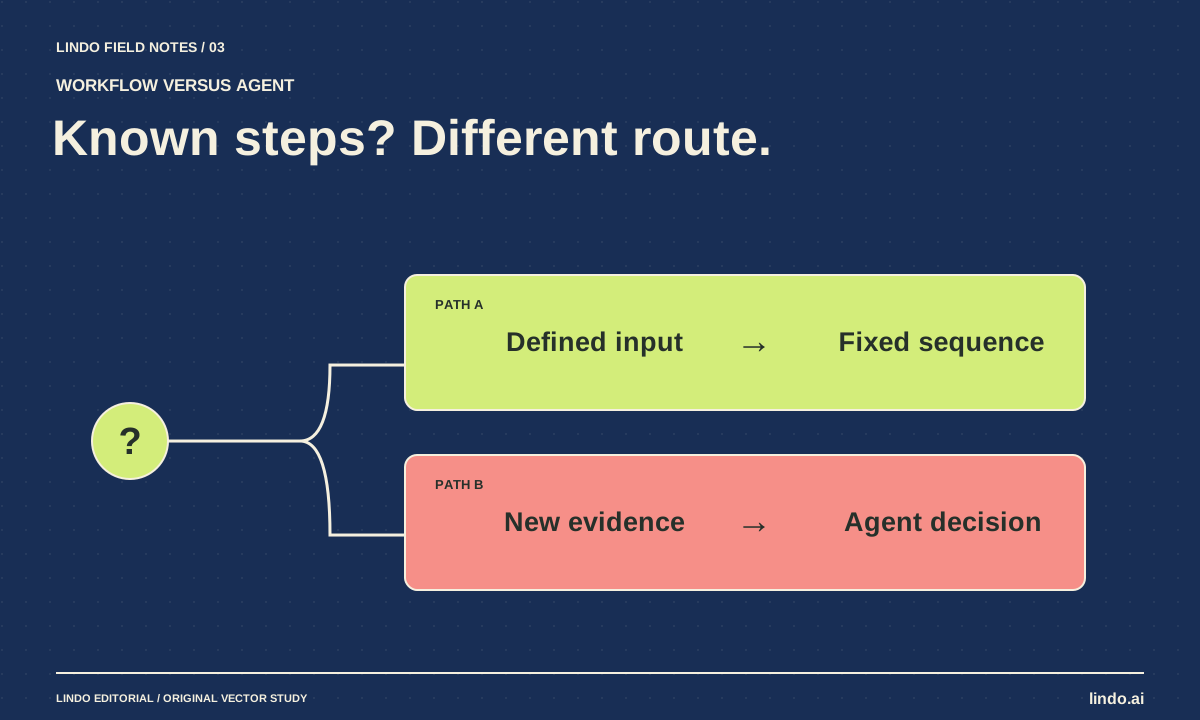
Use a workflow when the steps and acceptable outcomes are known in advance. Use an AI agent when the next useful action depends on what it discovers. A website process often needs both: an agent can investigate a content problem, while a fixed workflow validates, approves, and publishes the resulting change.
In this article
“Make this process agentic” is not a useful requirement on its own. Sending an approved lead to the correct inbox does not need creative planning. Diagnosing why a client’s services page is confusing might. Treating both tasks the same way adds either unnecessary uncertainty or unnecessary rigidity.
The practical distinction is control over the next step. In a workflow, you define it. In an agentic process, the model selects it from available actions. Neither approach is automatically smarter, cheaper, or more reliable; the shape of the task determines the fit.
FIELD NOTE / 01
Start with the decision that changes
Anthropic’s agents and workflows explanation distinguishes predefined paths from model-directed processes. Apply that distinction to the smallest unit of work rather than labeling your whole business an “AI agency.”
For a contact form, the next action after valid submission should be predictable: store the inquiry, route it, and show an accurate confirmation. For a redesign assessment, the next action may depend on whether the problem is missing content, an unreadable mobile layout, or a broken booking integration.
FIELD NOTE / 02
Three website tasks, three different control patterns
Suppose a cleaning company needs an address update, a services-page rewrite, and an investigation of disappearing inquiries. These should not receive identical levels of autonomy. The consequences and uncertainty differ.
| Task | Useful pattern | Human checkpoint |
|---|---|---|
| Apply an approved address change | Fixed workflow with validation | Confirm all affected locations and accounts |
| Draft clearer service descriptions | AI drafting inside a workflow | Approve facts and final wording |
| Investigate missing inquiries | Agent-led diagnosis, bounded tools | Approve any production repair |
| Publish an approved revision | Fixed release procedure | Explicit launch authorization |
FIELD NOTE / 03
Build the boring outer shell first
A practical hybrid begins with a fixed intake format: URL, reported problem, approved sources, owner, and deadline. An agent investigates within that scope and returns a structured proposal. A human approves the proposal. A controlled workflow applies or publishes it and records the result.
This makes uncertainty local. The agent can adapt its investigation without deciding your release policy. It also gives you a clear recovery point: if the proposal is wrong, you reject it before the business-facing change occurs. See the permission matrix for examples of those boundaries.
FIELD NOTE / 04
Test the exception, not just the happy path
Give the process an incomplete brief. Remove the business’s opening hours, or provide two conflicting versions. A dependable system should expose the conflict and stop that part of the work. It should not silently choose the more convenient fact to finish its checklist.
Next, make a downstream service unavailable. A workflow needs a retry policy and a visible failure state. An agent needs the same, plus a limit on improvisation. Creating a new account or switching providers is a materially different action, not a clever retry.
FIELD NOTE / 05
Measure completed work and correction effort
Count tasks completed correctly, time spent reviewing, failures that reached a customer, and exceptions requiring manual intervention. Do not measure only how many tasks the system attempted. A complicated agent that needs constant supervision may lose to a simple form and approval queue.
Start with one recurring bottleneck. If most requests follow the same path, automate that path and keep exceptions human-led. If requests genuinely require investigation, introduce a bounded agent and compare its results with your current process. The decision should come from observed work, not the novelty of the terminology.
Take it into your next project
Agent-or-workflow decision worksheet
Fill this out for one task—not an entire department. An unanswered permission question is a design gap.
Task:
Known inputs:
Required output:
Are the steps predictable? Yes / No
Which decisions require interpreting new evidence?
Which actions change customer-facing state?
Allowed tools and data:
Approval gate:
What happens if required facts are missing?
What happens if a tool fails?
Maximum retries or investigation time:
Evidence required before completion:
Owner of exceptions:
Decision: fixed workflow / AI step inside workflow / bounded agent
Common questions
Can a workflow contain AI?
Yes. A fixed process can call a model to summarize notes or draft copy, then validate and route the result through predefined steps. Using a model does not make the whole process autonomous.
Should an agent publish website changes automatically?
Only within an explicitly designed and authorized release policy. For client work, separate drafting from publishing, and require approval for changes to claims, payments, personal-data collection, or critical integrations.
Sources & further reading
Vendor links support product descriptions. Worked examples, checklists, and selection criteria are Lindo’s editorial guidance; they are not customer results or controlled benchmarks.
AI explained
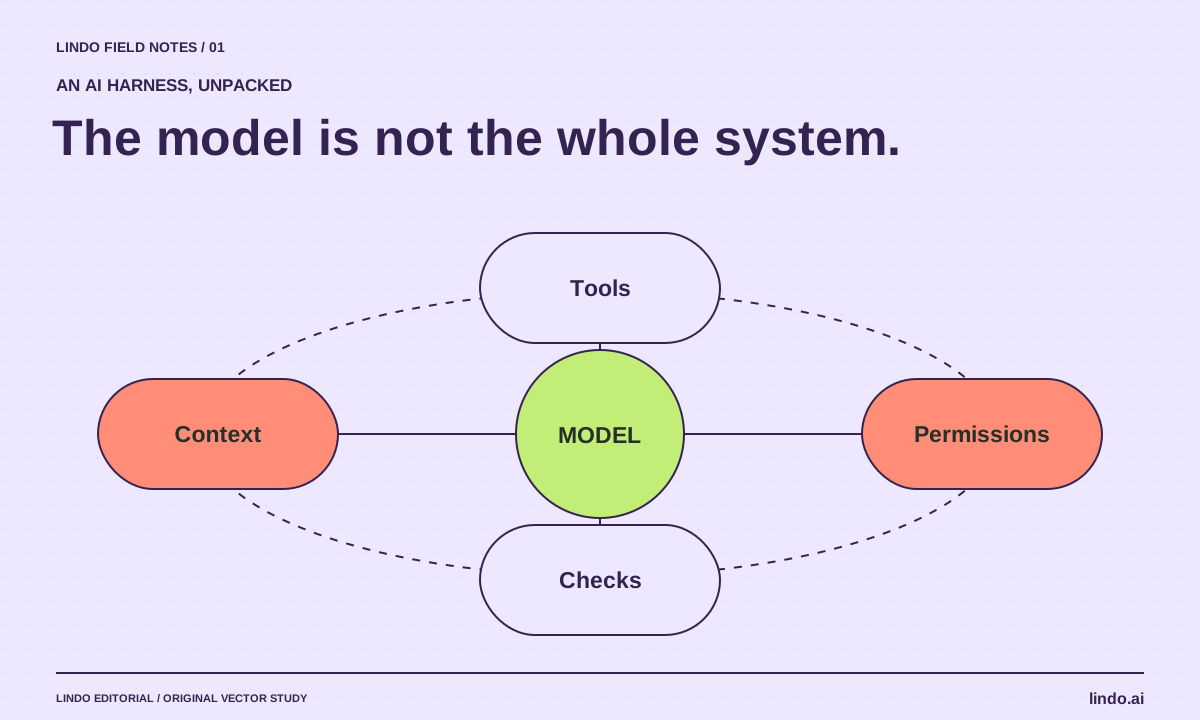
What Is an AI Harness? The System Around the Model
Understand AI harnesses through a website-building example: tools, context, permissions, checkpoints, and the tests that keep an agent on track.
AI explained
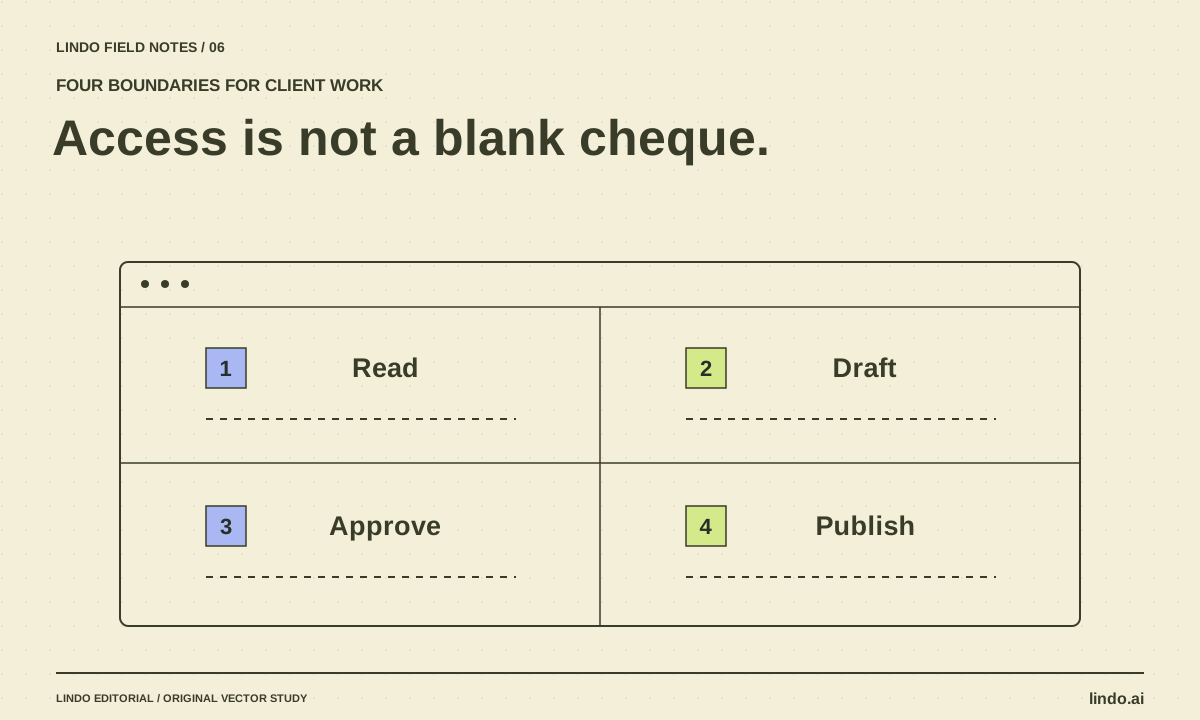
AI Agent Permissions for Client Work: A Practical Access Matrix
Define what an AI assistant may read, draft, change, and publish across client websites. Includes an access matrix and approval checklist.
AI explained
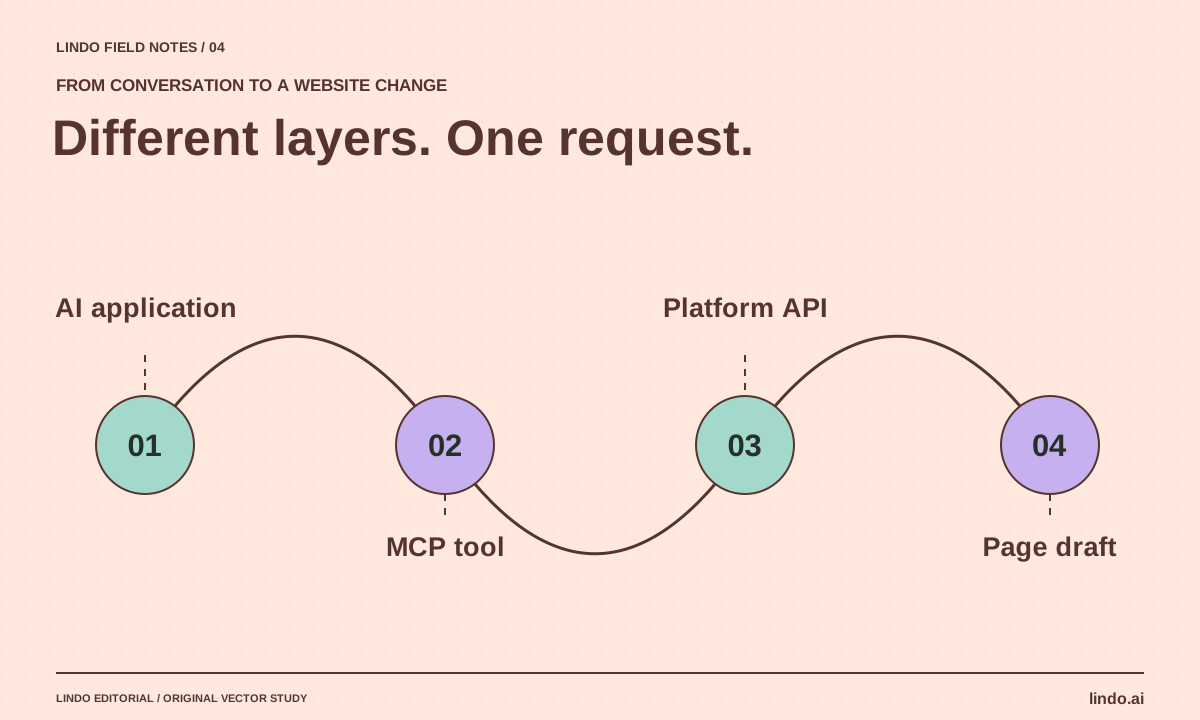
MCP vs. API for Website Automation: How They Fit Together
See where MCP ends and your website API begins. Includes a publish-action example, access checklist, and integration decision table.
