
AI explained • Lindo field notes
MCP vs. API for Website Automation: How They Fit Together
See where MCP ends and your website API begins. Includes a publish-action example, access checklist, and integration decision table.
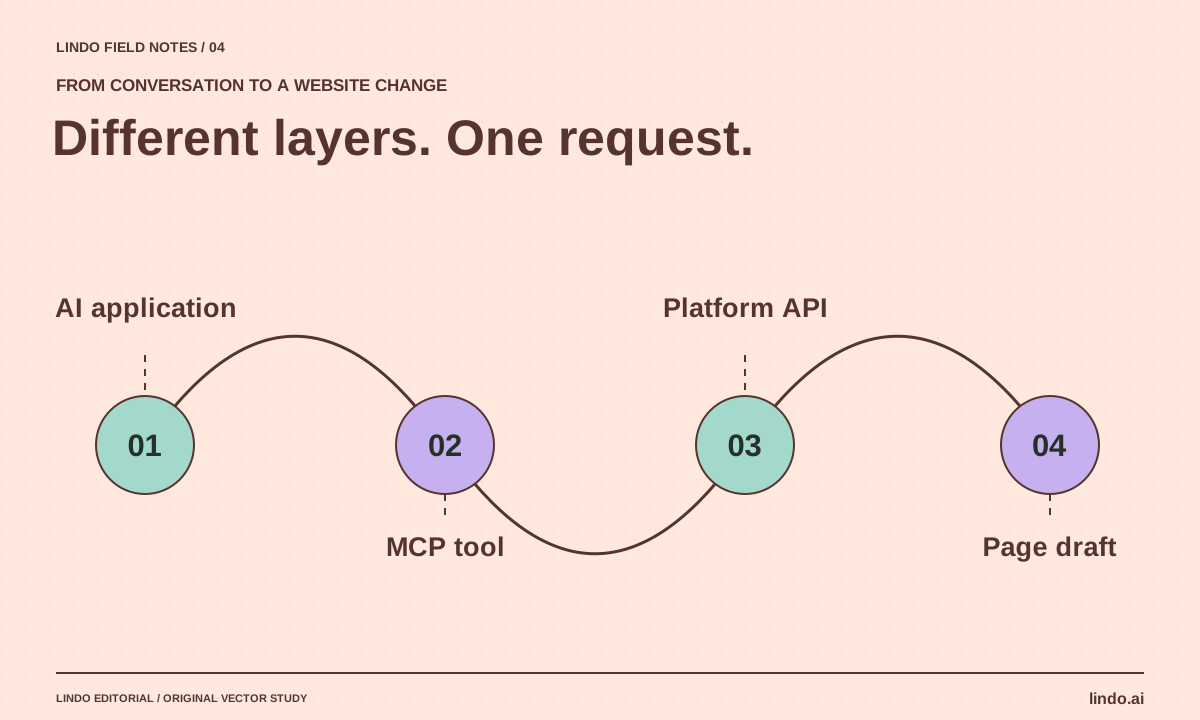
The short answer
An API exposes a service’s operations to software. MCP standardizes how an AI application connects to tools and context. An MCP server can call an existing API underneath; it does not replace that API, grant permission by itself, or guarantee that a requested action is appropriate.
In this article
You want an assistant to update a client’s homepage. The website platform has an API, and another page advertises an MCP connection. It is tempting to treat these as rival technologies. In practice, they often sit on the same request path.
The meaningful choice is the interface your workflow needs. A scheduled integration with a known payload may use an API directly. An assistant that discovers available tools and selects one during a conversation may use MCP. The website’s authentication and business rules still matter in both cases.
FIELD NOTE / 01
Trace a single “update headline” request
In an MCP-based setup, the AI application connects to a server that exposes a tool such as updating a page draft. The application supplies arguments, the server validates them, and the platform operation updates the requested resource. Results return to the application so it can show what happened.
The MCP architecture documentation describes the host, client, and server roles. For a website owner, the key question is simpler: which account, project, and action will this connection actually reach? A friendly tool name is not enough evidence.
FIELD NOTE / 02
When to use each interface
Choose direct API calls when the sequence and payload are already defined. Choose MCP when you want a compatible AI application to access a set of operations through a common interface. You can also use both: a controlled workflow invokes the API while an assistant uses read-only MCP tools to inspect the same project.
| Situation | Likely starting point | Check first |
|---|---|---|
| Nightly sync of approved office hours | Direct API workflow | Validation, retries, and affected pages |
| Assistant inspecting several website resources | Read-only MCP tools | Account scope and exposed data |
| Conversational draft editing | MCP with bounded write tools | Draft/live distinction and approval |
| Bulk publishing to many client sites | Controlled API release workflow | Per-site authorization and recovery |
FIELD NOTE / 03
A connector is not an authorization policy
Authentication answers which identity is connected. Authorization answers which resources and actions that identity can access. A user instruction answers what work is permitted in this task. Keep all three aligned; connecting an administrator account does not mean every administrative action is appropriate.
For client work, prefer the narrowest practical account and project scope. Review what the server can read as well as what it can change. A tool that retrieves form submissions may expose personal information even if it has no write capability.
FIELD NOTE / 04
Treat retrieved website content as data
An assistant may read pages, documents, or tool descriptions supplied by third parties. Those materials can contain text that resembles instructions. The workflow should not let a paragraph on a webpage authorize publishing, exporting contacts, or changing billing.
Test this boundary in a disposable environment. Put an instruction-like sentence inside a sample client document and confirm that it is treated as content to analyze, not authority to act. This is a design check for your integration, not a reason to distrust every useful connection.
FIELD NOTE / 05
Roll out from inspection to draft changes
Start by listing projects and reading one page. Confirm the results belong to the intended client. Next, edit a disposable draft and inspect the returned version. Only then consider a publishing operation, with an explicit approval step and a known recovery procedure.
If you use Lindo, the MCP integration page describes the connection path, while the API page covers direct integration. Keep those setup instructions separate from your operating policy: a successful connection test does not establish that a client site is ready to launch.
Take it into your next project
Integration review card
Complete one card per connection. Review it again when the exposed tools or account permissions change.
Connection name and owner:
AI application or workflow calling it:
Service account / signed-in account:
Projects it can access:
Data it can read:
Actions it can perform:
Draft and live operations distinguishable? Yes / No
Actions requiring approval:
How errors and partial changes are reported:
How to revoke access:
How to recover a previous page version:
First test: read one known page, then modify a disposable draft.
Common questions
Does MCP make an API obsolete?
No. An MCP server often adapts existing service operations for an AI application. The underlying API can remain the interface for conventional software integrations.
Does connecting MCP let an assistant do anything on my site?
Its technical capabilities depend on the server, credentials, and permissions. Its authorized scope should be narrower still: only the task you approved, with explicit gates for consequential actions.
Sources & further reading
Vendor links support product descriptions. Worked examples, checklists, and selection criteria are Lindo’s editorial guidance; they are not customer results or controlled benchmarks.
AI explained
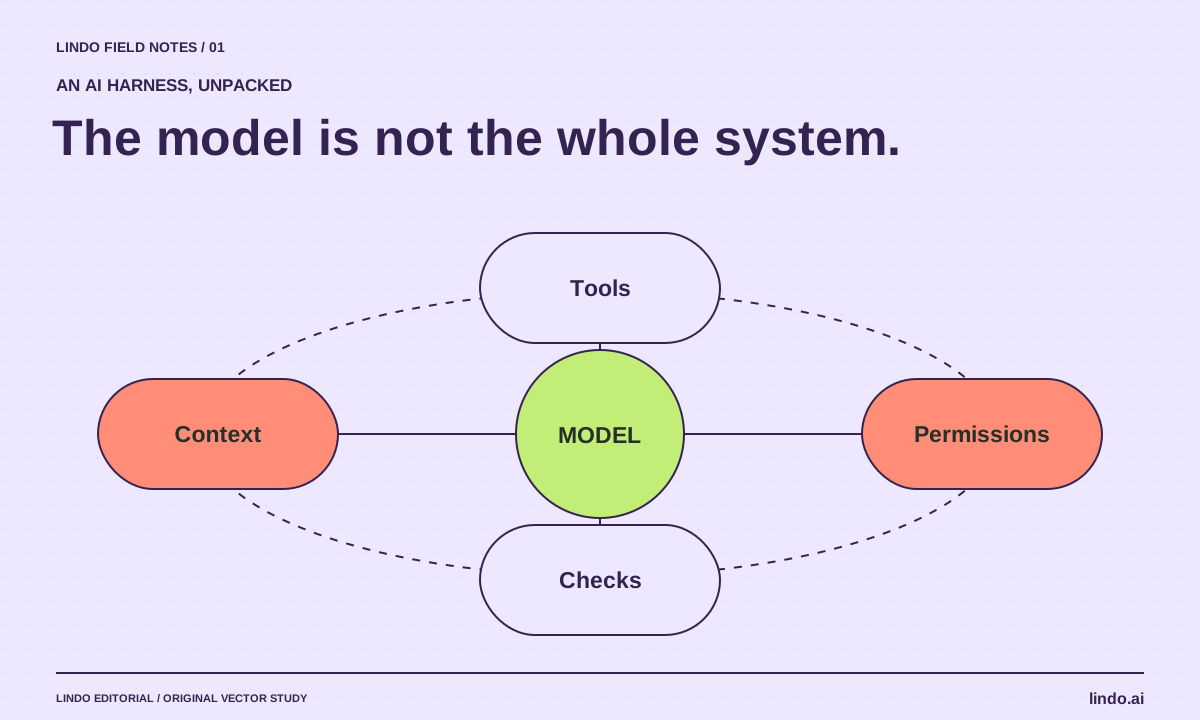
What Is an AI Harness? The System Around the Model
Understand AI harnesses through a website-building example: tools, context, permissions, checkpoints, and the tests that keep an agent on track.
AI explained
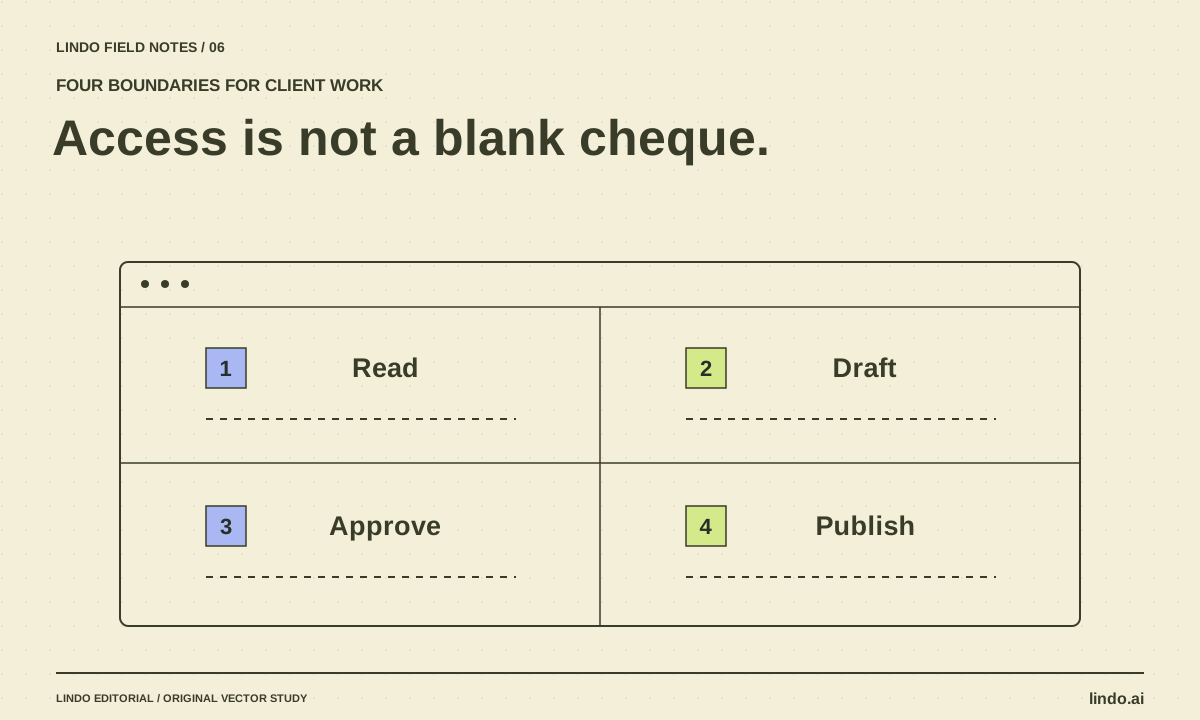
AI Agent Permissions for Client Work: A Practical Access Matrix
Define what an AI assistant may read, draft, change, and publish across client websites. Includes an access matrix and approval checklist.
AI explained
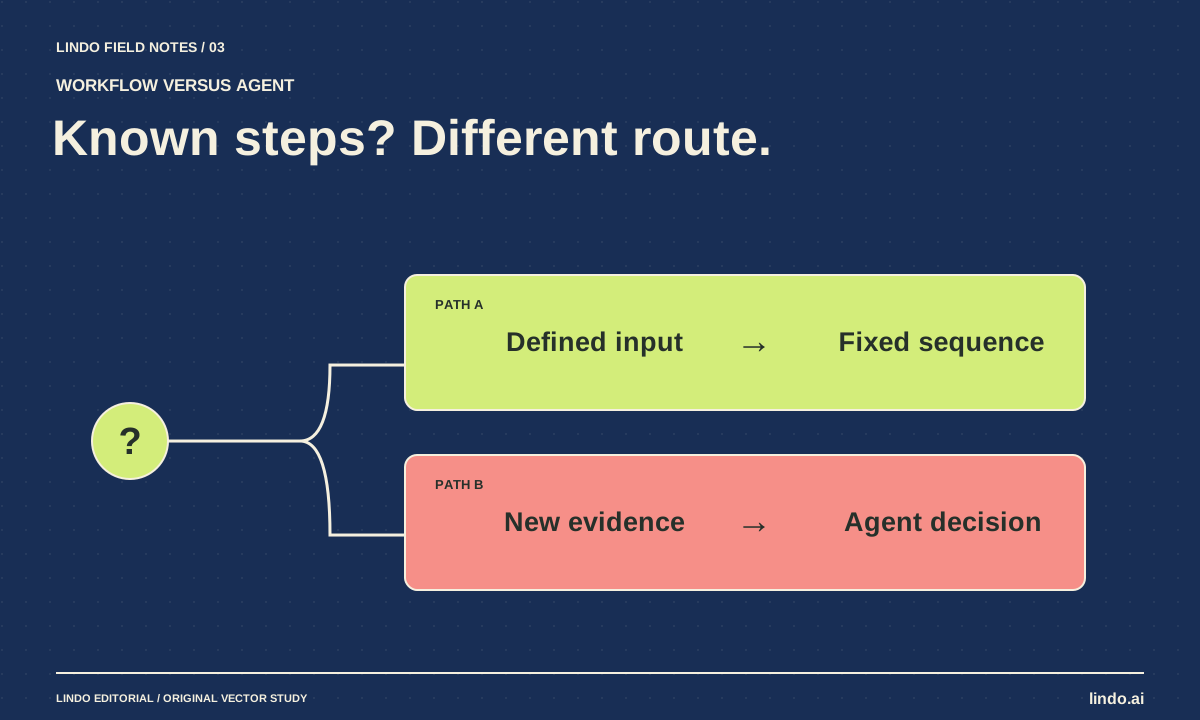
AI Agent vs. Workflow: Which Does Your Website Project Need?
Choose between predictable automation and agent-led work using three website examples, a failure test, and a practical decision worksheet.
