
AI explained • Lindo field notes
What Is an AI Harness? The System Around the Model
Understand AI harnesses through a website-building example: tools, context, permissions, checkpoints, and the tests that keep an agent on track.
The short answer
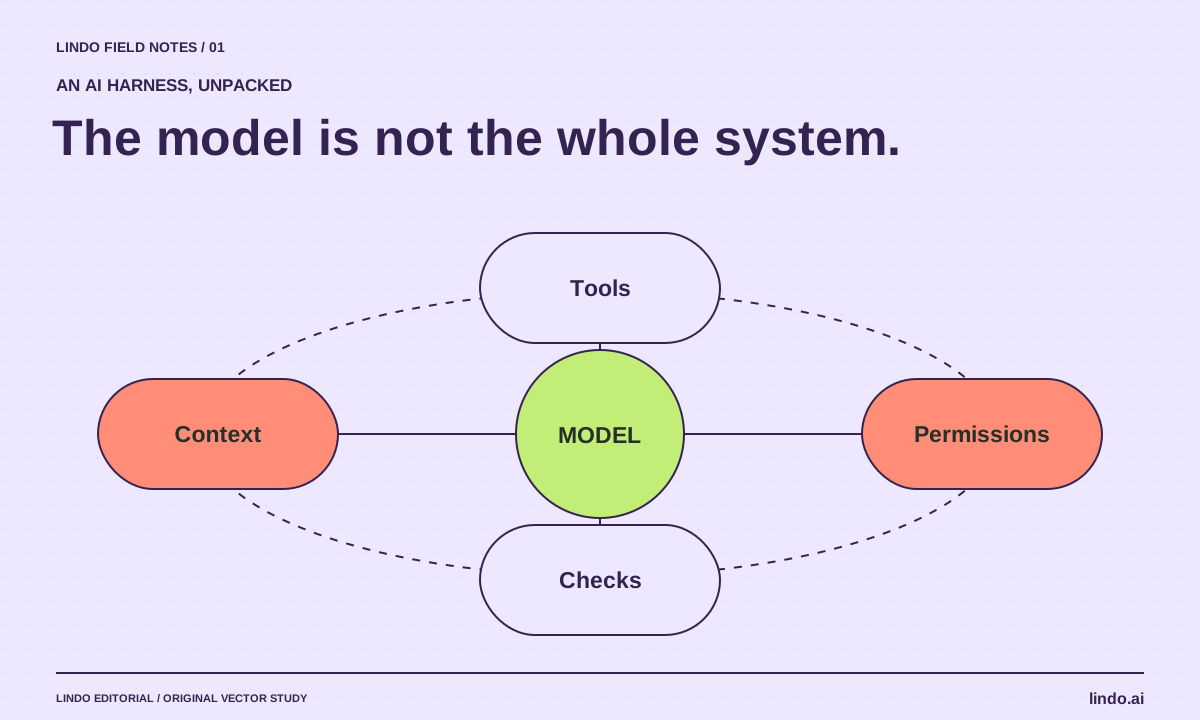
An AI harness is the surrounding software that lets a model do useful work: it supplies context, exposes tools, runs the action-and-feedback loop, and controls what can happen next. The model proposes an action; the harness executes permitted actions, returns results, and manages progress. A good prompt is only one component.
In this article
Imagine asking an AI to rebuild a café website. It can write convincing HTML in a conversation. But who saves the files, starts a preview, notices the menu link is broken, and prevents an accidental production deployment? Those responsibilities belong to the system around the model.
This distinction matters when two products use the same model but produce very different outcomes. One may see only a prompt. Another can inspect the project, edit files, run checks, and return with evidence. This article explains that difference without assuming you want to build agent infrastructure yourself.
FIELD NOTE / 01
The five jobs around the model
Think of the harness as a workbench with rules, not a second intelligence. A useful website-building setup needs a way to select context, call tools, preserve state, enforce permissions, and evaluate results. Those jobs may live in one application or several connected services.
Anthropic’s long-running agent research illustrates why progress records and scoped tasks matter when work spans sessions. That is one architecture, not a mandatory recipe for every agent.
- Context: approved business facts, project files, design constraints, and the current task.
- Tools: file editing, a browser preview, tests, and explicitly connected services.
- State: completed work, remaining work, decisions, and recoverable checkpoints.
- Control: permitted directories, spending limits, approval boundaries, and stop conditions.
- Evaluation: observable checks that distinguish a finished page from a plausible screenshot.
FIELD NOTE / 02
Follow one broken menu link through the loop
The agent reads the café brief and creates a navigation link to /menu. A preview check finds that the route returns an error. The harness passes that observation back to the model. The model proposes creating the missing route or correcting the link; the tool applies the change; the check runs again.
The important step is the returned evidence. Without it, the model may simply announce that the menu works. With it, completion can depend on a real page response and a visible menu. The loop should also have a retry limit: repeatedly changing unrelated styles is not progress toward repairing a link.
FIELD NOTE / 03
A model, a prompt, MCP, and a harness are different layers
A model generates outputs. A prompt describes a task and constraints. MCP is a protocol for connecting AI applications to capabilities and data. The harness coordinates the work. An MCP connection does not, by itself, decide whether publishing is authorized or whether a site is ready.
An agent framework can help a developer construct that coordination. An end-user coding assistant already packages much of it. Before comparing products, decide whether you need an application you can use today or infrastructure you will maintain. Our harness tools guide separates those categories.
FIELD NOTE / 04
The smallest useful harness for a website project
For a five-page brochure site, start with a private project, a short approved brief, a browser preview, and a repeatable launch checklist. Save a checkpoint before major changes. Require human approval before touching DNS, collecting real submissions, or publishing customer claims.
Do not add multiple agents just because a diagram looks more sophisticated. Add a component when you can name the failure it prevents. If the agent forgets approved wording, improve its reference material. If it publishes too early, strengthen the permission boundary. If it misses mobile defects, improve evaluation rather than lengthening the prompt.
FIELD NOTE / 05
Ask for evidence, not a confidence score
Give two candidate setups the same deliberately imperfect site: one missing route, one unsupported testimonial, and one form with no destination. Compare whether they identify and repair the problems, what they changed unnecessarily, and what remains unresolved.
Keep the same scope and record human correction time. A fast first draft is useful, but it is not equivalent to a dependable delivery workflow. Your acceptance criterion might be simple: all agreed routes work, all claims have sources, and a test inquiry reaches the designated test inbox.
Take it into your next project
A minimal harness contract
Use this as a project-level instruction and adapt the actual permissions in your tool. Prompt text alone is not a security boundary.
Goal: produce a private preview of the café website.
Inputs: approved brief, menu, opening hours, licensed photos.
Allowed: edit this project; run local checks; inspect the preview.
Approval required: publish, change DNS, send messages, install paid services.
Checkpoints: save before major layout changes.
Done means: routes load; menu is readable on mobile; claims match sources; test inquiry is received.
Stop when: required facts are missing, a permission is unavailable, or the same check fails three times.
Handoff: list changes, tests, unresolved issues, and the next safe action.
Common questions
Is an AI harness the same as an agent?
No. An agent is the acting system people interact with; the harness is the orchestration and execution machinery around its model. The terms are sometimes used loosely, so ask what components a vendor actually includes.
Do I need to build my own harness?
Usually not for ordinary website work. Start with a maintained assistant or builder. Custom infrastructure becomes relevant when your permissions, integrations, or repeatable workflow cannot be expressed in an existing tool.
Sources & further reading
Vendor links support product descriptions. Worked examples, checklists, and selection criteria are Lindo’s editorial guidance; they are not customer results or controlled benchmarks.
AI explained
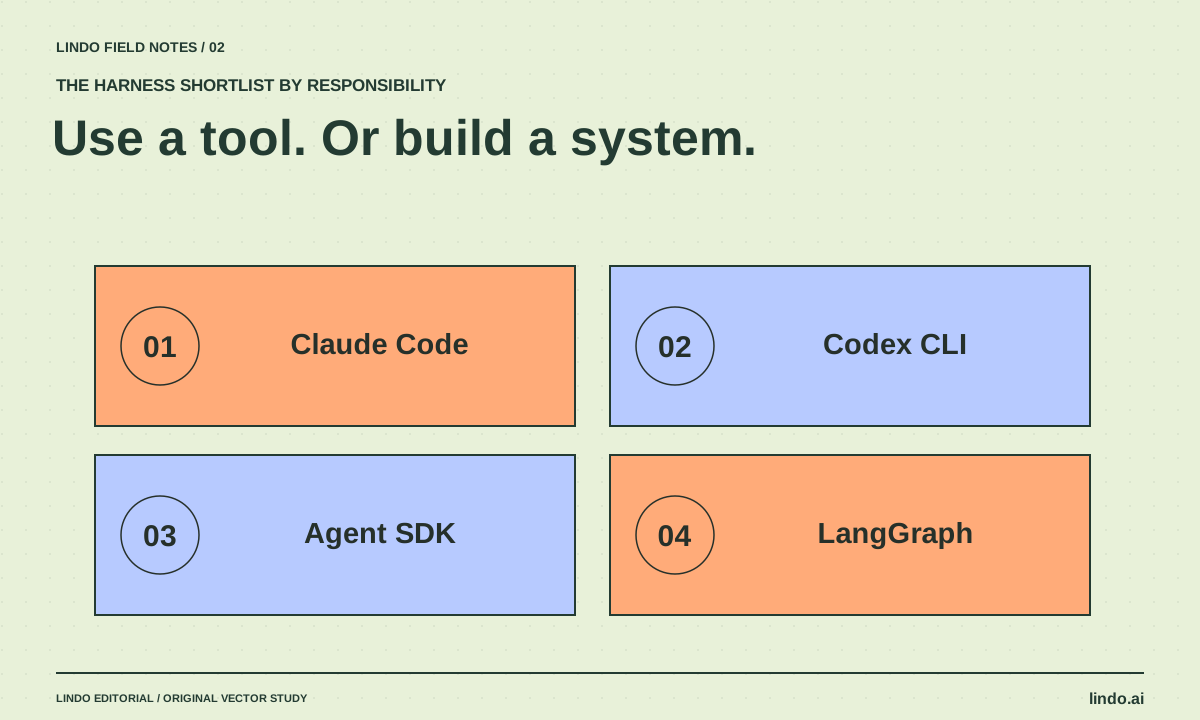
AI Harness Tools in 2026: What to Use—and What to Build
Compare Claude Code, Codex CLI, Claude Agent SDK, and LangGraph by the work you need to own. Includes a practical evaluation task.
AI explained
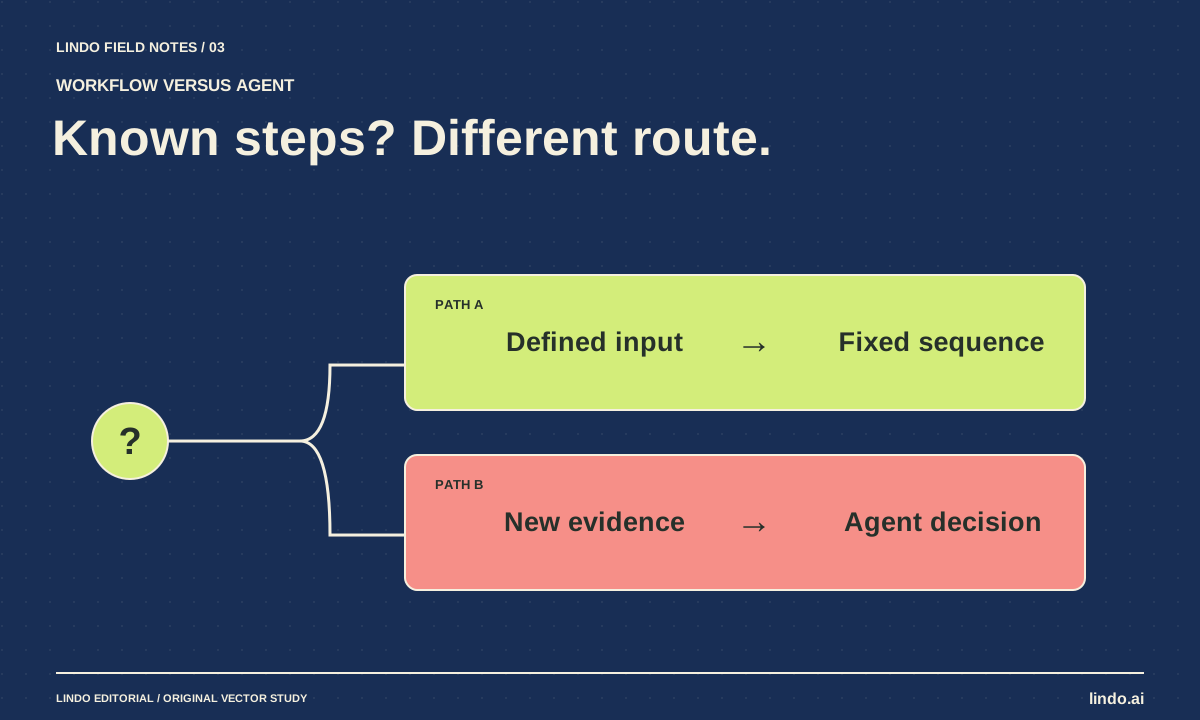
AI Agent vs. Workflow: Which Does Your Website Project Need?
Choose between predictable automation and agent-led work using three website examples, a failure test, and a practical decision worksheet.
AI explained
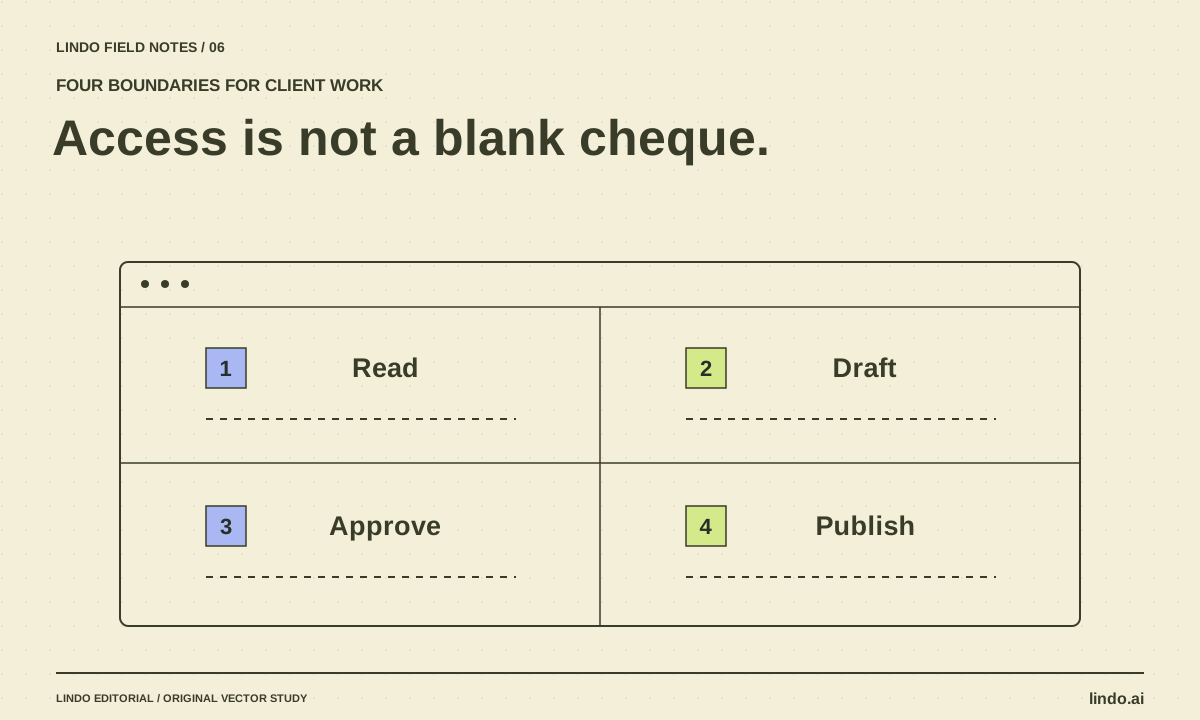
AI Agent Permissions for Client Work: A Practical Access Matrix
Define what an AI assistant may read, draft, change, and publish across client websites. Includes an access matrix and approval checklist.
