
Creative workflows • Lindo field notes
How to Turn an AI Prototype into a Client Handoff
Convert a promising website preview into an operable deliverable with content approval, integrations, account ownership, editing instructions, and recovery.
The short answer
Inventory what the prototype actually implements, resolve production gaps, verify the primary visitor action, and transfer the right accounts and instructions to the client. A handoff is complete when the owner can operate and recover the site—not when they receive a preview link or a ZIP file.
In this article
The client approves the design and asks, “Can we go live?” That question exposes everything a prototype can hide: sample content, simulated forms, unclear hosting, missing account access, and no plan for ordinary edits.
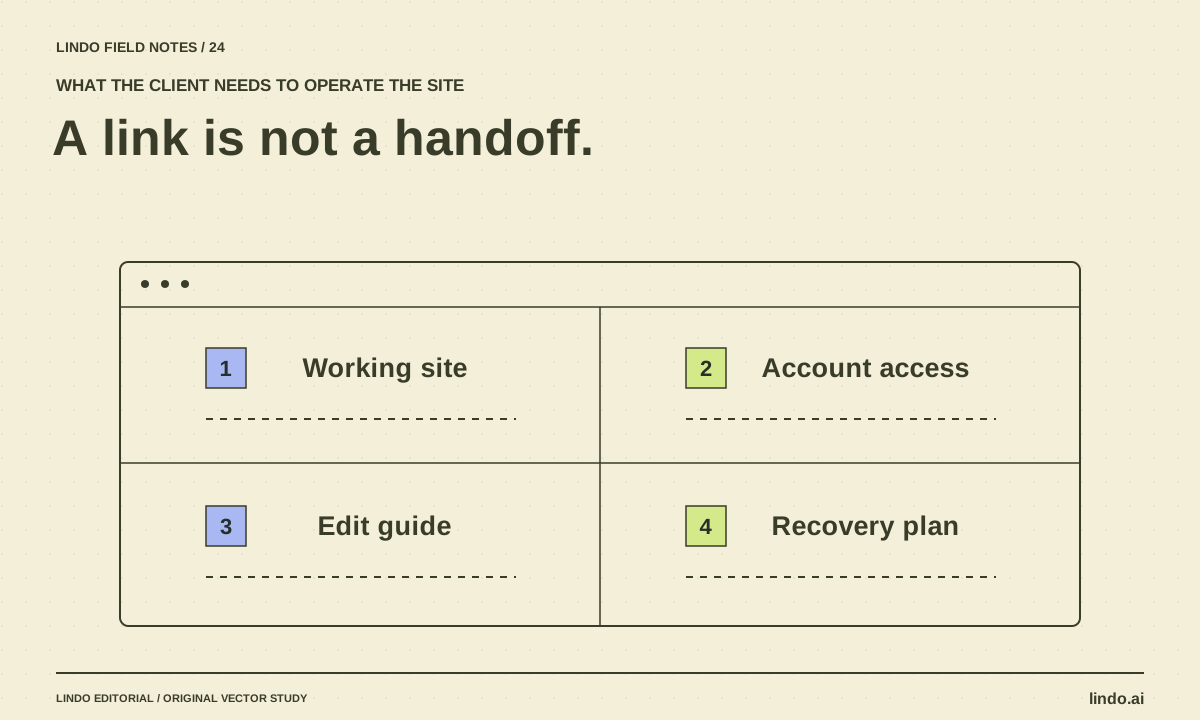
A good handoff does not require a huge manual. It requires a small set of accurate records, working access, and a practical demonstration. The client should know what they own, what depends on another service, and who to contact when something changes.
FIELD NOTE / 01
Separate implemented, demonstrated, and missing
List every important part of the prototype and give it an honest status. A working navigation route is implemented. A button that changes local screen state may only demonstrate a booking flow. A privacy notice copied from a template may still need appropriate review.
Do not use a single “90% complete” label. The remaining ten percent could be a cosmetic detail or the entire inquiry-delivery system. A gap list makes that difference visible.
| Item | Status to verify | Completion evidence |
|---|---|---|
| Business content | Approved or sample | Named reviewer and final source |
| Inquiry form | Connected or demonstrated | Test received at the intended destination |
| Booking or payment | Integrated or placeholder | Appropriate end-to-end test |
| Hosting and domain | Configured or pending | Correct live destination and account access |
| Editing and recovery | Documented or unknown | Owner completes a draft edit and restore |
FIELD NOTE / 02
Close the highest-risk gaps before polish
Resolve factual claims, contact delivery, account access, and critical integrations first. Keep the client informed if a prototype interaction requires a different production implementation. It is better to explain that transition than to preserve a misleading demo behavior.
If the project is moving between platforms, confirm what can transfer and what must be rebuilt. Preserve approved content and design decisions, but do not promise universal compatibility. For existing public sites, plan URLs and redirects through the website migration workflow.
FIELD NOTE / 03
Make ownership explicit
List the domain registrar, hosting or builder account, form destination, analytics, and any booking or payment provider. Record who owns each account and who has administrative access. Transfer access through the service’s supported process; do not put passwords into the handoff document.
Also identify ongoing charges and renewal responsibilities. A client should not discover months later that an essential integration belongs to a personal account they cannot access. Separate ownership from the support arrangement: you may maintain a site without owning every account.
FIELD NOTE / 04
Teach one ordinary edit and one recovery task
Ask the client to update a harmless draft detail, preview it, and restore the previous version. This reveals whether the editing model is genuinely usable. A recorded walkthrough can help, but it should match the actual delivered system.
Keep instructions specific: where to change opening hours, where inquiries arrive, and how to request help. Avoid a generic manual that describes features the site does not use. If a change requires a developer, say so plainly.
FIELD NOTE / 05
Finish with a signed-off state and known limits
Document the delivered version, checks completed, unresolved limitations, and the support period or maintenance scope agreed with the client. Do not imply that a checklist guarantees future uptime or rankings.
After launch, verify the live routes and primary action again. A different environment can expose a configuration problem that did not appear in the preview. The handoff should leave the client with a working site and a clear operating path, not merely evidence that development has stopped.
Take it into your next project
Client handoff checklist
Keep credentials out of this document. Link to secure account-management procedures where needed.
Delivered site and version:
Approved content reviewer:
Implemented / demonstrated / missing inventory:
Primary action tested and evidence:
Domain owner:
Hosting or builder owner:
Form / booking / payment owner:
Analytics owner:
Recurring charges and renewal responsibilities:
Routine editing instructions:
Recovery procedure:
Known limitations accepted by:
Support and maintenance scope:
Live-site verification date:
Client completed a draft edit and recovery exercise: Yes / No
Common questions
Is sending the source code enough?
Not if the client cannot build, host, edit, or maintain it. The deliverable should include the operating information and access appropriate to the agreed maintenance model.
Should I transfer all accounts to the client?
Follow the agreed ownership model and each provider’s supported process. At minimum, make ownership, access, billing, and exit arrangements explicit rather than leaving them implicit.
Sources & further reading
Vendor links support product descriptions. Worked examples, checklists, and selection criteria are Lindo’s editorial guidance; they are not customer results or controlled benchmarks.
Choose your tools
Can AI Build a Production-Ready Website? The Missing Ownership Checklist
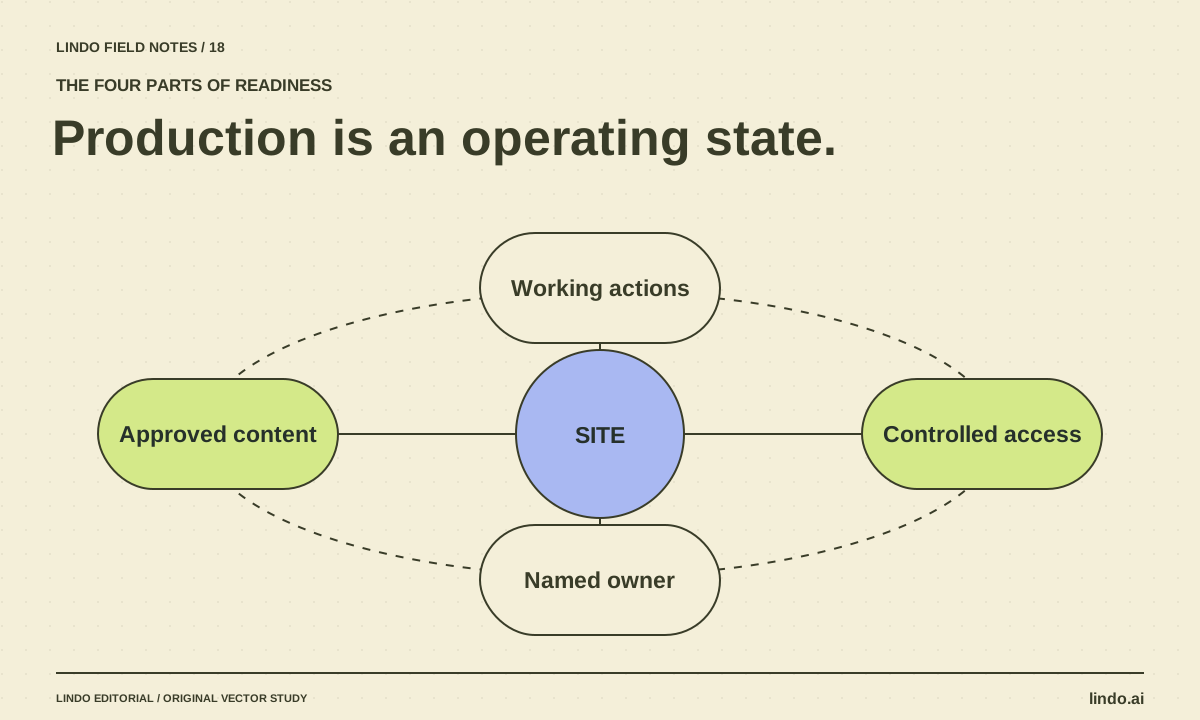
AI can produce much of a website, but readiness depends on verified content, working services, access, recovery, and maintenance. Use this release checklist.
Build with AI
How to Test an AI-Generated Website Before a Real Visitor Uses It
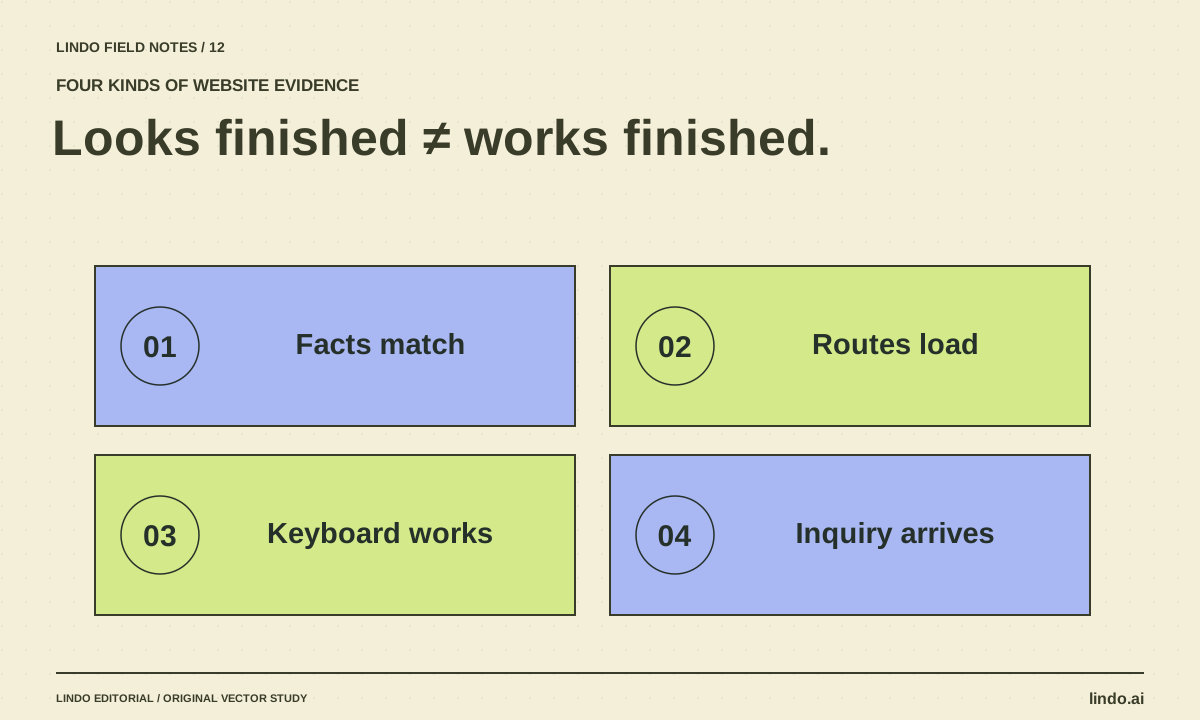
A practical AI website QA guide covering facts, mobile layouts, keyboard access, forms, routes, and launch ownership—with a copyable test record.
AI explained
AI Agent Permissions for Client Work: A Practical Access Matrix
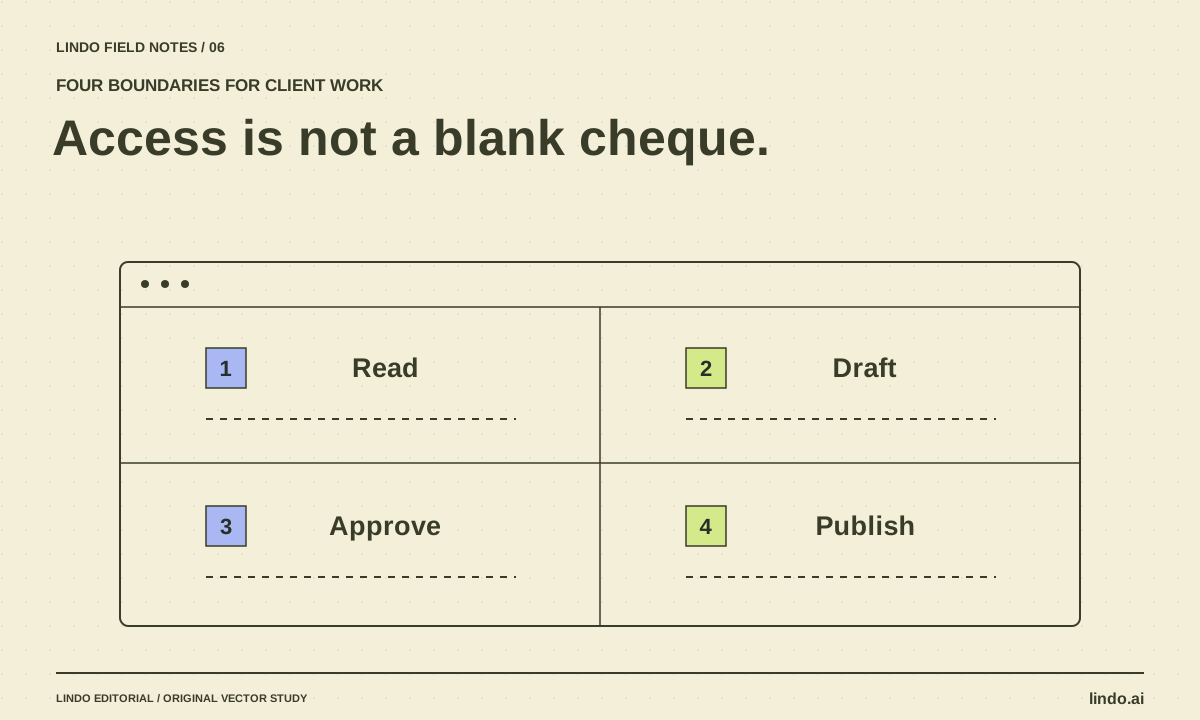
Define what an AI assistant may read, draft, change, and publish across client websites. Includes an access matrix and approval checklist.
