
Build with AI • Lindo field notes
How to Test an AI-Generated Website Before a Real Visitor Uses It
A practical AI website QA guide covering facts, mobile layouts, keyboard access, forms, routes, and launch ownership—with a copyable test record.
The short answer
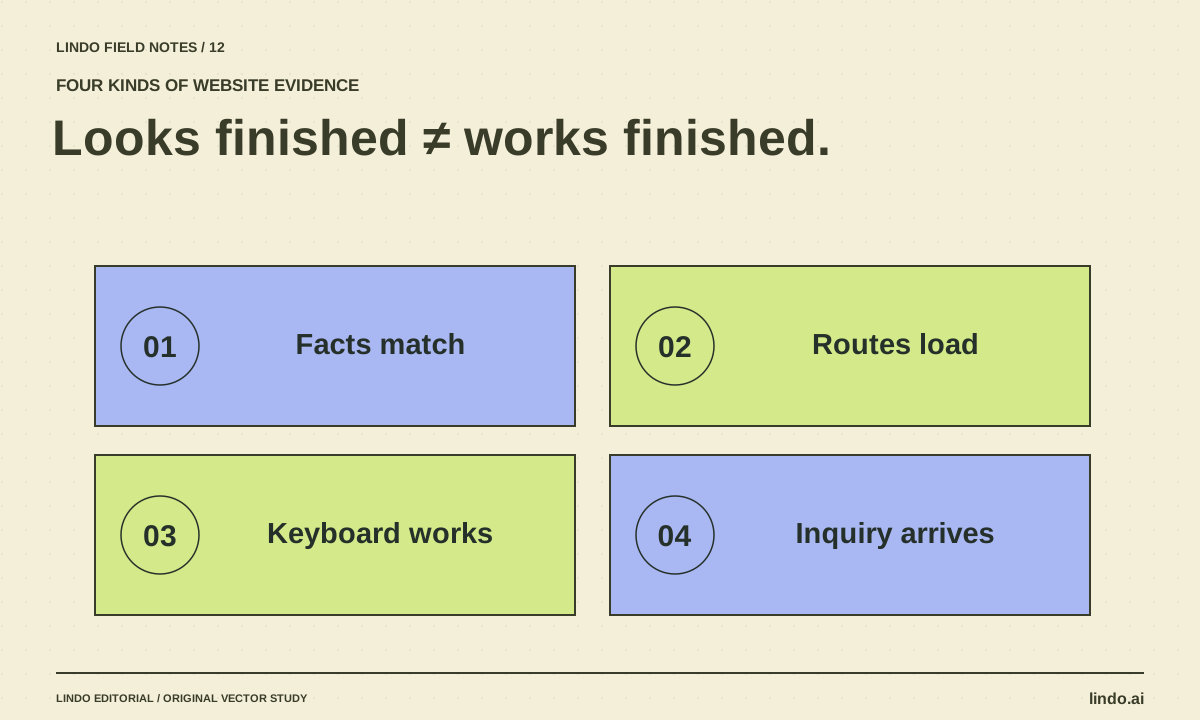
Test an AI-generated website as a visitor and as its future operator. Verify facts, open every important route, use the keyboard, inspect phone layouts, and complete the primary action all the way to its destination. Keep evidence of each result and a separate list of unresolved launch blockers.
In this article
A screenshot can prove that pixels appeared. It cannot prove that an inquiry arrived, a deep link works, or a client can update the menu. AI-generated sites often look finished before those operational details have been checked.
This is a practical first-pass QA routine for a small marketing website. It is not a complete security, accessibility, or legal audit. Use specialist review where the site’s functionality or risk requires it, especially for payments, accounts, sensitive data, and regulated claims.
FIELD NOTE / 01
1. Compare visible claims with approved sources
Read the page without focusing on design. Check business name, service area, opening hours, pricing conditions, contact details, and any claims about results or qualifications. Remove invented reviews and decorative trust badges that imply evidence you do not have.
Keep a small claim log: sentence, source, reviewer, and result. A sentence that sounds ordinary can still be wrong. “Book instantly” is inaccurate if the business only receives a request and confirms availability later.
FIELD NOTE / 02
2. Test routes independently of the homepage
Open each important URL directly in a fresh tab, then reload it. Check navigation, footer links, and the page reached after the primary action. A route can work through a client-side transition while failing on a direct visit, so test both.
Inspect the page title, description, canonical URL where applicable, and whether private previews are protected appropriately. A noindex directive is not access control for confidential material. Verify that your public launch does not retain an accidental indexing block.
FIELD NOTE / 03
3. Use a phone-sized view and only a keyboard
Check a narrow viewport with real content, including long headings and button labels. Look for clipped text, horizontal overflow, tiny controls, and overlays that cover the primary action. Then use Tab and Shift+Tab to move through links and fields; activate controls without a mouse.
W3C’s easy checks provide a starting point for accessibility review, while its forms guidance explains accessible form design. Passing a few checks does not establish full conformance.
- The focused control is visible and the focus indicator is clear.
- Fields have meaningful labels, not just disappearing placeholder text.
- Errors explain what to correct and are discoverable without color alone.
- Images have suitable alternatives when they communicate information.
- Important content remains usable when text is enlarged.
FIELD NOTE / 04
4. Follow the primary action beyond the page
Submit a test inquiry using an address and inbox you control. Verify the destination record or received message, field values, and any confirmation. Test invalid input and a controlled failure path in a safe environment. The page must not claim success when delivery failed.
For booking, confirm that the selected service and time survive the handoff to the provider. For a phone link, confirm the number. For downloads, open the actual file. Do not process a real payment merely to test a marketing page; use the provider’s appropriate test workflow.
FIELD NOTE / 05
5. Test the owner’s next ordinary task
Ask the maintenance owner to change a harmless piece of draft content and show how to recover it. Confirm who owns the domain, hosting, form destination, and analytics. Document the support route for a broken integration.
Finish with a clear disposition: ready, ready with accepted limitations, or blocked. Record the exact unresolved issue and owner. “Looks good” is not a release decision when the contact path has never been tested. Use the production readiness guide for the broader ownership questions.
Take it into your next project
Prelaunch test record
Keep one line per test and attach evidence where useful. Do not put real customer data into the test record.
Project / preview version:
Reviewer / date:
Test | Expected result | Actual result | Evidence | Owner
Approved business facts:
Direct visits to important URLs:
Navigation and downloads:
Narrow and wide layouts:
Keyboard navigation and focus:
Field labels and error behavior:
Test inquiry received at destination:
Accurate success/failure messages:
Public indexing configuration:
Client editing and recovery:
Launch blockers:
Release decision and approver:
Common questions
Can AI test its own website?
It can help run checks and identify issues, but ask for observable evidence and independently verify consequential behavior. Self-reported completion is not a substitute for a received inquiry or a reviewed claim.
Does a perfect automated score mean the site is ready?
No. Automated checks cover only part of the problem. They do not establish that the offer is accurate, the business can fulfill the promise, or the future owner can maintain the site.
Sources & further reading
Vendor links support product descriptions. Worked examples, checklists, and selection criteria are Lindo’s editorial guidance; they are not customer results or controlled benchmarks.
Better business websites
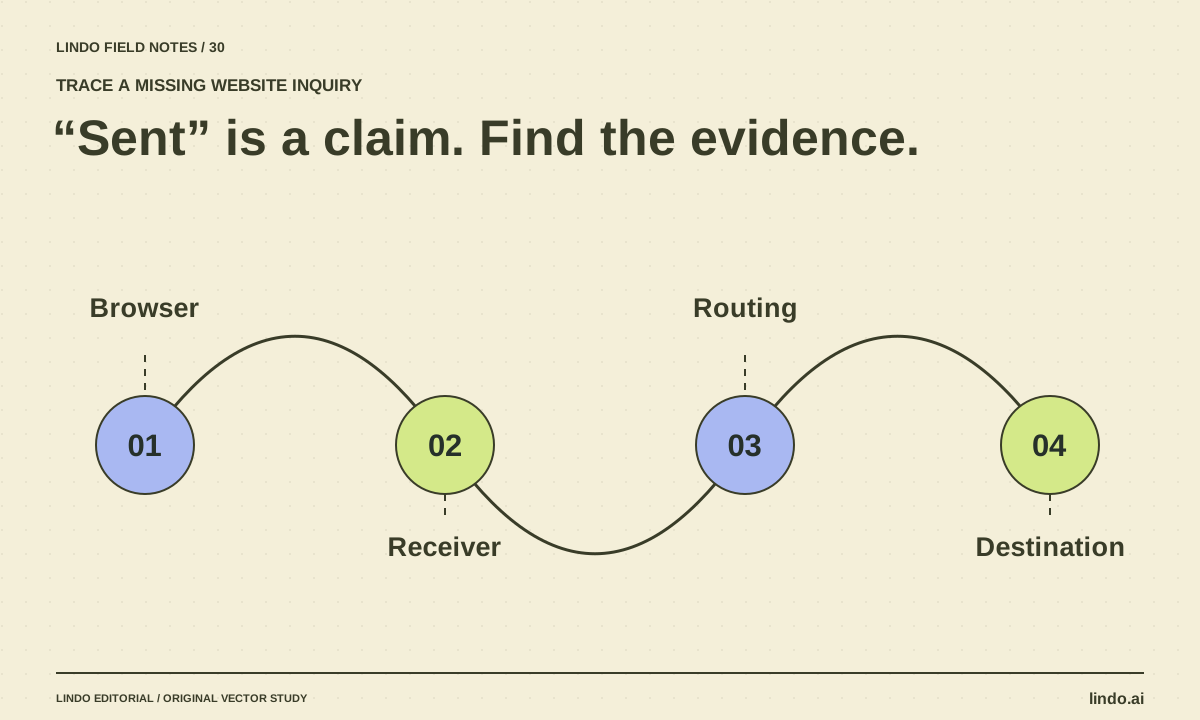
Why AI Website Forms Don’t Work—and How to Trace a Missing Inquiry
Trace a generated contact form from browser validation to server handling and inbox delivery. Find fake success states, missing endpoints, and routing errors.
Build with AI
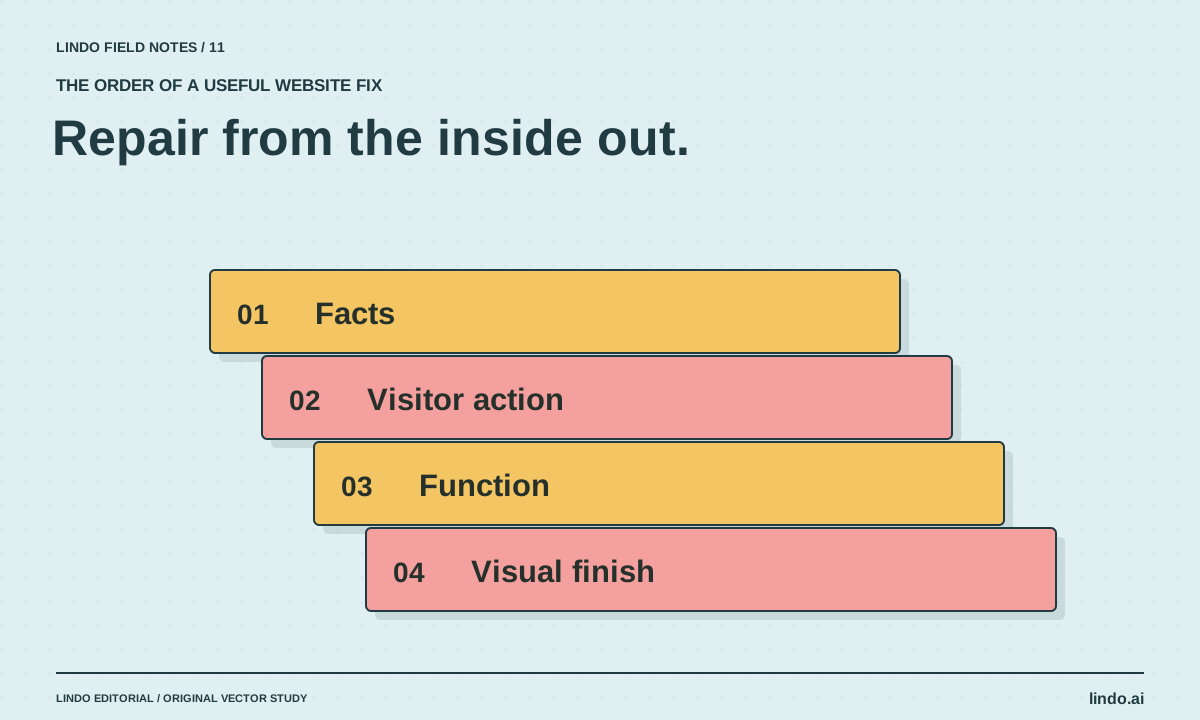
How to Fix an AI-Generated Website Without Starting Over
Diagnose weak AI website drafts in the right order: facts, visitor journey, functionality, layout, and visual polish. Includes a focused repair prompt.
Choose your tools
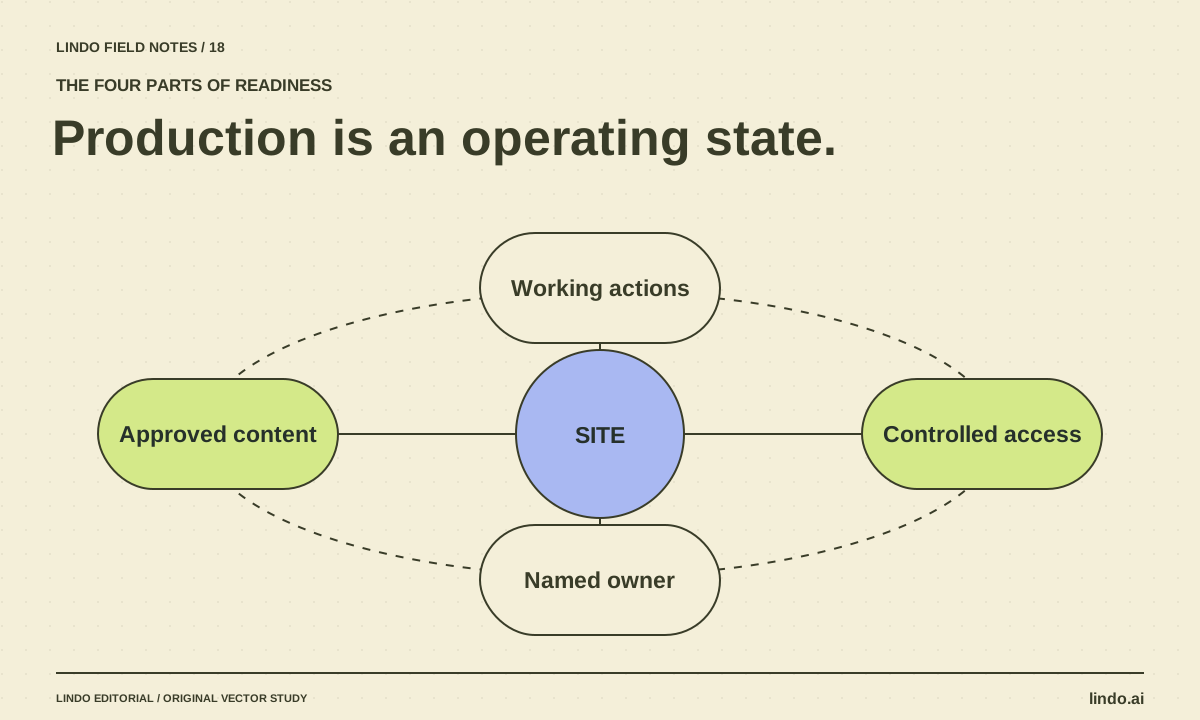
Can AI Build a Production-Ready Website? The Missing Ownership Checklist
AI can produce much of a website, but readiness depends on verified content, working services, access, recovery, and maintenance. Use this release checklist.
