
Build with AI • Lindo field notes
How to Fix an AI-Generated Website Without Starting Over
Diagnose weak AI website drafts in the right order: facts, visitor journey, functionality, layout, and visual polish. Includes a focused repair prompt.
The short answer
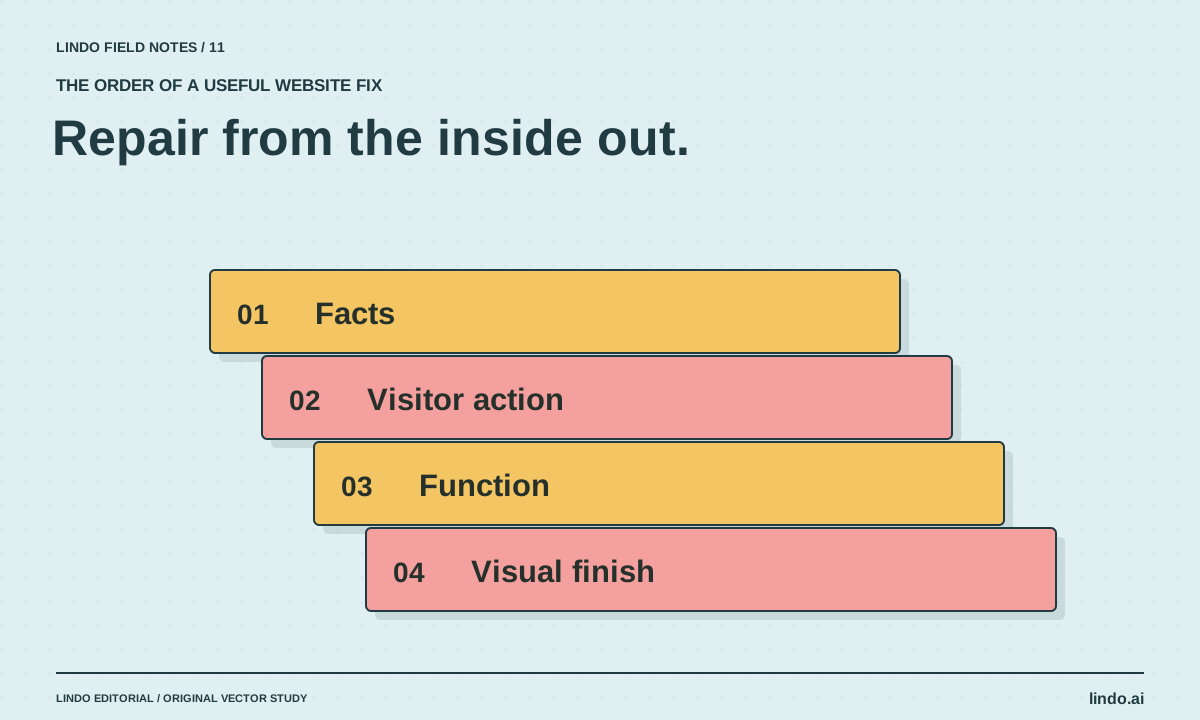
Save a checkpoint, identify the most consequential defect, and repair one layer at a time: facts, page purpose, functionality, layout, then styling. Describe the observed problem and the behavior that must stay unchanged. Regenerating the entire site often discards working decisions along with the bad ones.
In this article
The first draft has the familiar symptoms: a huge hero, several interchangeable benefit cards, a button that goes nowhere, and copy that could describe any company. Your instinct may be to ask for a complete redesign. That can work, but it also resets useful parts of the site.
Treat the draft like a product with defects, not a failed magic trick. A structured repair pass makes it easier to see whether the next version is actually better. It also gives AI the concrete feedback it needs to stop repeating the same generic solution.
FIELD NOTE / 01
1. Preserve the version that partly works
Save a builder revision, duplicate a private draft, or create a repository checkpoint using the project’s normal process. Record which routes and integrations already work. Do not ask for broad replacements until you can recover the current state.
A contact form may look plain but send correctly. An elaborate replacement may look better and silently discard its endpoint. Make preservation requirements explicit: field names, destination, analytics behavior, URLs, and approved wording should not change unless the repair requires it.
FIELD NOTE / 02
2. Fix the highest-consequence layer first
A false service claim is more urgent than inconsistent corner radii. A broken primary action is more urgent than a dull illustration. Rank defects by the visitor or business consequence, then work downward.
| Layer | Example defect | Useful evidence |
|---|---|---|
| Facts | Invented guarantee or wrong hours | Approved source and exact sentence |
| Purpose | Visitor cannot identify the offer | Page question and intended action |
| Function | Inquiry button does nothing | Reproduction steps and expected result |
| Layout | Mobile text clips or overlaps | Viewport size and screenshot |
| Style | Generic visual direction | Specific typography, color, or image decision |
FIELD NOTE / 03
3. Give one bounded repair request
Replace “make it better” with an observation: “On the services page at 390 pixels wide, the second card overlaps the contact button.” Add the expected behavior and constraints. Ask the assistant to explain the likely cause before changing several unrelated parts.
For weak copy, identify what the visitor still cannot answer. “Explain which repairs require an assessment before pricing” is more useful than “make the copy persuasive.” The first instruction adds information; the second often adds adjectives.
FIELD NOTE / 04
4. Recheck the repaired area and its neighbors
After a layout fix, inspect both the narrow and wide view. After a navigation fix, open the destination directly and use the browser back button. After a form fix, verify receipt in the destination system rather than relying on the on-screen confirmation.
Keep a short defect log with status and evidence. If the same repair repeatedly fails, stop generating variations and inspect the underlying component or platform limitation. The problem may require a different implementation, not a more forceful prompt.
FIELD NOTE / 05
5. Know when a rebuild is justified
A rebuild can be reasonable when the information architecture is fundamentally wrong, the implementation cannot support a required workflow, or the maintenance model does not fit the owner. State that reason before discarding the draft.
Even then, preserve approved facts, useful copy, image rights records, and any live URL requirements. If an existing public site is involved, use the migration planning guide rather than treating the work as a blank canvas. A redesign should not accidentally erase the paths people already use.
Take it into your next project
Focused website repair prompt
Use one issue per pass when possible. Add actual evidence instead of leaving the placeholders vague.
Repair this specific issue: [observed behavior].
Page and viewport: [URL, width, browser].
Steps to reproduce: [steps].
Expected behavior: [testable result].
Preserve: [working form endpoint, URLs, content, components].
First identify the likely cause. Make the smallest coherent change.
Do not redesign unrelated sections or replace working integrations.
Afterward, show the change and test the affected route at narrow and wide widths.
Report any remaining limitation instead of claiming it is fixed.
Common questions
Why does AI keep changing things I did not request?
The request may be too broad, or the tool may lack clear project constraints. State the target defect, preservation requirements, and acceptance check. Review the actual diff or builder revision.
Should I switch tools after one bad draft?
Not automatically. First determine whether the issue came from missing facts, an unclear brief, a platform limitation, or a specific implementation defect. Switching tools without fixing the input can reproduce the same problem.
Sources & further reading
Vendor links support product descriptions. Worked examples, checklists, and selection criteria are Lindo’s editorial guidance; they are not customer results or controlled benchmarks.
Build with AI
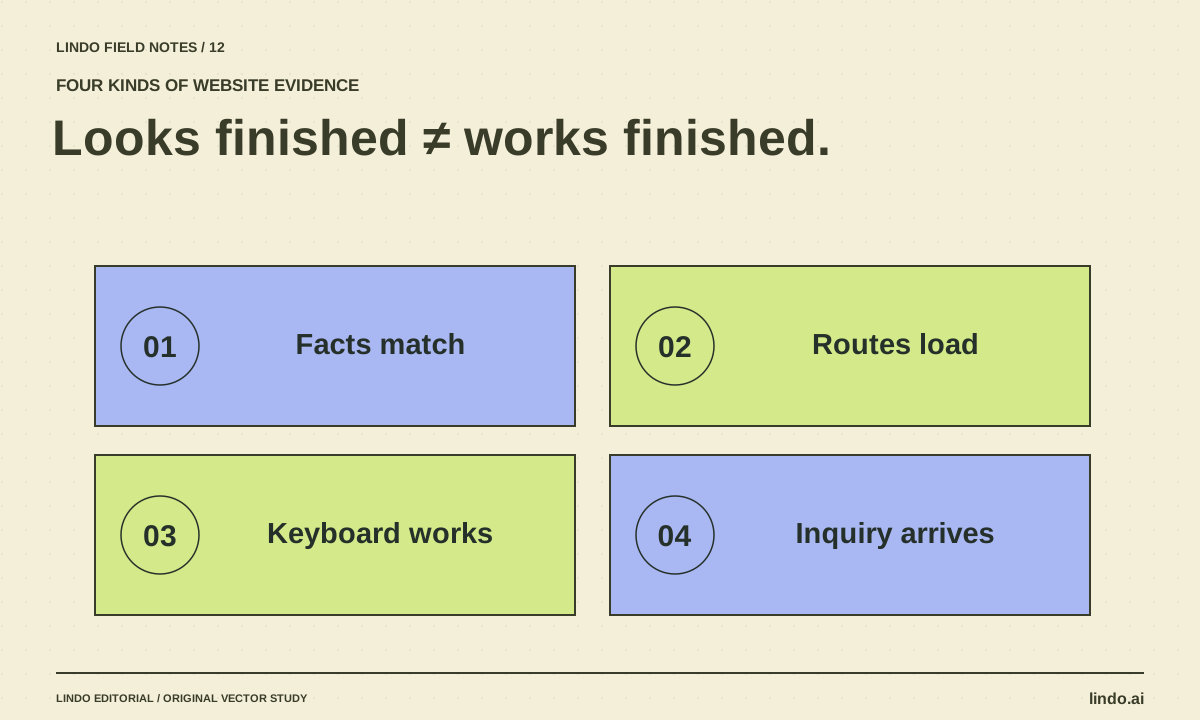
How to Test an AI-Generated Website Before a Real Visitor Uses It
A practical AI website QA guide covering facts, mobile layouts, keyboard access, forms, routes, and launch ownership—with a copyable test record.
Creative workflows
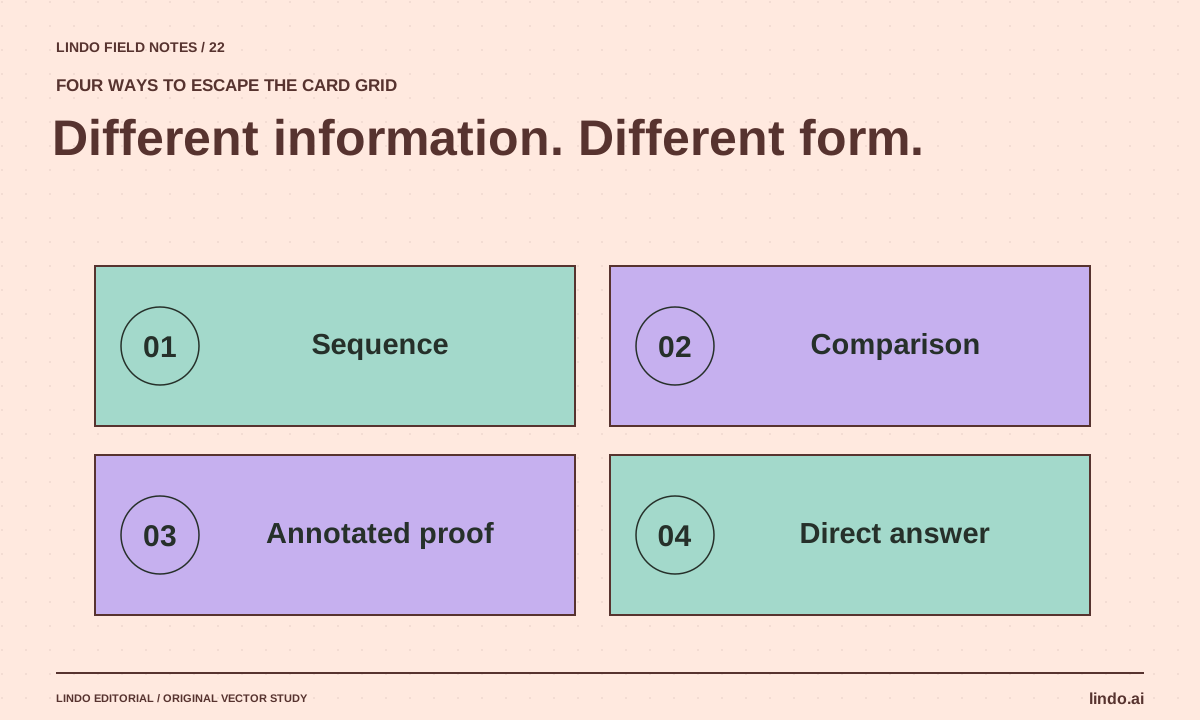
How to Make AI Websites Look Less Generic
Replace default hero-and-card layouts with a clear editorial idea, distinctive evidence, varied section rhythms, and useful original visuals.
Better business websites
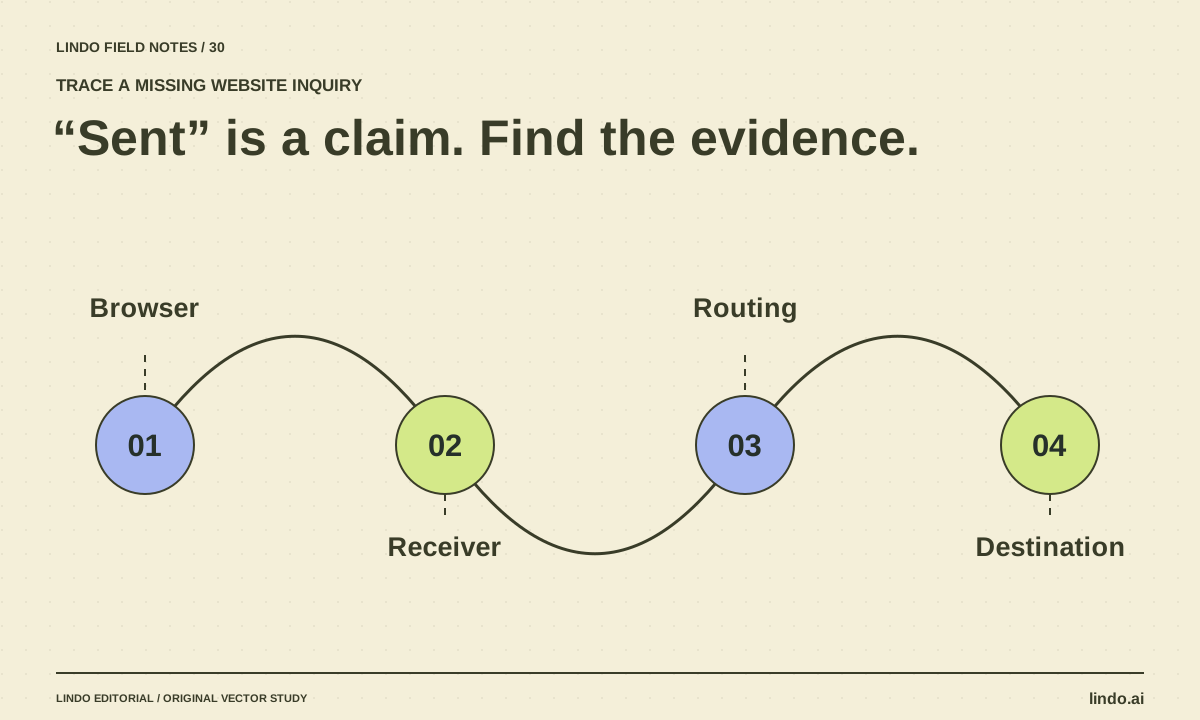
Why AI Website Forms Don’t Work—and How to Trace a Missing Inquiry
Trace a generated contact form from browser validation to server handling and inbox delivery. Find fake success states, missing endpoints, and routing errors.
