
Choose your tools • Lindo field notes
Can AI Build a Production-Ready Website? The Missing Ownership Checklist
AI can produce much of a website, but readiness depends on verified content, working services, access, recovery, and maintenance. Use this release checklist.
The short answer
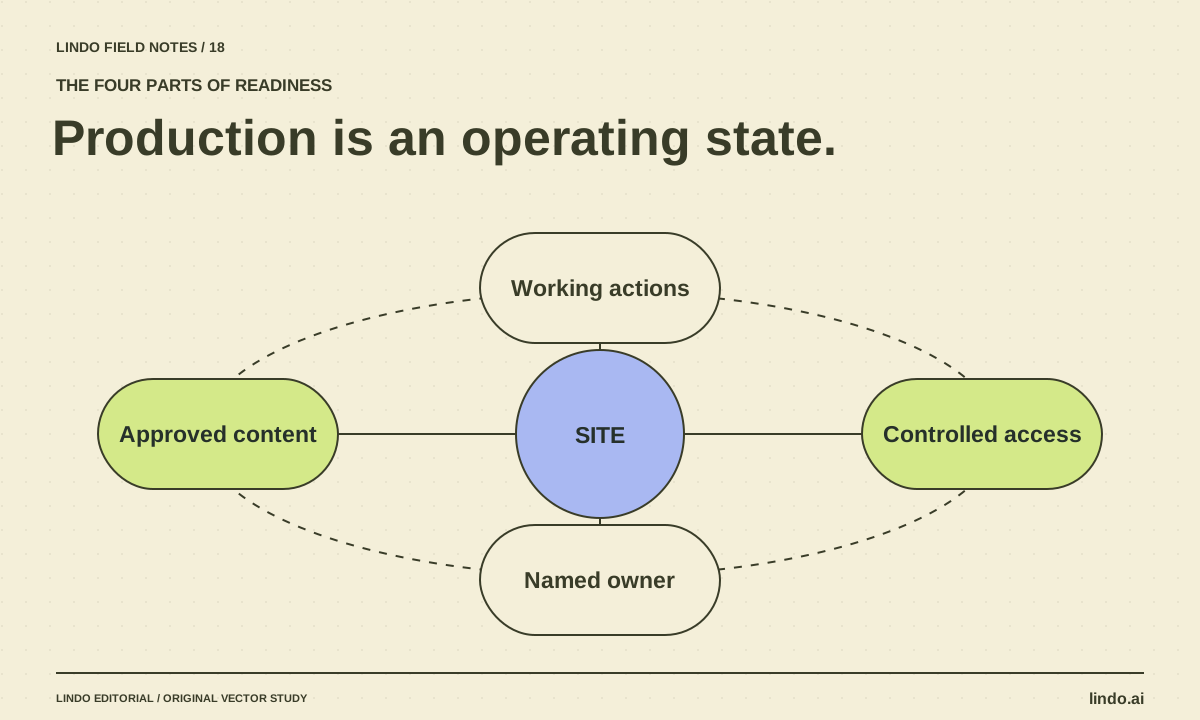
AI can help produce a production website, but generated code or a polished preview is not proof of readiness. A site is ready when its content is approved, its important actions work, its accounts and data are controlled, and someone can maintain and recover it. The required checks grow with the site’s risk.
In this article
A five-page consultant site and an account-based customer portal may both begin with a natural-language prompt. Their release requirements are not remotely the same. The consultant site needs accurate content and dependable inquiries; the portal also needs careful identity, authorization, and data-handling work.
The productive question is not “Can AI do it?” but “What evidence would let us operate this safely and reliably?” This guide gives small website teams a way to answer that question without treating every launch as either trivial or impossible.
FIELD NOTE / 01
Define what production means for this site
List the visitor actions the site must support and the consequences of failure. A broken menu link is inconvenient. A failed inquiry can lose a customer. Incorrect access to private account data is a different class of problem altogether.
Write the release scope in plain language. If the site only collects an inquiry, do not describe it as a booking system. If it redirects to an external payment provider, specify who operates that service and what information crosses the boundary.
FIELD NOTE / 02
Require evidence in four categories
A readiness review should cover content, behavior, operations, and ownership. These categories overlap, but keeping them separate prevents a visually complete design from hiding an unowned integration.
| Category | Evidence | Typical blocker |
|---|---|---|
| Content | Approved facts and licensed assets | Invented guarantee or unapproved photography |
| Behavior | Routes and primary action tested | Form says success but no inquiry arrives |
| Operations | Hosting, domain, access, and recovery understood | No one controls a required account |
| Ownership | Named editor and maintenance process | Client cannot perform ordinary updates |
FIELD NOTE / 03
Do not confuse successful generation with successful integration
AI may create a form component, but the submission still needs a real destination and correct failure behavior. It may create a login screen, but authentication and authorization require more than a screen. It may generate a payment button, but payment processing belongs to a properly configured service.
Inspect the actual implementation and use appropriate test environments. For custom code, review dependencies and secret handling with a qualified maintainer. For a managed builder, verify which responsibilities the platform handles and which remain with you or an integration provider.
FIELD NOTE / 04
Use a release decision, not a vague completion percentage
Classify issues as launch blockers, accepted limitations, or post-launch improvements. A decorative animation can usually wait. Missing contact delivery cannot if inquiries are the site’s primary purpose. Record who accepted any limitation and why.
The AI website testing guide covers a practical first pass. More consequential sites need deeper review. Do not market a basic checklist as a comprehensive security or accessibility certification.
FIELD NOTE / 05
Readiness includes the morning after launch
Confirm that the owner can access the domain and hosting accounts, update ordinary content, and find received inquiries. Document what to do if the site is unavailable or an integration stops working. Keep the last approved version recoverable.
After launch, verify the live site rather than assuming the preview and production environments behave identically. Check important routes, the real contact path, and indexing configuration. Then establish a maintenance rhythm based on the site’s actual components. AI assistance can remain part of that work, but accountability should have a name.
Take it into your next project
Production release decision
Use this as a summary record after testing. It does not replace specialist review for higher-risk functionality.
Site and release version:
Launch scope:
Primary visitor action:
Approved content reviewer:
Behavior checks and evidence:
Domain / hosting owner:
Form or booking service owner:
Data collected and access owner:
Recovery procedure:
Routine editor:
Launch blockers:
Accepted limitations and approver:
Post-launch checks:
Decision: ready / ready with accepted limitations / blocked
Person accountable for the release:
Common questions
Can a nondeveloper launch an AI-built site?
A managed platform may make that practical for a suitable site. The owner still needs to verify facts, visitor actions, account access, and maintenance. Complex custom functionality may require specialist help.
Does AI-generated code need review?
Yes, in proportion to its risk and role. Pay particular attention to integrations, secrets, permissions, data handling, and failure behavior rather than reviewing only appearance.
Sources & further reading
Vendor links support product descriptions. Worked examples, checklists, and selection criteria are Lindo’s editorial guidance; they are not customer results or controlled benchmarks.
Build with AI
How to Test an AI-Generated Website Before a Real Visitor Uses It
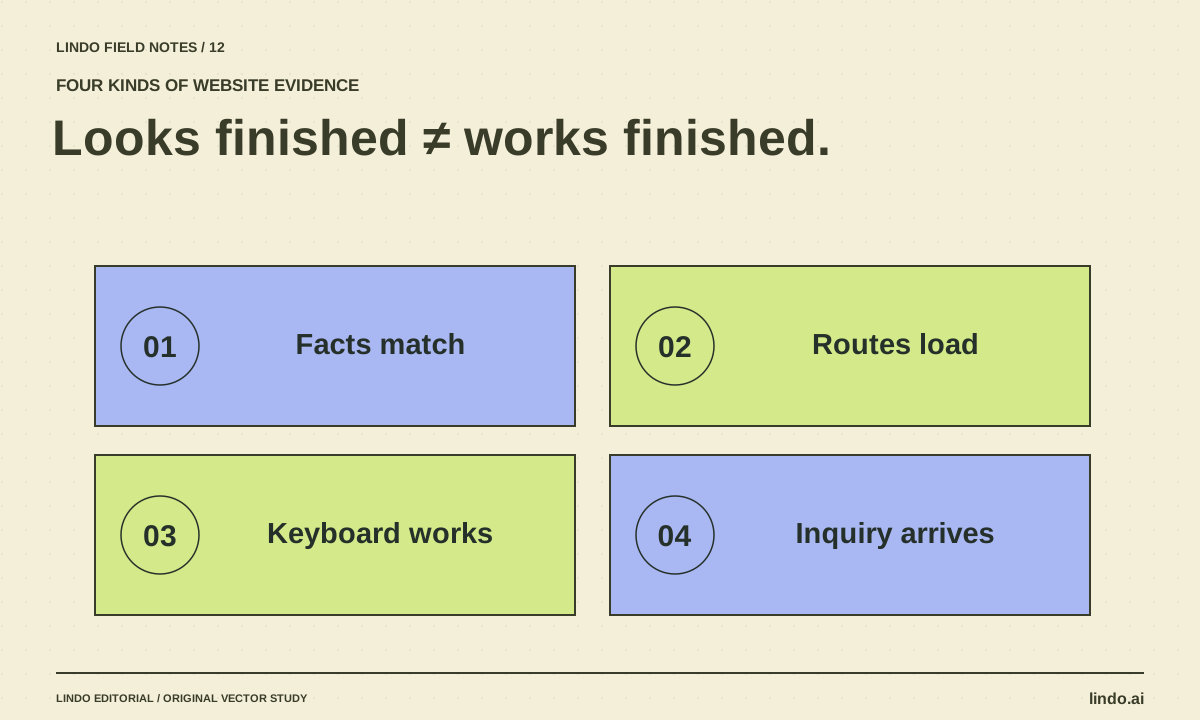
A practical AI website QA guide covering facts, mobile layouts, keyboard access, forms, routes, and launch ownership—with a copyable test record.
Choose your tools
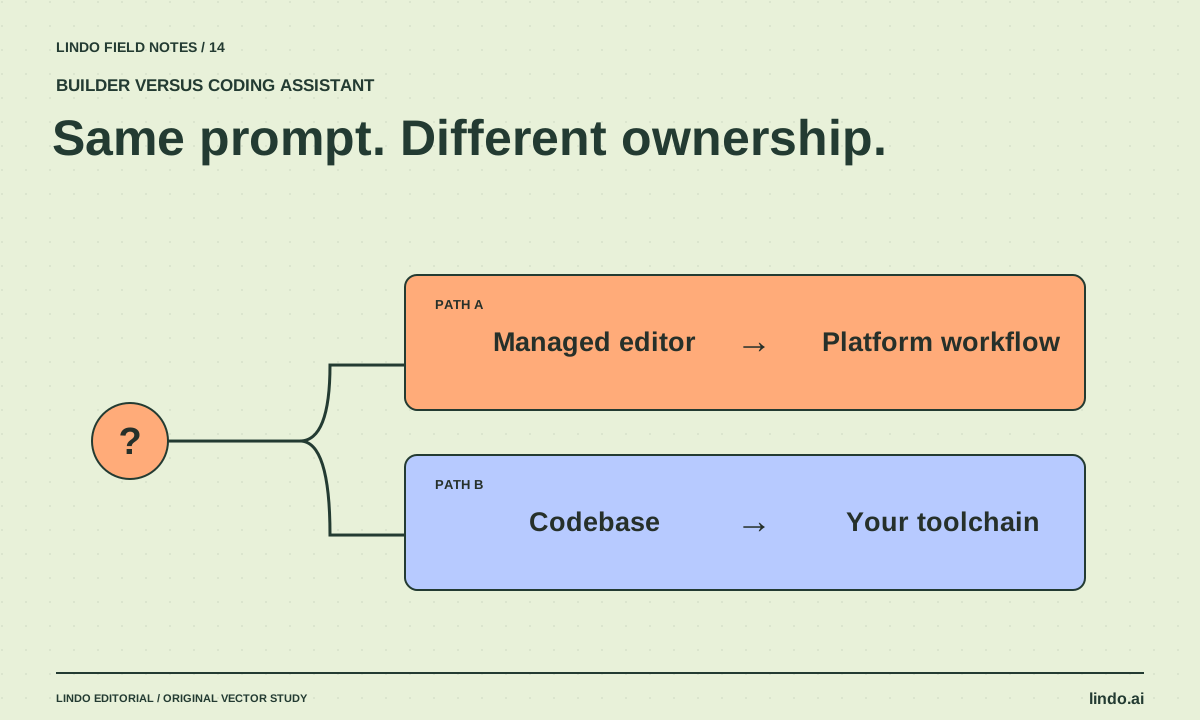
AI Website Builder vs. AI Coding Assistant: Who Owns the Work After Launch?
Compare managed builders and coding assistants by editing, hosting, integrations, maintenance, and handoff—not by how quickly a homepage appears.
Creative workflows
How to Turn an AI Prototype into a Client Handoff
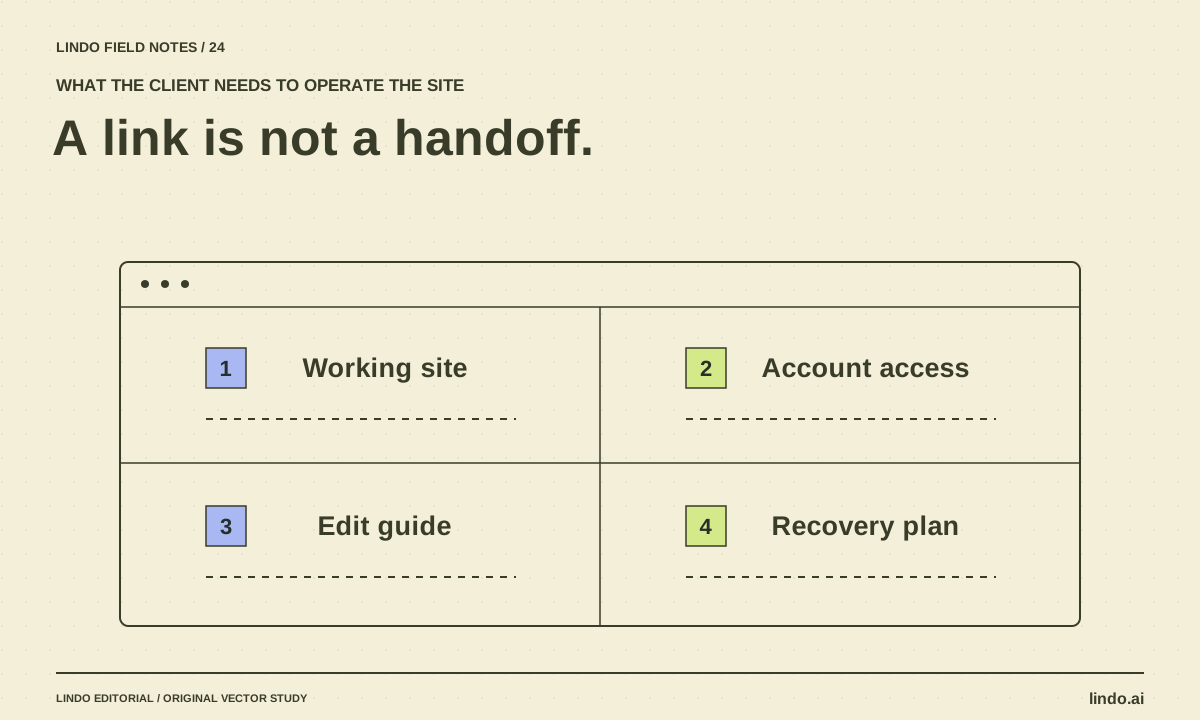
Convert a promising website preview into an operable deliverable with content approval, integrations, account ownership, editing instructions, and recovery.
