
Choose your tools • Lindo field notes
AI Website Builder vs. AI Coding Assistant: Who Owns the Work After Launch?
Compare managed builders and coding assistants by editing, hosting, integrations, maintenance, and handoff—not by how quickly a homepage appears.
The short answer
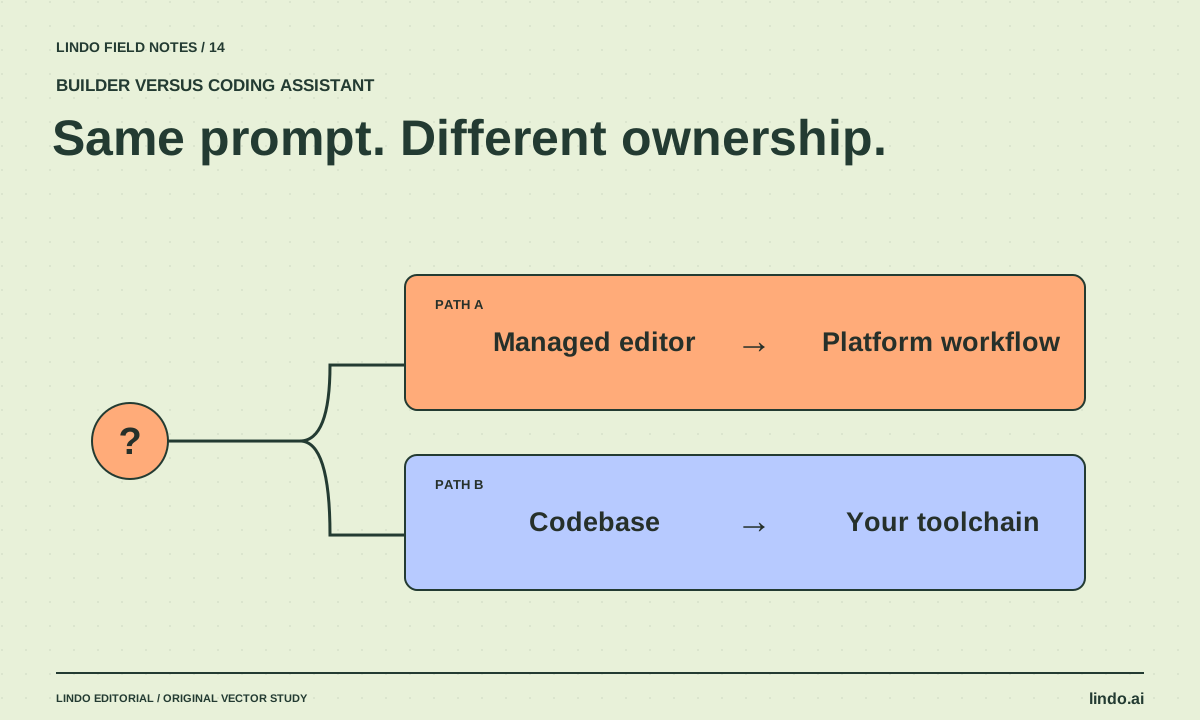
Choose an AI website builder when a managed editing and publishing workflow fits the site and its future owner. Choose an AI coding assistant when you need control over a codebase and have someone to maintain it. AI can help with either route, but it does not erase hosting, integrations, testing, or ownership.
In this article
A builder and a coding assistant may both accept the prompt “make a website for my studio.” The outputs can look similar while carrying very different obligations. One lives inside a platform’s editing model; the other may be a repository you must build, deploy, secure, and maintain.
The useful question is not whether coding is better than no-code. It is whether the chosen approach gives your team enough control without creating work it cannot sustain. Start with the site’s unusual requirements and the person who will make the next routine edit.
FIELD NOTE / 01
Follow an ordinary change through both routes
Imagine the studio adds a new service. In a managed builder, the owner may edit native content and publish through the platform. In a code-based site, the change may involve a content file or CMS, a preview, and a deployment. Either can be simple when designed well.
Now imagine the change is a custom booking rule. A builder may require a supported integration or expose a limitation. A codebase may allow the logic but leave you responsible for correctness and upkeep. Flexibility has value only when someone can operate it.
FIELD NOTE / 02
Compare responsibilities explicitly
Do not assume a builder includes every service, or that a generated repository is portable without dependencies. List the actual components and the owner of each.
| Question | Managed builder route | Code-assistant route |
|---|---|---|
| How is ordinary content edited? | Platform editor or CMS | Code, a configured CMS, or a custom editor |
| Who runs hosting? | Often the platform | Your selected hosting provider and configuration |
| How are unusual features added? | Supported capabilities or integrations | Custom implementation and dependencies |
| How are changes reviewed? | Drafts, previews, and platform revisions | Diffs, tests, previews, and deployment process |
| Who resolves breakage? | Platform support plus integration owners | Your maintainer plus service providers |
FIELD NOTE / 03
Prototype the hardest requirement first
If the site needs a complex calculator, unusual permissions, or a specialized commerce flow, test that before polishing the homepage. A small proof of the hardest requirement can prevent an expensive mismatch.
Conversely, do not choose a custom application stack for a five-page brochure site merely because AI can generate it. If the client’s main requirement is changing text and photos without a developer, the editing experience deserves more weight than architectural freedom.
FIELD NOTE / 04
Price the maintenance model, not just the generation
Compare subscriptions, hosting, domains, paid integrations, usage charges, and human maintenance. For a code-based route, include dependency updates and troubleshooting. For a builder, include plan upgrades or add-ons required by the actual workflow.
Use the same twelve-month requirement set for both estimates, but do not invent precise savings without quotes and a workload. The cheapest first month can become the more expensive operating model if every small edit needs specialist help.
FIELD NOTE / 05
A hybrid can be sensible if the boundary is clear
You can use an assistant to plan content or build a custom component while the main site remains in a managed platform. You can also build a code-based site with a CMS for ordinary edits. The important part is documenting which system owns each piece.
Avoid a handoff where the client must use three unrelated tools to change a single offer. Before launch, ask the owner to perform one realistic update. If the workflow is confusing, simplify it while the project is still in delivery—not after the first urgent correction.
Take it into your next project
Ownership comparison worksheet
Complete one column per approach using the same site requirements.
Required visitor actions:
Unusual functionality:
Content types and update frequency:
Future editor and technical comfort:
Builder route: plan, integrations, limitations, support owner.
Code route: repository, CMS, hosting, dependencies, maintainer.
Who owns the domain?
Who verifies inquiries?
Who handles a broken integration?
How is a previous version restored?
Twelve-month cost components:
Hardest requirement tested:
Decision and reason:
Common questions
Does an AI coding assistant host the website?
Not necessarily. Coding assistance and hosting are separate capabilities. Identify the actual deployment destination and account owner instead of assuming a generated preview is the final hosting arrangement.
Are builders only for simple sites?
Some support substantial business workflows, but suitability depends on the exact requirements and plan. Test the hardest requirement rather than deciding from the category label.
Sources & further reading
Vendor links support product descriptions. Worked examples, checklists, and selection criteria are Lindo’s editorial guidance; they are not customer results or controlled benchmarks.
Choose your tools
Best AI Website Builders in 2026: Choose by the Site You Need
A use-case shortlist of Wix, Framer, Squarespace, Hostinger, Webflow, and Lindo—with tradeoffs, a common evaluation task, and no invented test scores.
Build with AI
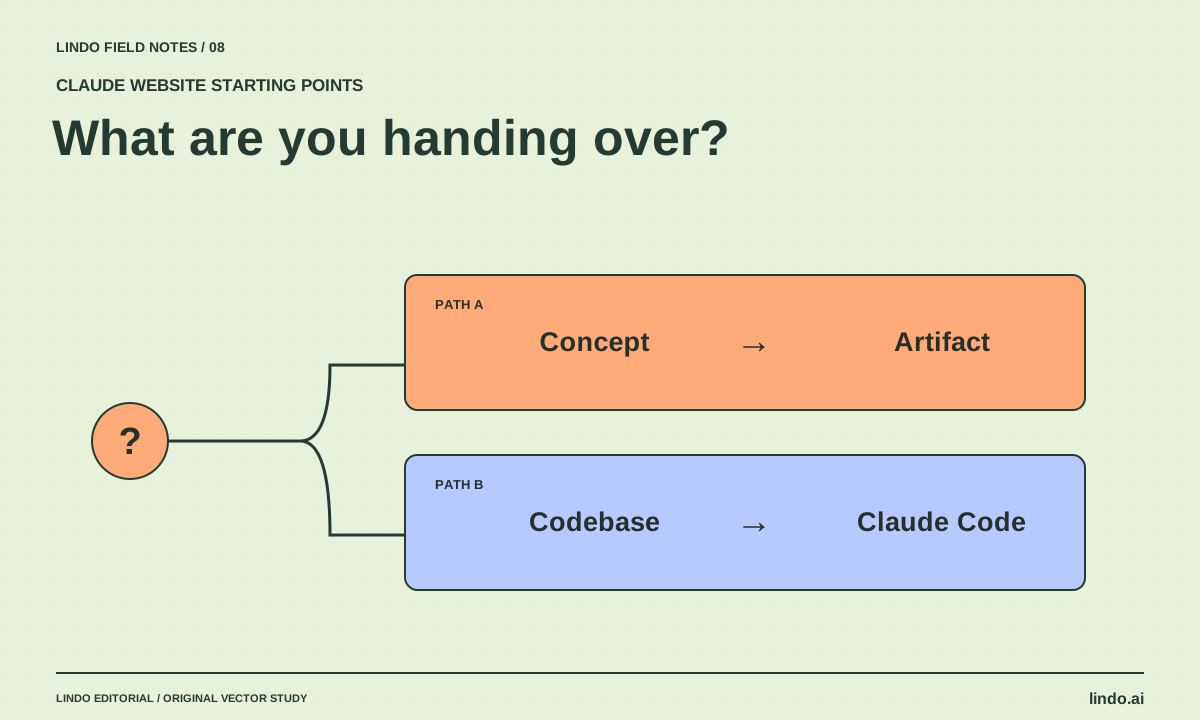
Claude Artifacts vs. Claude Code for Websites: Pick the Right Starting Point
Compare a shareable website prototype with repository-based development. Decide by maintenance, integrations, review, and publishing requirements.
Creative workflows
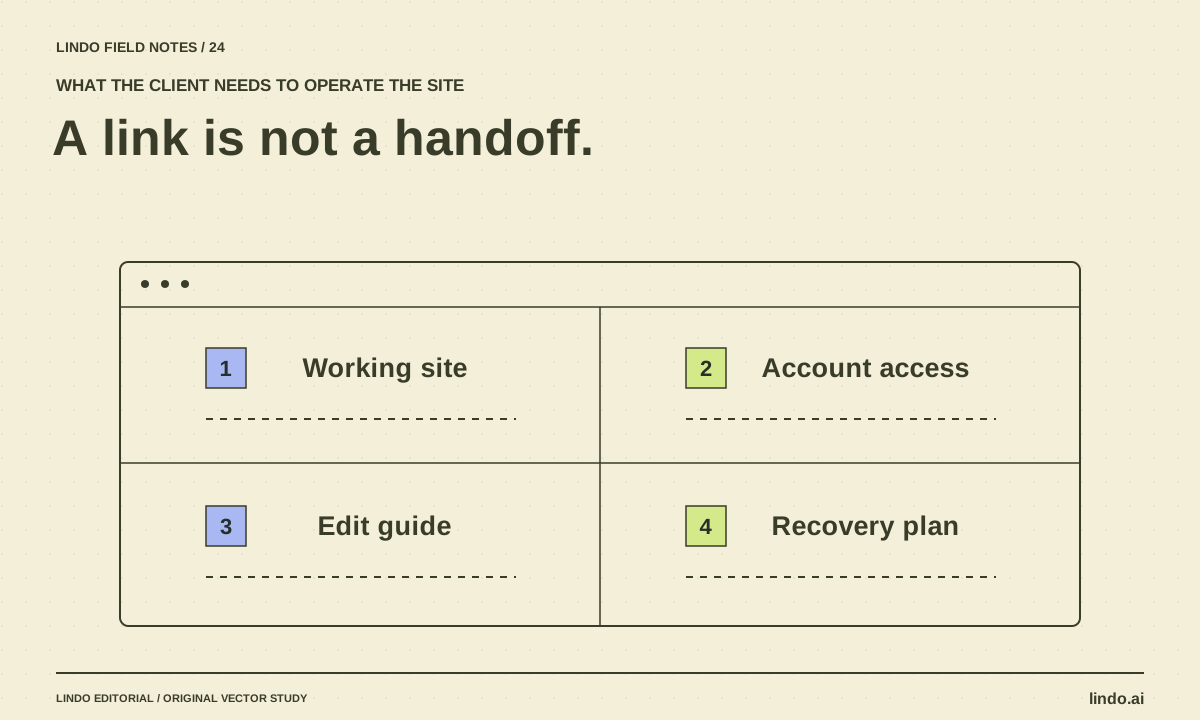
How to Turn an AI Prototype into a Client Handoff
Convert a promising website preview into an operable deliverable with content approval, integrations, account ownership, editing instructions, and recovery.
