
Build with AI • Lindo field notes
Claude Artifacts vs. Claude Code for Websites: Pick the Right Starting Point
Compare a shareable website prototype with repository-based development. Decide by maintenance, integrations, review, and publishing requirements.
The short answer
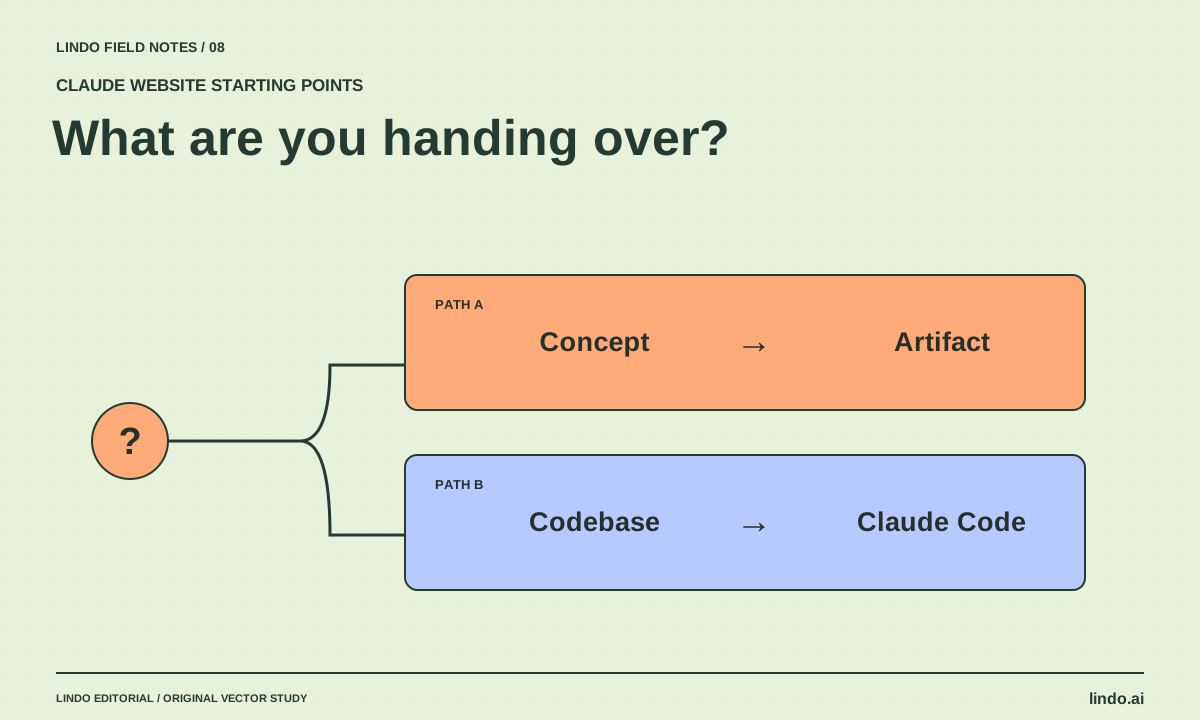
Choose an Artifact when you want to explore and share a compact interactive concept. Choose Claude Code when the website needs work in a repository, project tooling, and code review. Choose a managed builder when ongoing visual editing and site operations are the central requirement. Decide by the deliverable, not by which interface generates the flashiest first screen.
In this article
A founder wants to see an idea by tomorrow. A developer wants to update an existing application. A café owner wants to change opening hours next week. All three might ask for “a website with Claude,” but they need different handoffs.
The distinction is not that one route can produce attractive pages and another cannot. It is where the work lives, how it is reviewed, and who owns the operational pieces afterward. This comparison is based on current documentation, not a timed product benchmark.
FIELD NOTE / 01
Use an Artifact to make an idea inspectable
An Artifact separates substantial content or interactive output from the surrounding conversation. For a website concept, that makes it useful for discussing layout, wording, and a simple interaction without first organizing a full development repository.
Keep the concept honest. If the booking button is a demonstration, label it. If the example uses fictional customer quotes, remove them or clearly identify the whole piece as fictional. A polished prototype is most useful when everyone understands exactly what it does and does not prove.
FIELD NOTE / 02
Use Claude Code when the project itself matters
Claude Code works with codebases and development tools. Choose this route when you need to preserve an existing architecture, edit several routes, run project checks, or deliver changes that another developer can review.
The repository is also a responsibility. Someone must understand the build, dependencies, environment settings, and deployment process. The assistant can help with those tasks, but a generated project does not become self-maintaining. Ask for a short runbook along with the code.
FIELD NOTE / 03
Compare the handoff, not just the preview
Write the final deliverable at the top of your brief: a concept link, a reviewed repository change, or an editable managed website. This prevents the team from mistaking a successful prototype review for approval of a production architecture.
| Need | Starting point | Question to resolve |
|---|---|---|
| Discuss a one-page concept | Artifact | Which interactions are only demonstrations? |
| Modify an existing website codebase | Claude Code | How will changes be tested and reviewed? |
| Build a custom integration | Code project | Who owns credentials and operations? |
| Let a client make routine visual edits | Managed builder | Can the client perform the exact edit? |
| Share internal sensitive work | Plan-appropriate private workflow | Who can access the shared result? |
FIELD NOTE / 04
A prototype-to-production transition needs translation
Do not assume every prototype can be pasted into any builder or codebase without changes. Before choosing the next platform, list the actual requirements: routes, content fields, forms, third-party services, responsive behavior, and editing permissions.
For a small consultant site, the concept may transfer mainly as a design and content reference. A developer might rebuild it using the project’s components; a builder user might recreate the layout with native sections. That is not a failure. It is often a cleaner handoff than preserving an unsuitable implementation just because AI generated it.
FIELD NOTE / 05
Make the first review answer one question
If you are reviewing an Artifact, ask whether the idea, hierarchy, and visitor journey are right. If you are reviewing a code change, also inspect regression risk, tests, and maintainability. Avoid mixing feedback such as “the headline feels weak” with an unexamined assumption that authentication is complete.
Use the prototype handoff checklist to separate approved design decisions from unfinished engineering. If a client expects to operate the site alone, include a live editing exercise before agreeing that the handoff is complete.
Take it into your next project
Choose your starting point
Complete this before the first generation. If the maintenance owner is unknown, resolve that before committing to a complex build.
Deliverable: concept / repository change / managed website
Who approves the design?
Who maintains the site after launch?
Who changes ordinary text and images?
Does an existing repository need to be preserved?
Required integrations:
Data that must remain private:
Required publishing destination:
How will we test a real visitor action?
Chosen starting point:
What the first preview will NOT prove:
Common questions
Is an Artifact always a throwaway prototype?
No. Artifacts can be useful outputs in their own right. The question is whether the current publishing, access, and functionality fit your particular deliverable.
Can Claude Code turn a concept into production code?
It can assist with that work, but the transition still requires project-specific architecture, integration, testing, and review. Treat it as an implementation task, not an automatic guarantee.
Sources & further reading
Vendor links support product descriptions. Worked examples, checklists, and selection criteria are Lindo’s editorial guidance; they are not customer results or controlled benchmarks.
Build with AI
How to Create a Website with Claude: From Brief to Working Preview
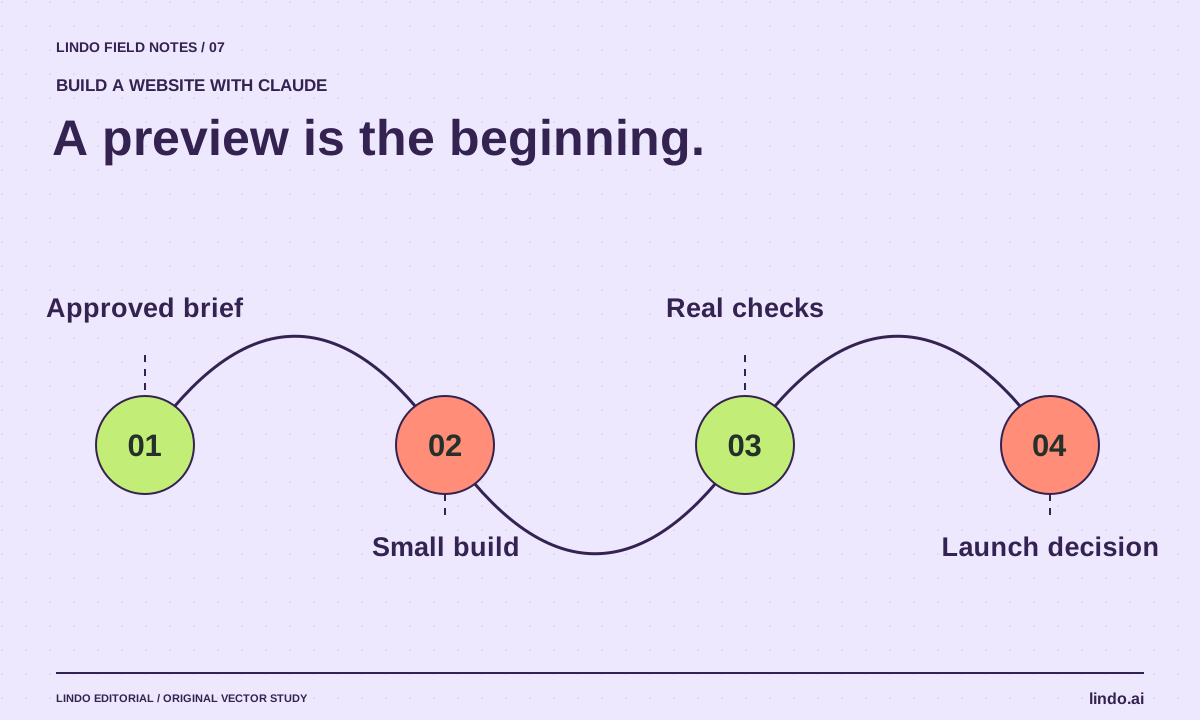
Build a website with Claude using a concrete brief, an Artifact or code project, targeted revisions, and a launch checklist that catches unfinished functionality.
Choose your tools
AI Website Builder vs. AI Coding Assistant: Who Owns the Work After Launch?
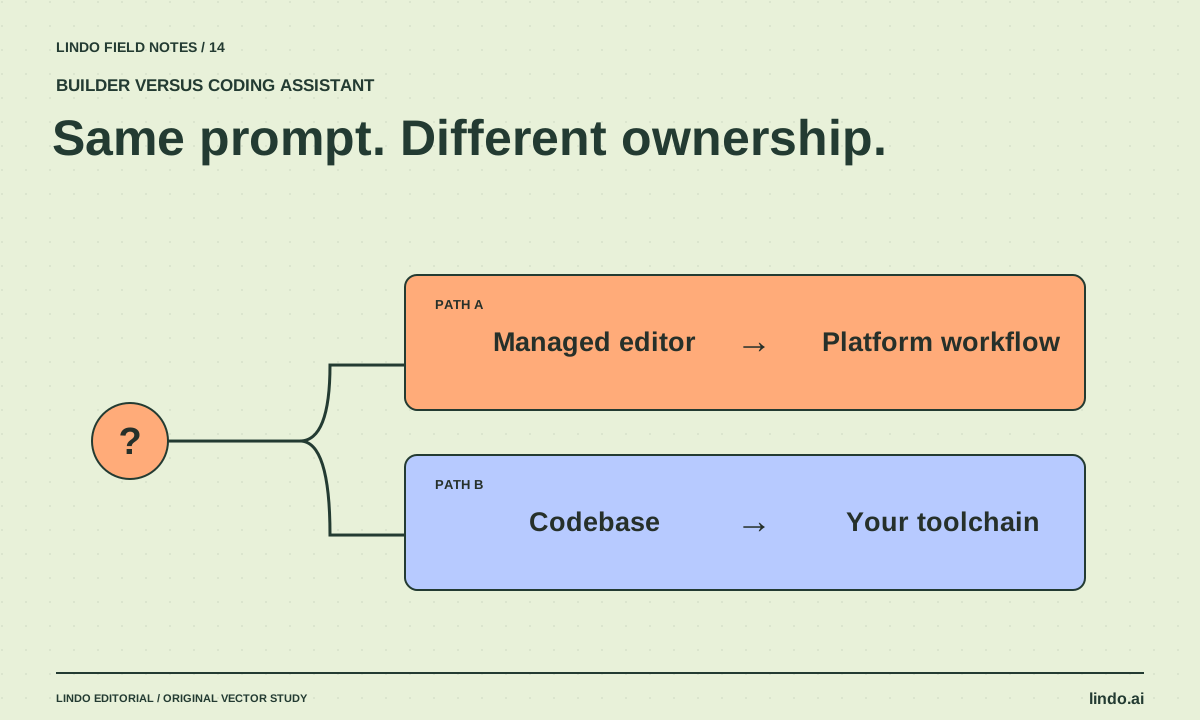
Compare managed builders and coding assistants by editing, hosting, integrations, maintenance, and handoff—not by how quickly a homepage appears.
Creative workflows
How to Turn an AI Prototype into a Client Handoff
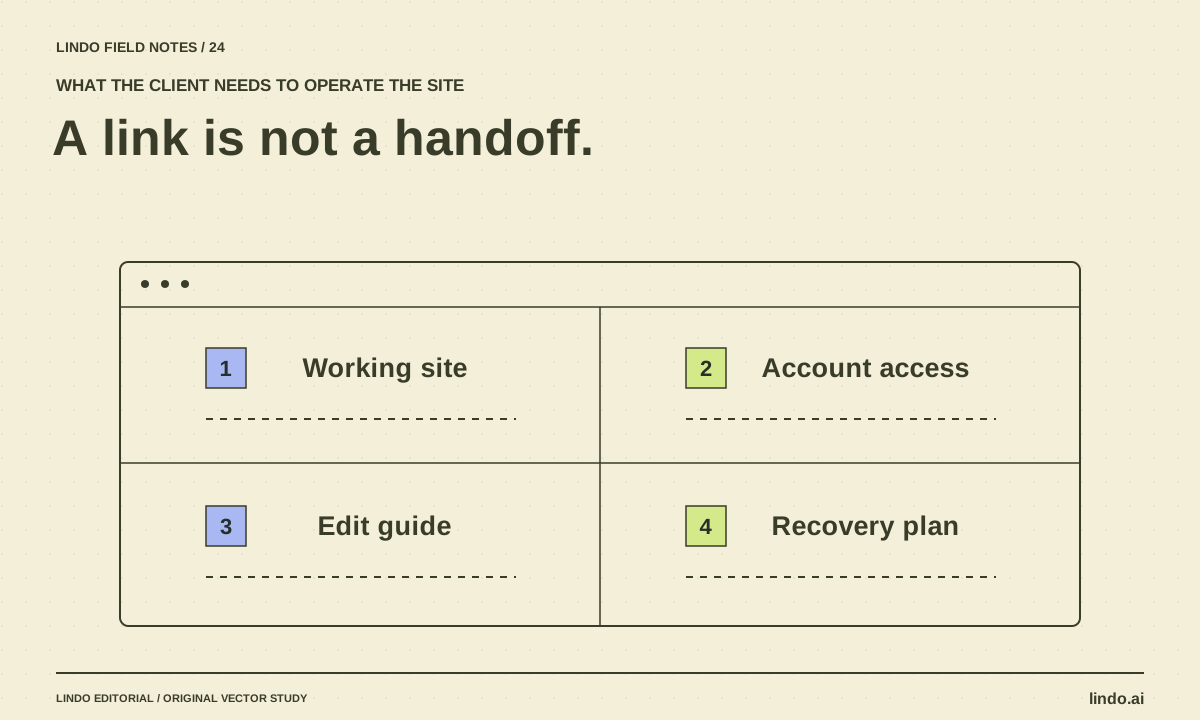
Convert a promising website preview into an operable deliverable with content approval, integrations, account ownership, editing instructions, and recovery.
