
Build with AI • Lindo field notes
How to Create a Website with Claude: From Brief to Working Preview
Build a website with Claude using a concrete brief, an Artifact or code project, targeted revisions, and a launch checklist that catches unfinished functionality.
The short answer
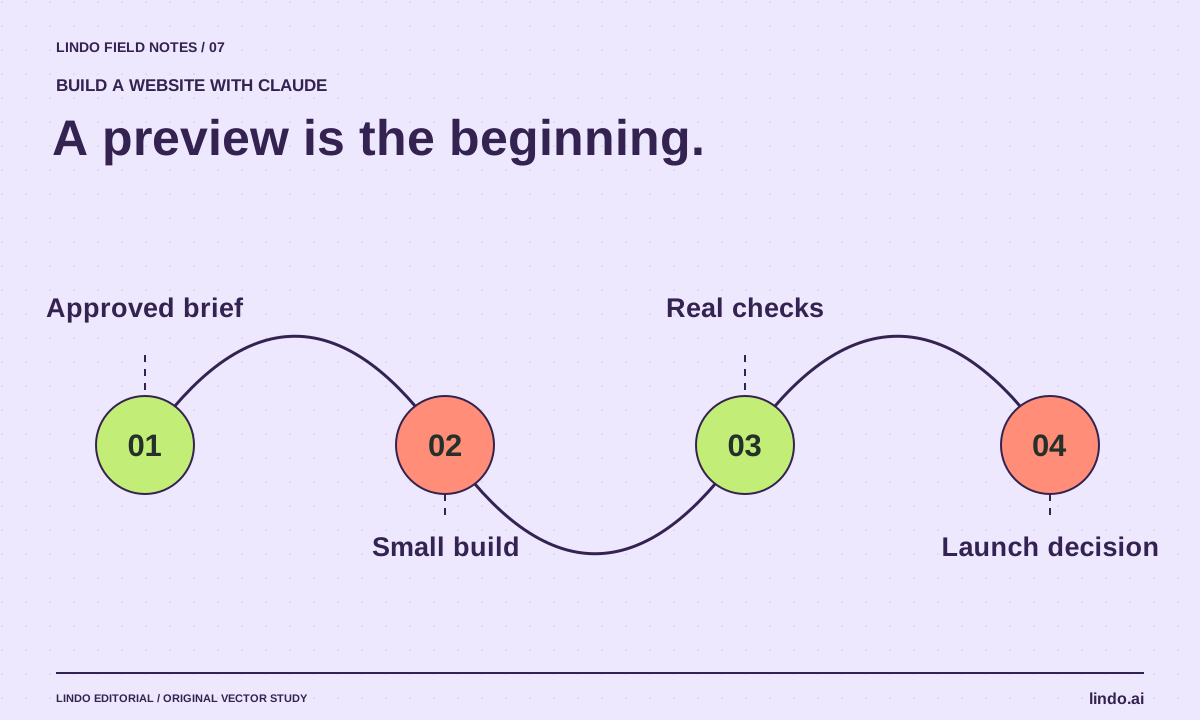
Give Claude an approved business brief, ask for a small website with explicit acceptance checks, and review a working preview before expanding it. Use an Artifact for a quick concept; use a code project or connected website platform when you need a maintainable production workflow. A share link is not the same as a launch plan.
In this article
We will use a fictional bicycle repair shop, Northline Cycles, to make the steps concrete. The goal is a readable service website that helps someone request a repair. We are not inventing customer reviews, accepting real payments, or pretending a demonstration form already sends inquiries.
Before starting, collect the shop’s real services, hours, address, contact route, and image permissions. Replace every fictional detail before using this example for a real business. The first useful output is an inspectable draft—not a declaration that the business is ready for customers.
FIELD NOTE / 01
1. Choose an Artifact, code project, or connected builder
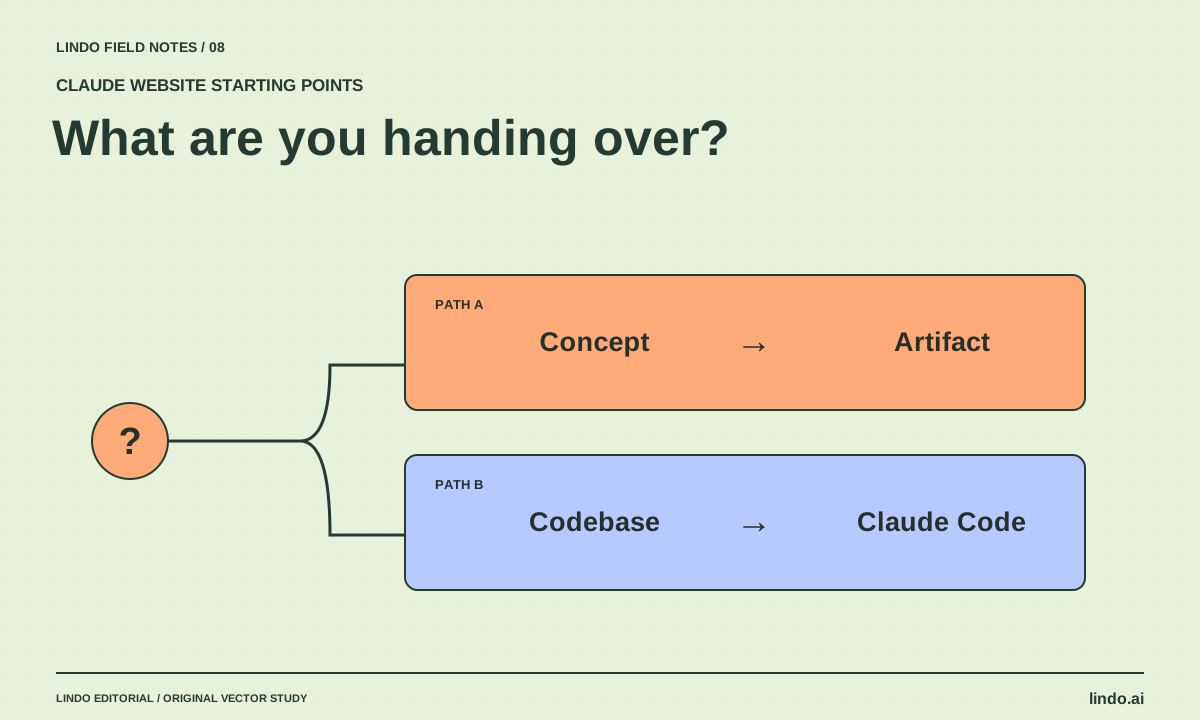
In Claude, an Artifact provides a separate space for substantial outputs and interactive work. It is a convenient way to inspect a concept. For repository-based development, Claude Code can work with files and development tools.
Choose according to who will maintain the result. If a nontechnical owner needs routine edits, decide on the eventual website platform early. If a developer will maintain a repository, start in a project with its conventions and preview command. Do not build a complex prototype and postpone the ownership question until launch.
FIELD NOTE / 02
2. Ask for the page structure before the design
Request a one-page outline with a job for each section: identify the shop, explain repairs, answer practical questions, and offer the next step. Ask Claude to list missing facts before writing copy. This keeps a plausible invented price from becoming the centerpiece of the design.
For Northline, use a simple service list, repair process, opening hours, location, and request-a-repair action. Exclude an online booking calendar unless the shop actually has a scheduling system. A repair request and a confirmed appointment are different promises.
FIELD NOTE / 03
3. Generate a small, inspectable version
After approving the outline, ask for the implementation. For a simple Artifact, specify semantic HTML, responsive CSS, visible labels, and no unnecessary external libraries. For an existing code project, ask Claude to inspect the project first and follow its current stack rather than replacing it.
Make the first version intentionally narrow: one complete page, functioning navigation, and an honest contact action. If no form service is connected, use a verified contact link or clearly mark the form as a private demonstration. Never display “message sent” when the page has only changed local screen state.
FIELD NOTE / 04
4. Revise with observations, not adjectives
Open the preview at a phone-sized width. Can you find the repair types, hours, and next action without opening several menus? Try the navigation and inspect long service names. Take a specific defect back to Claude instead of saying “make it premium.”
A useful revision is: “At 390 pixels wide, the repair cards clip their headings. Keep the wording, stack the cards, and preserve the primary action.” Change one class of problem at a time and recheck the earlier working behavior after each revision.
FIELD NOTE / 05
5. Treat publication as a separate checklist
Anthropic’s publishing instructions distinguish public publishing from organization sharing. Review the current controls and who can access the result before sharing client material. Do not assume an Artifact link supplies your intended custom-domain, analytics, or content-management workflow.
Before a business launch, verify the destination platform, HTTPS, page title, description, canonical URL where applicable, real contact delivery, image rights, and account ownership. If you prefer a managed workflow, the Lindo–Claude integration is a separate route to evaluate. See the AI website testing guide before making the site public.
Take it into your next project
The build prompt
Paste this after the outline and facts have been approved. Adapt the implementation instruction to Artifact or repository work.
Build the approved Northline Cycles page as a private preview.
Audience: local bicycle owners deciding whether to request a repair.
Use only approved facts. Flag gaps instead of filling them.
Structure: introduction, repair services, process, hours/location, contact.
Design: cream background, deep green type, restrained orange action color, real workshop photography when supplied.
Requirements: semantic headings; keyboard-visible focus; readable mobile layout; descriptive links; no fake testimonials.
Contact: do not simulate successful delivery. Identify any unconnected service.
Return: preview, unresolved facts, working interactions, and launch tasks still required.
Common questions
Can Claude make a website without coding knowledge?
It can help create and revise a preview through plain-language instructions. Production ownership still matters: someone must verify functionality, configure hosting or a builder, and maintain the result.
Can I use an Artifact as my business website?
Evaluate its current publishing and access behavior against your requirements. A public interactive page may be useful, but do not assume it meets every custom-domain, SEO, form, or client-editing need.
Sources & further reading
Vendor links support product descriptions. Worked examples, checklists, and selection criteria are Lindo’s editorial guidance; they are not customer results or controlled benchmarks.
Build with AI
Claude Artifacts vs. Claude Code for Websites: Pick the Right Starting Point
Compare a shareable website prototype with repository-based development. Decide by maintenance, integrations, review, and publishing requirements.
Build with AI
How to Write a Website Brief for AI That Produces a Useful First Draft
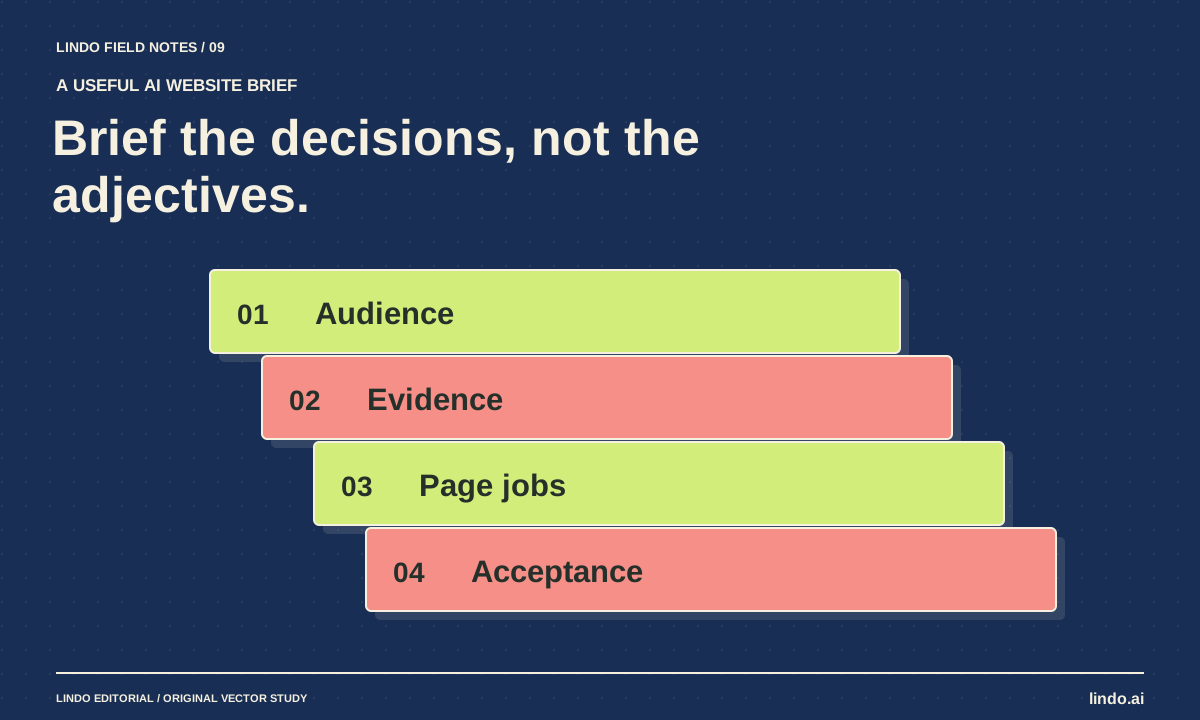
Replace vague website prompts with an approved brief covering audience, facts, page jobs, visual direction, and acceptance checks. Includes a copyable template.
Build with AI
How to Test an AI-Generated Website Before a Real Visitor Uses It
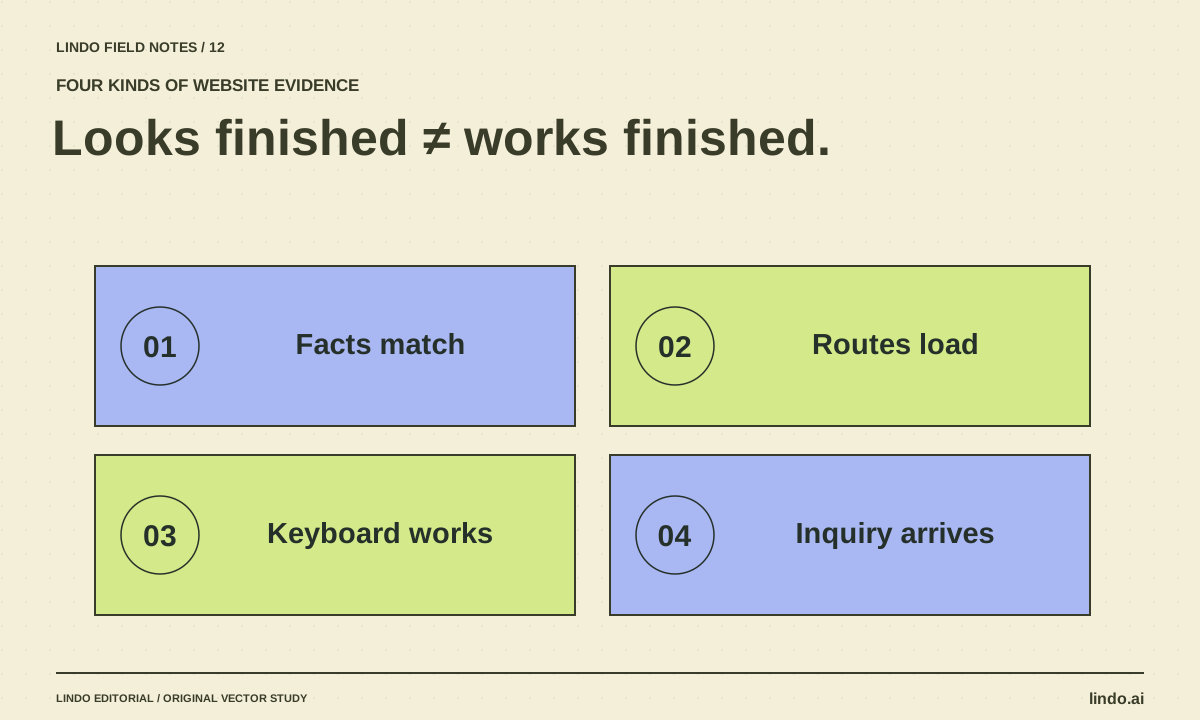
A practical AI website QA guide covering facts, mobile layouts, keyboard access, forms, routes, and launch ownership—with a copyable test record.
