
Build with AI • Lindo field notes
How to Write a Website Brief for AI That Produces a Useful First Draft
Replace vague website prompts with an approved brief covering audience, facts, page jobs, visual direction, and acceptance checks. Includes a copyable template.
The short answer
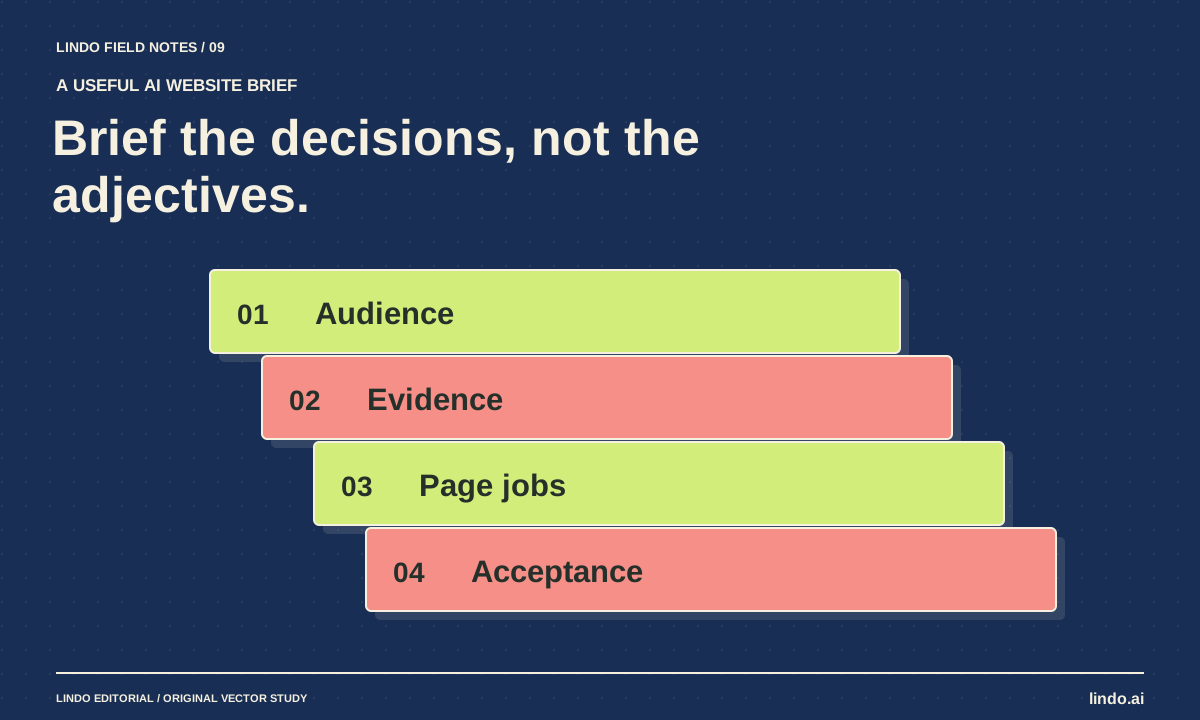
An effective AI website brief names the audience, the visitor action, the approved facts, the job of each page, the design constraints, and the checks required before launch. It also states what the AI must not invent. Ask for missing information before asking for a finished design.
In this article
“Build a modern, professional website for my business” leaves nearly every important decision open. The model has to guess the customer, offer, evidence, hierarchy, and next step. Generic inputs are one reason so many generated websites look and sound interchangeable.
A brief does not need to be long. It needs to resolve the decisions that would otherwise be guessed. The example here is a fictional home-organizing service. It shows how a few concrete constraints can change the structure of the output without turning the prompt into a specification novel.
FIELD NOTE / 01
Name the person and the decision
Start with the situation your visitor is in. “Busy households planning a move” gives the site a more useful job than “everyone who wants organization.” The visitor needs to understand what help is available, whether the service covers their area, and what happens after an inquiry.
Choose one primary action: request an assessment, call the business, or book through a real scheduling system. Do not request all three with equal visual weight unless you can explain the difference. An action label should describe what the business will actually do next.
FIELD NOTE / 02
Separate approved facts from open questions
Provide the services, service area, contact route, relevant qualifications, and permitted proof. Mark missing prices, turnaround times, or guarantees as unknown. Tell the AI to flag these gaps instead of supplying typical-sounding answers.
This is especially important when the source material contains aspirational language. “We want to offer same-week appointments” is a planning note, not a promise the site may publish. A context pack helps maintain that distinction across revisions.
FIELD NOTE / 03
Give every page a job
A page list is more useful when each page answers a specific question. Home explains the offer; services explains scope; process explains what happens; contact helps a qualified visitor take the next step. Do not add a blog, locations library, or customer portal merely because they appear in common templates.
| Page or section | Visitor question | Required evidence |
|---|---|---|
| Home | Is this for my situation? | Approved audience and service summary |
| Services | What is included? | Service scope and exclusions |
| Process | What happens after I inquire? | Actual intake and assessment steps |
| About | Who will enter my home? | Approved team information and credentials |
| Contact | Can I request help in my area? | Service boundary and monitored contact route |
FIELD NOTE / 04
Translate style into decisions
Replace “premium” with observable choices. For example: warm off-white background, charcoal text, one muted terracotta accent, generous image space, and documentary photographs of real work. Specify what to avoid: stock handshakes, excessive animation, invented awards, or six nearly identical feature cards.
Use references as inspiration for individual properties, not as permission to reproduce another site. Say “use this example’s editorial image scale” rather than “clone this competitor.” If the brand has existing assets, identify which ones are authoritative.
FIELD NOTE / 05
Tell the AI how the draft will be reviewed
Specify a phone-sized layout, readable service descriptions, keyboard navigation, and a verified contact path. Ask for a handoff that lists unresolved facts and unconnected functionality. These requirements make the output easier to inspect and reduce the temptation to hide gaps behind polished copy.
After the first draft, compare it with the brief before requesting stylistic changes. If the audience or primary action is wrong, repair the structure first. A new color palette will not fix a site that invites visitors to book an appointment the business cannot confirm.
Take it into your next project
A reusable AI website brief
Fill the brackets with approved information. Remove sections you do not need rather than asking the model to invent their contents.
Business: [name and factual description]
Audience: [person, situation, and decision]
Primary action: [action and what happens next]
Approved facts: [services, area, hours, contact, evidence]
Unknowns: [questions to resolve]
Pages: [page → visitor question → required content]
Design: [type, colors, imagery, layout references]
Avoid: [unsupported claims, unwanted patterns, prohibited content]
Integrations: [existing service and owner; mark unconnected items]
Maintenance: [who edits what after launch]
Checks: [mobile, keyboard, factual review, real contact delivery]
First return the outline and missing questions. Build only after those are approved.
Common questions
How long should the brief be?
Long enough to resolve the important decisions, short enough to review. A focused page or two can be more useful than a large archive with no authority rules.
Should I include keywords?
Include the actual language customers use and the purpose of each page. Do not ask for repeated phrases at the expense of a clear explanation or create several pages for the same question.
Sources & further reading
Vendor links support product descriptions. Worked examples, checklists, and selection criteria are Lindo’s editorial guidance; they are not customer results or controlled benchmarks.
AI explained
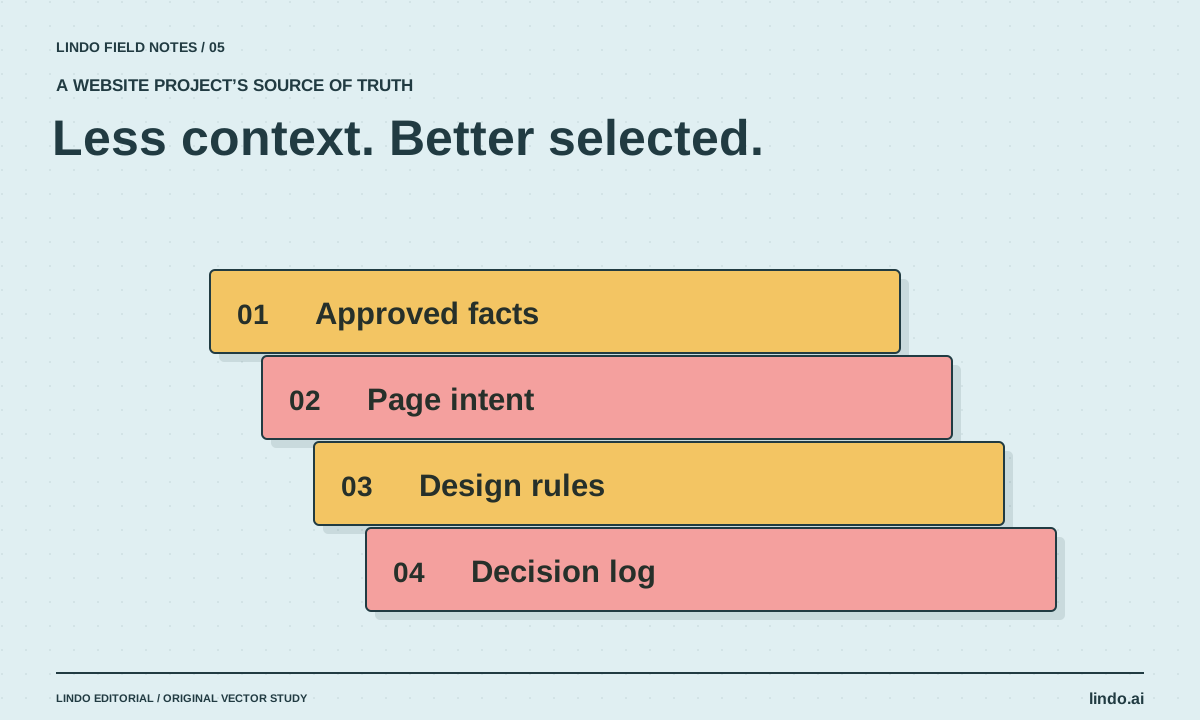
Context Engineering for Website Projects: Give AI the Right Evidence
Build a compact context pack with approved facts, page intent, brand rules, and decision records so AI website work stays grounded.
Build with AI
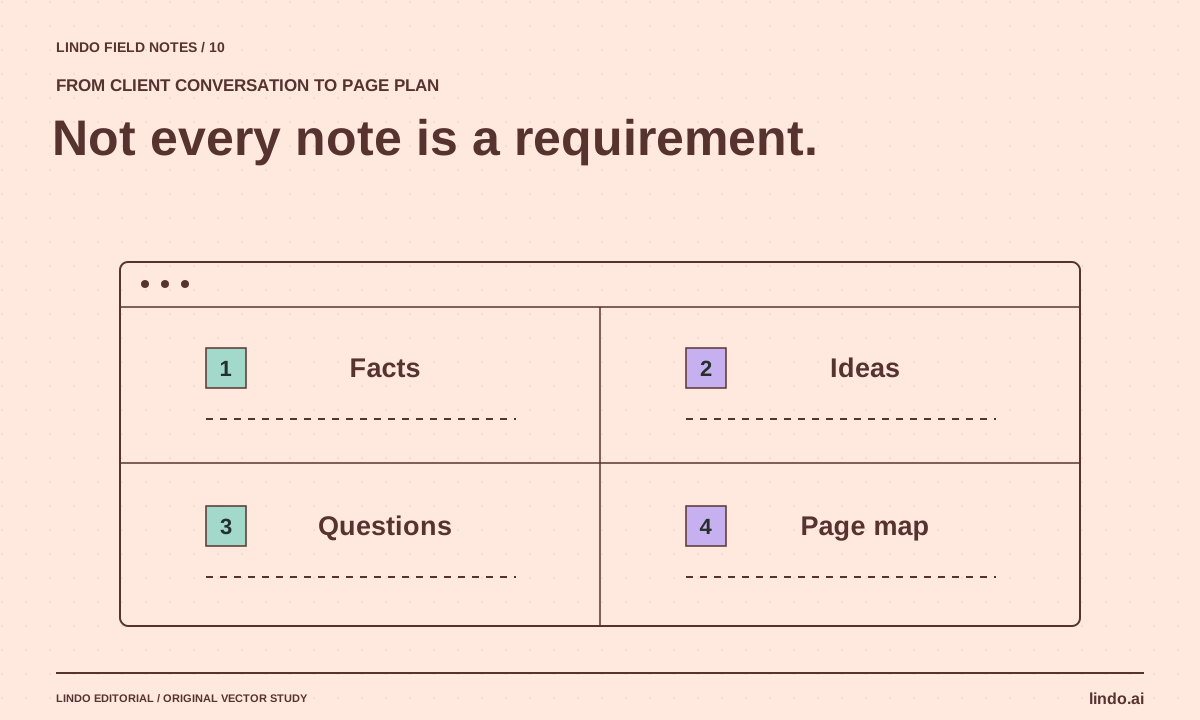
How to Turn Messy Client Notes into a Website Plan
Convert calls, emails, and documents into an approved sitemap and content plan without turning every client idea into a new page.
Creative workflows
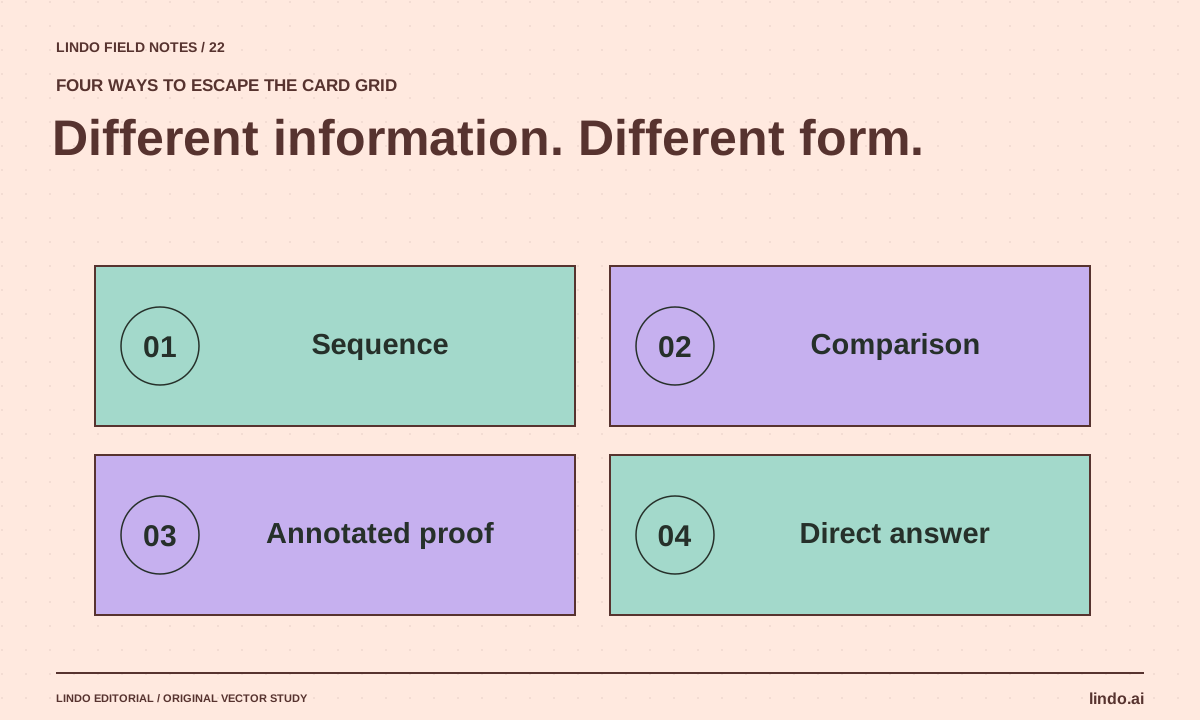
How to Make AI Websites Look Less Generic
Replace default hero-and-card layouts with a clear editorial idea, distinctive evidence, varied section rhythms, and useful original visuals.
