
AI explained • Lindo field notes
Context Engineering for Website Projects: Give AI the Right Evidence
Build a compact context pack with approved facts, page intent, brand rules, and decision records so AI website work stays grounded.
The short answer
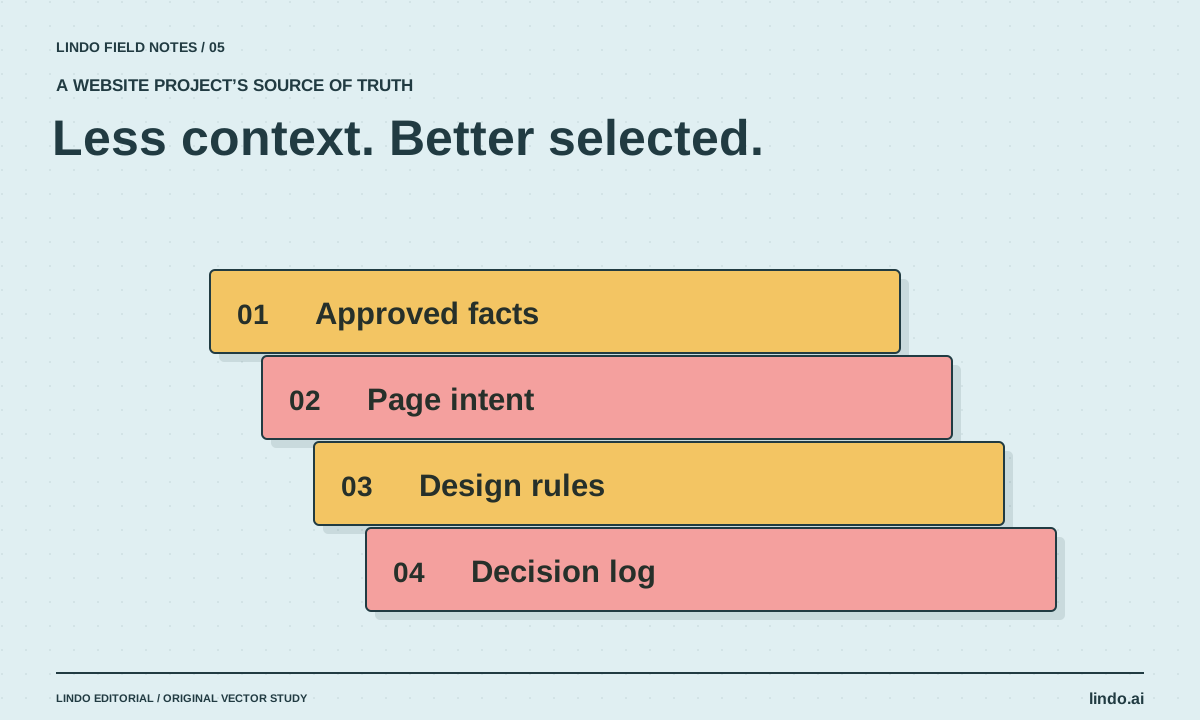
Context engineering means deciding what information an AI receives, in what form, and at which point in the work. For a website project, a small pack of approved facts, page goals, design rules, and current decisions is usually more useful than uploading every client document without priorities.
In this article
A client sends a brochure, two old menus, a sales-call transcript, and a folder of screenshots. You upload everything and ask AI to build the website. The result looks coherent—but combines an expired offer, the wrong service area, and a testimonial that was never approved.
That is not only a writing problem. The input contained competing versions of reality. A useful context pack tells the assistant what is authoritative, what is merely inspiration, and what remains unknown. It also gives a human reviewer a faster way to trace a claim back to its source.
FIELD NOTE / 01
Create four references with different jobs
Separate business facts from stylistic preferences. Facts determine what the site may claim. Design references influence how it may look. Mixing both into a single undifferentiated document makes a moodboard caption look as authoritative as a signed-off service list.
Use filenames or document headings that reveal their role. Keep the approved facts short enough to inspect. Link to detailed source material when necessary, but do not require the assistant to rediscover basic opening hours from a long transcript on every revision.
| Reference | Contains | Does not authorize |
|---|---|---|
| Approved facts | Services, locations, hours, evidence, exclusions | Inventing missing prices or guarantees |
| Page map | Audience question and primary action per page | Adding dozens of unrequested pages |
| Design rules | Type, color, spacing, image direction | Copying another business’s identity |
| Decision log | Approved changes and unresolved questions | Overriding newer client approval |
FIELD NOTE / 03
Supply the slice needed for the current task
A homepage revision needs positioning, the primary action, and approved proof. A menu page needs the current menu, accessibility requirements, and update ownership. Sending the entire business archive to both tasks increases the chance that irrelevant or outdated details affect the output.
Ask the assistant to list the references it relied on in its handoff. If it used a moodboard as evidence for a business claim, the mistake becomes visible. If it cannot locate a source, the claim should remain a question rather than becoming polished copy.
FIELD NOTE / 04
Record decisions outside the conversation
A long chat is a poor substitute for a project record. After approval, update the relevant reference and note what changed. Otherwise the next session may revive an earlier idea that was explicitly rejected. A decision log should preserve the reason, not just the latest wording.
For example: “Use request-a-quote, not instant booking, because jobs need an on-site assessment.” That one sentence can prevent the assistant from repeatedly designing a calendar flow the business cannot operate. The AI website brief guide turns these inputs into a build request.
FIELD NOTE / 05
Keep the pack small and current
Before each major revision, remove superseded instructions or mark them as historical. Keep secrets, private customer records, and unnecessary personal information out of general project context. Supply only the information the task needs through an appropriate access path.
A useful quality check is to hand the pack to someone who missed the kickoff. Can they identify the audience, the offer, the primary action, and the unanswered questions? If not, adding another reference website is unlikely to solve the problem. Improve the brief before asking for more generations.
Take it into your next project
Approved-facts template
Use one row per claim. “Unknown” is a valid value and should trigger a question, not an invented answer.
Project:
Primary audience:
Primary visitor action:

Claim or fact:
Approved value:
Source document / owner:
Confirmed date:
Where it may appear:
Exceptions or limitations:

Unresolved questions:
1.
2.

Authority rule: approved facts override old marketing material. Inspiration references are not factual sources. Flag conflicts before drafting affected copy.
Common questions
Is context engineering just prompt engineering?
They overlap, but context engineering also covers source selection, freshness, structure, retrieval, and state between tasks. A well-written prompt cannot make contradictory reference material authoritative.
Should I upload every client file?
No. Start with a curated, task-relevant set and keep detailed references available as needed. Remove sensitive information that is unnecessary for the work.
Sources & further reading
Vendor links support product descriptions. Worked examples, checklists, and selection criteria are Lindo’s editorial guidance; they are not customer results or controlled benchmarks.
Build with AI
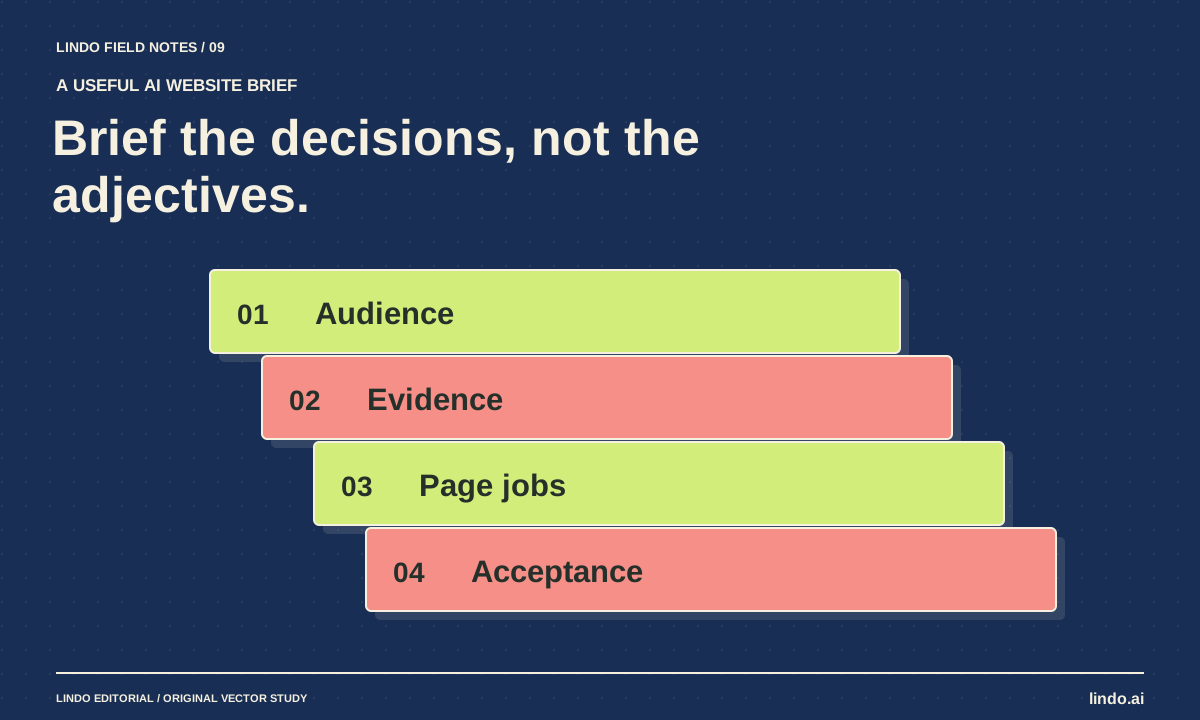
How to Write a Website Brief for AI That Produces a Useful First Draft
Replace vague website prompts with an approved brief covering audience, facts, page jobs, visual direction, and acceptance checks. Includes a copyable template.
Build with AI
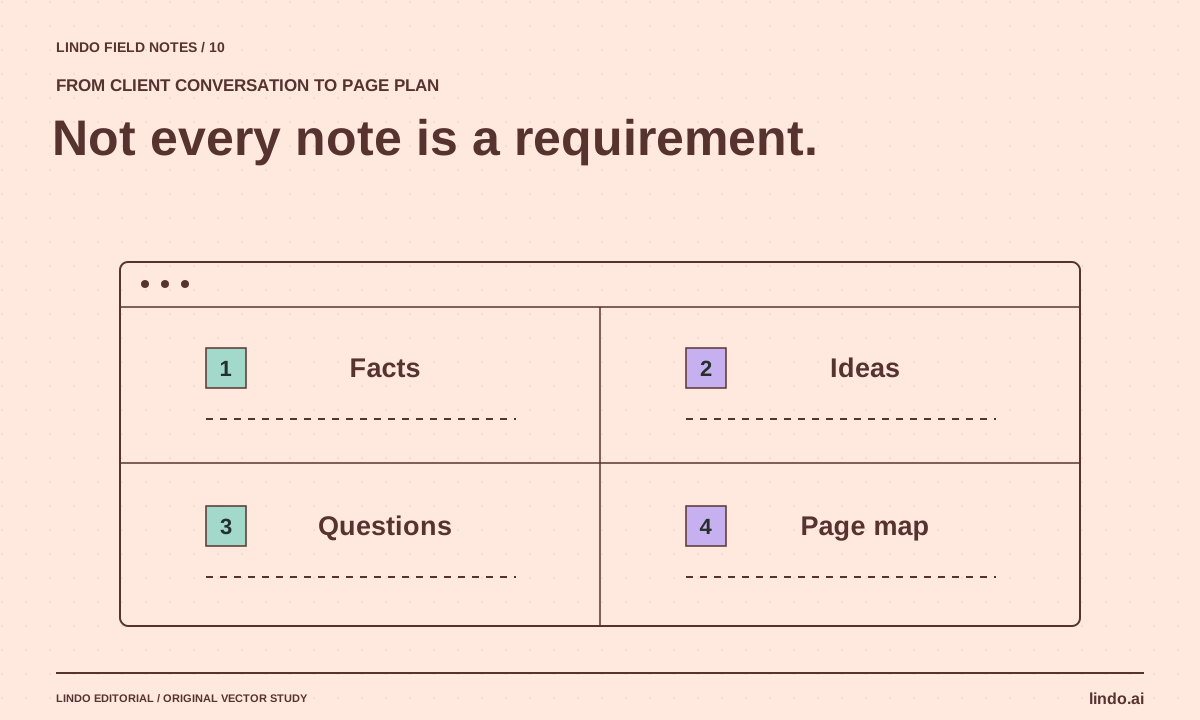
How to Turn Messy Client Notes into a Website Plan
Convert calls, emails, and documents into an approved sitemap and content plan without turning every client idea into a new page.
AI explained
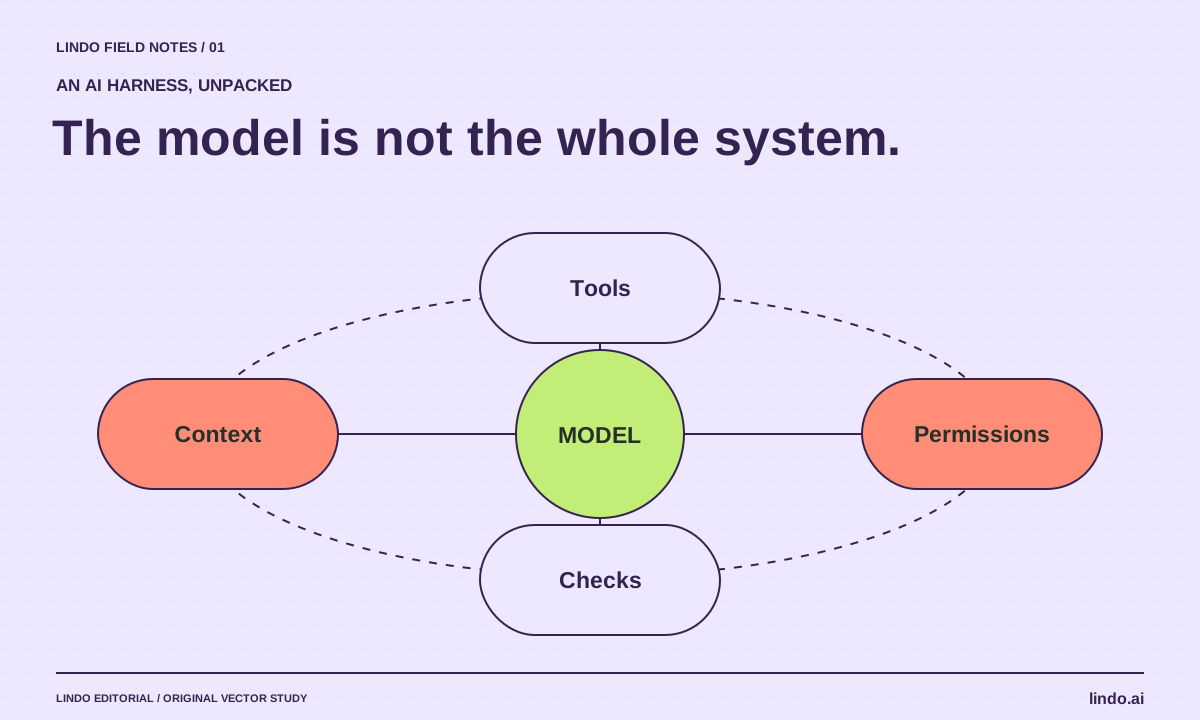
What Is an AI Harness? The System Around the Model
Understand AI harnesses through a website-building example: tools, context, permissions, checkpoints, and the tests that keep an agent on track.
