
Build with AI • Lindo field notes
How to Turn Messy Client Notes into a Website Plan
Convert calls, emails, and documents into an approved sitemap and content plan without turning every client idea into a new page.
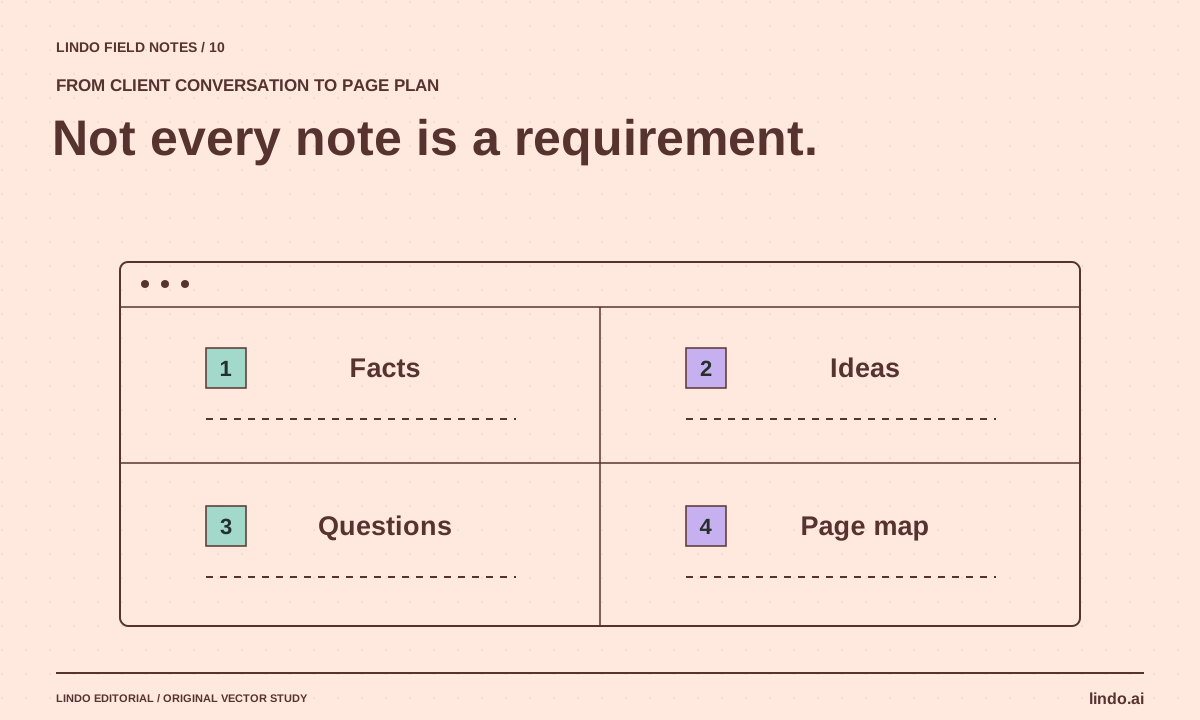
The short answer
Sort client notes into facts, goals, ideas, constraints, and unanswered questions. Then group visitor questions into a small page map and assign evidence and an owner to each page. Have the client approve that plan before AI writes full copy or generates layouts.
In this article
Client notes rarely arrive as a tidy brief. The owner talks about a new service, forwards a competitor’s homepage, mentions an old promotion, and asks for a portal halfway through a call. If every sentence becomes a requirement, a simple website can turn into an incoherent product roadmap.
AI can help sort this material, but it should not decide which offhand idea is a binding commitment. The useful output is a traceable plan: what is known, what is proposed, what needs confirmation, and which visitor question each page will answer.
FIELD NOTE / 01
1. Label the notes before summarizing them
Create five buckets: approved facts, business goals, ideas, delivery constraints, and questions. Preserve a short source reference for each item, such as a document name or meeting date. Do not retain unnecessary personal information from a transcript.
A statement such as “we mostly serve property managers” is audience evidence. “We should have a members area someday” is an idea. “The booking provider must stay” is a constraint. A generic summary can flatten those distinctions, so ask AI to classify before it condenses.
FIELD NOTE / 02
2. Translate internal language into visitor questions
A client may request an “innovation page” because the phrase appears in a sales deck. Ask what a prospective customer should learn or decide there. If no one can answer, the item may belong inside an existing service page—or outside the website entirely.
For a commercial cleaning company, useful questions include which facilities it serves, what is included, how access is handled, and how an estimate works. Those questions are more actionable than headings such as “solutions” and “excellence” without supporting content.
FIELD NOTE / 03
3. Build the smallest page map that covers the decisions
Group related questions into pages with distinct purposes. Keep a separate service page only when there is enough unique scope, evidence, and visitor need to justify it. A long sitemap is not evidence of a better plan.
| Client material | Visitor need | Plan |
|---|---|---|
| List of facility types | Do you serve a business like mine? | Service scope section with approved examples |
| Description of site assessment | How do I get an accurate estimate? | Process section and inquiry action |
| Insurance document | Can you meet procurement requirements? | Approved factual statement; private document on request |
| Future customer portal idea | Can I manage an existing account? | Separate discovery task, not a promised launch feature |
FIELD NOTE / 04
4. Attach missing evidence to the plan
For each page, list the assets and answers still needed. A case-study section needs permission and real project details. A pricing page needs approved amounts and conditions. A team section needs current names, roles, and image consent.
Give each gap an owner and a due date. If the client cannot provide something, adjust the plan honestly. A process explanation can be useful without invented testimonials. Removing an unsupported section is often better than filling it with generic confidence-building language.
FIELD NOTE / 05
5. Get approval on scope before visual polish
Present a compact plan with page purpose, required content, primary action, and unresolved items. Ask the client to confirm the facts and scope—not to approve every sentence of a draft they have not yet seen. Record what is explicitly excluded from the launch.
Once approved, use the plan as input to the AI website brief. New ideas can still be considered, but they should be compared with the original scope. This keeps a late request for a customer portal from becoming an untested button in an otherwise finished brochure site.
Take it into your next project
Notes-to-plan prompt
Use anonymized notes where possible. Ask for source references so you can audit the classification.
Classify these notes into approved facts, goals, ideas, constraints, and unanswered questions.
Preserve the source for each important item.
Do not treat future plans or tentative statements as current capabilities.
Then propose the smallest useful page map.
For each page return:
- Visitor question
- Required approved facts
- Primary action
- Missing evidence or assets
- Content owner
- Items excluded from launch
Flag contradictory statements. Do not write finished marketing copy yet.
Common questions
Should every service get a separate page?
Only when it serves a distinct visitor need and has meaningful unique content. Closely related services may be clearer together, especially when the client has little evidence to support separate pages.
Can AI decide what the client approved?
It can organize explicit approval records, but it should not infer approval from enthusiasm or ambiguous meeting notes. Ask the responsible person to resolve uncertain items.
Sources & further reading
Vendor links support product descriptions. Worked examples, checklists, and selection criteria are Lindo’s editorial guidance; they are not customer results or controlled benchmarks.
Build with AI
How to Write a Website Brief for AI That Produces a Useful First Draft
Replace vague website prompts with an approved brief covering audience, facts, page jobs, visual direction, and acceptance checks. Includes a copyable template.
Better business websites
How to Collect Website Content from Clients Without Endless Follow-Ups
Use a page-based content request, named owners, approval status, and a launch-gap list to gather website copy and assets efficiently.
Creative workflows
Turn a Client Interview into Website Copy People Can Actually Use
Ask better client questions, extract specific evidence, and turn an interview into clear service copy without manufacturing testimonials or promises.
