
Better business websites • Lindo field notes
How to Collect Website Content from Clients Without Endless Follow-Ups
Use a page-based content request, named owners, approval status, and a launch-gap list to gather website copy and assets efficiently.
The short answer
Request content by page and visitor question, not as a vague instruction to “send everything.” Give each item an owner, format, source, and approval status. Collect essential facts first, keep missing evidence visible, and agree on a smaller launch scope when the client cannot supply optional material.
In this article
“We are waiting on content” often means the request was too broad. A busy owner does not know whether you need a finished About page, a few notes, twenty photographs, or a legal document. The more ambiguous the request, the easier it is to postpone.
A better intake process reduces the writing burden without lowering the standard of evidence. You can interview, organize, and draft. The client still needs to confirm the business facts and approve what will be published.
FIELD NOTE / 01
Ask for the minimum facts needed to plan
Start with services, audience, service area, contact route, and the process after an inquiry. Add current brand assets and any required integrations. These inputs let you build a meaningful page plan before asking for polished prose.
Do not request a full archive as the first step. Old brochures and image folders can be useful references, but they should not replace a current source of truth. Ask which document wins when details conflict.
FIELD NOTE / 02
Make every request small and answerable
Instead of “write the services page,” ask “What is included in this service, what is excluded, and what does the customer need to provide?” Offer a short example of the expected answer. Let the client respond in notes or a recorded conversation when appropriate.
For images, specify the subject, orientation, intended use, and permission requirement. “Send photos” is vague. “Send three current photographs of the workshop that we may publish, with the photographer’s permission confirmed” is a workable request.
| Item | What to ask for | Approval evidence |
|---|---|---|
| Service explanation | Inclusions, exclusions, process, common questions | Responsible person confirms scope |
| Team section | Current names, roles, approved biographies and photos | People and image permissions confirmed |
| Project example | Context, work performed, permitted images, known outcome | Client and usage approval recorded |
| Contact page | Monitored destination and expected response process | Test route and owner confirmed |
FIELD NOTE / 03
Track approval separately from receipt
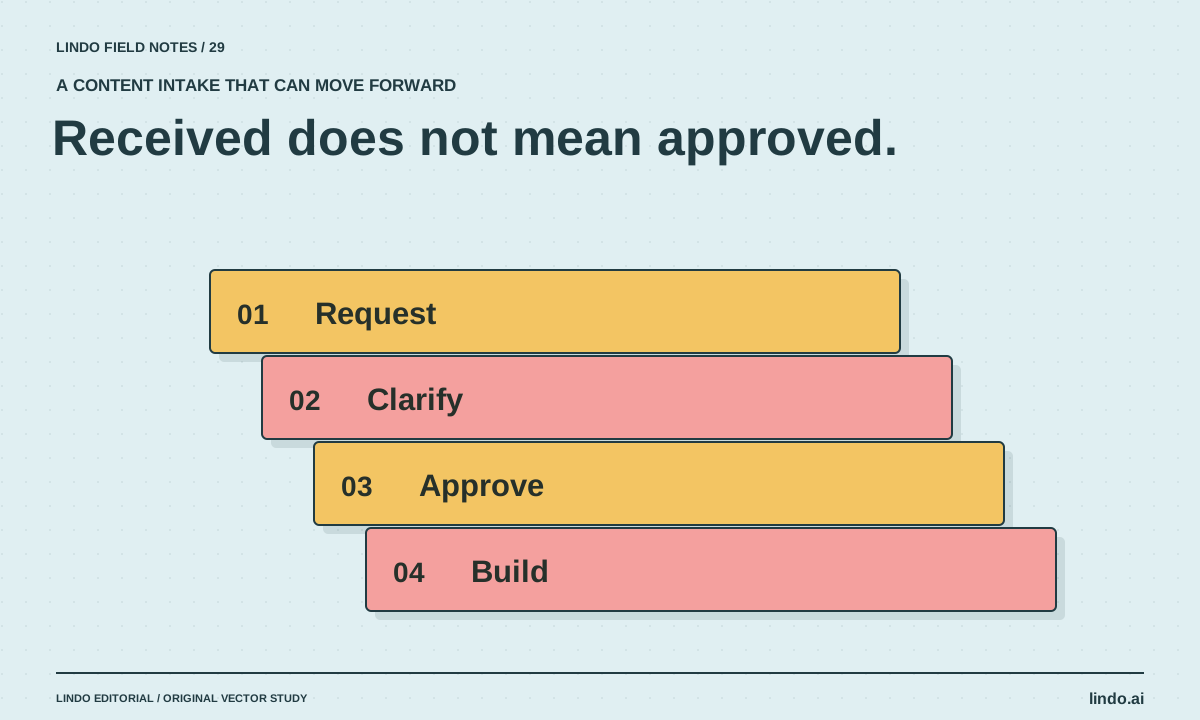
A file being uploaded does not mean it is approved. Use statuses such as requested, received, needs clarification, approved, and excluded from launch. Keep the reason for uncertainty visible.
This matters for testimonials, credentials, pricing, and project results. A screenshot of a customer message may not be permission to publish it. A past price list may no longer apply. Ask for confirmation rather than letting AI smooth over the gap.
FIELD NOTE / 04
Use AI to reduce effort, not invent missing evidence
AI can turn notes into an outline, extract questions from a transcript, and draft copy from approved facts. Ask it to keep source notes and flag missing information. The notes-to-plan guide provides a useful sequence.
Send the client focused review questions instead of a large undifferentiated draft. “Does this accurately describe what happens after an estimate request?” is easier to answer than “Any feedback?” Review meaning before polishing tone.
FIELD NOTE / 05
Agree on a launch-gap policy
Decide which missing items block launch and which optional sections can be omitted. A missing contact destination is a blocker. An unapproved case study may be excluded while the rest of the site proceeds. Do not fill the gap with fictional proof.
Record the reduced scope and the owner of any later additions. This protects the project from endless waiting without pretending the missing material exists. A smaller accurate site is more useful than a larger site held together by placeholders and unsupported claims.
Take it into your next project
Client content request template
Send a short batch of requests with clear owners. Keep sensitive records in the appropriate secure system, not a general content folder.
Page / visitor question:
Content item needed:
Why the visitor needs it:
Acceptable format: notes / document / interview / image
Example of a useful answer:
Source and rights confirmation needed:
Responsible person:
Requested date:
Status: requested / received / clarification / approved / excluded
Approval recorded by:
Launch-blocking? Yes / No
If unavailable, agreed alternative:
Next follow-up question:
Common questions
Should clients write all the copy themselves?
Not necessarily. You can interview them and draft from their information. They should still verify factual claims and approve the final meaning.
What if the client has no case studies or testimonials?
Do not manufacture them. Use an honest process explanation, approved work examples, or a clearly labeled concept where appropriate, and omit unsupported proof sections.
Sources & further reading
Vendor links support product descriptions. Worked examples, checklists, and selection criteria are Lindo’s editorial guidance; they are not customer results or controlled benchmarks.
Creative workflows
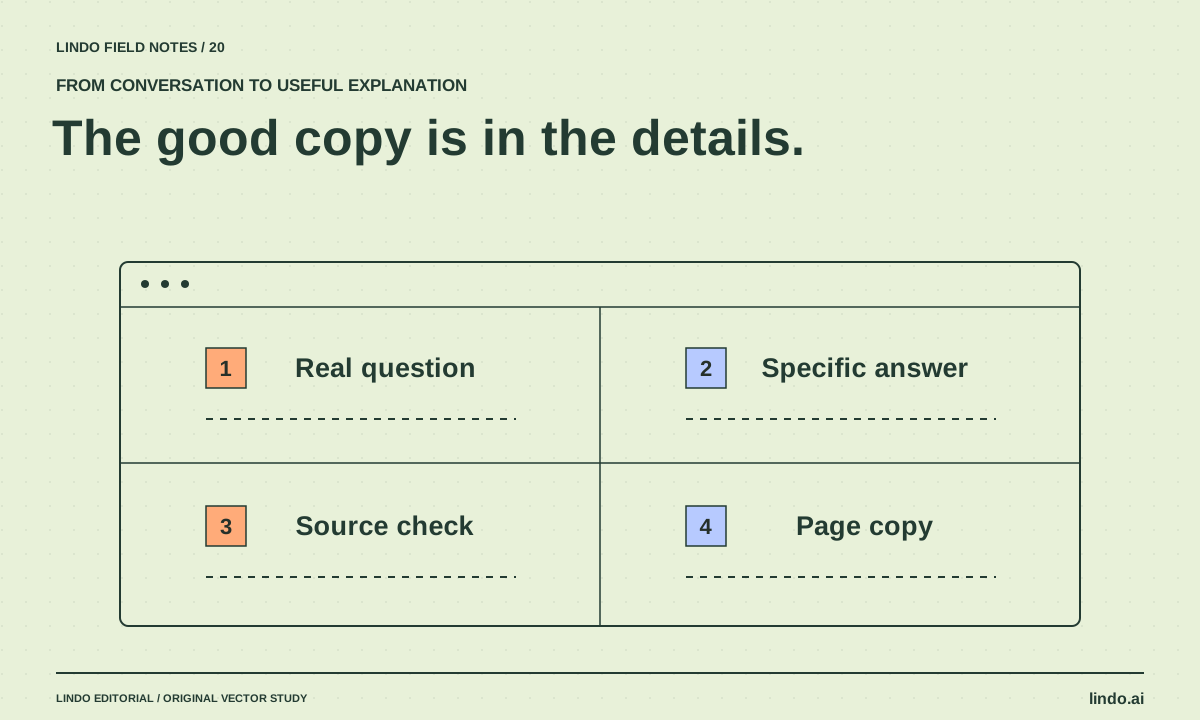
Turn a Client Interview into Website Copy People Can Actually Use
Ask better client questions, extract specific evidence, and turn an interview into clear service copy without manufacturing testimonials or promises.
Build with AI
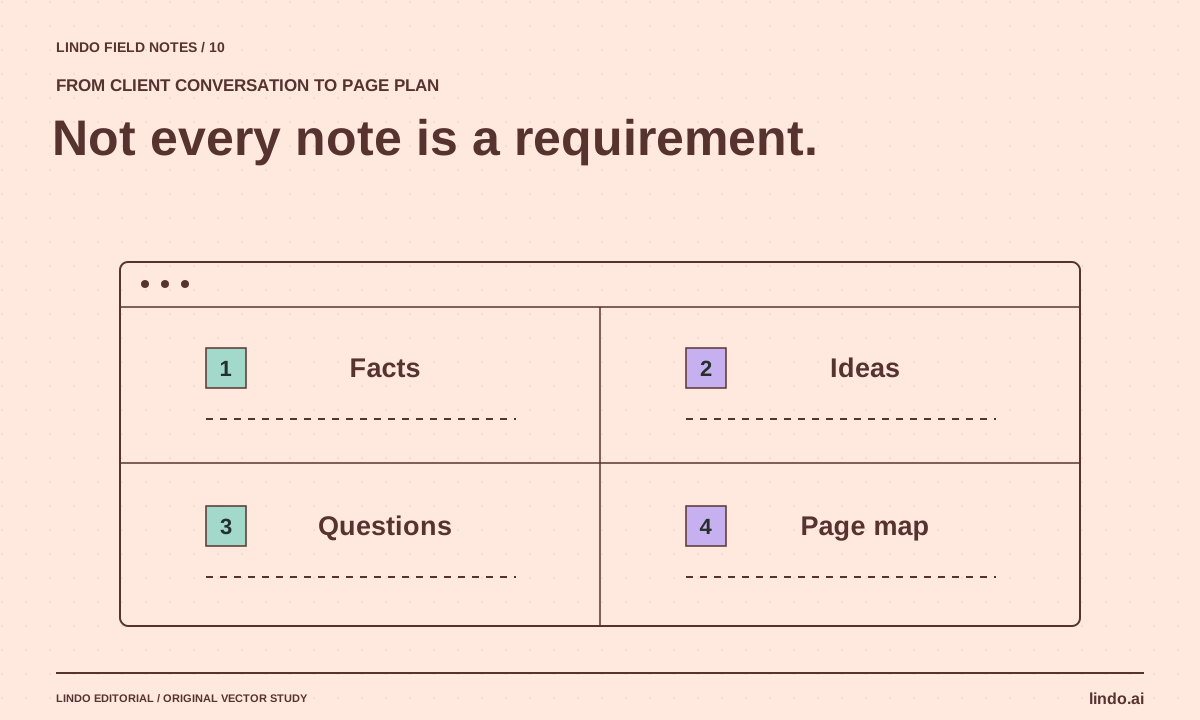
How to Turn Messy Client Notes into a Website Plan
Convert calls, emails, and documents into an approved sitemap and content plan without turning every client idea into a new page.
AI explained
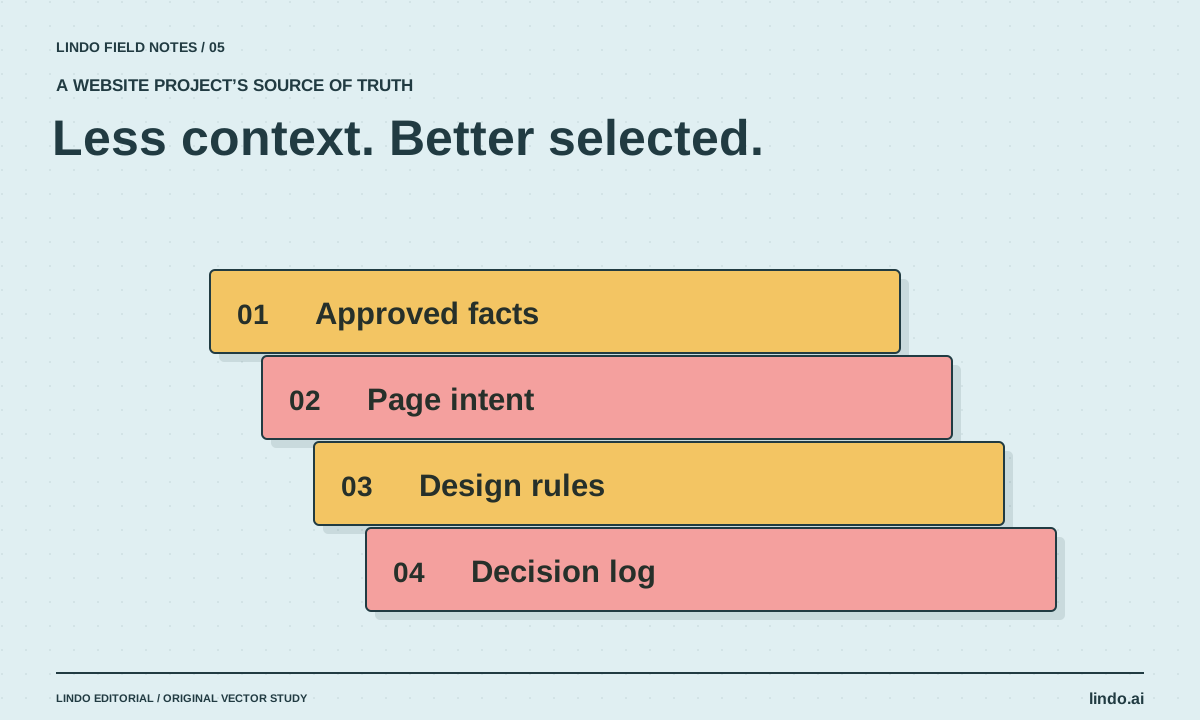
Context Engineering for Website Projects: Give AI the Right Evidence
Build a compact context pack with approved facts, page intent, brand rules, and decision records so AI website work stays grounded.
