
Choose your tools • Lindo field notes
Best AI Website Builders in 2026: Choose by the Site You Need
A use-case shortlist of Wix, Framer, Squarespace, Hostinger, Webflow, and Lindo—with tradeoffs, a common evaluation task, and no invented test scores.
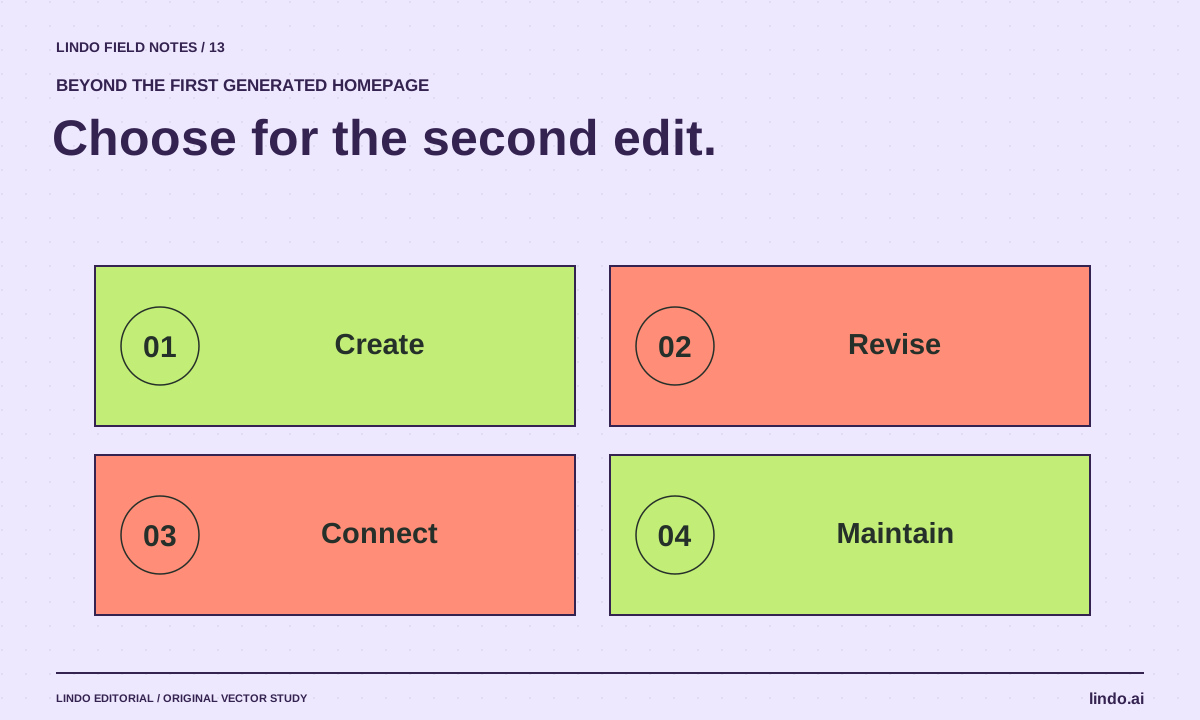
The short answer
There is no single best AI website builder for every site. Shortlist Wix for business-site breadth, Framer for design-led marketing pages, Squarespace for a guided site workflow, Hostinger for a bundled builder-and-hosting route, Webflow for teams evaluating visual development and CMS needs, and Lindo for AI drafts with visual editing. Test the specific job before buying.
In this article
The first generated screen is the easiest part of an AI website-builder comparison. The harder questions arrive later: can you change the service structure, keep a booking integration, update a menu from a phone, or hand the site to someone who did not build it?
This is Lindo’s editorial, documentation-based shortlist, checked September 9, 2026—not an independent benchmark or a claim that we purchased and tested every plan. Lindo is our own product. We identify situations where other options deserve a look, avoid fabricated ratings, and leave changing prices to the vendors’ current plan pages.
FIELD NOTE / 01
Six starting points for six kinds of decision
Use this table to select two or three candidates, not to skip evaluation. The “check” column matters as much as the suggested fit. Features, limits, and included services can differ by plan and region.
| Builder | Why consider it | Test before committing |
|---|---|---|
| Wix | A business site with several operational needs | Your exact booking, commerce, or contact workflow |
| Framer | A design-led marketing site or portfolio | Content editing and ongoing ownership |
| Squarespace | A guided, cohesive website setup | Your required layout and integration flexibility |
| Hostinger | A bundled website-builder route | Renewal terms, portability, and required features |
| Webflow | Visual development with structured content needs | Learning curve and the actual CMS workflow |
| Lindo | An AI-generated draft refined in a visual editor | Fit for your design, integrations, and maintenance needs |
FIELD NOTE / 02
For a business site, inspect the operational path
Wix presents AI creation alongside business tools. That makes it worth evaluating when the site must connect several everyday operations. Do not assume every specialized workflow is covered just because the platform offers booking or commerce in general.
Squarespace’s AI website workflow and Hostinger’s builder are other routes to a managed site. Ask each to support the same concrete task: a service page, a real inquiry path, and an edit the future owner can perform. Compare the full renewal and add-on picture, not only an introductory headline price.
FIELD NOTE / 03
For a design-led site, inspect revision quality
Framer and Webflow both describe AI-assisted website work, but your decision should include how the resulting site is edited and organized. Try a less convenient change: a long heading, a new content type, or a section with uneven amounts of text.
A portfolio and a large content site stress different parts of a platform. The portfolio may prioritize art direction and responsive composition. The content site may depend on structured editing, relationships, and repeatable templates. Do not award a winner based on a homepage screenshot alone.
FIELD NOTE / 04
Where Lindo fits—and where to pause
Lindo’s AI website builder creates a draft that can be reviewed and refined visually. It is a candidate when you want a managed website workflow rather than a custom application repository. This is a product-fit suggestion, not evidence that it wins every design or integration comparison.
If you require bespoke application logic, unusual commerce behavior, or a critical integration whose compatibility is unverified, investigate those requirements first. Agencies comparing white-label controls should use the separate agency AI-builder comparison, which owns that more specialized decision.
FIELD NOTE / 05
Run the same ordinary—and awkward—tasks
Give shortlisted builders the same approved brief and assets. Generate a draft, then change one service, replace an image, add a longer heading, and connect a test inquiry route. Ask the maintenance owner to make an edit without your help.
Record what works, what requires an add-on, and what remains unsupported. Include the effort to recover from a bad change. The best choice is the platform that supports the site you will operate, not simply the one that creates the most impressive first draft.
Take it into your next project
A common builder evaluation brief
Use a fictional business or a private test project. Do not publish invented details or enter real customer data.
Build a small service-business website from this approved brief.
Required pages: home, services, about, contact.
Primary action: request an estimate.
Use supplied images and facts only.
Evaluation tasks:
1. Change one service and its navigation label.
2. Replace the hero with a differently shaped image.
3. Check a long heading at phone width.
4. Connect and verify a test inquiry.
5. Let the future owner update opening hours.
6. Recover the previous version.
Record plan requirements, limitations, recurring cost components, and human correction time.
Common questions
Which AI website builder is best for SEO?
Evaluate crawlable pages, metadata controls, redirects where needed, content quality, and the site’s actual performance. An “SEO-ready” label does not guarantee rankings or compensate for weak content.
Should I choose the cheapest introductory plan?
Only after checking renewal pricing, required add-ons, domain conditions, usage limits, and the work needed to maintain the site. Compare the same requirements and time period.
Sources & further reading
Vendor links support product descriptions. Worked examples, checklists, and selection criteria are Lindo’s editorial guidance; they are not customer results or controlled benchmarks.
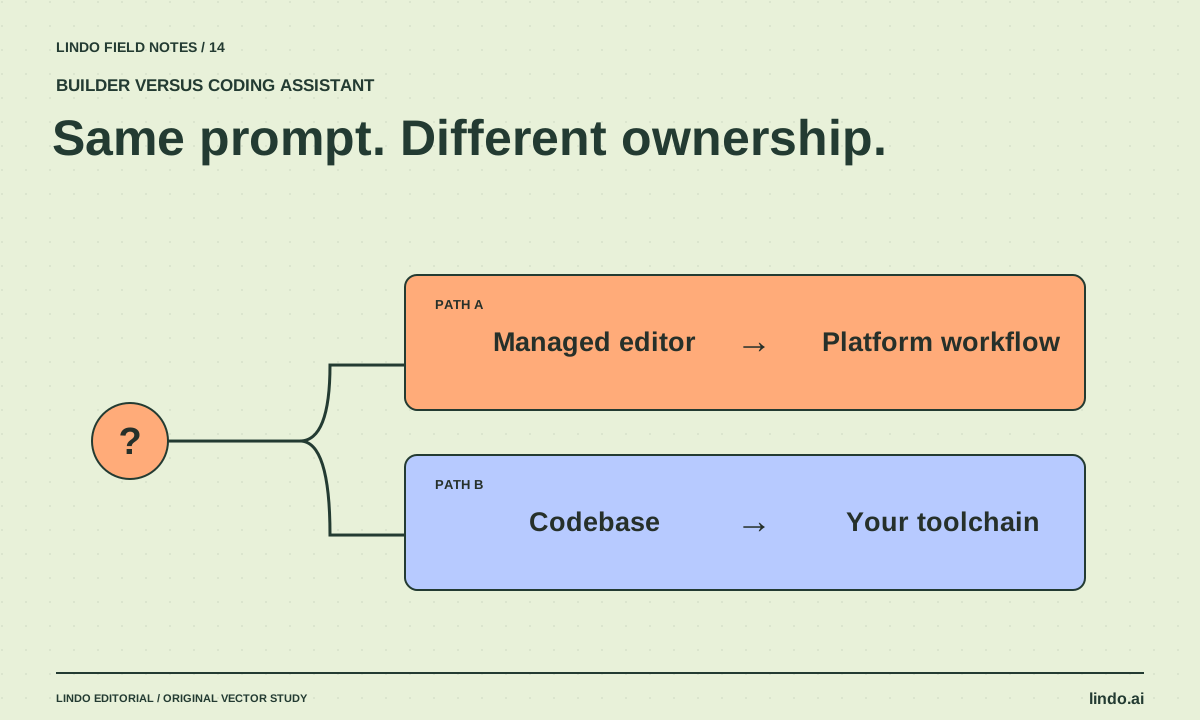
Choose your tools
AI Website Builder vs. AI Coding Assistant: Who Owns the Work After Launch?
Compare managed builders and coding assistants by editing, hosting, integrations, maintenance, and handoff—not by how quickly a homepage appears.
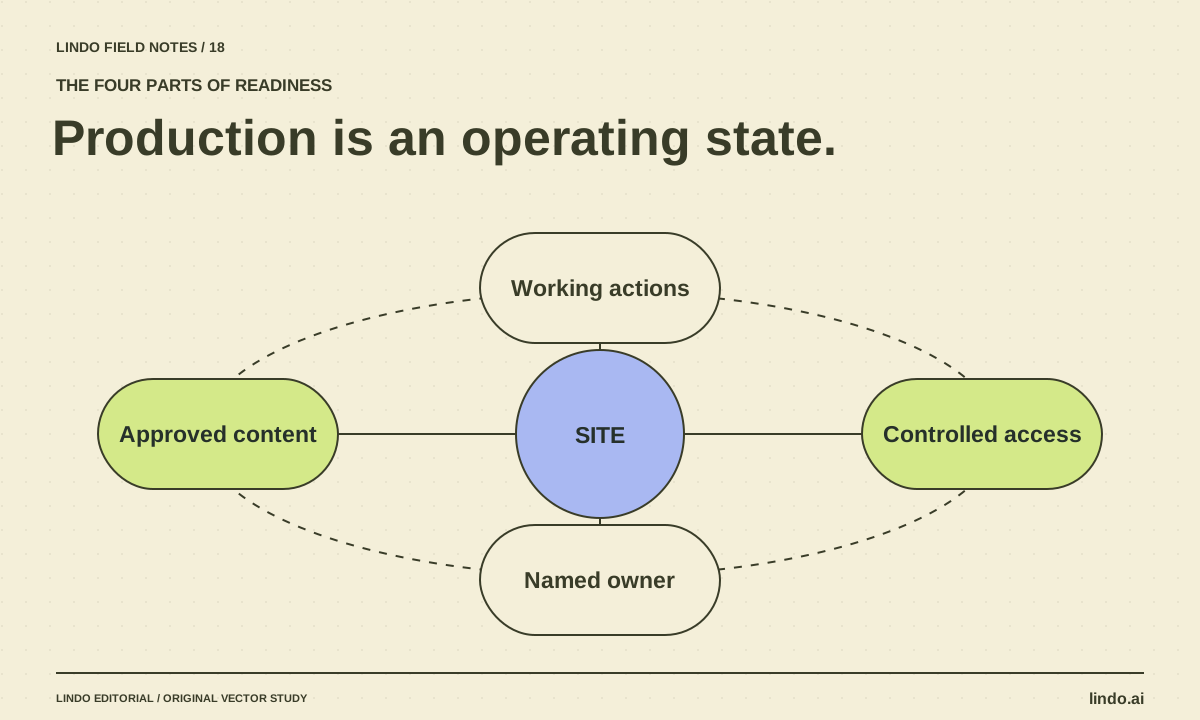
Choose your tools
Can AI Build a Production-Ready Website? The Missing Ownership Checklist
AI can produce much of a website, but readiness depends on verified content, working services, access, recovery, and maintenance. Use this release checklist.
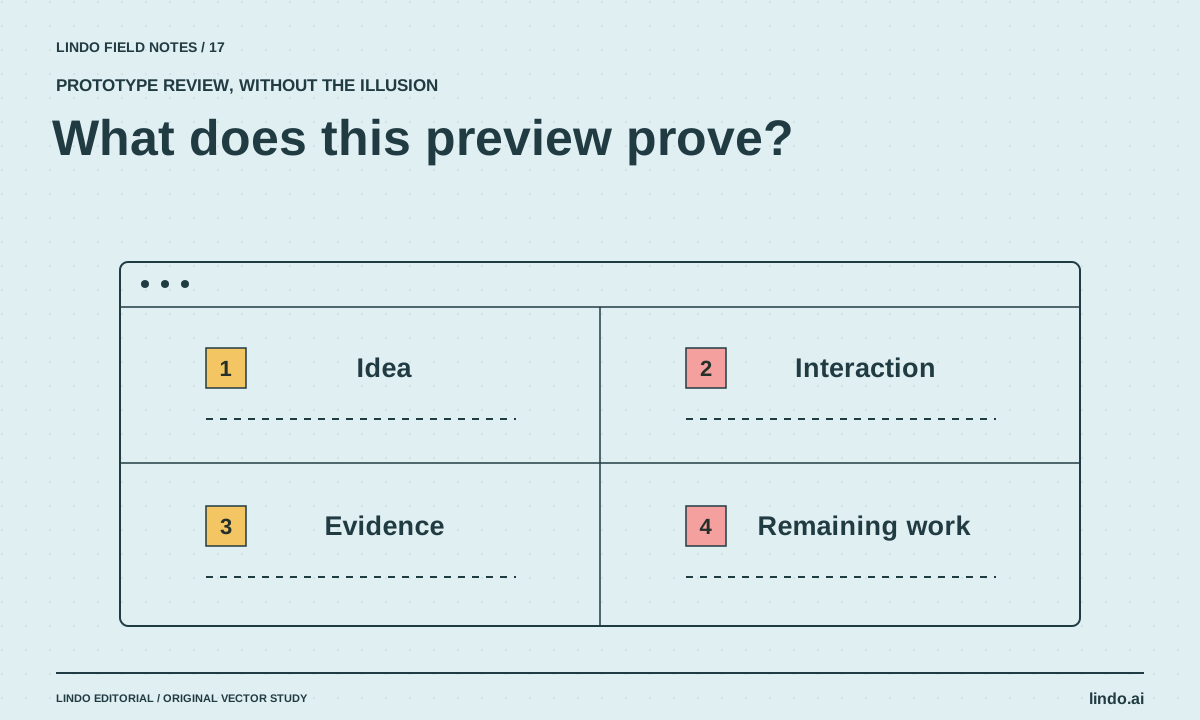
Choose your tools
Best AI Tools for Website Prototypes: What Each Preview Can Prove
Compare Claude Artifacts, v0, Lovable, and Framer for website prototyping, with a common brief and a checklist for separating a demo from a deliverable.
