
Choose your tools • Lindo field notes
Best AI Tools for Website Prototypes: What Each Preview Can Prove
Compare Claude Artifacts, v0, Lovable, and Framer for website prototyping, with a common brief and a checklist for separating a demo from a deliverable.
The short answer
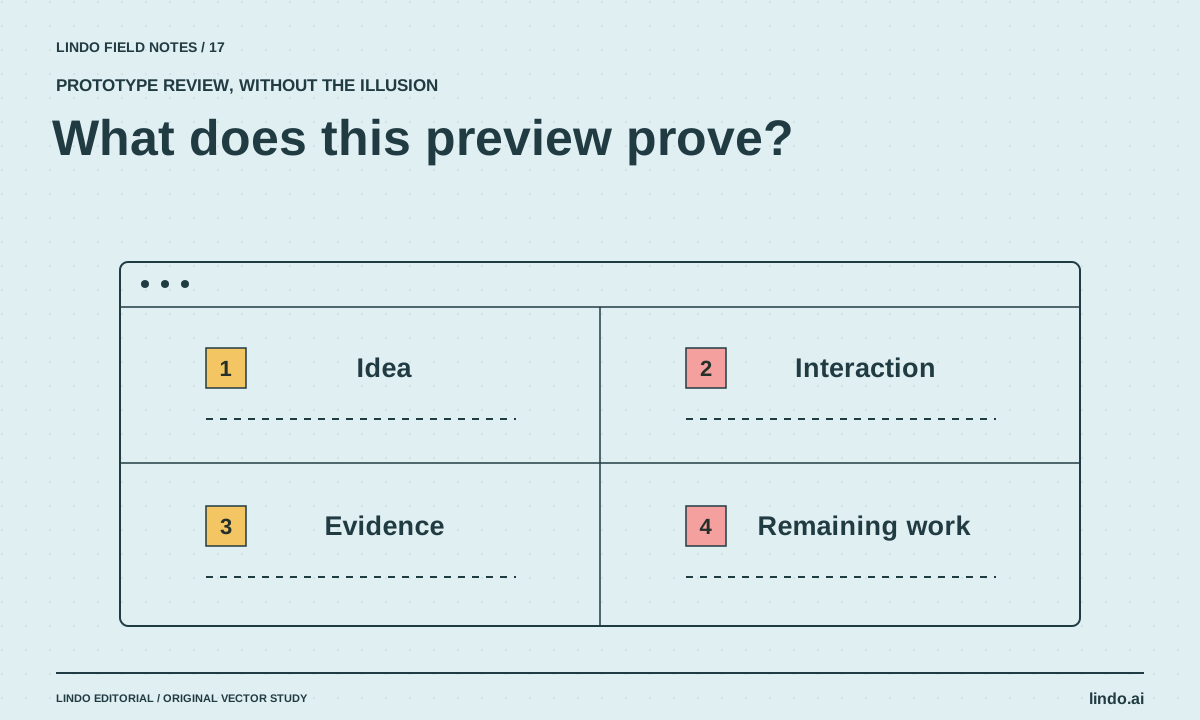
Use a prototype tool to answer a specific question: is the page structure clear, does the interaction make sense, or can the intended implementation support the idea? Evaluate Claude Artifacts, v0, Lovable, and Framer by that question and the next handoff—not by the most impressive generated demo.
In this article
A prototype is useful because it makes an assumption testable. It becomes misleading when everyone treats its polished appearance as proof of production readiness. A clickable checkout mockup does not prove payments work, and a dashboard with sample data does not prove access control.
This shortlist is based on public product documentation, not a controlled hands-on ranking. We separate the question a prototype can help answer from the engineering, content, and ownership work that may remain. There is no universal winner because not every prototype is trying to prove the same thing.
FIELD NOTE / 01
Write the prototype question first
For a consultant website, the question might be whether visitors understand the two service packages. For a restaurant, it might be whether ordering and reservations are clearly separated. For a software product, it might be whether a setup sequence is understandable.
A good prototype brief names one primary task and an observable outcome. “Make a beautiful website” is too broad to evaluate. “Let a visitor compare two offers and choose the appropriate inquiry route” produces a much more useful review.
FIELD NOTE / 02
Pick the tool that fits the next step
Claude Artifacts can make a compact concept inspectable. v0 describes an AI-assisted application-building workflow. Lovable is another application-building route. Framer is worth evaluating when the prototype is close to a design-led website you may continue editing there.
Do not infer that these options have identical hosting, export, access, or integration behavior. Check the current product documentation and test the handoff you need.
| Option | Useful evaluation question | Do not assume |
|---|---|---|
| Claude Artifacts | Can we understand and discuss this compact concept? | Every production website requirement is covered |
| v0 | Does this generated interface fit our intended development path? | A preview has completed backend behavior |
| Lovable | Can we validate this application-shaped website flow? | Sample data proves real access controls |
| Framer | Does this visual website direction work in an editable layout? | All bespoke application logic is supported |
FIELD NOTE / 03
Use one constrained task across candidates
Give each candidate the same approved content and one interaction. For example, prototype a two-package consulting page with a comparison, a short qualification question, and an inquiry route. Use fictional data and clearly label the preview.
After the first version, request the same awkward change: rename a package, add a longer condition, and reverse the recommendation rule. This tests whether the concept remains understandable and editable rather than merely looking polished on the first pass.
FIELD NOTE / 04
Watch someone use it without narrating
Ask a reviewer to complete the target task while you stay quiet. Record where they hesitate and what they think will happen after clicking. Do not count a completed click as success if the person misunderstood the promise.
Separate content problems from interaction problems. A confusing package name may need clearer copy, not a new component. A missing back path may need a navigation change, not more explanation. Bring those observations back to the tool as bounded revisions.
FIELD NOTE / 05
Label what remains before production
Create a short gap list: real content, integrations, data handling, permissions, responsive behavior, accessibility review, hosting, and maintenance. Mark each as implemented, demonstrated, or not started. Avoid a single vague percentage-complete score.
If the prototype becomes the basis of a real site, use the handoff guide. If the implementation model is wrong, preserve the approved decisions and rebuild in a suitable platform. A prototype has still done its job when it prevents the wrong build.
Take it into your next project
Prototype evaluation brief
Run this with sample data in a private project. The goal is to test a decision, not imply a finished service.
Prototype question: can a visitor choose the appropriate consulting package?
Inputs: approved descriptions of two packages and their exclusions.
Interaction: compare packages → answer one qualification question → see the appropriate inquiry route.
Label all data and submissions as demonstrations.
Do not invent customer results or connect live services.
Revision test: change a package condition and preserve the rest of the flow.
Record: reviewer confusion, successful task completion, edit effort, and production gaps.
Handoff: approved decisions, rejected ideas, and next implementation owner.
Common questions
Can I launch directly from a prototype tool?
Sometimes the tool supports the required publishing path, but inspect all production requirements first. A launch button does not establish that integrations, permissions, content, and maintenance are complete.
Which tool creates the best-looking prototype?
That depends on the brief, assets, revisions, and design judgment. Use a consistent task and evaluate the result with real content instead of relying on vendor showcase examples.
Sources & further reading
Vendor links support product descriptions. Worked examples, checklists, and selection criteria are Lindo’s editorial guidance; they are not customer results or controlled benchmarks.
Build with AI
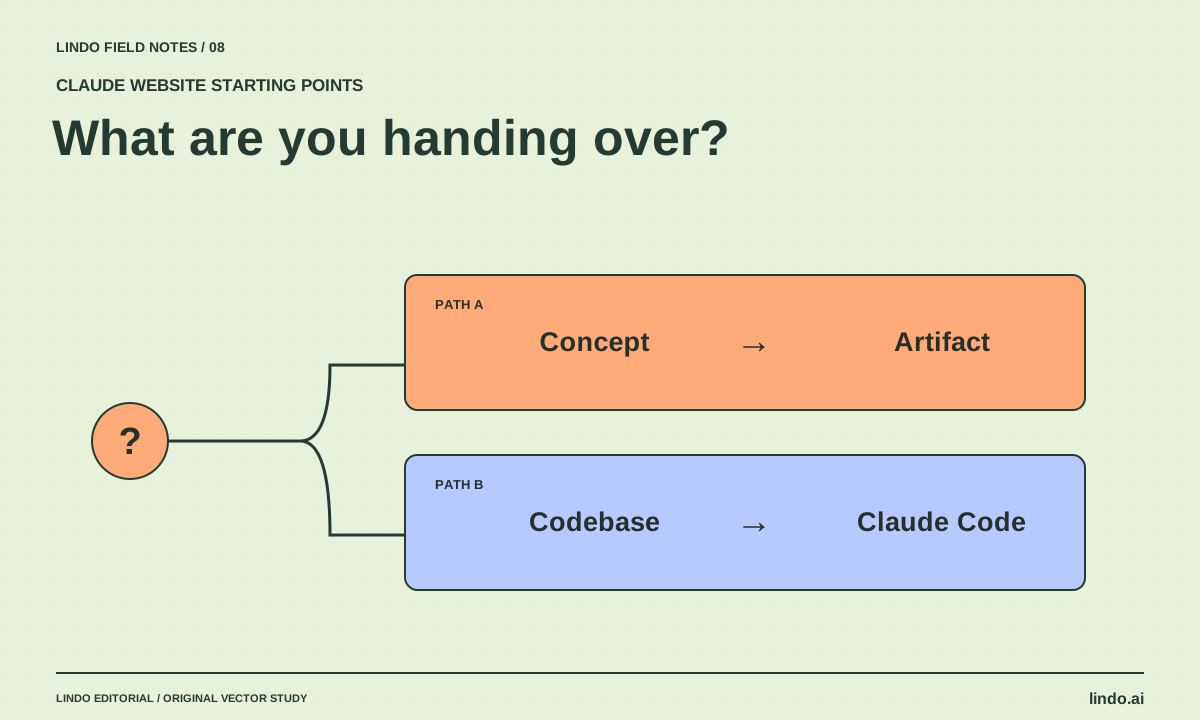
Claude Artifacts vs. Claude Code for Websites: Pick the Right Starting Point
Compare a shareable website prototype with repository-based development. Decide by maintenance, integrations, review, and publishing requirements.
Creative workflows
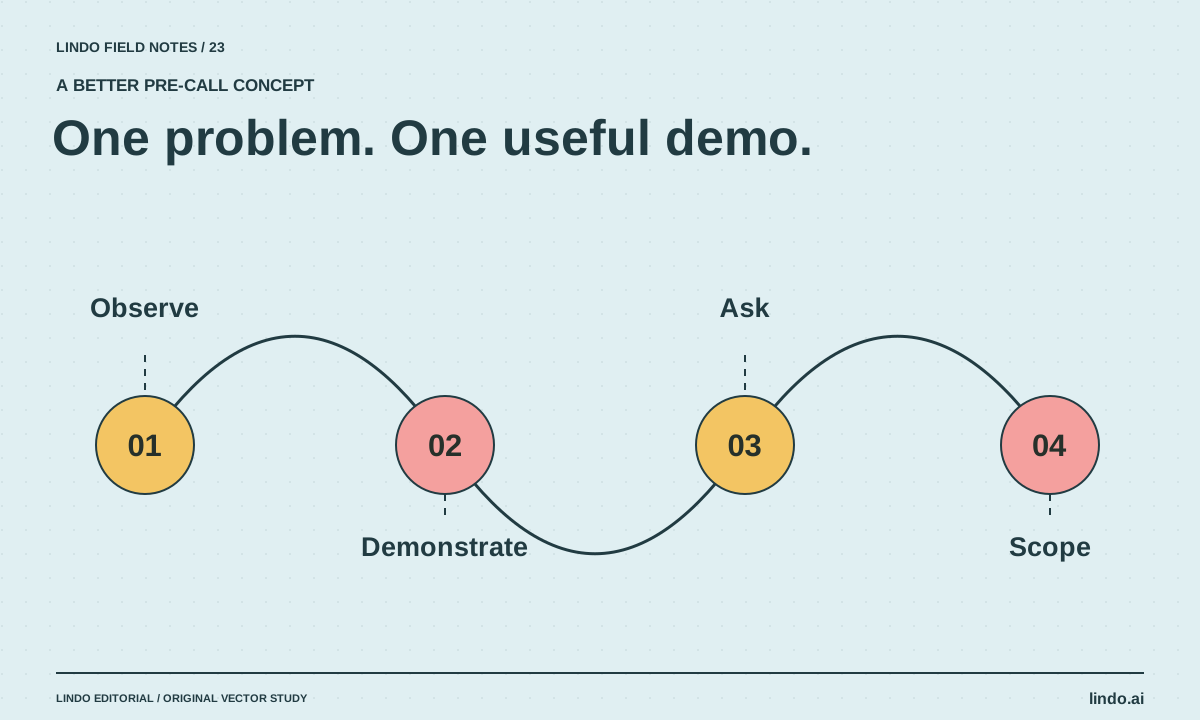
How to Build a Useful Website Demo Before a Sales Call
Create a small, clearly labeled website concept that demonstrates one improvement without copying assets, inventing results, or doing an unpaid full build.
Creative workflows
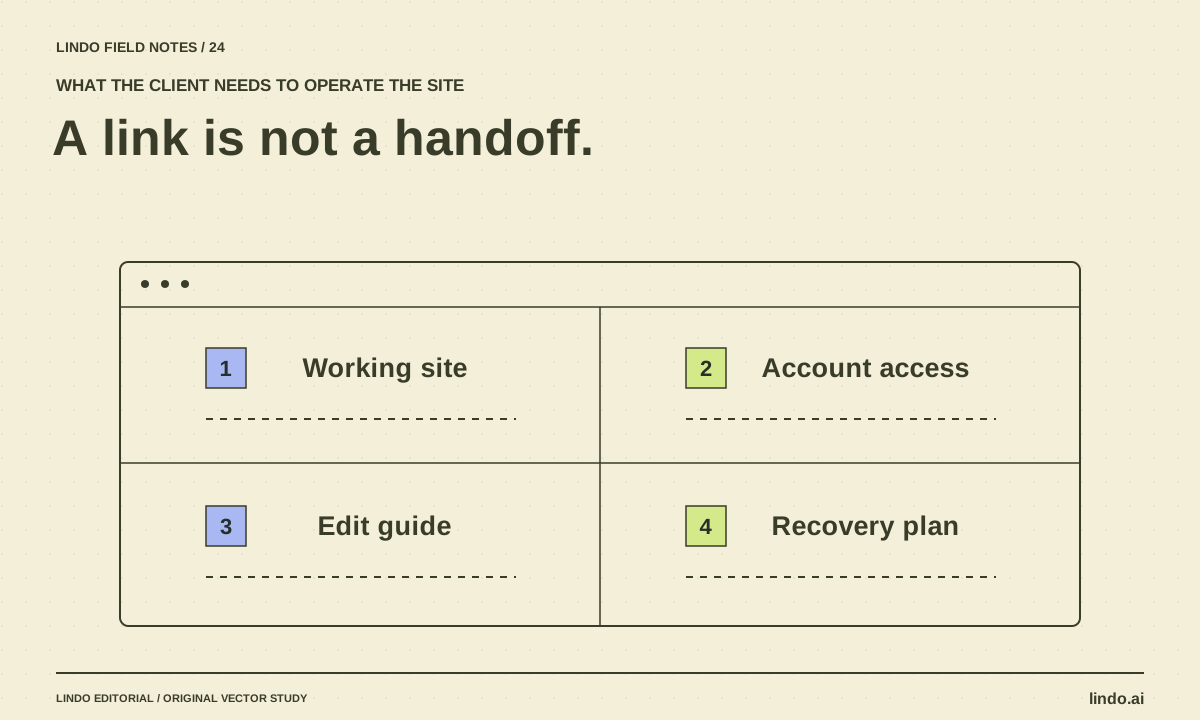
How to Turn an AI Prototype into a Client Handoff
Convert a promising website preview into an operable deliverable with content approval, integrations, account ownership, editing instructions, and recovery.
