
Creative workflows • Lindo field notes
How to Build a Useful Website Demo Before a Sales Call
Create a small, clearly labeled website concept that demonstrates one improvement without copying assets, inventing results, or doing an unpaid full build.
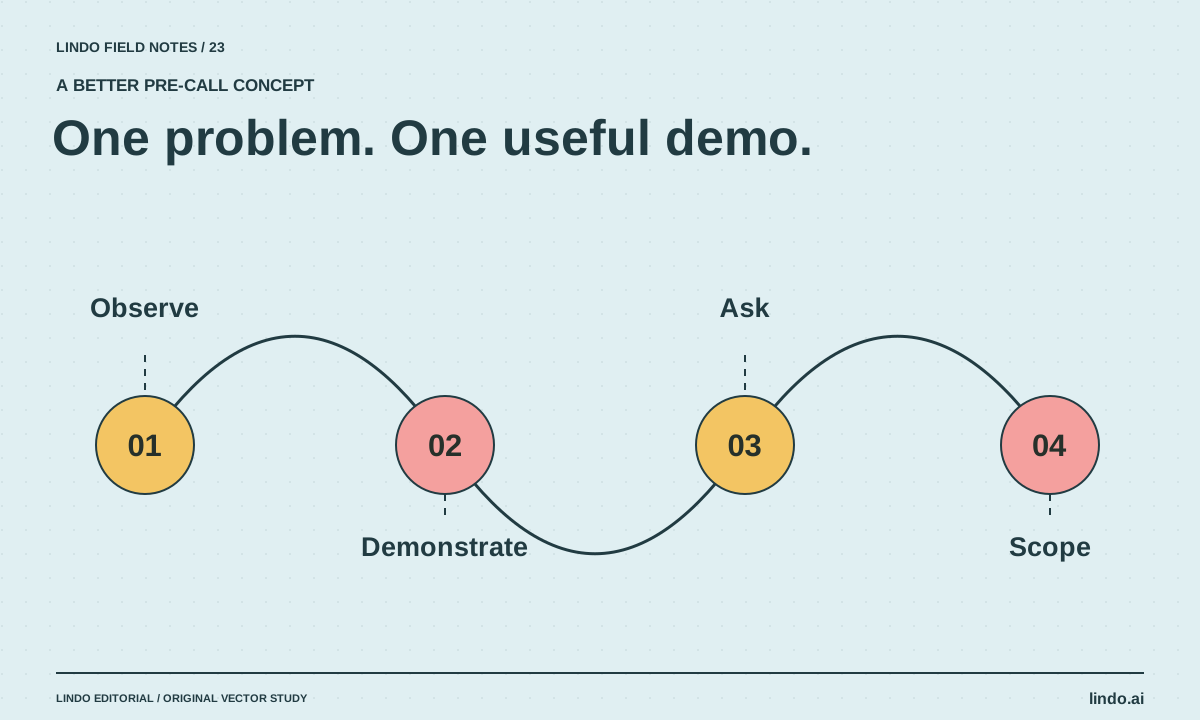
The short answer
Build a small private concept around one observable website problem, label it as an unsolicited demonstration, and show the proposed improvement without claiming business results. Use permitted assets, disable real submissions, and keep the demo focused enough that it supports a conversation rather than becoming an unpaid full project.
In this article
A demo can make a website proposal concrete. It can also waste hours or imply that you have a client relationship you do not have. The difference is scope and honesty. You are illustrating a possible improvement, not announcing a completed redesign for the business.
Suppose a restaurant’s mobile site makes the menu difficult to find. A useful demo might show a clearer menu-and-reservation path. It does not need a full rebrand, invented food photography, or a live order form. The objective is to make one decision easier to discuss.
FIELD NOTE / 01
Choose one observation you can demonstrate
Inspect the public site as a visitor and record a specific problem: unreadable menu text, a hidden contact action, or unclear service scope. Avoid broad diagnoses such as “your site is outdated” without evidence.
Do not estimate lost revenue from a screenshot. You can say that a button is hard to find or a link fails in your test. You cannot responsibly claim how many customers the business lost without appropriate data and analysis.
FIELD NOTE / 02
Limit the concept to the decision
Choose one page or one short journey. For the restaurant example, show the landing section, a readable menu entry point, and a reservation action. Keep the visual direction plausible for the business rather than using the demo to showcase unrelated effects.
Set a fixed preparation budget before starting. If you need hours of research and custom engineering to explain the idea, the proposal may need a discovery phase instead. A small demo should reveal your judgment, not hide the true delivery work.
FIELD NOTE / 03
Label the concept and keep it disconnected
Use a clear notice: “Independent concept for discussion; not the business’s official website.” Do not publish it on a confusing domain or make it look like a live replacement. Keep the preview private or access-controlled when appropriate.
Use assets you have permission to use, neutral placeholders, or your own conceptual illustrations. Do not invent testimonials, staff, awards, or customer outcomes. Disable real data collection and explain which interactions are only demonstrations.
FIELD NOTE / 04
Present the observation, change, and open question
Show the original friction briefly, then the proposed change. Ask whether the workflow matches how the business operates. A restaurant may prefer phone reservations at certain times; a cleaner may need an assessment before quoting. Your concept should make those constraints discussable.
Do not narrate every design detail. The sales conversation is about fit and priorities. If the owner identifies a different problem, use that information rather than defending the demo because you spent time on it.
FIELD NOTE / 05
Keep the next step separate from the demo
If there is interest, define discovery, scope, content responsibilities, and the actual build process. Make clear which parts of the demo would be reused and which need proper implementation. The prototype handoff guide can help explain the gap.
For prospecting strategy and outreach, use the existing web-design client guide. This article is about the demo itself: a bounded piece of evidence that supports a better conversation, not a substitute for qualification or a guaranteed sales technique.
Take it into your next project
One-problem demo brief
Use this before generating the concept. If you cannot state the observation precisely, investigate before designing.
Business and public page reviewed:
Observed visitor friction:
Evidence from the public page:
Proposed improvement:
One page or journey to demonstrate:
Assets we may use:
Concept notice:
Interactions that must remain disconnected:
Preparation time budget:
Question to ask the owner:
What the demo does not prove:
Next step if there is interest:
Common questions
Should I redesign the entire site before contacting a prospect?
Usually a focused concept is enough to discuss a specific improvement. A full speculative build increases unpaid work and can hide important requirements that only the owner can clarify.
Can I claim the demo will improve conversions?
You can explain the intended improvement and how you would test it. Do not promise a measured conversion lift without an appropriate experiment or evidence.
Sources & further reading
Vendor links support product descriptions. Worked examples, checklists, and selection criteria are Lindo’s editorial guidance; they are not customer results or controlled benchmarks.
Better business websites
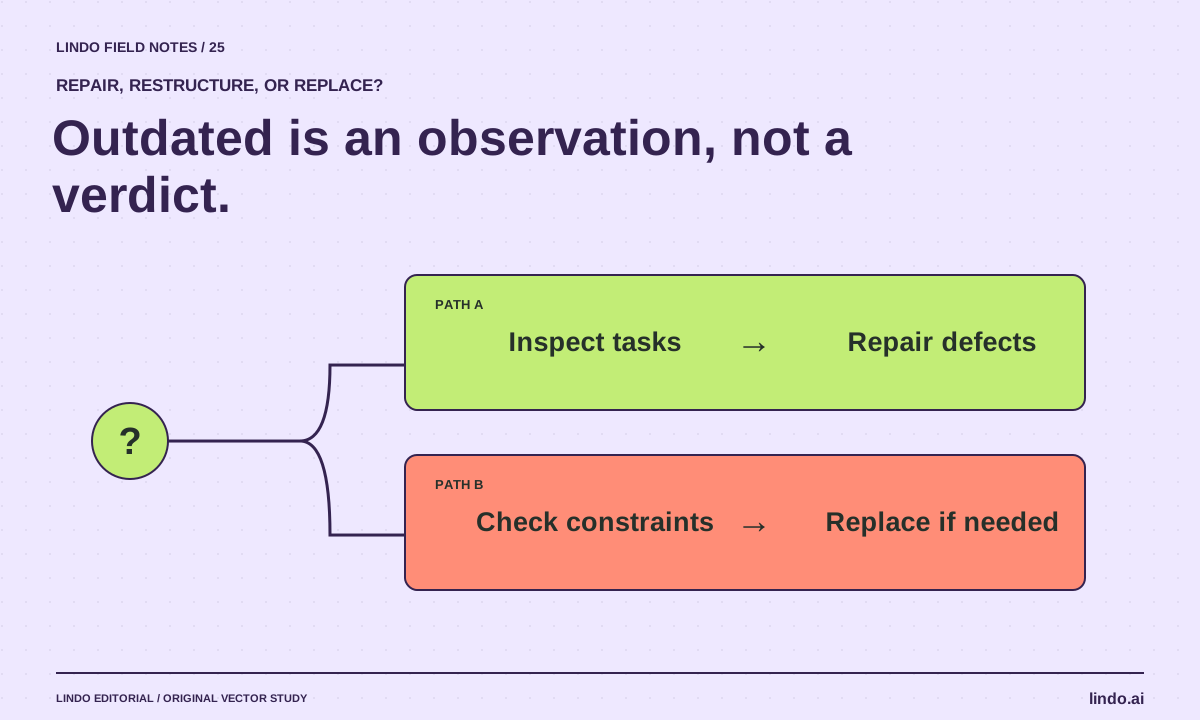
How to Tell If a Business Needs a New Website—or Just a Few Repairs
Audit an outdated-looking business website using visitor tasks, content accuracy, forms, and maintenance needs before recommending a rebuild.
Choose your tools
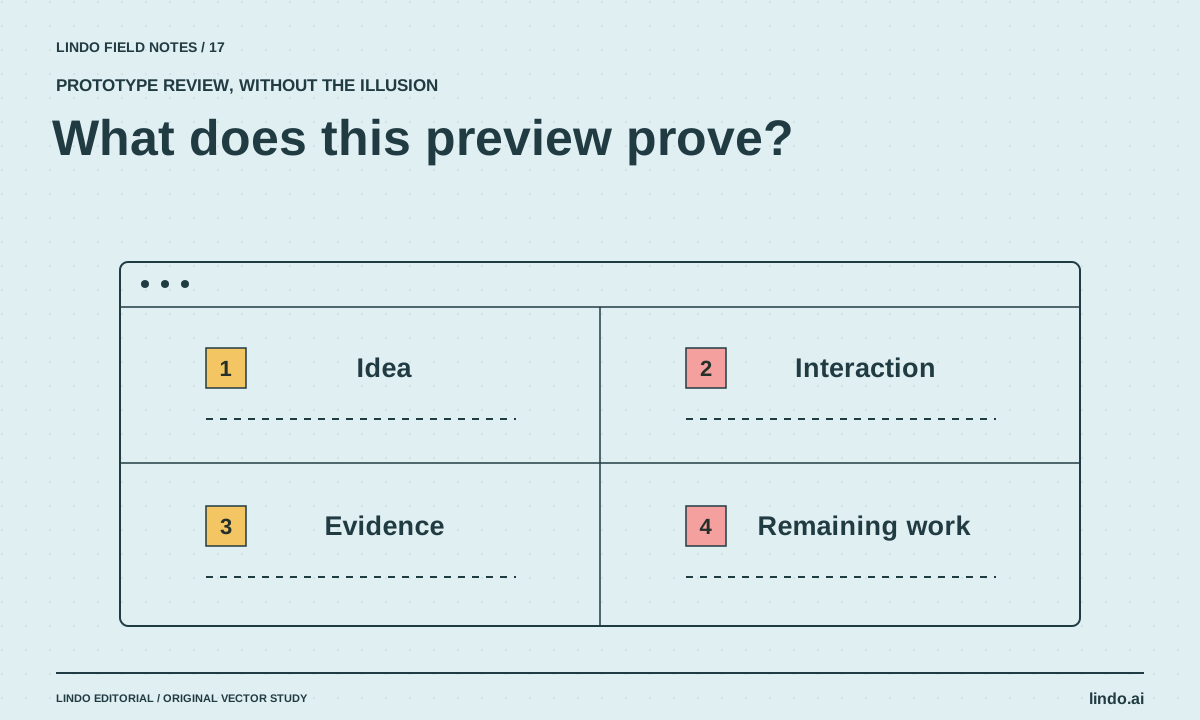
Best AI Tools for Website Prototypes: What Each Preview Can Prove
Compare Claude Artifacts, v0, Lovable, and Framer for website prototyping, with a common brief and a checklist for separating a demo from a deliverable.
Creative workflows
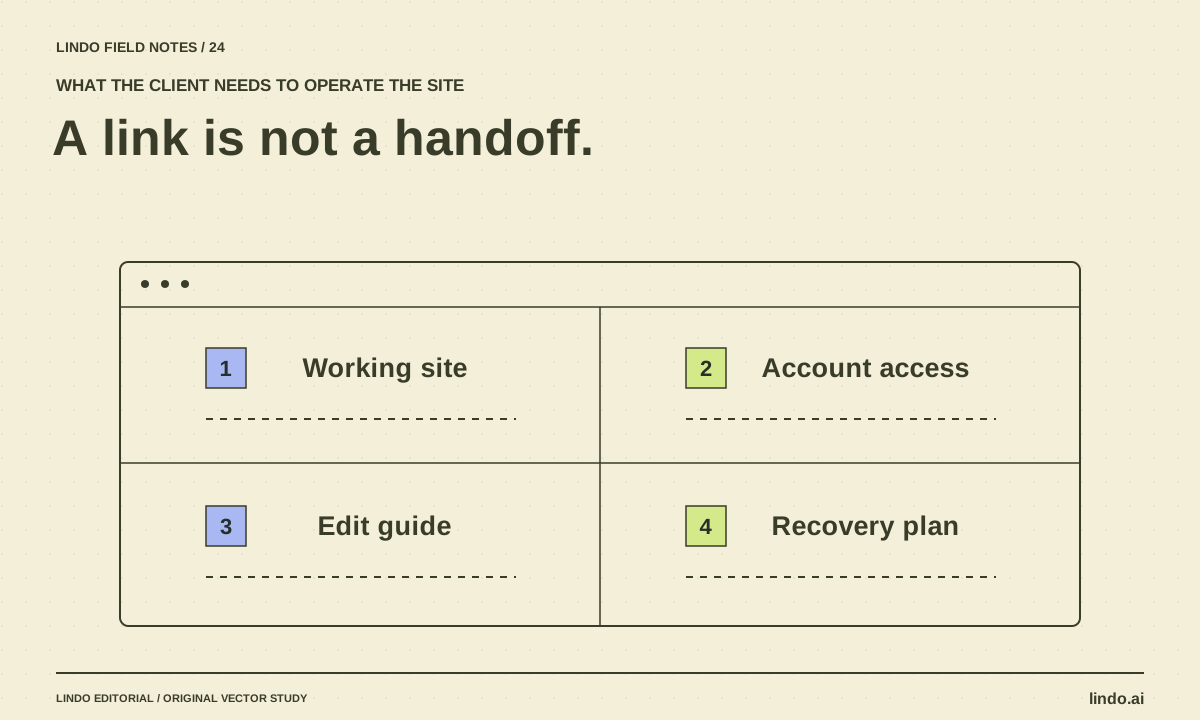
How to Turn an AI Prototype into a Client Handoff
Convert a promising website preview into an operable deliverable with content approval, integrations, account ownership, editing instructions, and recovery.
