
Better business websites • Lindo field notes
How to Tell If a Business Needs a New Website—or Just a Few Repairs
Audit an outdated-looking business website using visitor tasks, content accuracy, forms, and maintenance needs before recommending a rebuild.
The short answer
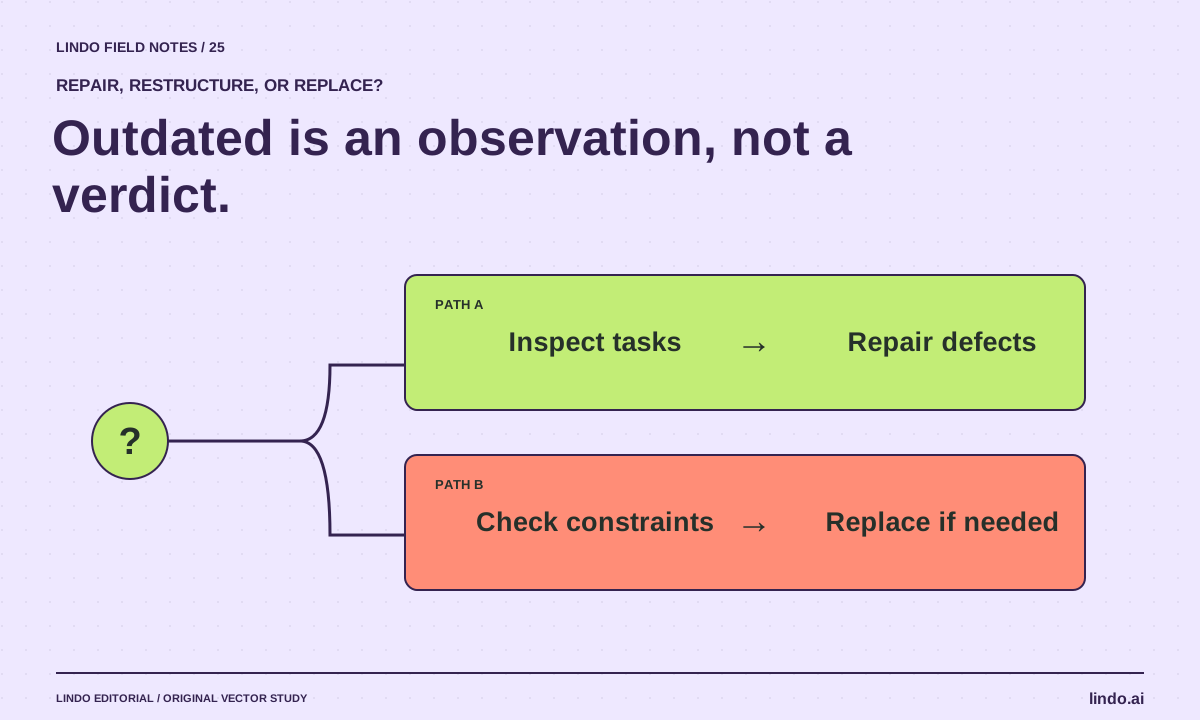
A business needs a new website when its current platform or structure cannot support the work it must do at a reasonable maintenance effort. Old visual styling alone is not enough evidence. Test the visitor journey, content accuracy, contact path, and ordinary editing tasks before deciding between repair and replacement.
In this article
An old-looking website can work well. A fashionable one can lose inquiries because its form is disconnected. If you are evaluating a site for your own business or preparing an agency recommendation, separate aesthetic preference from observable failure.
This guide turns “the website looks outdated” into a practical diagnosis. It deliberately includes the option to keep the current site. A credible recommendation should explain why a smaller repair is insufficient before proposing a full rebuild.
FIELD NOTE / 01
Start with three real visitor tasks
Choose the tasks the site is supposed to support: understand a service, confirm practical details, and contact the business. Try them on a phone-sized view without relying on prior knowledge. Record where information is missing, hard to read, or inconsistent.
For a plumber, the relevant questions may be service area, types of work, and how urgent inquiries are handled. A large hero image is not a problem by itself. It becomes a problem if it pushes essential information out of reach or obscures the next action.
FIELD NOTE / 02
Collect evidence before assigning a verdict
Use a short record with the page, observed behavior, expected behavior, and likely consequence. Keep uncertainty visible. A broken link is observable; an estimate of lost revenue is not justified without additional data.
If you have permission to use analytics, compare relevant landing pages and completed actions over a defined period. Do not treat traffic volume alone as a website-quality score. Low traffic may be an acquisition problem, while strong traffic with broken inquiry delivery is a different issue.
| Observation | First response | Rebuild becomes plausible when |
|---|---|---|
| Wrong hours or old service copy | Content correction | The owner cannot maintain ordinary facts |
| Broken inquiry route | Repair and verify delivery | Required integration cannot be supported |
| Confusing page organization | Restructure key pages | The platform prevents the needed content model |
| Old visual styling only | Discuss brand goals and test usability | A redesign has a clear purpose beyond fashion |
FIELD NOTE / 03
Ask the owner what is hard to maintain
Have the owner demonstrate one ordinary change: update a service, replace an image, or correct opening hours. Ask who receives inquiries and who controls the domain. An inaccessible account or fragile maintenance process can matter more than the age of the design.
Also ask what must not change. A working booking system, valuable page URL, or established customer portal may be a critical dependency. A redesign that ignores those assets can create more problems than it solves.
FIELD NOTE / 04
Choose repair, restructure, or replace
Recommend repair when the core system works and defects are localized. Recommend restructuring when the content and journey are confusing but the platform can support a better arrangement. Recommend replacement when important requirements cannot be met or the operating model is unsustainable.
Explain the tradeoff in concrete terms. “Replace because the current editor cannot support the required service structure and the owner cannot update it” is stronger than “replace because it looks ten years old.” The AI repair guide provides a bounded repair approach.
FIELD NOTE / 05
Make the recommendation testable
State what the work will improve and how you will verify it: readable menu, accurate service scope, working inquiries, or an owner-completed edit. Avoid guaranteed ranking or revenue claims.
If replacement is justified, preserve important content and URLs through a migration plan. If you are demonstrating the idea to a prospect, use a small private concept instead of presenting an unsolicited full redesign as inevitable.
Take it into your next project
Repair-or-rebuild audit card
Use public observations first. Access private analytics or accounts only with permission.
Business / page / review date:
Primary visitor tasks:
Observed issue:
Evidence and reproduction steps:
Expected behavior:
What is known about the consequence:
What remains uncertain:
Smallest plausible repair:
Platform or ownership constraint:
Important working features to preserve:
Recommendation: repair / restructure / replace
Acceptance checks:
Owner of the next decision:
Common questions
Does an old design hurt Google rankings?
Age or visual fashion alone is not a useful diagnosis. Evaluate the site’s content, crawlability, usability, and technical behavior. Do not infer a ranking penalty from appearance.
How can an agency make this assessment credible?
Show specific observations, distinguish facts from assumptions, and include a proportionate repair option. Explain the conditions that make replacement necessary.
Sources & further reading
Vendor links support product descriptions. Worked examples, checklists, and selection criteria are Lindo’s editorial guidance; they are not customer results or controlled benchmarks.
Creative workflows
How to Build a Useful Website Demo Before a Sales Call
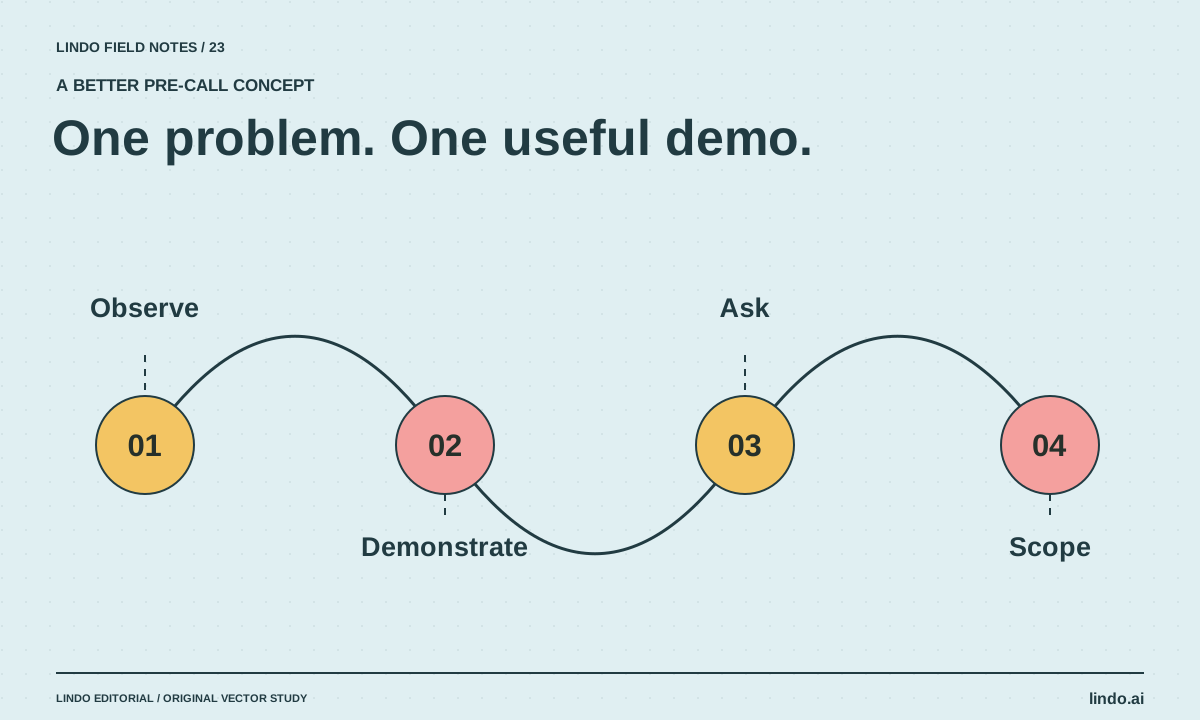
Create a small, clearly labeled website concept that demonstrates one improvement without copying assets, inventing results, or doing an unpaid full build.
Build with AI
How to Fix an AI-Generated Website Without Starting Over
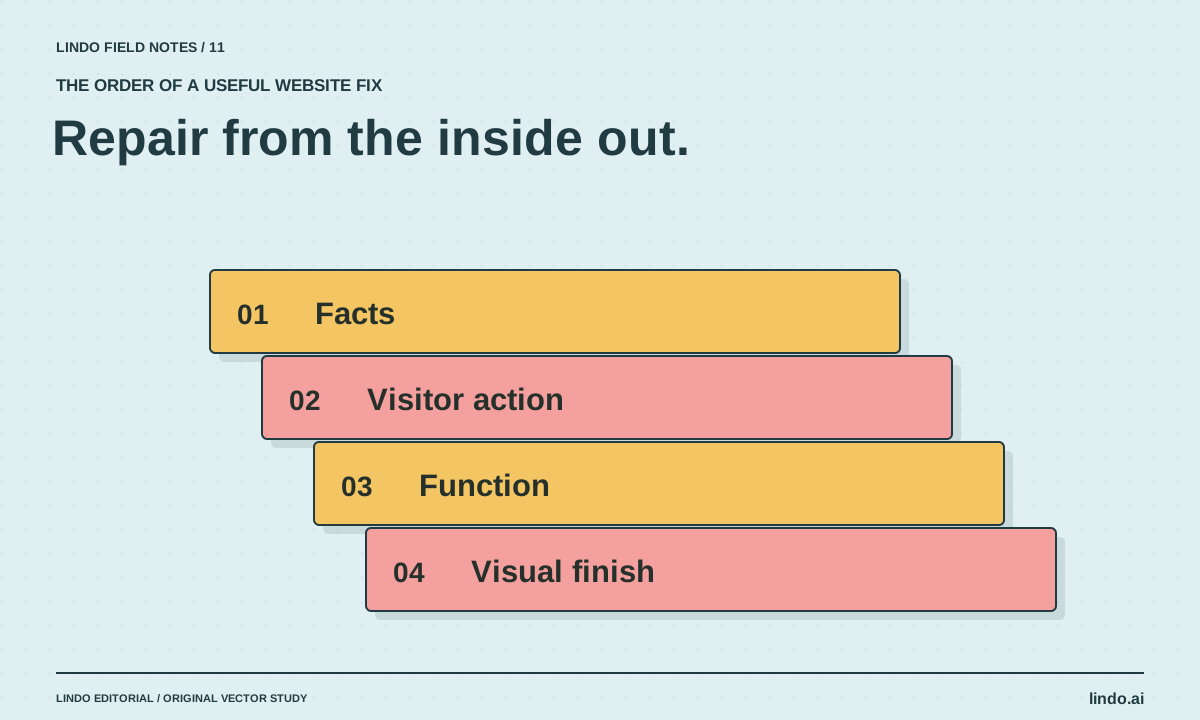
Diagnose weak AI website drafts in the right order: facts, visitor journey, functionality, layout, and visual polish. Includes a focused repair prompt.
Better business websites
How to Audit a Competitor’s Website Without Copying It
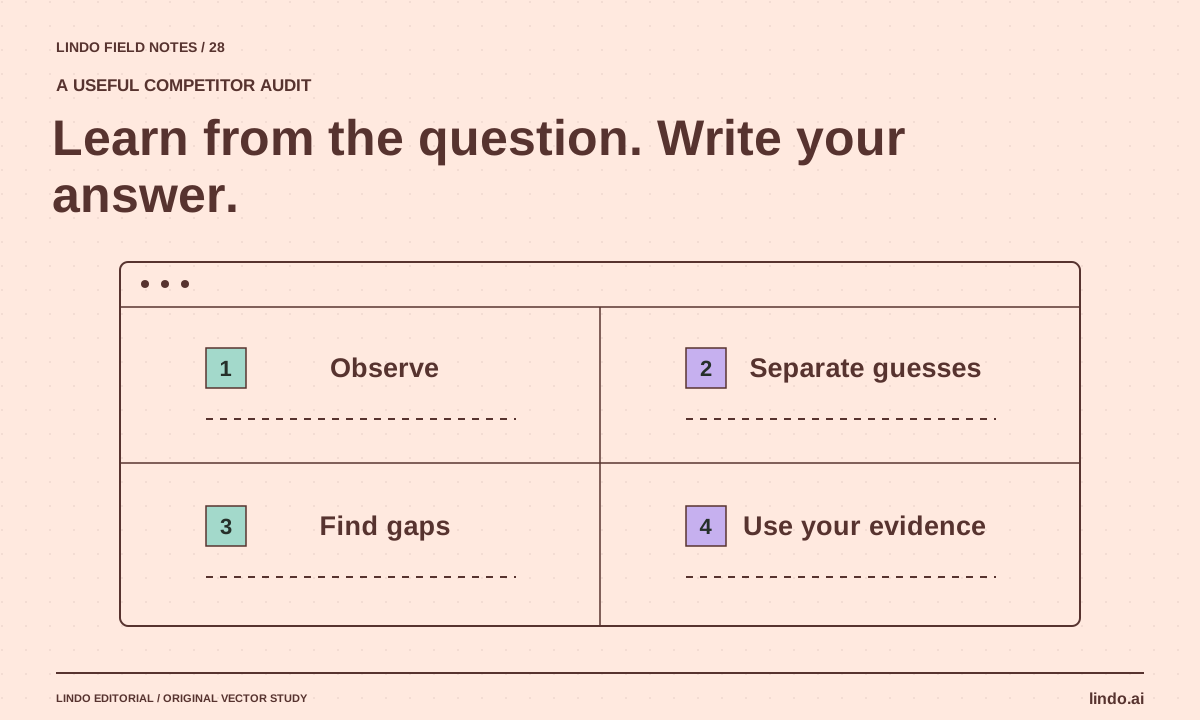
Study public competitor websites for unanswered customer questions, content structure, and useful evidence—without inventing traffic estimates or copying assets.
