The short answer
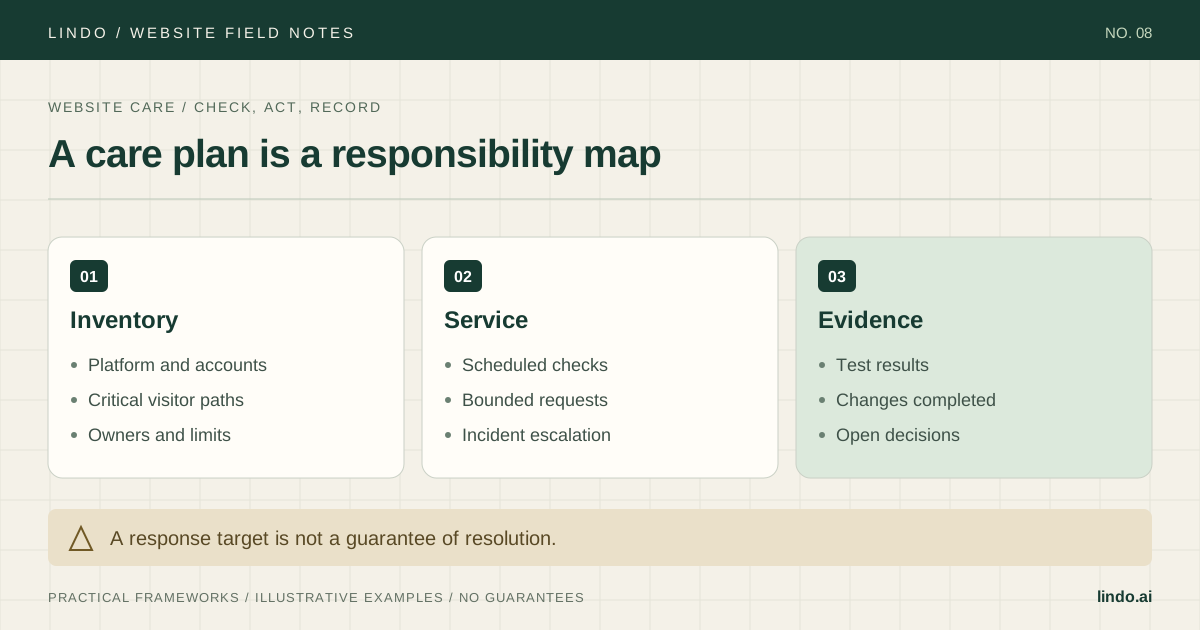
Inventory the site, divide responsibilities between your agency, the client, and the platform, then sell only the checks and support you can perform. Define response separately from resolution.
- A good fit
- Agencies supporting a known website stack with authorized access and a bounded service agreement.
- Pause if
- You have not inspected the site, cannot access critical systems, or are inheriting unresolved issues without a remediation scope.
1. Inspect the website before accepting responsibility
Start with the platform, domain, forms, external services, account owners, and the visitor actions that matter. Ask about known failures, recent changes, and who has access. A maintenance plan should not silently include fixing an unknown backlog of inherited problems.
A self-managed WordPress site and a hosted website builder do not have the same operational surface. For WordPress, the agreed service may include core, theme, and plugin update work with an appropriate backup and test process. For a hosted builder, some infrastructure and release responsibilities belong to the provider. Confirm the actual arrangement instead of pasting the same security checklist onto every site.
Document what you can back up and restore, what the provider offers, and what you have tested. A downloaded copy of page text is useful, but it is not a verified full-site restore. Do not promise recovery behavior that you cannot perform or arrange.
Primary documentation: WordPress: updating and backing up before changes
2. Write a service matrix the client can understand
For each task, specify frequency or trigger, owner, evidence, and exclusions. ‘Monitoring included’ is ambiguous: is there automated uptime monitoring, a scheduled manual check, or both? ‘Content updates’ needs a request limit and a definition of the work.
A practical editing allowance uses supplied text and approved images, one request queue, and a stated time or task limit. New layouts, strategy, custom integrations, and emergency work can be separately scoped. Avoid vague unlimited promises that neither party can plan around.
| Work | Agency responsibility | Boundary / evidence |
|---|---|---|
| Enquiry path | Scheduled authorized submission test | Record result and confirm receipt |
| Content edits | Agreed allowance from supplied material | Log time and approval; new layouts separate |
| Public-site check | Review named pages and links | Not a full security or accessibility audit |
| Platform incident | Triage and coordinate escalation | Provider controls infrastructure repair |
| Recovery | Only the documented supported process | Record backup coverage and restore-test status |
3. Price reserved capacity, not just expected clicks
Estimate scheduled checks, reporting, normal request handling, direct tools, and an incident reserve. Even a quiet client requires account administration and capacity for the service you promised. Track actual effort so the allowance is based on evidence rather than the hope that nobody asks for help.
For an illustrative cost check, a monthly plan might require 30 minutes of scheduled checks, 15 minutes of reporting, and up to 45 minutes of edits: 1.5 hours before unexpected incidents. At an assumed delivery cost of $40 an hour, that is $60 of labor plus direct expenses. This is a cost input, not a recommended selling price.
Decide what happens when a request exceeds the allowance: quote extra work, schedule it for a later period under a defined rule, or recommend another service level. Ask for approval before charging for an overage.
4. Define response, triage, and resolution separately
A response means someone acknowledges and begins assessing the report. Triage establishes impact and a likely owner. Resolution means service has been restored or the agreed fix has been delivered. These events may be far apart when a third-party provider is involved.
State the support channel, working hours and timezone, priority rules, and the response target you can actually staff. Do not imply round-the-clock coverage if the agency is not staffed for it. A broken contact form deserves a different priority from a request to change a photo, but both need a visible queue.
During an incident, communicate the known impact, the current owner, the next update time, and any safe workaround. Do not invent a repair estimate. Record the timeline and follow-up action after service returns.
Reported at / timezone:
Affected page or function:
Known visitor impact:
Checks completed and evidence:
Current owner: agency / provider / client / specialist
Temporary workaround, if tested:
Next update at:
Resolution or next action:
Post-incident prevention task:
5. Onboard with access and approval controls
Use authorized accounts and the least access needed for the service. Record where credentials are managed without putting passwords in the worksheet or email report. Confirm a client contact for business decisions and a separate route for urgent operational issues when needed.
Run baseline tests before promising ongoing coverage. Check the enquiry path with permission, record current content and integration issues, and distinguish included care from initial remediation. Agree how backups, content archives, and account access will be handled if the plan ends.
If you discover work requiring a specialist, explain the limit and arrange an approved escalation. A general care plan should not pretend to certify security, legal compliance, or accessibility conformance.
6. Report evidence and decisions, not a wall of green ticks
A short monthly record can show which critical checks ran, what changed, what failed, and what the client needs to decide. If nothing was changed, report the checks actually performed rather than inventing optimization work. Include dates so the client can tell the difference between a current result and a copied statement.
Review recurring requests. If the same form problem returns, investigate the cause rather than reporting another temporary fix as success. If the client repeatedly needs new landing pages, propose a separate publishing workflow. The report should improve the service, not merely justify the invoice.
Period and covered site:
Checks: [date, path, test, result, evidence]
Completed requests: [request, approval, work, time]
Incidents: [impact, owner, resolution, follow-up]
Open issues: [risk, next action, owner, due date]
Allowance used / remaining under the agreed rule:
Client decision needed:
Next scheduled checks:
Take it into the project
Website care scope and monthly report
Copy this into your project brief, assign an owner to each item, and attach evidence before marking it complete. No email required.
- Site inventory and inherited issues are recorded.
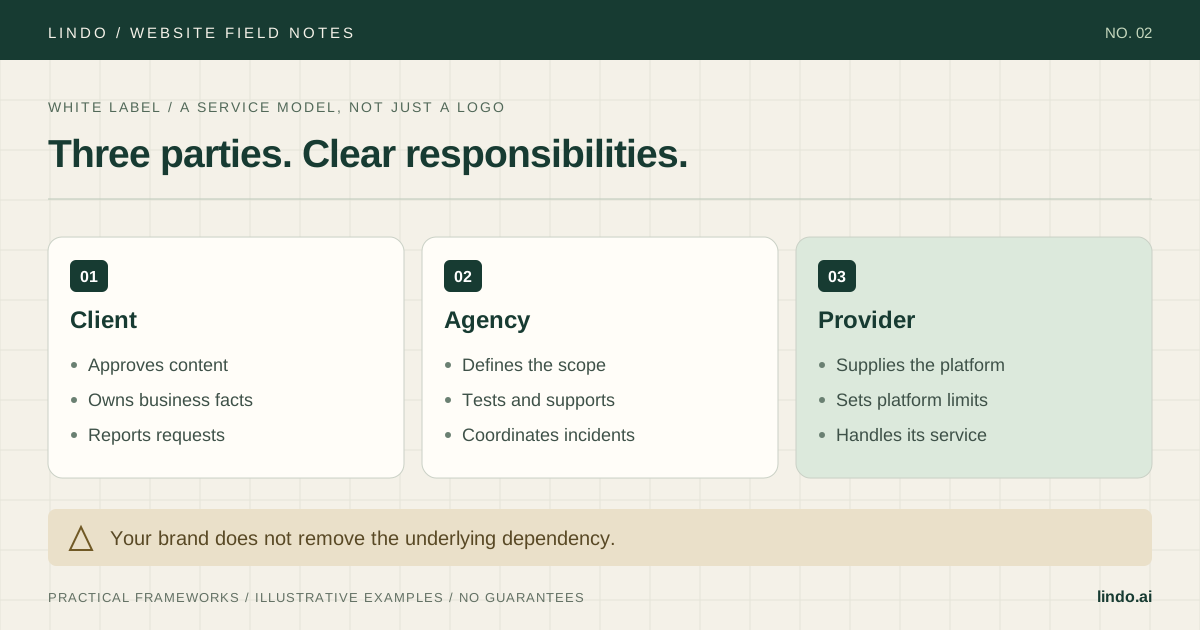
- Agency, provider, and client responsibilities are separate.
- Backup coverage and restore capability are verified or explicitly limited.
- Request allowance, exclusions, and overage approval are clear.
- Support hours and response targets match actual staffing.
- Baseline tests and client approval contacts are established.
- Monthly reports contain evidence and unresolved decisions.
Includes a responsibility matrix, baseline checks, incident updates, request tracking, and the monthly report template.
Common questions
Does a hosted builder still need a care plan?
It may need content updates, enquiry checks, account coordination, and client support even when the provider manages infrastructure. Sell those responsibilities honestly rather than implying you administer systems you do not control.
Should security be included?
Specify the actual work and your competence: access review, supported updates, or coordination with the provider, for example. Do not describe basic checks as a comprehensive security audit or guarantee that incidents cannot occur.
Can a client leave the plan?
Use the agreed cancellation terms and a documented handoff. Explain ongoing platform and domain costs, what access or content can be transferred, and any limits before the plan starts.