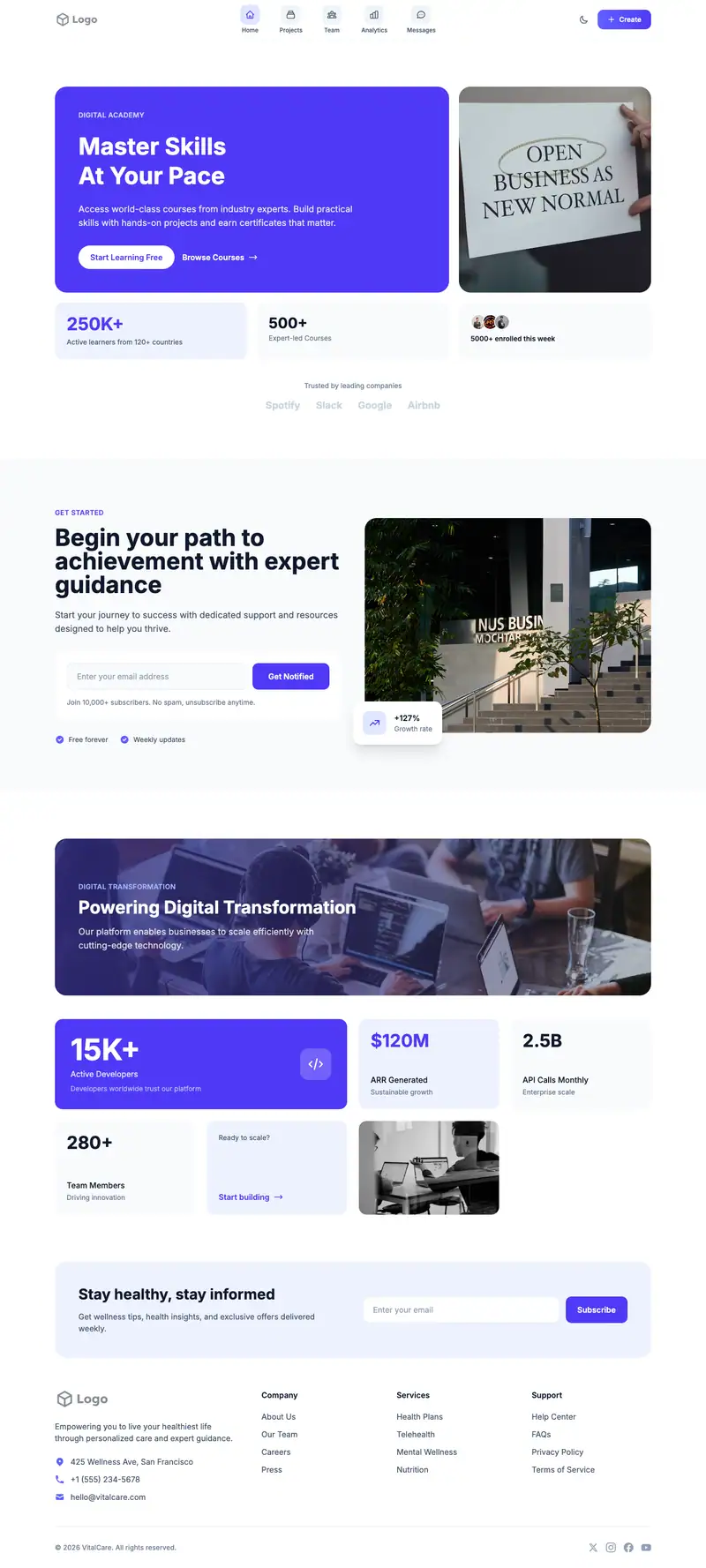
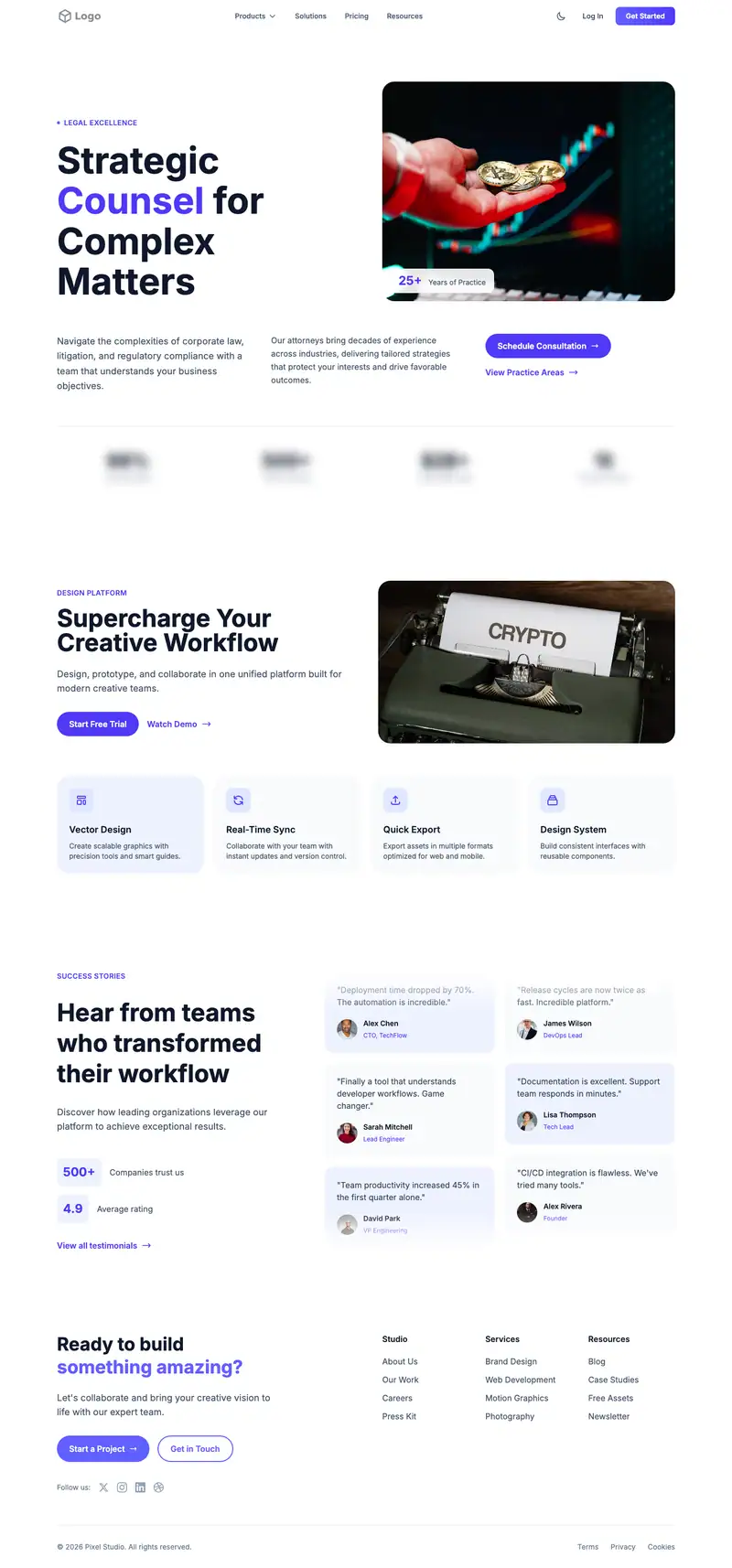
App Store Landing website template
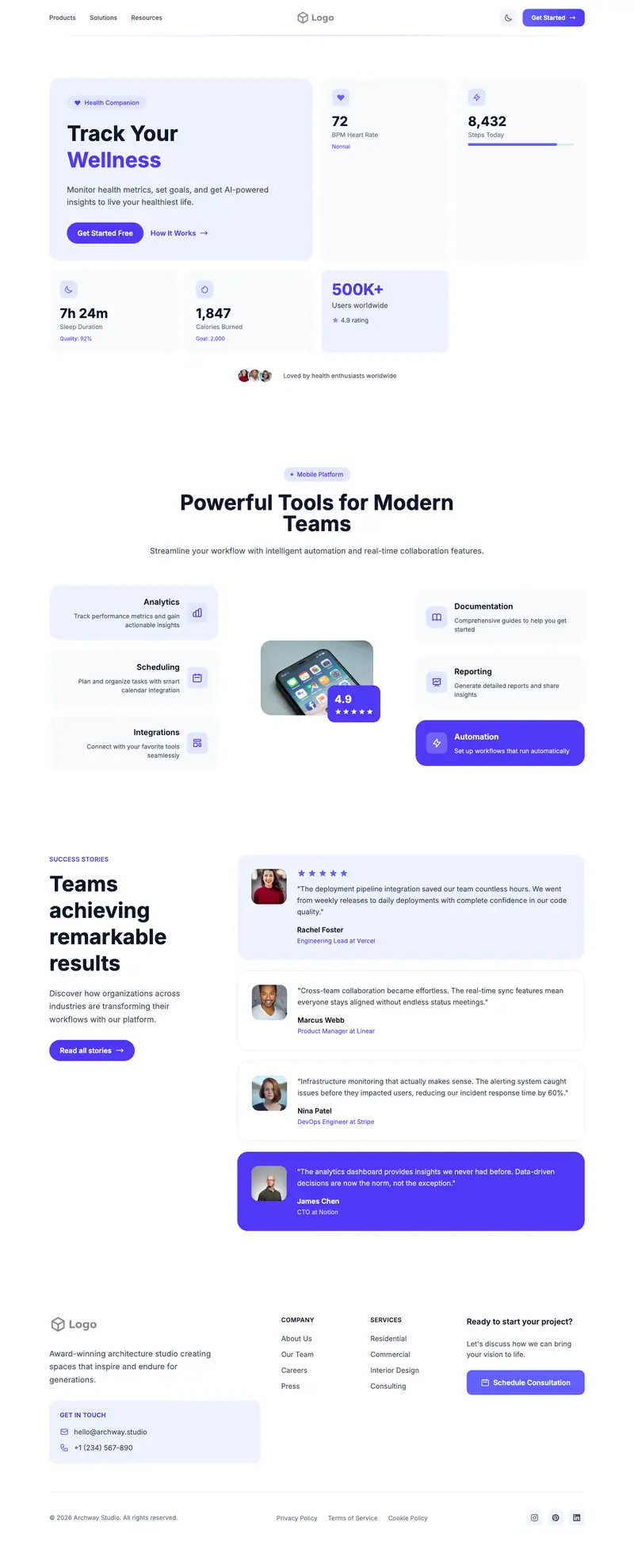
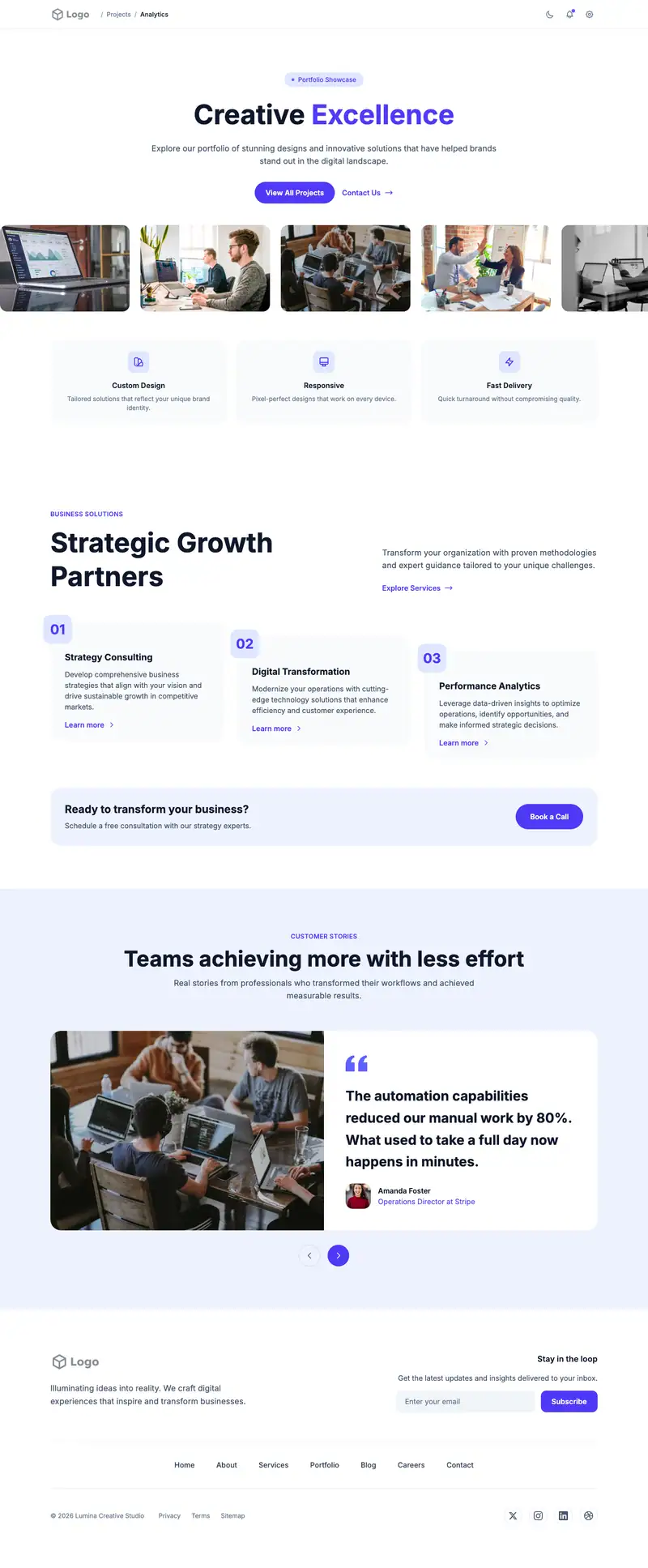
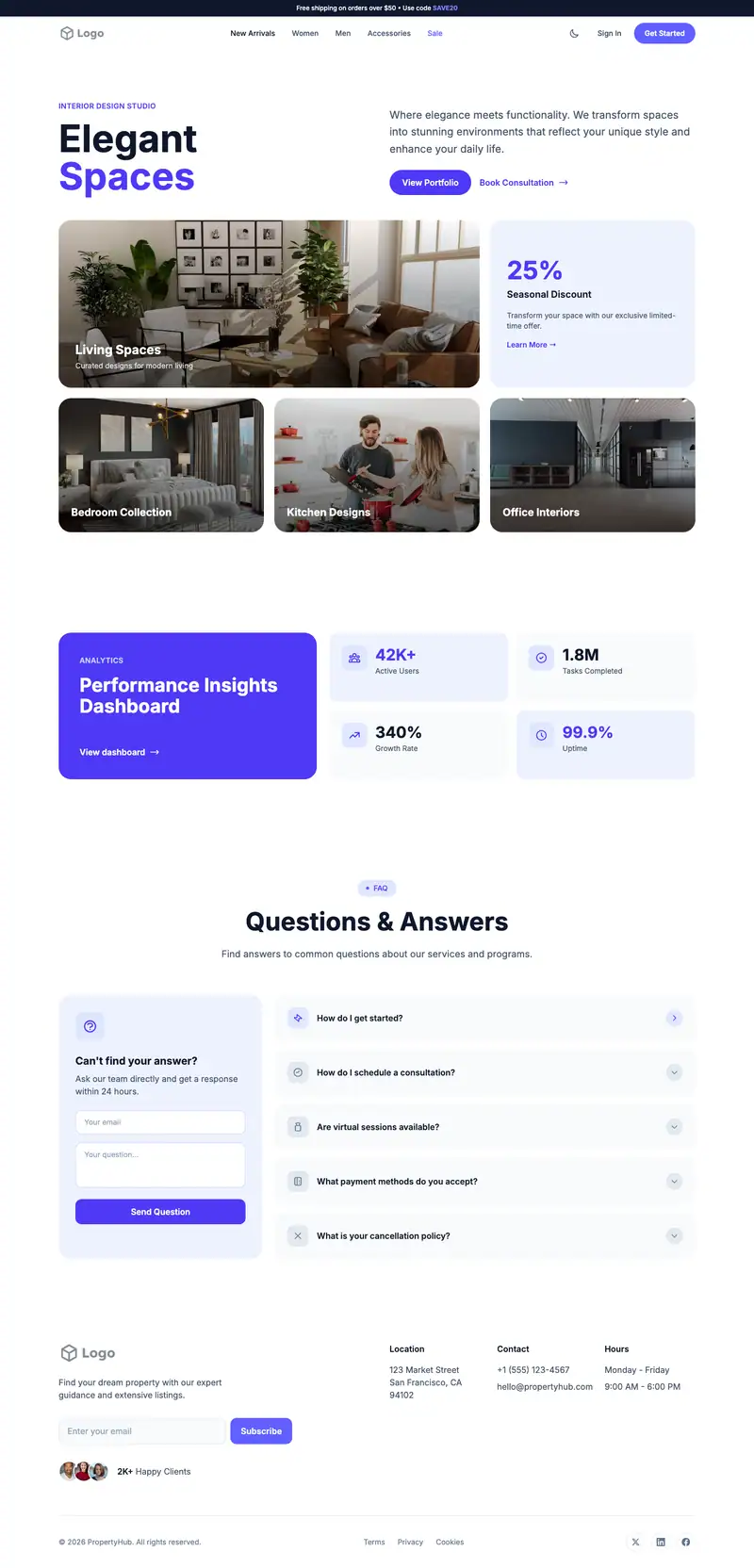
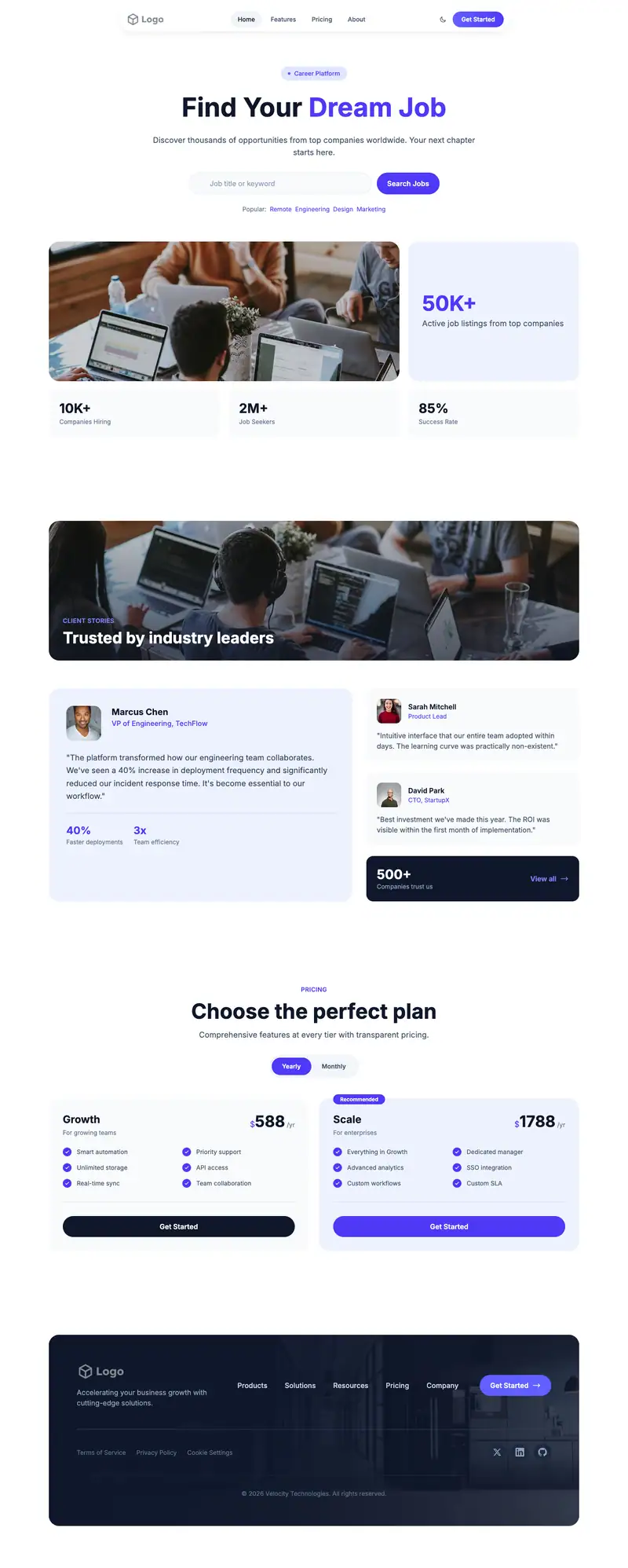
An iOS app page should get visitors to the App Store badge fast. The Gourmet Restaurant hero line "A Culinary Journey" is placeholder and fits only if your app is food related. Mixed Grid features can show phone screenshots with captions, and the Split Dual Marquee scrolls App Store reviews.
- Industry
- Technology & SaaS
- Layout
- One-page landing site
- Sections
- 5
- Responsive
- Desktop, tablet and mobile
- Dark mode
- Included
- Price
- Free to start
Best for
- iOS app launches
- iPhone-first startups
- Indie app developers
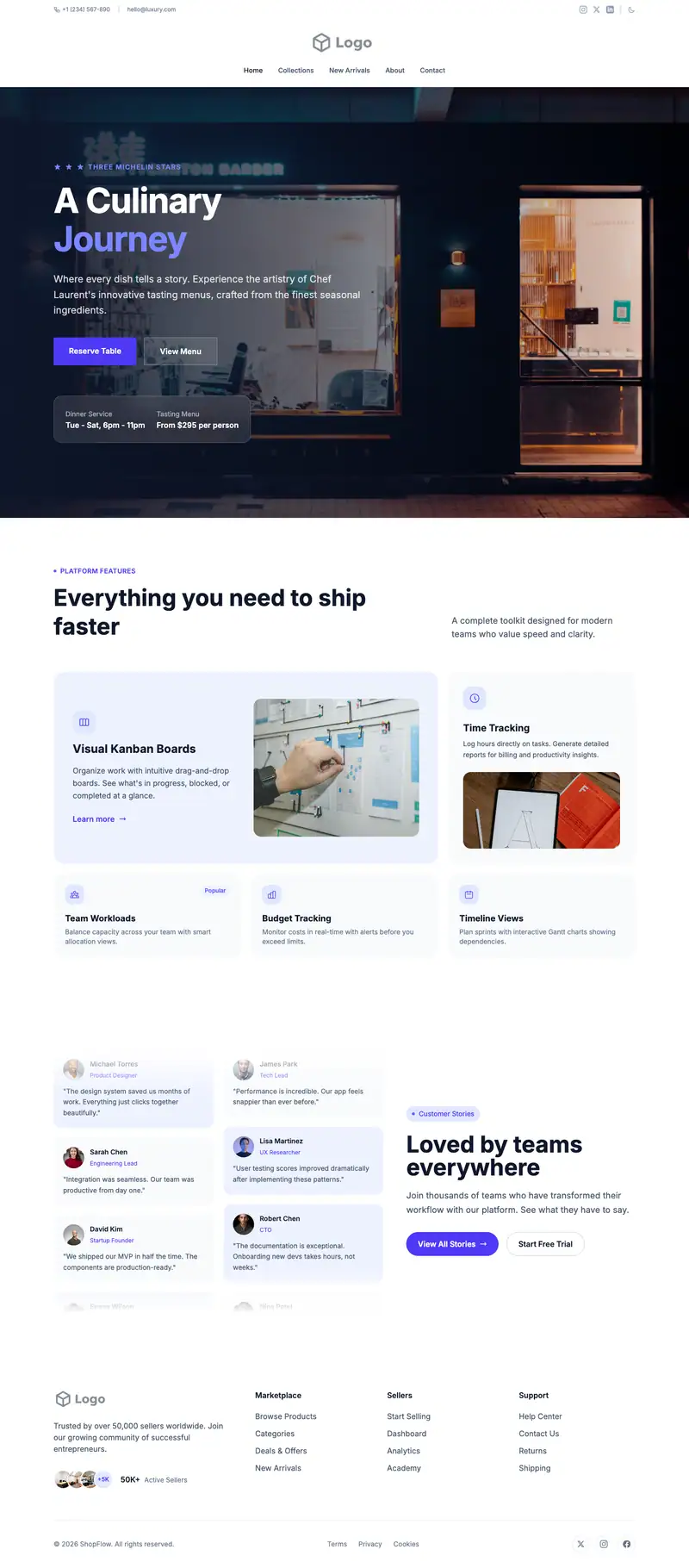
Scroll the preview. Text and photos are placeholders; Lindo replaces them with your business details.
What's on the page
- 1
Navigation · Centered Large Logo layout
Logo, menu and a primary button that stays easy to reach.
- 2
Hero · Gourmet Restaurant layout
The first screen: headline, supporting line and the main call to action.
- 3
Features · Mixed Grid layout
Services or benefits laid out so visitors can scan what you offer.
- 4
Testimonials · Split Dual Marquee layout
Reviews and quotes from customers to build trust before they contact you.
- 5
Footer · Logo Members layout
Contact details, links and the small print at the bottom of every page.
Make it yours
What a app store landing business should put in after remixing:
- Add the App Store badge and your rating in the hero.
- Fill the Mixed Grid with four iPhone screenshots, each captioned with one action.
- Copy real App Store reviews into the marquee with star ratings.
Getting found
Target '[function] app for iPhone' and 'best [category] app iOS' searches.
Building this for a client?
On Studio and White Label plans you can remix this template per client, then hand over the editor under your own brand.
See white-label features