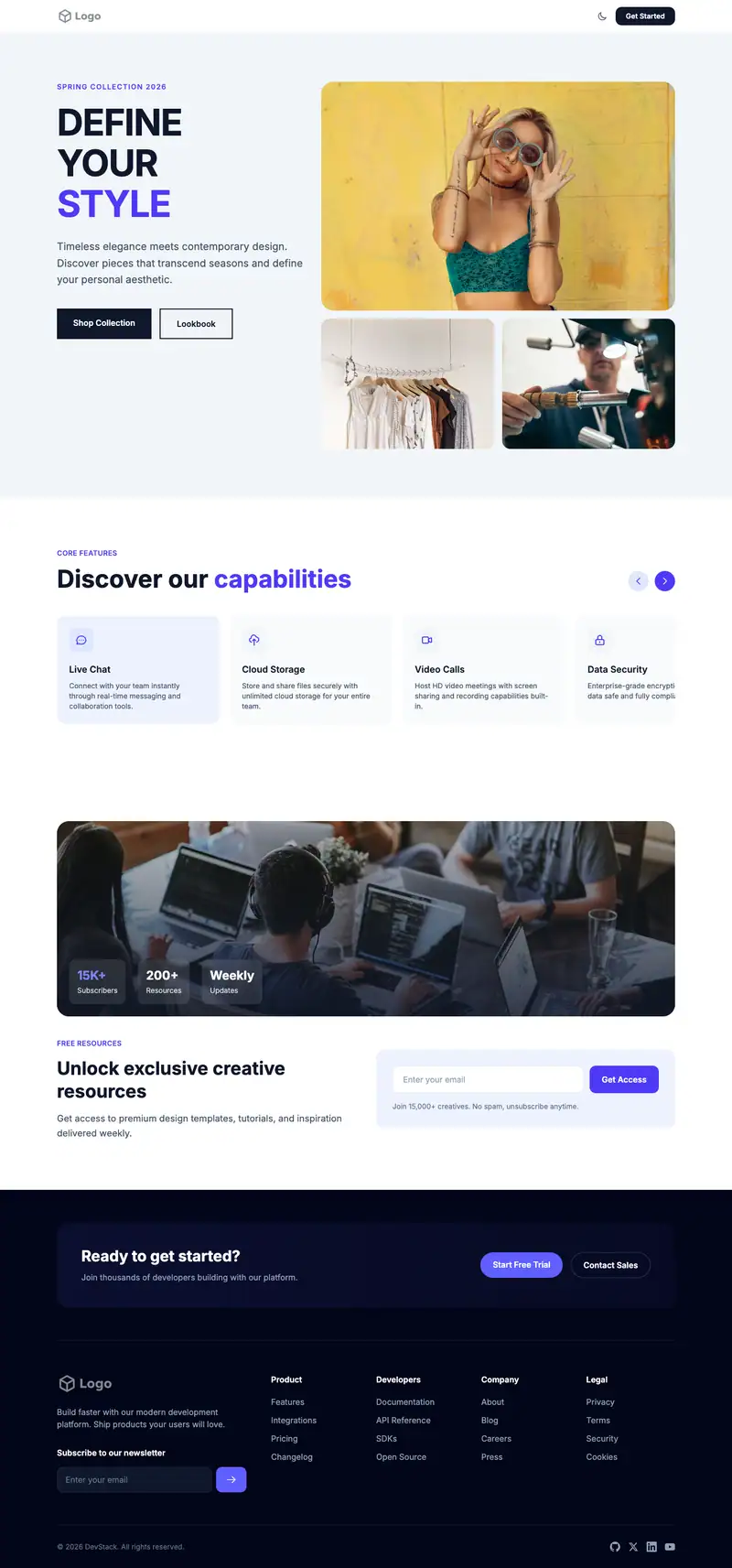
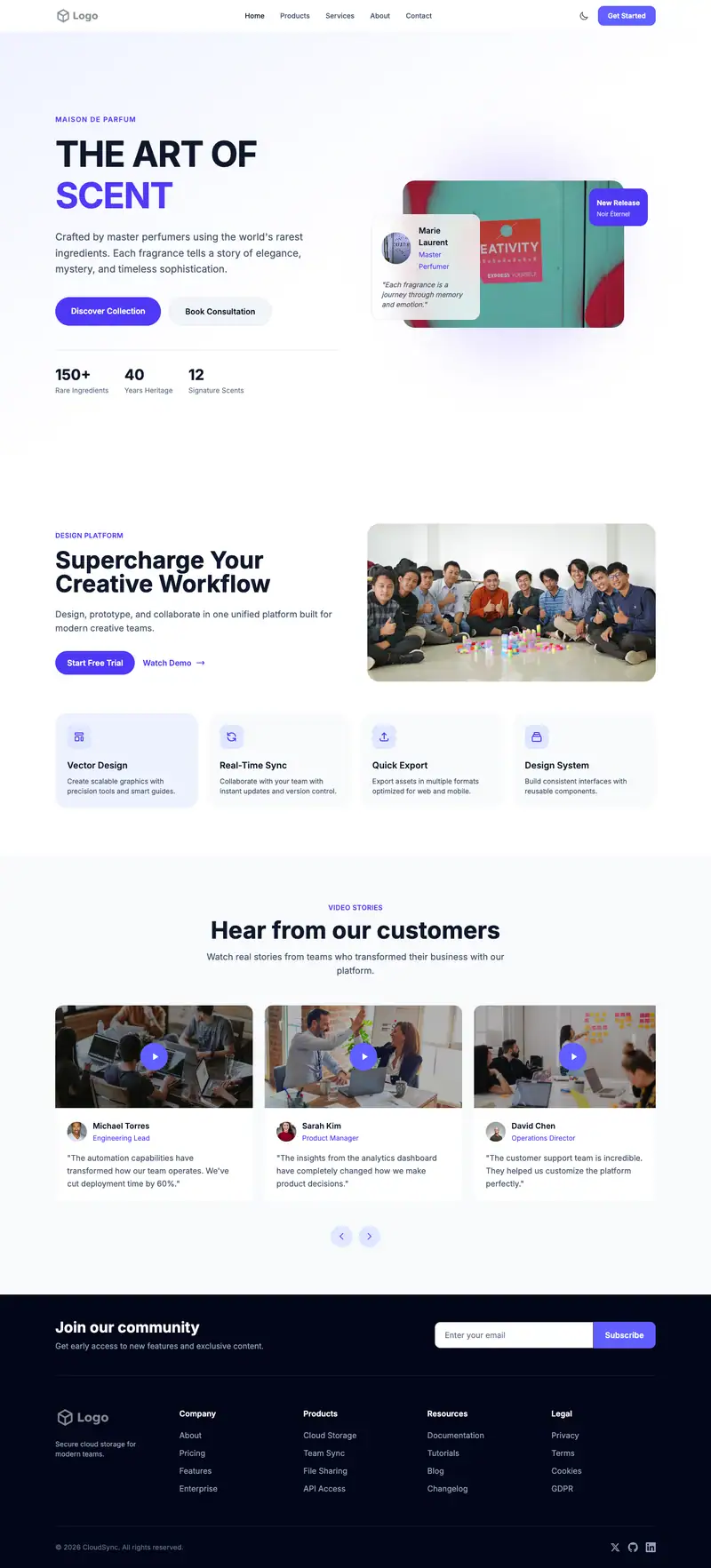
Universal App Landing website template
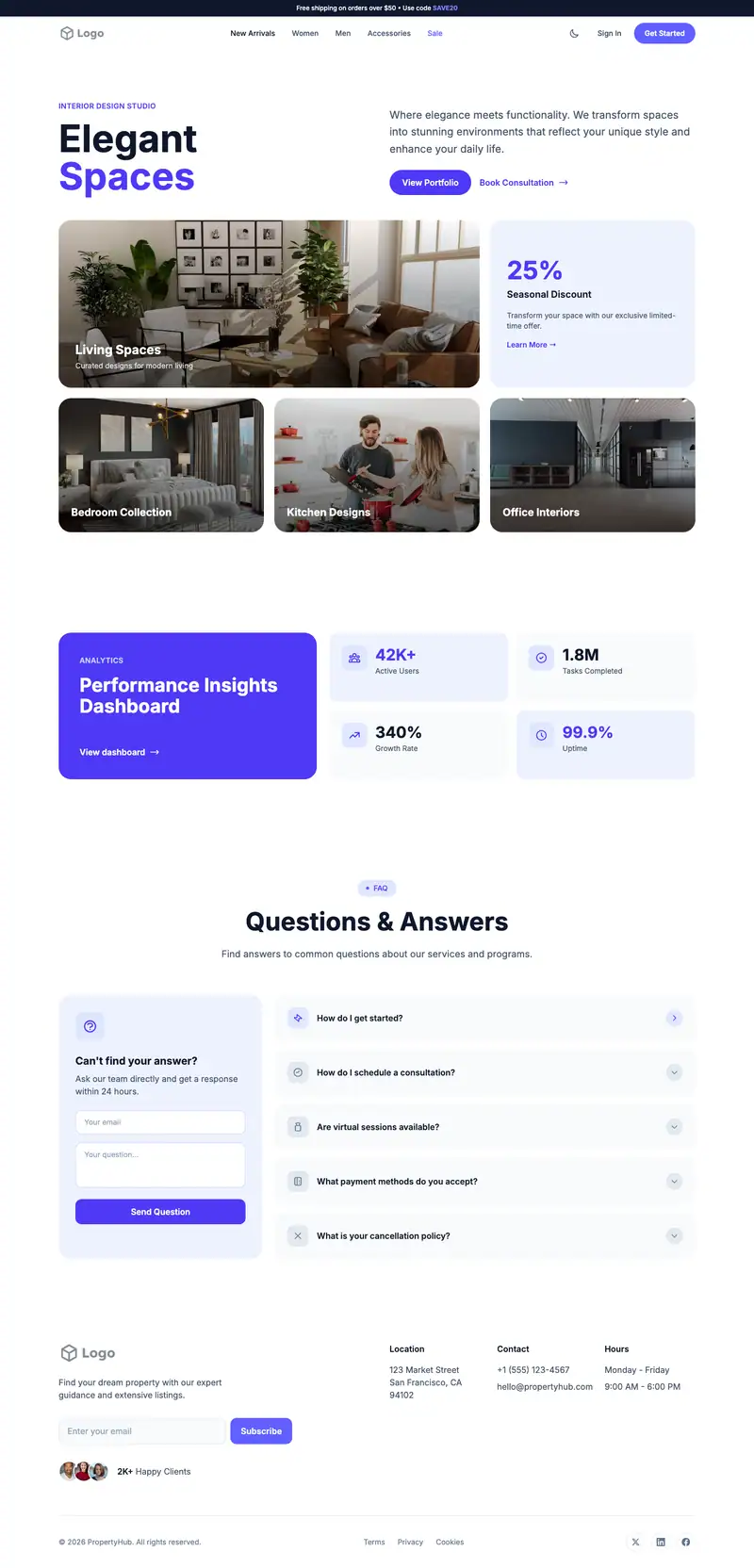
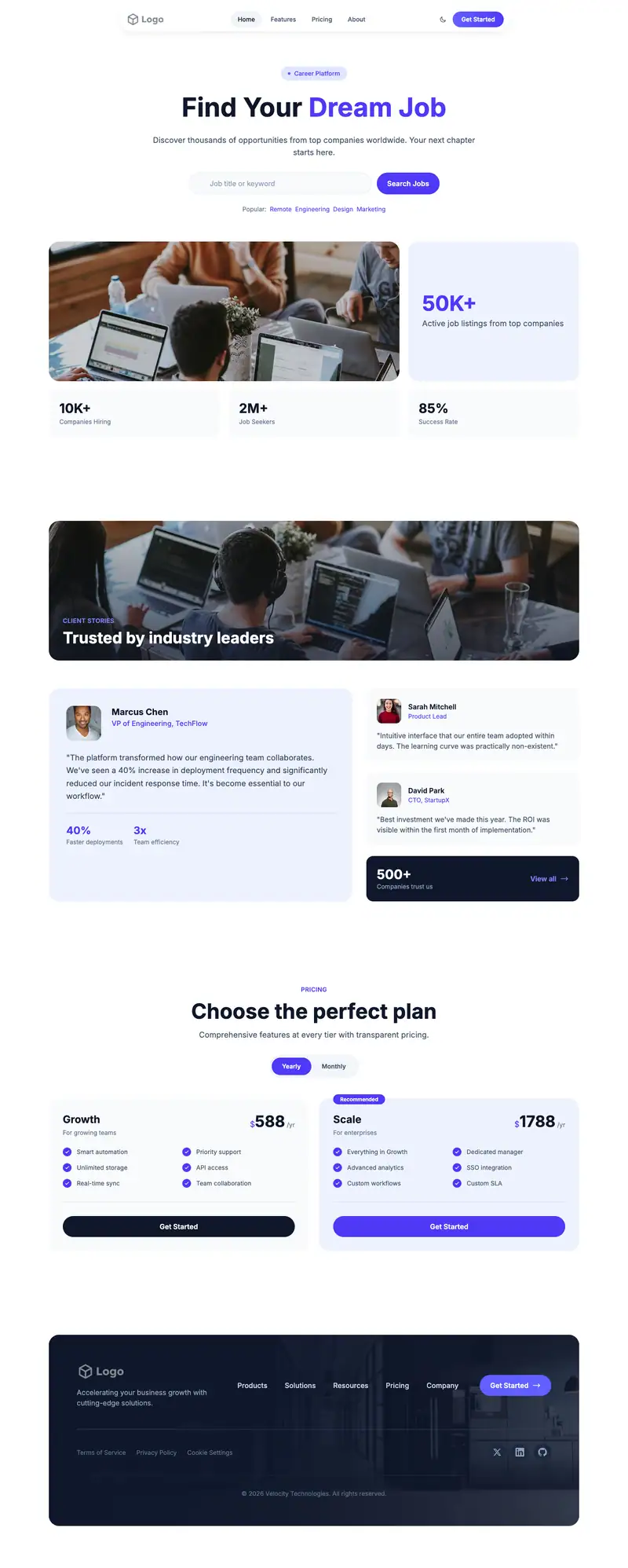
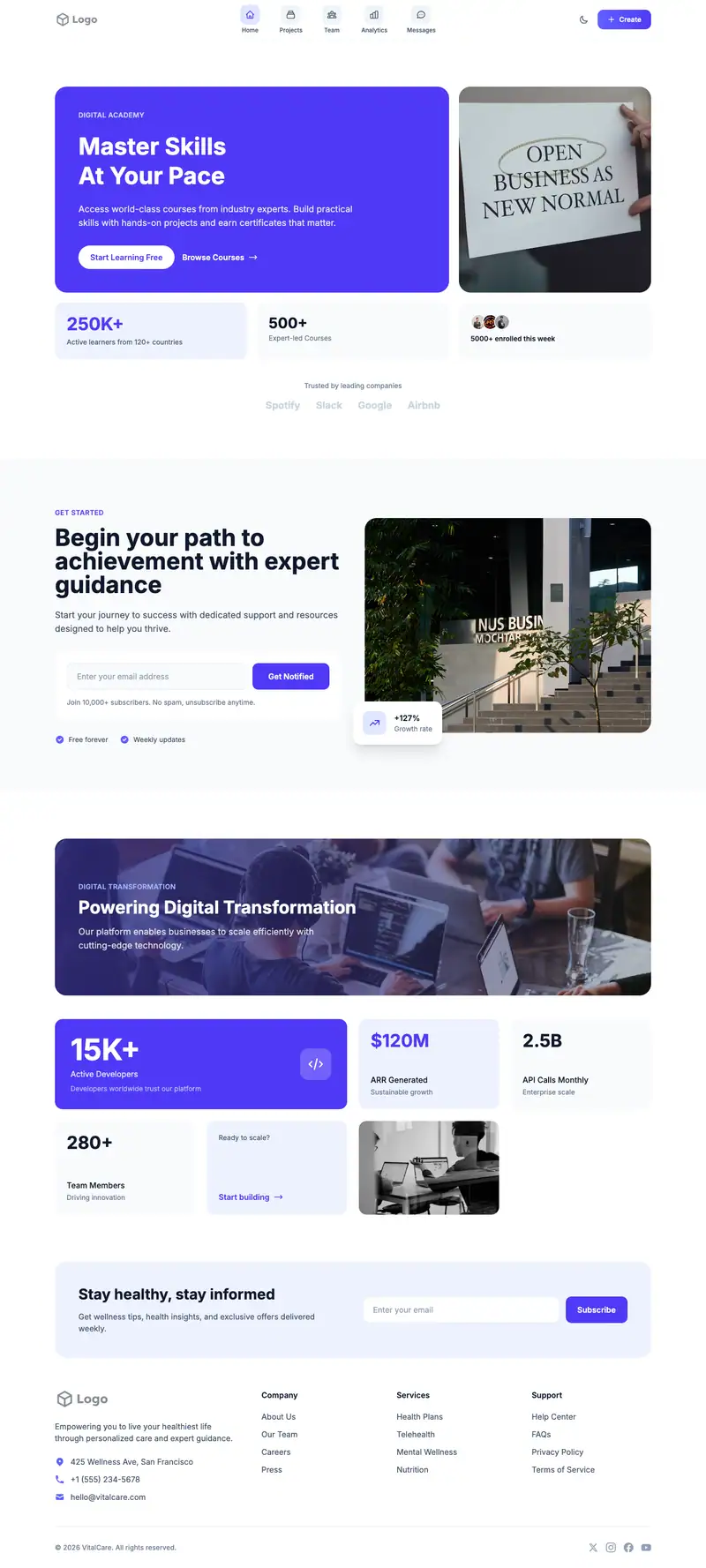
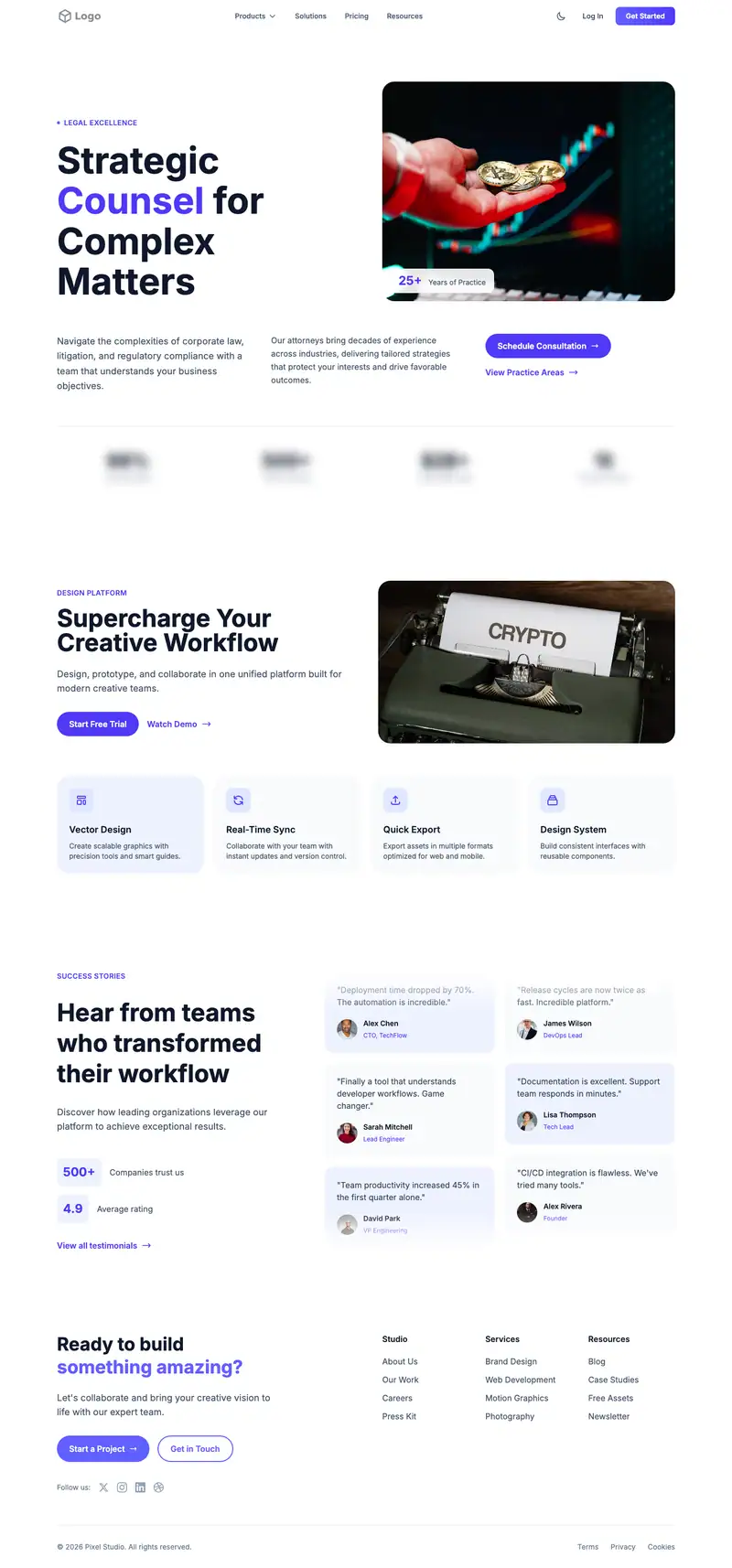
Cross-platform apps need to show both store badges and that the experience matches on every device. The Image Carousel hero and placeholder "Creative Excellence" can rotate phone, tablet, and desktop views. Numbered Cards features suit an onboarding walkthrough, and a Split Image Quote testimonial highlights one user.
- Industry
- Technology & SaaS
- Layout
- One-page landing site
- Sections
- 5
- Responsive
- Desktop, tablet and mobile
- Dark mode
- Included
- Price
- Free to start
Best for
- Cross-platform apps
- Apps with web and mobile
- Productivity apps on every device
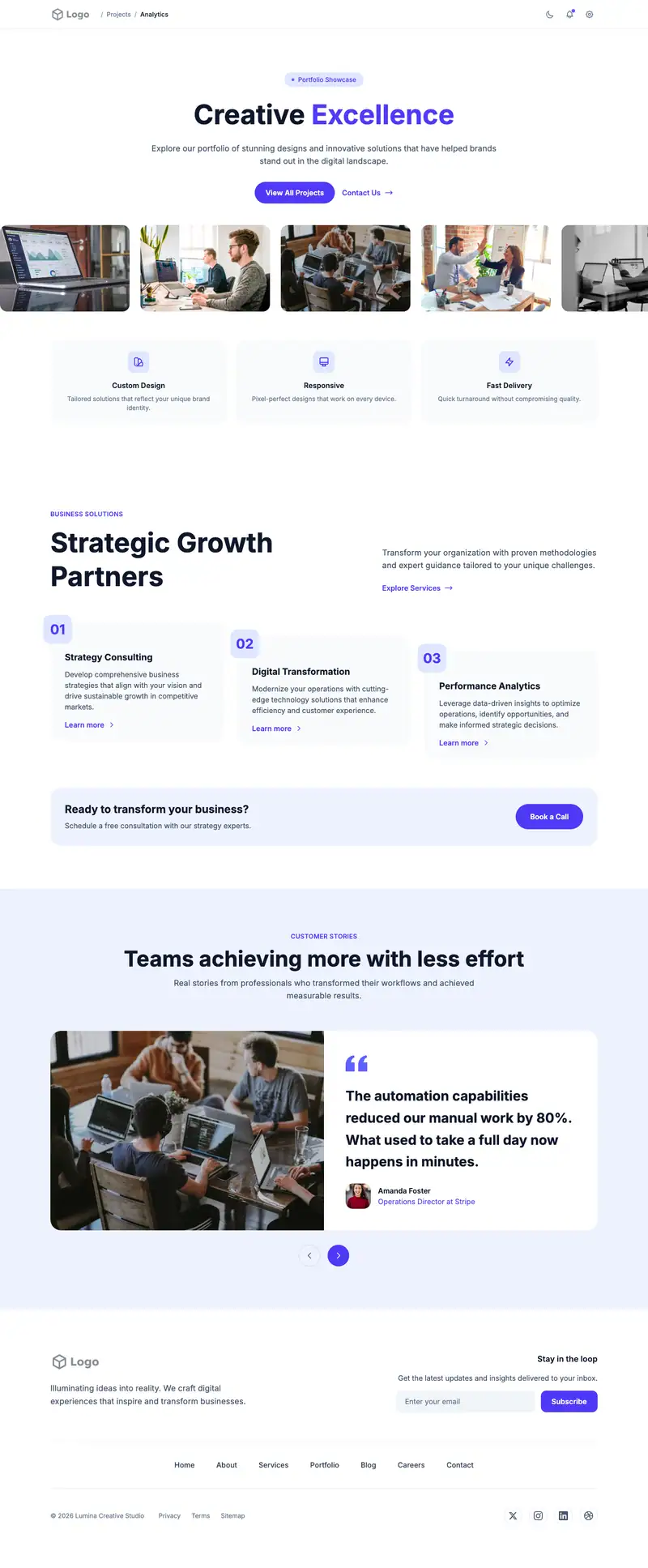
Scroll the preview. Text and photos are placeholders; Lindo replaces them with your business details.
What's on the page
- 1
Navigation · Dashboard Profile layout
Logo, menu and a primary button that stays easy to reach.
- 2
Hero · Image Carousel layout
The first screen: headline, supporting line and the main call to action.
- 3
Features · Numbered Cards layout
Services or benefits laid out so visitors can scan what you offer.
- 4
Testimonials · Split Image Quote layout
Reviews and quotes from customers to build trust before they contact you.
- 5
Footer · Simple Horizontal Nav layout
Contact details, links and the small print at the bottom of every page.
Make it yours
What a universal app landing business should put in after remixing:
- Use the carousel slides for iPhone, Android, and desktop screenshots with both store badges.
- Set the Numbered Cards to sign up, set up, sync, and use anywhere.
- Pick a testimonial from someone who uses the app on multiple devices.
Getting found
Target '[category] app that syncs across devices' and '[competitor] alternative for Android and iPhone'.
Building this for a client?
On Studio and White Label plans you can remix this template per client, then hand over the editor under your own brand.
See white-label features