
Best AI product demo video tools: choose between a product story, a recording and an interactive tour
A product video, a screen recording and an interactive demo answer different questions. Start with what the viewer needs to understand, then choose the format and software that can show it honestly.
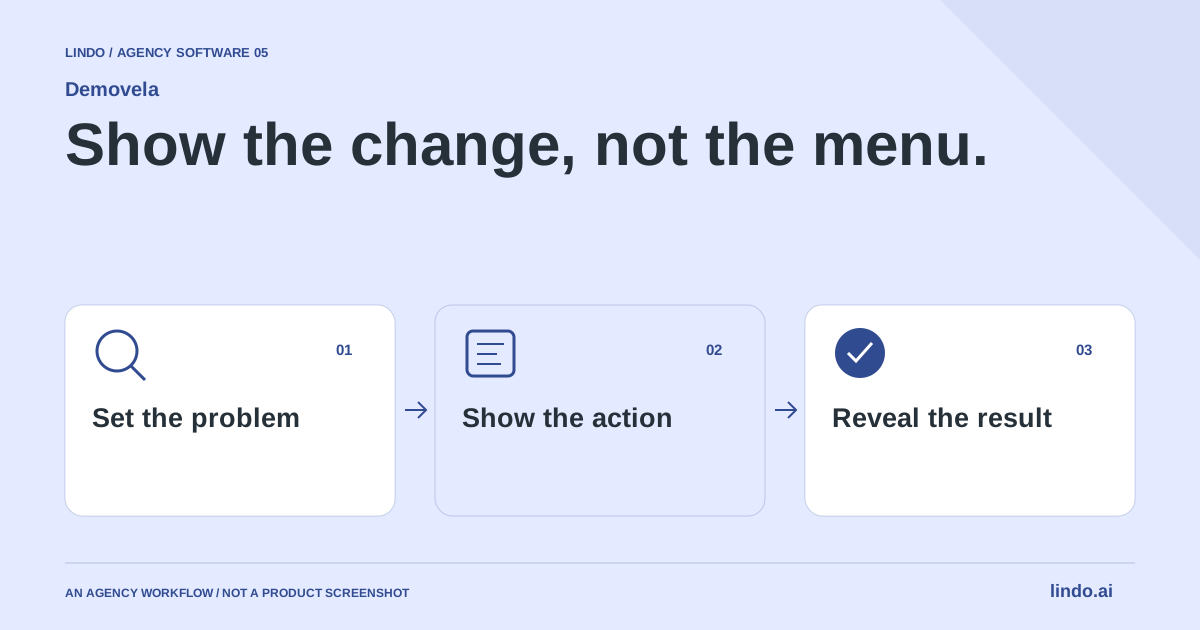
Which tool fits your workflow?
Consider Demovela for a website-led product story or launch video, Screen Studio for a polished recording of real on-screen work, and Arcade for interactive demonstrations and related demo assets. The best choice depends on the evidence you need to show, not the number of effects available.
| Tool | Evaluate it for | Check before choosing |
|---|---|---|
| Demovela | Website-led product stories and launch-video planning | Accurate UI, source material and the final exported video |
| Screen Studio | Polished recordings of a real product workflow | Recording environment, sensitive data and edit effort |
| Arcade | Interactive product demonstrations and reusable demo assets | Embed behavior, interaction design and video requirements |
Where Demovela fits
Demovela starts from a product URL to create product stories, launch films and vertical ads. Its public site describes desktop and mobile treatments and the option to add a demo recording. Public-site capture has access limitations; private or protected workflows need appropriate material. It publishes example exports, which are useful for assessing the visual style. Product source ↗
- Good fit
- A SaaS founder or agency launching a product with a public website, accurate assets and a specific workflow worth showing.
- Not the job
- A promise to bypass authentication, an interactive clickable product tour, or permission to invent interface behavior that the product does not support.
- Budget for
- Check current video-credit and export terms against your expected finished duration and revision needs. A short approved story is a better planning unit than a long unreviewed first cut.
Demovela’s public workflow starts from a product website and supports product-story and launch-video work, with recordings available as additional material. Evaluate it with a product whose value you can explain in a sentence. The website is a starting brief; it is not proof that a generated scene accurately represents a private application.
Supply approved screenshots or recordings when the interface itself is the evidence. Review the exported video rather than accepting a storyboard as completion. Check the opening, every product claim, transitions, legibility and final call to action. A visually attractive scene should not imply a feature the product cannot deliver.
Other tools to consider
Screen Studio: polished recordings of a real product workflow
Screen Studio focuses on screen recording with automated visual polish such as zoom and framing. It is a useful comparison when the actual sequence of actions is the story. Prepare a clean demonstration account and a short script before recording; animation cannot rescue a confusing workflow.
Ask whether the viewer needs to see each click or simply understand the result. Record only the necessary sequence, remove irrelevant waiting and check small text at the intended playback size. A real recording carries useful evidence, but it can also expose private customer data or a misleadingly preconfigured state.
Arcade: interactive product demonstrations and reusable demo assets
Arcade offers interactive demos as well as AI video capabilities. Its interactive format is worth comparing when visitors benefit from stepping through a product story themselves. Do not treat the choice as simply animated versus unanimated: interaction changes where and how the asset will be consumed.
Test the demo in its destination page on mobile and desktop. A useful tour should explain the next step without trapping the visitor in an elaborate walkthrough. If the campaign needs a downloadable video for a feed, evaluate that output separately from the interactive embed. One format’s success does not establish the other’s suitability.
Choose the question before the duration
Write the viewer's question in the brief: ‘Can I replace this spreadsheet?’ ‘What happens after a customer submits the form?’ ‘Can my team review before publishing?’ One video can answer one question well without becoming the entire onboarding course. If the audience must already understand several unfamiliar concepts, make the introduction clearer before adding more scenes.
List the minimum evidence needed to answer that question. For a proposal tool, the sequence might be a real brief, an edited scope and the resulting proposal. Opening with an animated logo for several seconds does not establish that evidence. The brand can be present through color, typography and a short closing frame without delaying the product story.
Prepare honest capture material
Use a clean demonstration account and fictional data clearly intended for display. Remove customer names, personal contact information, private revenue and access tokens. Make the screen state reproducible: correct window size, no unrelated tabs or notifications, and the intended product version. A beautiful edit is difficult to approve if nobody can tell which build it represents.
Separate public marketing visuals from private application workflows. A public URL can explain positioning, but it does not prove what happens behind a login. Supply or arrange an authorized recording when the buying question requires those steps. If a feature is unavailable, change the story rather than illustrating a fictional success state. Label mockups as concepts when they are not actual product footage.
Write a scene brief an editor can execute
For each scene, specify what the viewer sees, the short message they need and the transition to the next scene. Keep motion purposeful. A zoom can direct attention to a relevant control; constant movement can hide the exact action you meant to demonstrate. Avoid reading every interface label aloud or covering the result with an oversized headline.
Preserve enough time for the result to be understood. A fast montage can establish energy, but it cannot replace the explanation of a multi-step task. Review the video without sound, then review it with sound if present. The two passes reveal different problems: missing visual context in one, and distracting or redundant narration in the other.
Adapt the composition for its destination
A wide desktop demo and a vertical social teaser are different compositions, not merely different crops. Decide which interface region matters on a phone and enlarge that region deliberately. Keep captions away from likely interface overlays and confirm the result on the target device. When a full desktop screen becomes unreadable, use a narrower story instead of squeezing everything into the frame.
Place the full explanation near the relevant product claim on the website. A short teaser can introduce the problem on social and link to that explanation. Include a concise written summary alongside the video so visitors can understand the point without playing it. Do not make a large autoplaying video the only way to learn what the product does.
Approve the story, the facts and the exported file separately
The story review asks whether the intended viewer can understand the benefit. The factual review asks whether every displayed action, result and statement matches the product. The export review checks dimensions, legibility, audio if present and the actual delivered file. Passing one does not imply the other two passed. Keep a named approver for factual claims.
For a one-off personal walkthrough, a manual screen recording may be sufficient. For a reusable launch asset, a more deliberate editing workflow can be worthwhile. Evaluate the time needed to produce an approved version and the effort required to update it when the product changes. A video showing an obsolete onboarding flow can become a support problem even when it still looks polished.
Worked example: a proposal tool in three scenes
An illustrative storyboard. Durations and production choices should follow the actual material.
| Scene | Visible evidence | Review question |
|---|---|---|
| The brief | A short fictional client request | Is the viewer's problem recognizable? |
| The work | Edit scope and remove an unwanted item | Does the shown interface really support this? |
| The result | A readable proposal and next action | Can the viewer tell what changed? |
The story demonstrates control and outcome without pretending that an entire client engagement happens instantly.
Choose the proof before choosing the production tool
Write down the single question the demo answers. ‘What is this?’ calls for a different asset from ‘Can it perform this task?’ A launch story may establish relevance; a recording can demonstrate a workflow; an interactive tour can let a prospect explore. Avoid combining all three goals into an overloaded short video.
Create a shot list with an evidence column. Mark each moment as actual interface, explanatory graphic or illustrative scene. That makes review faster and prevents a polished mockup being mistaken for a working feature. Use a synthetic demo account with no customer information.
Evaluate revision cost with one deliberate change: replace a screenshot, correct a claim or update the final CTA. Record what must be regenerated and what can be edited directly. Products change, so a video that is inexpensive to create but difficult to maintain may be the wrong long-term asset.
Judge the export in its real placement. A homepage video, a presentation and a vertical social ad have different text-size and pacing constraints. Include captions or a useful text alternative where appropriate. Track the next meaningful action without claiming the video alone caused every conversion.
Product-video acceptance sheet
Use this for your own pilot. Notes stay in this page session and are not sent to us. Download before leaving; reloading clears the worksheet.
Questions before you start
What should an agency include in a product-video brief?
Specify the viewer, the buying question, the destination, the evidence to show, the required output format and the person approving product claims. Include authorized source material and define what a finished export must pass before delivery.
Is a product demo video the same as an interactive tour?
No. A video presents an edited sequence; an interactive tour lets the visitor move through a controlled experience. Choose the format that answers the buying question and fits the placement.
Can a URL alone demonstrate a private application?
Not reliably. A public website can provide context, but private workflows require authorized access or appropriate recordings. Do not infer private functionality from marketing screenshots.
Sources & review notes
Reviewed October 2, 2026 using public product documentation and, for the featured product, available source code. This is not a hands-on performance ranking. Examples are illustrative; companion workflows do not imply a native Lindo integration. Confirm current prices, limits and connections before committing to client work.
Try the workflow before you standardize it.
Bring a real brief, use the worksheet, and evaluate whether Demovela fits the work you need to deliver. Keep the product scope and the client’s expectations explicit.
