
Best directory builders for existing websites: add a useful resource, not another empty listing site
A directory works when someone has a reason to maintain it and someone else has a reason to use it. Decide what makes a listing useful before choosing the software that publishes it.
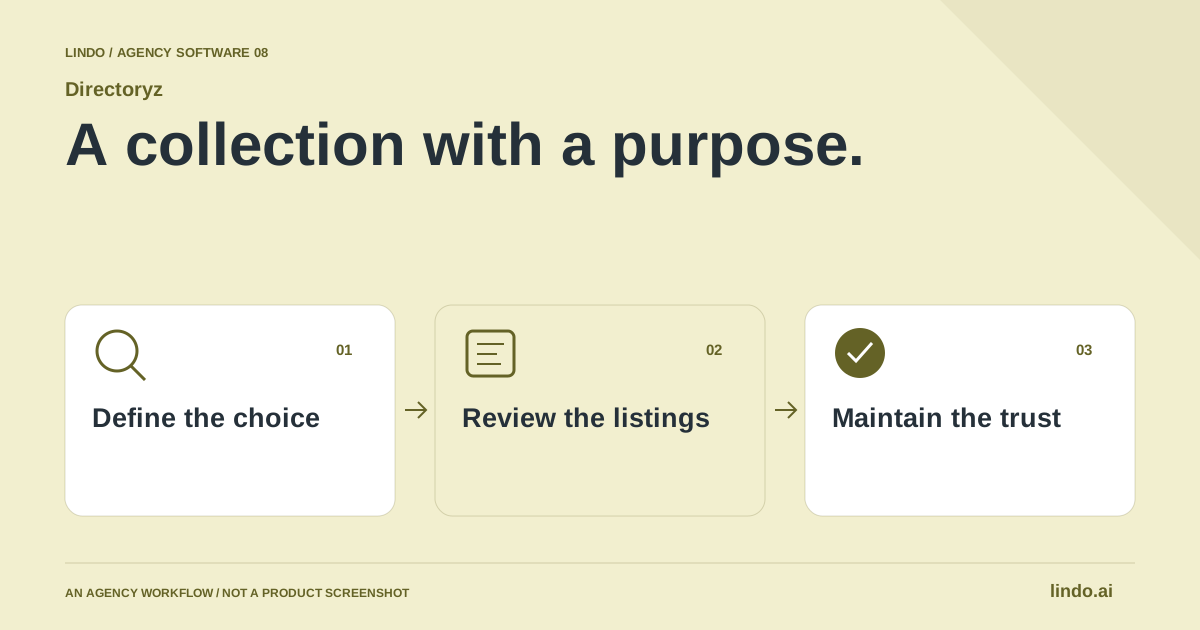
Which tool fits your workflow?
Evaluate Directoryz for adding a directory to an existing website, Softr for a broader data-backed app or portal, and Brilliant Directories for a directory-and-membership business. Confirm the required URL structure, permissions and submission workflow before choosing.
| Tool | Evaluate it for | Check before choosing |
|---|---|---|
| Directoryz | A directory alongside an existing marketing website | Domain/path setup, listing review and ongoing ownership |
| Softr | Data-backed portals and broader directory applications | Data source, user permissions and surrounding app needs |
| Brilliant Directories | A directory and membership business as the main product | Membership operations, billing workflow and configuration effort |
Where Directoryz fits
Directoryz is designed to publish a directory on an existing website, including at a path such as /resources, while handling listings, submissions, leads, analytics and monetization. Its publishing guides discuss path and subdomain choices. Verify the required hosting, routing and domain setup for your particular website before promising a native connection. Product source ↗
- Good fit
- An agency adding a curated supplier, member, local-resource or service directory to a client's existing web presence.
- Not the job
- An unattended collection of scraped links, an automatic SEO win or a reason to generate empty city and category pages at scale.
- Budget for
- Confirm current product terms directly. Price the initial data cleanup, publishing setup, submission review and recurring maintenance as separate pieces of work.
Directoryz presents a way to add a directory to an existing website, with listings, submissions, leads and monetization capabilities. That is useful when a client already has a functioning marketing site and wants a focused resource area rather than a replacement website project. Verify how the desired path is configured on the client’s current platform.
Start with a small, curated set of entries and test the visitor journey from category to listing to next action. Do not assume automation can publish entries: the reviewed MCP tools expose directory and listing reads, not a general publishing workflow. Keep moderation and any write integration explicit in the implementation brief.
Other tools to consider
Softr: data-backed portals and broader directory applications
Softr builds apps and portals around connected data, with directory-style use cases and user permissions. It is worth comparing when the project includes more than public listings—for example, a member area or an operational interface around the same records. Confirm the data connection and permissions required by the exact workflow.
Prototype one public visitor and one authenticated editor journey. Check whether a record update appears where expected and whether private fields remain private. A flexible app builder can be the better choice for a complex brief, but it also creates more decisions about structure, access and maintenance.
Brilliant Directories: a directory and membership business as the main product
Brilliant Directories focuses on directory websites, membership and monetization. Evaluate it when the directory itself is the business, rather than a small resource section supporting another service. Map the intended member lifecycle before comparing feature lists.
Walk through joining, editing a listing, renewing and leaving. Determine who answers listing-owner questions and resolves inaccurate entries. A payment feature does not create a valuable membership proposition; the agency and client still need a credible audience, useful information and a manageable operating process.
Specify the visitor decision before the listing schema
A supplier directory, a professional association and a local event resource all contain organizations, but they support different choices. Write one sentence describing the choice: ‘Find a local caterer that serves this area and can handle this event size.’ That sentence tells you more about required fields than copying another directory's layout.
Choose a narrow first collection that you can review well. A small number of informative listings is a better launch than broad categories with little useful coverage. Decide which facts you can verify and which are supplied by the contributor. Make room for unknown information without silently converting missing data into a negative answer.
Create one model listing before a bulk import
Write a complete example using the fields a visitor needs: identity, service scope, location or service area, suitable audience, a meaningful description and a current contact route. Record the source and review date internally. Explain ambiguous fields to contributors. ‘Location’ can mean an office address, a service area or the place a visitor must travel to; those meanings should not be mixed.
Test difficult examples before importing the whole collection: a business with two locations, a provider without public prices, a changed website address and a listing that belongs in more than one category. Decide how duplicates are identified and how corrections are handled. Preserve an export of the original data so a mapping mistake is recoverable.
Choose path or subdomain around ownership and routing
A directory under the main website can feel like part of the same visitor journey, but the publishing route must be supported by the site's infrastructure. A subdomain can provide a clearer operational boundary. Neither choice removes the need to check navigation, HTTPS, canonical destinations and the handling of missing listings.
For an existing client site, agree who owns DNS, hosting and routing before making changes. Test the directory without disturbing the main site's forms, analytics or essential pages. Do not promise that putting listings under a particular URL structure will make them rank. Useful information, crawlable pages and maintainable operations matter more than a simplistic path-versus-subdomain slogan.
Separate submissions, payment and editorial approval
A submitted listing is a proposal for inclusion, not automatically a public page. State the directory's scope and the evidence required. Give reviewers a practical acceptance checklist and a way to ask for corrections. A rejection should refer to those criteria rather than leaving the contributor to guess why their submission failed.
If you sell featured placement, describe the benefit and label the placement clearly. Payment should not turn an inaccurate listing into a trustworthy one. Keep the contact journey understandable: will the visitor leave for the supplier's website, send an inquiry through the directory, or contact the directory operator? These routes need different expectations and support owners.
Sell the maintenance plan alongside the launch
Directory quality decays when links break, providers close and categories stop matching the collection. Agree a review cadence based on how quickly the facts change. Track correction requests and unresolved listings, not only total listing count. A displayed review date should mean someone checked the information, not merely that the website rebuilt.
Measure whether visitors find a relevant listing and take an appropriate next step. If a category receives visits but no useful action, inspect the coverage, information and contact route before adding more entries. A simple curated resource page is a reasonable alternative when the collection is small and rarely changes. Use a directory system when structured discovery and ongoing operations justify it.
Worked example: a regional wedding-supplier directory
A fictional first-release specification, not a customer case study.
| Decision | First-release choice | Acceptance check |
|---|---|---|
| Visitor task | Find suppliers serving the wedding location | Service area is explicit, not inferred from office address |
| Editorial scope | A small, checked set of categories | Every published category contains useful listings |
| Contact route | A clearly labeled external supplier link | Destination works and belongs to the supplier |
The launch is ready when visitors can make a useful choice and the operator can maintain the collection—not when the import finishes.
Make the maintenance plan part of the buying decision
Choose an inclusion rule that a human editor can apply consistently. ‘Useful local resources for new residents’ is more actionable than ‘all businesses.’ Define required fields, disallowed submissions and how an entry becomes stale. This prevents the directory from becoming a pile of thin pages with no editorial purpose.
Create a deliberately awkward sample: a duplicate business, a missing image, a closed organization and a listing with a changed URL. Test review and correction before opening submissions. Record the owner of each moderation step and how often published entries will be checked.
Inspect the public output as well as the dashboard. Can a visitor understand the category and next action? Are listing pages accessible without signing in when they are meant to be public? Check canonical URLs, internal navigation and the actual deployed pages rather than assuming a directory automatically improves search visibility.
Budget for curation, support and updates alongside the subscription. Paid placement should have clear rules and should not obscure useful information. Launch a smaller resource that someone can maintain, then expand based on observed use rather than the number of records the software can hold.
Directory launch and ownership worksheet
Use this for your own pilot. Notes stay in this page session and are not sent to us. Download before leaving; reloading clears the worksheet.
Questions before you start
Should a directory replace the client’s existing website?
Only if the project genuinely requires it. A focused resource area may fit alongside the existing site; a membership-led directory business may justify a dedicated platform. Compare the operating model, URL setup and editing workflow before deciding.
Can a directory be added without rebuilding the main website?
That is Directoryz's stated use case. The exact path, subdomain or other publishing arrangement still needs to be checked against the current hosting and routing setup.
Does a directory automatically improve SEO?
No. It needs useful, maintained information and a clear discovery purpose. Empty categories and copied listing descriptions are not a reliable growth strategy.
Sources & review notes
Reviewed October 2, 2026 using public product documentation and, for the featured product, available source code. This is not a hands-on performance ranking. Examples are illustrative; companion workflows do not imply a native Lindo integration. Confirm current prices, limits and connections before committing to client work.
Try the workflow before you standardize it.
Bring a real brief, use the worksheet, and evaluate whether Directoryz fits the work you need to deliver. Keep the product scope and the client’s expectations explicit.
