
Best email domain monitoring tools: catch configuration drift before the next client complaint
Email can break after the website handoff: a new sender changes the configuration, an old record remains, or nobody notices an authentication problem. Monitoring is useful only when an alert reaches someone who can investigate it.
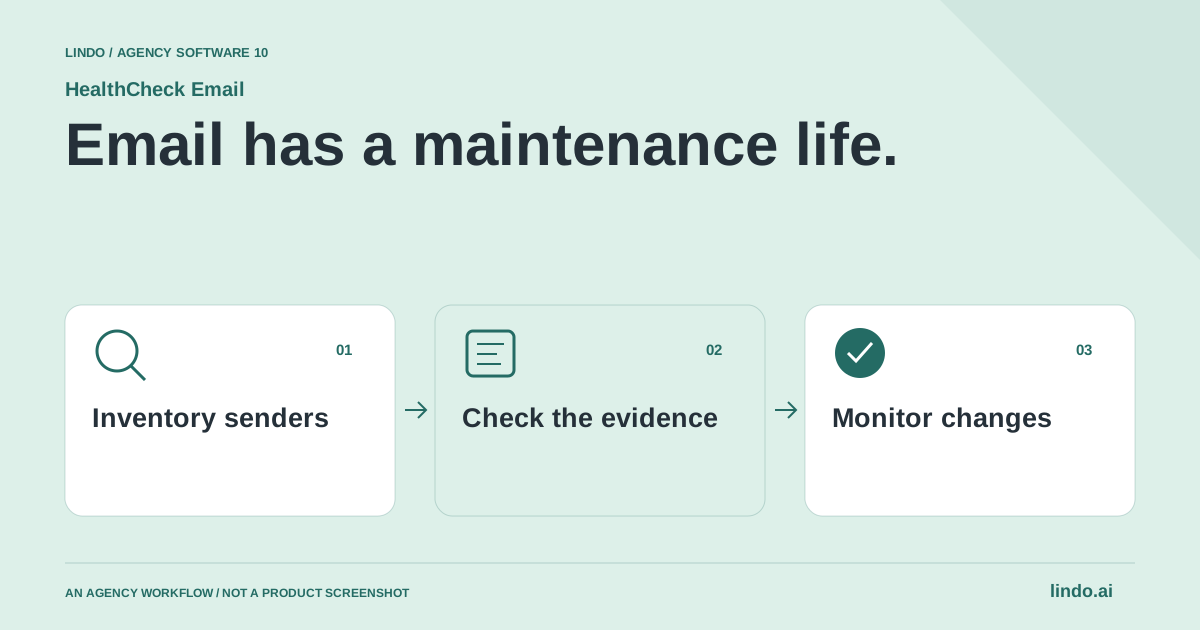
Which tool fits your workflow?
Evaluate HealthCheck Email for recurring domain-health visibility, dmarcian for DMARC-focused management and source investigation, and MxToolbox for targeted DNS and mail diagnostics. A lookup, a monitoring service and a remediation process are different parts of the job.
| Tool | Evaluate it for | Check before choosing |
|---|---|---|
| HealthCheck Email | Recurring checks across client email-domain configuration | Alert routing, record interpretation and authorized remediation |
| dmarcian | DMARC management and understanding sending sources | Source investigation workflow and policy-change ownership |
| MxToolbox | Targeted DNS and mail-system diagnostics | Whether the chosen service covers recurring monitoring needs |
Where HealthCheck Email fits
HealthCheck Email offers a public domain check and monitoring for email authentication and related DNS configuration. Its site describes SPF, DKIM, DMARC, MX, MTA-STS and TLS-RPT checks, plus DNS history, reports and alerts. These checks help investigate configuration; they do not guarantee that every message reaches the inbox. Product source ↗
- Good fit
- Agencies maintaining client domains who need a repeatable way to inspect email configuration and route issues to an accountable owner.
- Not the job
- An email-sending platform, a universal inbox-placement guarantee, or permission to replace a client's DNS records based on a single score.
- Budget for
- Compare monitored-domain capacity, team access, history and alerting requirements against current plans. Include investigation and approved remediation time in the maintenance scope.
HealthCheck Email documents checks for email-domain configuration including SPF, DKIM, DMARC and MX, alongside additional transport-security records, reports and alerts. The reviewed tool surface includes domain diagnostics, snapshots and readiness information. Confirm the current plan’s monitoring frequency and coverage against the client portfolio.
Use the product to establish what is configured and what changed. A health report does not authorize editing DNS and does not prove every message reaches the inbox. Identify the responsible domain owner and active sending services before proposing a repair. Keep the evidence and the change approval together in the client record.
Other tools to consider
dmarcian: dmarc management and understanding sending sources
dmarcian focuses on DMARC management, with domain and source visibility, reports and support resources. It is a useful comparison when the main problem is understanding who sends for a domain and how that relates to the domain’s authentication policy.
Bring a documented list of legitimate senders to the evaluation. Unknown activity needs investigation; it should not trigger an automatic policy change based on a dashboard color. Decide who can approve changes and how the team will check the effect on legitimate mail before expanding enforcement.
MxToolbox: targeted dns and mail-system diagnostics
MxToolbox provides mail and DNS diagnostic tools. It is a useful baseline for investigating a specific record or mail-routing question. Distinguish the lookup you are using from any separate monitoring service or subscription; a successful one-time check is only a point-in-time observation.
Save the result, time and domain under investigation. Compare it with the actual provider setup and recent changes. A diagnostic tool becomes more valuable when the agency has an incident record that explains what was checked, what remained uncertain and who made the final configuration decision.
Inventory legitimate senders before changing records
Ask the client which systems send as the domain: employee mail, booking software, invoices, newsletters, helpdesk, website notifications and application messages. Record the system owner and a representative message where it is appropriate to do so. The person who controls the website is not always the person who knows every mail service in use.
Preserve the existing DNS configuration and explain the scope of the planned website change. A hosting migration does not automatically require changing mail routing. Treat unknown records as something to investigate, not clutter to delete. When another provider or administrator owns part of the setup, coordinate the change rather than guessing what a record does from its name alone.
Read a domain report as evidence, not a verdict
A domain-level check can identify published configuration and possible issues, but a real message adds context about the sender and receiver's observed results. Keep those evidence types separate in the incident note. ‘A record exists’ is not the same statement as ‘this legitimate service is sending correctly.’ Use the relevant provider setup instructions to interpret the result.
Start with one affected message and one known working message if available. Record the symptom without overclaiming the cause: rejected delivery, unexpected folder placement, missing notification or a configuration warning. These symptoms can have different explanations. Avoid promising that publishing one record will repair every delivery problem for every recipient.
Make DNS changes a reviewed maintenance task
Write the exact proposed change, the reason, the systems it may affect and the person authorized to approve it. Keep a recoverable copy of the prior value. Do not copy example records containing placeholders into production, and do not assume that a configuration for one sending provider applies to another. Verify the current provider's instructions before implementation.
For a stricter authentication policy, first establish that the client's legitimate sending systems are accounted for. A more aggressive setting can have consequences when the inventory is incomplete. Schedule the change with the responsible operator, verify the resulting configuration and inspect appropriate test messages afterward. The goal is an understood configuration, not simply a greener dashboard.
Give every alert a destination and a response rule
A monitoring service without an incident owner creates a stream of unread warnings. Define who receives alerts, who can investigate and who is allowed to modify records. Keep a backup contact for domain access. If the primary issue affects email itself, consider how the team will communicate without depending solely on the affected mailbox.
Use a short incident record: affected domain, time noticed, symptom, recent changes, evidence, action and verification. Distinguish a warning that needs review from an outage that interrupts customer communication. Repeated alerts should lead to a clearer diagnosis or a better routing rule, not automatic dismissal because the team has seen them before.
Offer monitoring without promising perfect deliverability
An agency maintenance package can include an initial inventory, recurring checks, alert triage and a defined amount of approved remediation. State what is excluded, such as managing campaign content, cleaning unknown purchased lists or taking over another provider's infrastructure. This makes the service easier to price and avoids implying responsibility for every recipient's filtering decision.
Manual checks may be sufficient for a single stable domain with a capable operator. Monitoring becomes more useful as the number of clients, sending systems and configuration changes grows. Review whether alerts produce actionable work and whether the inventory stays current. The value is faster, better-informed investigation—not a certificate that email can never fail.
Worked example: a website-hosting change
A fictional maintenance scenario, not a prescription for any client's DNS records.
| Stage | Agency task | Completion evidence |
|---|---|---|
| Before | Inventory mail systems and preserve current records | Named owners and a dated configuration copy |
| During | Change only the approved website-related configuration | Recorded change and responsible operator |
| After | Check the site and representative mail journeys | Observed results, unresolved issues and next owner |
A working homepage is not sufficient evidence that all surrounding client services survived a migration.
Design an alert that produces a useful next action
Start with an inventory of client domains and authorized senders. Include the website, support inbox, marketing system and any billing service that sends on the domain’s behalf. Without that inventory, a technically accurate warning can still be interpreted incorrectly.
Assign alerts to a named role with backup coverage. Define what needs immediate investigation and what can wait for a scheduled review. If every notification arrives in a shared inbox with no owner, adding more monitoring will not improve response time.
For the pilot, inspect a known healthy domain and a historical configuration issue without deliberately breaking live mail. Check whether the report provides enough context to reproduce the finding. Record false alarms, missing context and investigation minutes, not just the number of checks performed.
Keep monitoring separate from the promise you sell. You can offer scheduled checks, evidence-backed investigation and an agreed response process. You cannot infer guaranteed inbox placement from DNS health. Configuration is one part of email reliability, and changes should remain authorized and reviewable.
Client email-domain maintenance worksheet
Use this for your own pilot. Notes stay in this page session and are not sent to us. Download before leaving; reloading clears the worksheet.
Questions before you start
Does a healthy SPF, DKIM and DMARC setup guarantee inbox placement?
No. Authentication and configuration checks are important but do not establish inbox placement for every message. Monitoring helps identify issues and changes; delivery also depends on factors beyond those records.
Does passing authentication guarantee inbox placement?
No. Authentication and configuration checks are important evidence, but recipient filtering and other delivery factors remain outside a simple domain check.
Should a website agency replace email records during a migration?
Only when an understood, approved change requires it. Preserve the existing mail setup, identify its owners and verify the current provider instructions before touching production records.
Sources & review notes
Reviewed October 2, 2026 using public product documentation and, for the featured product, available source code. This is not a hands-on performance ranking. Examples are illustrative; companion workflows do not imply a native Lindo integration. Confirm current prices, limits and connections before committing to client work.
Try the workflow before you standardize it.
Bring a real brief, use the worksheet, and evaluate whether HealthCheck Email fits the work you need to deliver. Keep the product scope and the client’s expectations explicit.
