
Best email platforms for client websites: choose by the messages you need to send and receive
A contact-form notification, a welcome sequence and a customer reply are not the same email job. Map the message lifecycle first so the website does not launch with three disconnected systems and no clear owner.
Which tool fits your workflow?
Evaluate Emailr for a broader workflow spanning email operations, campaigns and replies; Resend for a developer-led sending integration; and Postmark for transactional sending with explicit message-stream organization. Confirm the exact capabilities and plan for each message type.
| Tool | Evaluate it for | Check before choosing |
|---|---|---|
| Emailr | Website email workflows spanning sending and follow-up | Domain setup, event handling, replies and access boundaries |
| Resend | Developer-led email delivery in a website or application | Message lifecycle, webhook handling and non-sending needs |
| Postmark | Transactional email with structured message streams | Stream separation, inbound handling and application integration |
Where Emailr fits
Emailr presents a business email workspace covering team inboxes, marketing campaigns, sales sequences and transactional email, with shared contacts and sending identities. Its developer offering includes API, templates, previews, webhooks and delivery logs. Evaluate the exact workflow and current plan rather than assuming every email job is the same sending feature. Product source ↗
- Good fit
- An agency or product team that needs to coordinate website-triggered messages, audience communications and the replies those messages create.
- Not the job
- Permission to enroll every website visitor in marketing, proof of inbox placement, or a guarantee that a browser preview matches every email client.
- Budget for
- Check current sending, inbox, contact and workflow limits directly. Count setup, template review, monitoring and handoff work separately from delivery volume.
Emailr’s public offering brings together inbox, marketing, sequence and transactional-email workflows, with API and webhook surfaces. The useful agency question is whether those pieces cover the actual customer journey without hiding responsibility between teams. A receipt, a reply and a scheduled follow-up need different handling.
The source includes HTML preview and separate routes for contacts, campaigns, sequences and events. Treat these as implementation surfaces to verify, not a reason to send untested messages. Start with an approved test recipient and a representative template. Confirm how replies, suppressions and delivery events affect the next action before enabling a live sequence.
Other tools to consider
Resend: developer-led email delivery in a website or application
Resend presents a developer-focused email API with testing and event-related tooling. It is a relevant comparison when the agency wants to implement sending within an application and manage the surrounding workflow in code. Inspect current features rather than assuming an API-focused product has no other offerings.
Test the complete path from website event to delivery status, not just a successful API response. Decide where templates, retries and recipient preferences live. If the brief includes a shared inbox or complex follow-up process, verify those needs separately rather than treating message submission as a complete email system.
Postmark: transactional email with structured message streams
Postmark documents API and SMTP sending, templates, logs, inbound processing and separate transactional and broadcast message streams. That structure is useful to evaluate when the application sends different classes of email and the team needs clear operational separation.
Use a real event model in the pilot: one receipt, one notification and one authorized broadcast scenario if relevant. Check how the application records provider events and how support finds a specific message. Keep the comparison focused on the work required, not an unsupported claim that any provider guarantees inbox placement.
Map the email journey before connecting an API
List every message the project needs and the event that should trigger it. A quote request, account verification, newsletter and personal sales follow-up have different purposes. For each, identify the recipient, sender, reply route and person responsible for failures. If the team cannot name the owner, the workflow is not ready just because a test message was accepted.
Keep service messages and optional marketing enrollment distinct. A customer asking a question has not automatically asked to join every future campaign. Record the intended communication purpose and the appropriate preferences or suppression behavior. When requirements depend on jurisdiction or regulated data, get the necessary review instead of treating a generic template as legal approval.
Use previews to find problems before the real send
Review the template with realistic, awkward data: a long business name, an empty optional field, a multiline address and a link with a plausible destination. The preview should show what happens when information is missing, not only the ideal sample. A friendly fallback is better than a visible placeholder such as an unresolved first-name variable.
Separate layout approval from cross-client testing. An editor preview helps assess structure and copy; the actual message still needs checks in the email applications relevant to your audience. Inspect the subject, sender name, reply address, links and plain-text content as well as the visual layout. A perfect hero image cannot compensate for a broken password-reset link or the wrong recipient.
Treat the reply path as part of the website
A contact confirmation should explain what was received and what happens next without inventing a response-time guarantee. Test the reply yourself with a safe address. Does it reach the right team, remain attached to useful context and have an owner? A notification that disappears into an unmonitored mailbox is a failure of the customer journey even if the delivery log says success.
For an agency handoff, provide a simple map of mailboxes, sending identities, templates, triggers and owners. Keep credentials and privileged sending access out of browser code and public documents. Confirm which account the client controls and how the agency's access can be removed later. The client should not need to contact the original developer to discover where website inquiries go.
Test failures, duplicates and suppression deliberately
The happy path is only one test. Check what the visitor sees when a form fails, what happens if the same action is repeated and how the operator learns that delivery did not complete. Use the current provider documentation to design any retry or event-processing behavior. Do not bolt an unreviewed sending workflow onto a site simply because two products both offer APIs.
For audience communications, test unsubscribe and suppression behavior with a controlled recipient before a real campaign. Confirm that a contact who should not receive a message remains excluded. For transactional messages, check whether the content and trigger are appropriate for the service event. These are different questions; one universal ‘send to all contacts’ list is a poor model for both.
Choose the smallest email stack that covers the actual job
If the client only needs a shared mailbox for occasional inquiries, do not sell a complex campaign program. If the product needs reliable event-driven messages, a personal inbox alone is not the whole implementation. Write the workflow first, then decide which product capabilities are needed and which are optional. Keep your scope explicit when implementation requires a server-side integration.
After launch, review unresolved replies, failed messages and whether the website's promise still matches the actual service. Marketing performance should be interpreted alongside useful customer actions rather than a single engagement metric. An email system belongs in the ongoing operating plan, not only in the launch checklist.
Worked example: a service-business inquiry
An illustrative message map. It is not a claim of an automatic native Lindo–Emailr connection.
| Moment | Message purpose | Acceptance check |
|---|---|---|
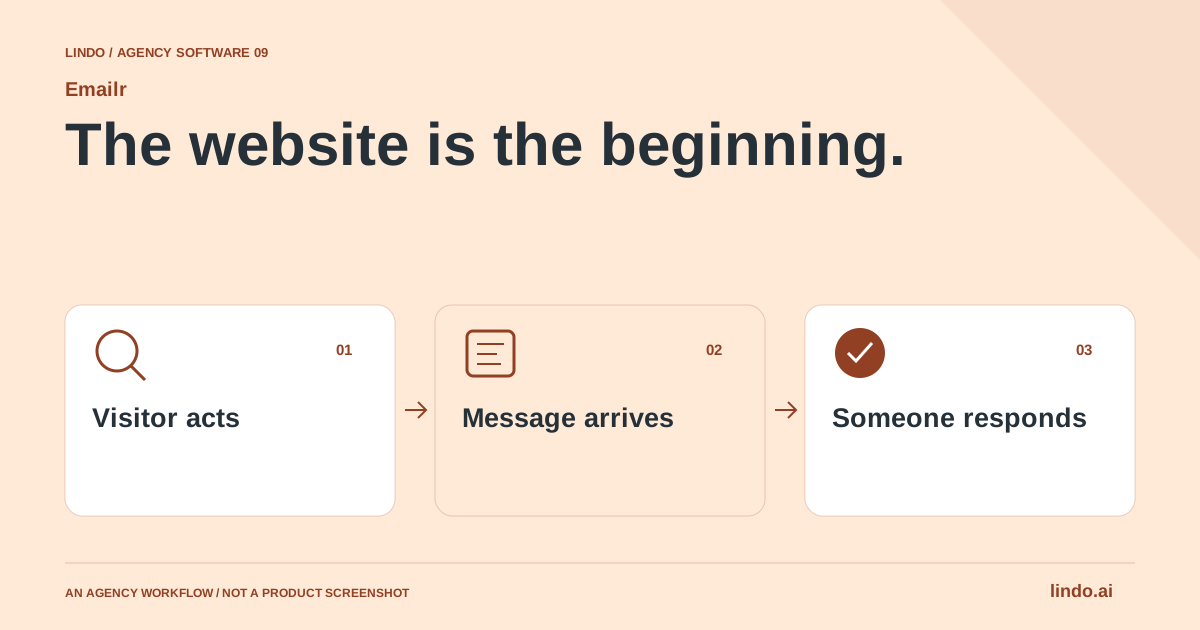
| Visitor submits | Confirm the request was received | Accurate next step; no invented response promise |
| Team is notified | Give the operator enough context | Correct owner and safe handling of submitted data |
| Customer replies | Continue the conversation | Reply reaches a monitored inbox |
Implementation is complete only when the visitor and the operator can finish their sides of the conversation.
Compare a finished message lifecycle, not one successful send
Inventory every message triggered by the website. Record its purpose, recipient source, sender, reply destination and owner. Distinguish operational messages from marketing before selecting a tool. The person maintaining a booking confirmation may not be the person approving a campaign.
Set up a safe test path with approved recipients. Check rendering, links, sender identity and what happens when the receiving address replies. Use provider-supported testing where available. Do not enroll historical contacts into a new sequence simply because they exist in a database.
Plan for ambiguous outcomes. An application timeout does not prove the provider failed to accept a message. Record a stable event identifier and follow the provider’s documented duplicate-prevention and event-handling behavior. Confirm that suppressions and unsubscribe state are respected where applicable.
Include support effort in the cost comparison. Someone must investigate missing messages, maintain templates and manage access when staff or agencies change. Keep domain and account ownership with the appropriate client, and document the handoff so email does not become dependent on one developer’s personal account.
Client email acceptance worksheet
Use this for your own pilot. Notes stay in this page session and are not sent to us. Download before leaving; reloading clears the worksheet.
Questions before you start
Can one email platform handle every message from a client website?
Possibly, but verify each job separately: transactional sending, campaigns, sequences, replies and event handling. Choose from a message inventory, and test the complete lifecycle rather than assuming one successful API call covers the whole brief.
Is Emailr only a transactional email API?
No. Its current public positioning includes inboxes, marketing campaigns, sales sequences and transactional email. Evaluate the specific workflow you need and check current capabilities and limits.
Does this guide mean Lindo has a built-in Emailr connector?
No. It describes a companion-product workflow. Confirm the available integration path and any server-side implementation before including it in a client contract.
Sources & review notes
Reviewed October 2, 2026 using public product documentation and, for the featured product, available source code. This is not a hands-on performance ranking. Examples are illustrative; companion workflows do not imply a native Lindo integration. Confirm current prices, limits and connections before committing to client work.
Try the workflow before you standardize it.
Bring a real brief, use the worksheet, and evaluate whether Emailr fits the work you need to deliver. Keep the product scope and the client’s expectations explicit.
