
Choose your tools • Lindo field notes
Best AI Tools for Website Images: Match the Tool to the Visual Job
Choose between ChatGPT image generation, Adobe Firefly, and Canva—and learn when a real photograph or SVG diagram is the better website asset.
The short answer
Evaluate ChatGPT image generation for conversational image creation and revision, Adobe Firefly for generative work within a broader creative workflow, and Canva for assembling publishable layouts. Use real photography for real people, places, and results; use SVG or HTML for diagrams whose labels and relationships must stay exact.
In this article
An AI image can make a page more distinctive, or make it less trustworthy. A fictional office photograph beside “meet our team” creates the wrong implication even if it is beautifully rendered. A technically accurate process diagram may be more useful than another decorative robot.
This is a task-based, documentation-led shortlist, not an image-quality benchmark. We recommend choosing the asset’s role first, then the tool. The goal is a visual that helps the reader understand something and survives cropping, mobile display, and future updates.
FIELD NOTE / 01
Decide whether the image explains, proves, or decorates
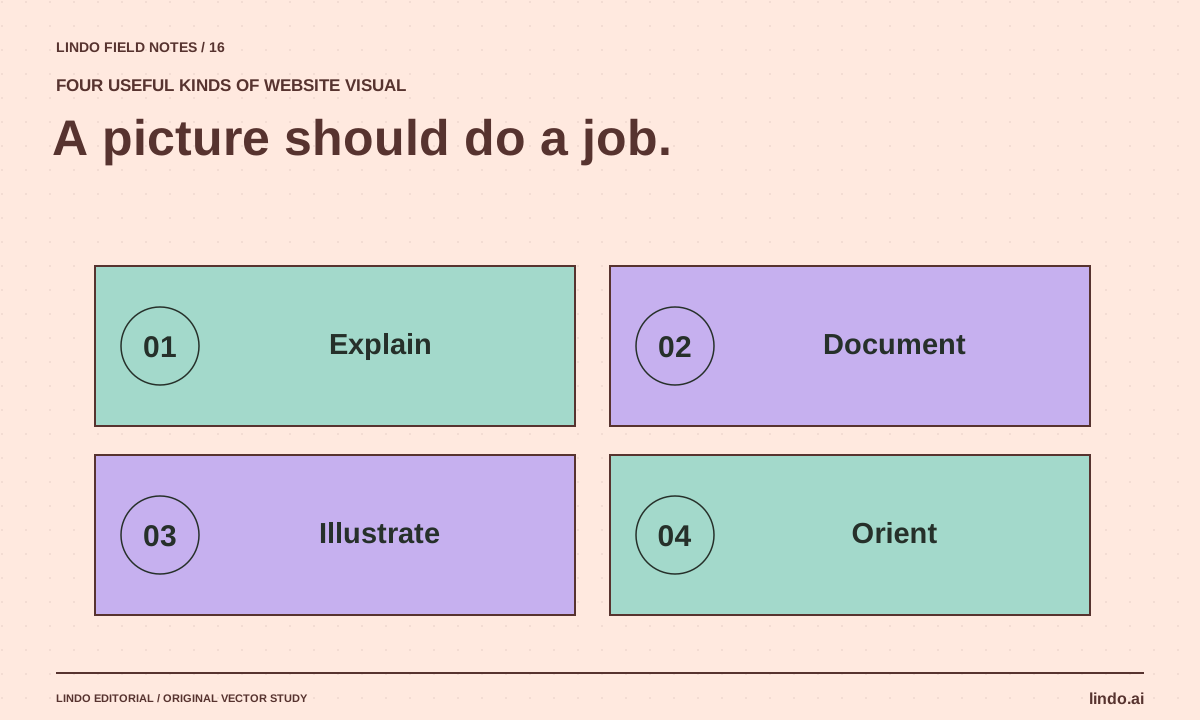
An explanatory image shows a relationship or process. A proof image documents real work. A decorative image establishes mood without claiming to document reality. These roles need different standards.
For a renovation business, before-and-after photographs should come from the actual project with permission. A generated cutaway illustration can explain the renovation stages if labeled appropriately. An abstract texture can support the brand without pretending to be a customer result.
| Visual job | Preferred starting point | Avoid |
|---|---|---|
| Show actual staff or premises | Approved real photography | Generated people presented as employees |
| Explain a four-step process | SVG, HTML, or a diagram editor | Baked-in tiny text and ambiguous arrows |
| Create an editorial illustration | Image generator with a clear brief | Generic technology imagery unrelated to the topic |
| Assemble a social or article cover | Design tool with editable type | Important text merged into an uneditable image |
FIELD NOTE / 02
Three tools worth evaluating
ChatGPT image generation supports a conversational image workflow. Adobe Firefly is a generative creative option. Canva’s image tools can be useful when generation and layout assembly belong in the same design process.
Those descriptions are starting points, not a ranking. Test your actual brief: a consistent editorial illustration, a revision that preserves composition, and an export suitable for the page. Review the current terms and provenance information for the exact tool and model used; do not assume all generated assets have identical rights conditions.
FIELD NOTE / 03
Brief composition, not just subject
A useful hero-image brief specifies the subject, visual metaphor, palette, crop, and where text will sit. “An AI robot building a website” is a subject with little editorial direction. “A paper workshop where separate page components assemble into a storefront” gives the image a relationship to explain.
Ask for a focal point and quiet space where the layout needs it. If the page title is rendered in HTML, do not duplicate it inside the image. Keep logos, labels, and factual annotations in an editable layer whenever accuracy matters.
FIELD NOTE / 04
Review the asset at its real display size
Check the crop at desktop and phone widths. Inspect hands, signage, repeated objects, and any details that could misrepresent the business. For a diagram, verify every arrow and label against the written explanation. Attractive composition does not excuse a wrong relationship.
Prepare a web-sized export and specify dimensions in the page to reserve space. Write alternative text for the information the image conveys; decorative images may need empty alternative text. Avoid using alt text as a place to repeat target keywords.
FIELD NOTE / 05
Build a small visual system rather than thirty unrelated images
Choose a palette family, a consistent annotation style, and a few illustration approaches: process maps, comparison panels, cutaways, and editorial scenes. Vary the composition according to the subject, not merely the background color.
Keep an asset record with the brief, source or tool, rights review, final file, and intended use. That makes future replacements possible. If the image’s only job is to fill a rectangle, consider removing it or replacing it with a diagram that genuinely improves the article.
Take it into your next project
A website-image art brief
Use this for an editorial illustration. Replace it with a real photography brief when the image must document actual people or work.
Article concept:
What the reader should understand from the image:
Visual metaphor:
Subject and focal point:
Composition and crop:
Palette: [specific colors with restrained roles]
Texture / medium:
Quiet space needed for surrounding layout:
No embedded headlines, logos, fake customer results, or documentary claims.
Create one coherent scene, not a collage of generic AI icons.
Review at desktop and phone sizes. Keep factual annotations editable outside the raster image.
Common questions
Should every article have an AI-generated image?
No. A real photograph, exact diagram, annotated screenshot, or no image may serve the reader better. Choose the visual because of its job, not because a generator is available.
Can generated images replace customer case-study photos?
Not as evidence of real work. Use authentic, approved material for that purpose. If a conceptual illustration is included, label it so readers do not mistake it for a documented result.
Sources & further reading
Vendor links support product descriptions. Worked examples, checklists, and selection criteria are Lindo’s editorial guidance; they are not customer results or controlled benchmarks.
Creative workflows
How to Turn a Brand Moodboard into a Website Design System
Translate visual references into typography, color roles, spacing, imagery, and component rules that an AI builder can apply consistently.
Creative workflows
How to Make AI Websites Look Less Generic
Replace default hero-and-card layouts with a clear editorial idea, distinctive evidence, varied section rhythms, and useful original visuals.
Choose your tools
Best AI Tools for Website Prototypes: What Each Preview Can Prove
Compare Claude Artifacts, v0, Lovable, and Framer for website prototyping, with a common brief and a checklist for separating a demo from a deliverable.
