
Creative workflows • Lindo field notes
How to Create a Website with Codex: A Small, Reviewable First Build
Use Codex to build a website from approved facts, inspect the project, work in checkpoints, and verify a real preview before choosing a deployment path.
The short answer
Start Codex in a dedicated website project, supply an approved brief, and ask it to inspect the environment before building. Work toward one complete visitor journey, review the preview and changes, then test the site before publishing. Keep deployment, credentials, and paid services outside the initial task unless explicitly authorized.
In this article
A coding assistant is most useful when it has a clear place to work and a concrete definition of done. “Build my website” can otherwise expand into an unfamiliar stack, several unconnected services, and a preview that nobody knows how to maintain.
This walkthrough uses a fictional independent illustrator’s portfolio. The first deliverable is a private site with three clearly labeled projects and a working contact route. It does not need accounts, a database, or a payment system. Keeping the scope small makes the first build easier to understand and review.
FIELD NOTE / 01
1. Open a dedicated project and inspect it
Follow the current Codex CLI setup if using the terminal. Start Codex from the intended project directory and sign in through the supported flow. The documentation describes local file work, tool execution, and permission controls; review those controls before granting broader access.
If a website already exists, ask Codex to explain its structure, preview command, and tests before editing. If the project is new, ask for the simplest suitable implementation and a reason for any dependency. Do not let a small portfolio become a full application stack without a requirement.
FIELD NOTE / 02
2. Supply work you are allowed to show
Provide the illustrator’s approved biography, project descriptions, images, and contact information. Label personal concepts as concepts. A portfolio can demonstrate judgment without inventing clients or claiming business outcomes that were never measured.
Ask for a page map and content gaps first. For this example, use home, work detail pages, and contact. Each project should explain the brief, the illustrator’s role, and a few decisions. Three unexplained images are a gallery; three contextualized projects are more useful evidence.
FIELD NOTE / 03
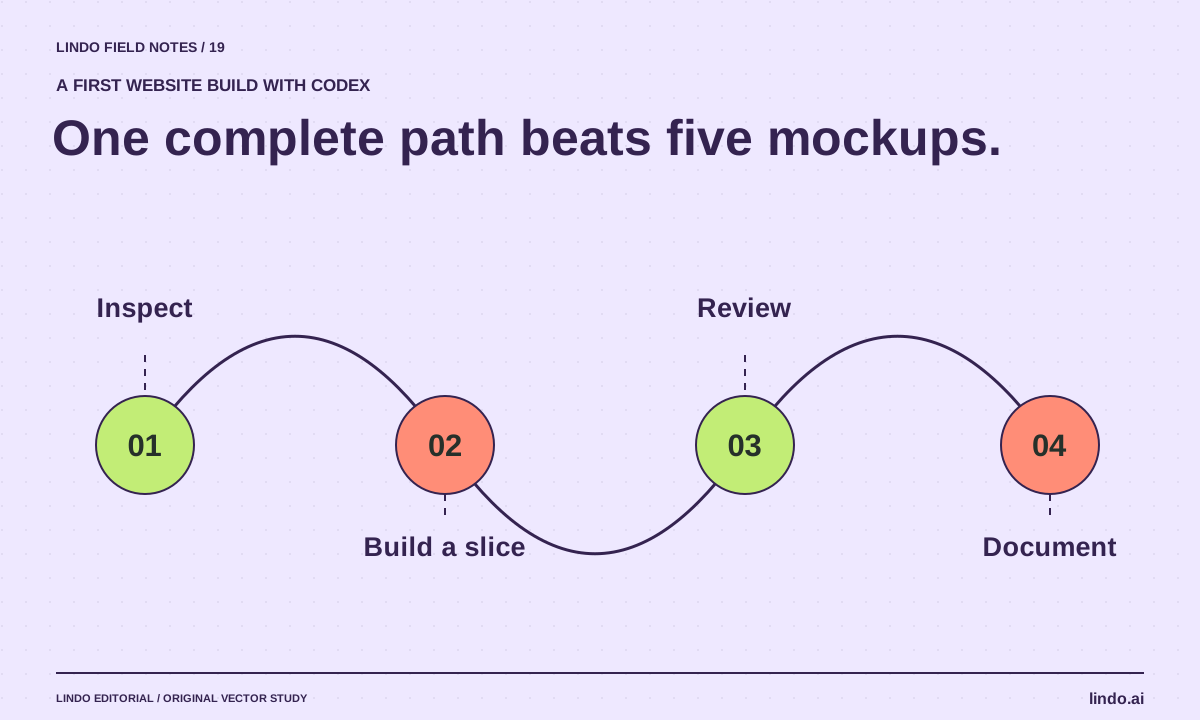
3. Build one complete path before expanding
Request the home page, one project page, and the contact path first. Inspect them at narrow and wide widths. Confirm the images are correctly sized, headings are meaningful, and navigation works through direct page visits.
Once that path is sound, apply the same design rules to the remaining projects. This reduces the chance of generating several inconsistent pages before discovering a structural problem. Ask Codex to preserve the working components during each addition.
FIELD NOTE / 04
4. Review changes and test what visitors do
Ask for a concise change summary and the actual checks performed. Open the preview yourself. Follow the project links, use the keyboard, and verify the contact destination. A test report should distinguish checks that ran from suggestions for checks you still need to perform.
Use targeted feedback: “The project caption is unreadable against the image at phone width; move it below the image and preserve the text.” Avoid full-site regenerations when a bounded repair will do. Save a recoverable checkpoint after an accepted version.
FIELD NOTE / 05
5. Choose and verify the publishing path
The code project still needs an operating home. Identify the hosting account, domain owner, deployment process, and maintenance owner. Ask Codex to document the project’s actual commands and environment requirements without embedding secrets in the repository.
Before publication, complete the website testing checklist. If the client wants visual editing without repository maintenance, compare a managed builder with a coding assistant before committing. The right result is a site someone can operate, not only a folder of generated files.
Take it into your next project
A bounded first-build prompt for Codex
Use approved content and a dedicated project. Adjust the permissions in the application, not only in the prompt.
Inspect this website project before changing it. Explain its stack and preview/test commands.
Build a private illustrator portfolio using the approved content and images supplied.
First deliver: homepage, one project detail page, and contact path.
Use semantic HTML, responsive images, readable typography, and visible keyboard focus.
Do not invent clients, testimonials, or results.
Do not deploy, change DNS, add paid services, or access unrelated files.
Preserve existing project conventions.
Return the preview, changed files, checks actually run, missing facts, and remaining launch work.
Common questions
Do I need an API key for this workflow?
Follow the authentication options documented for your chosen Codex surface and account. Do not create or paste an API key merely because a tutorial mentions one; the supported sign-in path may be sufficient.
Can Codex handle the entire build?
It can assist across planning, implementation, testing, and deployment tasks when configured and authorized. You still need a clear scope, evidence-based review, and an owner for the finished site.
Sources & further reading
Vendor links support product descriptions. Worked examples, checklists, and selection criteria are Lindo’s editorial guidance; they are not customer results or controlled benchmarks.
Build with AI
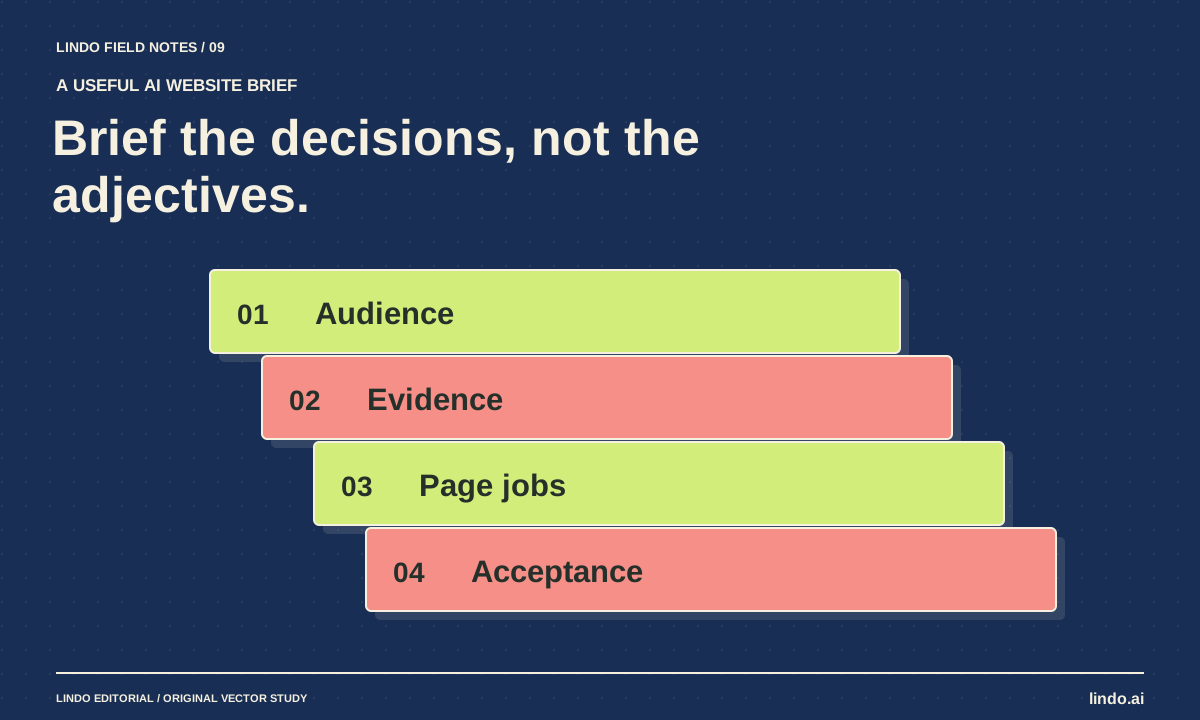
How to Write a Website Brief for AI That Produces a Useful First Draft
Replace vague website prompts with an approved brief covering audience, facts, page jobs, visual direction, and acceptance checks. Includes a copyable template.
Build with AI
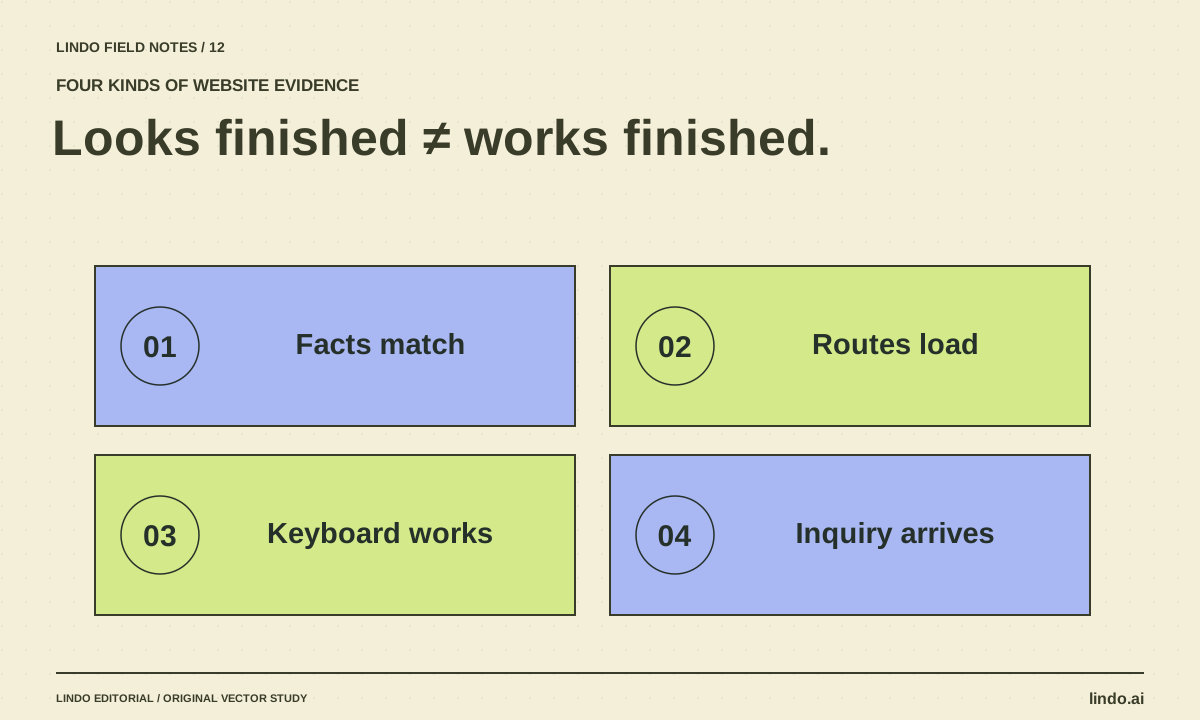
How to Test an AI-Generated Website Before a Real Visitor Uses It
A practical AI website QA guide covering facts, mobile layouts, keyboard access, forms, routes, and launch ownership—with a copyable test record.
Choose your tools
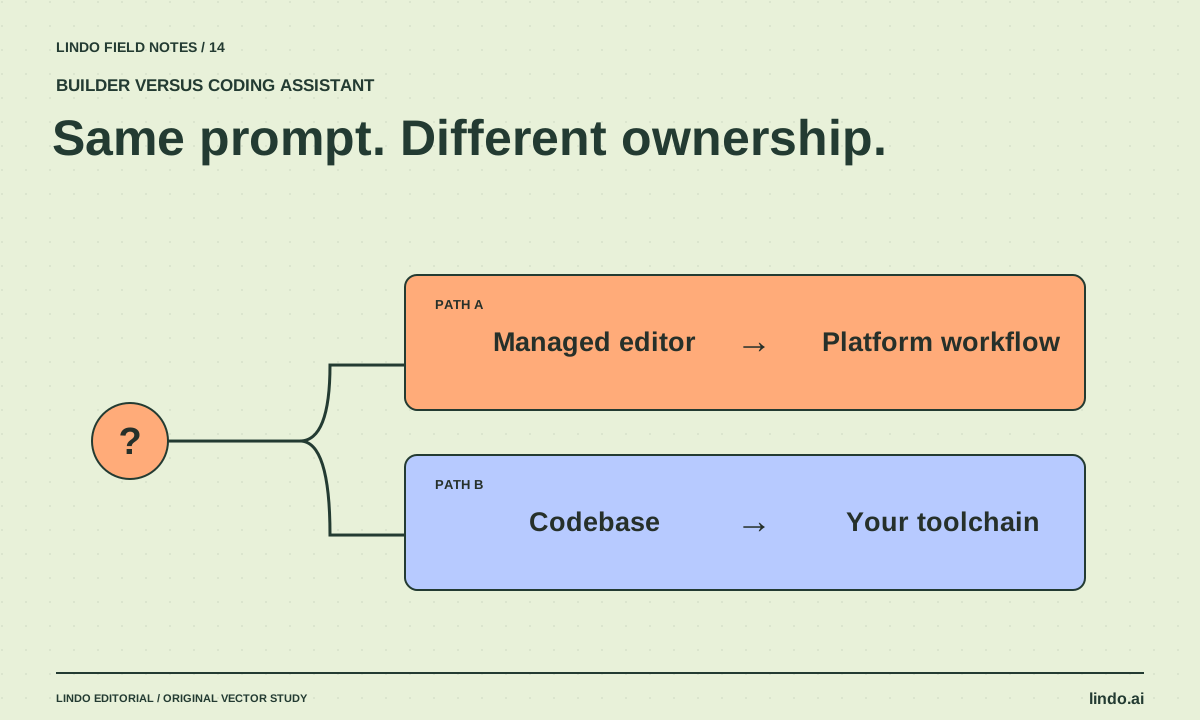
AI Website Builder vs. AI Coding Assistant: Who Owns the Work After Launch?
Compare managed builders and coding assistants by editing, hosting, integrations, maintenance, and handoff—not by how quickly a homepage appears.
