
Better business websites • Lindo field notes
Restaurant Website vs. Online Ordering Platform: You May Need Both
Separate menu discovery, reservations, and order fulfillment before choosing a restaurant website or ordering platform. Includes a guest-journey checklist.
The short answer
A restaurant website explains the restaurant and helps guests choose a next step. An ordering platform manages a transaction and its operational handoff. You may need both. Keep menu discovery, reservations, pickup, and delivery distinct, then connect each action to the system the restaurant can actually operate.
In this article
A restaurant’s online presence often grows one link at a time: a social profile, a delivery marketplace, a reservation provider, and a PDF menu. The result can work for regulars while confusing someone visiting for the first time.
The right decision is not necessarily to replace the ordering platform with a website. It is to organize the guest journey and identify which system owns each promise. A beautiful “Order now” button is unhelpful if it sends guests to the wrong location or an unavailable service.
FIELD NOTE / 01
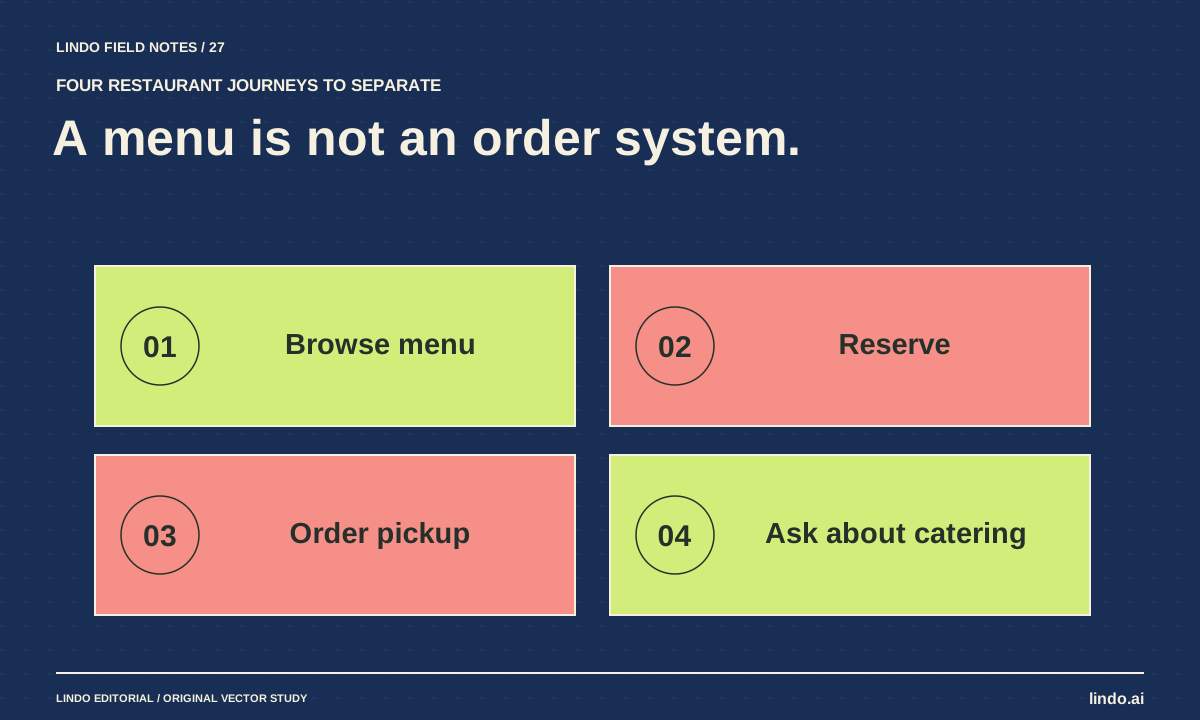
Separate four guest intentions
A guest browsing the menu is not always ready to order. Someone planning dinner may need opening hours, accessibility information, or reservation rules. A pickup customer needs a different flow from a delivery customer.
Give these intentions clear labels and destinations. Avoid one ambiguous “Book now” action if the restaurant offers both table reservations and event inquiries. The wording should match what happens after the click.
| Guest intention | Website’s job | Operational destination |
|---|---|---|
| Browse before deciding | Readable menu and practical information | Current approved menu source |
| Reserve a table | Explain the reservation route and conditions | Actual reservation provider or phone process |
| Order pickup | Identify location and pickup availability | Configured ordering system |
| Request catering | Explain scope and required details | Monitored inquiry workflow |
FIELD NOTE / 03
Evaluate the ordering service as an operating system
Ask how orders reach the restaurant, how availability is updated, who handles failures, and what happens during busy periods. Confirm location routing, pickup times, payment configuration, and support responsibilities. These are operational requirements, not decorative website features.
Review current fees, contract terms, customer-data access, and integration conditions with the provider. Do not assume that “direct ordering” means no costs or that all platforms offer the same control. Compare the actual workflow and agreement rather than a generic percentage claim.
FIELD NOTE / 04
Test the transition from website to provider
Open the website on a phone and follow each action. Check that the correct restaurant location, service, and context survive the handoff. Use the provider’s appropriate test process; do not place accidental live orders to validate a concept.
If a service is unavailable, the site should not promise otherwise. Decide who updates holiday hours and temporary closures across the website and ordering system. A disconnected maintenance process is a common source of contradictory information.
FIELD NOTE / 05
Build a focused website around the real operation
A useful initial site may need only a clear introduction, current menu, practical visit information, and distinct actions. Real food and venue photography is more credible than generated images presented as actual dishes.
If the restaurant has no site, start with those essentials rather than a large content library. If it already has one, use the repair-or-rebuild audit. The goal is an accurate, usable front door to the restaurant’s existing systems—not an unnecessary replacement of working operations.
Take it into your next project
Restaurant guest-journey worksheet
Complete this with the person who runs service, not only the person approving the design.
Restaurant and location:
Current menu source and update owner:
Browse menu destination:
Reserve table destination and conditions:
Pickup ordering destination:
Delivery ordering destination:
Catering inquiry destination:
Holiday / closure update process:
How each provider receives and confirms the request:
Test method that avoids accidental live orders:
Fees and contract questions to resolve:
Website content that must not imply unavailable service:
Common questions
Can a restaurant use only an ordering platform?
It may be sufficient for some operations, but evaluate whether guests can easily find the full set of practical information and non-ordering actions they need.
Should the website accept orders itself?
Only if the chosen implementation supports the restaurant’s real order, payment, fulfillment, and support requirements. Linking to a suitable existing provider can be the more maintainable choice.
Sources & further reading
Vendor links support product descriptions. Worked examples, checklists, and selection criteria are Lindo’s editorial guidance; they are not customer results or controlled benchmarks.
Better business websites
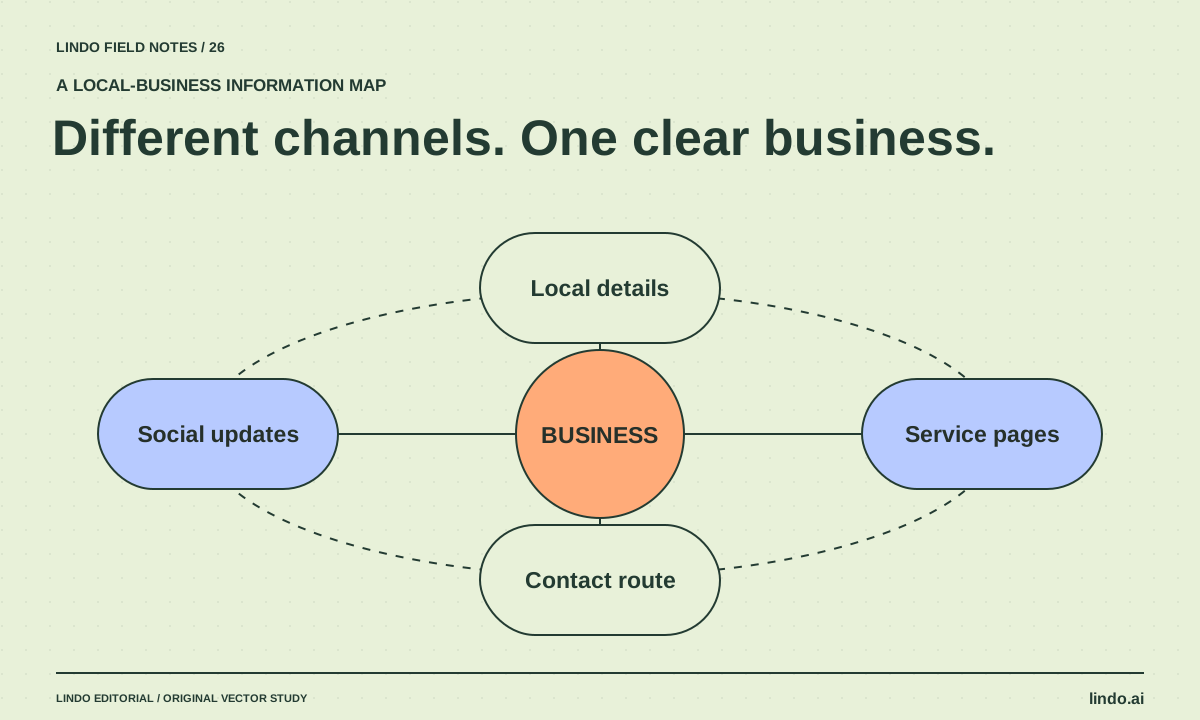
Website vs. Social Media for Local Businesses: Give Each Channel a Job
Decide what belongs on a local-business website, social profile, and Google Business Profile using customer tasks and a practical information map.
Better business websites
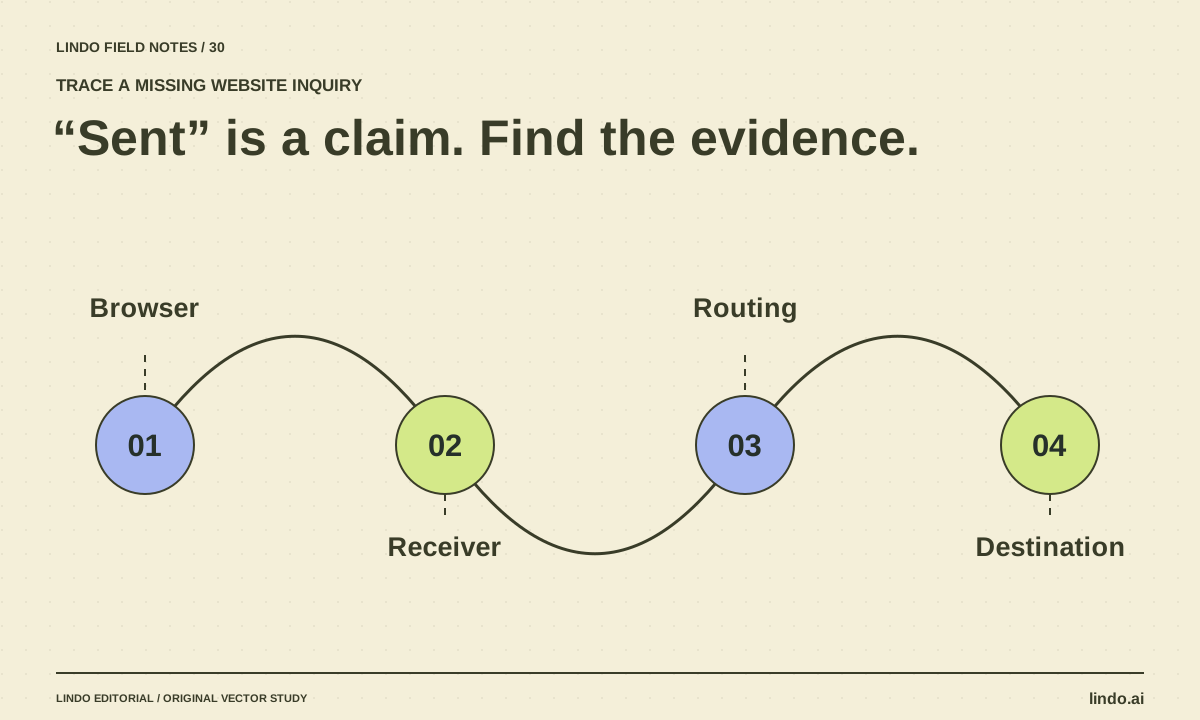
Why AI Website Forms Don’t Work—and How to Trace a Missing Inquiry
Trace a generated contact form from browser validation to server handling and inbox delivery. Find fake success states, missing endpoints, and routing errors.
Better business websites
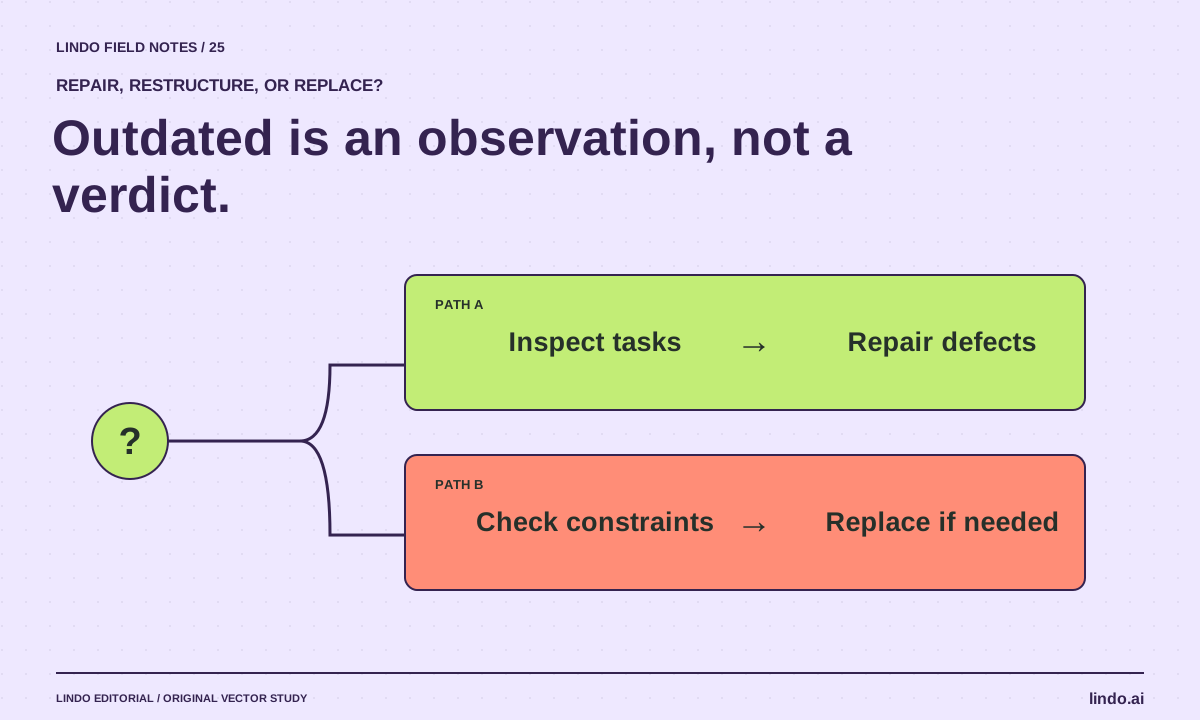
How to Tell If a Business Needs a New Website—or Just a Few Repairs
Audit an outdated-looking business website using visitor tasks, content accuracy, forms, and maintenance needs before recommending a rebuild.
