Cloud Storage website template
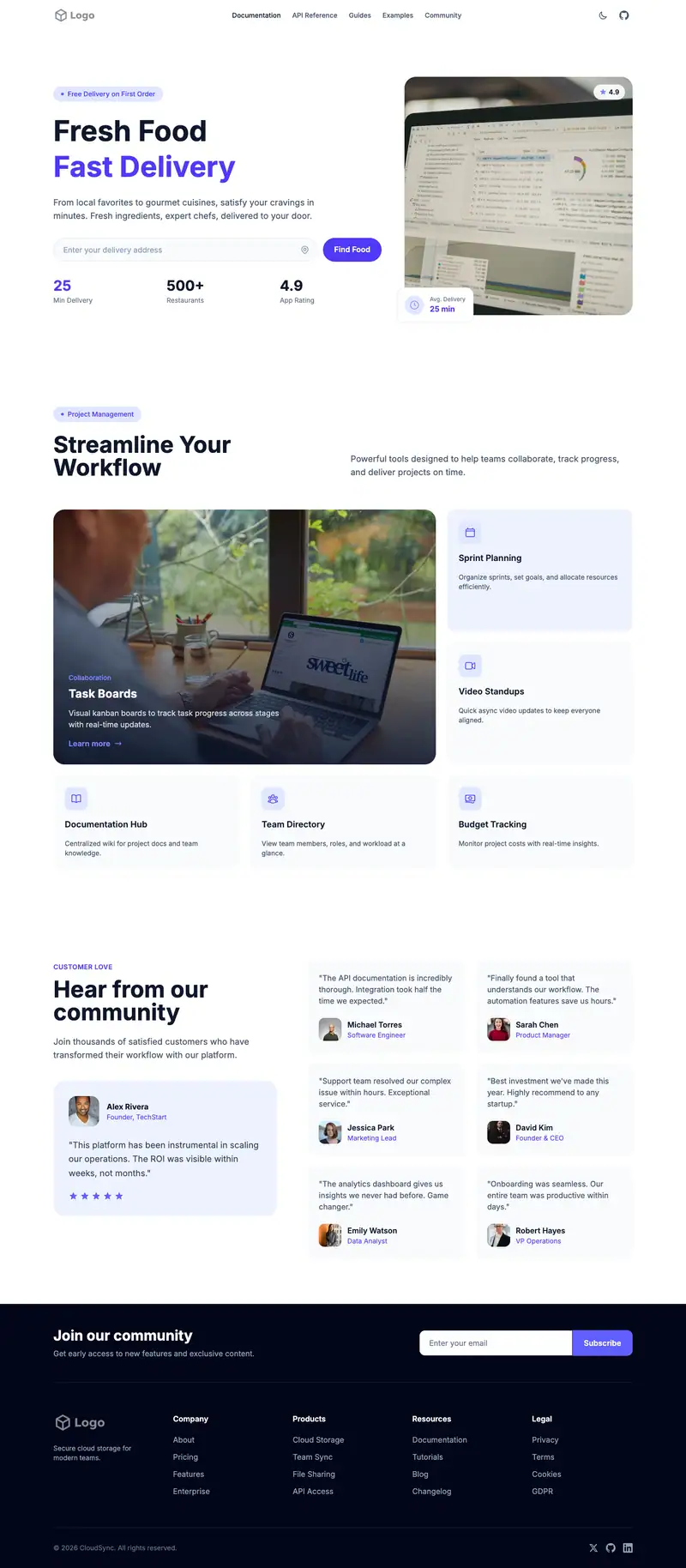
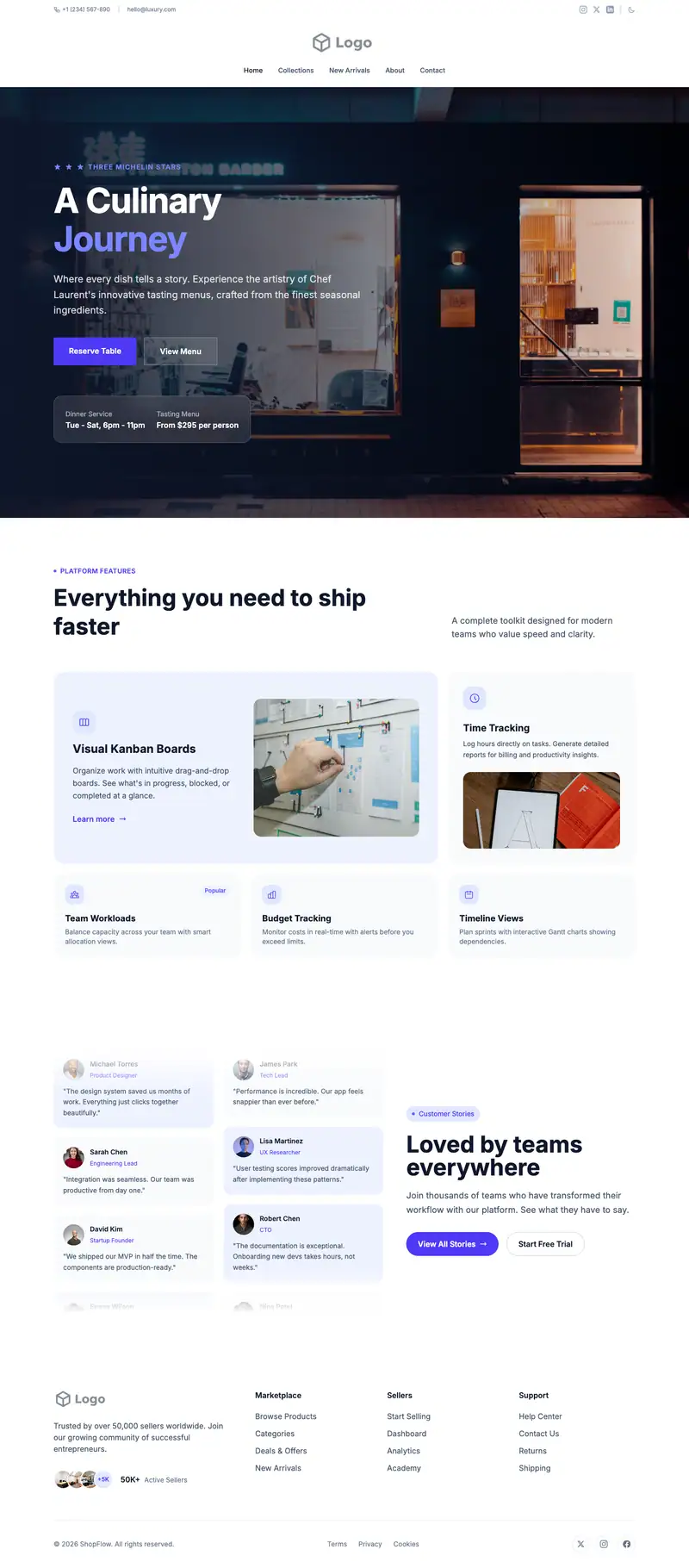
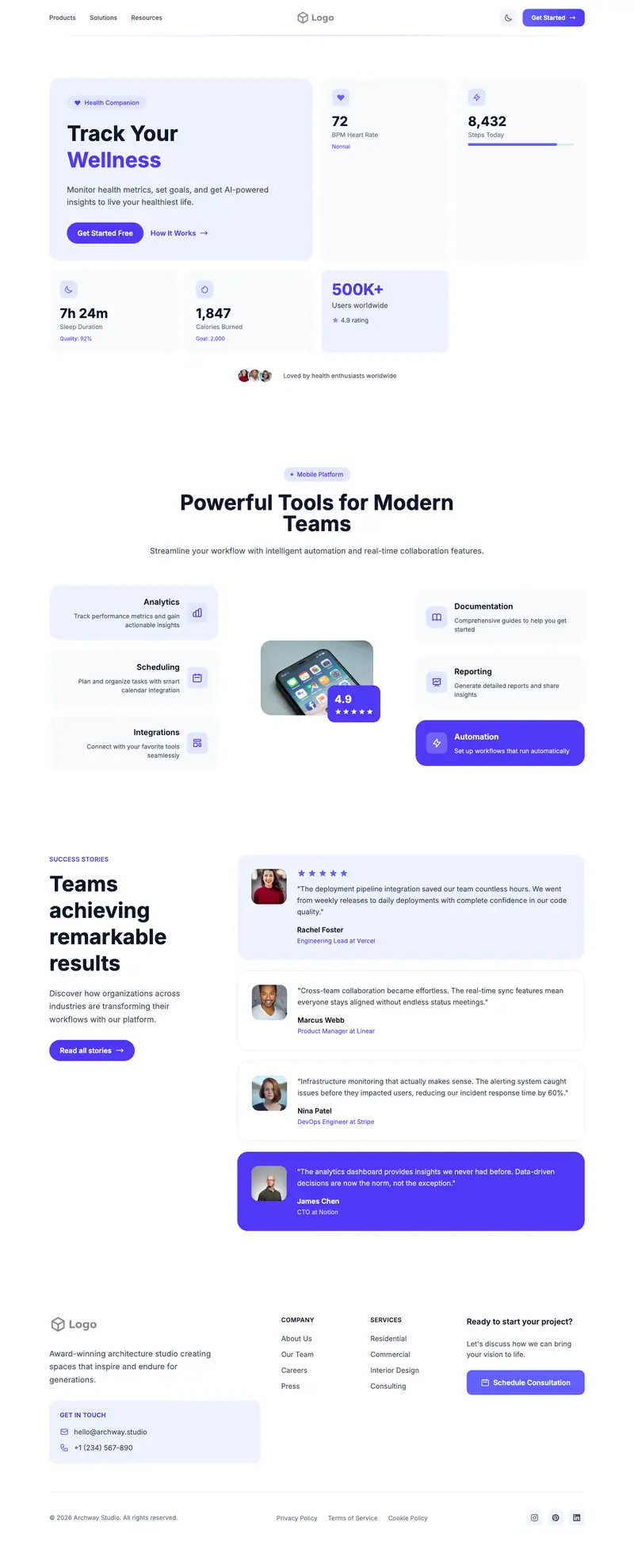
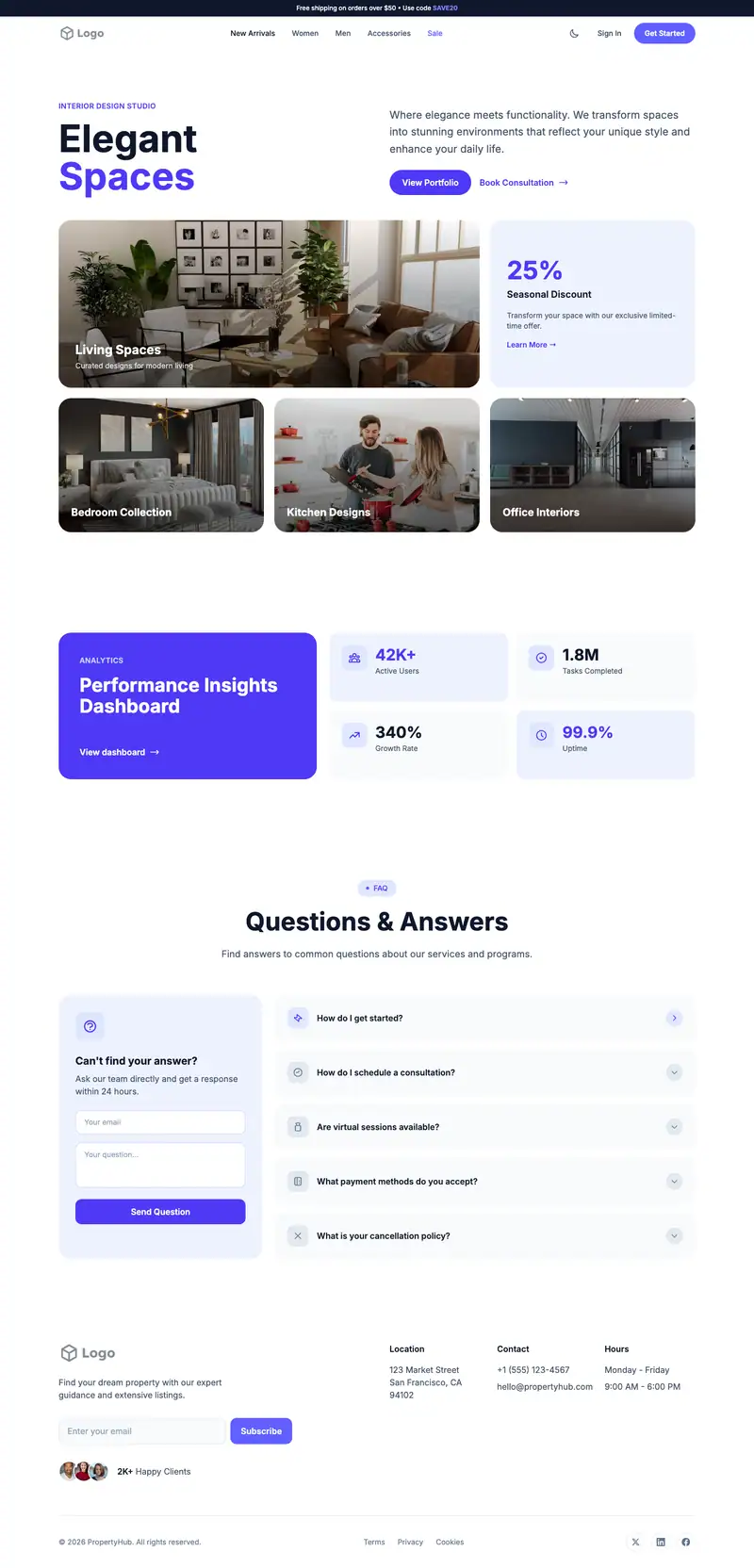
Storage buyers compare price per terabyte, security, and sync reliability. "Seamless Travel Experiences" from the Flight Booking hero is placeholder, so swap it for your storage promise. Minimal Icons features can list specs plainly, and Social Wall Masonry testimonials mix short user reviews.
- Industry
- Technology & SaaS
- Layout
- One-page landing site
- Sections
- 5
- Responsive
- Desktop, tablet and mobile
- Dark mode
- Included
- Price
- Free to start
Best for
- Cloud storage services
- Backup providers
- Photo storage apps
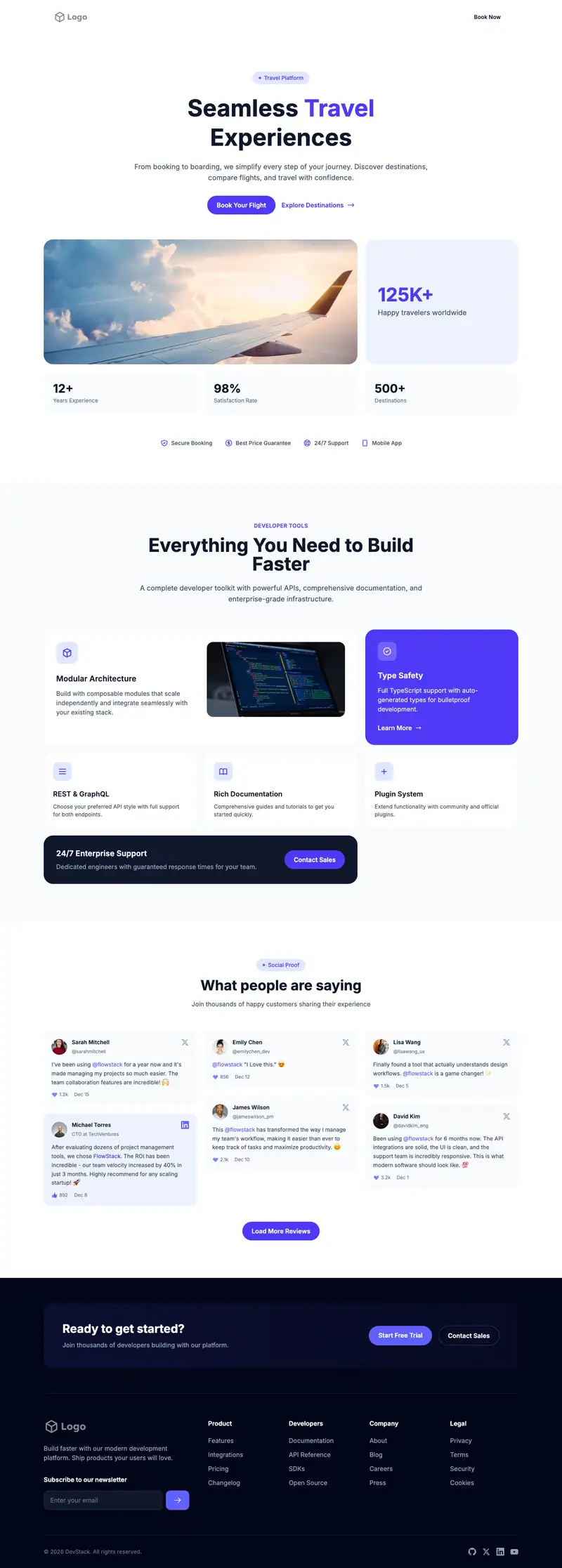
Scroll the preview. Text and photos are placeholders; Lindo replaces them with your business details.
What's on the page
- 1
Navigation · Transparent Overlay layout
Logo, menu and a primary button that stays easy to reach.
- 2
Hero · Flight Booking layout
The first screen: headline, supporting line and the main call to action.
- 3
Features · Minimal Icons layout
Services or benefits laid out so visitors can scan what you offer.
- 4
Testimonials · Social Wall Masonry layout
Reviews and quotes from customers to build trust before they contact you.
- 5
Footer · Newsletter Columns layout
Contact details, links and the small print at the bottom of every page.
Make it yours
What a cloud storage business should put in after remixing:
- State price per TB and the free tier in the hero.
- Use Minimal Icons for encryption, file versioning, sync, and sharing links.
- Add reviews from photographers or small businesses about restoring lost files.
Getting found
Target 'cloud storage for [use case]' and 'cheapest cloud backup per TB' searches.
Building this for a client?
On Studio and White Label plans you can remix this template per client, then hand over the editor under your own brand.
See white-label features