The short answer
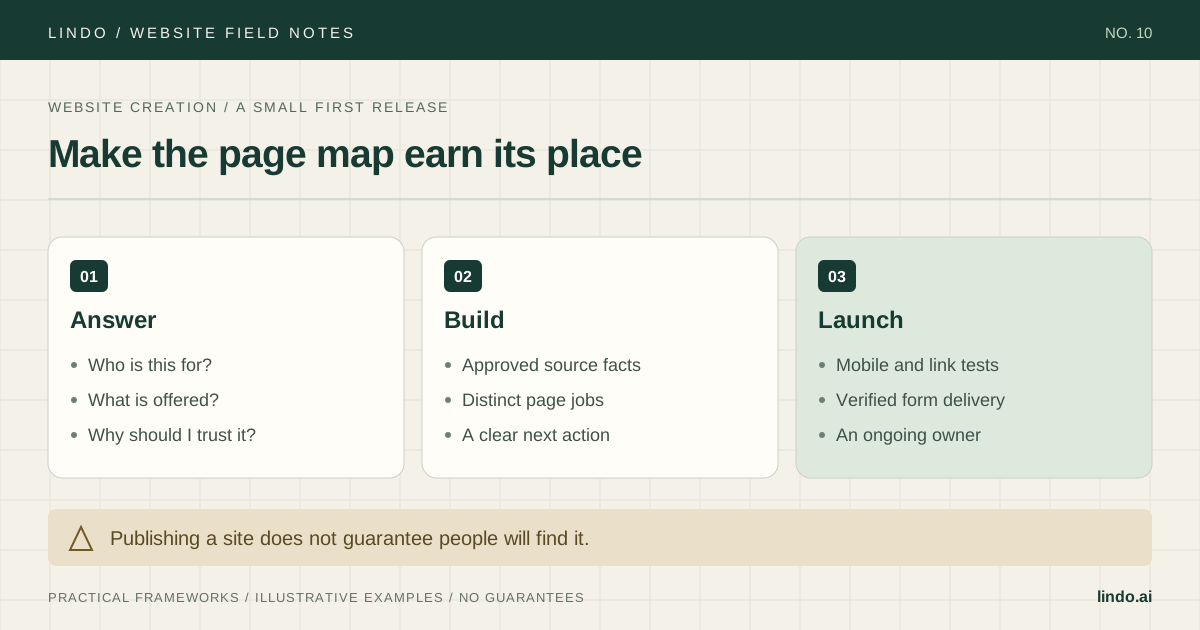
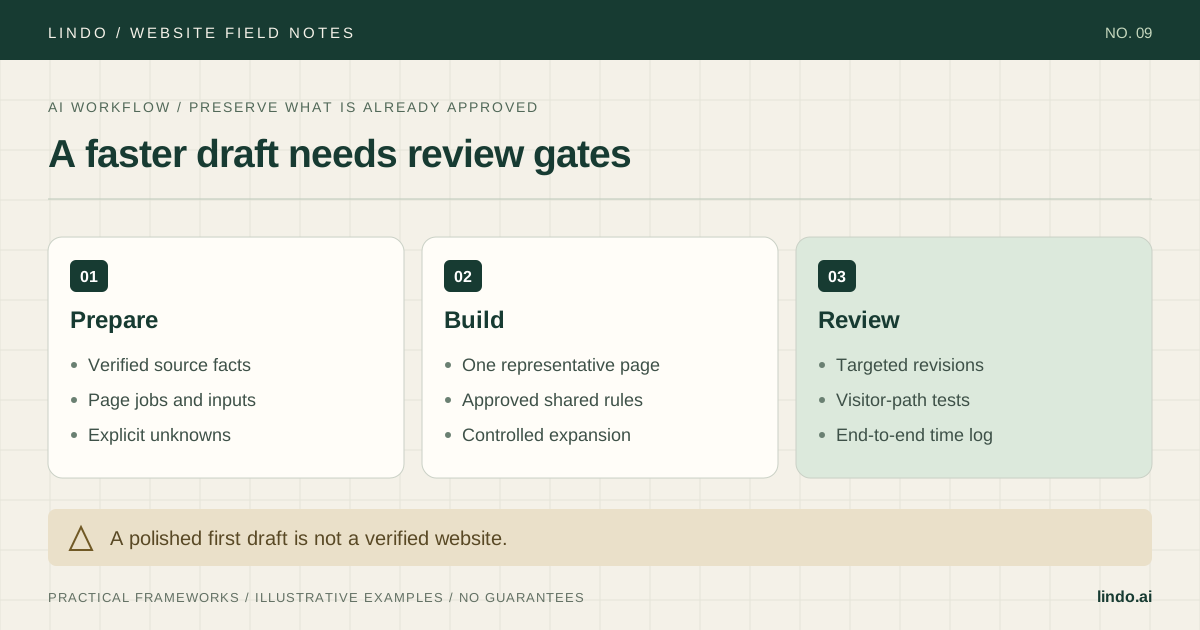
Prepare a verified brief, approve one representative page, then expand using the same rules. Measure the whole delivery cycle—including content checks, revisions, and launch—rather than timing generation alone.
- A good fit
- Marketing websites with content and functions that can be reviewed by a responsible person.
- Pause if
- You need unvalidated application logic, sensitive-data workflows, or generated claims nobody can verify. Resolve those requirements before generating the site.
1. Separate source facts from design instructions
Create a small source packet before opening the builder. It should identify the audience, offer, service area, contact details, approved proof, image permissions, page map, and the action each page supports. Keep facts separate from stylistic preferences so a request for a warmer tone cannot accidentally change the offer.
Mark missing information explicitly. If the client has not supplied a response time, do not let a draft invent ‘we reply within an hour.’ Use a visible internal placeholder during review, then either obtain the fact or remove the claim before publication. The same rule applies to prices, credentials, testimonials, and project results.
Choose the hardest representative page early. For a service business, that may be a service page with an FAQ, proof, and a contact path rather than the home-page hero. Testing that page exposes layout and content constraints before they are repeated.
2. Ask for a bounded draft with an explicit review output
A useful prompt describes the job, supplies the facts, identifies what must not change, and says how the output will be reviewed. ‘Make a beautiful modern website’ leaves the model to invent the most important decisions. A bounded prompt gives you something you can compare against a brief.
Use the following as a starting template, not as a promise of identical behavior across tools. Paste only information you are authorized to share. If a fact is sensitive or unnecessary for drafting, leave it out.
Primary documentation: Google: people-first content
Draft one service page for [audience] who need [specific job].
Primary action: [enquire / book / read next].
Approved facts: [paste the verified source packet].
Required sections: opening answer, service scope, process, approved proof, FAQ, next step.
Style: [brand rules, tone, type and spacing preferences].
Do not invent prices, reviews, credentials, locations, response times, or results.
Mark missing facts as [NEEDS CLIENT INPUT].
Keep links as supplied; list any missing destinations.
Return the draft plus a short list of unresolved facts and assumptions.
3. Approve the pattern before multiplying pages
Review the representative page in three passes. First, check meaning: does it accurately describe the service and its limits? Second, check the visitor path: can someone understand the offer and take the next step? Third, check presentation: hierarchy, spacing, image crop, mobile behavior, and readable text.
Record approved shared decisions such as navigation labels, button wording, heading hierarchy, and reusable section patterns. Then build the remaining pages using those decisions. Give each page its own job and evidence; do not merely swap the service name into repeated generic paragraphs.
Keep a fact-check queue separate from visual feedback. ‘This heading is too large’ and ‘we do not offer this service’ have different risk. Resolve unsupported claims before spending time polishing their layout.
| Gate | Check | Stop condition |
|---|---|---|
| Facts | Offer, proof, contact details, limits | Unsupported or missing business claim |
| Journey | Links, form, next-step explanation | Visitor cannot complete the intended task |
| Pattern | Mobile layout and shared components | Template defect would repeat across pages |
| Expansion | Each page answers a distinct need | Duplicate copy with no unique purpose |
4. Revise the smallest responsible part
A full regeneration can discard approved copy, links, and layout details. When the problem is local, request a local change. State the exact section, the observed issue, the desired result, and what must remain untouched. Save or duplicate the current version using the tool’s available workflow before a risky change.
After the edit, compare both the target area and its neighbors. Check shared navigation, mobile wrapping, CTA destinations, and any global styles that may have changed. AI-assisted editing still needs regression checks.
Change only the ‘How the service works’ section on [page].
Problem: the steps do not explain what the client must supply.
Use these approved inputs: [facts].
Keep unchanged: page title, service scope, pricing, navigation, links, and all other sections.
Use three short steps with a client input and an agency output in each.
After editing, list the changes and any unresolved assumptions.
5. Test the published journey, not just the preview
Review the final website on a narrow screen and with keyboard navigation. Follow links, inspect image crops, and submit authorized form tests that include a valid submission and a recoverable error. Confirm the recipient receives the enquiry; a success message alone does not prove delivery.
Forms should have understandable labels, instructions, and feedback. Image alternatives should reflect the image’s purpose, rather than repeating keywords. These are baseline checks, not a claim of full accessibility conformance. Use the linked W3C guidance when deciding how to handle a particular form or image.
Before launch, search the content for placeholders, sample testimonials, unapproved prices, and invented facts. Record the domain owner, renewal responsibilities, update process, and unresolved limitations in the handoff.
Primary documentation: W3C: accessible forms · W3C: choosing image alternatives
6. Measure time saved across the full cycle
Log time under discovery, content preparation, assembly, review, revisions, and launch. Compare projects of similar scope or compare your estimate with actual effort. A shorter assembly stage is valuable, but it may be offset by more fact checking or cleanup.
A hypothetical time log might show assembly falling from 10 hours to 4 while review rises from 2 to 5. That is a three-hour reduction across those two stages, not a six-hour reduction in the whole project. Do not publish a speed claim from one unrepresentative run.
Keep the prompts and components that reduce repeat work without weakening quality. Retire prompts that regularly invent details or break approved sections. The reusable asset is the combination of good inputs, bounded instructions, and reliable checks—not a magic prompt.
Take it into the project
AI build brief and review log
Copy this into your project brief, assign an owner to each item, and attach evidence before marking it complete. No email required.
- Verified facts and style instructions are separated.
- Unknowns are flagged rather than filled with invented claims.
- One representative page is approved before expansion.
- Shared rules and page-specific purposes are recorded.
- Revisions preserve approved content and receive regression checks.
- Live links, mobile behavior, and form delivery are tested.
- Time is measured across the whole delivery cycle.
Includes the source packet, bounded draft and revision prompts, approval gates, and an end-to-end time log.
Common questions
How much faster will AI make a project?
It depends on scope, input quality, tool behavior, and review needs. Measure the full cycle on representative work. A generation timer cannot establish a reliable end-to-end speedup.
Can AI write all the content?
It can draft from your source material, but an accountable reviewer must check the facts, relevance, tone, and permissions. Do not ask it to invent the evidence that makes a business credible.
Should every page use the same prompt?
Reuse brand and review rules, but change the page job, source facts, proof, and next step. A service page and a case study should not become the same text with different headings.